
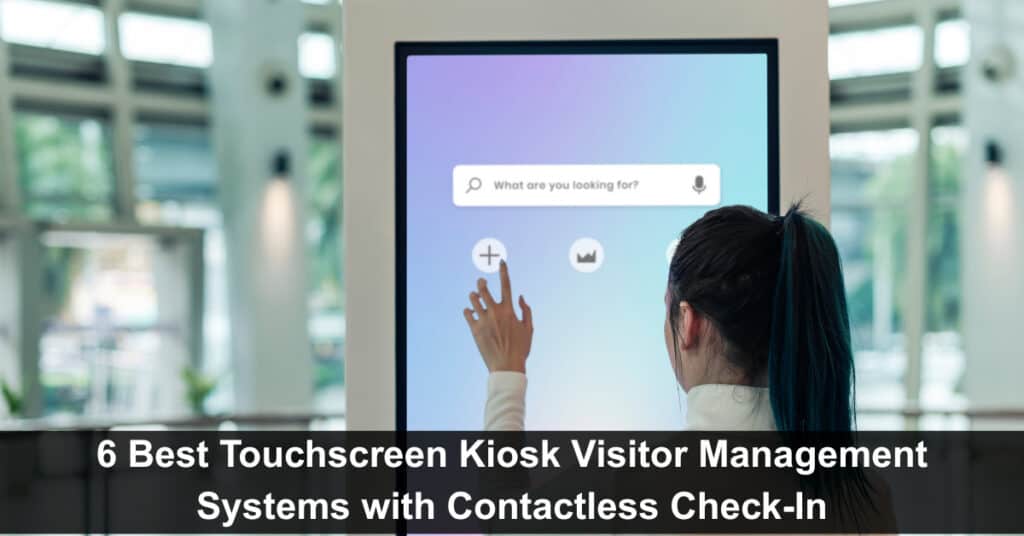
Touchscreen kiosk visitor management systems revolutionize guest check-ins at busy facilities. Contactless tech lets visitors sign in through kiosks, QR codes, or phones—paper logs and reception crowds disappear. These systems boost safety and hygiene while automating registration, ID checks, and notifications completely. In corporate offices, hospitals, or government buildings, touchscreen kiosk systems deliver faster, smoother, more professional check-ins everywhere.
Here we’ll look at 6 top kiosk-based visitor management solutions that simplify front desk chaos and create seamless, touch-free entry experiences.
Top 6 Touchscreen Kiosk Visitor Management Systems
Touchscreen kiosk systems have transformed how offices, clinics, and service centers manage visitors. By combining contactless technology with queue management and check-in automation, these tools make arrivals faster, safer, and more organized for both guests and staff.
1. Qminder

Qminder is a touchscreen kiosk visitor management system that keeps things simple without cutting corners. It’s a great fit for clinics, offices, and public service buildings where you want guests to feel welcome without long waits or confusion. With contactless visitor check-in by Qminder, visitors can sign in through a touchscreen kiosk, their phone, or even from a browser before arriving. Once checked in, they get real-time updates about their spot in line.
The all-in-one check-in kiosk system from Qminder gives a clear view of who’s waiting, how long they’ve been there, and how each location is performing. It’s a powerful tool for managing foot traffic, optimizing service flow, and improving the overall visitor experience.
Key Features:
- Touchscreen kiosk, mobile, or browser check-in options
- Real-time SMS or app updates on queue status
- Manage multiple locations from one dashboard
- Track wait times and service duration
- Custom reports to spot and fix bottlenecks
- Easy integration with existing tools and systems
Pros:
- User-friendly for both visitors and staff
- Strong reporting tools for better planning
- Scales well for multi-location operations
Cons:
- Might feel like too much for very small spaces
Pricing: Free 14-day trial. Paid plans start at $389/month.
2. Nemo-Q
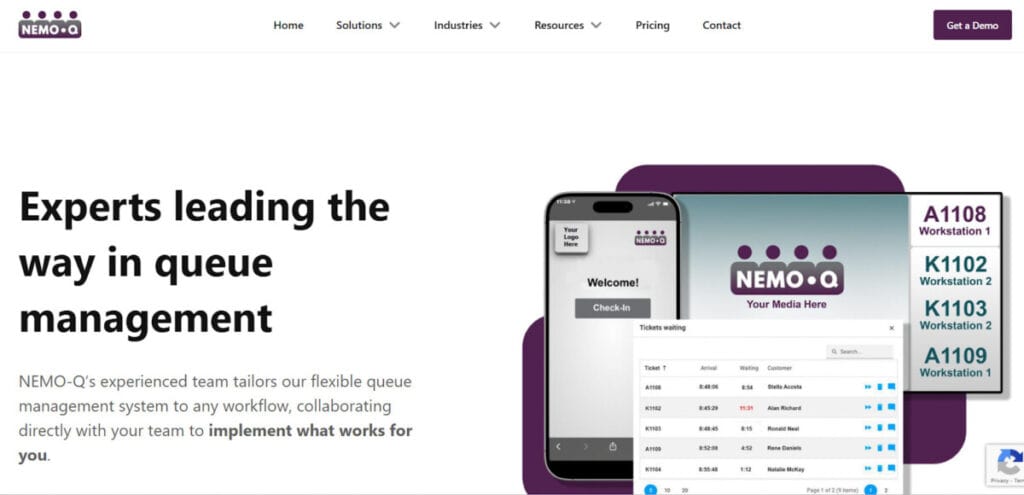
Nemo-Q is a touchscreen kiosk visitor management system built for high-traffic environments like hospitals, government offices, and university campuses. It streamlines both walk-in and appointment-based check-ins through kiosks, QR codes, or mobile links, helping visitors skip the crowd while staying informed in real time. Once registered, guests receive instant updates about their queue position, estimated wait times, and service directions.
For staff, Nemo-Q offers full visibility into ongoing queues and service points, making it easier to balance workloads and reduce bottlenecks across departments. It’s a reliable choice for organizations managing multiple entry points and diverse visitor flows.
Key Features:
- Check in through QR codes, kiosks, or mobile links
- Digital signage displays ticket numbers, wait times, and directions
- Real-time SMS notifications keep visitors updated
- Appointment scheduling connects to live queue status
- Feedback collection helps improve service
Pros:
- Handles both in-person and virtual check-ins
- Flexible deployment works for multiple service counters or departments
Cons:
- Staff might need help managing walk-ins alongside appointments
- Custom signage setup takes time to configure
Pricing: Starts at $290/month.
3. Qtrac
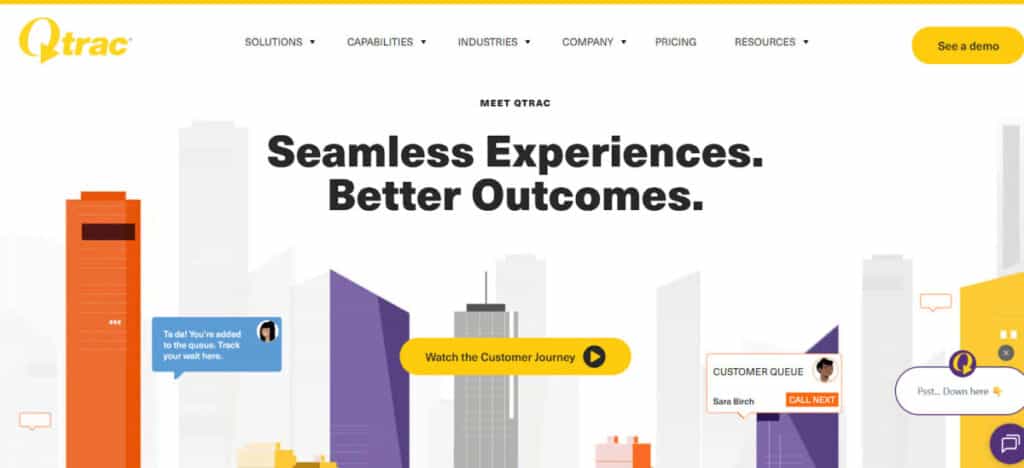
Qtrac is a cloud-based visitor and patient management kiosk designed for large hospitals and healthcare facilities. It simplifies patient flow by managing appointments, walk-ins, and virtual check-ins in one platform. Patients can join queues via kiosks, SMS, or QR codes and monitor their progress without crowding waiting rooms—making the experience safer and more organized.
Its strength lies in handling multi-department setups where patients move between different service areas. With features like queue re-routing and greeter mode, Qtrac helps staff guide patients efficiently while keeping service times balanced across departments.
Key Features:
- Queue re-routing moves patients between departments smoothly
- Automated alerts when wait times go over set limits
- Greeter mode for pre-screening and assigning patients at check-in
- Offline mode keeps queues moving during internet outages
- Centralized dashboard for facilities with multiple locations or entry points
Pros:
- Manages complex hospital layouts with many service points
- Front-desk staff can redirect patients on the spot
Cons:
- Greeter workflows need extra staff training
- Offline mode doesn’t do everything, and syncing can lag
Pricing: Custom pricing available on request.
4. Qwaiting
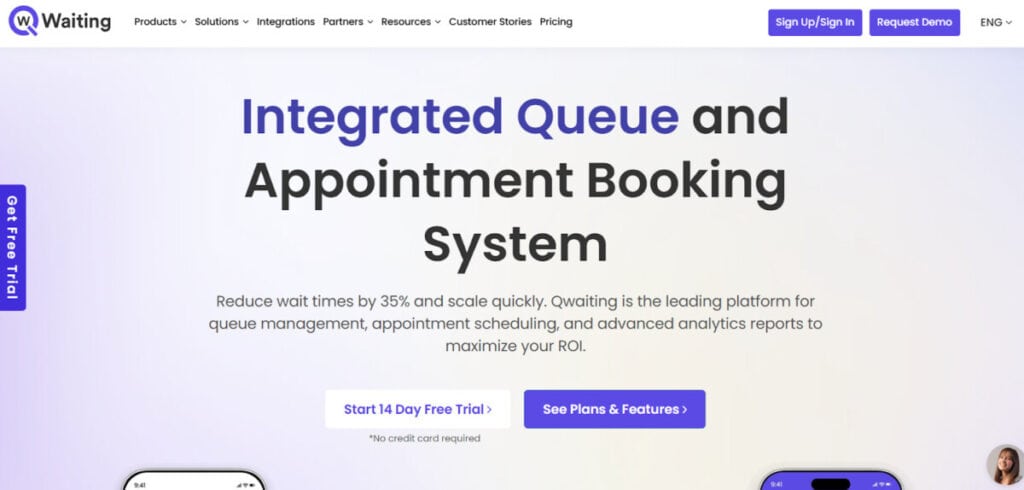
Qwaiting is a flexible self-service kiosk system designed for DMVs, government offices, and other high-traffic service centers. It streamlines visitor flow through web, mobile, or kiosk check-ins, allowing citizens to join queues remotely or on-site. Visitors receive live updates via SMS, WhatsApp, or email, helping reduce congestion in waiting areas and keeping services running smoothly.
The system supports multiple branches and languages, making it ideal for public agencies that serve diverse communities and manage large daily foot traffic.
Key Features:
- Appointment booking and virtual queuing
- Staff dashboard with call-forwarding tools
- Real-time queue info displayed on custom screens
- Multi-language support and branding options
- Cloud-based management across multiple locations
Pros:
- Simple and intuitive for both staff and visitors
- Live reports help monitor and improve queue flow
Cons:
- Lower-tier plans offer limited customization
- Mobile check-ins can lag during peak hours
Pricing: Available on request.
5. Qnomy

Qnomy is a comprehensive touchscreen kiosk and visitor management software designed for busy hospitals and healthcare networks that need complete visibility over patient flow. It manages the entire journey, from appointment scheduling to internal routing, keeping front-desk and back-office teams in sync. Patients can check in via kiosks, mobile apps, or virtual lobbies, while staff prioritize and guide them based on service type, urgency, or availability.
Key Features:
- End-to-end patient journey management
- Skill-based routing connects visitors to the right staff
- Multi-service scheduling through one portal
- Custom workflows tailored to hospital operations
- Omnichannel tracking via kiosks, chat, and video
Pros:
- Ideal for complex healthcare setups with multiple departments
- Easy to customize without deep technical expertise
Cons:
- Set up requires time and onboarding support
- May feel overwhelming for teams used to simpler tools
Pricing: Available on request.
6. Qmagic

Qmagic is a modern touchscreen kiosk and patient queue management software built for hospitals that want a digital-first experience. It manages walk-ins, scheduled appointments, and patient flow from one centralized platform. Self-service kiosks and display screens keep patients informed with real-time updates, making the check-in process faster and more transparent. Both staff and patients find it intuitive and efficient to use.
Key Features:
- Central dashboard for check-ins, ticketing, and live queue tracking
- Multi-screen displays for counters, waiting areas, and announcements
- Kiosk and online check-in with printed or digital ticket options
- Customizable workflows for each department or service path
- Cloud-based analytics for performance monitoring
Pros:
- Improves patient experience with clear visual updates
- Suitable for both single departments and large facilities
Cons:
- Requires kiosks and display units for full functionality
- Complex workflows may need setup assistance
Pricing: Available on request.
Conclusion
Touchscreen kiosk visitor management systems are transforming how organizations welcome and manage guests. From hospitals to government offices, they bring order, speed, and safety through contactless check-ins and real-time updates.
Tools like Qminder, Nemo-Q, and Qwaiting make it easy to handle walk-ins and appointments while improving efficiency and visitor satisfaction. Choosing the right kiosk system depends on your needs, but one thing’s clear: going digital is no longer optional but the smarter, safer way to manage visitors.
FAQs
What is a touch-screen kiosk visitor management system?
It’s a digital check-in solution that uses a touchscreen kiosk to register, verify, and manage visitors. It replaces manual logbooks and helps track entries efficiently.
How does contactless check-in work on these kiosks?
Visitors scan a QR code, use their phone, or check in via a self-service kiosk without touching shared surfaces, making the process faster and safer.
Why should businesses use a kiosk-based visitor management system?
It improves efficiency, reduces wait times, enhances security, and creates a smooth, professional visitor experience.
Which industries benefit the most from these kiosks?
Healthcare, government offices, corporate buildings, education institutions, and retail centers benefit the most from kiosk-based visitor management.
Suggested articles:
- 5 UI Components That Will Transform Your User Experience
- A Comprehensive Guide to Virtual Data Room Solutions: Enhancing Safety and Productivity in the Workplace
- Banking Systems Development: Driving Innovation in Finance

Daniel Raymond, a project manager with over 20 years of experience, is the former CEO of a successful software company called Websystems. With a strong background in managing complex projects, he applied his expertise to develop AceProject.com and Bridge24.com, innovative project management tools designed to streamline processes and improve productivity. Throughout his career, Daniel has consistently demonstrated a commitment to excellence and a passion for empowering teams to achieve their goals.