
Finding a project management software that meets a long list of requirements can be challenging due to the numerous options available. With varying strengths and weaknesses, not all software will have all the desired features, and some may have unnecessary additional ones. It is crucial to prioritize essential features, compare and test different options, and weigh the cost-benefit before deciding. Effective project management ensures that projects are completed on time and meet their goals. PM software tools make planning, delegating tasks, and maintaining team organization easy.
Build your feature checklist before you compare tools
Mark each feature your team needs as a must-have or a nice-to-have, then print your checklist and use it to score the tools below during free trials.
1. Describe your team
2. Pick your features
Short on time? Start from a typical team profile, then adjust.
No feature matches that search. Try a shorter word, like “time” or “report”.
Watch: How to Choose the Right Project Management Tool for Your Team
Still unsure which tool fits your team? In this video, operations expert Layla from ProcessDriven, who has helped more than 2,000 small teams organize their work, shares two simple questions that point you to the right project management software. She then reviews seven tools from our list (Asana, Basecamp, ClickUp, Monday.com, Notion, Todoist, and Trello) and explains which type of business each one suits best. Use the chapters to jump straight to the tools on your shortlist, then add what you learn to your feature checklist above.
15 Most Popular Project Management Software Tools for 2026
Project management software typically comprises functionalities for assigning and monitoring tasks, improving team collaboration and communication, managing schedules and deadlines, and monitoring and reporting progress. Additional prevalent features include allocating resources, tracking budgets and costs, and managing documents and files. Project management software integrates with tools like time-tracking and project accounting.

#1. Monday.com

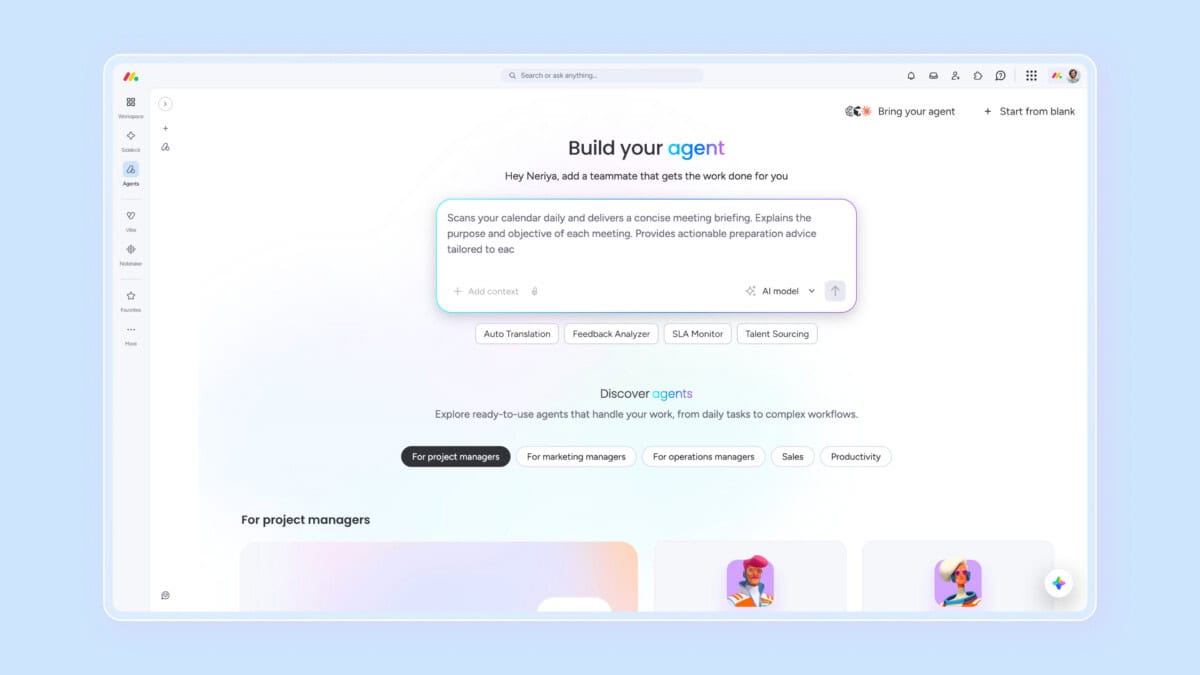
Monday.com is an AI-powered work platform designed to help teams manage work, and increasingly do the work for them. Built as a flexible operating system for projects, processes, and cross-functional collaboration, it supports teams across marketing, sales, operations, IT, and product development. With agentic AI, no-code customization, and modular products, monday.com replaces fragmented tools with one centralized platform trusted by over 60% of the Fortune 500.
Features
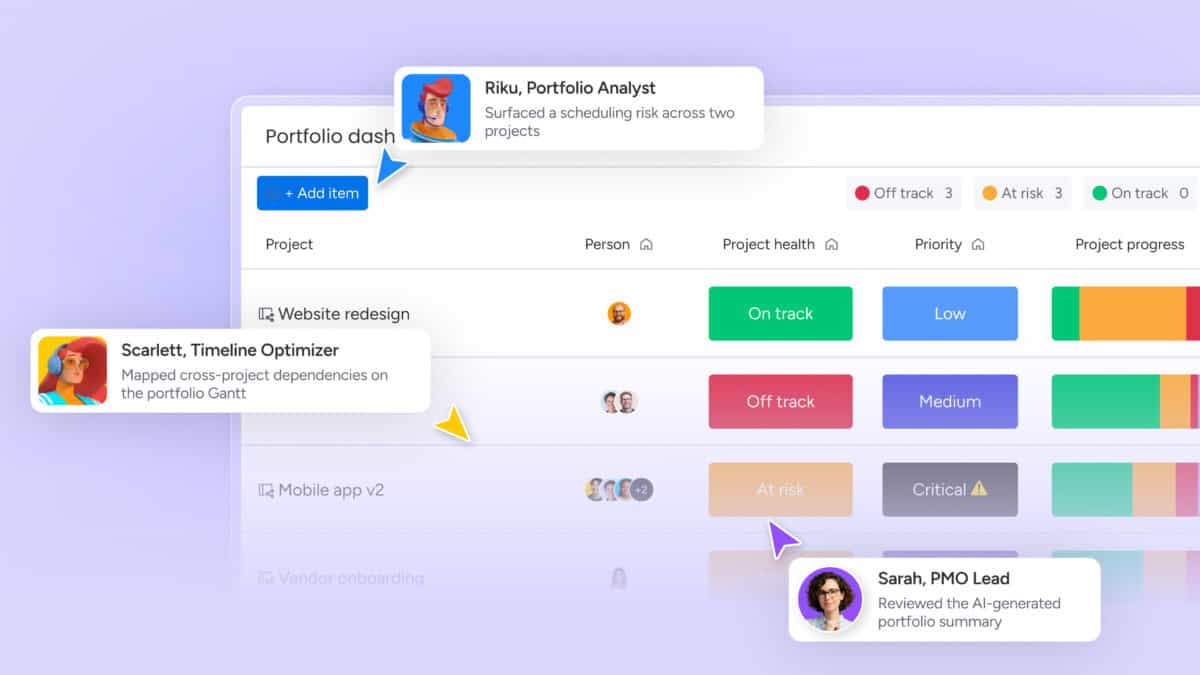
Monday.com is built to support virtually any type of work, including projects, tasks, CRM, IT operations, product development, marketing, and leadership planning. Its core strength lies in combining flexible, no-code customization with AI-driven execution and decision support. Teams can manage work using multiple views such as Kanban, Gantt, Timeline, Grid, and Dashboards, while AI-powered insights help detect risks early, flag delays, and optimize workflows in real time. The platform enables full collaboration through shared boards, updates, file sharing, and Docs, ensuring alignment across teams.
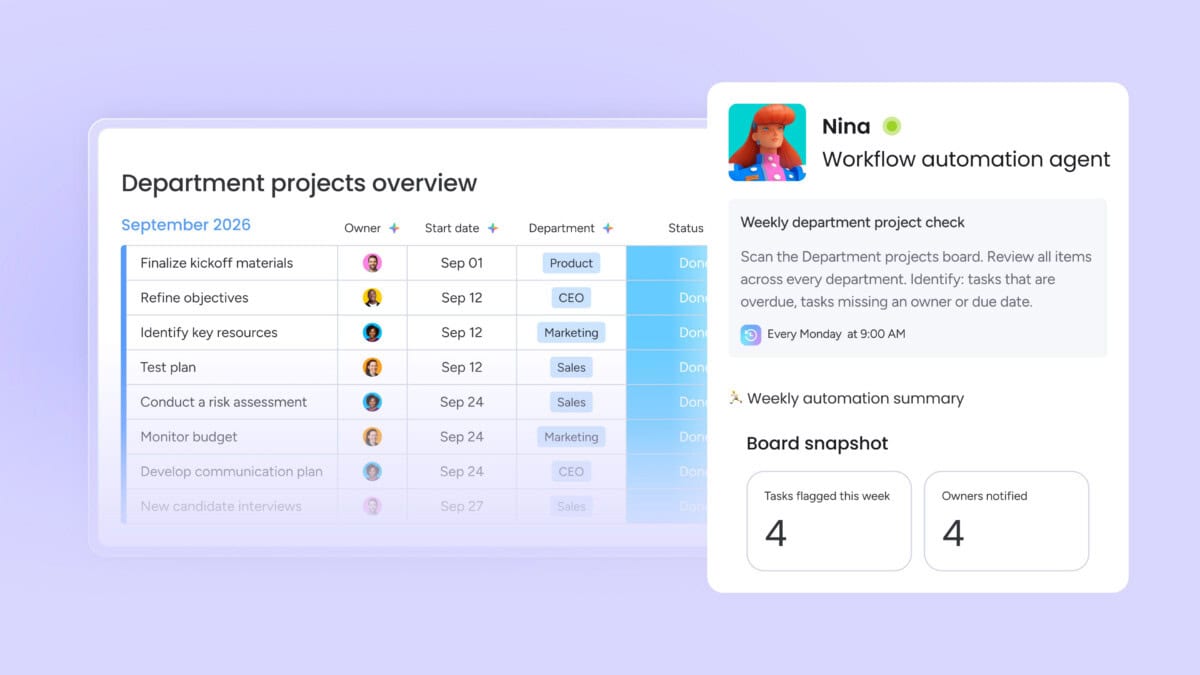
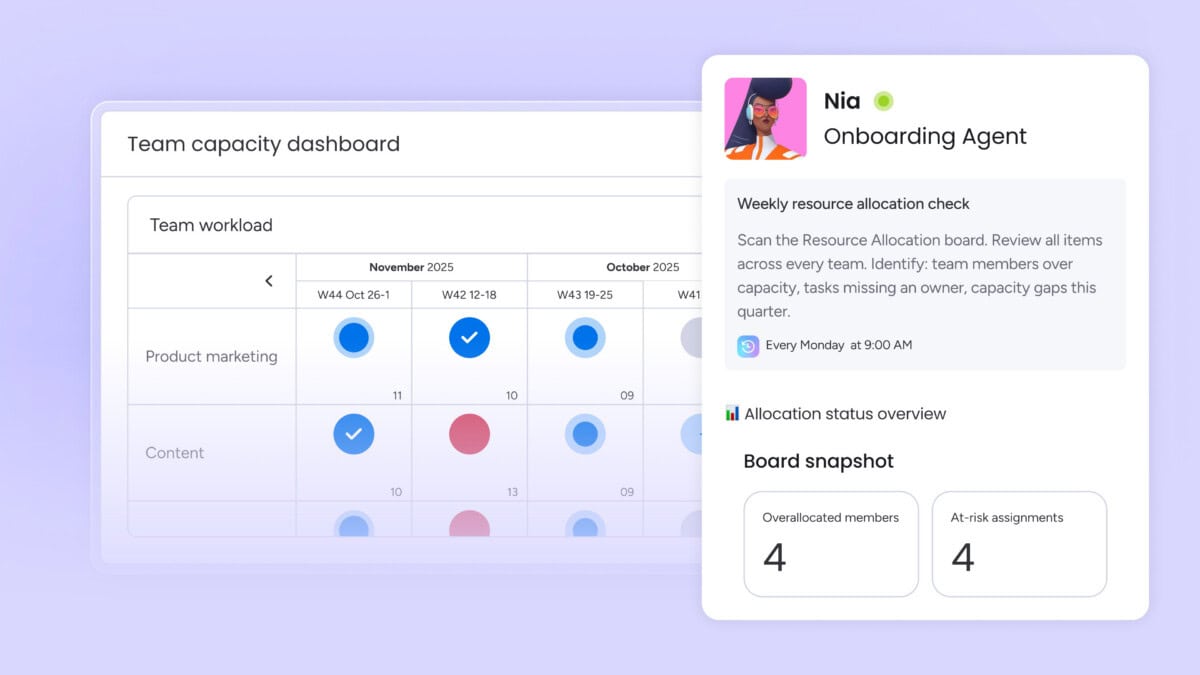
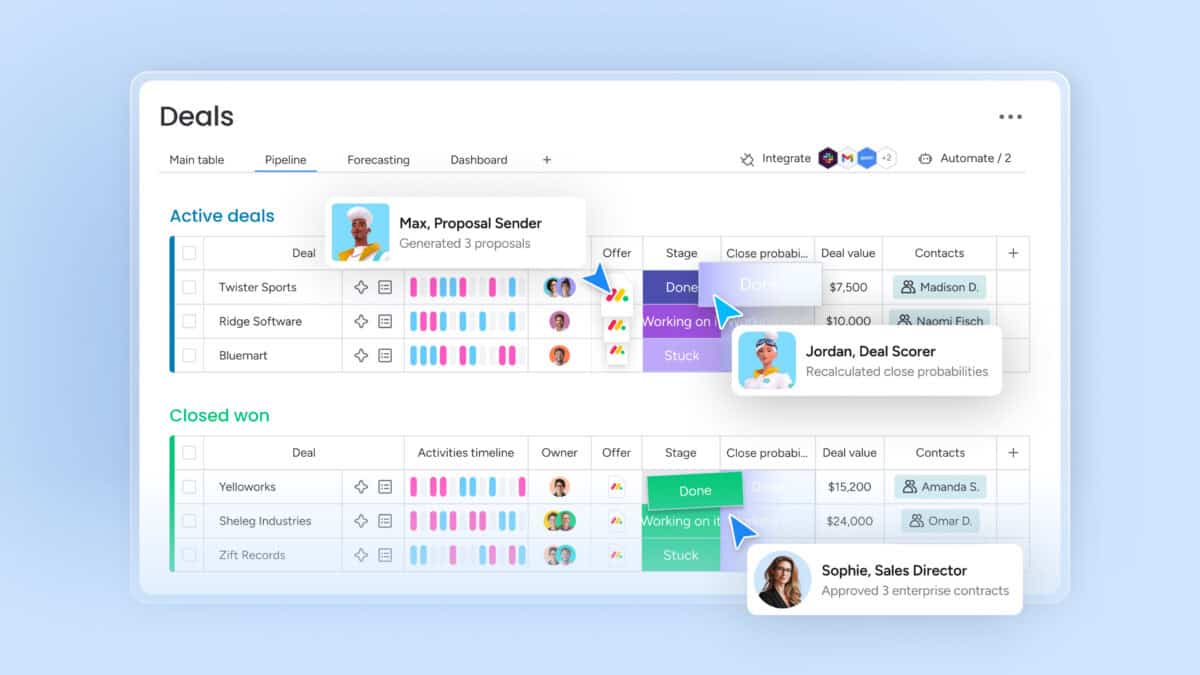
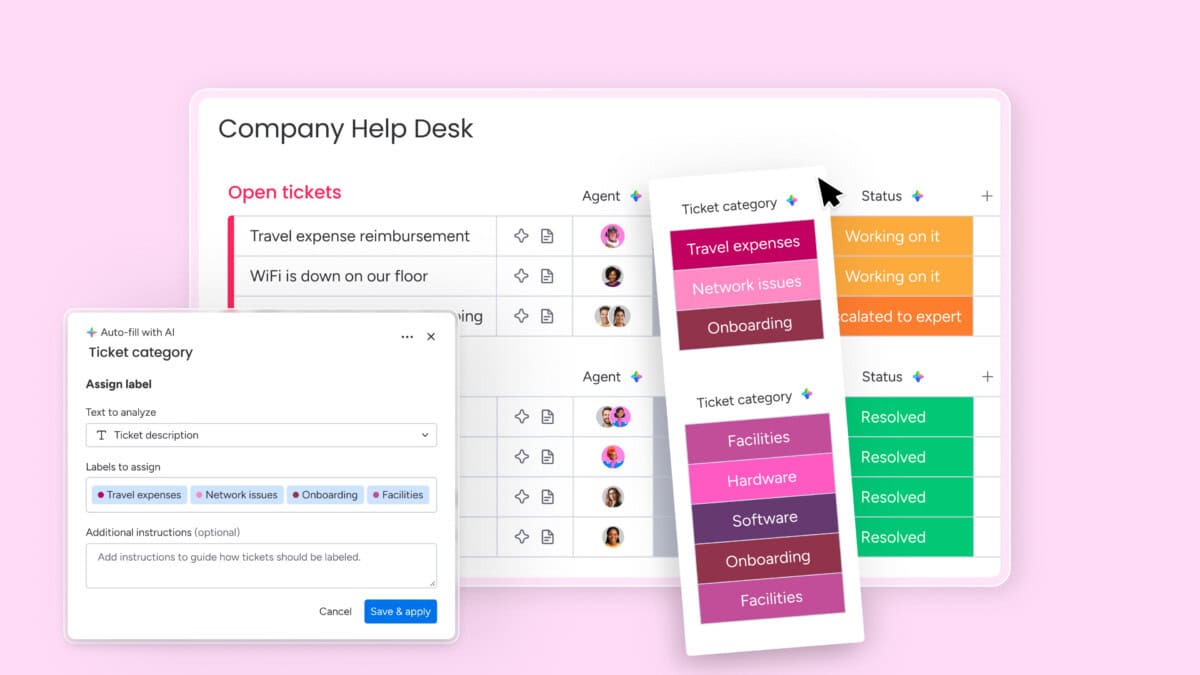
What differentiates monday.com is its growing suite of AI assistants, including project assistants, service agents, SDR experts, scrum masters, and competitive analysis tools. These assistants can automate repetitive actions, triage requests, assign tasks, guide sprints, and generate insights, reducing manual effort and accelerating execution at scale.
Monday.com’s standout feature is its agentic AI assistants that actively execute work, not just analyze it. These AI agents can qualify leads, triage service tickets, flag project risks, plan sprints, and generate reports around the clock. Unlike passive AI tools, monday’s assistants are embedded directly into workflows, enabling teams to describe a job once and let AI handle repetitive execution continuously.
Pricing
The platform offers a generous free tier and scalable paid plans, making it suitable for individuals, growing teams, and large enterprises. Below is a clear breakdown of the available pricing options based on annual and monthly billing.
-
Free Plan
$0
Free Forever
Designed for individuals or very small teams. Includes up to 2 seats, 3 boards, 3 Docs, 200+ templates, basic column types, and mobile apps for simple work tracking.
-
Standard Plan
$12 /seat/month
Billed annually, or $14 monthly
Ideal for teams collaborating across projects. Adds unlimited boards and items, guest access, Timeline and Gantt views, dashboards combining up to 5 boards, and 250 automation and integration actions per month.
-
Pro Plan
$19 /seat/month
Billed annually, or $24 monthly
Built for complex workflows at scale. Includes private boards, time tracking, formulas, advanced dashboards (up to 20 boards), chart views, and 25,000 automation and integration actions monthly, plus trial AI credits.
-
Enterprise Plan
Custom
Custom Pricing
Tailored for large organizations. Adds portfolio and resource management, advanced analytics, multi-level permissions, enterprise-grade security, large dashboards, enterprise automations, AI credits, and dedicated support.
Monday.com offers unlimited time on its Free plan and does not require a credit card to get started.

#2. ClickUp
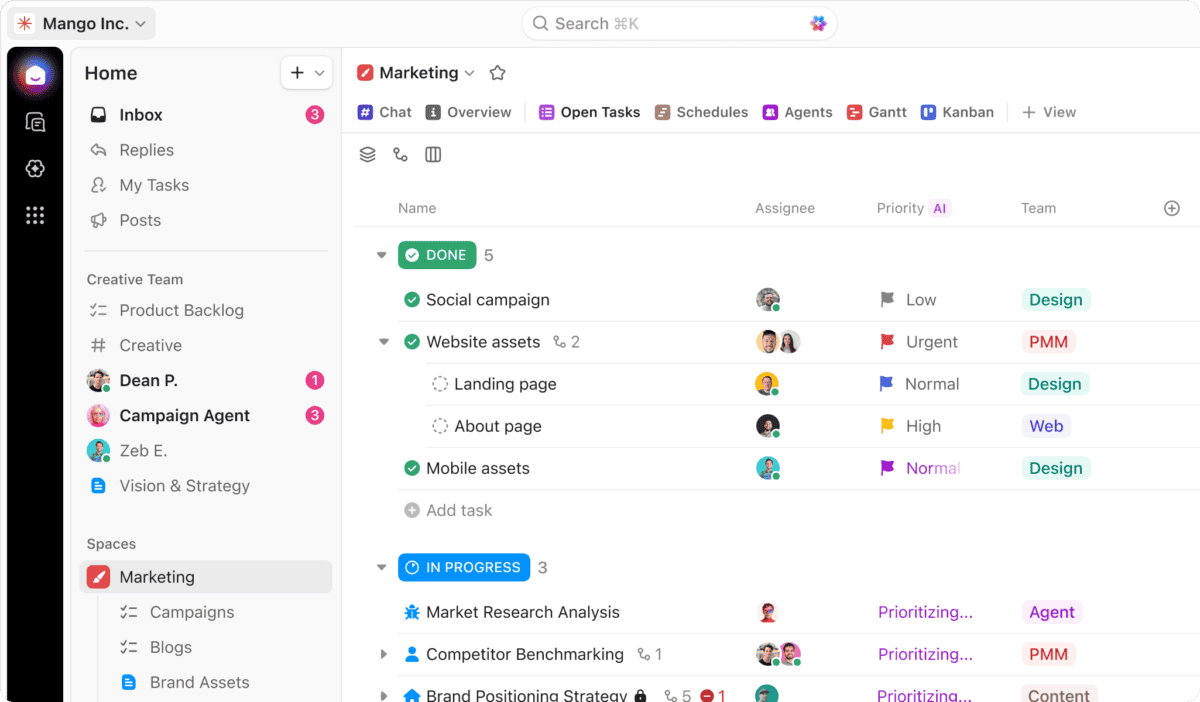
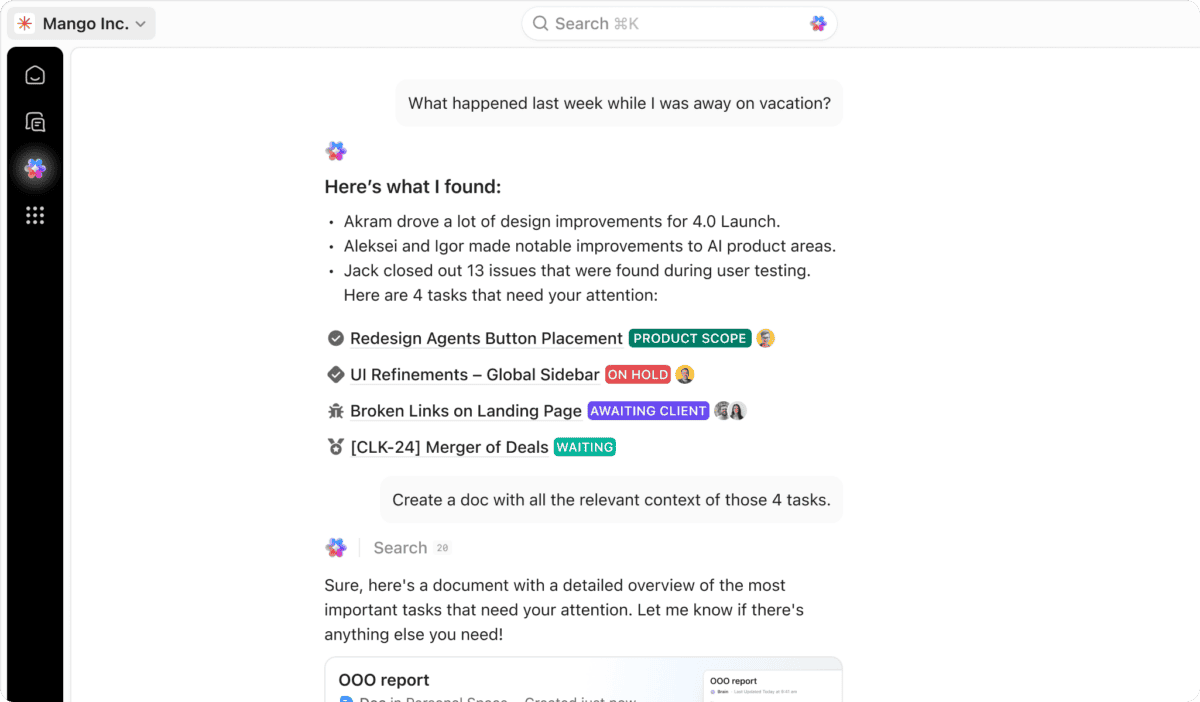
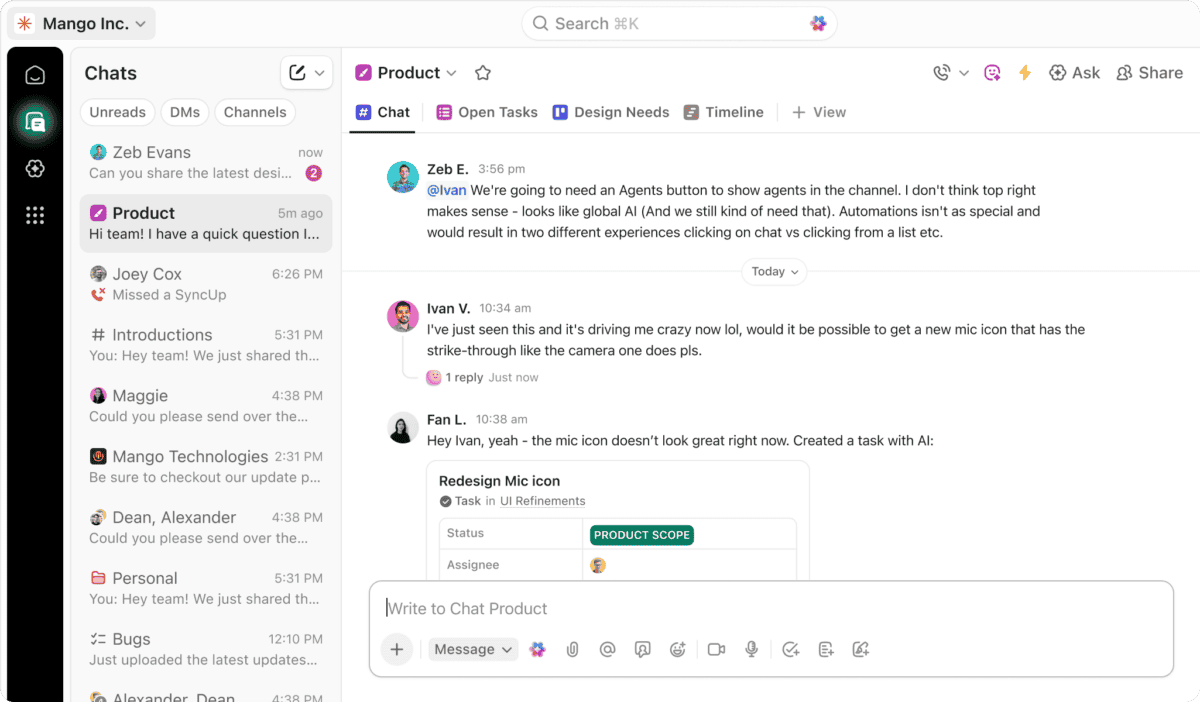
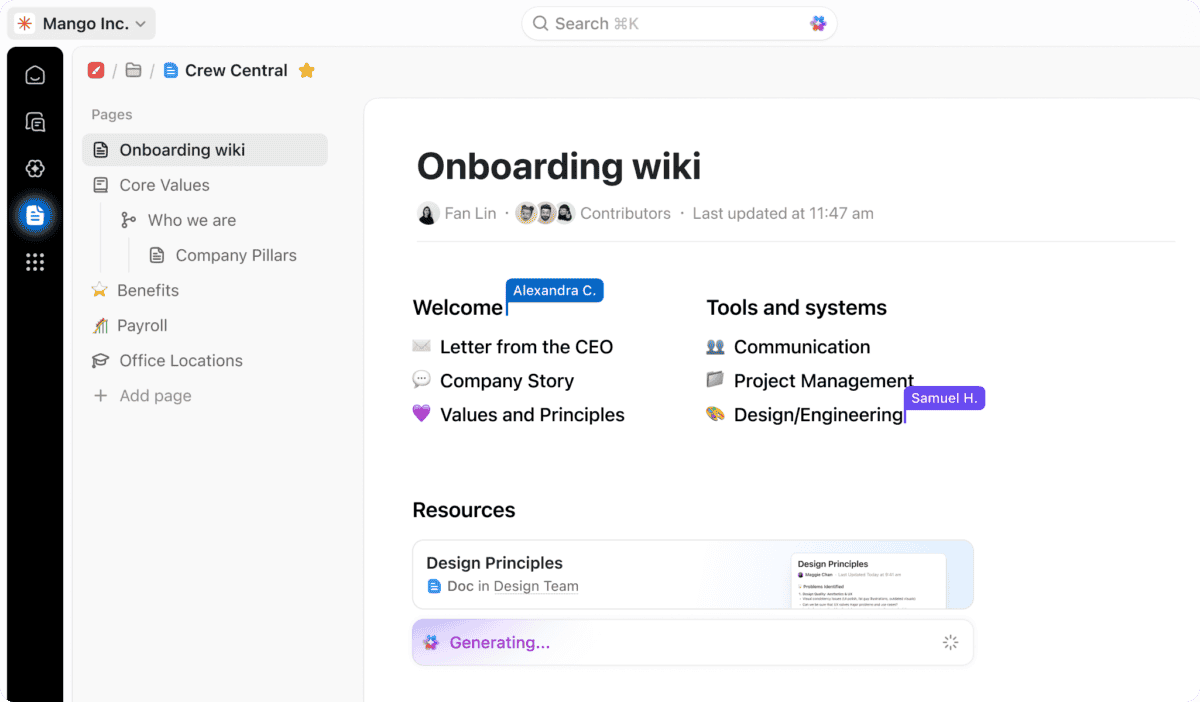
ClickUp is an all-in-one productivity and project management platform built to eliminate work sprawl and lost context. Launched to replace fragmented tools, ClickUp combines tasks, docs, chat, dashboards, automation, and AI into a single converged workspace. It’s designed for teams that want one system to plan work, execute faster, and scale without juggling multiple apps. From startups to enterprises, ClickUp centralizes both human and AI-driven work in one place.
Features
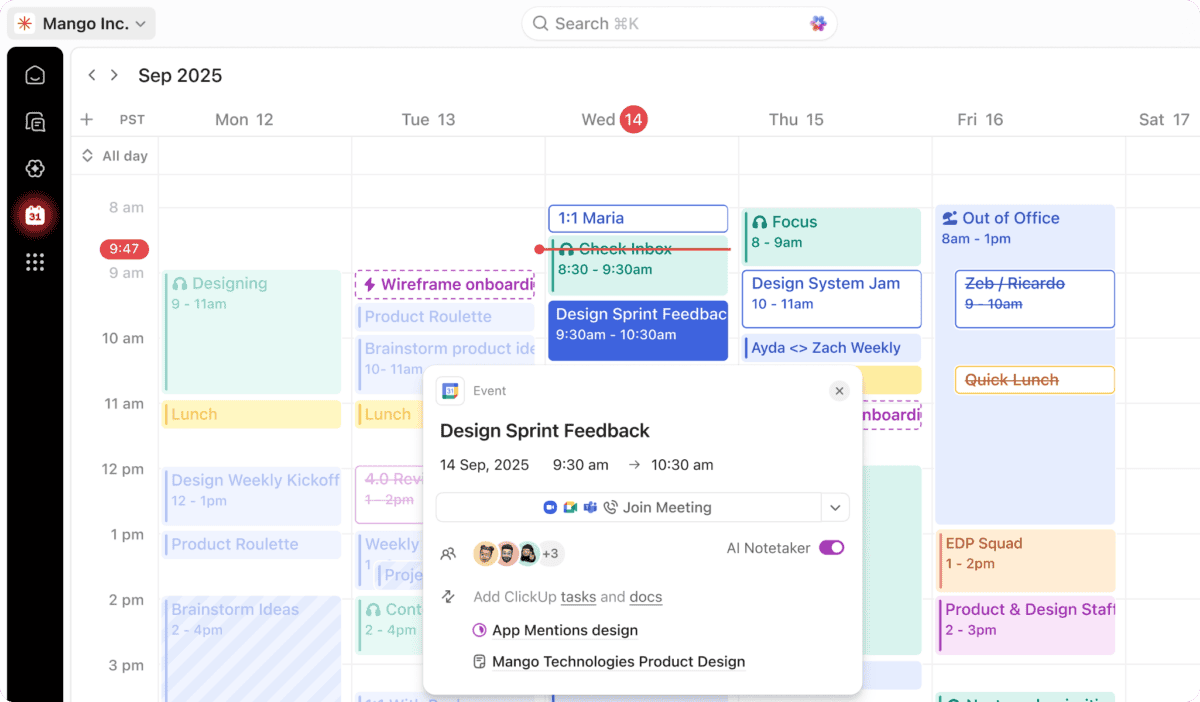
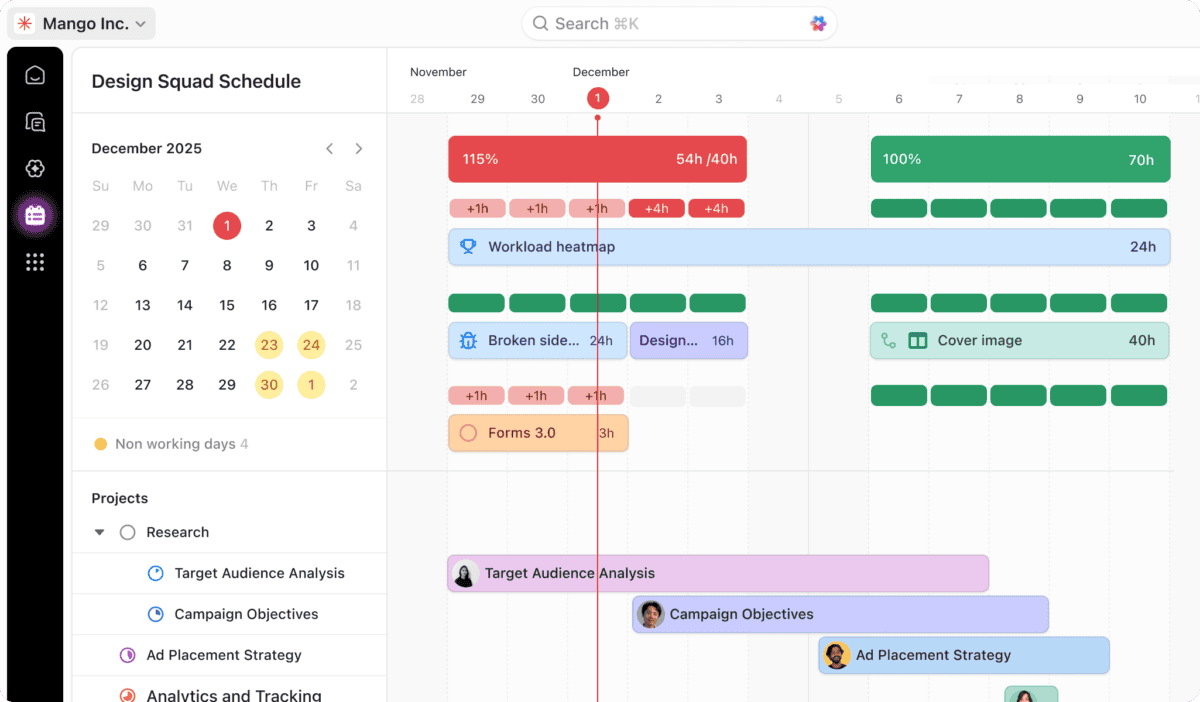
ClickUp offers over 100 features that cover the full lifecycle of work. Teams can manage tasks, projects, sprints, goals, docs, and timelines while collaborating through chat, comments, and real-time updates. Advanced views like Gantt charts, Kanban boards, dashboards, and calendars provide complete visibility. Built-in automations, forms, time tracking, and reporting reduce manual effort, while deep integrations connect ClickUp to email, cloud storage, design tools, and developer platforms.
ClickUp’s Kanban Board view is one of its most powerful execution tools because it turns complex work into a clear, visual flow. Tasks move smoothly across fully customizable stages, making progress, bottlenecks, and priorities obvious at a glance. Teams can drag and drop tasks, apply filters, set WIP limits, and automate status changes without friction. Unlike basic boards, ClickUp’s Kanban ties directly into time tracking, dependencies, assignees, and AI, so the board isn’t just visual, it’s operational.
Pricing
ClickUp pricing structure is designed to support different team sizes, automation needs, and levels of operational complexity. Below is a clear breakdown of ClickUp’s main pricing options.
-
Free Forever
$0 /month
Free Forever
Best for individuals or small teams getting started. Includes unlimited tasks and members, 60MB storage, collaborative docs, Kanban boards, sprints, calendar view, basic custom fields, in-app video recording, and 24/7 support.
-
Unlimited
$7 /user/month
Billed yearly, or $10 monthly
Designed for growing teams that need fewer limits. Adds unlimited storage, folders, integrations, Gantt charts, custom fields, chat messages, forms, guest permissions, email in ClickUp, native time tracking, goals, and AI compatibility.
-
Business
$12 /user/month
Billed yearly, or $19 monthly
Ideal for scaling teams and departments. Includes Google SSO, advanced dashboards, whiteboards, mind maps, automation integrations, sprint reporting, workload management, custom exporting, and increased automation capacity.
-
Enterprise
Custom
Custom pricing
Built for large organizations requiring advanced security and control. Offers SSO/SCIM, custom roles, advanced permissions, HIPAA compliance, data residency options, dedicated onboarding, and a customer success manager.

#3. Wrike
Wrike is an enterprise-grade work management platform designed to centralize planning, execution, and collaboration across teams of any size. It allows organizations to build custom workflows, automate routine processes, and maintain full visibility from idea to delivery. Used by over 20,000 companies worldwide, Wrike adapts to different industries and team structures, making it suitable for everything from small teams to complex, global enterprises managing high-volume work.
Features
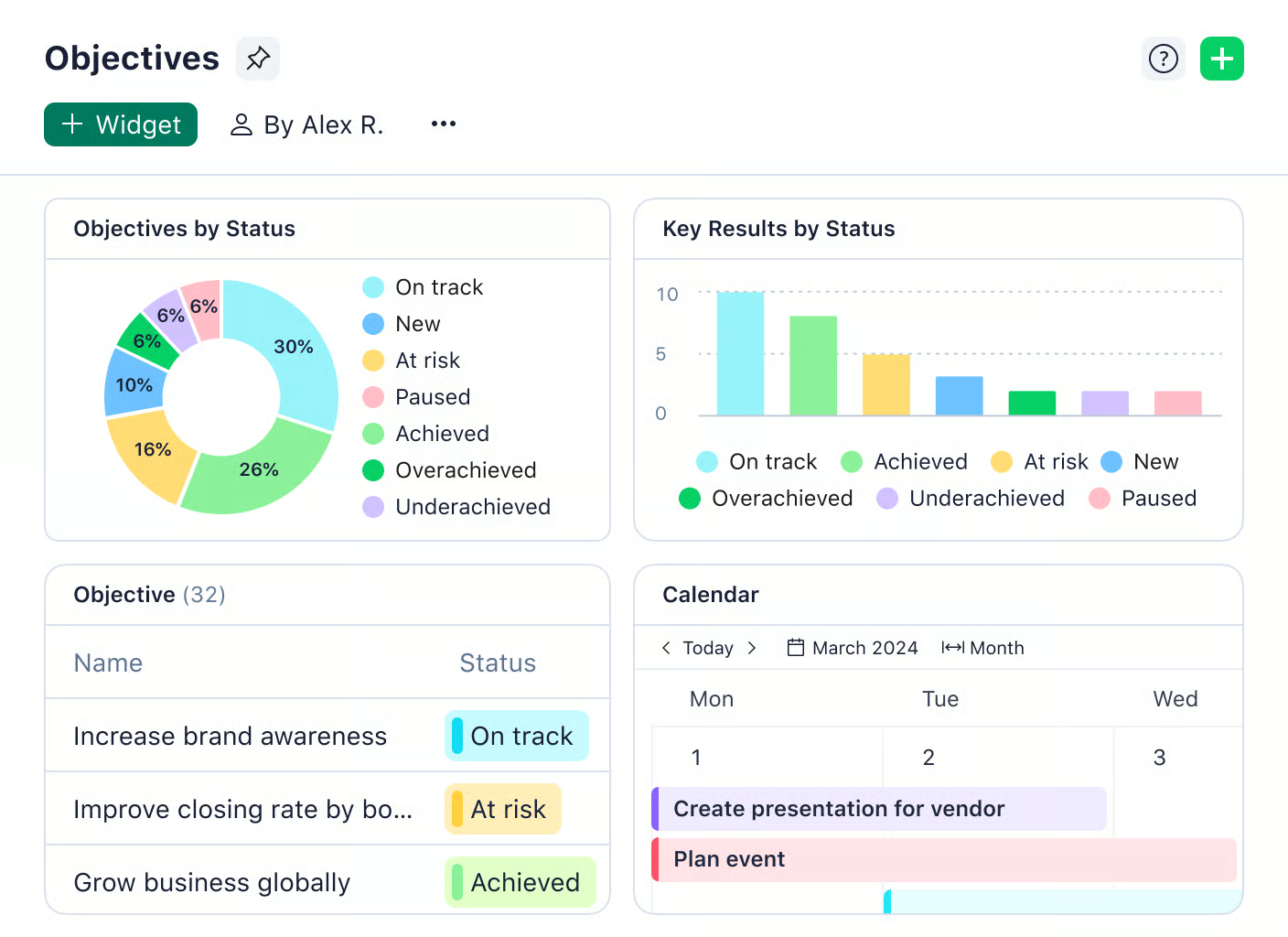
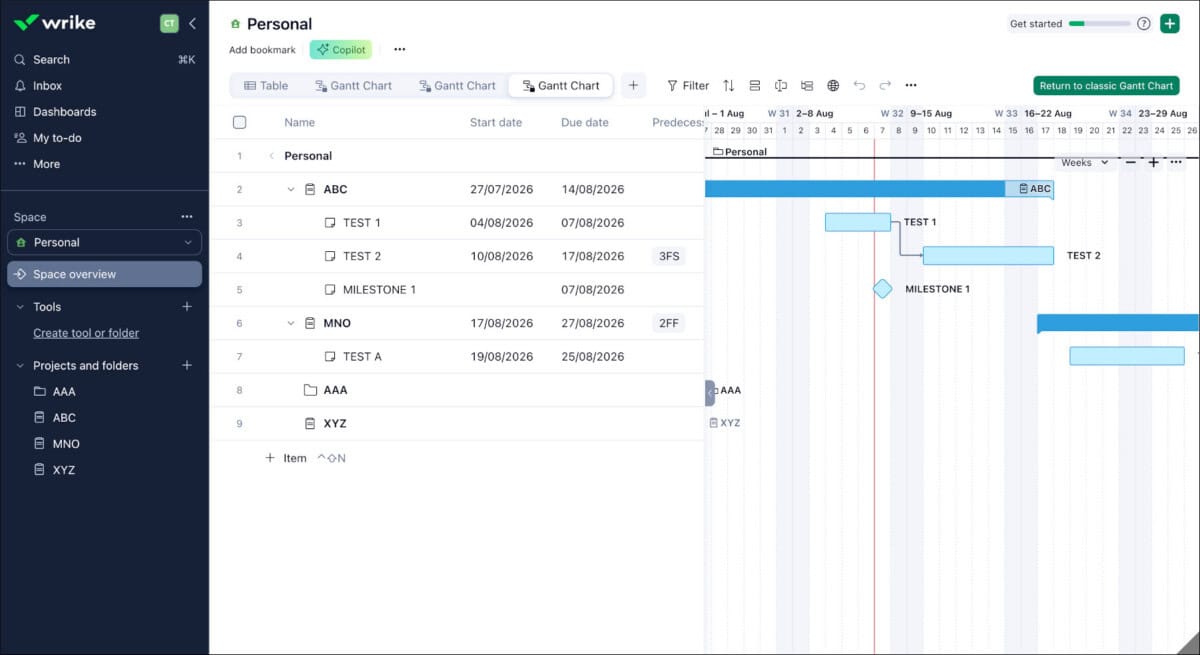
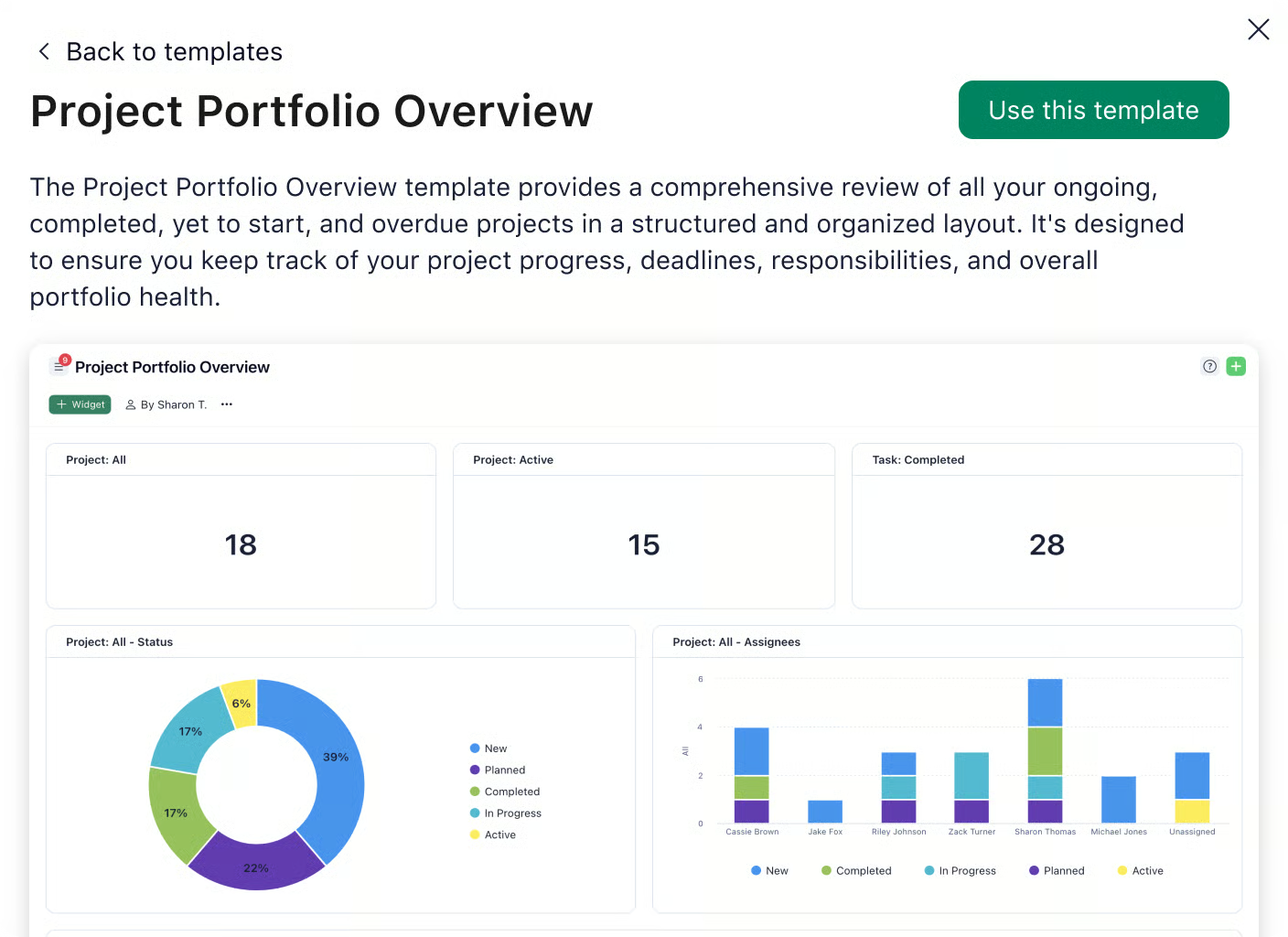
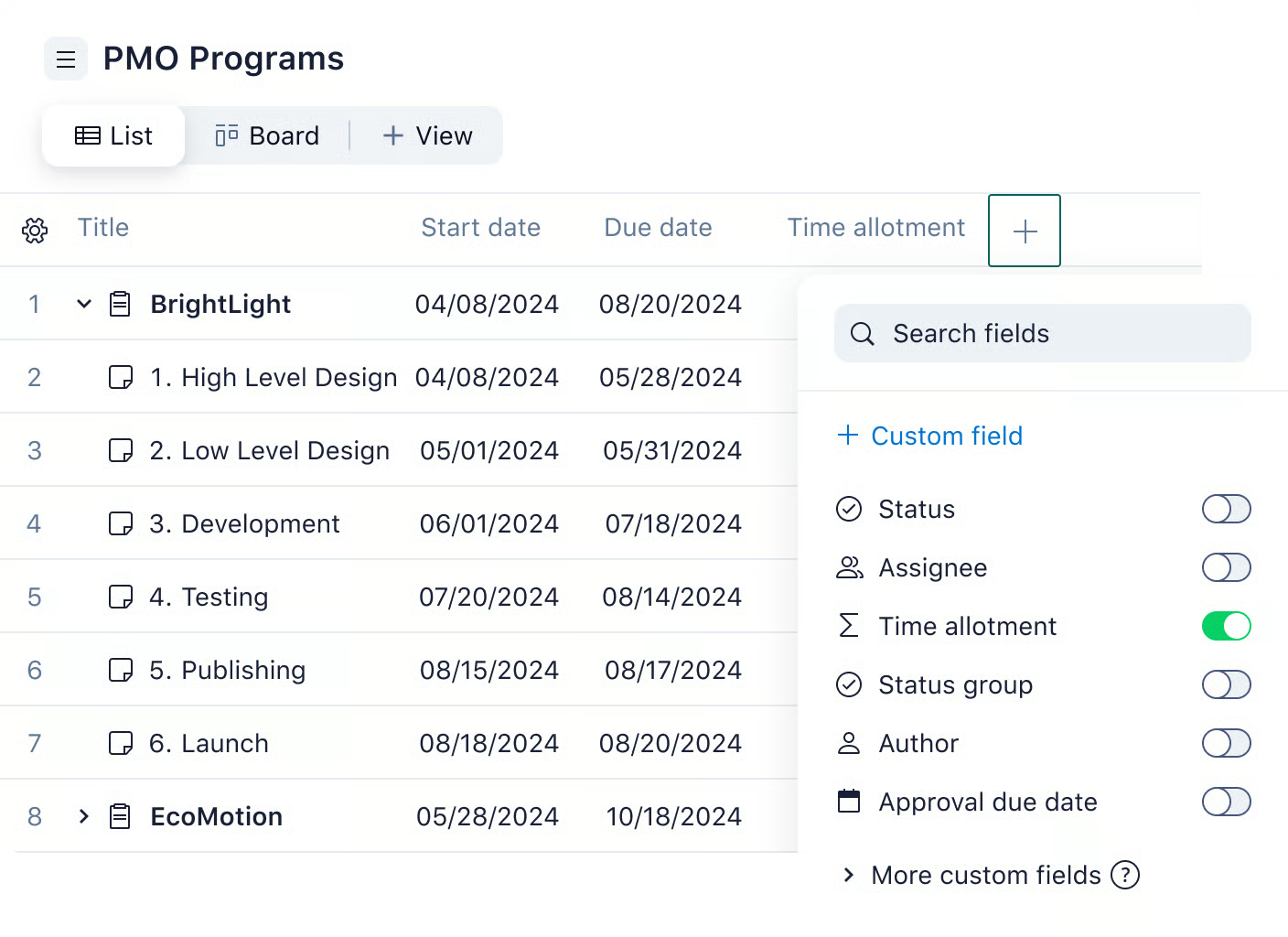
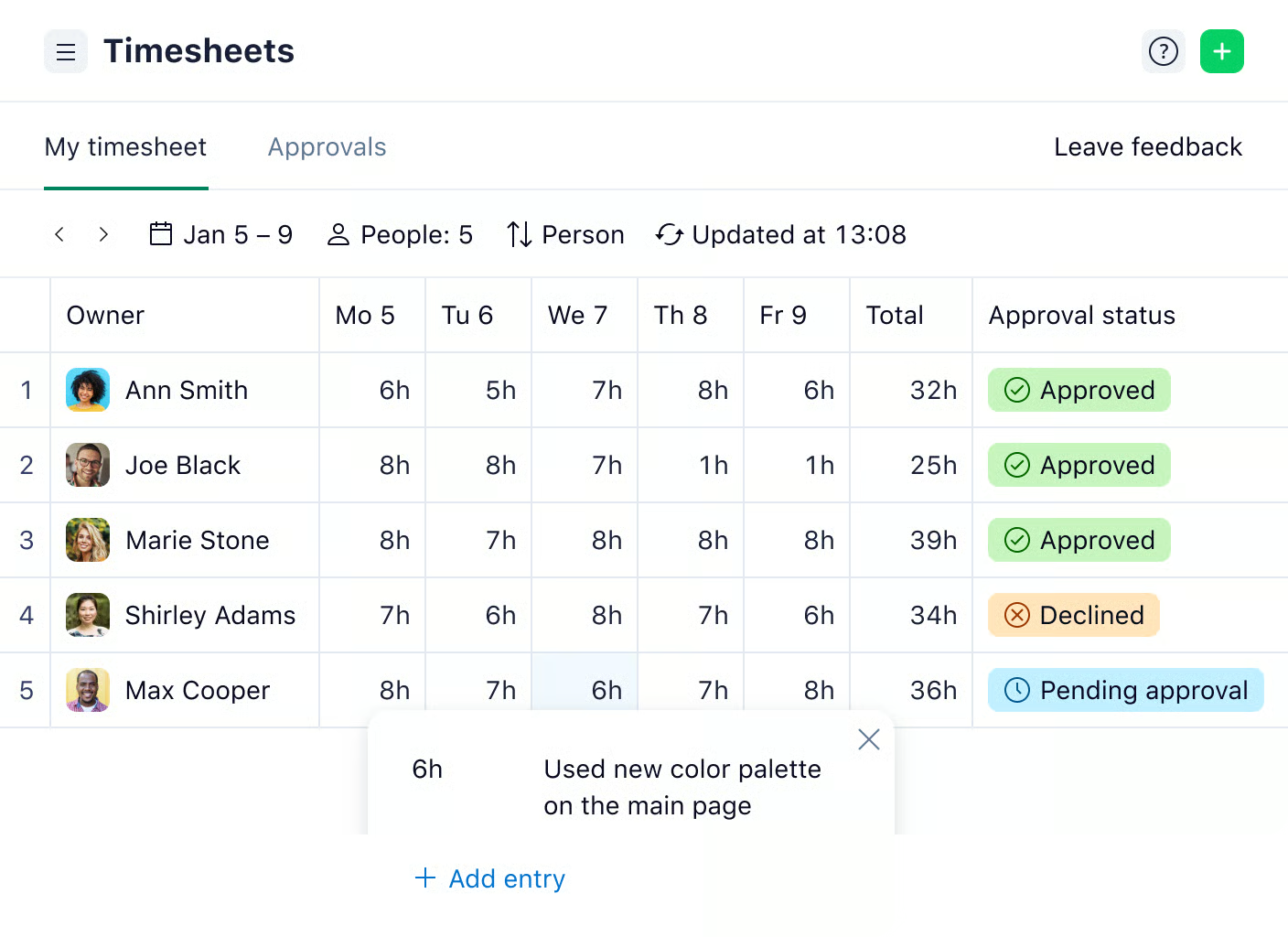
Wrike combines task management, project planning, automation, and collaboration into a single platform. Teams can manage work using multiple views, including lists, boards, calendars, and Gantt charts. Custom workflows, request forms, and dashboards standardize processes across departments. Built-in approvals, proofing, and real-time reporting keep work moving without constant meetings. Wrike AI adds intelligent summaries, content generation, and automation support, while integrations with tools like Slack, Microsoft, Google, Adobe, and Salesforce ensure seamless data flow across existing tech stacks.
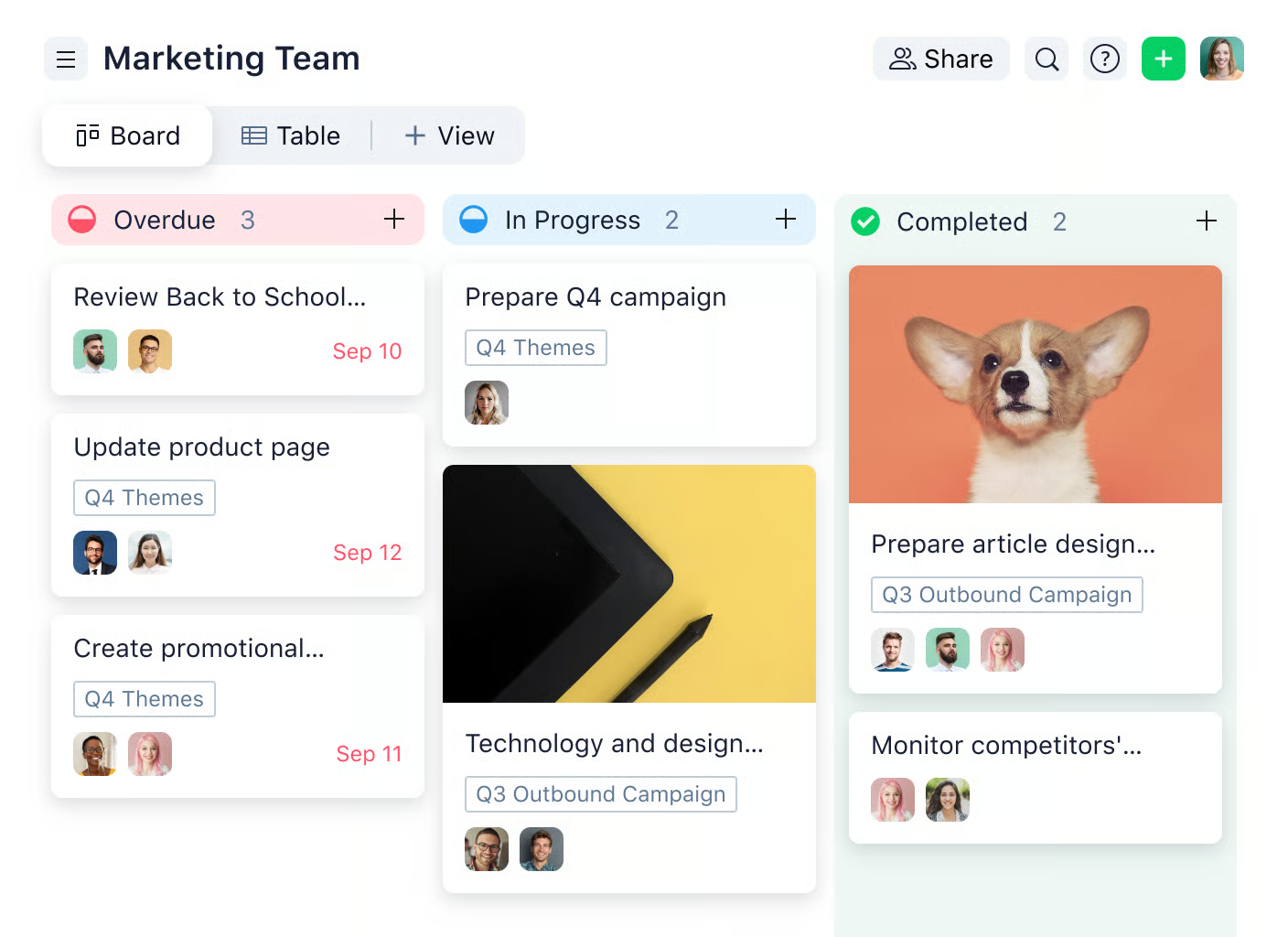
Wrike’s customizable Kanban boards give teams a clear, visual way to manage work as it moves from idea to completion. Tasks can be organized into fully custom columns that match real workflows, not generic stages. Teams can drag and drop work, set WIP limits, apply automation rules, and track ownership and priorities at a glance. Combined with filters, custom fields, and real-time updates, Wrike’s Kanban boards eliminate guesswork and keep execution moving without constant status meetings.
Pricing
Wrike’s pricing is structured to support teams at different stages, from basic task tracking to complex, enterprise-wide work management. Each plan builds on the previous one, adding scalability, automation, security, and advanced analytics as needs grow.
-
Free Plan
$0 /user/month
Free
Ideal for individuals or small teams getting started. It includes basic task and project management, board and table views, AI Essentials, and access across web, desktop, and mobile apps, with active task limits applied.
-
Team Plan
$10 /user/month
For 2 to 15 users
Designed for small teams of 2 to 15 users. It adds unlimited projects and tasks, shared spaces, custom fields, dashboards, Gantt charts, integrations, 50 automation actions per user per month, and 2 GB storage per user.
-
Business Plan
$25 /user/month
Built for organizations scaling work across teams. It includes unlimited request forms, approvals, resource planning, advanced automations, real-time reports, proofing tools, AI Elite features, and 5 GB storage per user.
-
Enterprise Plan
Custom
Custom pricing
Tailored for large organizations requiring advanced security and administration. It adds SSO, 2FA, custom roles, audit reports, and increased automation limits.
-
Pinnacle Plan
Custom
Custom pricing
Designed for complex work environments needing advanced analytics, budgeting, utilization tracking, and BI integrations, with 15 GB storage per user.

#4. Miro
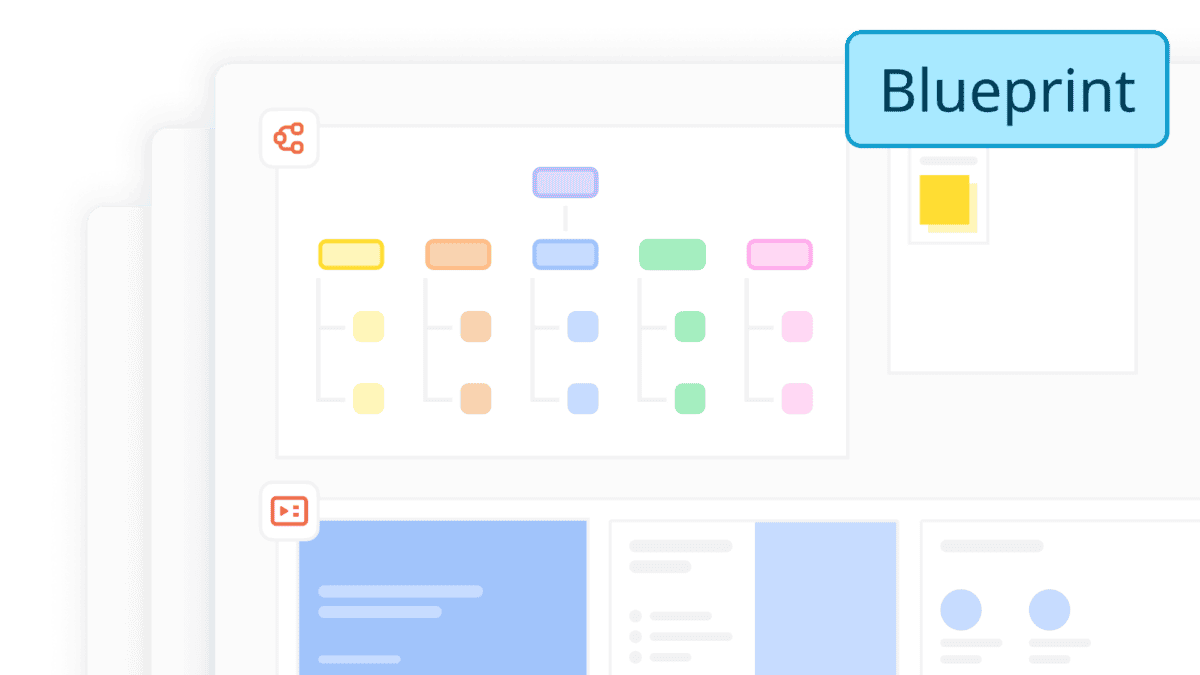
Miro is primarily a visual collaboration and online whiteboard platform, used by more than 100 million people and 250,000 companies. While dedicated project management software focuses on task tracking, resource allocation, and strict database-driven workflows, Miro works like an infinite digital canvas where teams brainstorm, plan, and track work together in real time. It shines in the early and collaborative stages of a project, and it now includes enough structured features to run lightweight project management right on the board.
Features
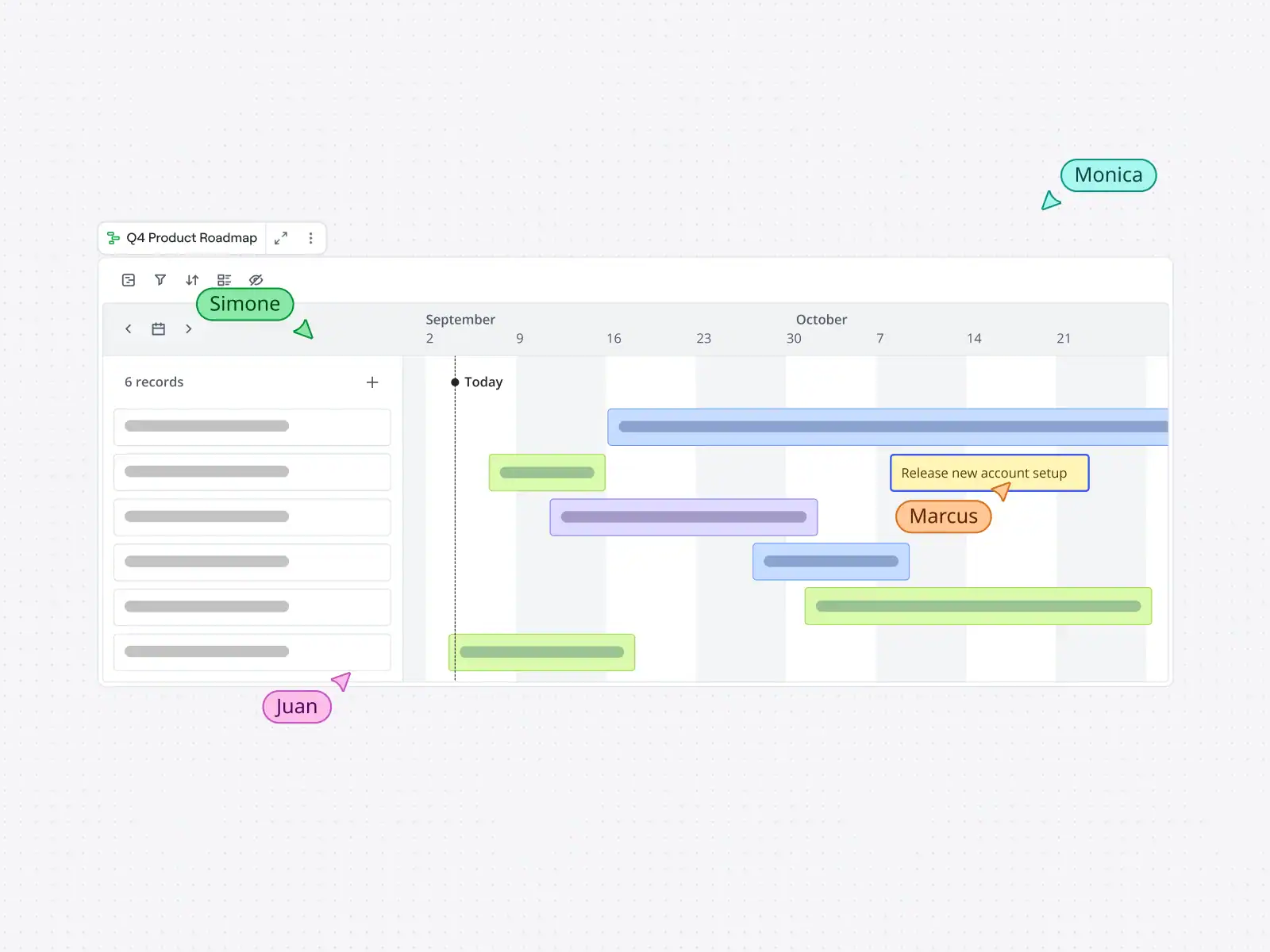
Miro is excellent for visual planning and ideation: mapping workstreams, building roadmaps, drawing flowcharts, and running Agile and Scrum ceremonies like sprint planning, daily stand-ups, PI planning, and retrospectives. Its library of more than 7,000 templates includes ready-made project management components such as Kanban boards, Gantt charts, PERT diagrams, project timelines, and RAID logs (Risks, Assumptions, Issues, Dependencies). Structured formats like Tables, Timelines, Kanban, Docs, and Slides live right on the canvas, so a brainstorm can turn into a trackable plan without switching tools.
For day-to-day tracking, teams can create visual task cards, assign team members, set due dates, and leave comments. On higher plans, data tables, dependencies, story estimations, and the Miro Planner add capacity and delivery views, while two-way integrations with Jira, Asana, Linear, ClickUp, and Azure DevOps keep work in sync with dedicated project tools. Miro AI can generate diagrams, tables, and summaries, run repeatable AI workflows, and connect to AI assistants like Claude, Cursor, or Copilot through its MCP server. With more than 250 integrations, including Microsoft, Slack, Google, and Adobe, Miro fits easily into an existing tech stack.
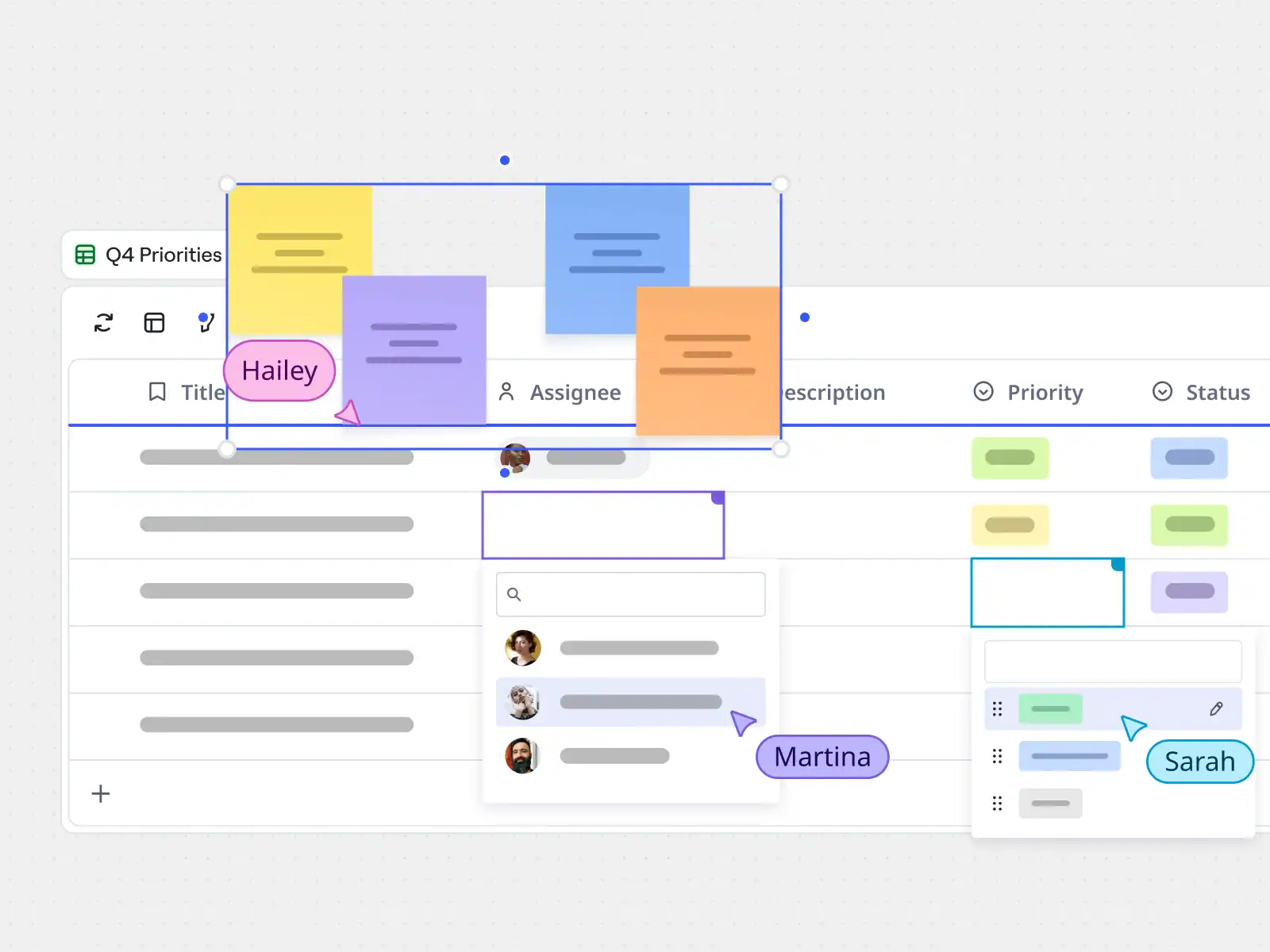
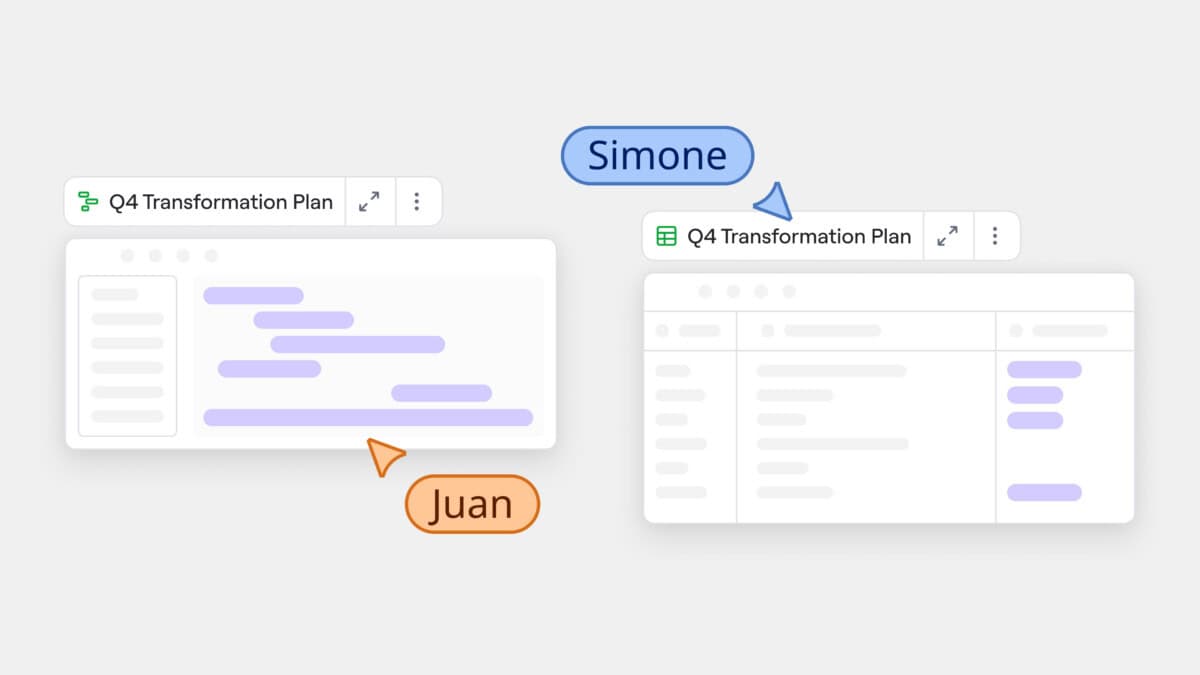
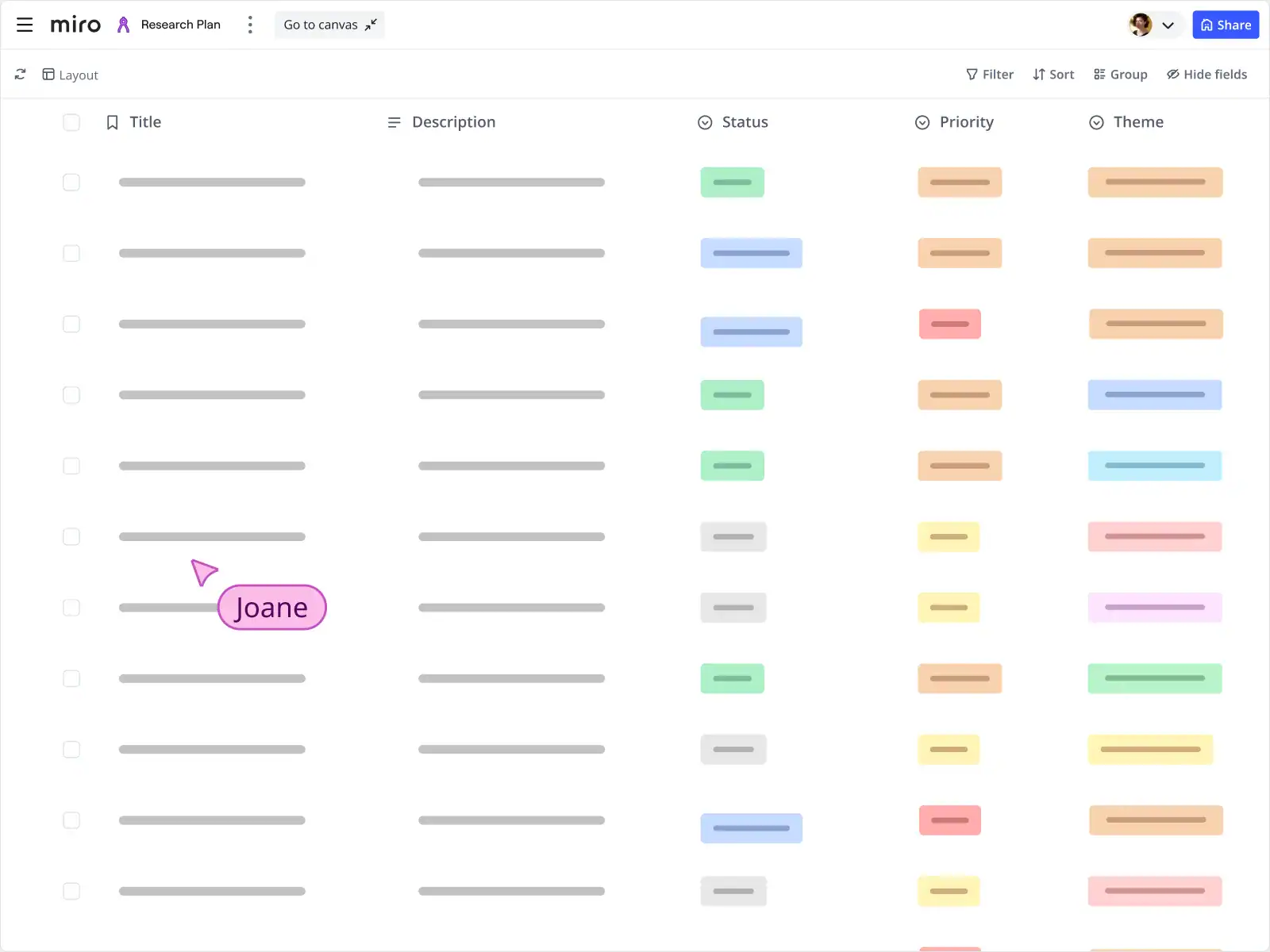
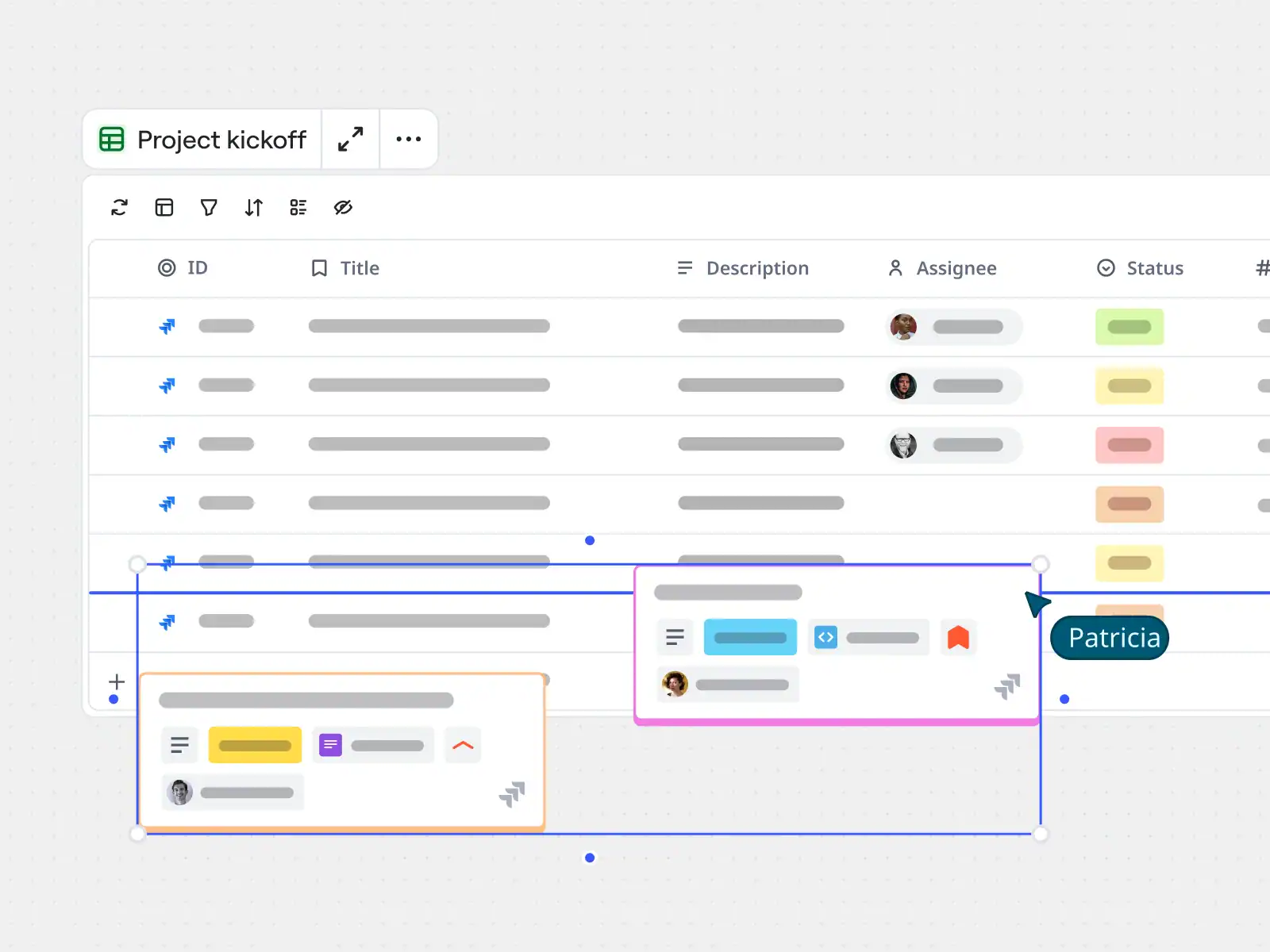
Miro’s Tables and Timelines turn sticky notes and brainstorming into structured, trackable work without leaving the board. With one click, a table switches to a timeline view to show project schedules, track deadlines, and spot timing conflicts, with no need to rebuild anything. Tasks can be dragged, dropped, and assigned so it’s always clear who’s doing what and by when, and Jira or Azure DevOps cards stay synced automatically. The result is a plan that stays connected to the ideas and discussions that shaped it.
Pricing
Miro is priced per member, with a free plan for small teams and paid plans that add unlimited boards, AI credits, advanced planning features, and enterprise security. Paying yearly saves 20% over monthly billing.
-
Free
$0
Free forever
For small teams getting started. Includes 3 editable boards, 7,000+ templates, Docs, Tables, Timelines, Kanban and Slides, a trial of Miro AI, and 250+ integrations.
-
Starter
$8 /member/month
Billed yearly
For small teams collaborating regularly. Adds unlimited and private boards, visitor editing, high-resolution exports, unlimited project spaces and blueprints, timer and voting, estimations, and 25 AI credits per member per month.
-
Business
$20 /member/month
Billed yearly, 14-day free trial
For growing organizations and consultants. Adds unlimited workspaces and guests, data tables, Planner, dependencies, two-way sync with Jira, Asana, ClickUp and more, AI workflows and agents, 50 AI credits per member, and SSO.
-
Enterprise
Custom
From 30 members
For large organizations. Adds enterprise-grade security, audit logs, SCIM provisioning, regional data hosting, admin controls for AI, a sandbox environment, and a customer success program.
Good to know: Miro is ideal for visual planning and team collaboration. Teams that need deep resource management, time tracking, or budgets often pair it with a dedicated project management tool through its two-way integrations.

#5. AceProject
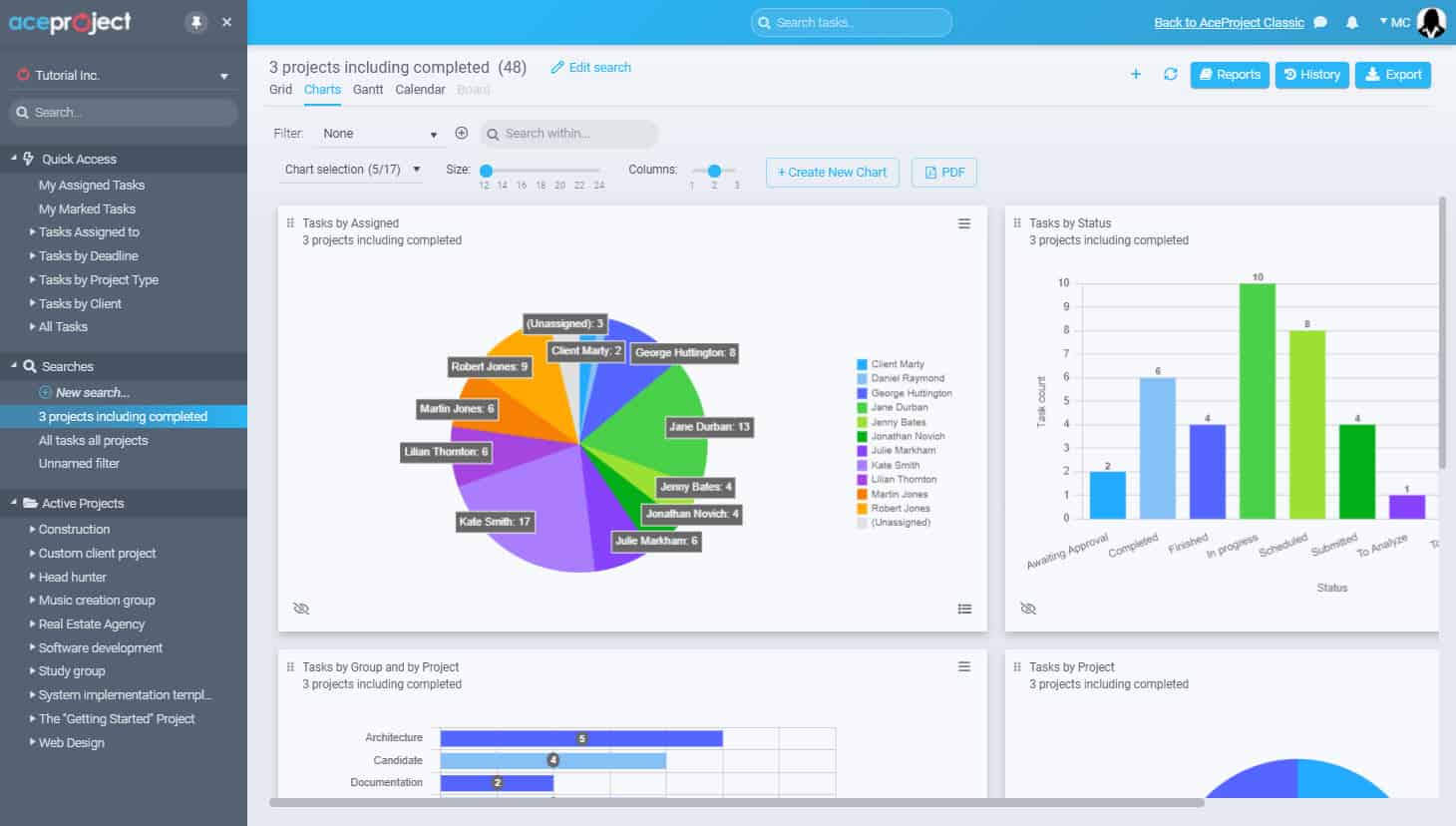
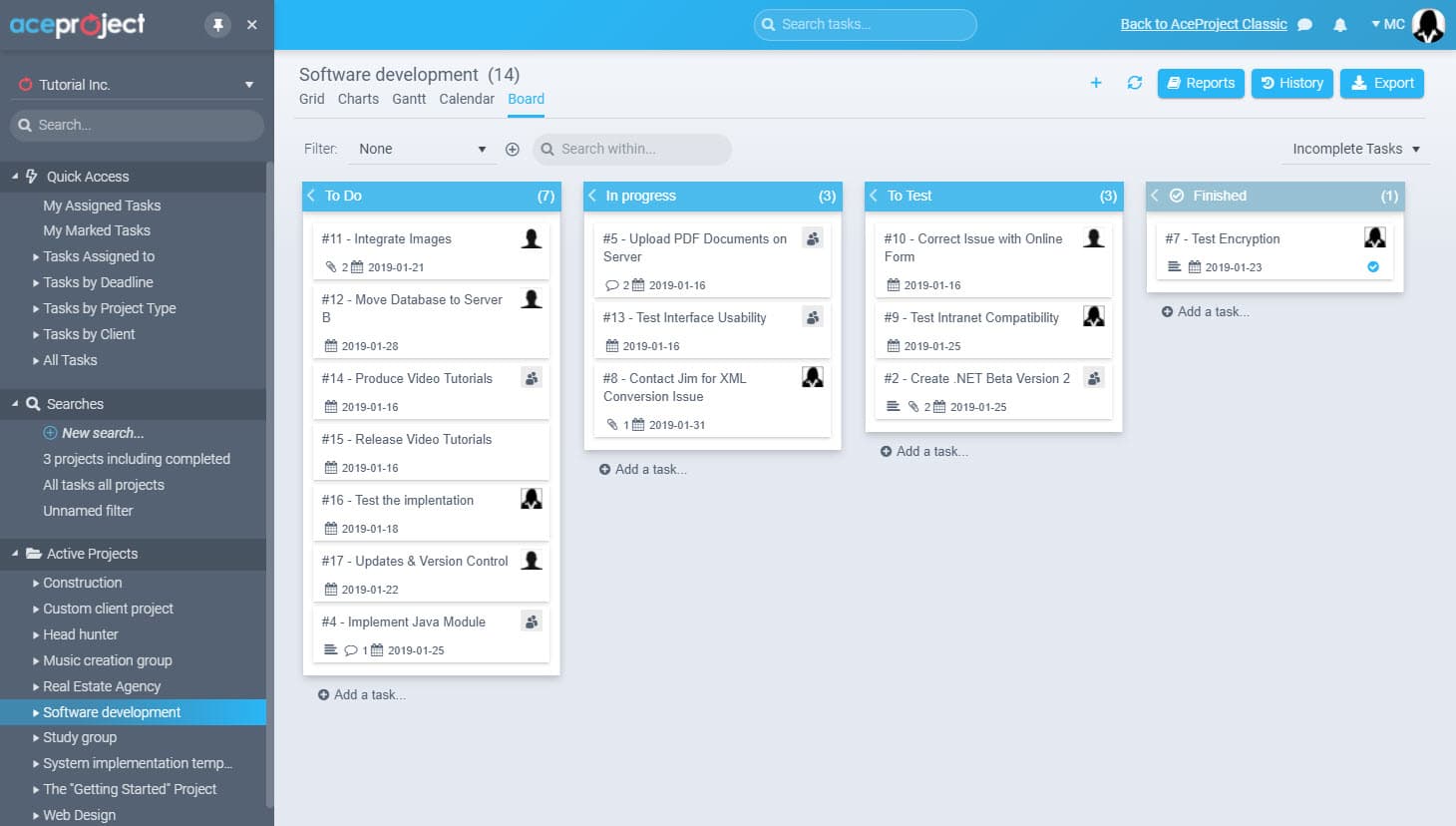
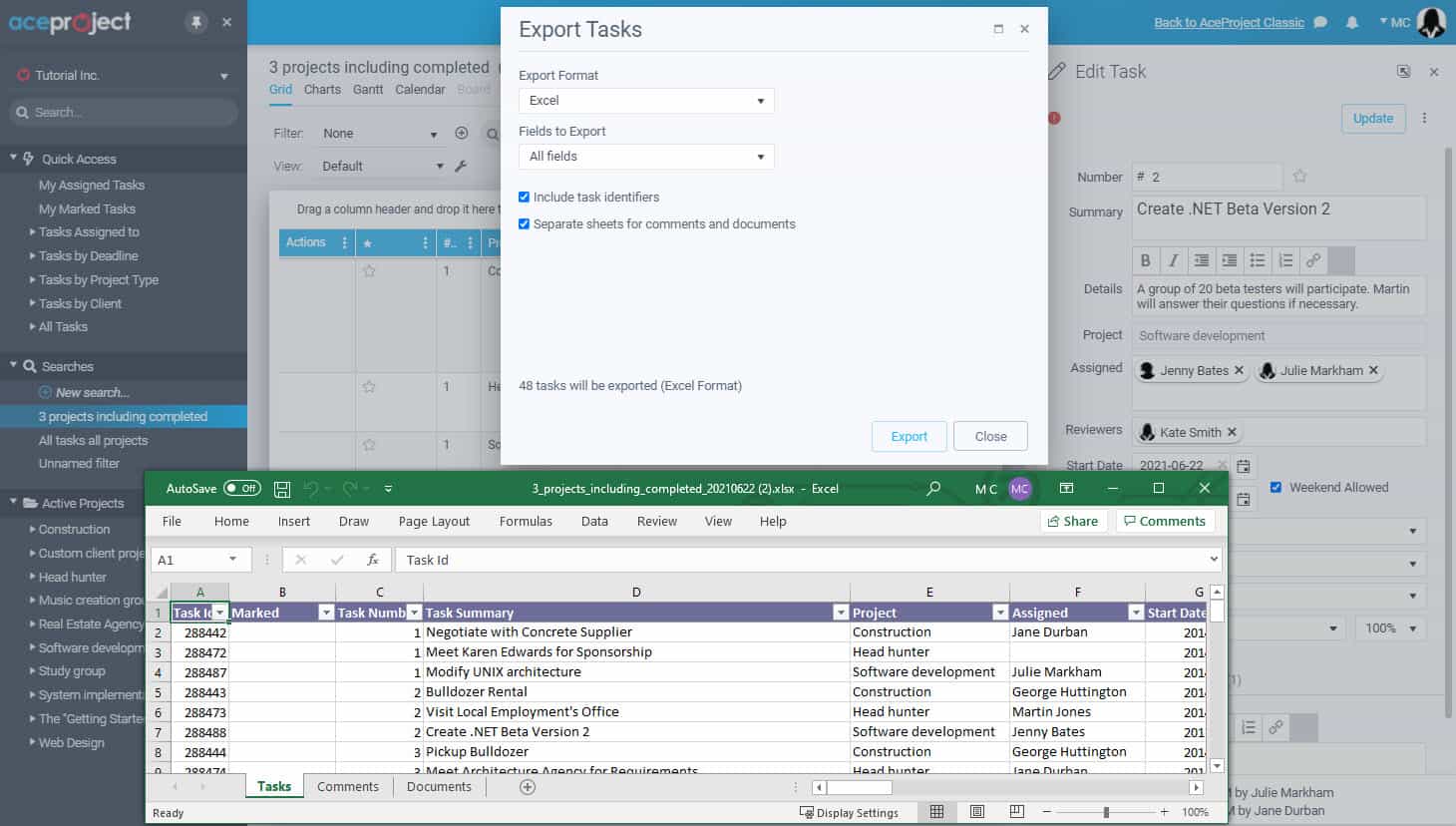
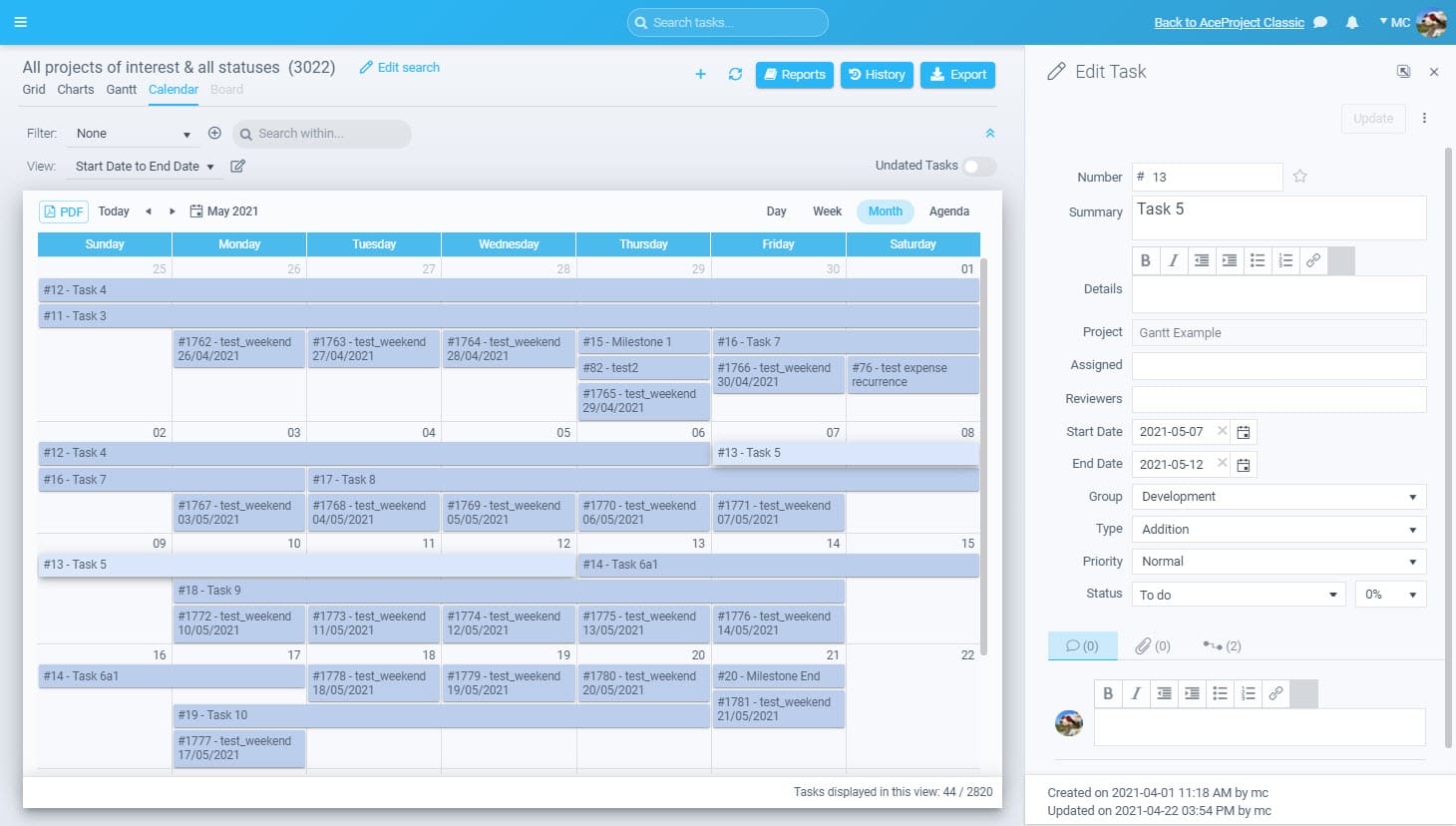
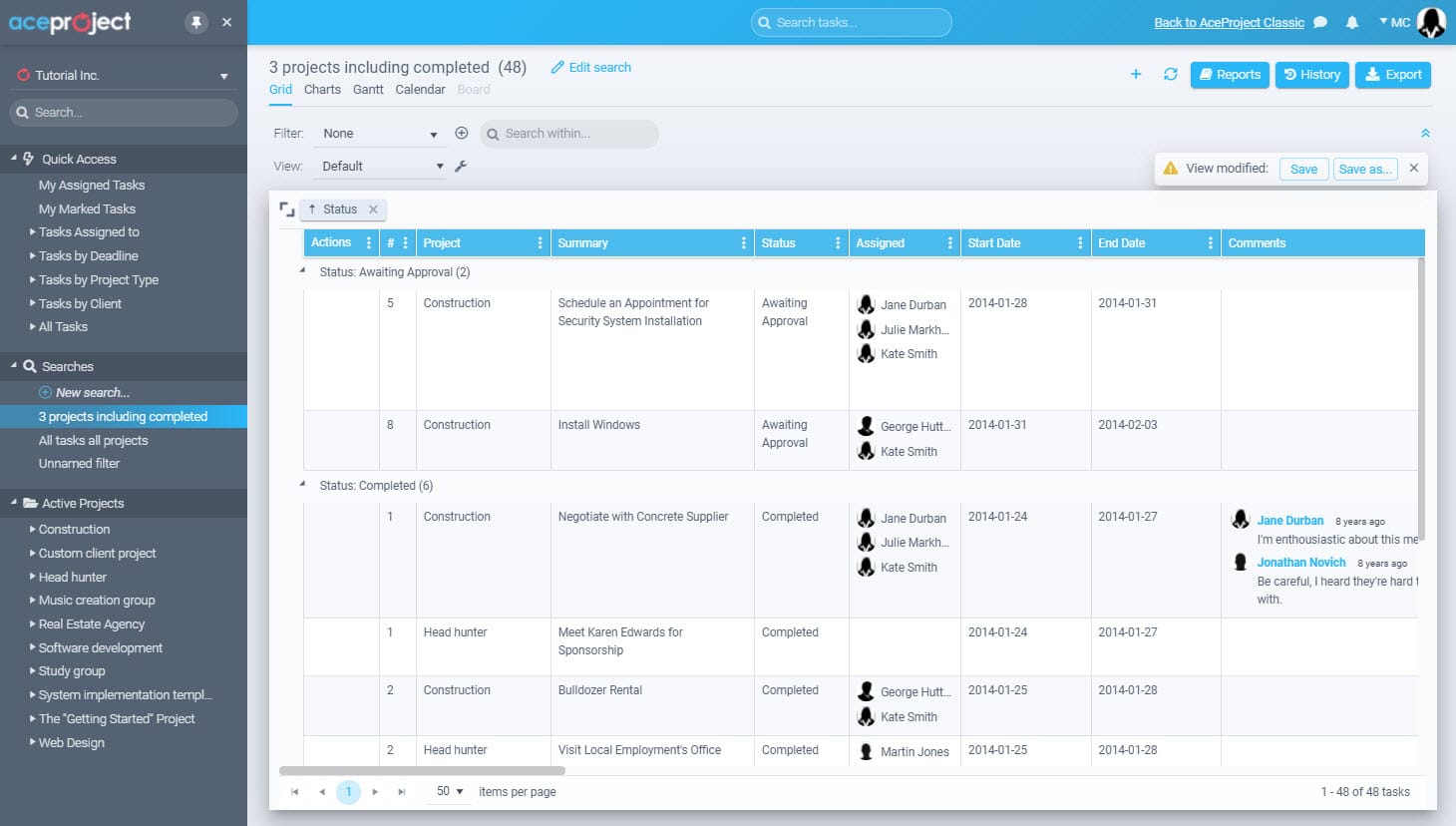
AceProject is a web-based project management software designed to help teams organize work, track progress, and collaborate without unnecessary complexity. Launched in 2002, it combines task management, time tracking, document control, and expense management into one centralized platform. AceProject is built for businesses that want structure, accountability, and visibility across projects, while remaining simple enough for everyday use across distributed teams and multiple industries.
Features
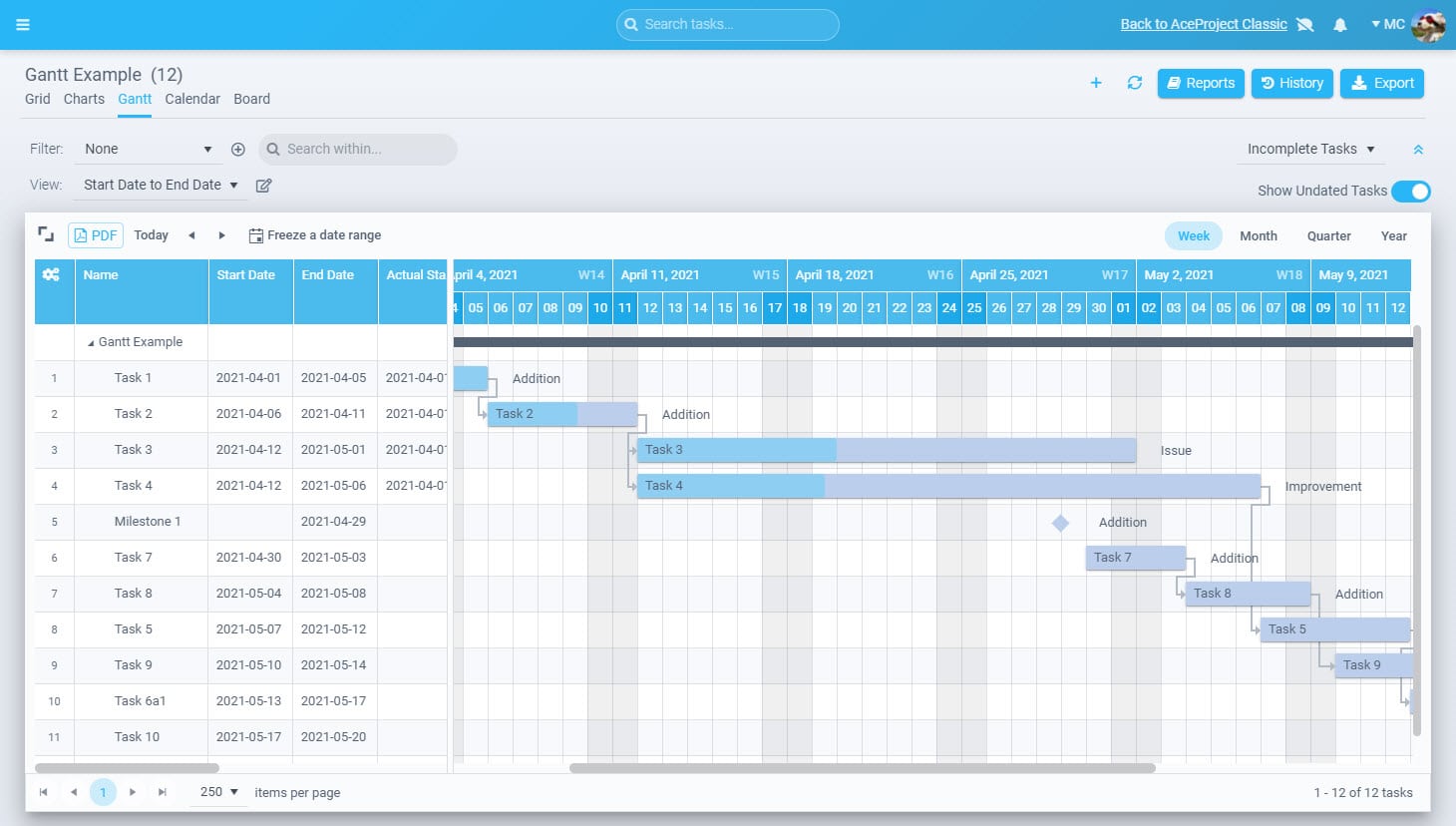
AceProject delivers various features to manage projects from end to end. The project tracking features are Gantt charts, advanced reports, project templates, and recurring tasks. The time tracking features are time approval, time clock, and time reports. The document management features are document sharing, versioning, and locking. The expense tracking features are expense approval and expense reports.
AceProject’s standout feature is its newly redesigned Report Engine, which gives teams precise control over how project data is analyzed and presented. Users can build custom reports by selecting specific fields, filters, and sorting rules across tasks, time entries, expenses, and projects. Reports can be saved, reused, and exported, making performance tracking consistent and repeatable. The new interface improves speed and clarity, turning raw project data into actionable insights without relying on external analytics tools.
Pricing
AceProject’s pricing is based on active users, active projects, and storage capacity, not locked features. Every plan includes full access to the platform’s core functionality, allowing teams to start small and scale without losing capability. This structure makes it easy to control costs while ensuring project visibility, accountability, and reporting remain intact as your organization grows.
-
Basic Plan
$0 /month
3 users, 3 projects, 1 GB
Allows up to 3 active users and 3 active projects with 1 GB of storage. Designed for small teams or individuals who want to manage projects without upfront cost.
-
Standard Plan
$24 /month
10 users, 10 projects, 5 GB
Allows up to 10 active users and 10 active projects with 5 GB of storage. Suitable for small teams managing multiple ongoing projects.
-
Advanced Plan
$49 /month
30 users, 30 projects, 15 GB
Allows up to 30 active users and 30 active projects with 15 GB of storage. Built for growing teams that need greater capacity and control.
-
Silver Plan
$99 /month
100 users, 100 projects
Allows up to 100 active users and projects with approximately 45 to 50 GB of storage, built for larger organizations.
-
Gold Plan
Custom
Unlimited users and projects
Allows unlimited users and unlimited projects with over 100 GB of storage. Designed for enterprises requiring maximum scalability and flexibility.
Every AceProject plan includes all features. Plans differ only by the number of active users, active projects, and storage.

#6. Hive
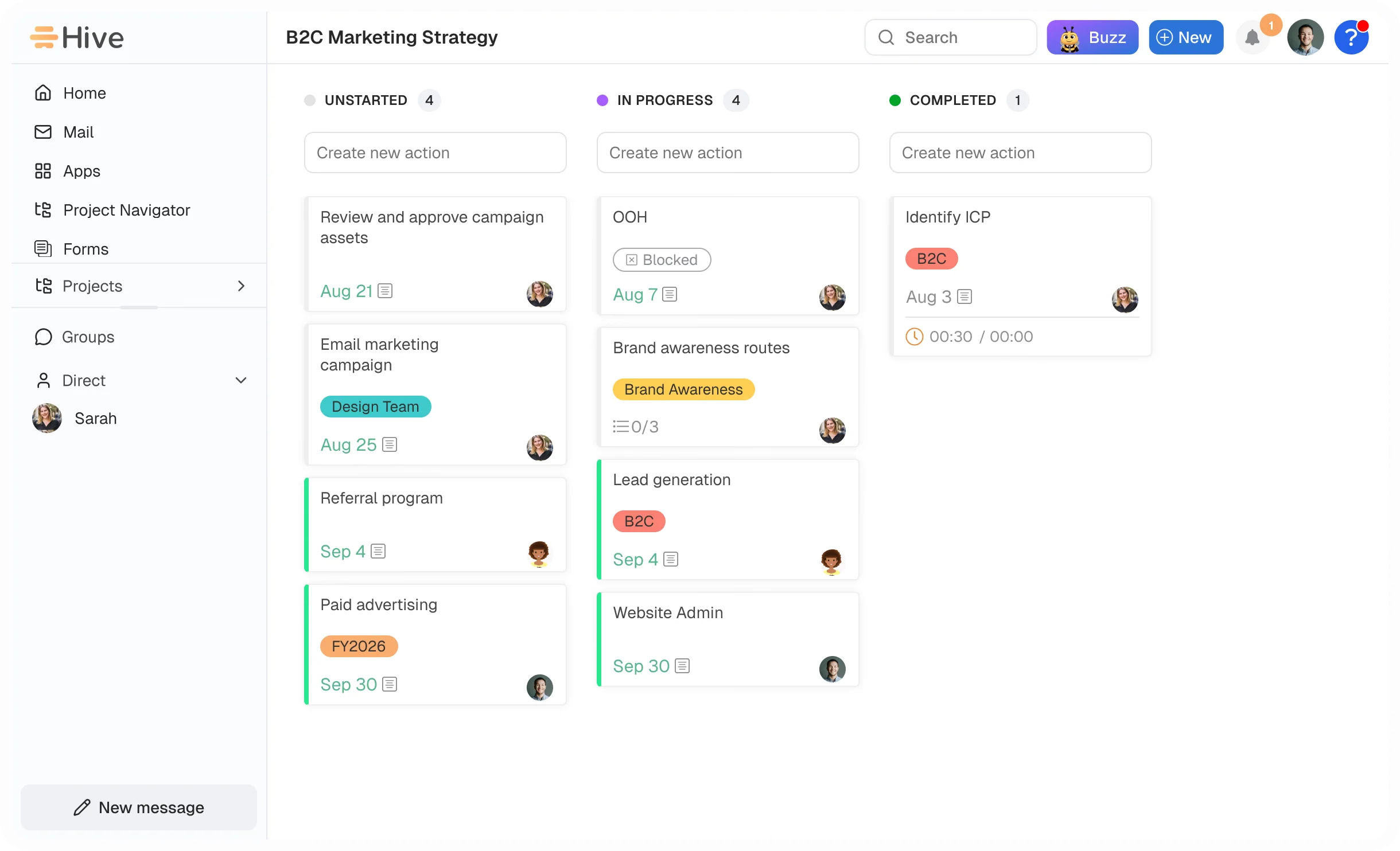
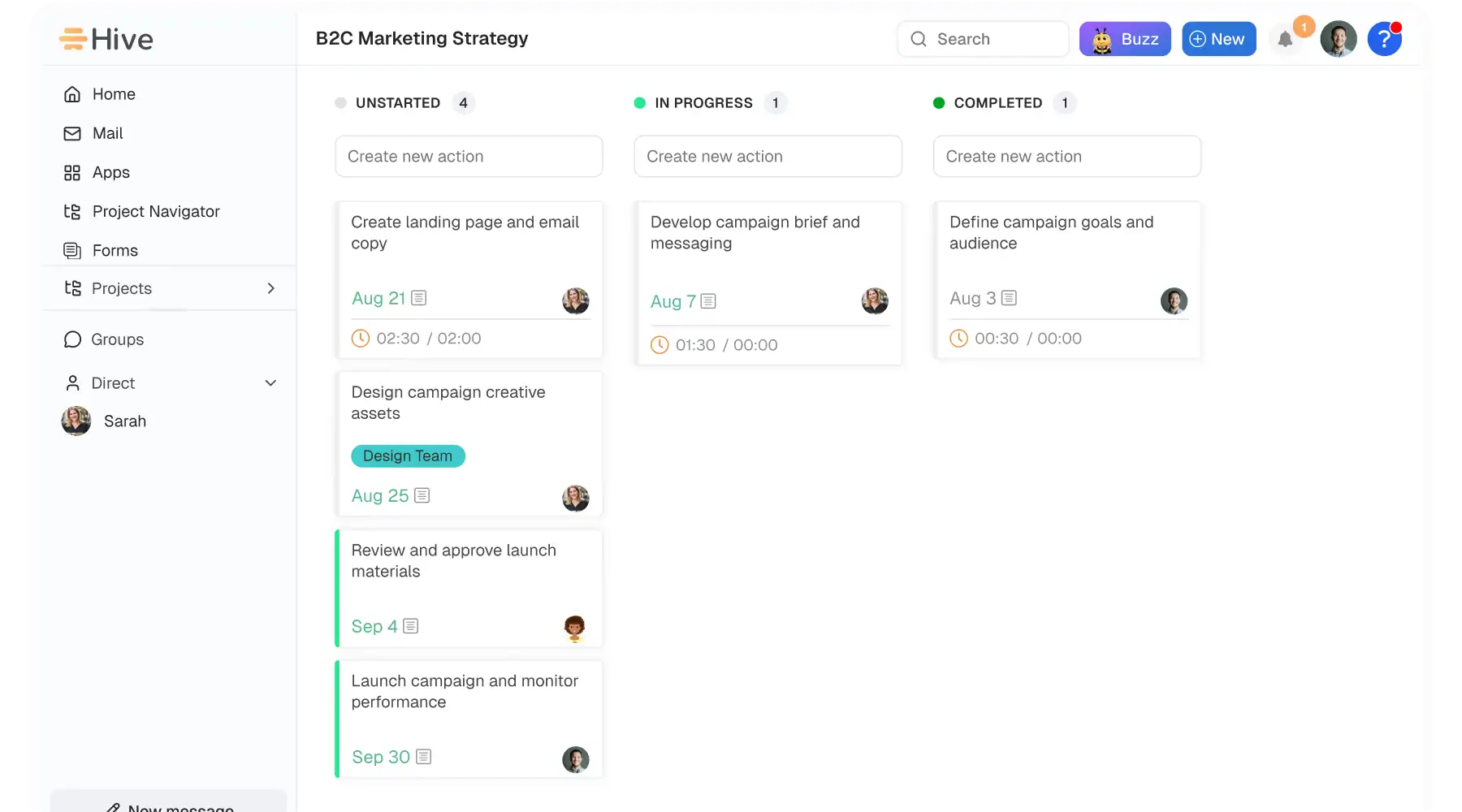
Hive is a project management platform designed to help teams move faster by running their entire workflow in one unified workspace. Built to be flexible and user-friendly, it offers multiple project views, hundreds of action and project templates, and integrates deeply with the tools teams already use. With its AI assistant, Buzz, teams can automate tasks and gain insights. Known for its democratic development process, Hive combines powerful functionality with a competitive price point and a unique adoption guarantee.
Features
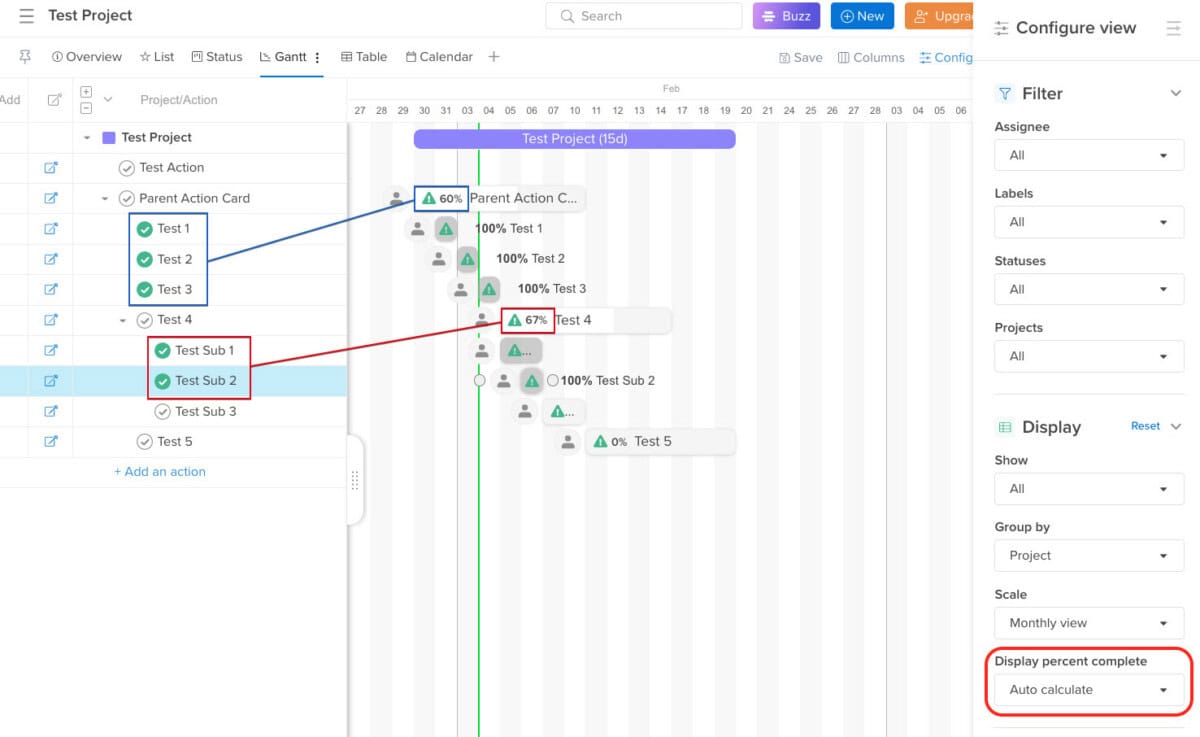
Hive centralizes project management with flexible views (Kanban, Gantt, Calendar, Table) to suit any workflow. Its AI assistant, Buzz, automates task creation, drafts emails, and provides workspace insights. The platform offers extensive automation, customizable labels, and hundreds of pre-built templates to launch projects instantly. Robust time tracking, collaborative Hive Notes, and proofing/approval tools streamline execution. Hive integrates seamlessly with popular apps like Slack, Jira, Google Drive, and Zoom, pulling data into a single dashboard. Designed for team collaboration, it eliminates tool-switching and provides a centralized hub for tasks, communication, and files.
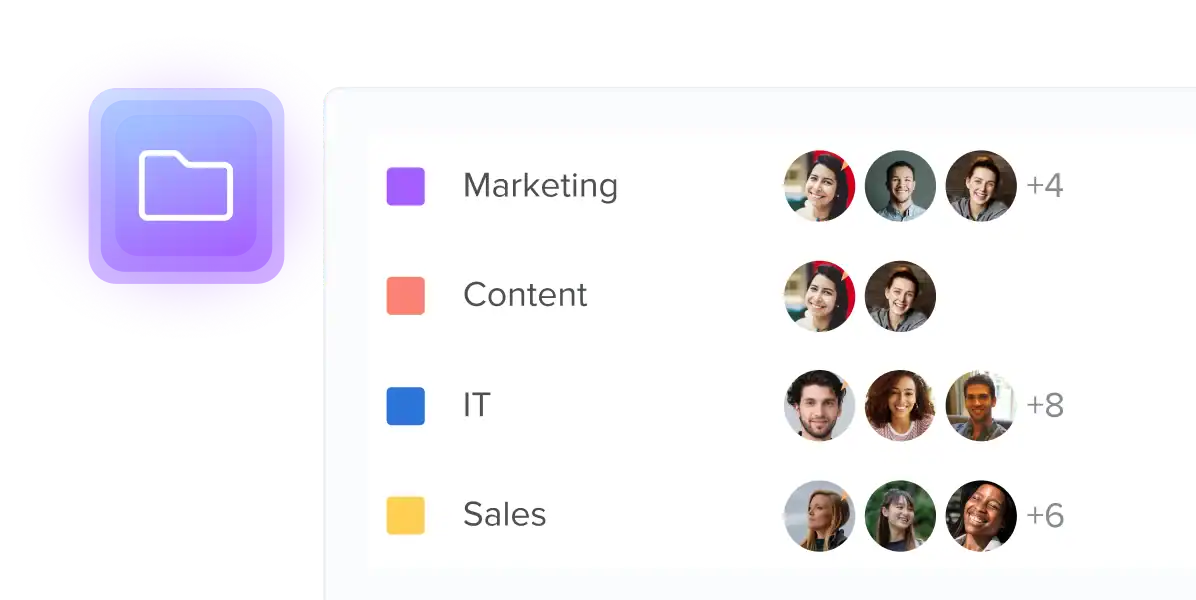
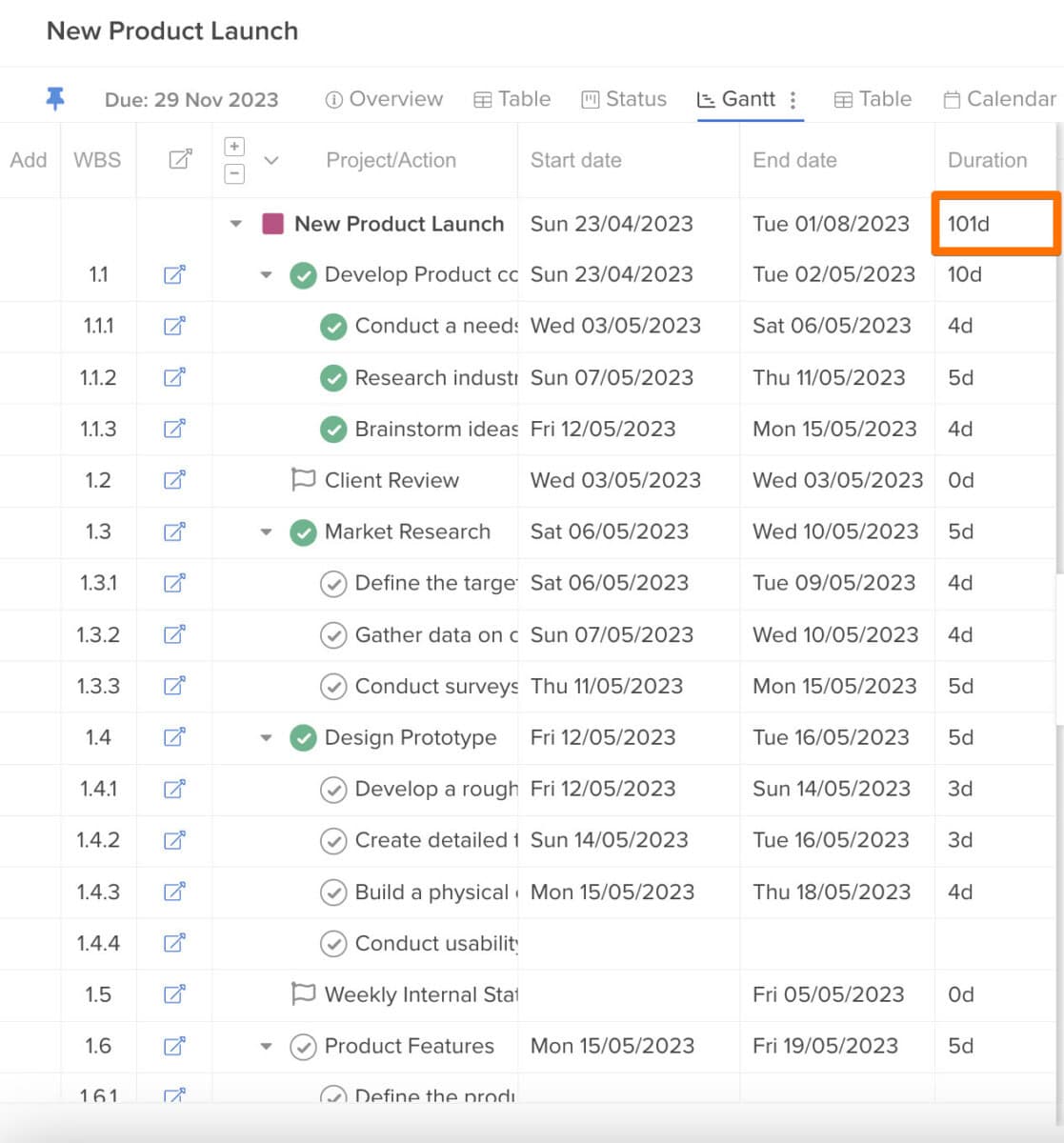
Hive excels by offering deeply flexible project structures that adapt to any workflow. Teams can nest projects, create sub-actions, and organize work in multi-level hierarchies for complex initiatives. This structure is paired with agile management tools, allowing for seamless transitions between sprints, backlog grooming, and iterative planning within the same intuitive interface, supporting both high-level strategy and daily execution.
Pricing
Hive provides transparent, per-user pricing and a free plan. Opt for annual billing to save 33% on monthly rates, and add only the extra capabilities your team needs through optional add-ons.
-
Free Plan
$0
Free forever
Best for light project management. Includes up to 10 workspace members, unlimited tasks, 1,000 AI credits per month, 200 MB storage, multiple views, collaborative notes, native chat, and email in Hive.
-
Starter Plan
$5 /user/month
Billed yearly
An entry-level plan for core needs. Adds unlimited storage, up to 10 projects, Gantt view, cloud storage integrations, an in-app calendar, Zoom and Slack connectivity, the AI Assistant, and 3,000 AI credits per month.
-
Teams Plan
$12 /user/month
Billed yearly, most popular
Work with no limits. Includes unlimited workspace members, shareable forms, time tracking, portfolios, team sharing, custom fields, labels and statuses, 5,000 AI credits per month, and optional add-ons.
-
Enterprise Plan
Custom
Contact sales
For organizations needing more flexibility, support and security. Adds all add-ons, custom AI credits, enhanced security and permission controls, unlimited onboarding, a dedicated Customer Success Manager, Enterprise API, and Professional Services.
Optional add-ons at $5 each: proofing and approvals, timesheets, team resourcing, advanced dashboards, SSO and enterprise security, and external users. Every plan starts with a 14-day trial of all features, no credit card required.

#7. Toggl
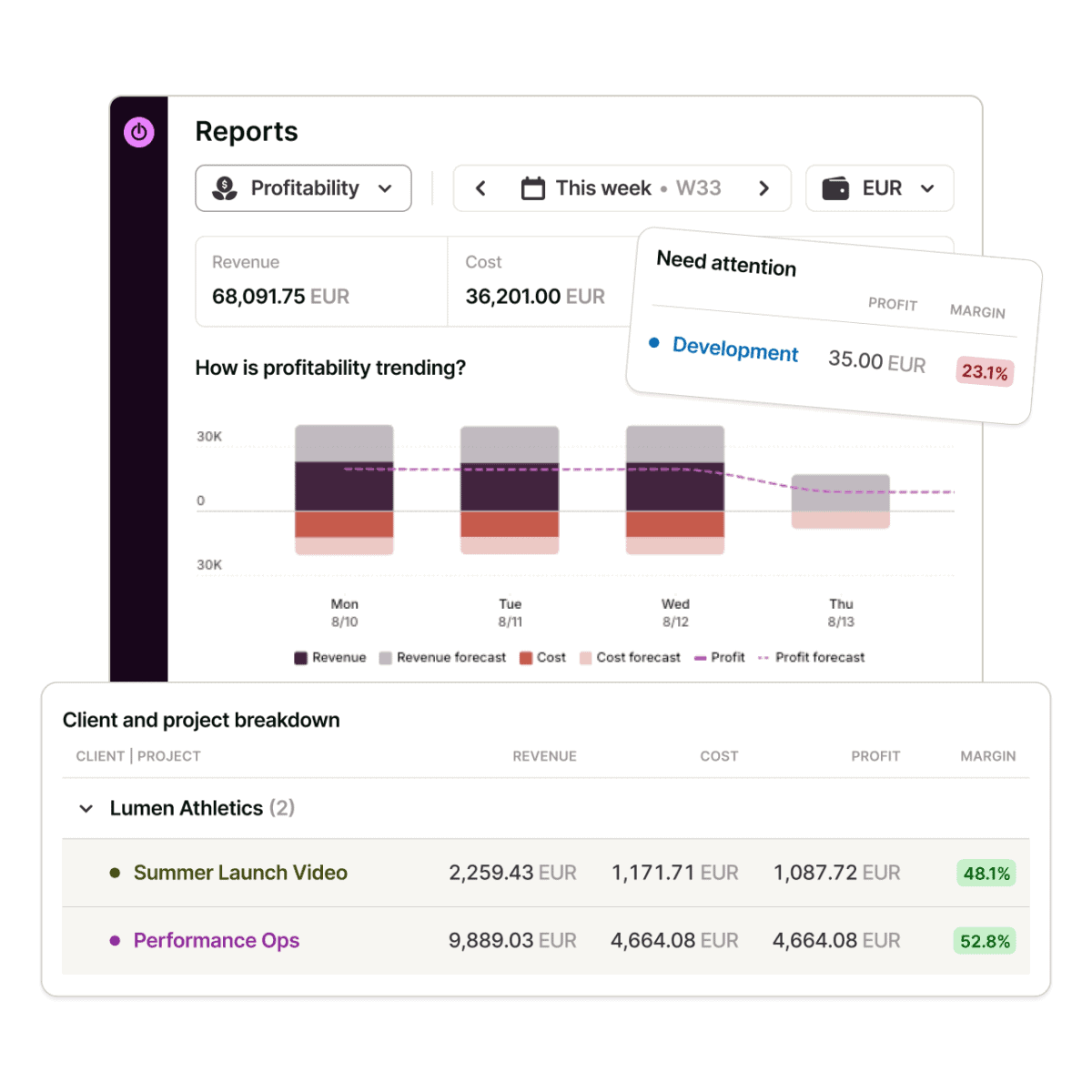
Toggl is a time tracking and capacity planning platform trusted by over a million users and more than 70,000 companies. Built on two decades of experience with its famous time tracker, the new Toggl brings time tracking, capacity planning, and project planning together in one tool. Teams can scope new work from real project history instead of memory, see who has capacity and who is overbooked, and understand exactly where hours turn into profit. Existing Toggl Track and Toggl Plan users can keep using both apps, which remain supported.
Features
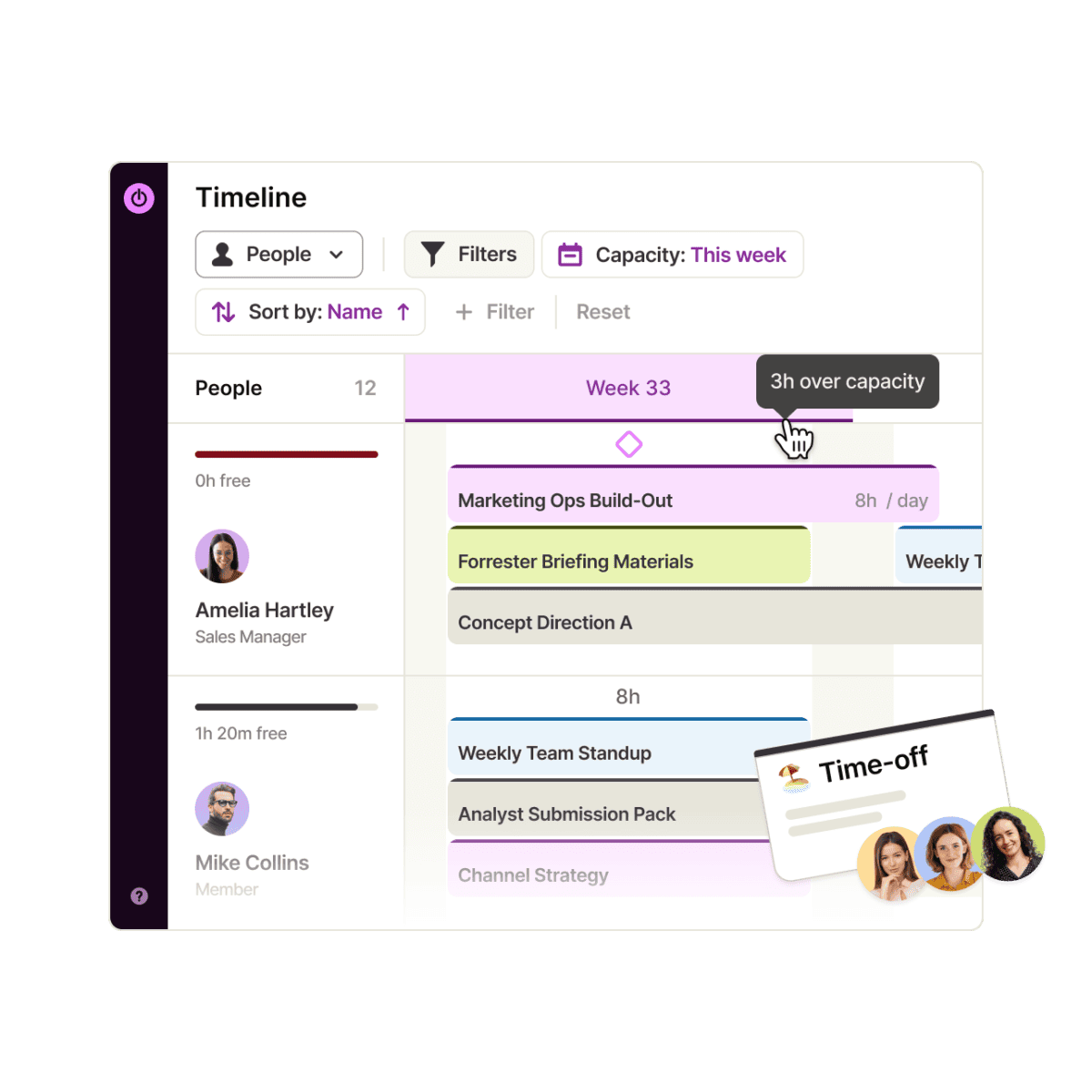
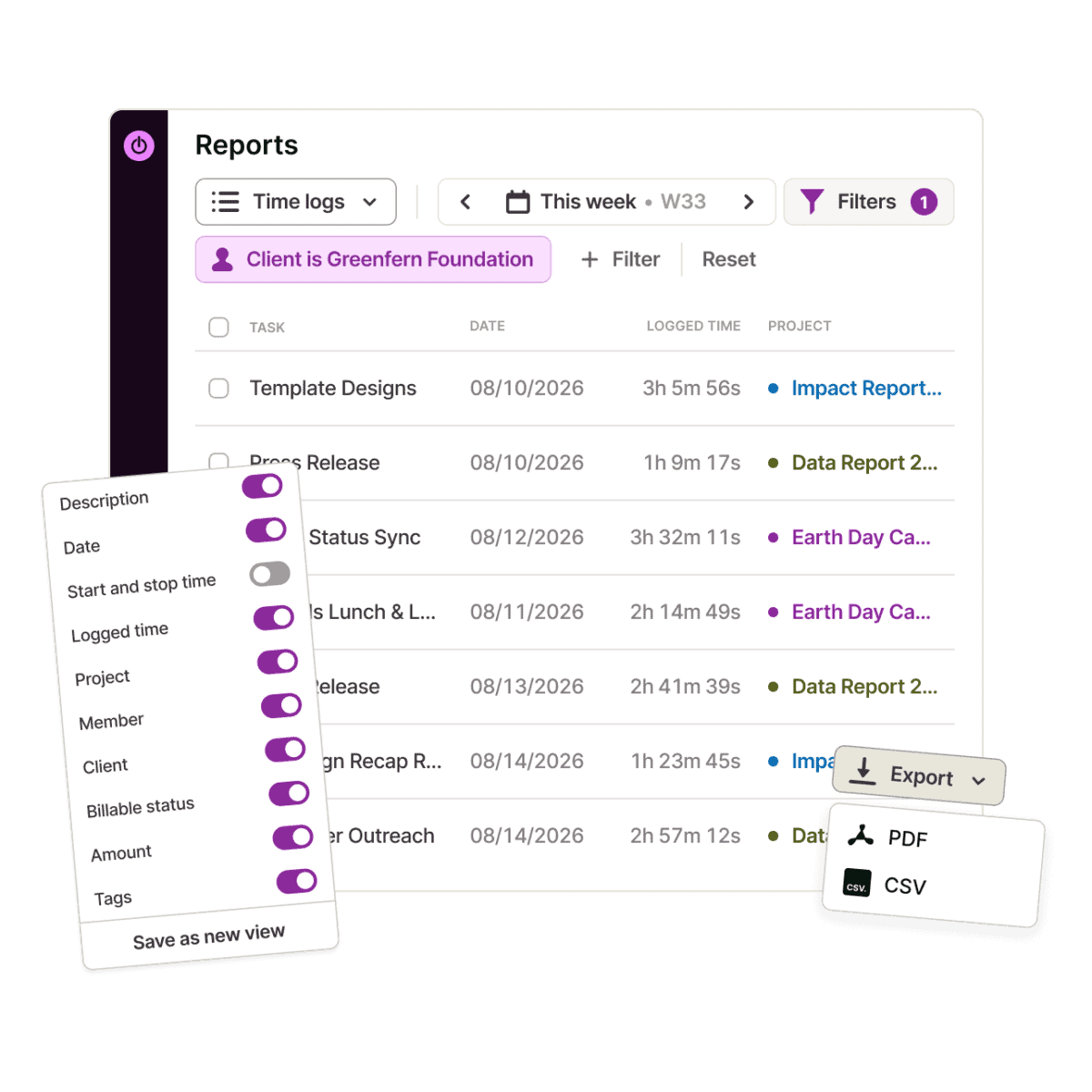
Toggl makes tracking effortless with one-click and manual timers, automated background tracking, calendar events that turn into time entries, idle detection, and a Pomodoro focus timer, across web, desktop, mobile, and browser extensions. Projects are planned and managed in a Kanban-style Board, a Task list, a Timeline that works as a Gantt chart, and a Calendar, all showing the same set of tasks. Every task carries an estimate, so teams can compare planned and actual time, add milestones, reuse project templates, and set up recurring projects for retainer clients.
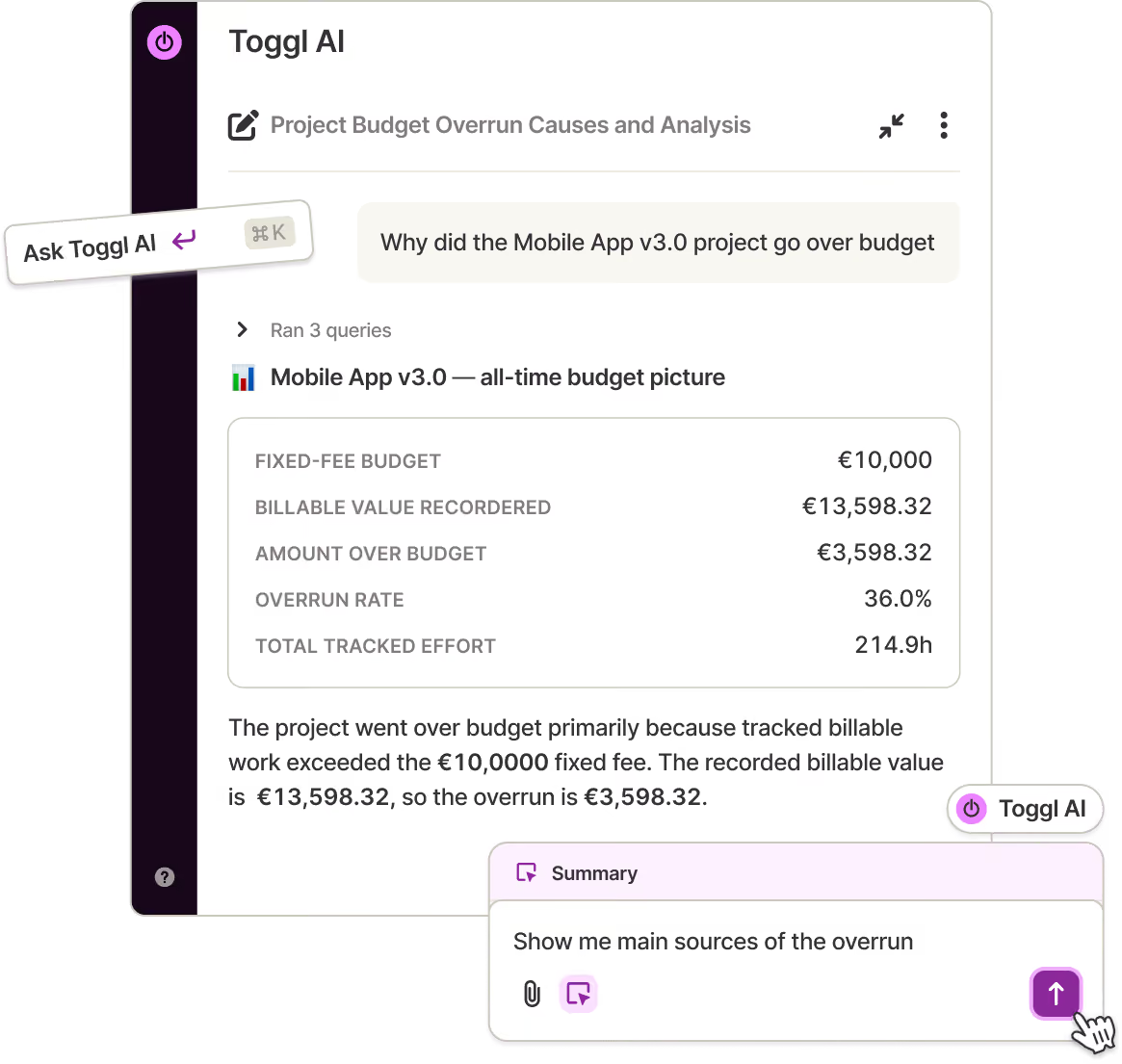
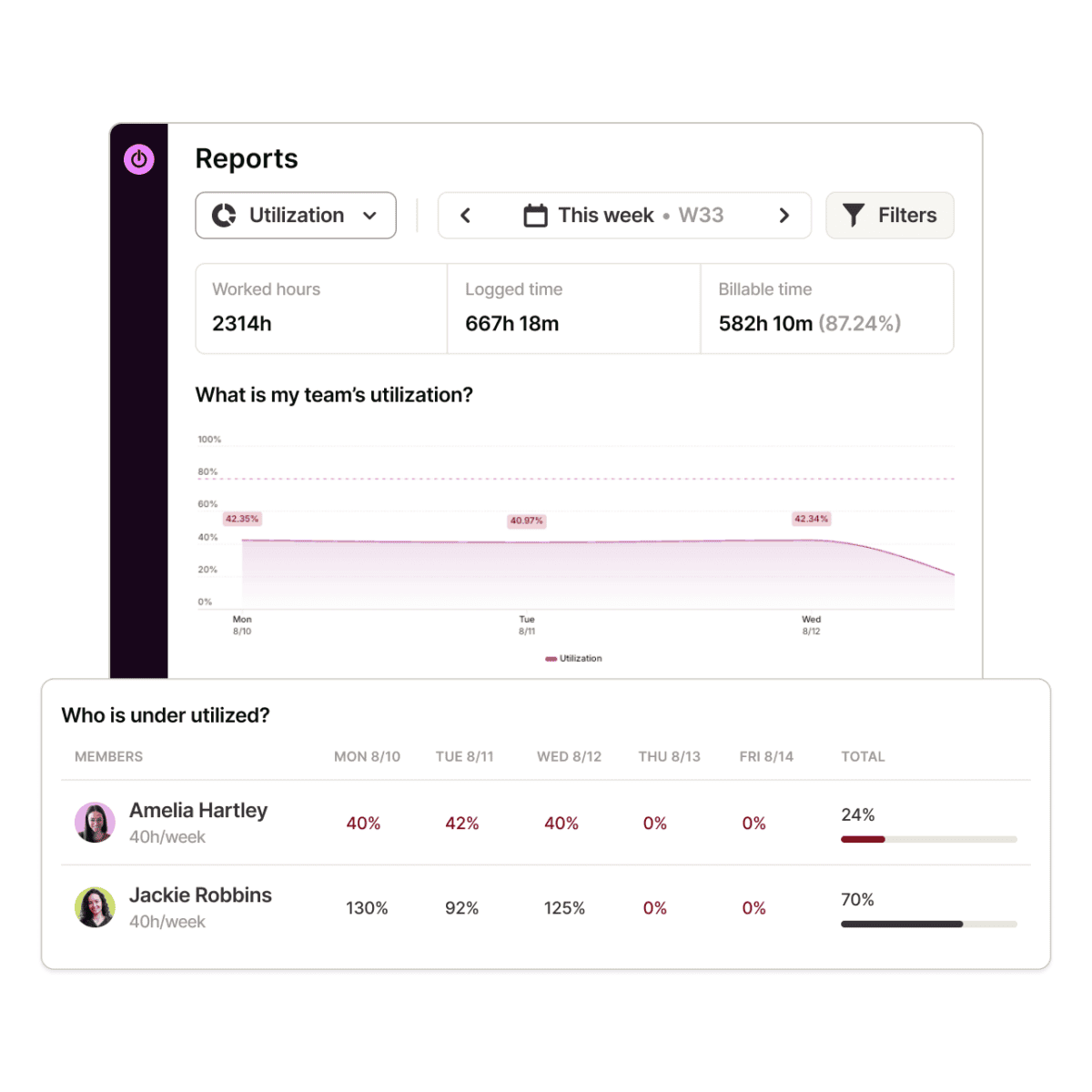
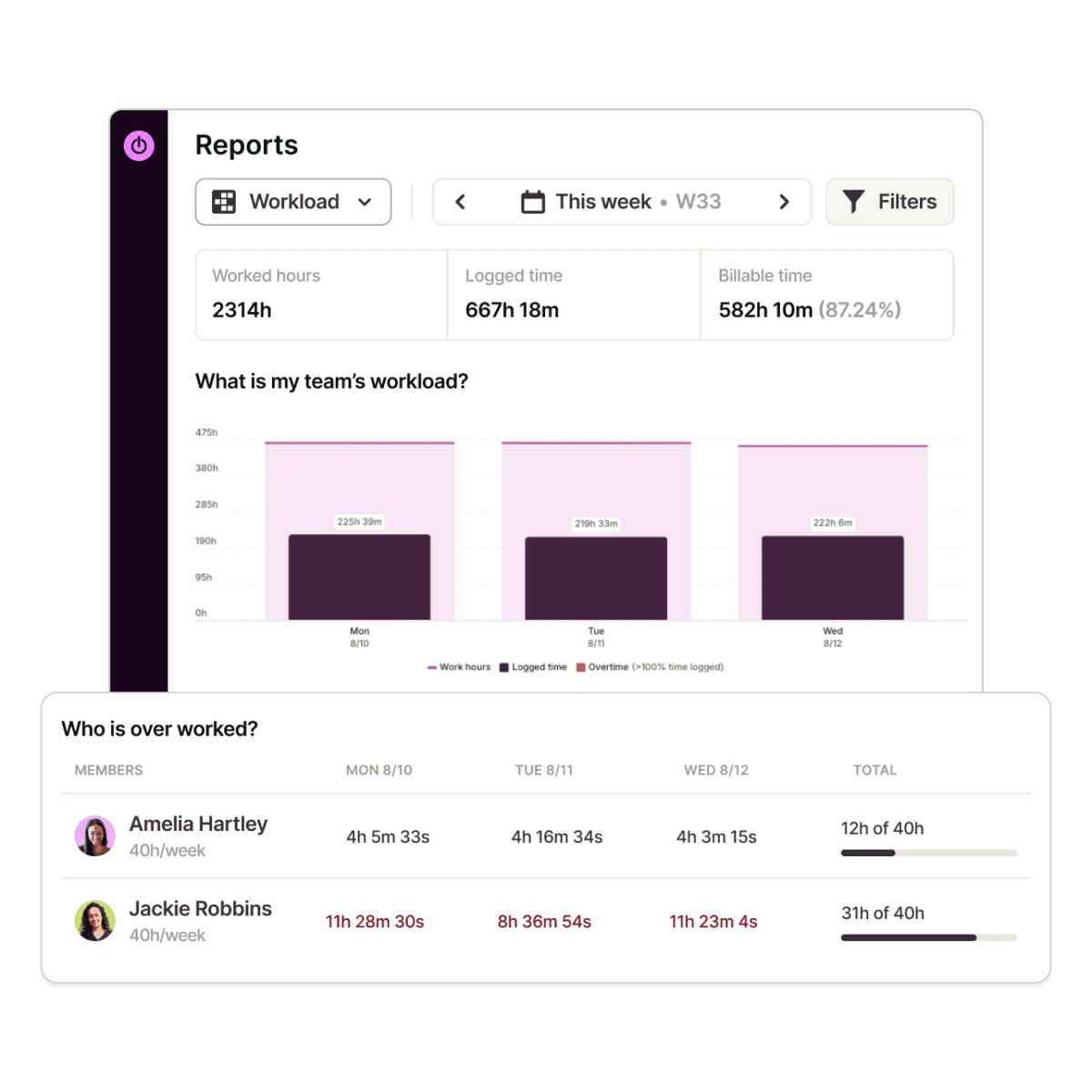
For managers, utilization and workload reports reveal who has capacity, while PTO, public holidays, and flexible working hours are built into schedules automatically. Billable rates, labor costs, fixed fee projects, profitability reports, and timesheet approvals keep billing and margins accurate. Toggl AI answers plain-language questions about your time data and can log time or create projects for you, and the Toggl MCP server connects that data to AI tools like Claude, Cursor, or Codex. Integrations with Jira, Asana, and 100+ tools keep tracking inside the apps your team already uses, and Toggl never takes screenshots or monitors keystrokes.
Toggl’s defining strength is that time data is the foundation of every plan, not an afterthought. Tasks, estimates, and time entries live in the same view, so plans and reality stay in sync without a separate timesheet to check at the end of the week. Managers see in real time who has capacity, who is overbooked, and what accepting the next project will do to the team, while estimates for new work are based on real history. The result is realistic schedules, fewer missed deadlines, and less burnout.
Pricing
Toggl offers a free plan for small teams and three paid tiers that add capacity planning, profitability tracking, and enterprise support. Choosing annual billing saves 33.3% compared to monthly pricing.
-
Free Plan
$0
Free forever, up to 3 users
Includes manual and real-time timers, focus mode, Google and Outlook calendar integrations, simple planning with tasks, boards, and task estimates, and personal reports.
-
Starter Plan
$9 /user/month
Billed yearly
Adds billable rates, timeline views, tags and milestones, PTO, public holidays and flexible hours, plus team reports and timelines filtered by team members and projects.
-
Premium Plan
$16 /user/month
Billed yearly, best value
Adds labor costs and profitability reports, fixed fee projects, project dashboards with actuals vs. estimates, timesheet approvals, data accuracy features, Jira and Asana integrations, and SSO.
-
Enterprise Plan
Custom
Contact sales
Adds personalized onboarding, a dedicated Customer Success Manager, custom solutions for your setup, workflows and integrations, and custom roles.
Every paid plan comes with a 30-day free trial, no credit card required. Optional add-ons include expert onboarding packages and Time Off Pro for leave management.
#8. Todoist
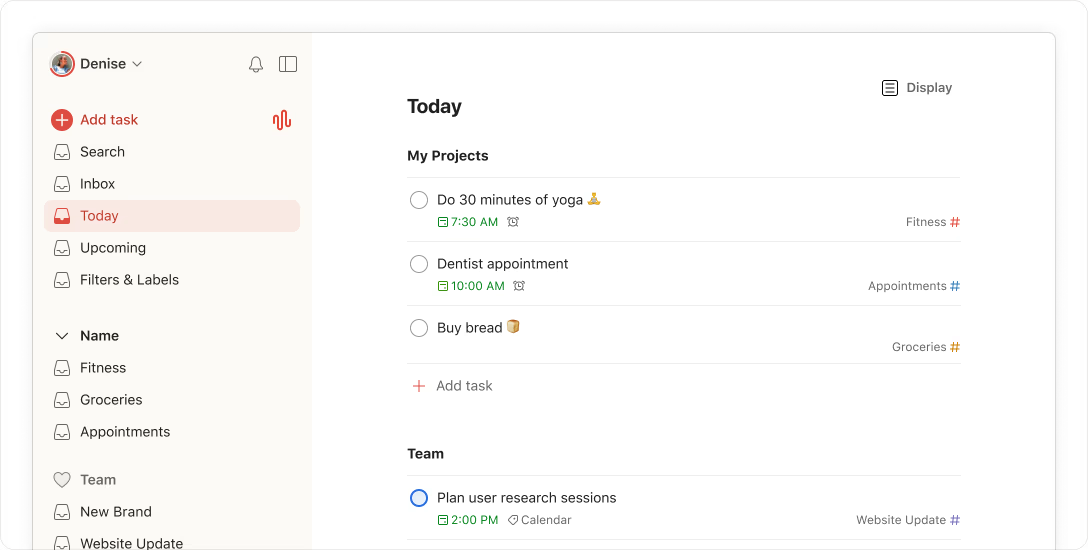
Todoist is the world’s #1 to-do list app, used by more than 50 million people and over 50,000 teams to bring clarity to work and life. For nearly two decades, it has helped users capture, organize, and prioritize tasks with an intuitive design and powerful simplicity, earning more than 337,000 five-star reviews on Google Play and the App Store. With natural language input, flexible views, AI assistance, and shared team workspaces, Todoist turns scattered thoughts into actionable plans, while remaining an independent company that has pledged never to sell out.
Features
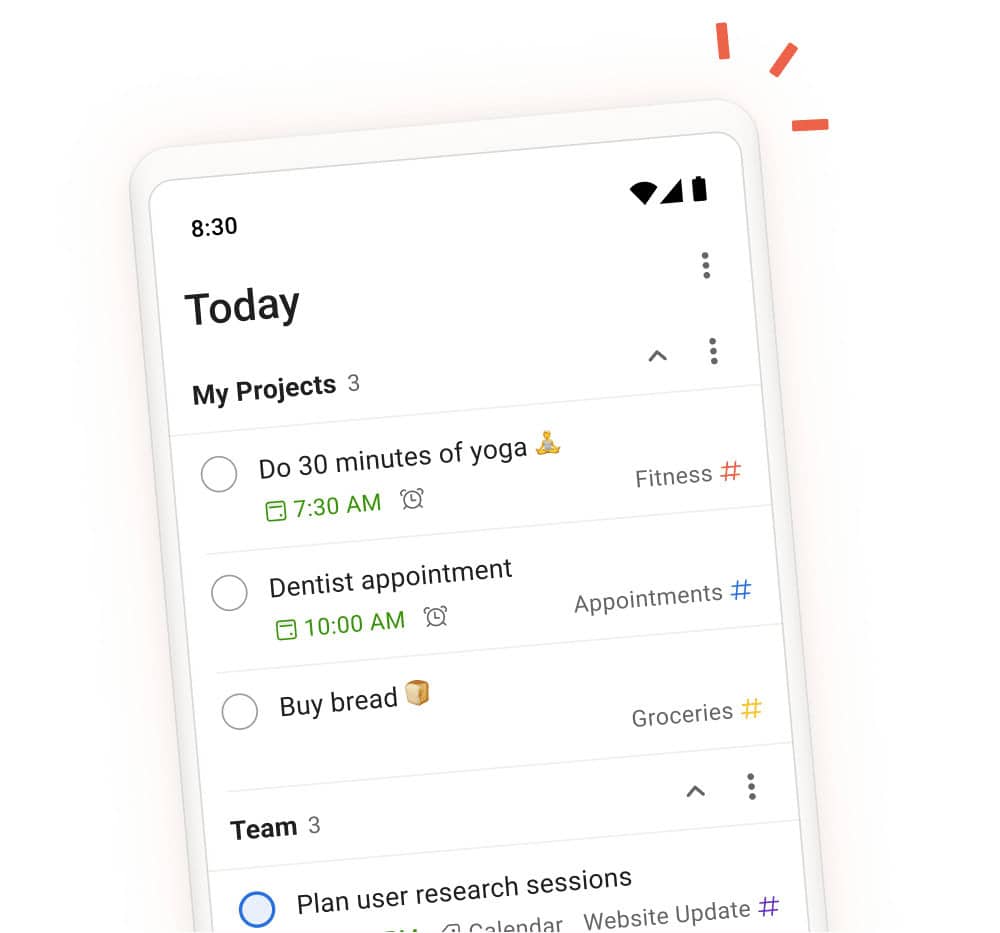
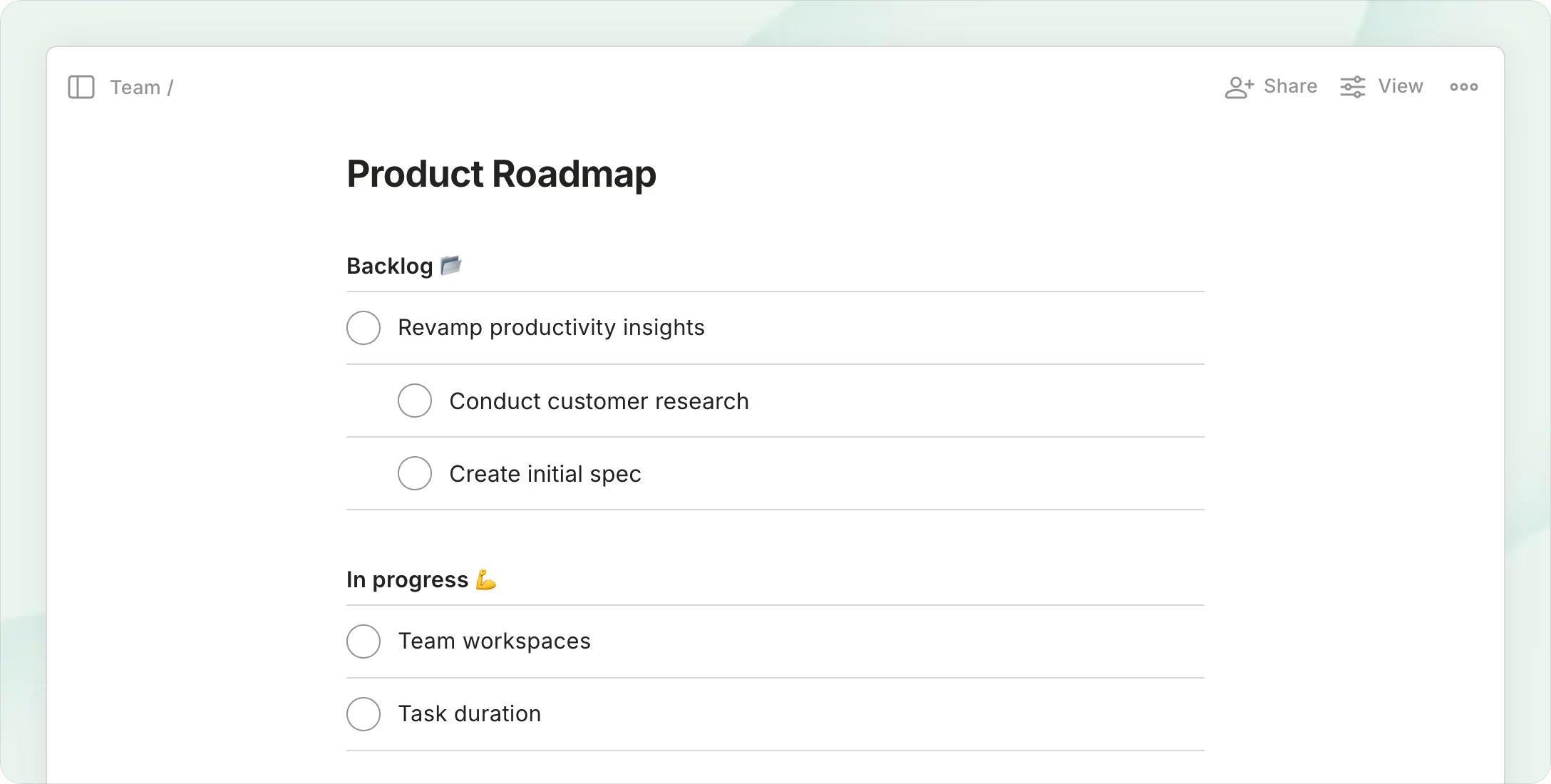
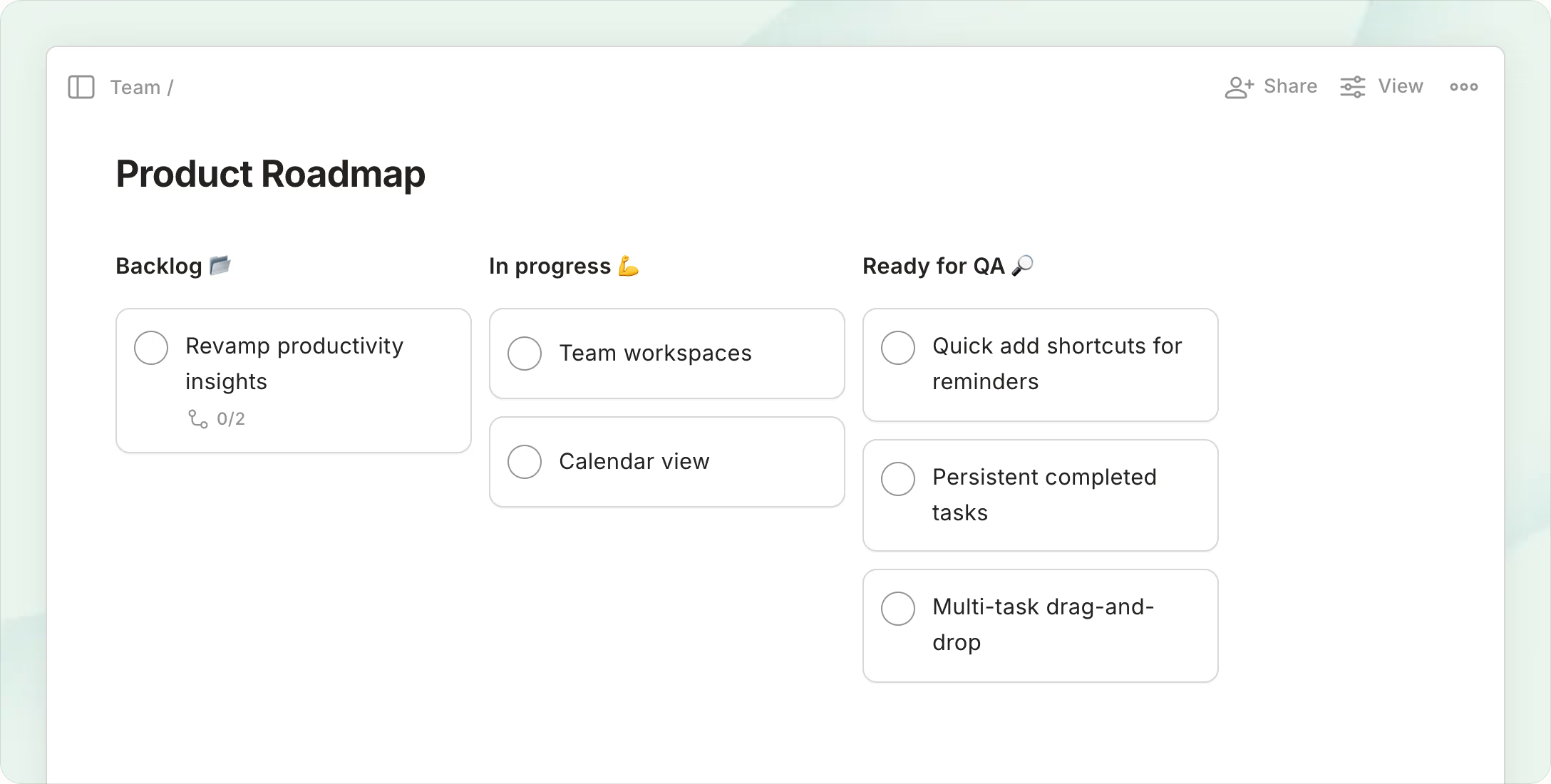
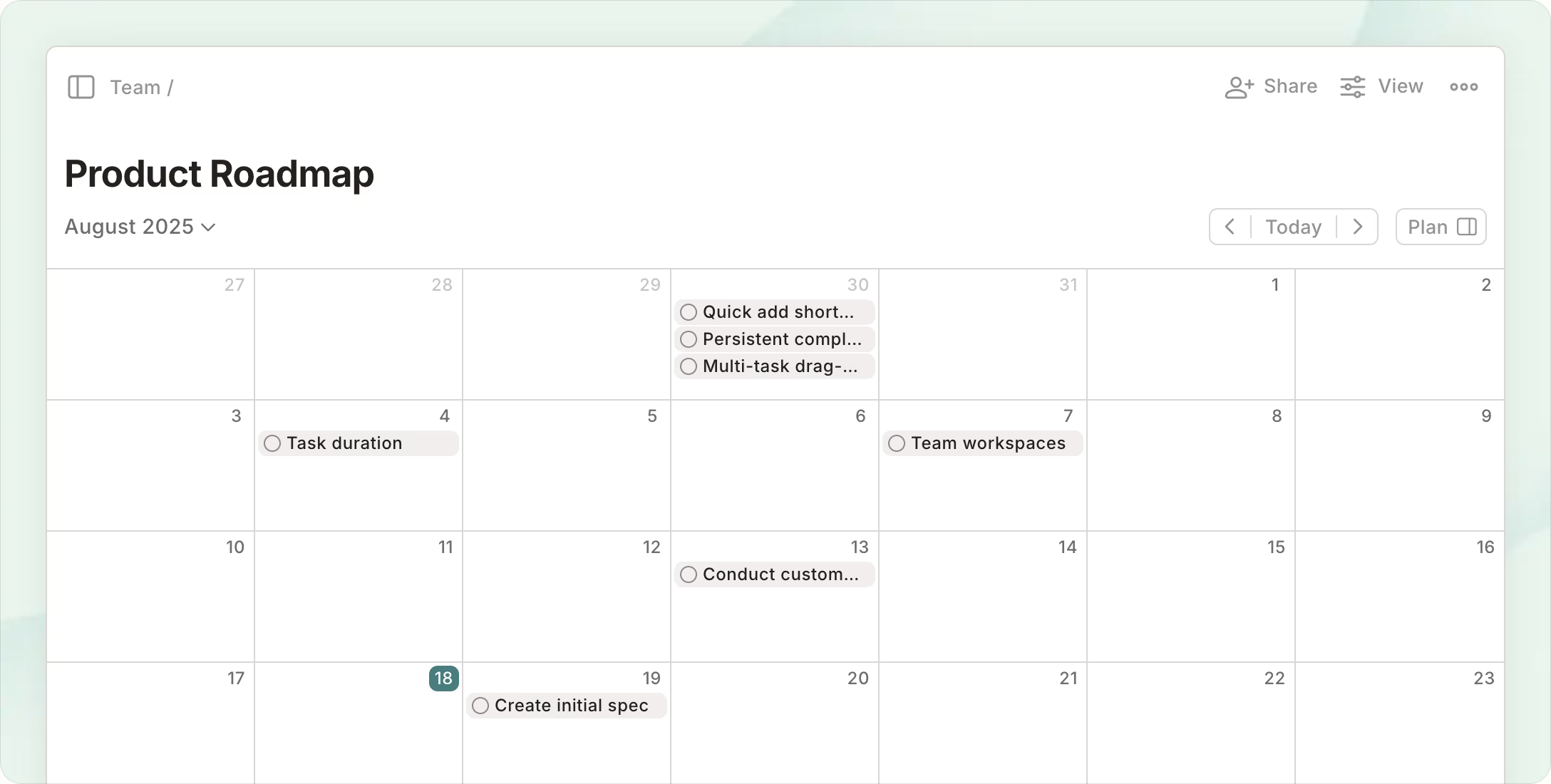
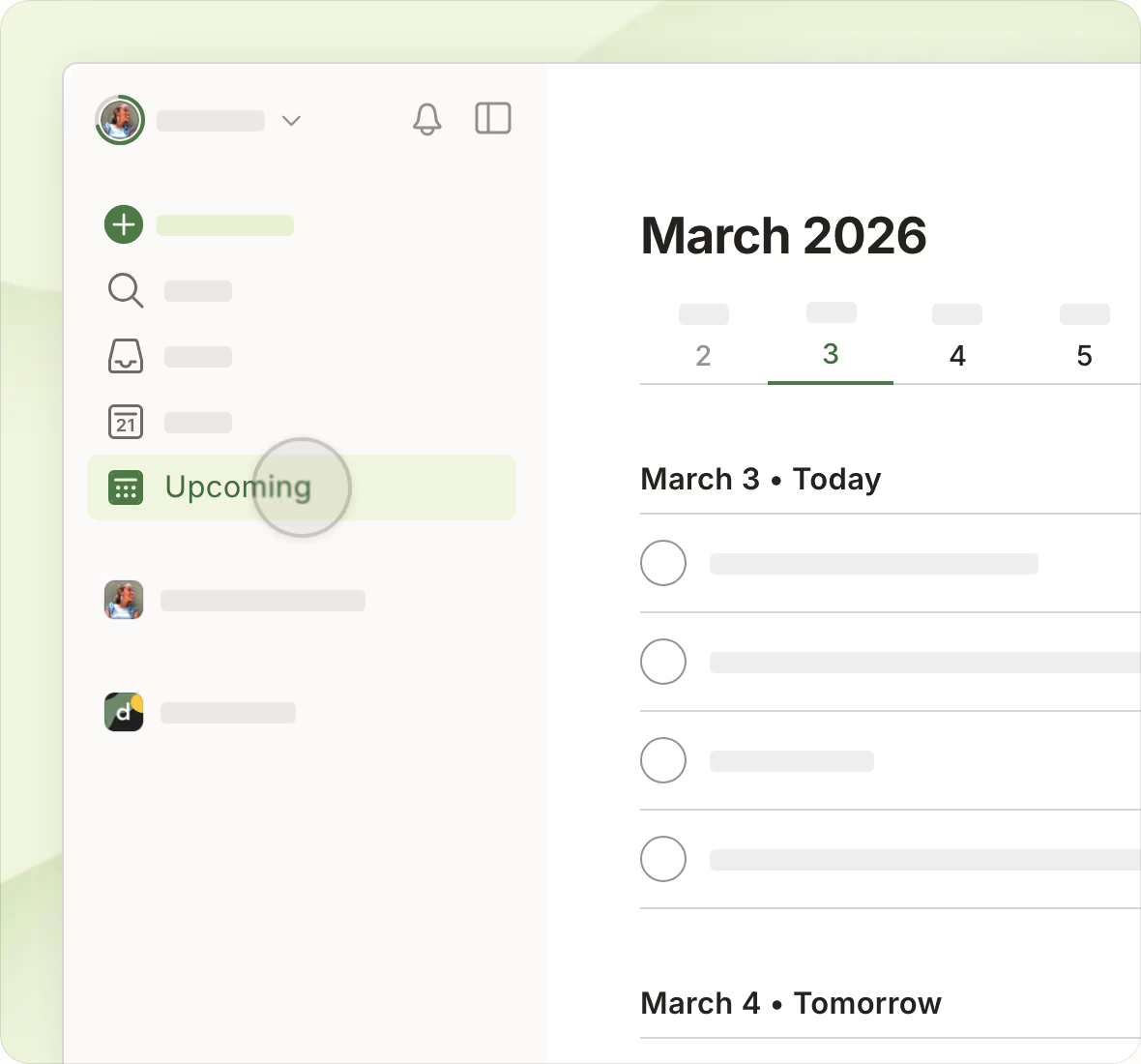
Todoist makes it frictionless to get tasks out of your head and into one trusted place. Quick Add captures tasks in natural language, with unrivaled recognition of recurring due dates and reminders typed right into the task. Projects, priorities, labels, sections, sub-tasks, task descriptions, deadlines, and task durations let you build any workflow. Each project can be viewed as a list, a board, or a calendar, while Today, Upcoming, and custom filters show only the tasks that matter right now. More than 50 templates help kick off new projects.
For collaboration, shared projects, assigned tasks, and comments with files and voice notes keep everyone in sync. The Business plan adds a shared team workspace, public and private team projects, and roles and permissions. Todoist Assist brings AI features such as Task Assist, Filter Assist, Email Assist, and Ramble. Productivity visualizations, activity history, and Todoist Karma track your progress, and 90+ integrations plus 10+ apps and add-ons (desktop, mobile, wearables, browser extensions, and email add-ons) keep tasks in sync everywhere. Todoist is SOC 2 Type II certified.
Todoist’s defining feature is its lightning-fast Quick Add, powered by natural language processing. Users can instantly capture a task like “Send report every Friday at 3 pm with a reminder” and Todoist will automatically create it with the correct recurrence and alert. This seamless integration of capture, scheduling, and alerting in one step eliminates manual setup and ensures no critical task is ever forgotten.
Pricing
Choosing the right Todoist plan ensures you have the features needed for personal mastery or team collaboration without complexity. Its straightforward pricing scales from individual use to full business teams, and yearly billing lowers the monthly price.
-
Beginner Plan
$0
Free forever
Start organizing your life for free. Includes 5 personal projects, Smart Quick Add, task reminders, list and board layouts, 3 filter views, 1 week of activity history, email and calendar integrations, and limited Ramble sessions.
-
Pro Plan
$5 /month
Billed yearly, or $7 monthly
Organize your work and life. Adds 300 personal projects, calendar layout, task duration, custom reminders, 150 filter views, full reporting history, Task Assist, deadlines, and unlimited Ramble.
-
Business Plan
$8 /user/month
Billed yearly, or $10 monthly
Manage your teamwork, too. Everything in Pro for every member, plus a shared team workspace, up to 500 team projects, team calendar layout, activity logs, shared templates, up to 1,000 members and guests, team folders, roles and permissions, and centralized billing.
You can create a team for free before upgrading to Business. All plans benefit from enterprise-grade security with SOC 2 Type II certification.

#9. Notion
Notion is an AI workspace that brings docs, wikis, and projects together in one connected place, so teams can capture knowledge, find answers, and automate busywork without switching tools. Used by 100 million people in over 50 countries, by more than half of Y Combinator companies, and by 62% of the Fortune 100, it has been named G2’s #1 knowledge base for three consecutive years. For project management, Notion’s flexibility lets every team build the exact workflow it needs, from simple task lists to full product roadmaps and sprint plans.
Features
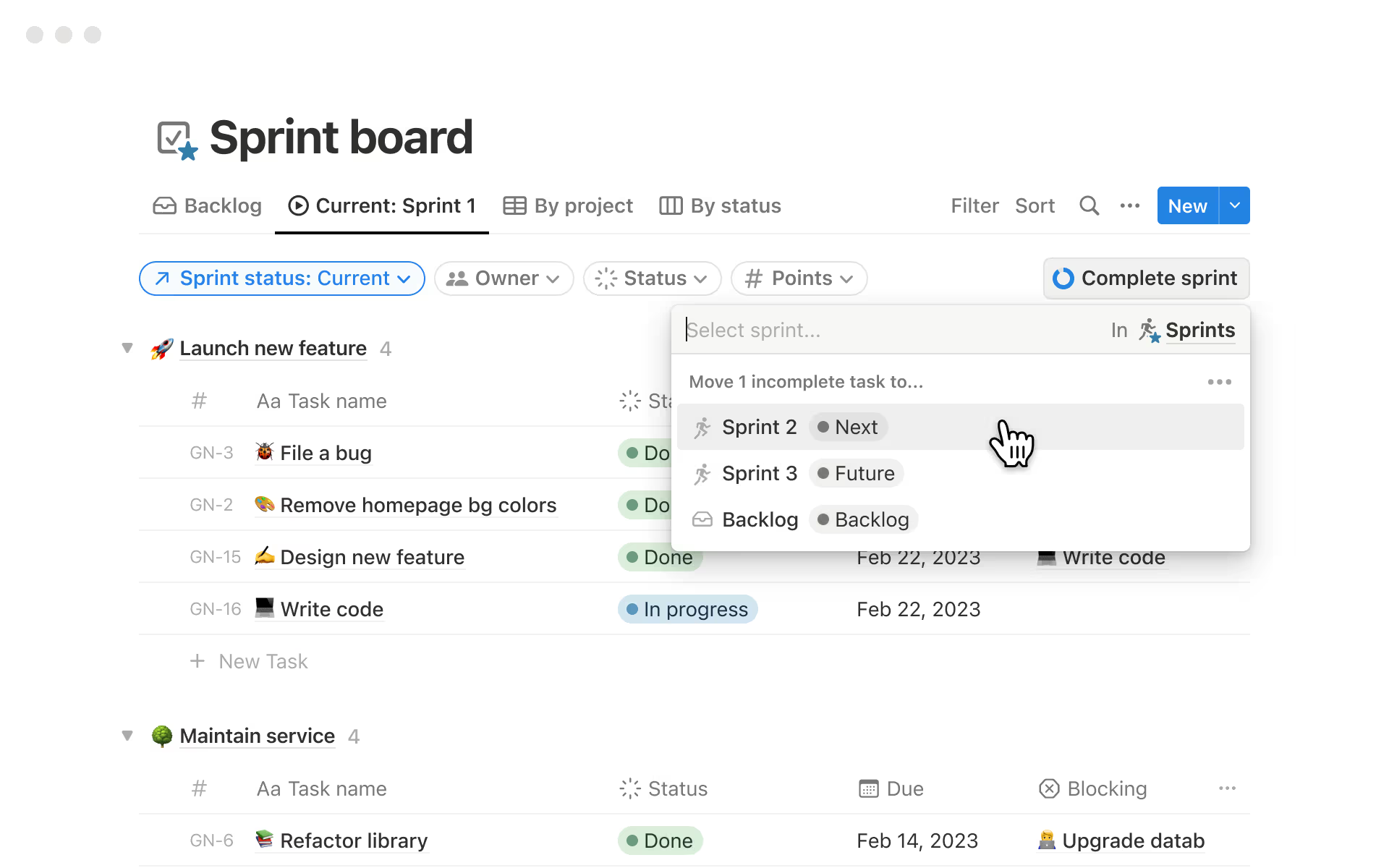
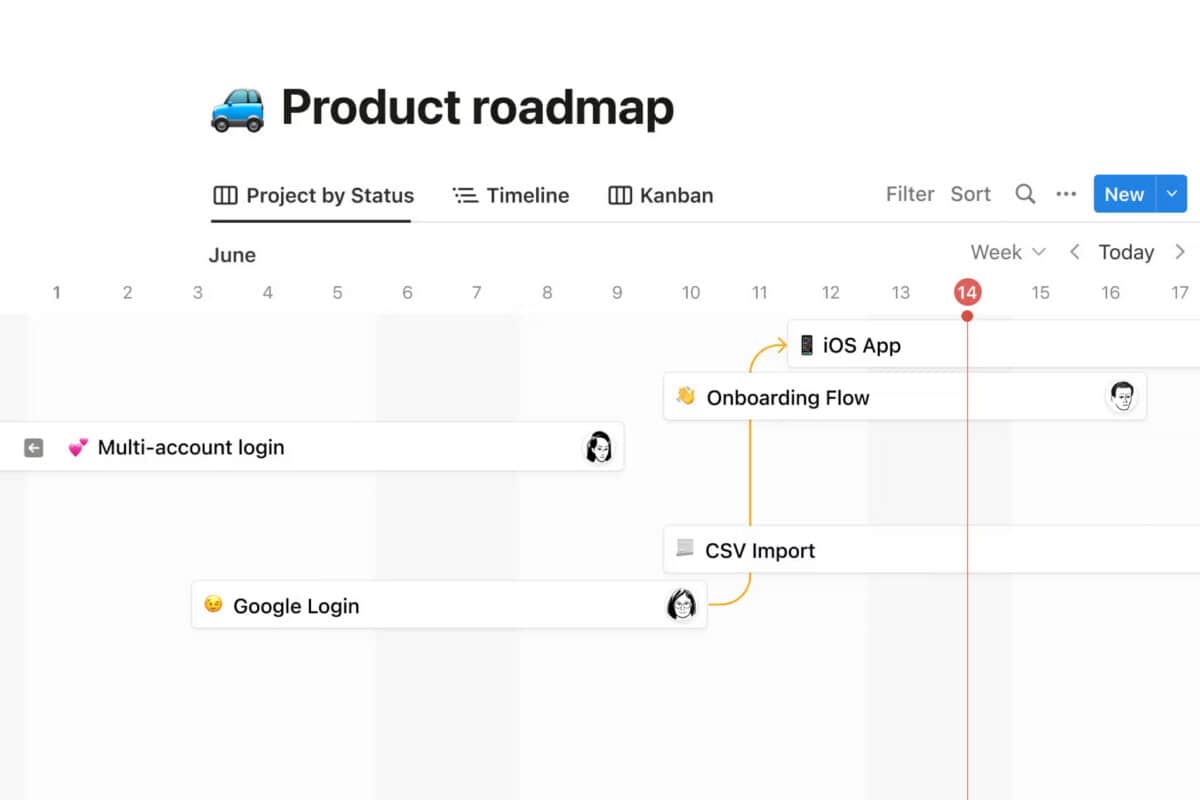
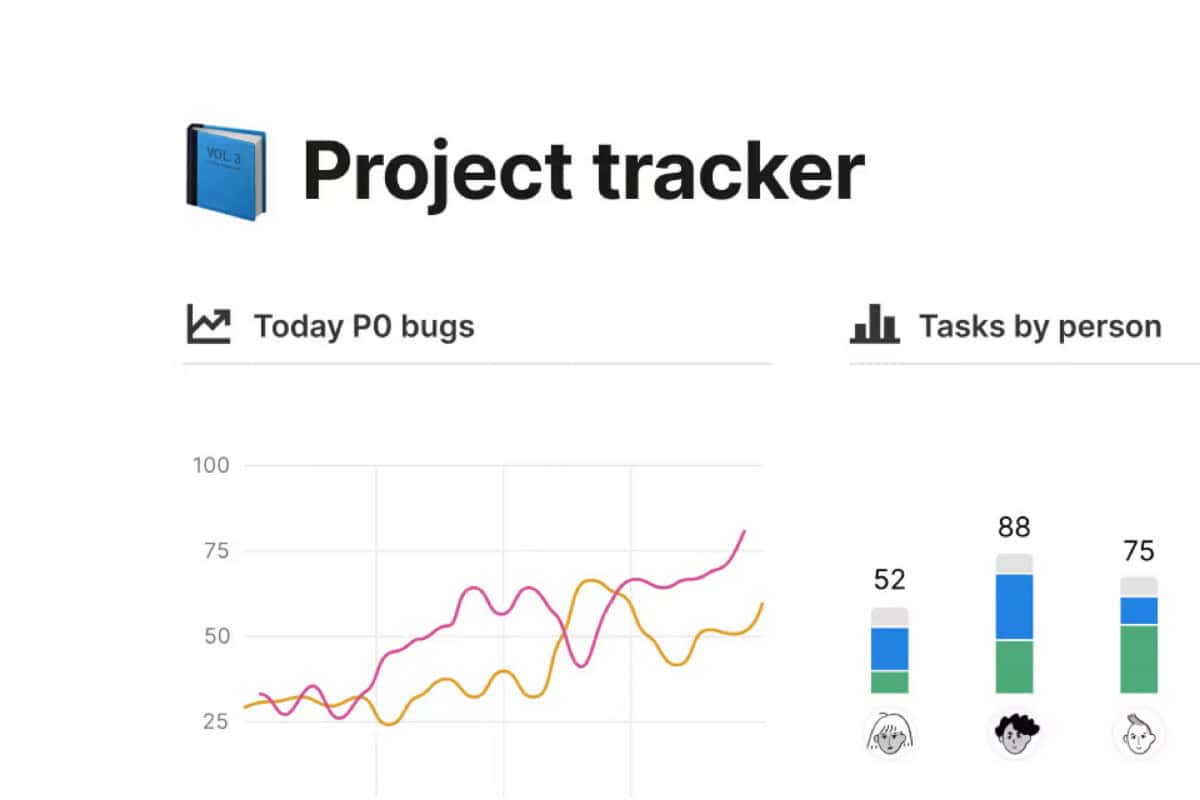
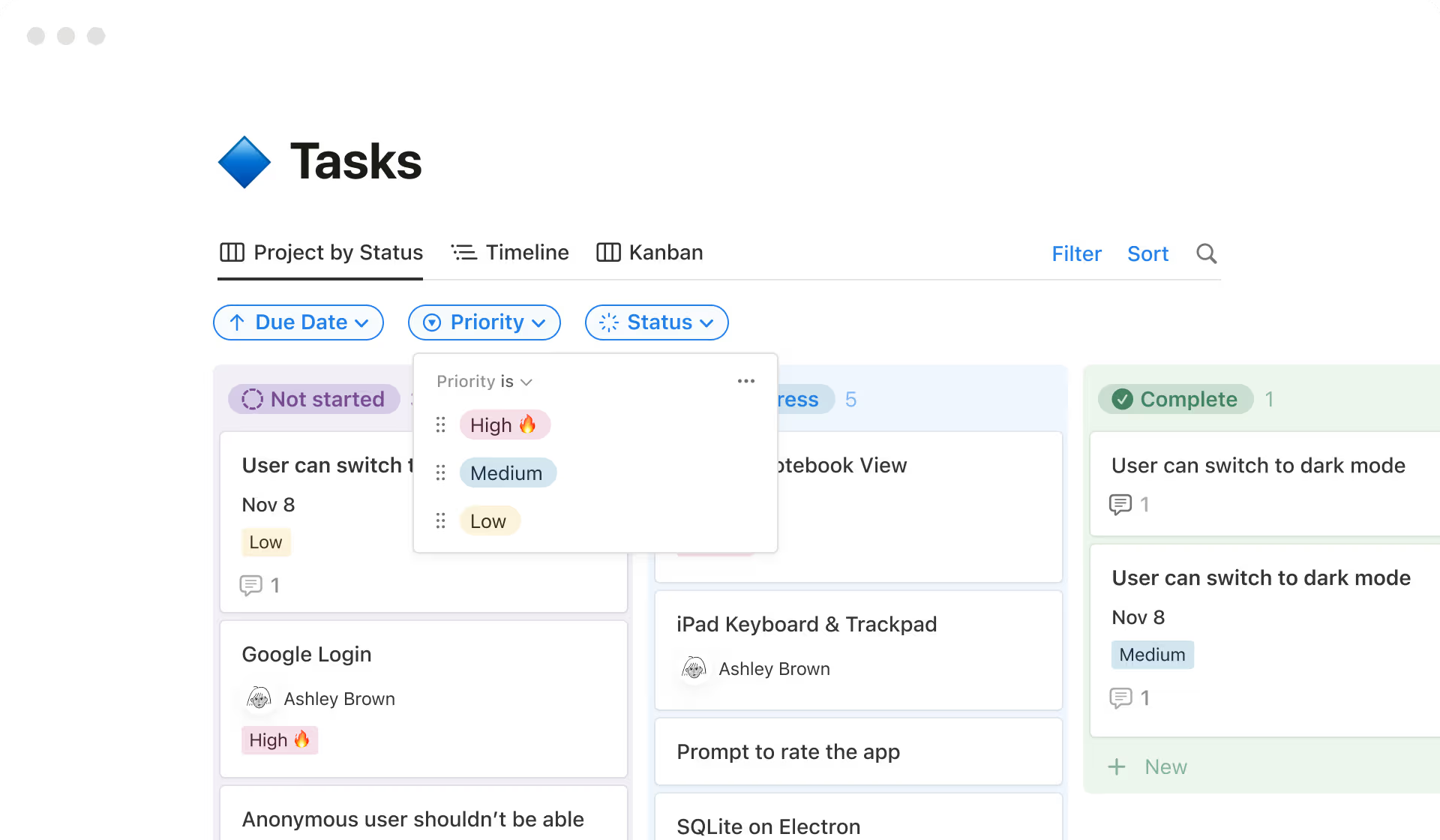
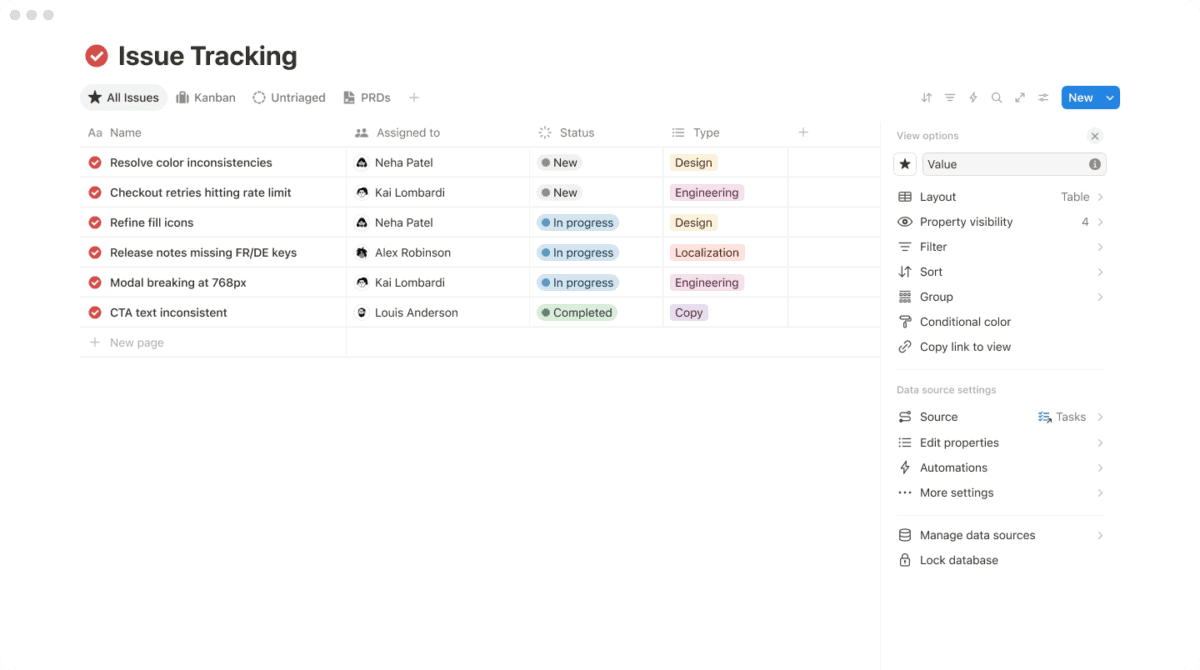
Notion manages projects from beginning to end with databases that hold every task, deliverable, and request in one place. Tasks and sub-tasks, statuses, assignees, due dates, dependencies, a personal “My tasks” view, and progress bars keep everyone aligned. Projects can be viewed as tables, boards, calendars, or timelines for a bird’s eye view of how work fits together, while dashboards with charts visualize progress. Custom properties, filters, forms with conditional logic, database automations, and granular permissions let each team build its own workflow. Out-of-the-box sprint workflows help engineering and product teams groom backlogs, organize sprints, and track bugs, with the PRD living right next to the sprint plan.
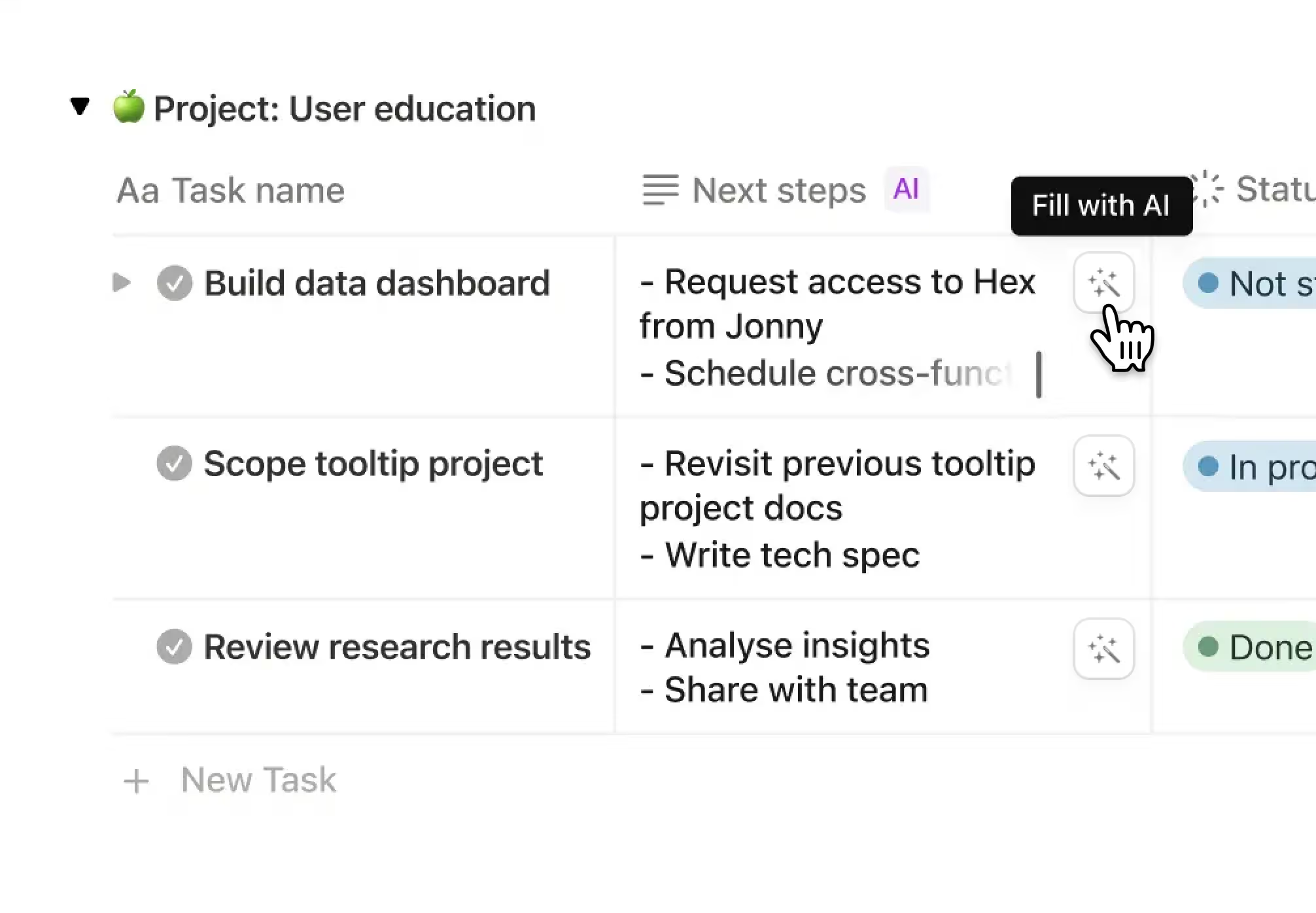
Notion AI is built into every page: the Notion Agent chats, writes and edits docs, autofills databases, and completes multi-step tasks using context from your workspace, connected apps, and the web. AI Meeting Notes transcribe and summarize meetings, Enterprise Search finds answers across tools like Slack, GitHub, and Jira, and Custom Agents handle repetitive work autonomously around the clock. Wikis, docs, Notion Calendar, web publishing, and connections with GitHub, Slack, Figma, Jira, Asana, and more are included in the same workspace.
Notion’s databases are the foundation of its project management. Every task is a full page that can hold specs, notes, and files, and the same data can be displayed as a table, board, calendar, timeline, or chart without duplicating anything. Teams create their own priority labels, status tags, and properties, link related databases with dependencies, and filter views to show only what matters, like tasks assigned to them or items marked urgent. The result is a project system shaped around how your team actually works, connected to all of its documentation.
Pricing
Notion is priced per member, with a free plan for individuals and paid plans that add collaboration, AI, and enterprise security. Paying yearly saves up to 20%, and guests are always free.
-
Free
$0
Free forever
For individuals to organize personal projects and life. Includes unlimited pages for individuals, databases with subtasks and dependencies, basic forms and sites, Notion Calendar, up to 10 guests, and a trial of Notion AI.
-
Plus
$10 /member/month
Billed yearly
For small teams and professionals. Adds unlimited collaborative blocks, unlimited file uploads and charts, unlimited guests, custom forms and sites, database automations, dashboards, 30-day page history, and basic connections like Slack and Google Drive.
-
Business
$20 /member/month
Billed yearly, recommended
For growing businesses. Adds the Notion Agent, AI Meeting Notes, Enterprise Search, SAML SSO, granular database permissions, private teamspaces, verified pages, premium connections like GitHub and Asana, and 90-day page history.
-
Enterprise
Custom
Contact sales
For organizations needing scale and control. Adds zero data retention with AI providers, SCIM user provisioning, advanced security controls, audit log, workspace analytics, DLP and SIEM connections, and a customer success manager.
Custom Agents are free to try, then $10 per 1,000 monthly Notion credits. The Plus plan is free for students and educators who sign up with a school email.

#10. Teamwork.com
Teamwork.com is an AI-powered project management and professional services automation (PSA) platform built for teams that deliver client work, such as agencies, consultancies, IT services, and implementation teams. Trusted by more than 20,000 firms worldwide, it helps teams win, plan, and deliver projects while showing real cost and margin at every step, from quote to invoice. Teamwork.com combines the ease of adoption of a project management tool with the financial control of a PSA, so teams know whether their work is profitable while there is still time to act.
Features
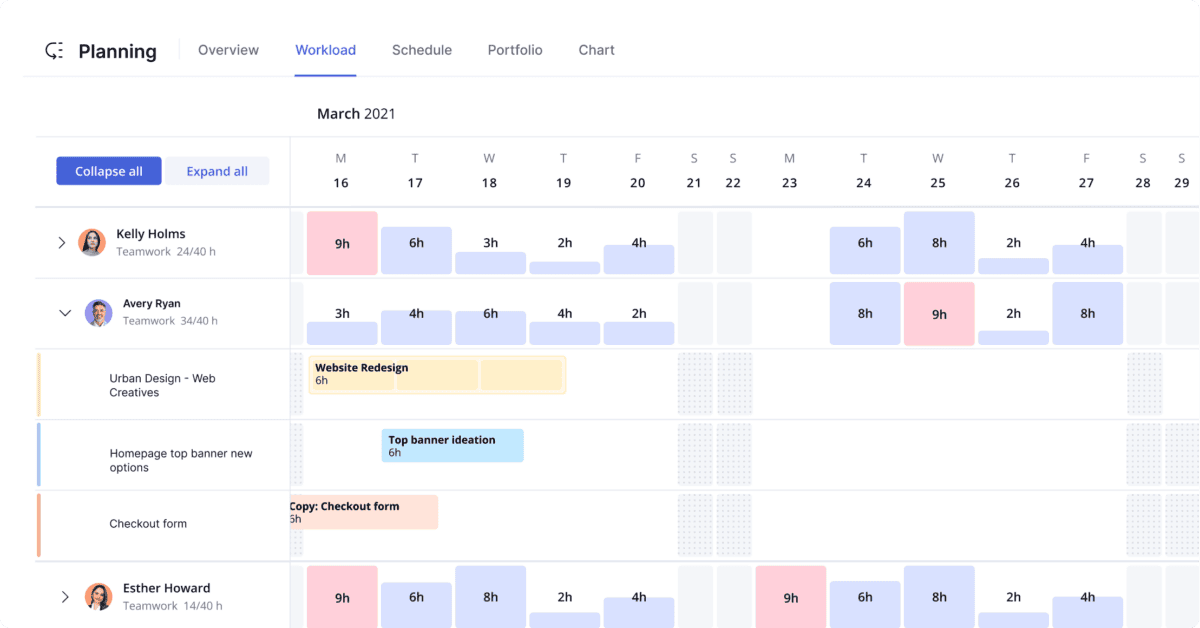
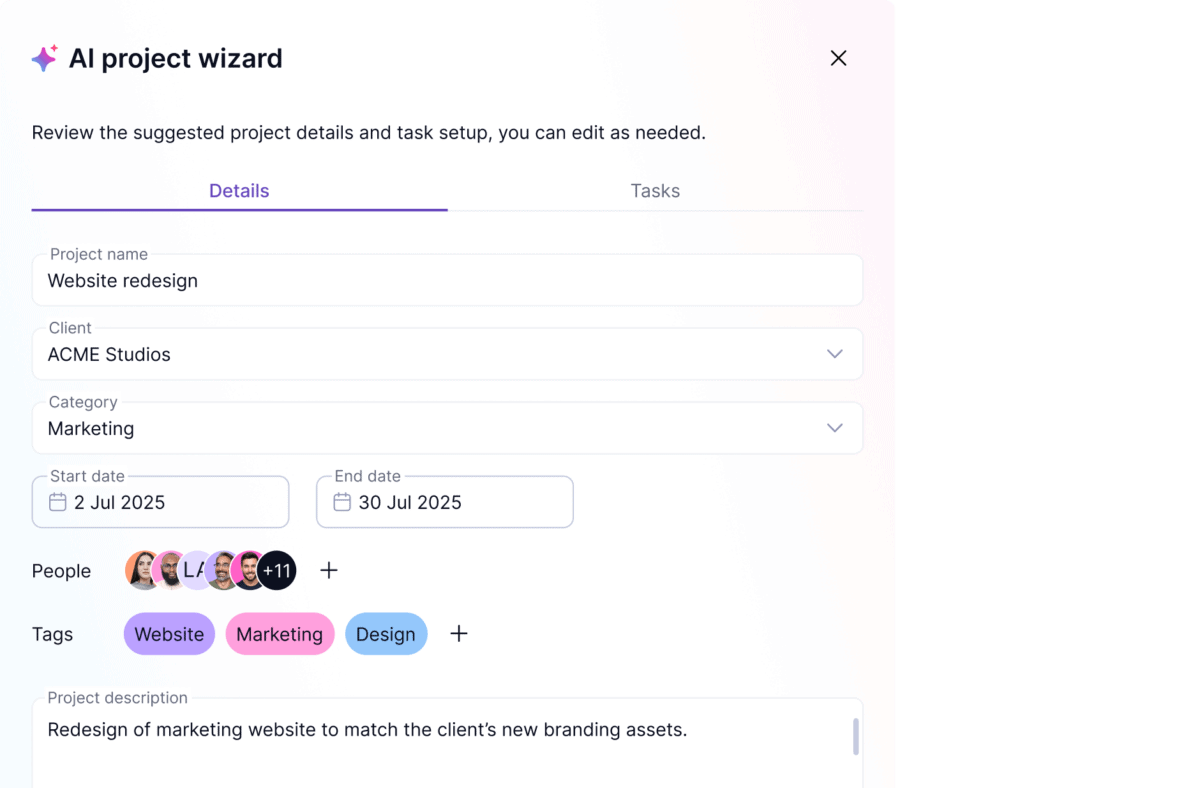
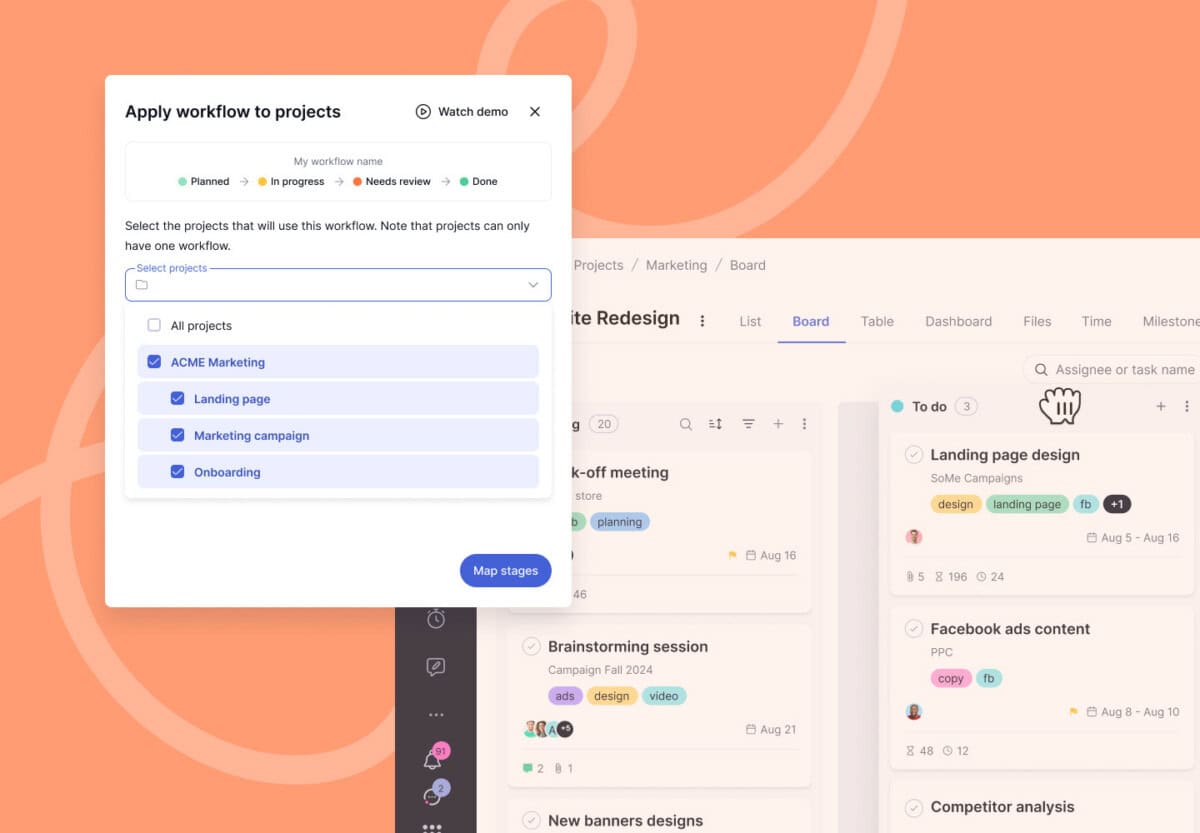
Teamwork.com covers the full client project lifecycle. Projects start fast with unlimited templates and the AI Project Wizard, then run in List, Board, Table, Timeline, and Gantt views with milestones, dependencies, critical paths, custom and formula fields, and portfolio management. Intake forms turn client requests into tasks, Teamwork Desk turns support tickets into project work, and Workflows track work across multiple projects. Automations, proofing, file sharing, comments, and unlimited client users keep teams and clients aligned, while project health reports and dashboards show what is on track.
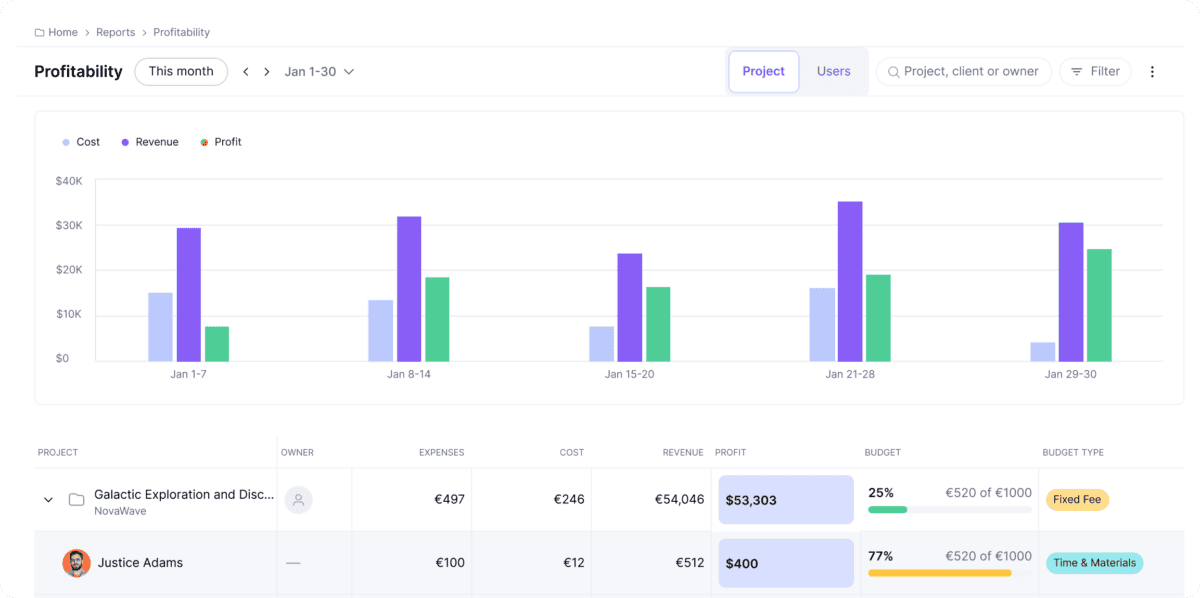
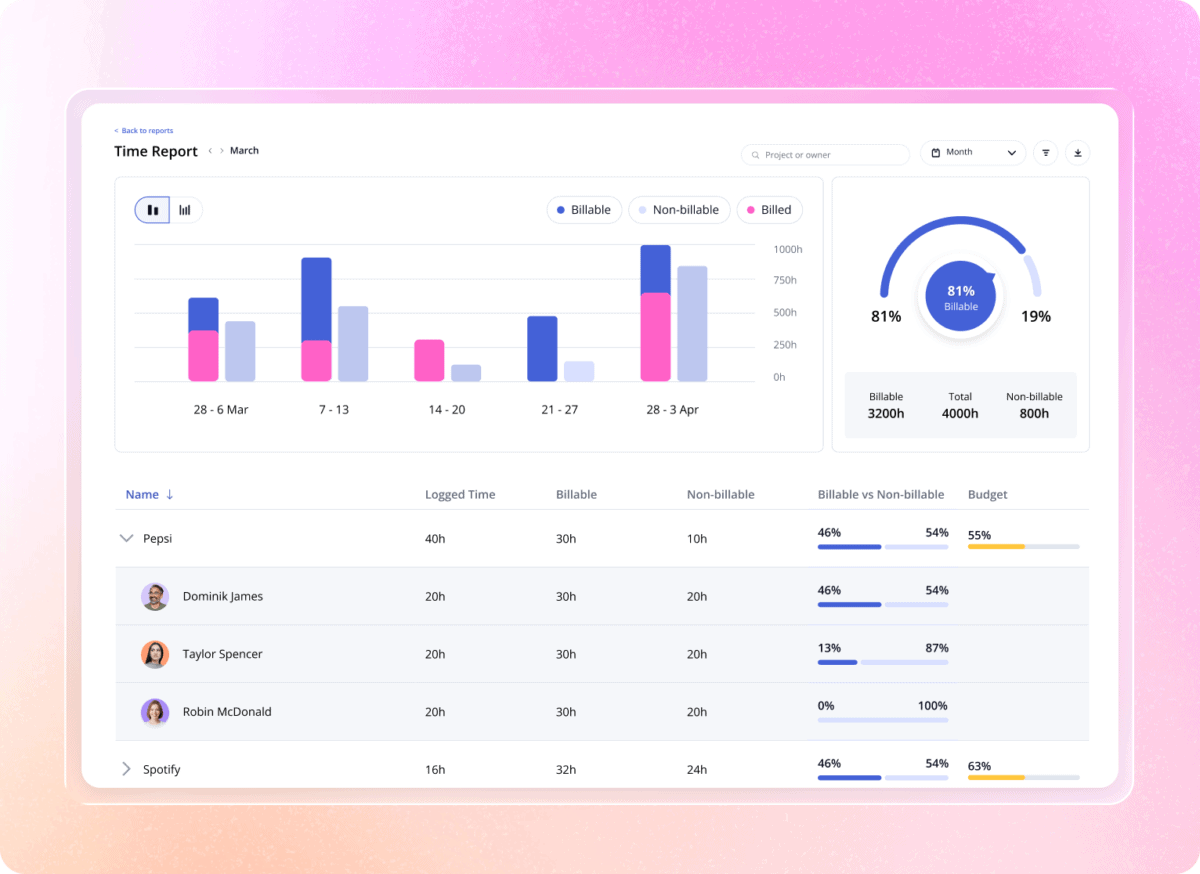
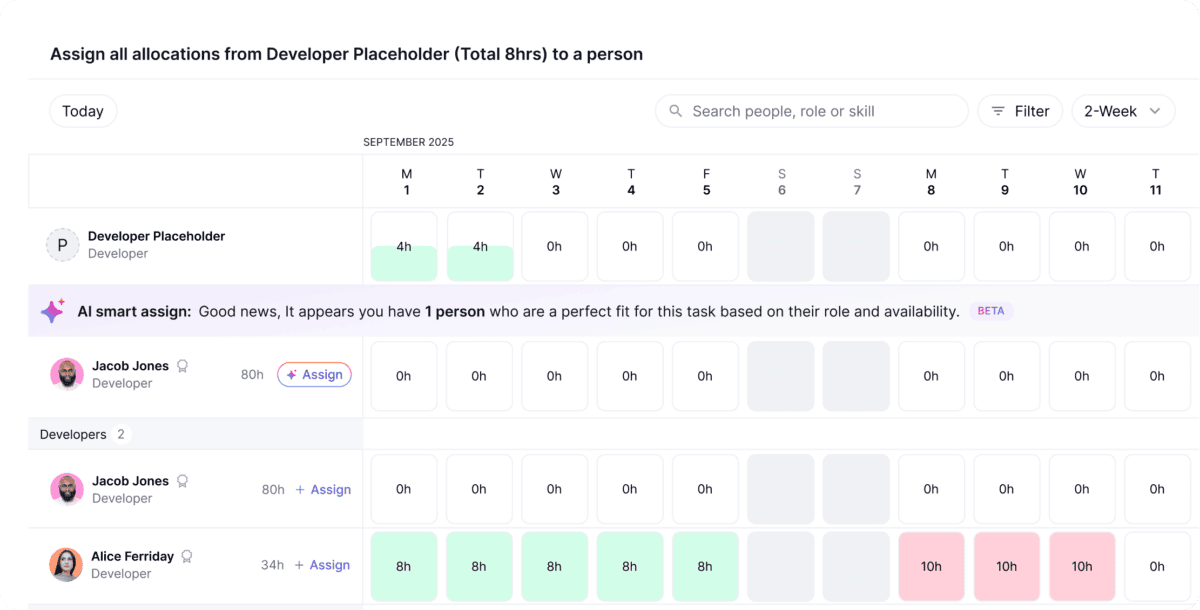
Where Teamwork.com stands apart is resourcing and money. Teams plan workloads, see live capacity, schedule people by role or skill, and forecast future resourcing needs. Billable time tracking, timesheets, budgets, retainers, rate cards, quotes, invoices, and multi-currency financials connect directly to real-time profitability by project or client. TeamworkAI adds AI teammates for personal productivity, project tracking, resourcing, and profitability, plus an MCP server that connects Claude, ChatGPT, and other AI tools to your data. With 150+ integrations, including HubSpot, Salesforce, QuickBooks, and Xero, and GDPR, SOC 2, and ISO 27001 compliance, it fits into established business systems.
Most project tools track tasks; Teamwork.com tracks whether the work makes money. Every logged hour, cost rate, and expense flows into real-time budgets, so teams see the true cost of each live project and spot overruns before they erode profit, instead of discovering lost margin at month end. Combined with live capacity planning and utilization tracking, managers can price new work from real availability, track margin by project, client, or retainer, and forecast from the work their team actually logs.
Pricing
Teamwork.com offers five plans, from a free plan for small teams to custom plans for services businesses that manage resources and profitability at scale. Annual billing saves about 29% compared to monthly billing.
-
Free
$0
Up to 5 users, 5 projects
For small teams adding structure to their work. Includes task, list, board, Gantt, and table views, time logging, work organized by client, chat tool connections, and 100 automations.
-
Basics
$9.99 /user/month
Billed yearly, minimum 3 users
For small teams delivering projects and tracking time. Adds 300 projects, unlimited project templates, billable time tracking and reporting, 5,000 automations, and AI essentials.
-
Accelerate
$24.99 /user/month
Billed yearly, minimum 5 users
For growing teams. Adds smart intake forms, 20,000 automations, workload and live capacity planning, time budgets and retainers, invoicing from logged time, and HubSpot and QuickBooks integrations.
-
Optimize
Custom
Contact sales, recommended
For services businesses managing profitability. Adds quotes, CRM pipeline to projects, scheduling by role or skill, multi-currency budgets, revenue and profitability insights, and Salesforce and NetSuite.
-
Enterprise
Custom
Contact sales
For complex services businesses. Adds advanced security, Single Sign-On, a dedicated success manager, priority support, and expert technical and implementation support.
All paid plans include a 14-day free trial, no credit card required. Every plan includes desktop and mobile apps, role-based permissions, free expert training, US or EU data hosting, and two-factor authentication.

#11. Asana
Asana is a work and project management platform that helps teams plan, automate, and execute critical workflows, and now describes itself as the operating system for human-agent teams. Loved by more than 100,000 organizations, including Amazon, Accenture, Deloitte, NASA, and Spotify, Asana has been named a Leader in the Gartner Magic Quadrant for Collaborative Work Management three years in a row and has more than 12,000 user reviews on G2. It connects every task, project, portfolio, and goal so that people and AI agents always know who is doing what, by when, and why.

Features
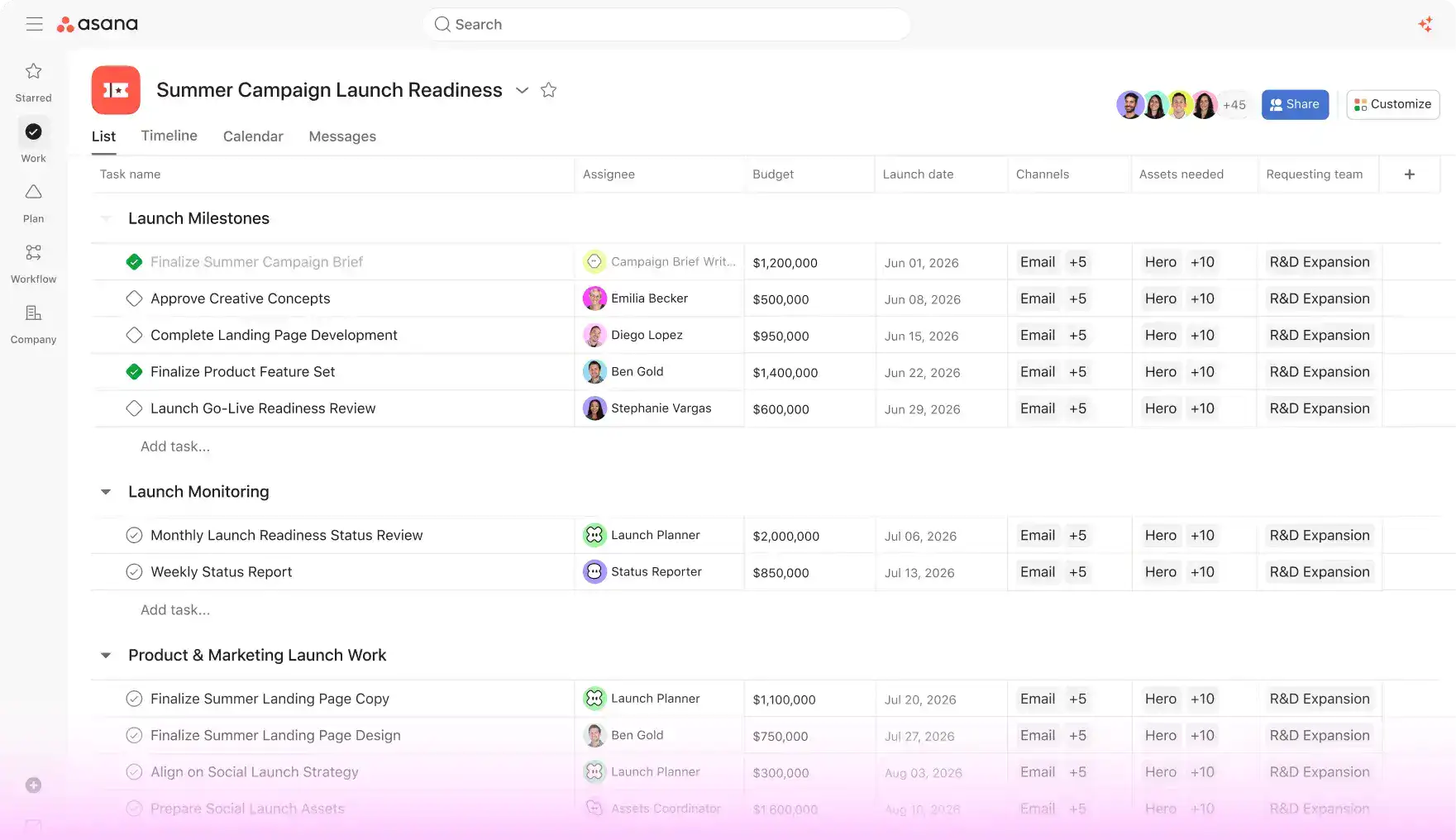
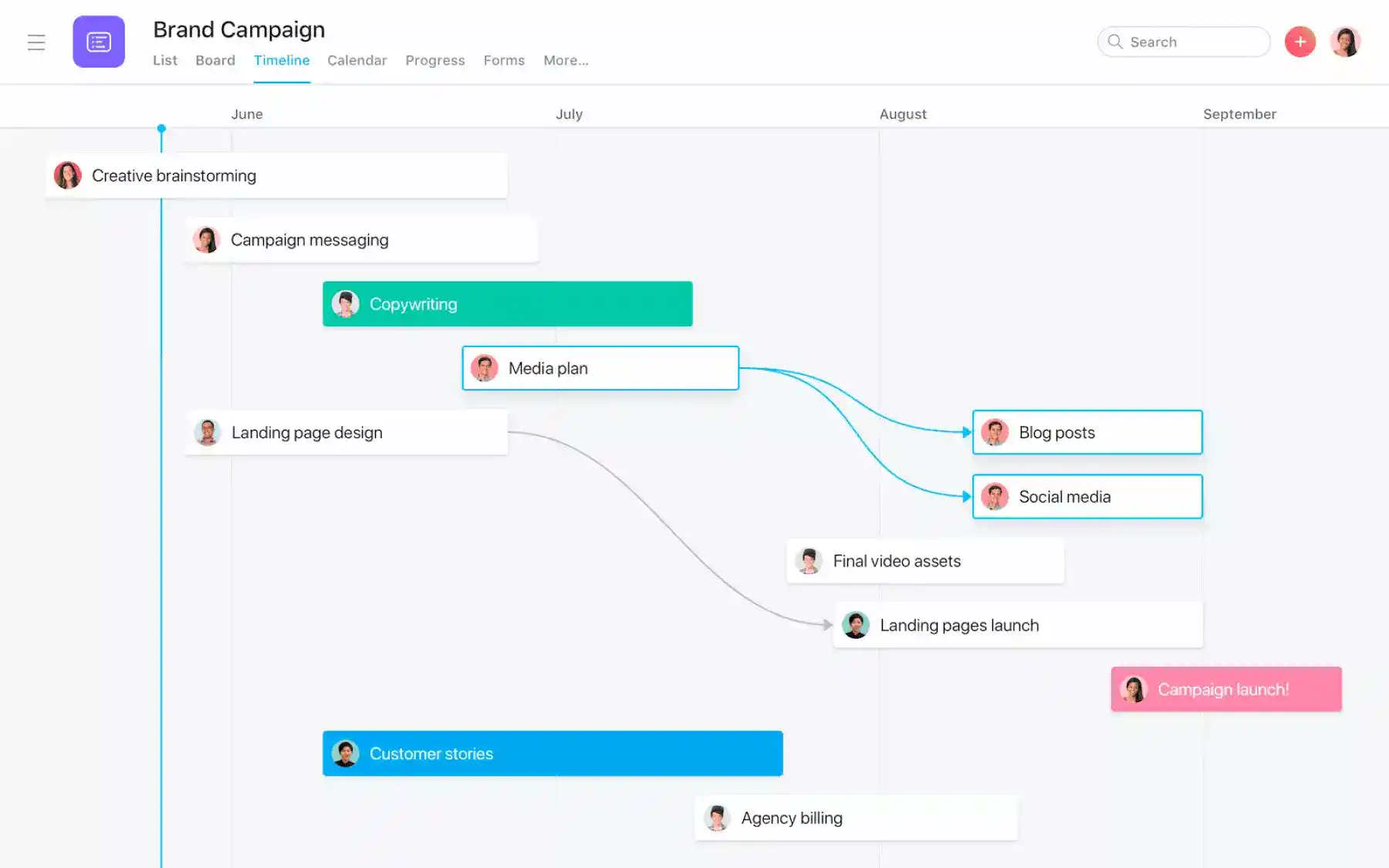
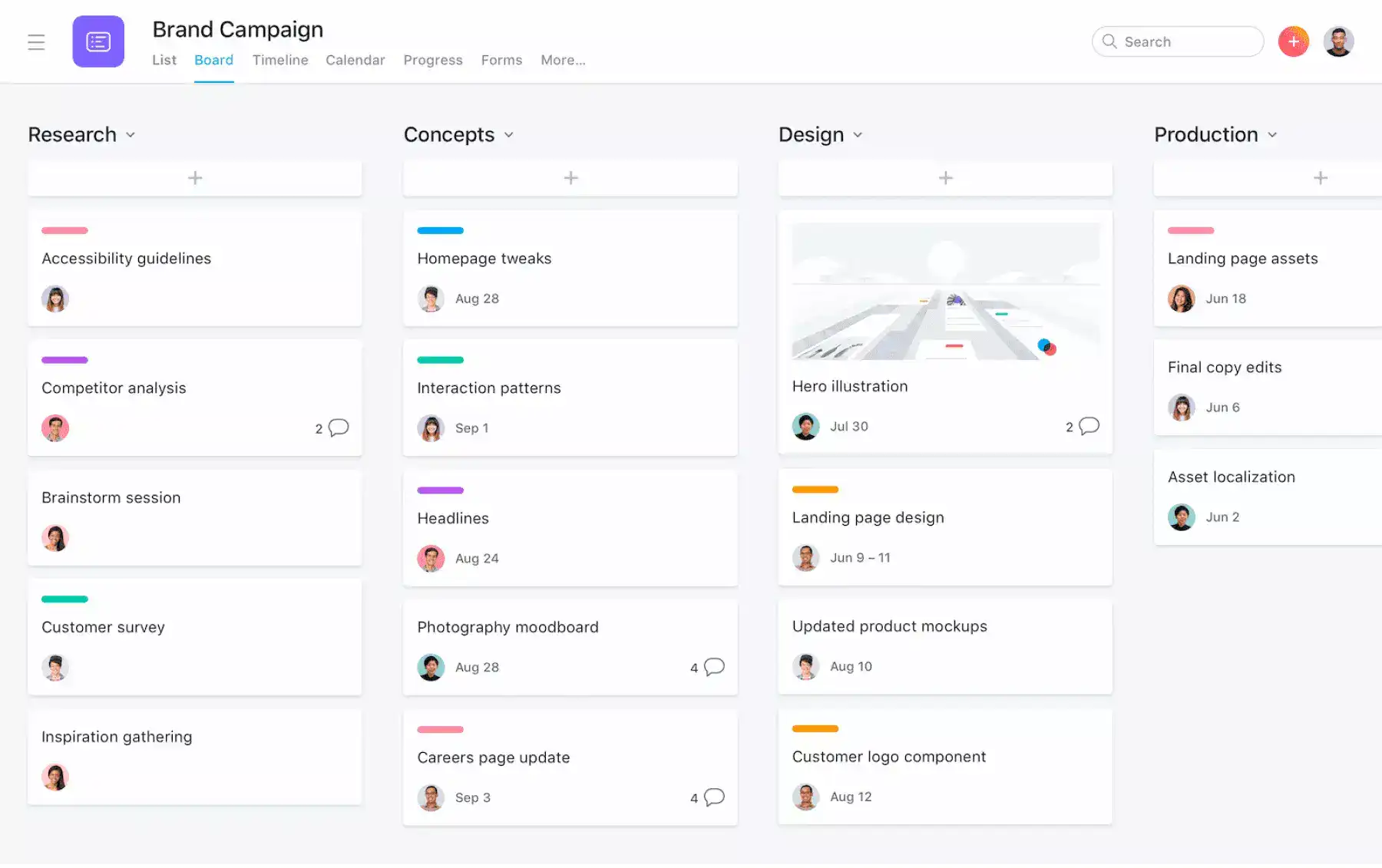
Asana gives teams every core project management tool in one place. Projects can be viewed as a list, board, calendar, timeline, or Gantt chart, and “My tasks” gathers everything assigned to you. Tasks support subtasks, start dates, dependencies, milestones, recurring schedules, and multi-homing, so the same task can live in several projects. Forms turn requests into tasks, unlimited rules automate routine updates, and custom fields, formulas, and templates standardize how work is done. Dashboards, status updates, portfolios, goals, critical path analysis, resource management, time tracking, and approvals and proofing give managers full visibility, while 100+ free integrations, including Microsoft 365, Google Workspace, Slack, and Zoom, plus a two-way Jira Cloud sync, connect Asana to the rest of the tech stack.
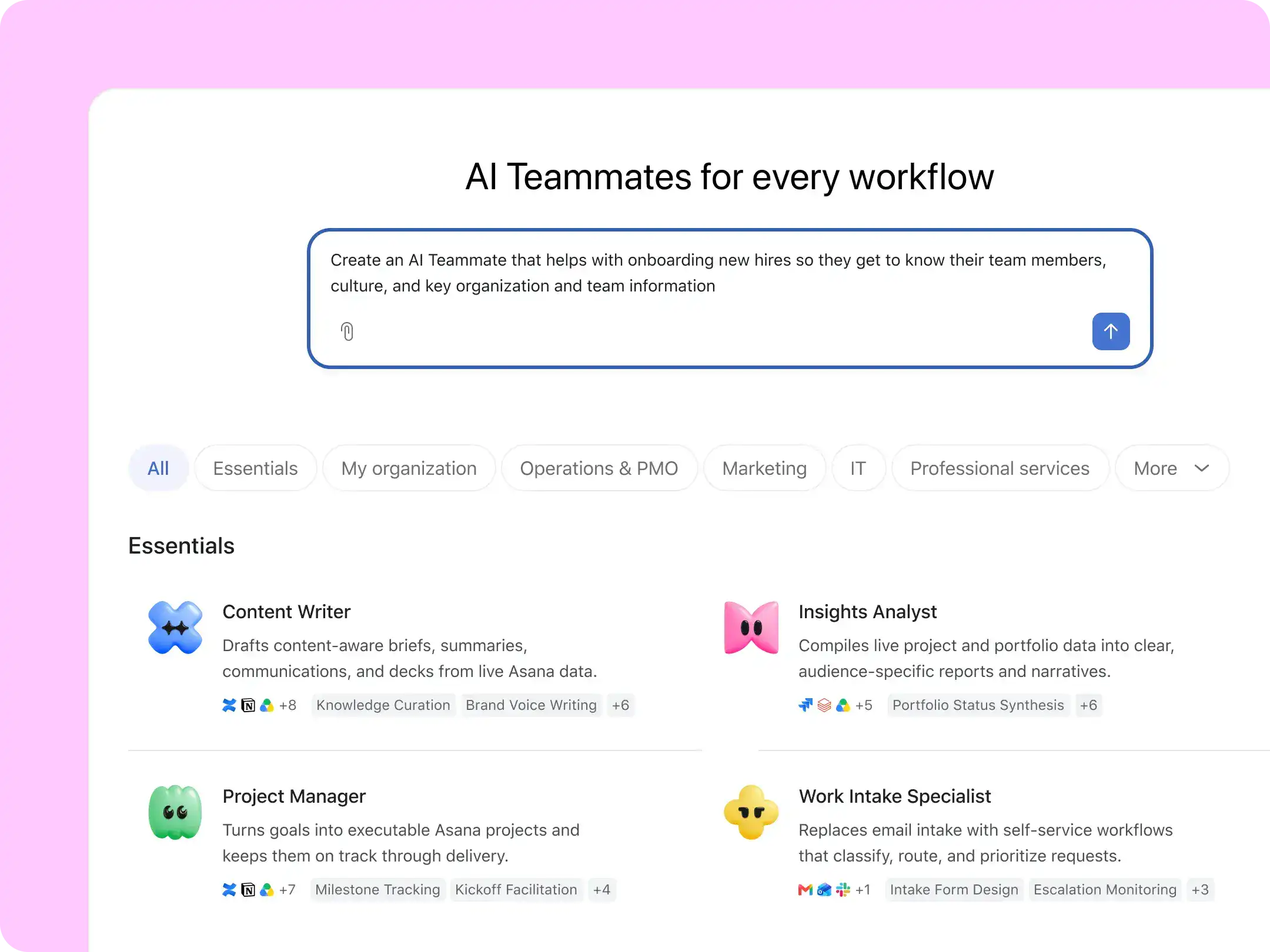
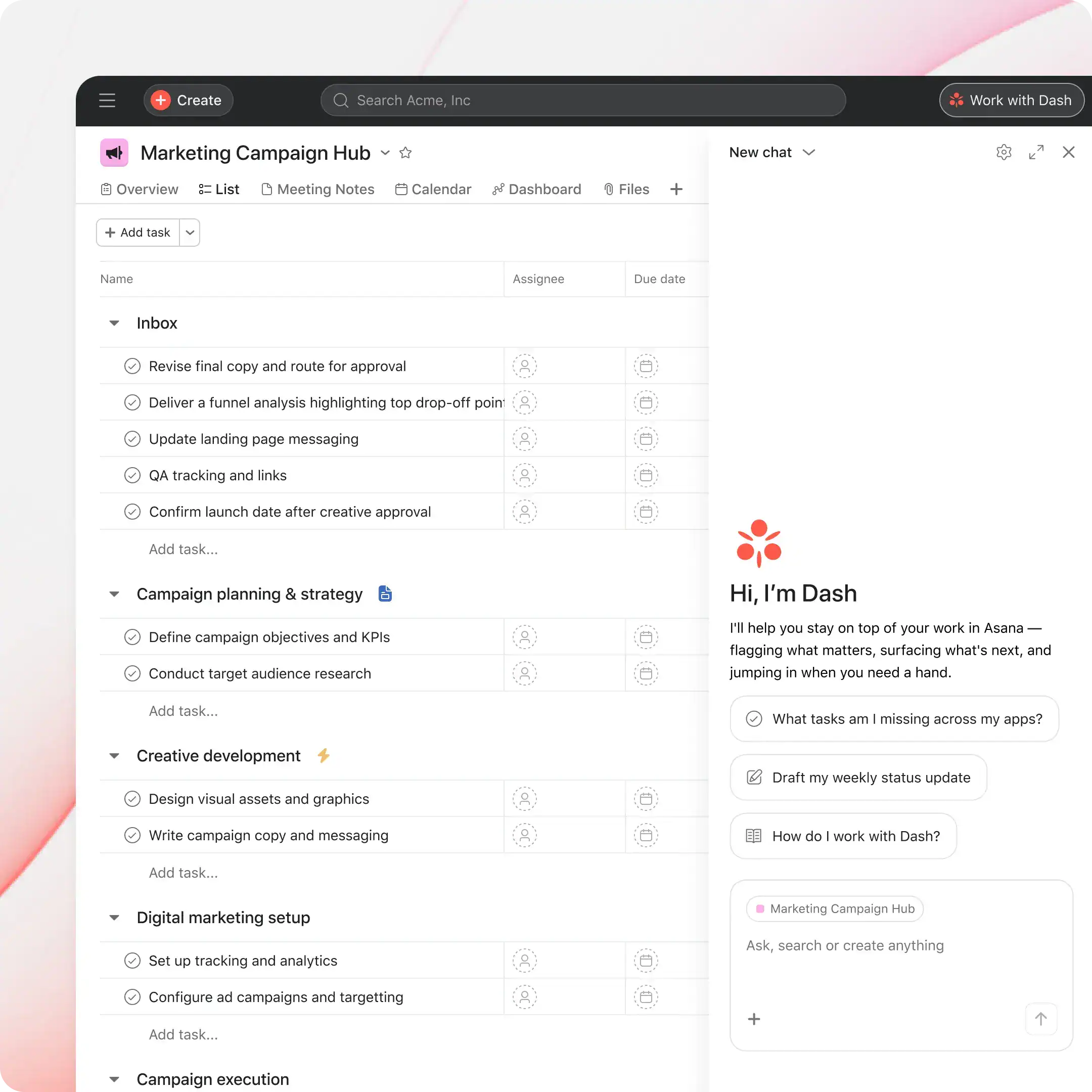
Asana’s AI platform is now built into every paid plan. More than 30 ready-to-go AI Teammates, such as a Project Manager, Portfolio Advisor, and Launch Coordinator, can turn a brief into a project plan, flag blocked or at-risk work, and run retrospectives. Asana Dash acts as an AI chief of staff that summarizes your meetings, emails, and tasks, and AI Studio lets teams build no-code AI workflows. Every agent has its own identity, permissions, audit trail, and cost controls, backed by SOC 2 Type II security, with HIPAA compliance and data residency available.
The Asana Work Graph connects every person, task, project, goal, and dependency in your organization. Because AI Teammates work directly on this shared map, they understand the full context of the work: they can assign tasks, update due dates, check project health, and flag risks inside real workflows, alongside the people they support. Shared memory lets them learn from every completed task and piece of feedback, so each workflow starts smarter than the last, while enterprise governance keeps their access and spending under control.
Pricing
Asana offers a free Personal plan and three main paid tiers, with yearly billing saving up to 18%. Every paid plan includes a monthly allowance of AI requests and AI Studio credits, with more AI usage available as prepaid packs or pay as you go.
-
Personal
$0
Free forever, 2 users
For one or two people managing personal projects. Includes unlimited tasks and projects, list, board, and calendar views, unlimited storage (100 MB per file), status updates, and 100+ free integrations.
-
Starter
$10.99 /user/month
Billed yearly, or $13.49 monthly
For small teams tracking project progress and deadlines. Adds no seat limits, timeline and Gantt views, reporting dashboards, unlimited automations, forms, custom templates and fields, unlimited free guests, and AI Teammates.
-
Advanced
$24.99 /user/month
Billed yearly, or $30.49 monthly
For growing teams. Adds unlimited portfolios, goals, resource management, approvals and proofing, forms with branching, time tracking, critical path, two-way Jira sync, and Salesforce, Tableau, and Power BI connections.
-
Enterprise
Custom
Contact sales
For organizations scaling work across departments. Adds SAML, SCIM provisioning, universal resource management, capacity planning, view-only licenses, and admin controls. Enterprise+ adds SIEM, data residency, and audit logs.
Additional AI requests cost $0.50 each when prepaid, or $0.60 each with pay-as-you-go billing. Timesheets and Budgets, Compliance management, and Permissions management are available as Enterprise add-ons.

#12. Trello
Trello is Atlassian’s visual collaboration and project management tool, built around simple boards, lists, and cards that work for any type of project, workflow, or team. Trusted by millions of users, including teams at Visa, Coinbase, John Deere, Zoom, Grand Hyatt, and Fender, it is known for being easy to learn: in a TechValidate survey, 81% of customers said they chose Trello for its ease of use, and 75% of organizations reported that it delivered value within 30 days. From daily to-dos to multi-team projects, Trello keeps work organized and visible in one place.
Features
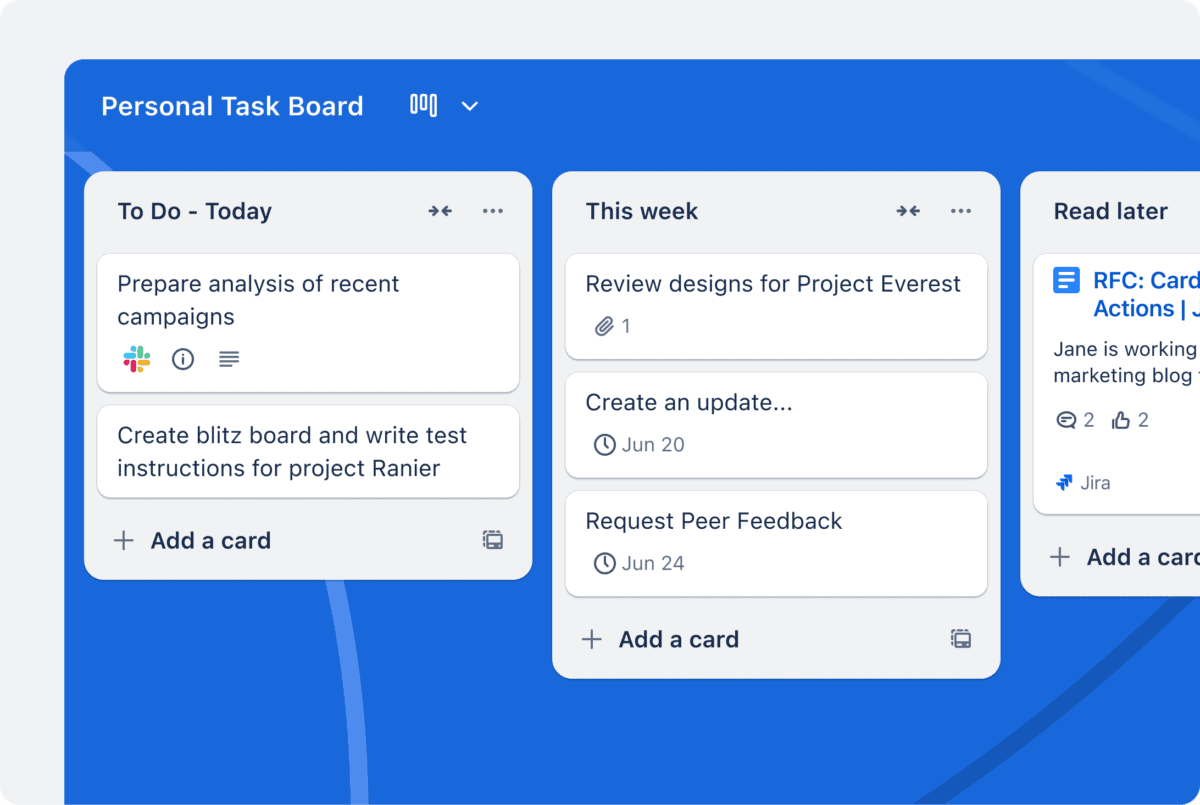
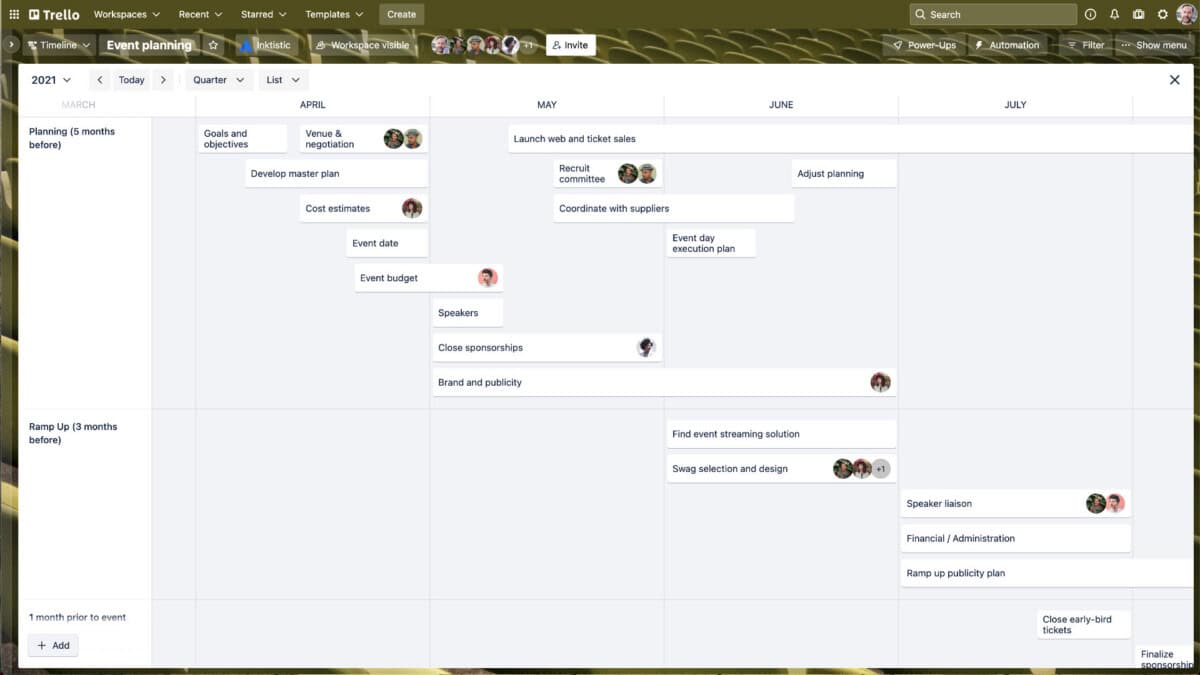
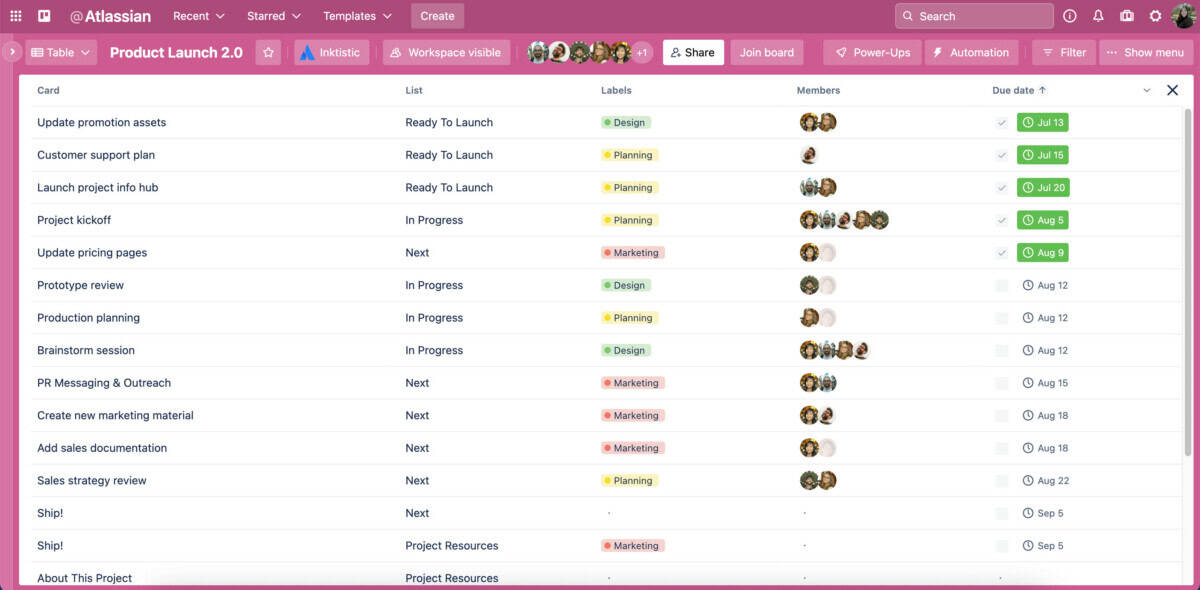
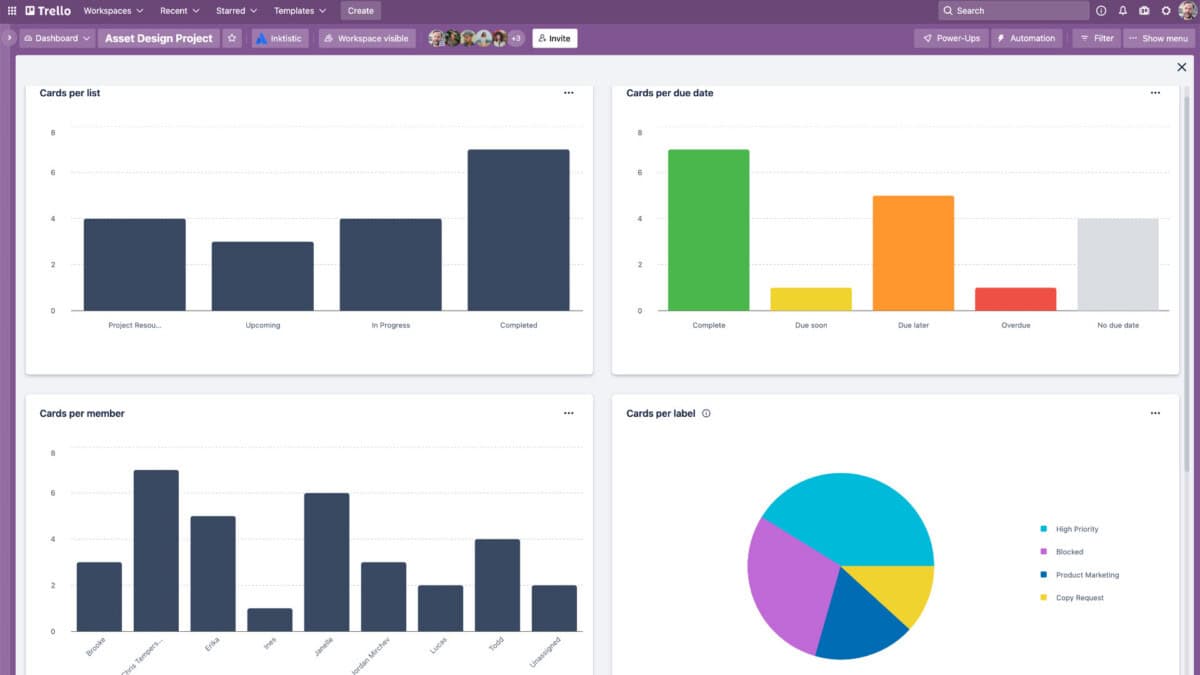
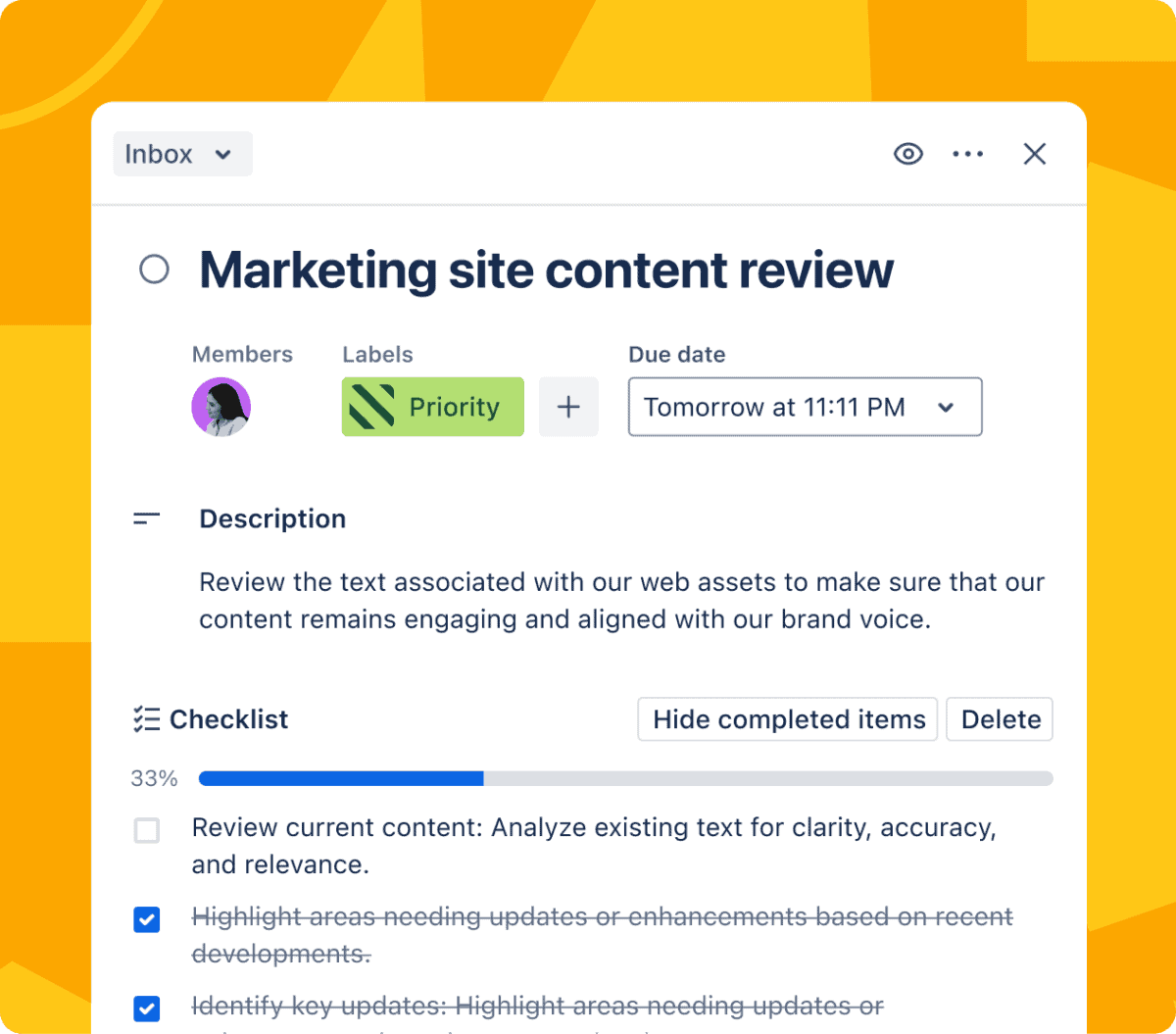
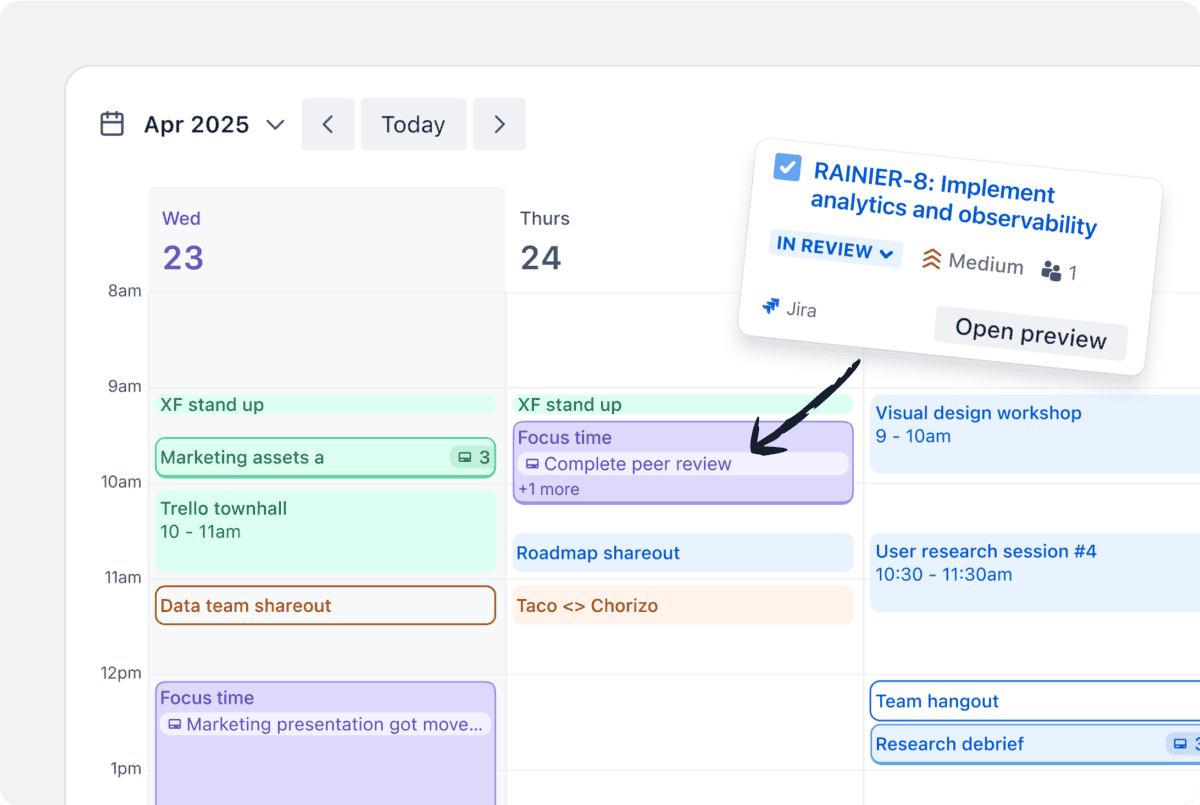
Trello organizes work with Inbox, Boards, and Planner. Inbox captures to-dos from email, Slack, and Microsoft Teams, Boards organize them into lists of cards, and Planner syncs your calendar so you can block focused time for each task. Cards hold due dates, reminders, attachments, checklists, custom fields, and comments, and card mirroring keeps the same card in sync across multiple boards. Beyond the classic board, Premium teams can switch to Calendar, Timeline, Table, Dashboard, and Map views, plus Workspace-wide Table and Calendar views that show cards across every board.
Built-in no-code automation creates rules and commands for almost any action, and Power-Ups connect Trello with 200+ apps such as Slack, Google Drive, Salesforce, and Confluence, while Jira Lists sync tasks directly from Jira. Atlassian’s AI features summarize and improve card text, generate checklists, add due dates, and can build a complete board from a simple description, and an MCP server connects Trello to any AI tool. Templates from the Trello community, mobile and desktop apps, 99.99% uptime, and SOC 2 Type 2, ISO/IEC 27001, and PCI-DSS certifications round out the platform.
Trello’s Kanban-style boards are the reason millions of people adopt it: every project becomes a set of lists and cards that anyone can understand at a glance, with no training required. Dragging a card from “To Do” to “Done” updates the whole team instantly. Built-in automation then removes the busywork, with rules that move cards, assign members, set due dates, or post updates whenever something changes, so the board keeps itself up to date and the team stays focused on the work.
Pricing
Trello’s flexible pricing works for a team of 2 or 2,000, with a generous free plan and three paid tiers. Paid plans can be billed monthly or yearly, with a lower price for yearly billing.
-
Free
$0
Up to 10 collaborators per Workspace
Includes unlimited cards, up to 10 boards per Workspace, Inbox and quick capture, unlimited Power-Ups, unlimited storage (10 MB per file), 250 automation command runs per month, and mobile apps.
-
Standard
$5 /user/month
Billed yearly, or $6 monthly
Adds AI features, unlimited boards, full Planner, advanced checklists, card mirroring, custom fields, collapsible and colored lists, 250 MB per file, 1,000 command runs per month, and single-board guests.
-
Premium
$10 /user/month
Billed yearly, or $12.50 monthly
Adds Calendar, Timeline, Table, Dashboard, and Map views, Workspace views, unlimited command runs, admin and security features, Workspace-level templates, board collections, observers, and data export.
-
Enterprise
$17.50 /user/month
Billed yearly, varies with team size
Adds unlimited Workspaces, organization-wide permissions and visible boards, multi-board guests, attachment and Power-Up administration, free SSO and user provisioning with Atlassian Guard, and 24/7 admin support.
Any Workspace can try Trello Premium free for 14 days. Trello also offers non-profit and education discounts.

#13. Basecamp
Basecamp is project management without the nonsense: a calm, organized place to manage projects, work with clients, and communicate company-wide. Created more than 20 years ago by 37signals and relaunched in 2026 as the all-new Basecamp 5, it is famously easy to use and rock solid, with a 99.99% uptime record on hardware the company owns and runs itself. Nearly a million people, teams, companies, and non-profits rely on Basecamp daily, and its fixed, all-inclusive pricing means you never pay per user.
Features
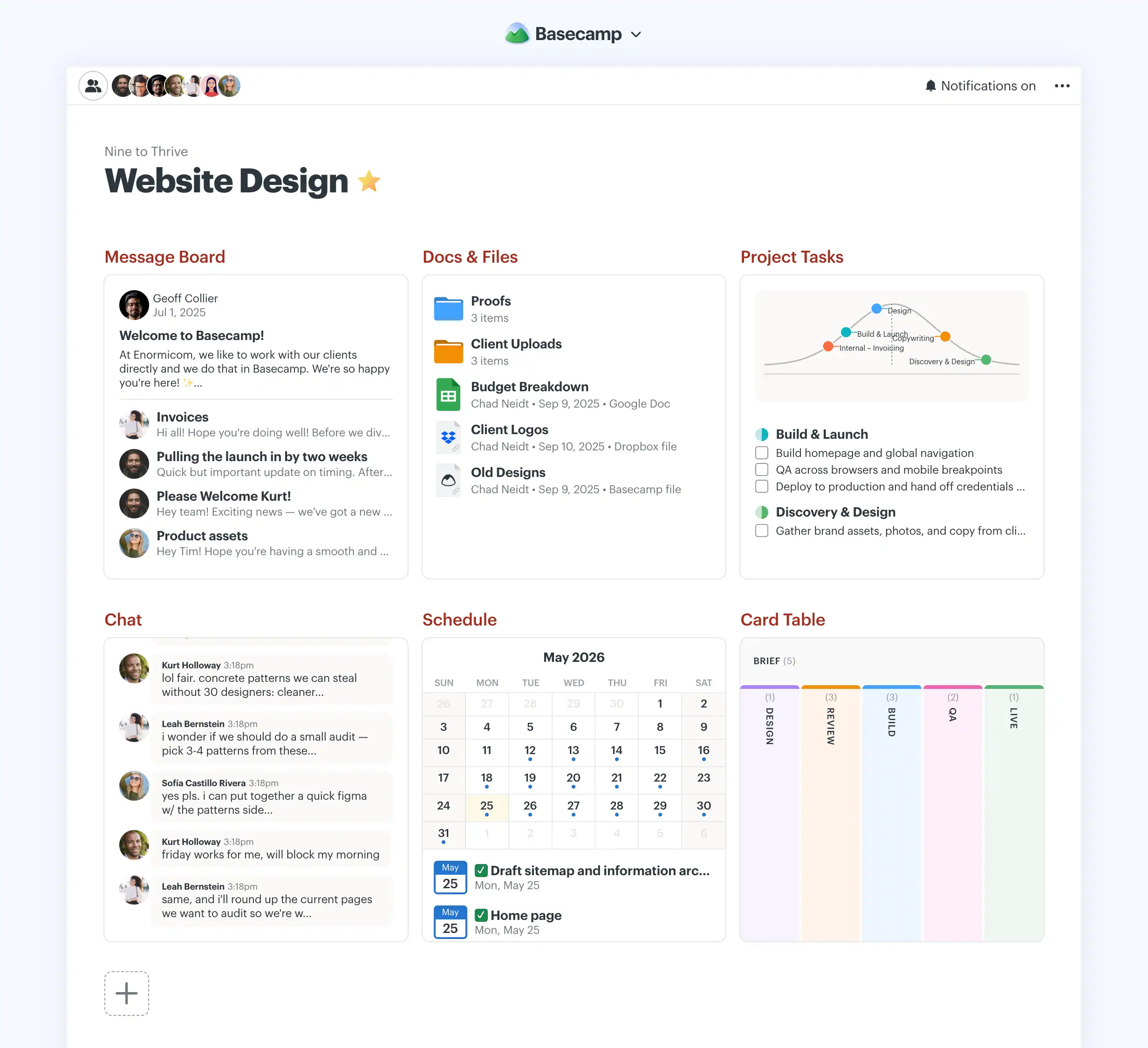
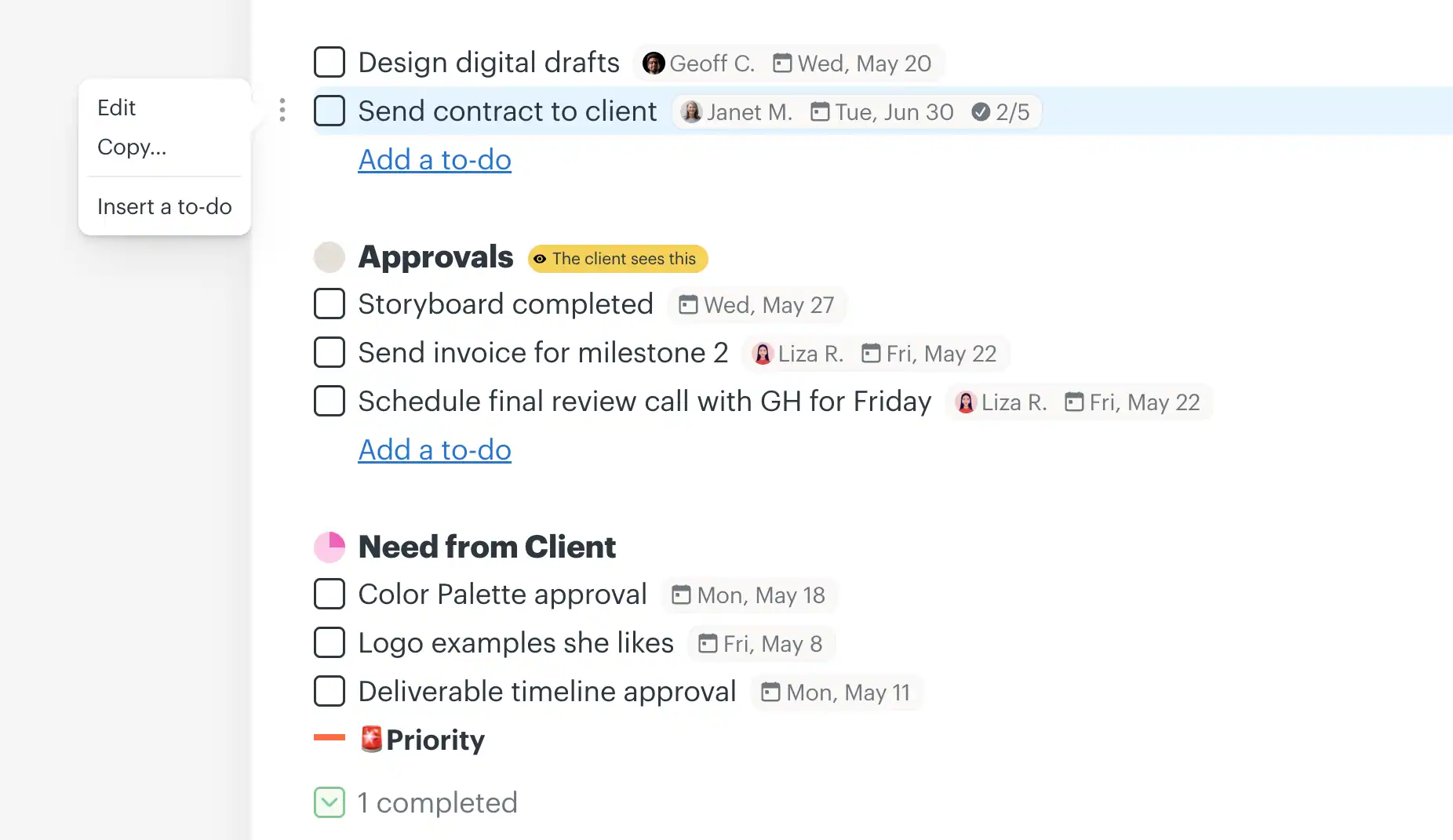
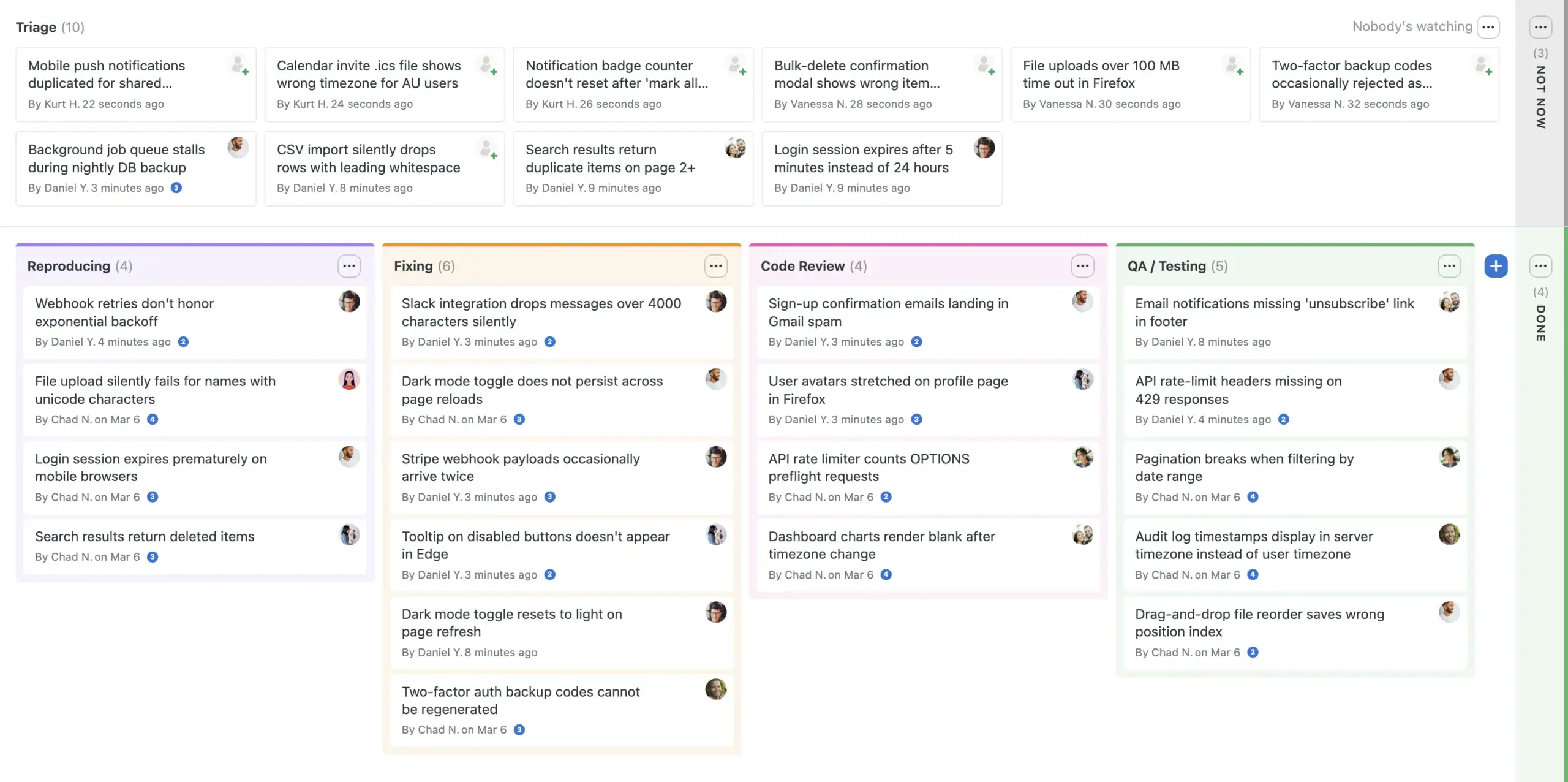
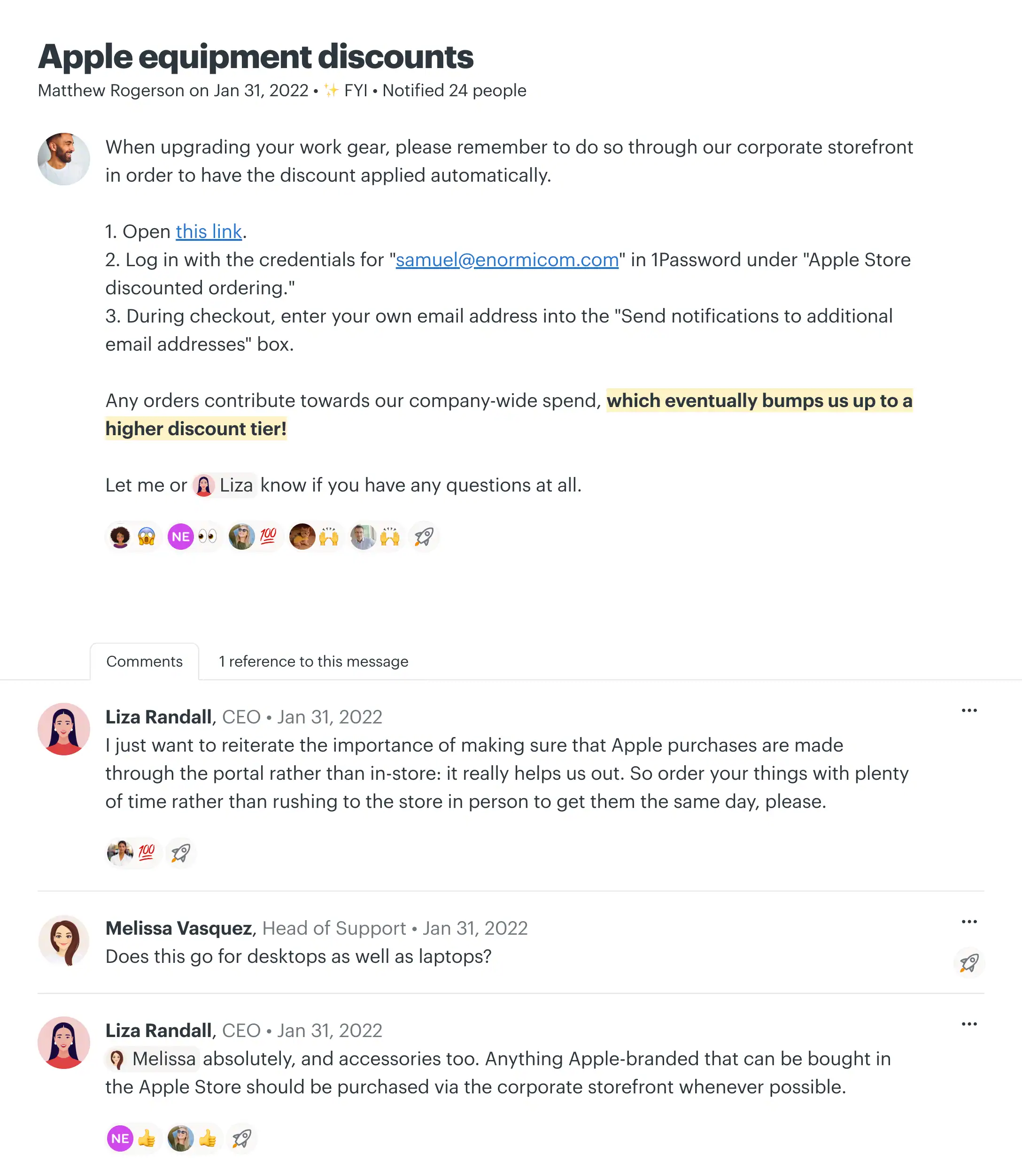
Basecamp gives every project its own page with the tools it needs, and you can invite co-workers, clients, and even AI agents. Message Boards replace email for announcements and discussions, To-do Lists track assignments, due dates, files, and subtasks, and Card Tables bring Kanban-style tracking for work that moves through stages. Campfire group chats and Pings replace separate chat apps, the built-in Calendar handles deadlines, milestones, and meetings (and syncs with Outlook or Google Calendar), and Docs & Files keeps documents, images, and cloud files from Figma, Google Docs, and Dropbox organized in one spot.
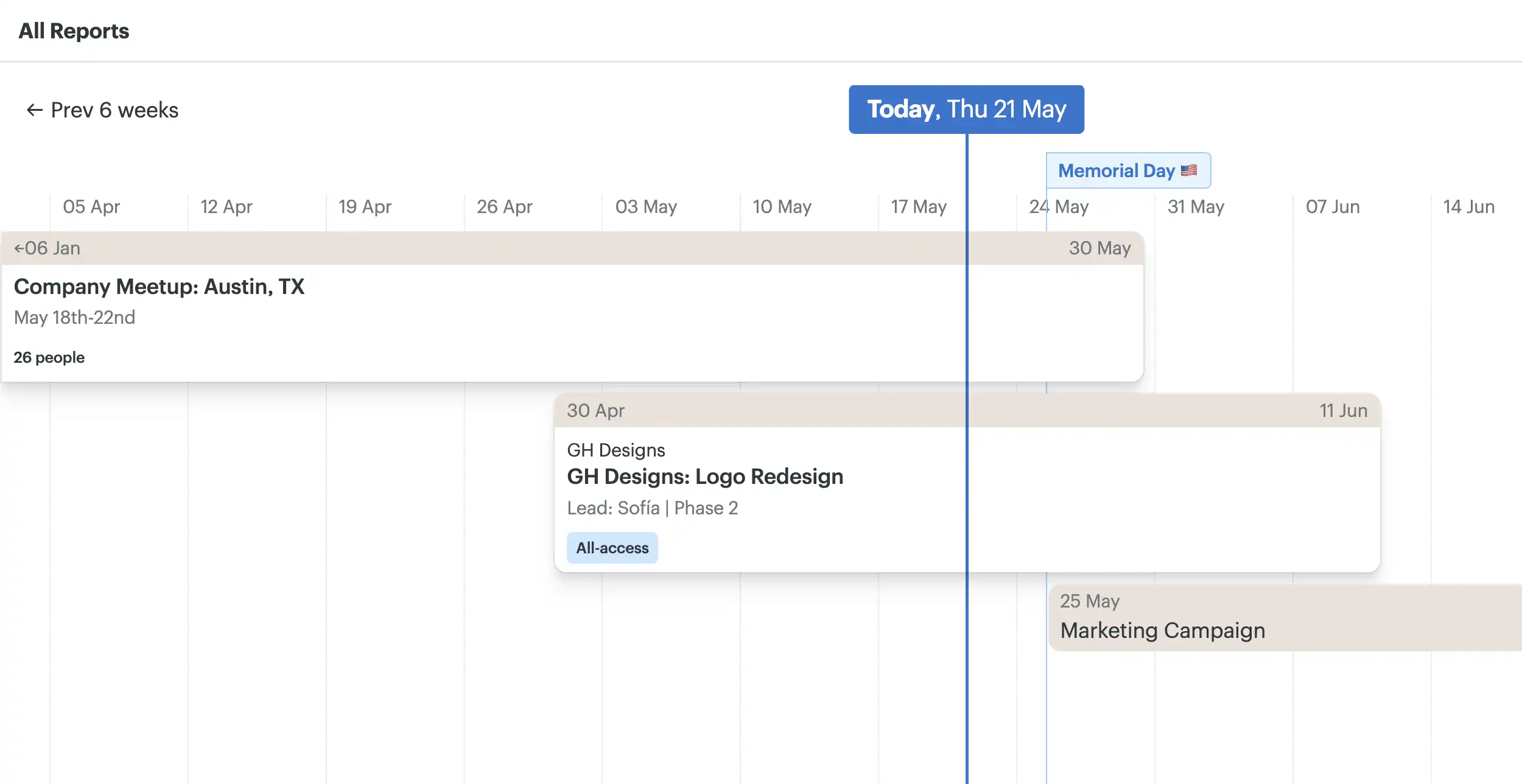
To stay on top of everything, Automatic Check-ins ask your team recurring questions instead of holding status meetings, Reports and Everything Views show work across all projects, and The Lineup plots every project on a timeline with start dates, end dates, and key milestones. Client mode lets you decide what clients see, project by project, and time tracking and project templates are included. Basecamp also welcomes AI: official ChatGPT and Claude connectors, plus an API, a command-line tool, and skills that let agents like Claude, Codex, and Cursor work directly in your projects. Support is staffed by real people 24/7/365.
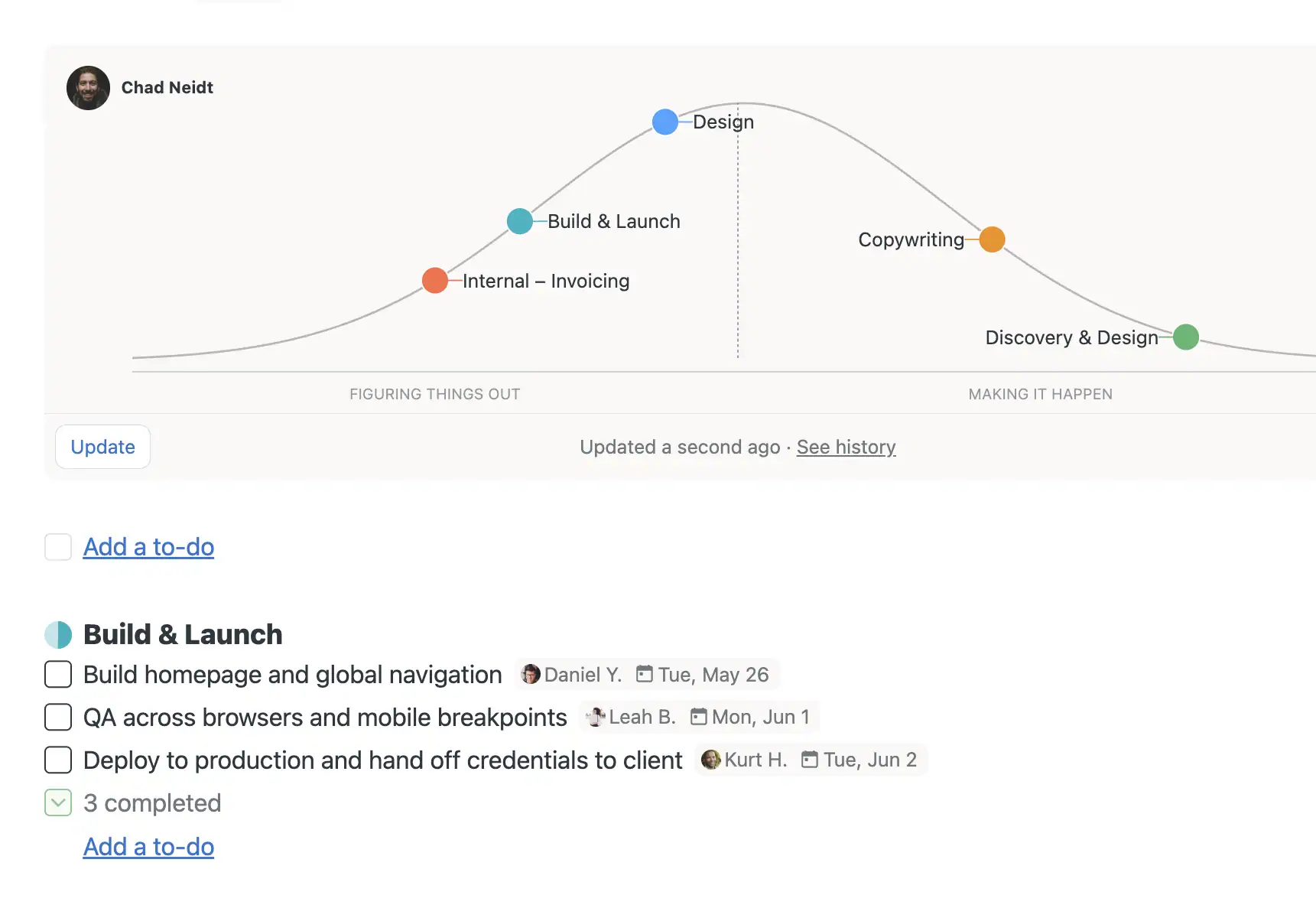
Percent-complete numbers rarely tell the truth about a project. Basecamp’s Hill Charts do: each piece of work is plotted on a hill, where the uphill side means the team is still figuring out the approach and the downhill side means the unknowns are solved and it is just execution. At a glance, managers can see what is moving, what is stuck, and whether the project will be done on time, without chasing people for status updates.
Pricing
Basecamp uses clear, fixed prices with no per-user fees, so everyone is included. Every package, from Free to the Unlimited Edition, includes the same core tools: message boards, to-dos, Card Tables, chat, scheduling, docs and files, reports, and check-ins. Plans differ by the number of active projects, storage, and users.
-
Free
$0
1 project, 5 users
One free project for personal use, with 1 GB of storage, up to 5 users, project templates, time tracking, and AI connectors.
-
Freelancer
$25 /month
3 active projects, 20 users
Get organized and impress your clients. Includes up to 3 active projects, 5 GB of storage, up to 20 users, and 24/7/365 support.
-
Studio
$59 /month
10 active projects, unlimited users
A great place to start with room to grow. Up to 10 active projects, 25 GB of storage, unlimited users, and unlimited tools per project.
-
Pro
$99 /month
25 active projects, unlimited users
Just about everything for just about everyone. Up to 25 active projects, 100 GB of storage, unlimited users, and unlimited tools per project.
-
Unlimited Edition
$299 /month
Billed annually
Unlimited projects and users, 1 TB of storage, enhanced admin features, priority support, personalized onboarding, and a 45-day free trial.
Paid plans come with a 30-day free trial, and no credit card is required. Basecamp is 10% off for registered non-profits and free for K-12 and university classwork.

#14. Jira
Jira, from Atlassian, began as the leading tool for agile software teams and now brings design, marketing, HR, operations, and engineering together in one shared place to plan work, track progress, and move faster. Atlassian products are used by more than 300,000 companies in over 200 countries, including 85% of the Fortune 500, with teams at Canva, Reddit, Cisco, Roblox, and Dropbox relying on Jira. Positioned as project management for the AI era, Jira now includes AI agents in every paid plan to help plan, track, and move work forward.
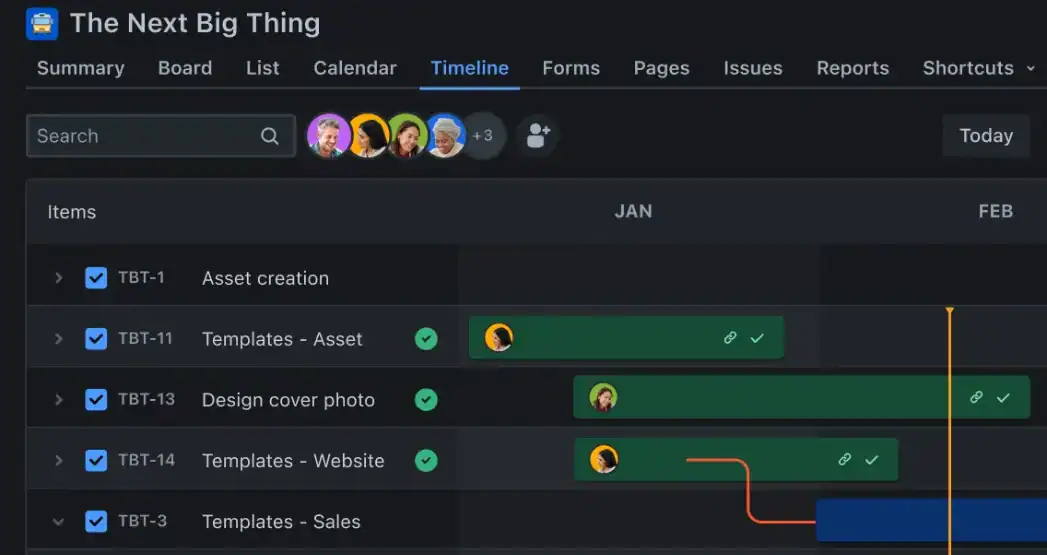
Features
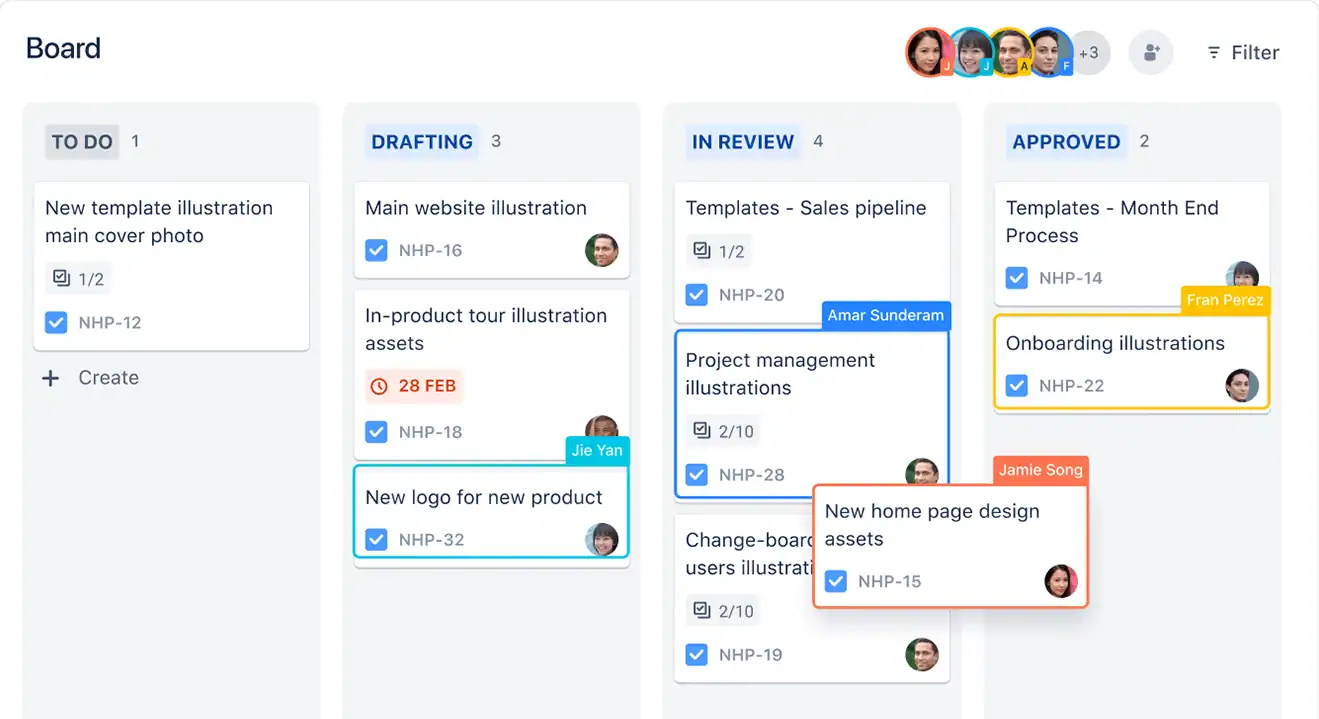
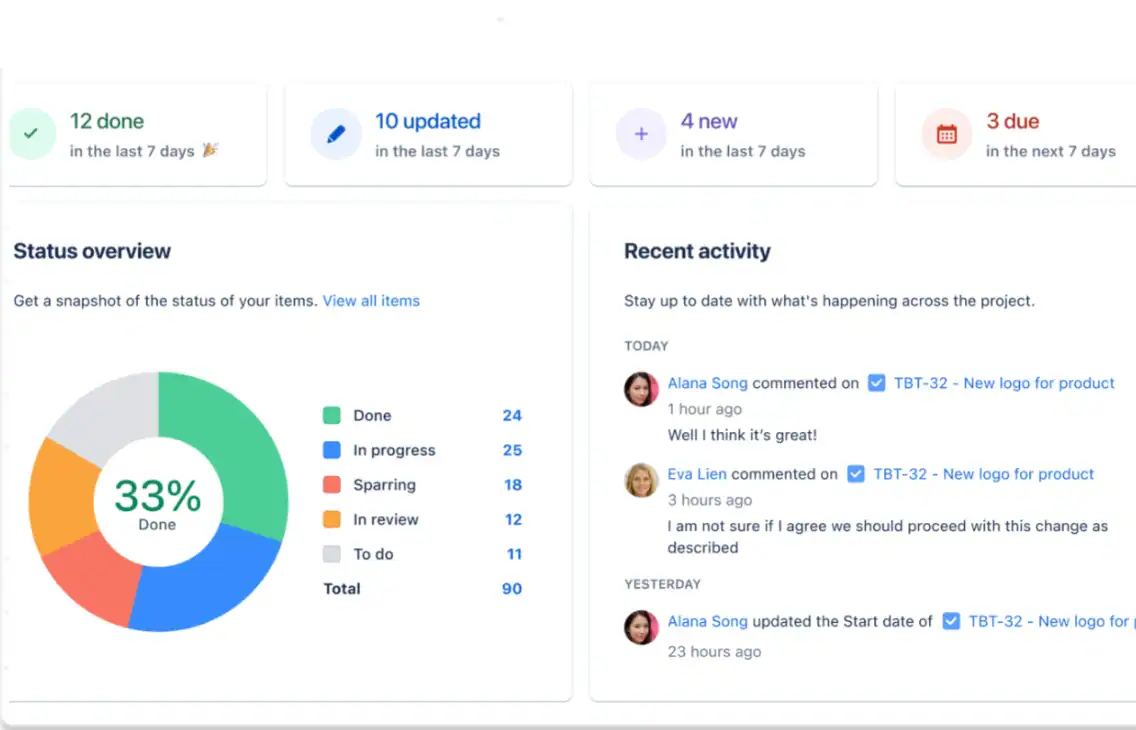
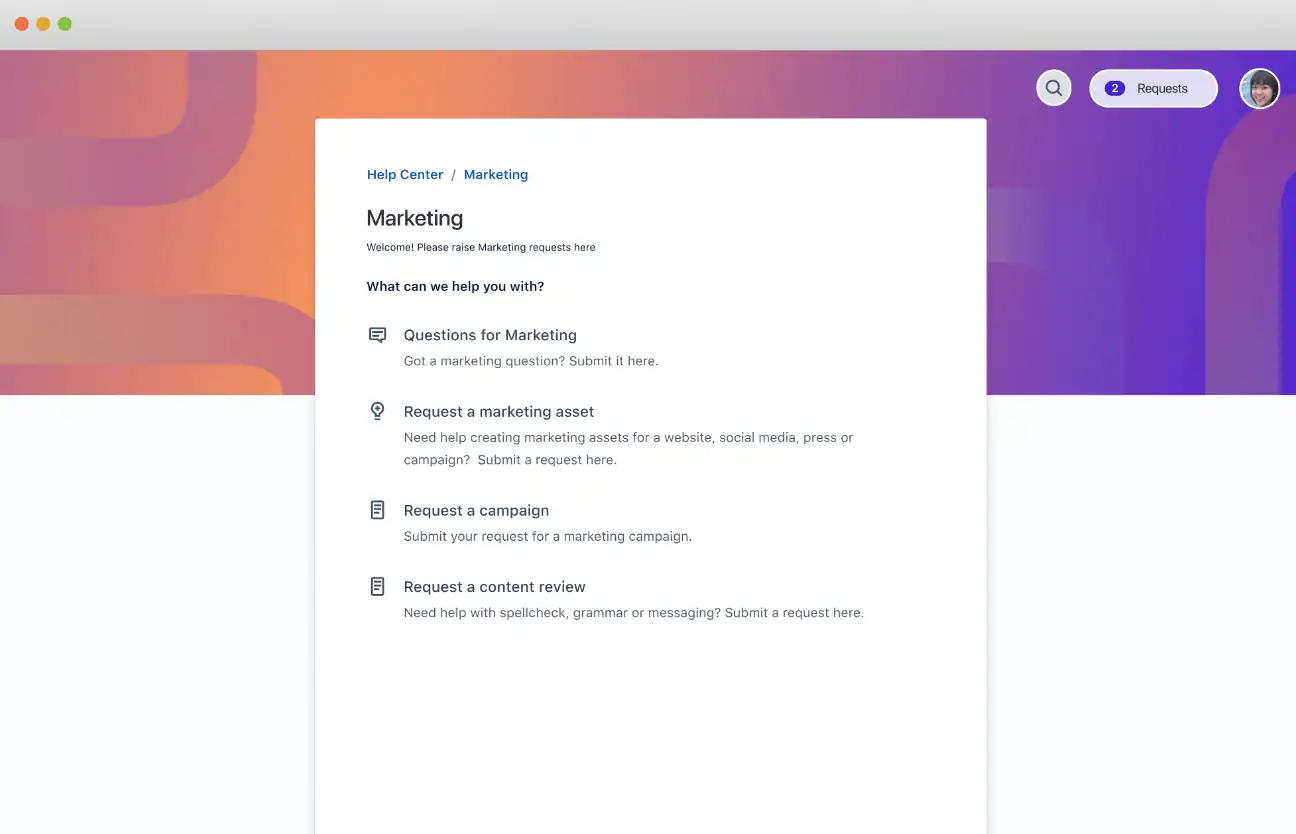
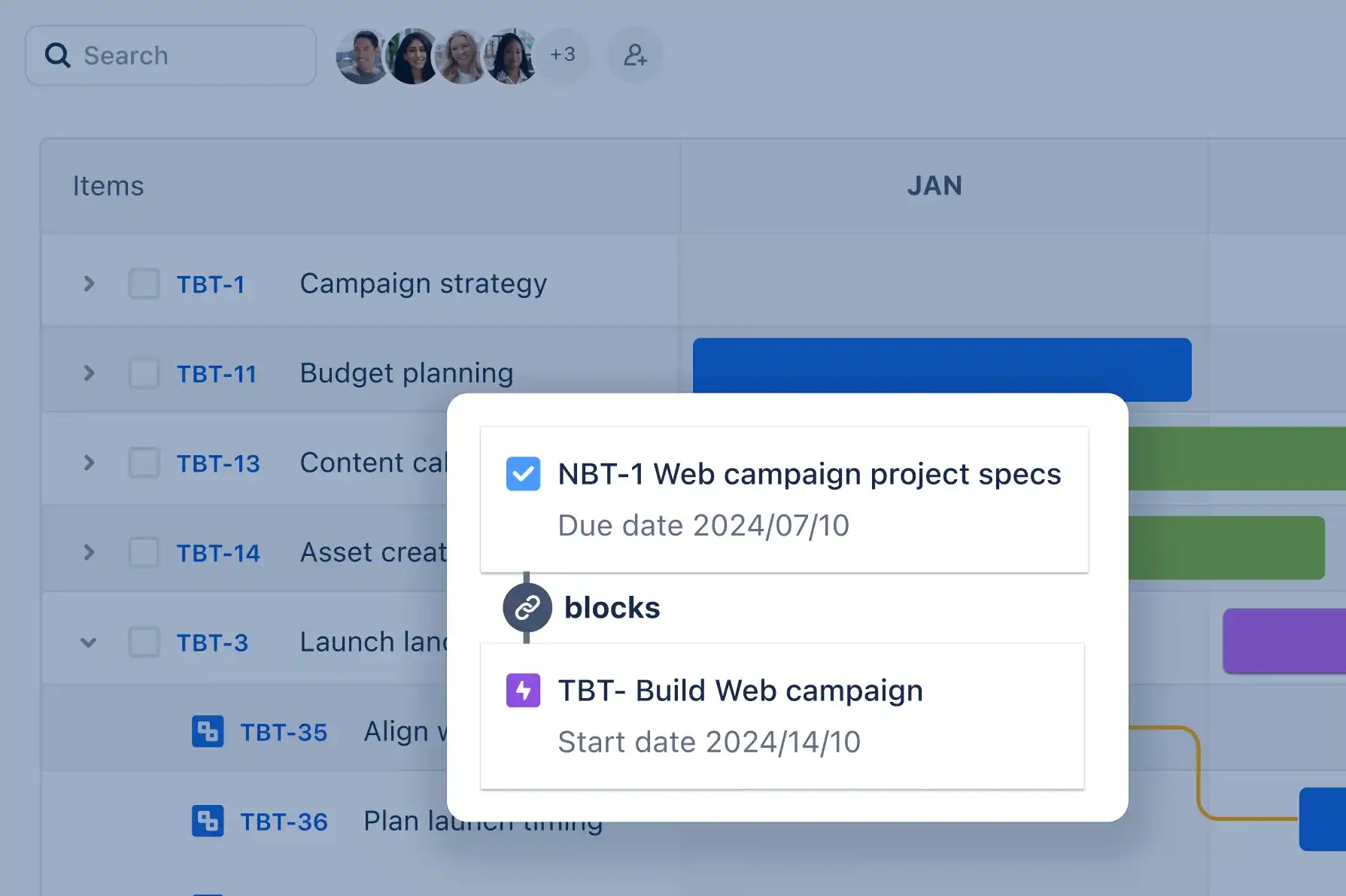
Jira supports every stage of a project. Teams align work to goals, break big ideas into actionable tasks, and start fast with pre-built templates for anything from agile sprints to marketing campaigns. Work can be tracked on boards, lists, timelines, or calendars, with backlogs, Scrum and Kanban boards, and dependency mapping that connects engineering, product, and marketing initiatives for big launches. Forms make it easy for partner teams to submit requests, customizable workflows and automations keep work moving, and out-of-the-box reports cover goals, burndown charts, cycle time, and team capacity.
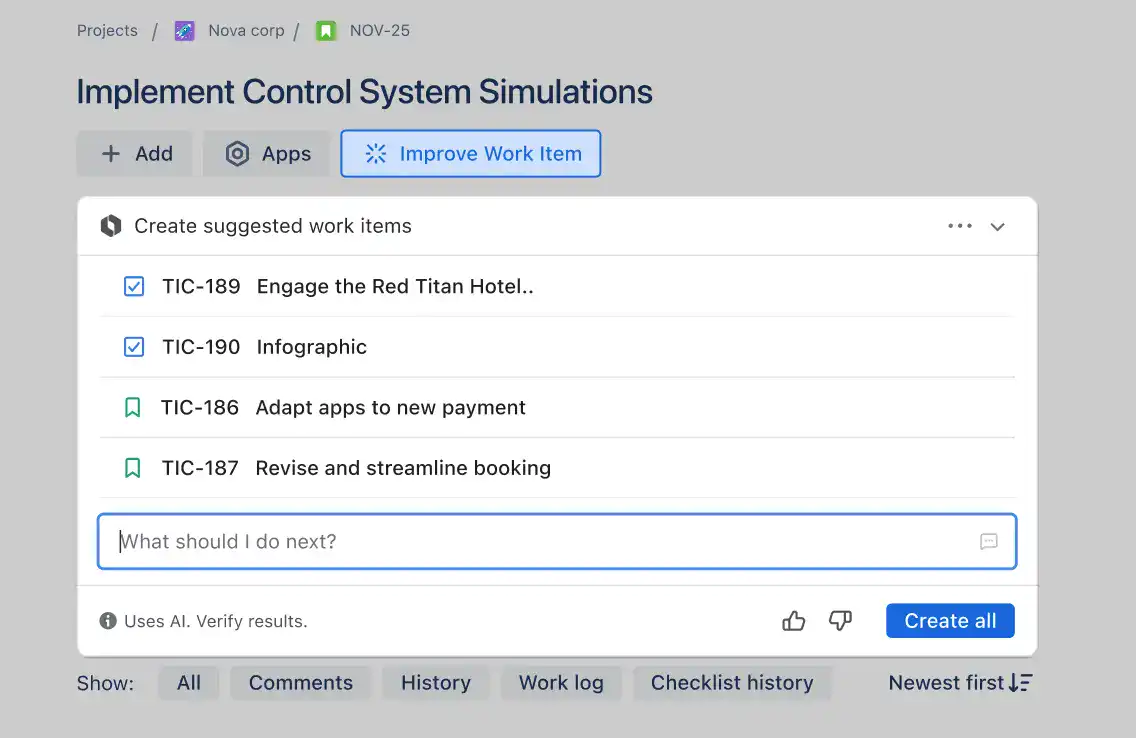
Rovo, Atlassian’s AI, is built into Jira: AI teammates research, draft, and take action, Rovo can break down work and assign it to the right person, create automations from plain language, and flag risks as work progresses. AI search finds answers across Jira, Confluence, and connected apps, and teams can assign work to coding agents like Claude, Cursor, Codex, or GitHub Copilot, or share Jira context with other AI tools through MCP and a CLI. With more than 3,000 integrations in the Atlassian Marketplace, granular permissions, data residency, SSO, and a 4.5 million member community, Jira scales from small teams to the largest enterprises.
Jira’s boards and backlogs remain the reference for agile project management. Teams groom and prioritize the backlog, plan sprints, move work across Scrum or Kanban boards, and measure progress with burndown charts and cycle time reports, all with workflows customized to their own process. Because the same boards connect to timelines, dependencies, goals, and development tools, every team can see how daily work rolls up to the bigger picture, and the approach now extends well beyond software, with marketing and business teams running sprints in Jira too.
Pricing
Jira offers a free plan for small teams and three paid tiers, and every paid plan includes AI agents. Paid plans are priced per user, and the per-user price decreases as your team grows.
-
Free
$0
Up to 10 users
Includes unlimited projects, Scrum and Kanban boards, backlog, list, timeline, and calendar views, reports, forms, 2 GB of storage, 100 automation runs per month, and community support.
-
Standard
$7.91 /user/month
For growing teams
Adds user roles and permissions, external collaboration, 250 GB of storage, 1,700 automation runs per month, AI agents, and business-hours support.
-
Premium
$14.54 /user/month
For multi-team organizations
Adds cross-team planning and dependency management, approvals, 1,000 automation runs per user per month, unlimited storage, a 99.9% uptime SLA, and 24/7 support for critical issues.
-
Enterprise
Custom
Billed annually
For large organizations that need advanced security, administration, and compliance controls across multiple sites, with enterprise-grade support.
Jira is also part of Atlassian’s Teamwork Collection, which bundles Jira with Confluence, Loom, and Rovo. Get started free, with no credit card required.

#15. Smartsheet
Smartsheet is a work management platform that combines the familiarity of a spreadsheet with powerful project and portfolio management, automation, and AI. Trusted by more than 85% of Fortune 500 companies and named a Leader in the Gartner Magic Quadrant for Collaborative Work Management for the third year in a row, it helps organizations like McLaren Racing, Roche, and DIRECTV manage projects, automate workflows, and build solutions at scale. Roche IT, for example, now manages 30% more projects with the same number of project managers.
Features
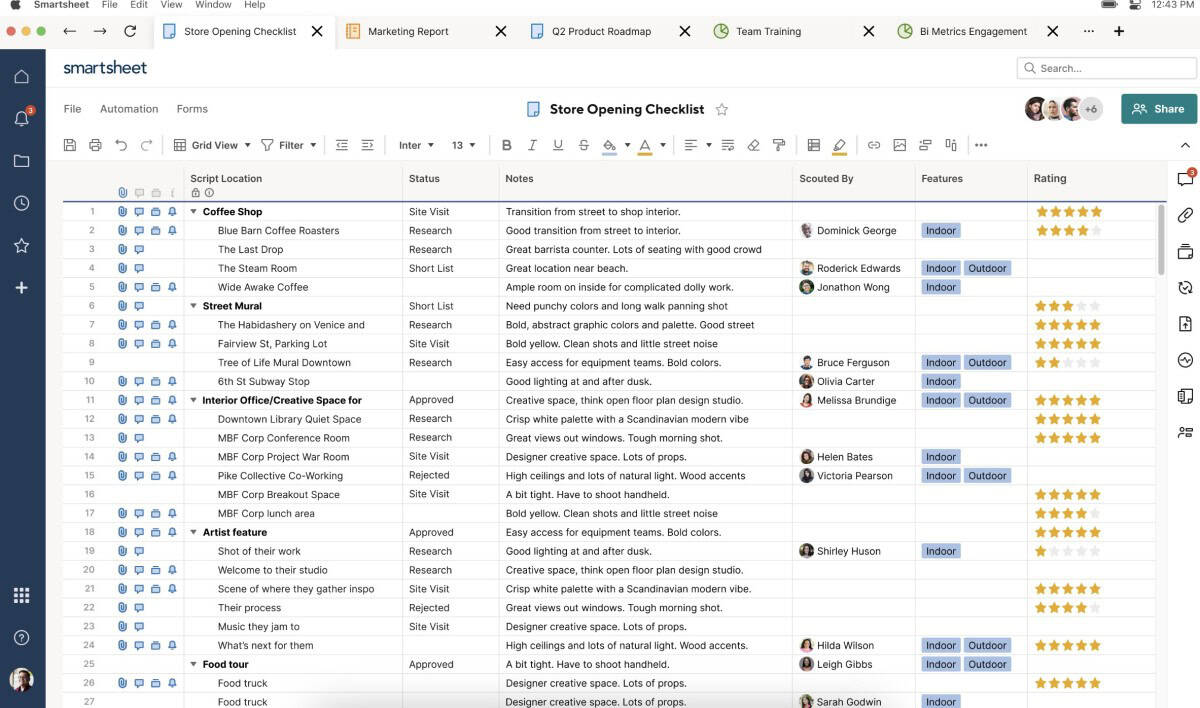
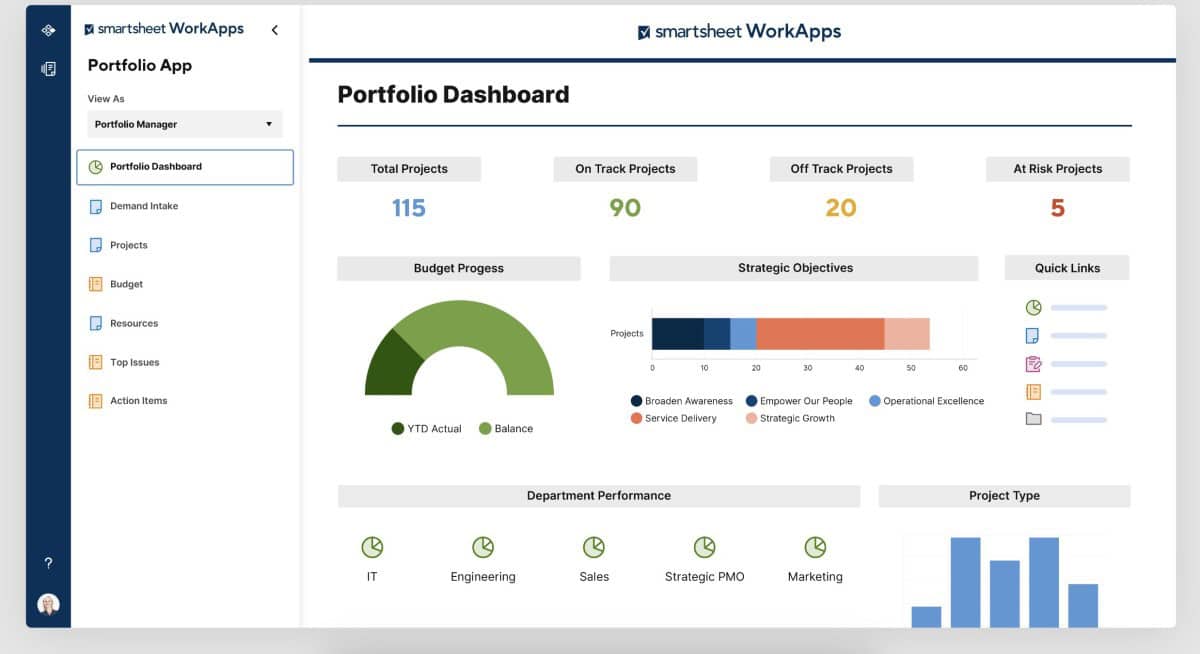
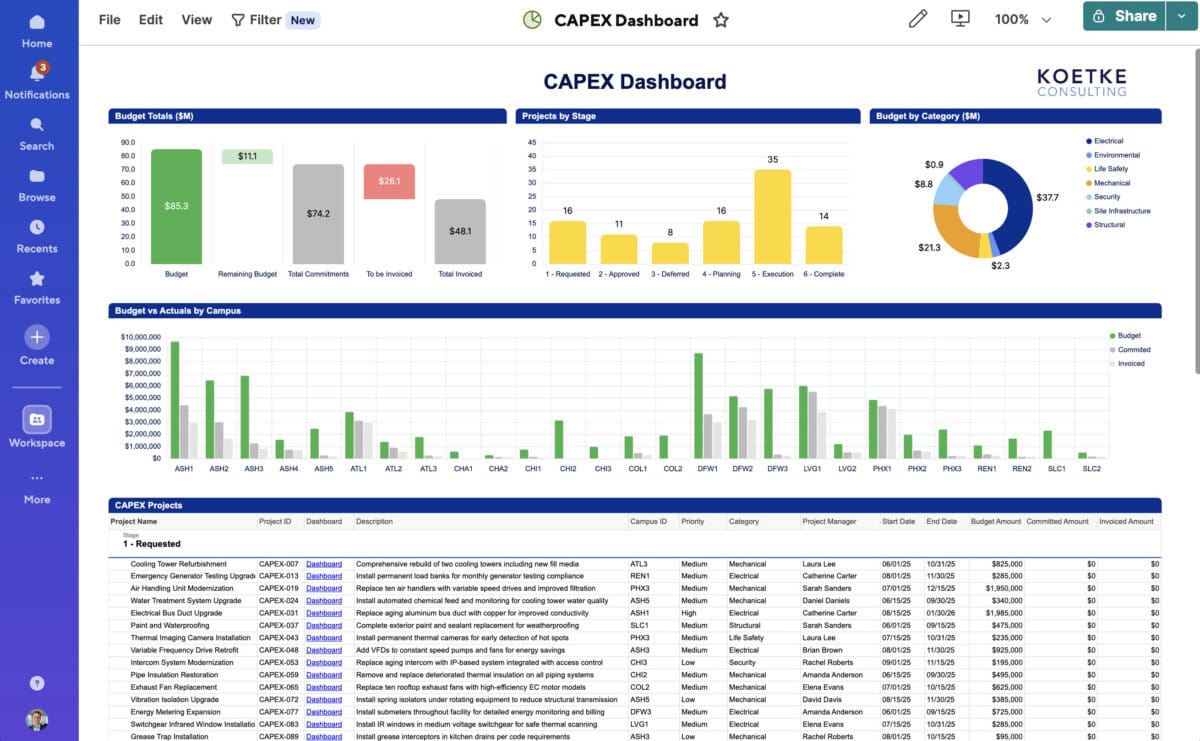
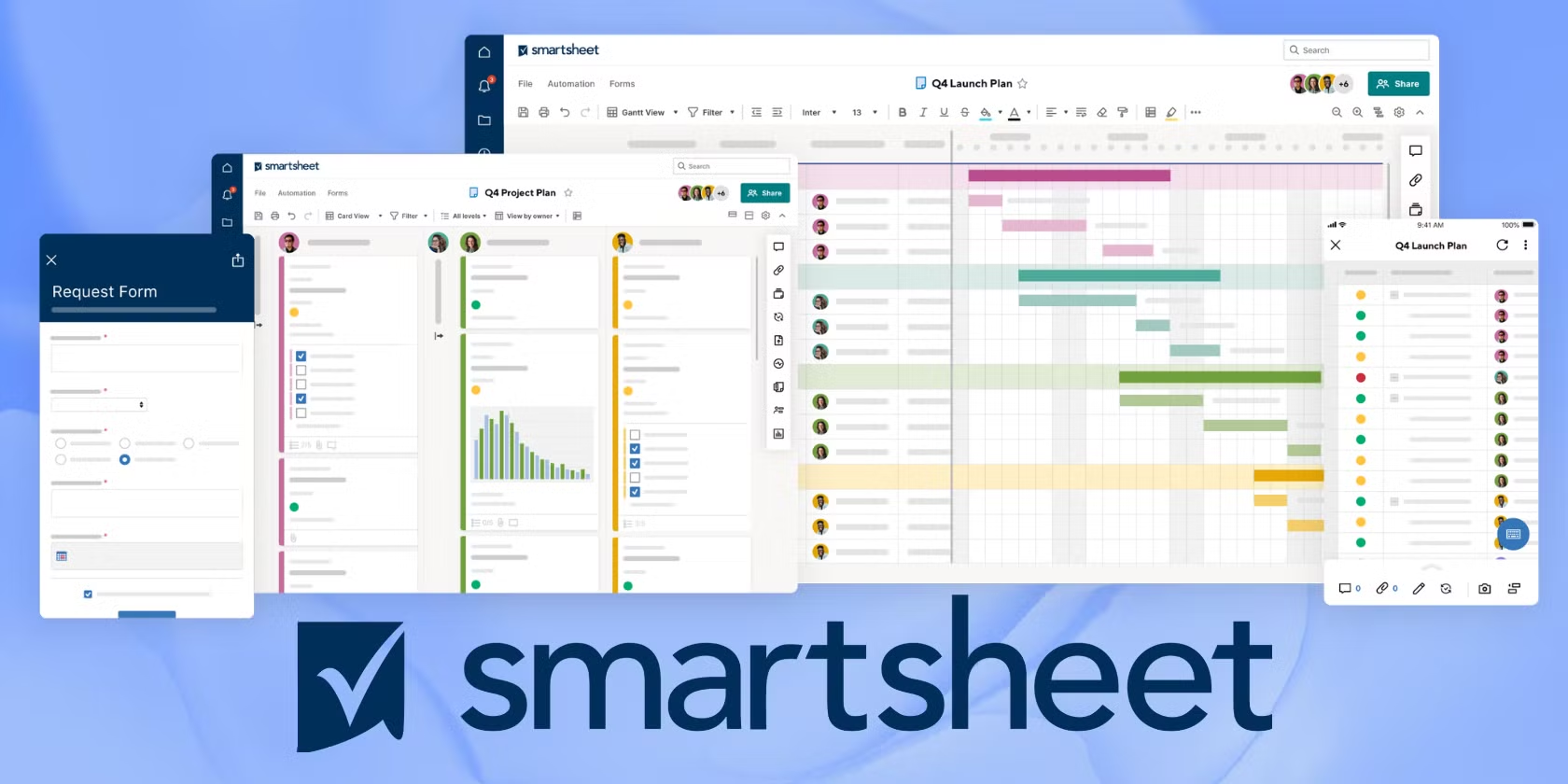
Smartsheet lets teams view the same work as a grid, Gantt chart, table, board, calendar, or timeline. Projects are planned with dependencies, baselines, and critical path, while rich formulas, including cross-sheet formulas, keep data linked and calculated in real time. Dashboards, reports, work insights such as burndown charts, and workload tracking show progress and team availability, and forms with conditional logic capture requests from anywhere, even on mobile. Automated workflows handle reminders, update requests, and multi-step approvals, and proofing, a file library, document generation, and e-signatures streamline reviews and paperwork.
Smartsheet AI is built into the platform: Smart Assist answers questions and surfaces risks, Smart Columns summarize, translate, or analyze sentiment at scale, and AI can build dashboards, generate formulas, and analyze data from a simple prompt. Through MCP-enabled integrations, Smartsheet data is also available in Claude, ChatGPT, Microsoft Copilot, and Google Gemini Enterprise. Nearly 100 integrations, including Microsoft 365, Google Workspace, Slack, Jira, Salesforce, Power BI, and Tableau, connect it to existing systems, and Enterprise plans add portfolios, scenario planning, SAML SSO, regional data hosting, and customer-managed encryption keys.
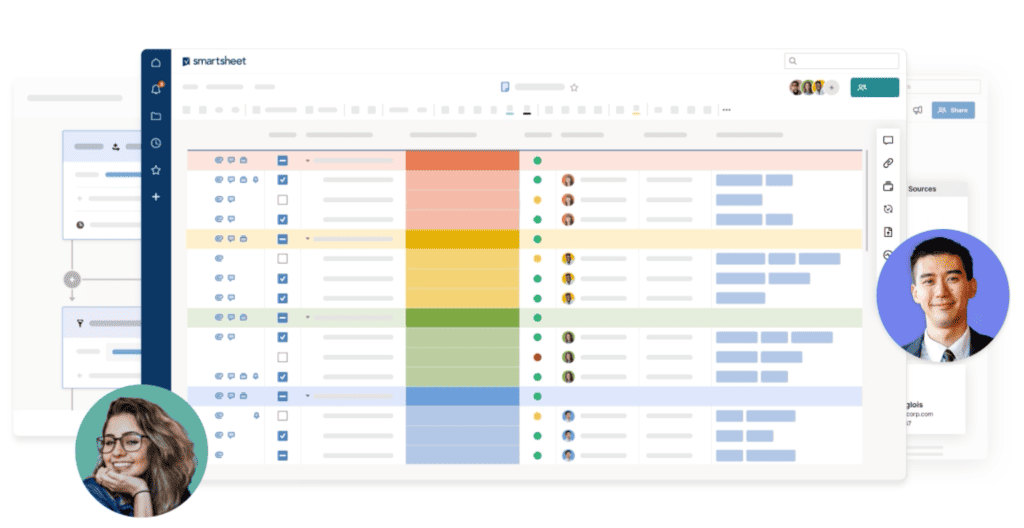
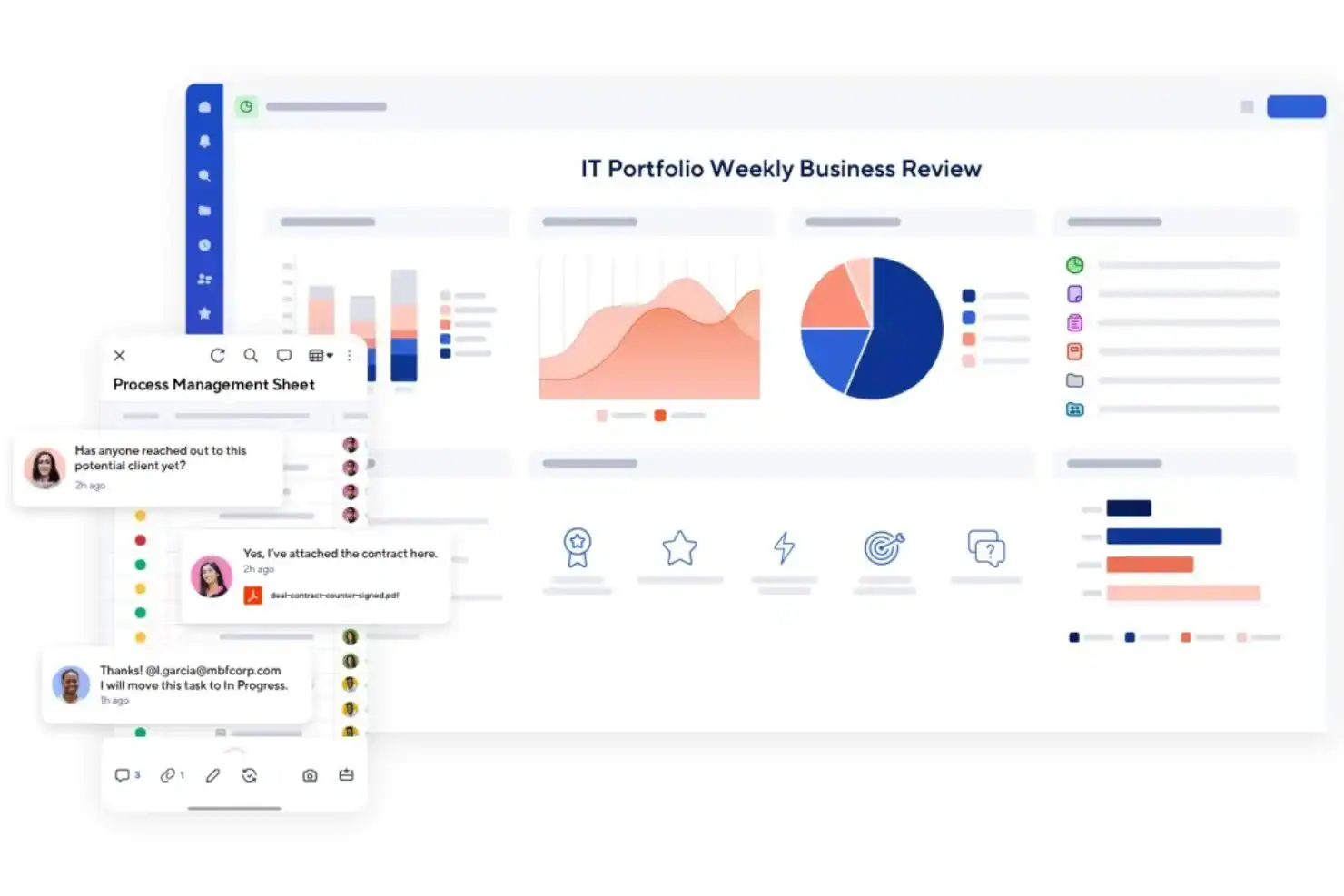
Smartsheet’s grid looks and feels like a spreadsheet, so teams coming from Excel are productive on day one. The difference is what sits behind it: with one click, the same sheet becomes a Gantt chart with dependencies, baselines, and critical path, a Kanban board, or a calendar, and every row can carry assignments, attachments, conversations, and automations. Formulas and cross-sheet links roll project data up into reports and dashboards, giving managers spreadsheet flexibility with real project management discipline.
Pricing
Smartsheet offers two self-serve plans and two custom plans for larger organizations. Prices are per paid Member, and Contributors who view, comment, and submit forms are free. Yearly billing lowers the monthly price.
-
Pro
$9 /member/month
Billed yearly, or $12 monthly
For people and teams tracking and managing projects. 1 to 10 Members, unlimited free Contributors, Gantt, table, board, and calendar views, rich formulas, conversational AI, unlimited sheets, forms, and reports, and 250 automations per month.
-
Business
$19 /member/month
Billed yearly, or $24 monthly
For businesses aligning people, projects, and programs. 3+ Members, unlimited free Guests, timeline view, workload tracking, baselines, admin capabilities, unlimited automations, external AI tool connections, and 1 TB of storage.
-
Enterprise
Custom
10+ Members
For organizations needing company-wide security and controls. Adds scenario planning, portfolios, SAML-based SSO, Enterprise Plan Manager, directory integrations, WorkApps, and unlimited storage.
-
Advanced Work Management
Custom
Best value for large portfolios
For managing large-scale portfolios across systems. Adds Control Center, Dynamic View, Data Shuttle, Connectors, DataMesh, Calendar and Pivot apps, and Premium Support.
Smartsheet has no free plan, but you can try it for free before buying. Resource Management, Brandfolder, Dynamic View, and Data Shuttle are available as add-ons on eligible plans.
Methodology to Choose the Best Project Management Software
Our “best of” list was carefully selected from over 50 project management software tools commonly used by small businesses. Each option was evaluated using consistent criteria to ensure it delivers real value, usability, and long-term reliability for growing teams.
- Cost and Fees: We prioritized software priced under $8 per user per month to ensure affordability without sacrificing essential functionality for small businesses.
- Ease of Use: All selected tools feature intuitive interfaces designed for quick adoption, even for non-technical users. Pre-built templates and guided workflows help reduce the learning curve and speed up onboarding.
- Features and Functionality: We evaluated each platform’s ability to deliver core project management features such as Kanban boards and Gantt charts, along with customization options through integrations and automation tools.
- Customer Reviews: To gauge real-world performance, we selected software with consistently positive feedback, requiring a minimum average rating of 3.5 stars across customer review platforms.
- Customer Support: Since onboarding new software often raises questions, we prioritized tools that provide reliable customer support to help teams resolve issues efficiently.
Project management software is a digital tool or platform that businesses or individuals utilize to organize, plan, and manage projects. This software aids in allocating and tracking project resources, scheduling timelines and tasks, assigning responsibilities, tracking progress, implementing knowledge and ideas, and collaborating with team members to complete projects successfully. In addition to streamlining project-related tasks, project management software provides document storage, search, and organizational features that aid in overall organization and workflow optimization.
The Benefits of Project Management Software?
Project management software helps teams work smarter by centralizing tasks, improving visibility, and reducing wasted effort. When implemented correctly, it becomes a system that aligns daily work with business goals while keeping teams organized, connected, and accountable.
- Increased Productivity: Project management software eliminates duplicate work by centralizing tasks, files, and updates in one place. This reduces time spent searching for information and allows teams to focus on high-impact work.
- Better Task Alignment: By clearly assigning tasks and linking them to broader objectives, the software ensures employees understand priorities and how their work contributes to company goals. This clarity improves motivation and performance.
- Centralized Tool Integration: The software connects essential tools such as Slack, Google Drive, and Dropbox into a single platform. This reduces context switching and keeps communication and resources organized.
- Improved Information Management: All projects, tasks, and related data are stored in one system, making it easy for teams and stakeholders to access accurate, up-to-date information when needed.
- Stronger Cross-Functional Collaboration: Project management software brings teams, departments, and goals together in one shared workspace. This improves coordination, transparency, and collaboration across the organization.
- Secure Cloud Storage: By storing work in the cloud, the software protects data from loss while maintaining privacy and security. Teams stay organized and can access their work safely from anywhere.
Guide for Buying Project Management Software
Choosing the right project management software is a critical decision that directly impacts productivity, collaboration, and project success. A well-structured buying guide outlines key features, practical considerations, and real-world factors that matter when evaluating different tools. It breaks down available options, highlights strengths and limitations, compares pricing models, and provides clear criteria to help you select software that aligns with your team’s workflow and long-term goals.
Main Points while Looking for a Project Management Software
- Identify Your Project Management Needs: Determine the exact features and functionality your team requires, such as task assignments, timelines, budget tracking, reporting, and collaboration tools.
- Evaluate Different Software Options: Research and compare tools based on your needs, focusing on platforms with a proven track record and consistently positive user reviews.
- Consider Scalability: Choose software that can grow with your team and business, supporting more projects, users, and complexity over time.
- Integration With Other Tools: Ensure the software integrates seamlessly with tools your team already uses, including email, calendars, and document management systems.
- User-Friendly Interface: Select software that is easy to use and navigate, as a clean and intuitive interface increases adoption and reduces training time.
- Mobile Accessibility: Confirm the software is accessible on mobile devices, especially if your team frequently works remotely or on the move.
- Security and Data Privacy: Verify that the provider follows strict security and data protection protocols to safeguard sensitive project information.
- Support and Training: Look for a provider that offers reliable customer support and clear training resources to help your team use the software effectively.
- Cost: Compare pricing carefully and choose software that fits your budget, keeping in mind that low-cost options may lack essential features.
#1. Identify your Project Management Needs
Before selecting any project management software, you must clearly understand what your team actually needs. Defining requirements upfront helps you avoid overpaying for unnecessary features and ensures the software you choose supports your workflow, team structure, and long-term goals.
- Define the Project Scope: Clearly outline the project’s objectives, goals, and constraints to determine the specific features and functionality the software must support.
- Assess Team Needs: Evaluate your team’s size, structure, roles, and responsibilities to identify the collaboration and communication tools required.
- Evaluate Current Processes: Review existing workflows to pinpoint inefficiencies in task assignments, timelines, budget tracking, and reporting that software could improve.
- Consider Scalability: Think ahead and determine whether the software can support future growth in projects, users, and operational complexity.
- Identify Integrations: List the tools your team already uses, such as email, calendars, or document management systems, and ensure the software can integrate with them.
- Mobile Accessibility: Decide whether team members need access to the software while working remotely or on the move.
- Security and Data Privacy: Assess how sensitive your project data is and confirm the provider follows strict security and privacy standards.
- Support and Training: Identify the level of customer support and training resources your team will need to adopt the software effectively.
- Cost: Set a clear budget and account for implementation, ongoing maintenance, and training expenses when evaluating options.
#2. Evaluate Different Project Management Software Options
After identifying your team’s requirements, the next step is to evaluate available project management software options. Comparing tools based on functionality, usability, scalability, and long-term value helps you avoid costly mistakes and ensures the software you choose supports your team’s workflow both now and as your business grows.
- Research and Compare: Explore multiple project management tools and compare them based on the features and functionality your team requires. Prioritize software with a proven track record and consistently positive customer reviews.
- Test the Software: Take advantage of free trials or demos to evaluate how the software performs in real-world scenarios and whether it fits your team’s workflow.
- Look for Scalability: Ensure the software can support more projects, users, and data as your team and business grow over time.
- Check for Integrations: Confirm the software integrates smoothly with tools your team already uses, such as email, calendars, and document management systems.
- Evaluate the User Interface: Assess how easy the software is to use and navigate, as a clean and intuitive interface increases adoption and reduces training time.
- Mobile Accessibility: Verify that the software works well on mobile devices, especially for teams that frequently work remotely or on the move.
- Security and Data Privacy: Make sure the provider follows strict security standards and data protection protocols to safeguard your information.
- Support and Training: Choose a provider that offers reliable customer support and comprehensive training resources to help your team get up to speed quickly.
- Cost: Compare pricing plans carefully and ensure the software fits within your budget, noting that lower-cost options may lack essential features.
- Talk to Current Users: Seek feedback from existing users to gain practical insights into the software’s performance, reliability, and limitations.
#3. Consider Scalability
Scalability in project management software refers to its ability to support growth as your team, projects, and workload expand. The right tool should handle more users, larger data volumes, and increasing project complexity without slowing performance or limiting functionality. Scalable software ensures long-term usability, preventing the need for costly platform changes as your business grows.
- Team and User Growth: The software should support an increasing number of users without performance issues, allowing new team members to be added seamlessly as your organization expands.
- Project Size and Complexity: A scalable solution should manage everything from small tasks to large, multi-layered projects, making it suitable for both growing teams and enterprise-level operations.
- System Capacity and Integrations: It should handle larger data volumes and integrate smoothly with other tools, ensuring workflows remain efficient and connected as demands increase.
Scalable project management software protects your investment by adapting to change rather than limiting it. Choosing a solution built for growth ensures your systems support progress instead of slowing it down.
#4. Integration with Other Tools
Integration with other tools means the project management software can connect and work seamlessly with the systems your team already uses, such as email, calendars, document management platforms, and other project tools. These integrations prevent data silos by keeping information consistent and accessible to everyone. They also automate routine tasks like updating assignments and timelines, saving time and improving efficiency. As a result, it’s important to look for project management software that supports a wide range of integrations with commonly used tools, such as:
- Email: Integrate project management software with your email client, allowing team members to receive updates and notifications directly in their inbox.
- Calendar: Integrate with calendar tools such as Google Calendar, Outlook, or iCal, to share project schedules and deadlines.
- File Storage: Integrate with cloud-based file storage and sharing tools, such as Google Drive, Dropbox, or OneDrive, to share project-related documents and files.
- Productivity Tools: Integrate with tools like Trello, Asana, or Basecamp to manage tasks and collaborate on projects.
- Time tracking: integrate with time tracking software like Toggl, Harvest, or Time Doctor to track hours spent on tasks and projects.
- Accounting Software: Integrate with accounting software like QuickBooks, Xero, or Zoho Books to track budget and expenses.
Not all software providers offer the same integrations, so check for compatibility with the tools your team is currently using. Integration with other tools refers to the ability of a project management software to connect and work seamlessly with other software and systems that your team is already using. This can help automate specific tasks, save time and improve efficiency, and avoid data silos.
#5. User-friendly Interface
A user-friendly interface for project management software is easy to use and navigate. This means the software should have a clean, intuitive design with a clear and consistent layout, labels, and icons. The interface should be easy to understand, with features and functionality that are easy to access and use. A user-friendly interface can include features such as:
- Dashboard Overview: Provides a quick snapshot of project status, upcoming tasks, and unresolved issues in one central view.
- Clear Navigation Menu: Uses clearly labeled sections that allow users to move through the software quickly and without confusion.
- Simple Task Management Tools: Makes it easy to create, sort, filter, and manage tasks using clear labels, icons, and logical controls.
- Collaboration and Communication Tools: Allows team members to share updates, files, and messages easily through well-labeled and intuitive features.
- Reporting and Analytics Tools: Enables users to generate customized reports with minimal effort using clearly defined options and visuals.
- Search Functionality: Helps users quickly locate specific tasks, projects, or team members without manually browsing the system.
- Mobile-Friendly Interface: Ensures full access to the software on mobile devices, supporting teams that work remotely or on the move.
A user-friendly interface encourages consistent software adoption, directly boosting productivity and efficiency. When the layout is clear and consistent, with intuitive labels and icons, navigation becomes straightforward, and features are easy to access. This simplicity also reduces training time and resource costs, allowing teams to get up to speed quickly and work effectively from the start.
#6. Mobile Accessibility
Mobile accessibility is essential for project management software because it allows team members to access the software and manage their tasks and projects from their mobile devices. This can be especially beneficial for teams that are frequently on the go or work remotely, as it allows them to stay connected and up-to-date with their projects even when they are away from their desk. Here are a few specific reasons why mobile accessibility is important for project management software:
- Flexibility: Mobile accessibility allows team members to work on their projects and tasks anytime, anywhere, increasing productivity and efficiency.
- Stay Connected: Mobile accessibility allows team members to stay connected with their projects and team members, even when they are away from their desks, which can help reduce communication and coordination issues.
- Improved Communication: Mobile accessibility allows team members to communicate and share information in real-time, which can help ensure that everyone is on the same page and working towards the same goals.
- Better Task Management: Team members can easily access and update their task assignments, timelines, and progress from their mobile devices, which can help ensure that projects stay on track and deadlines are met.
- Increased Adoption: A mobile-friendly interface can improve the software’s adoption and usage among team members, who can easily access and use it on their mobile devices.
- Better Collaboration: Mobile accessibility enables team members to collaborate on projects and tasks remotely, which can help to increase productivity and efficiency.
- Emergencies: In an emergency, mobile accessibility allows team members to stay connected and continue to work on their projects, even if they are away from the office or unable to access their computers.
Mobile accessibility is essential in project management software because it allows team members to manage tasks and projects from anywhere using their mobile devices. This flexibility improves productivity, communication, and collaboration while increasing overall software adoption. It also helps keep projects on track and deadlines met, even when team members are working remotely or away from their desks.
#7. Security and Data Privacy
Security and data privacy are essential with project management software because they protect sensitive and confidential information stored and shared within the software. This can include sensitive project information, financial data, and team members’ personal information. Here are a few specific reasons why security and data privacy are essential with project management software:
- Compliance: Many industries have specific regulations and compliance standards that require the secure handling of sensitive information. Using project management software that meets these requirements can help ensure that your organization remains compliant and avoids costly fines and penalties.
- Protection of Sensitive Information: Project management software may contain sensitive financial, confidential business information, and team members’ personal information. Proper security measures can help protect this information from unauthorized access, theft, and loss.
- Maintaining Trust: Your team members and clients trust you with their sensitive information. A security breach or data loss can cause severe damage to your reputation and loss of trust.
- Protecting Against Cyber-Attacks: Project management software is a prime target for cyber-attacks, such as phishing, malware, and ransomware. Strong security measures can help protect against these attacks and prevent sensitive information from being compromised.
- Data Backup: Having a proper backup and disaster recovery plan ensures that your data is safe and can be recovered quickly in case of a security breach or data loss.
- Data Privacy: Data privacy protects personal information, and it’s essential to ensure that data is collected, stored, and used according to laws and regulations.
When evaluating project management software options, look for software that offers strong security measures, such as encryption, multi-factor authentication, and regular software updates. It’s also important to check that the software provider has a clear and transparent data privacy policy and complies with relevant laws and regulations.
#8. Good Support and Training
Good support and training for project management software are essential to ensuring your team can use it effectively and achieve its goals. Here are a few critical elements of good support and training for project management software:
- Accessible and Responsive Customer Support: The software provider should offer various ways to contact them for help, such as email, phone, or live chat. They should also have a dedicated support team available during regular business hours and can provide timely and accurate responses to questions and issues.
- Comprehensive Documentation: The software provider should offer detailed documentation and user guides that explain how to use the software, including step-by-step instructions and screenshots. This documentation should be easily accessible and updated regularly to reflect any changes or updates to the software.
- Onboarding and Training Resources: The software provider should offer onboarding resources, such as webinars, tutorials, and training videos, to help new users get started with the software. They should also provide ongoing training resources, such as webinars and online tutorials, to help users stay up-to-date with new features and best practices.
- Regular Software Updates: The software provider should release regular updates to fix bugs, improve performance, and add new features. They should also provide clear release notes and documentation to help users understand the changes and how they may affect their workflow.
- Integration Support: The software provider should have a dedicated team to help you with any integration issues with other tools you use.
- Scalability Support: As your organization grows, the software should be able to scale with your needs. The software provider should be able to help you with any scalability issues.
Good support and training for project management software should include accessible and responsive customer support, comprehensive documentation, onboarding and training resources, regular software updates, Integration support, and scalability support. These elements can help your team effectively use the software and achieve their goals.
#9. Cost
Cost is essential when choosing project management software because it can significantly impact an organization’s budget and resources.Here are a few specific reasons why the cost is essential when choosing a project management software:
- Budget Constraints: Every organization has a budget, and it is essential to ensure that the software’s cost fits within that budget’s constraints.
- Return on Investment (ROI): The cost of the software should be balanced against the potential benefits and ROI that it can provide. It’s essential to consider the software’s long-term value and how it can improve productivity and efficiency within the organization.
- Scalability: The cost of the software should also be considered in light of the organization’s future growth plans. Will the software scale with the organization’s needs, or will additional costs be incurred as the organization grows?
- Subscription Model: Some software providers offer a subscription model, which may have a lower upfront cost but requires ongoing payments. It’s essential to consider the total cost of the software over the long term, including any additional fees for support, upgrades, and integrations.
- Hidden Costs: Some software providers may charge additional fees for specific features or integrations. Understanding all of the expenses associated with the software, including any hidden costs, is essential before deciding.
- Free vs. Paid: Some software providers offer a free version, but these versions often have limited features and may require upgrading to a paid version to access certain features. It’s essential to consider the cost of the software and the features you need.
Cost is important when choosing project management software because it can significantly impact an organization’s overall budget and resources. When evaluating the cost of the software, it’s important to consider budget constraints, return on investment, scalability, subscription model, hidden costs, and free vs. paid options.
Conclusion
Choosing the right project management software is essential for improving productivity, collaboration, and overall project success. The best tool should align with your team’s specific needs, budget, and long-term goals while offering scalability, security, and ease of use. By carefully evaluating features, integrations, and support options, businesses can find a solution that streamlines workflows and enhances team performance.
Whether you’re a small business seeking affordability or a growing enterprise needing advanced functionality, the right software can transform how your team plans, executes, and delivers projects. Ultimately, investing time in selecting the right project management platform ensures better organization, improved communication, and sustained growth for your business.
Suggested articles:
- Top 10 Automated Project Management Tools: Empowering Efficiency and Collaboration
- History of the Development of Project Management Tools
- Project Management Tools: How to Streamline Teams and Increase Efficiency

Daniel Raymond, a project manager with over 20 years of experience, is the former CEO of a successful software company called Websystems. With a strong background in managing complex projects, he applied his expertise to develop AceProject.com and Bridge24.com, innovative project management tools designed to streamline processes and improve productivity. Throughout his career, Daniel has consistently demonstrated a commitment to excellence and a passion for empowering teams to achieve their goals.
Great insights! At Rawat Al Makan, we also focus on helping businesses streamline operations through ERP integration and process automation in Oman.
Great list! In my team we tried Trello and Clickup, which were lacking ability to interact with boards and cards simultaneously, and personally – clickup was too complicated and bloated. For now we are using 4ga Boards which ticks almost all our boxes (what I miss is the Gannt chart – maybe in the future update devs will add it?)
If you’re looking for a decent project management tool, you can try https://kanbantool.com/. It’s easy to use and you can test all the features during the free trial period.
Good post! We will be linking to this particularly great post on our site. Keep up the great writing
I truly appreciate your software list. I added it to my bookmark site list and will use it a lot.
We hope to cooperate with you.Are there trial products available?