
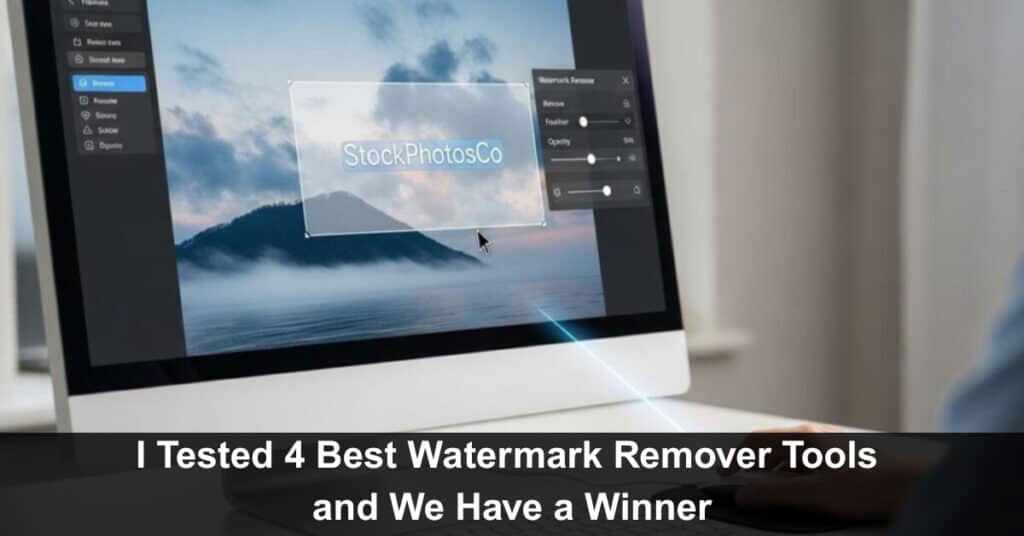
Content creators face a universal enemy. It is a logo or timestamp that destroys the video quality. They prevent content reuse. The sad news is that manual removal is slow and hectic. It requires expensive video editing software. The solution lies in AI tools. These tools automate the complex digital cleanup.
I tested four top solutions. These are specialized programs. They are designed to remove watermarks from video footage easily. My test focuses on pure function. It looks at the ability to remove a watermark from a video without leaving a trace. The final result must be clean and professional. So, here’s the lineup!
1. Vmake AI – The Online Restoration Champion
Vmake AI is a true standout. It is not just a standard video tool. Vmake is an AI video editing software focused on complex fixes. Its core technology is advanced AI. This system works entirely in your browser. No downloads are required. This makes it an exceptional online video editor.
Vmake’s ability to remove watermark from video is based on deep learning. It uses inpainting technology. The AI first isolates the unwanted logo. It tracks its movement across frames. Then, it predicts the missing pixel information. This rebuilds the background seamlessly. It avoids the messy blur patches of older software.
Vmake offers high-speed processing, which makes the entire cleanup cycle fast. This speed is vital for fast content creation and serves as a major benefit for e-commerce marketing.
Vmake AI Core Features
- Inpainting Technology: The AI rebuilds the background automatically. It ensures the reconstructed video is smooth. This maintains high video quality.
- Video Background Removal Power: Vmake includes a powerful video background removal tool. This uses the same high-precision AI to create the perfect subject isolation. It allows the tool to get rid of the background completely.
- Resolution Upscaling: Vmake features a strong video quality enhancer. It boosts resolution up to 4K. It removes noise and grain. This restores damaged clips.
- Platform: It is fully browser-based. It works well on mobile and desktop. No installation is required.
- Commercial Focus: Pro plans guarantee 4K export. They allow users to remove watermarks from videos for commercial use. This confirms Vmake as a professional marketing strategy asset.
Vmake sets the bar high and delivers desktop-level results online. It is the most efficient choice for high-volume content.
2. DaVinci Resolve Studio – The Professional Desktop Standard
DaVinci Resolve is the industry standard. It is used by filmmakers worldwide. Its ability to remove watermark from video is housed in its Fusion page. Resolve offers maximum control. It is not an automated one-click solution but a dedicated video editing software for professionals.
Resolve’s method uses planar tracking and clean plates. The user defines the watermark area. They track its movement manually or automatically. The system then uses Fusion’s powerful object removal tools. This process requires more technical skill. The results are unmatched in fidelity.
DaVinci Resolve Key Features
- Fusion Integration: It provides professional compositing tools. This ensures absolute precision. It is the highest video quality solution available.
- Planar Tracking: Resolve tracks complex, uneven surfaces accurately. This is perfect for logos on cloth or moving skin. It minimizes artifacts.
- Manual Control: Users manually keyframe the removal mask. They ensure precision on every single frame. This guarantees the best result when you remove watermark from video.
- Platform: It is a heavy desktop application. It requires a powerful computer. It handles large film files without issue.
Resolve is for users prioritizing absolute fidelity over speed. It is for projects where quality cannot be compromised.
3. Media.io – The General Online Utility Suite
Media.io is not just a specialized remover. It is an extensive online video editor suite. The platform offers many tools. These include converters, compressors, and enhancers. Its ability to remove watermark from video is part of this larger package.
Media.io is a straightforward tool. It provides a simple drag-and-drop interface, which is excellent for users who need multiple functions. The watermark removal tool by Media.io is also fast and easy to understand.
Media.io Key Features
- Suite Integration: The removal tool works inside a larger environment. Users do not need to switch platforms. This simplifies the workflow.
- Basic Removal: It uses standard content-aware methods. Users box the watermark area. The system processes the removal fast. This is great for simple logos.
- Cross-Platform Access: The tool is fully web-based. It runs on any operating system. This is highly accessible.
- Volume Pricing: Media.io is often subscription-based. It includes many other utilities. This makes it cost-effective for teams using multiple tools.
- Video Background Removal: Media.io includes a basic remove background from video feature. It supports the quick separation of subject and background. This is useful for various marketing tasks.
Media.io is the versatile option. It is best for content creators who need one subscription. They use one platform for all their basic needs.
4. iMyFone MarkGo – The Dedicated Removal Application
iMyFone MarkGo is a dedicated application. It focuses only on removal tasks. It handles both video and images. MarkGo is designed to be the ultimate remove watermark from video tool. It emphasizes simplicity and speed over complex editing features.
MarkGo is a good compromise. It offers better precision than simple online tools. It is less complex than DaVinci Resolve. The application provides four different removal modes. Users select the best mode for their specific footage.
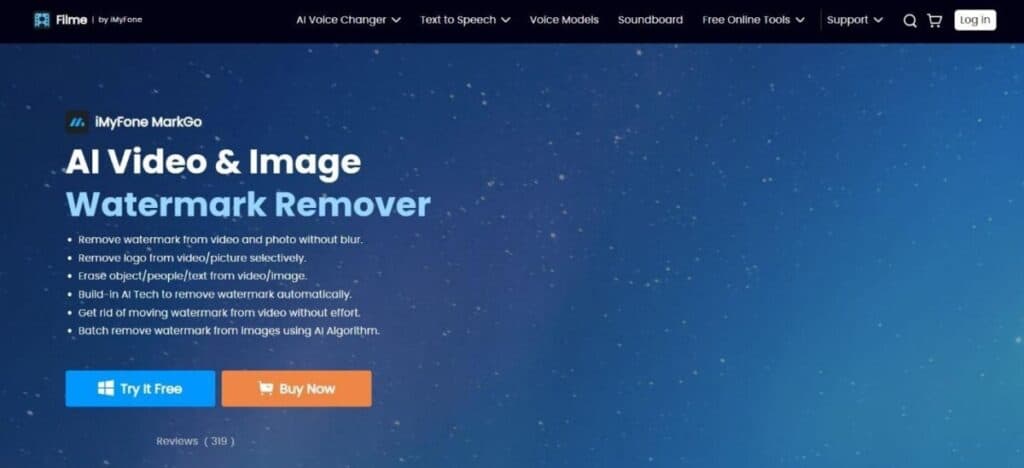
iMyFone MarkGo Key Features
- Dedicated Focus: The app focuses entirely on removal. It delivers streamlined performance. This makes digital cleanup reliable.
- Batch Processing: The app handles multiple files simultaneously. This is a huge time saver. It supports high-volume content creation.
- Ease of Use: The interface is simple. It requires minimal learning time. This makes it accessible to new video editing software users.
MarkGo is the focused alternative. It is for users who want a simple desktop app.
Comparison Table: Finding Your Perfect Tool
The technology to remove watermark from video has advanced significantly. The choice depends entirely on your needs. For professional content creation and high volume, an AI solution is necessary. For deep fidelity, a professional tool is required.
| Tool | Focus | Platform | AI Precision | Remove Background from Video | Best for Video Quality |
| Vmake AI | Speed and E-commerce | Online / Browser | High Inpainting | Yes Dedicated tool | content creators needing 4K output fast. |
| DaVinci Resolve | Professional Film | Desktop NLE | Highest Tracking | Yes Complex Masking | Colorists and filmmakers prioritize fidelity. |
| Media.io | All-in-One Utility | Online Suite | Basic | Yes Simple Tool | Users need converters and compressors, too. |
| iMyFone MarkGo | Dedicated Removal | Desktop App | Good | No | Users need a simple, reliable app for cleanup. |
Conclusion
The evolution of video editing software has made watermark removal increasingly accessible and efficient. Modern AI-powered tools enable content creators to maintain professional standards without investing excessive time in manual cleanup processes. Among the solutions evaluated, Vmake distinguishes itself as a leading platform in the emerging generation of AI-driven video enhancement technology. For those seeking to streamline their content production workflow, exploring Vmake’s capabilities represents a valuable next step.
Suggested articles:
- Top 5 Advantages of Using AI Video Generators
- How Much Content Should You Convert Into Videos to Maximize Engagement
- AI and Content Creation: From Writing to Video Production

Daniel Raymond, a project manager with over 20 years of experience, is the former CEO of a successful software company called Websystems. With a strong background in managing complex projects, he applied his expertise to develop AceProject.com and Bridge24.com, innovative project management tools designed to streamline processes and improve productivity. Throughout his career, Daniel has consistently demonstrated a commitment to excellence and a passion for empowering teams to achieve their goals.