
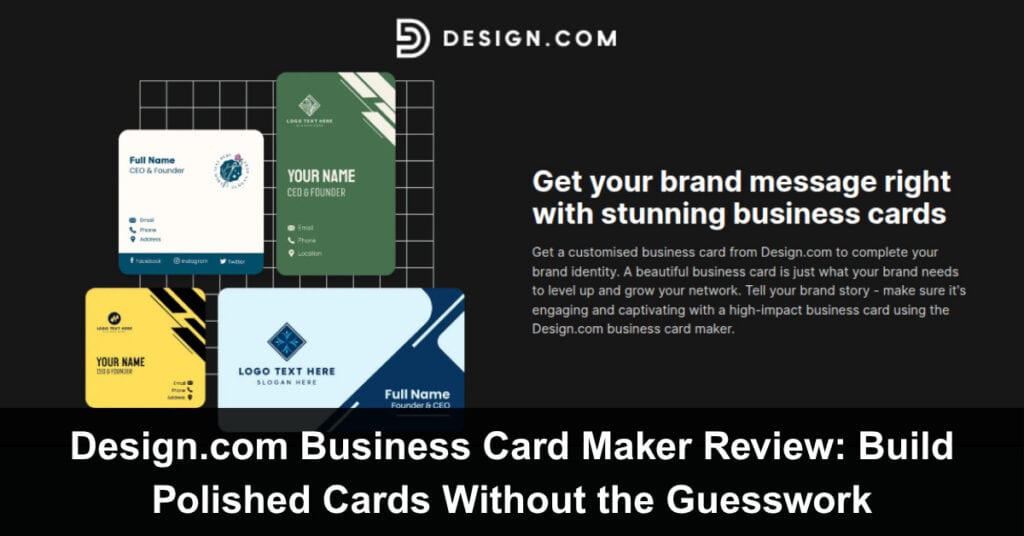
A great business card does more than share contact details. It gives people a quick snapshot of your brand, your identity, and how seriously you present your business. The challenge is getting the design of your card right. Too plain, and it feels forgettable. Too complex, and it becomes cluttered. For most people, finding that middle ground is the hardest part. That is exactly the gap Design.com aims to fill.
Instead of forcing you to figure everything out on your own, Design.com gives you a structured starting point with their huge library of pre-designed templates, plus the flexibility to shape it around your brand with their collection of decorative assets and their intuitive editor. But does the tool really work? Can you really create beautiful business cards?
We take Design.com’s business card maker out for a spin to explore its features, quality, and how it really works, and see if it’s truly the best business card tool you can use for your business.
What You Get With Design.com’s Business Card Maker
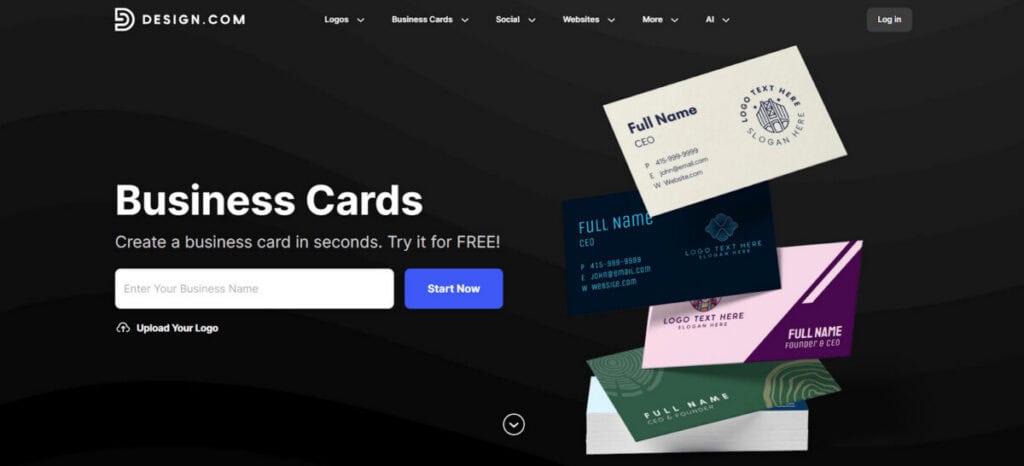
Design.com is the leading AI design platform for small businesses, startups, and solopreneurs. They are widely known for their top-rated logo maker tool, but they also offer an outstanding business card maker tool, which is what we are going to spotlight today. Design.com’s business card maker is built around one idea: make professional design accessible.
Instead of starting from a blank page, you begin with:
- Over 20,000 professionally designed templates across all industries and niches, one of the biggest libraries in the market
- Various design styles to choose from, such as minimalist, vintage, sporty, corporate, or whimsical
- A drag-and-drop editor that keeps things simple
- An AI business card generator that can produce tailored designs based on your input
- A huge collection of decorative elements to jazz up your templates, such as 750+ fonts, 62,000+ custom shapes, pre-set animations, and so on
The result is a tool that is fast and easy to use but still gives you enough creative freedom to create something that fully fits your vision.
Here are some sample cards from Design.com:
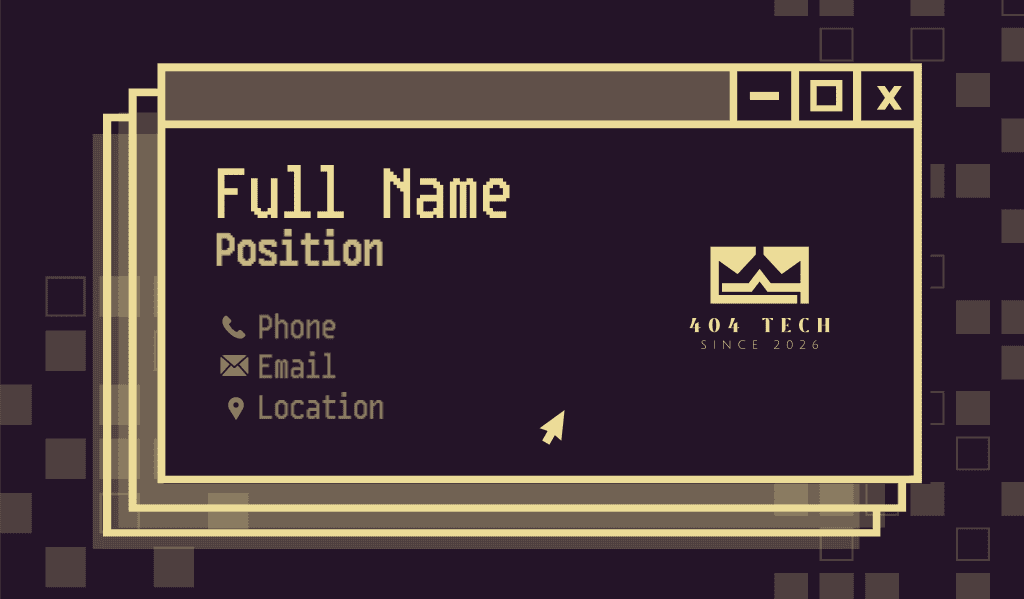


As you can see, you get a great variety of designs that can fit whatever business you may have. So if you want something that looks polished and seems tailor-made to your brand (without having to spend for a designer to create a custom design for you), then Design.com is the best choice.
Where Design.com Business Card Maker Stands Out
What makes Design.com stand out from the hundreds of tools in the market? Some of their best qualities are:
Templates That Actually Fit Your Industry
Relevance is one of the most important factors when choosing a design. You want your card to feel like it was truly made for your business and not just some generic layout, even if you may be using a template site. This is Design.com’s main strength. Their templates feel like it was built with real businesses in mind. They follow business card design industry standards plus use the appropriate styling and color palettes, so they all feel custom-made.
Let’s take a look at their cards for real estate. You will see a lot of geometric lines, clean and structured layouts, and subtle color palettes. All of these lend to a more professional look, which is appropriate for the industry. Contact details and credentials are also easy to find, which is essential for client-facing roles.
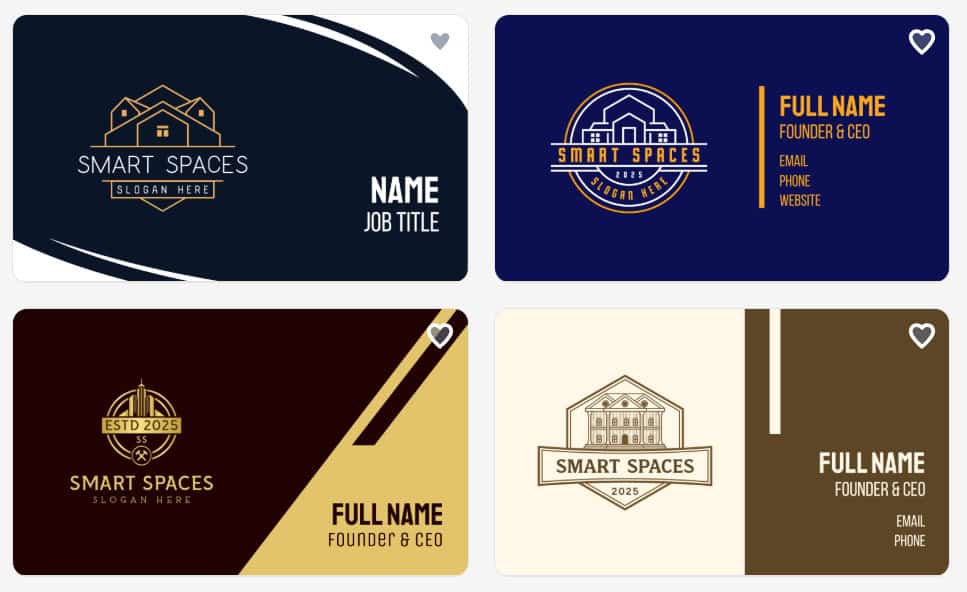
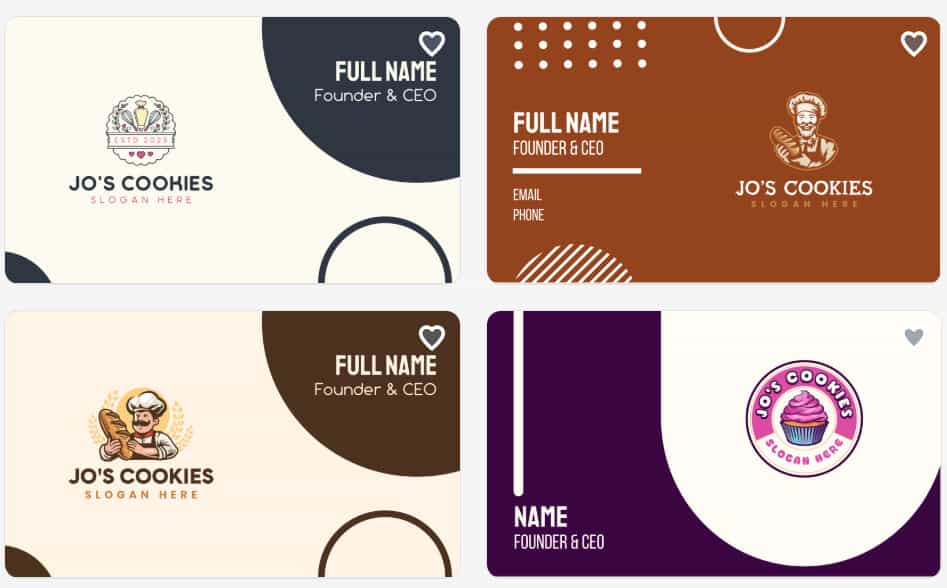
Restaurants, cafés, and catering services tend to have more personality in their cards. Expect bold visuals, richer colors, and layouts that highlight branding elements like logos or taglines. These designs are built to be memorable at a glance.
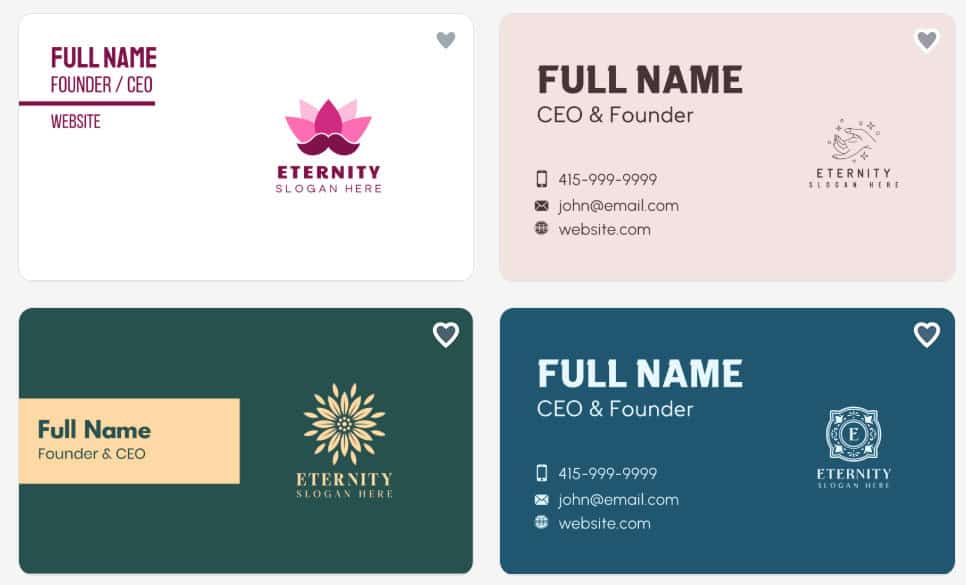
For businesses like yoga studios or skincare brands, the designs shift toward calm and balance. Softer color palettes, clean spacing, and minimal typography are used to create a more relaxed feel.
Actual Varied Designs
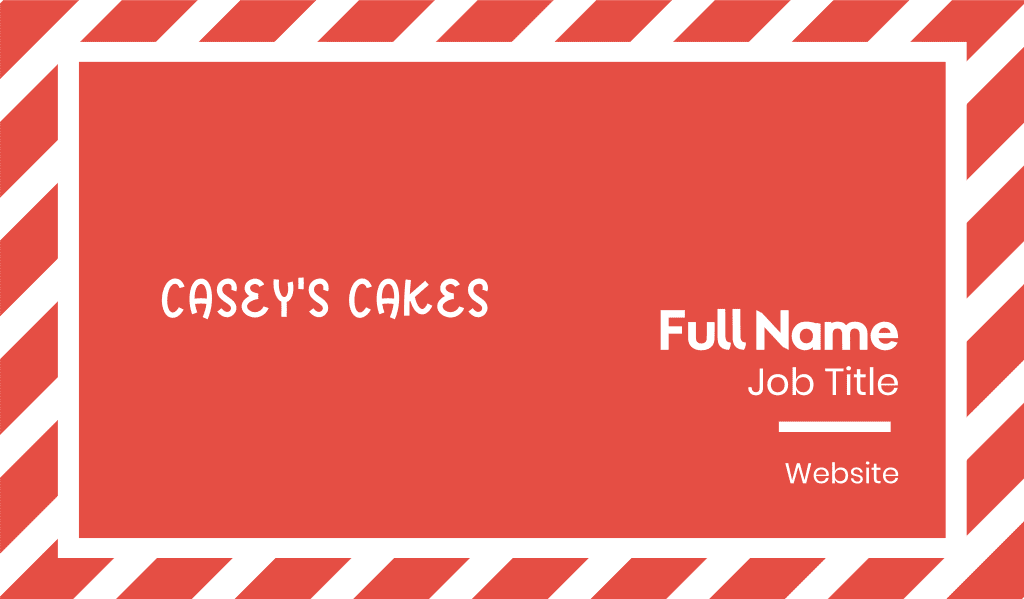
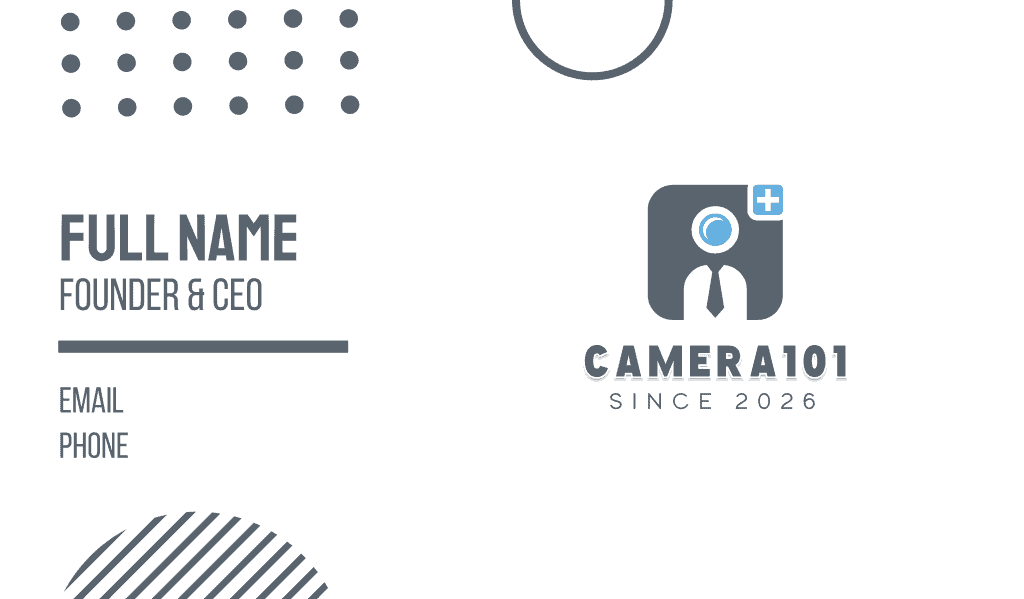
Some platforms offer a lot of templates, but sometimes it feels like there is still no variety. Maybe they’ll change a few borders here and there or slightly mix the colors, but they still tend to look the same. Design.com is different. They offer a wide range of business card design styles, from luxurious to creative to professional, so their users can truly have options.

Flexible Design Without Overcomplication
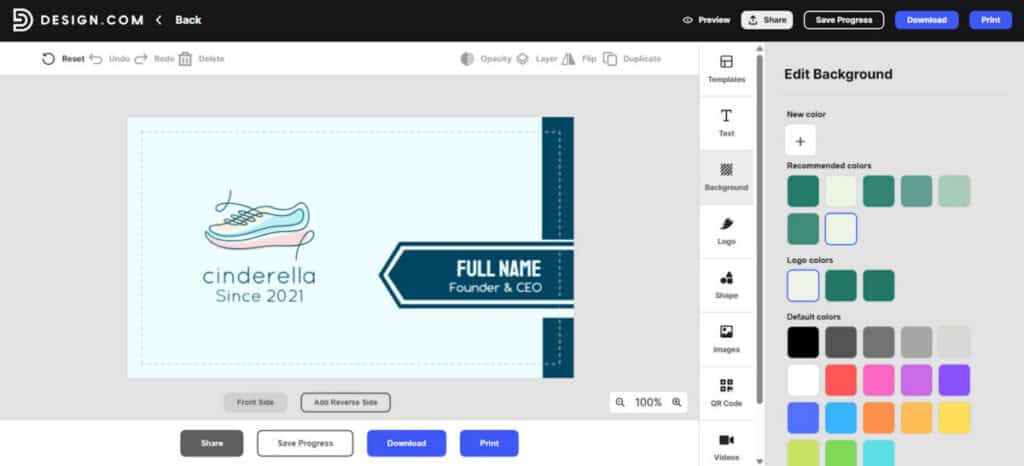
Some platforms simplify their tool so much that you can’t really do anything creative anymore. While some offer comprehensive design features, but are maybe too complicated for an average person. Design.com keeps things approachable while still offering depth.
You can:
- Swap fonts, add text effects, or change letter sizes
- Adjust colors or introduce gradients
- Rearrange layouts
- Tweak the spacing between letters if you want to experiment with the typography
- Include animations
- Add icons, shapes, and design elements
- Add QR codes (you can even adjust the design of the QR itself)
- Add and edit the reverse side of the card
All of this can be done easily with their drag-and-drop editor. Just click items to change them, or drag them to move around. It’s that simple. And because edits are unlimited, you can experiment freely. There is no pressure to get everything perfect on the first try.
Print-Ready From the Start
One of the more practical advantages of Design.com is how easy it is to go from design to print. You can download your files in:
- High-resolution PNG or JPG
- Vector formats like SVG, EPS, and PDF
Unlike other platforms, you are not tied to one format only. You can get your files and use them for any print or digital needs. There’s also no need to format it yourself, as Design.com will give you these files automatically.
Design.com also offers built-in printing with options for:
- Different quantities
- Single or double-sided cards
- Matte or glossy finishes
- Rounded or square corners
This makes it easy to get your cards printed without having to deal with third-party services or having to figure out the printing yourself. It’s truly a convenient option.
Built for Brand Consistency
Design.com goes beyond just business cards. They have templates for any marketing assets imaginable, such as:
- Logos
- Websites
- Social media posts, videos, and profile pictures
- Email signature
- Poster
- Flyer
- Brochure
- Presentation
- Letterhead
- Menu
- Invoice
- Merchandise
- … and many more!
What makes this ultra-convenient is the Brand Kit creator option. Once you upload your logo to the platform, it will automatically apply the styling and visual elements across different formats. This makes it easier to build a cohesive brand without having to switch tools.
A Smart AI Business Card Generator
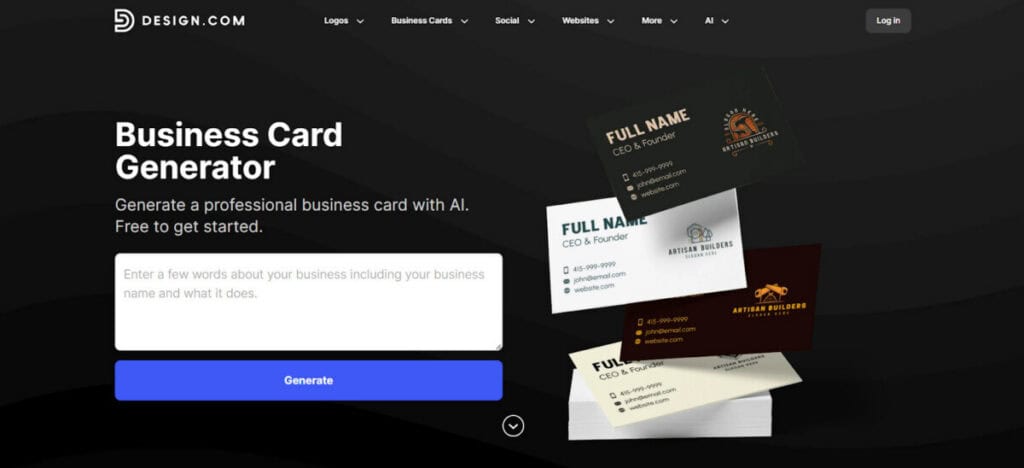
Design.com also offers an AI-powered version of its business card maker tool. You just need to enter your business name and a few keywords to get started. Design.com’s AI will then instantly generate thousands of design options. Since their AI is smart, it considers your input to ensure that you get tailored results instead of just some random mishmash of elements. From there, you can change keywords, further refine your chosen design, or download as is.
It is especially useful when:
- You are starting from zero
- You want to explore different visual directions
- You need ideas quickly
- You want a more tailored design
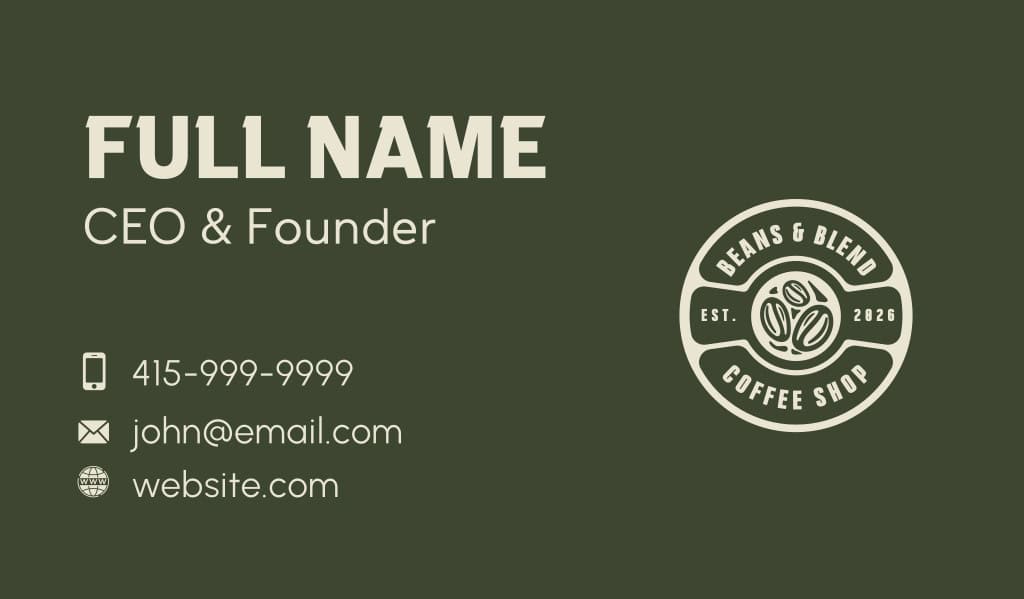
Here is a sample of an AI-generated card for a fictional coffee shop, Beans & Blend. The design hits all the right notes with the icons, fonts, and color palette, which makes it look custom-made. It’s a huge step up from other AI tools that feel very generic or basic.
How Design.com Business Card Maker Works
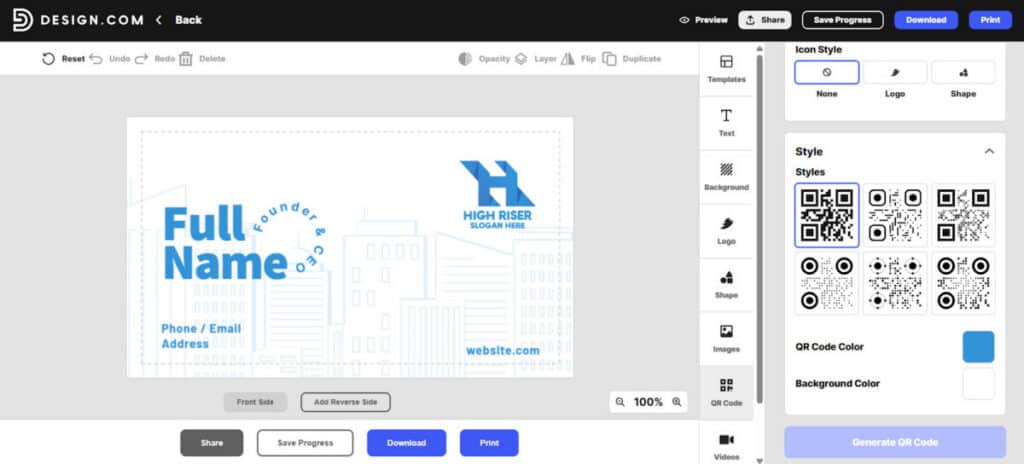
Let’s do a quick walkthrough of how the tool works. The steps are:
- Go to https://www.design.com/business-cards. Enter your business name.
- Browse through the templates and select one that best aligns with your brand.
- You can also choose to upload your logo from the homepage. Once you do, the platform will give you designs that match your logo.
- Pick a design that you like the most.
- Add your name, title, business name, phone, email, website, or any other relevant info.
- Customize the design. You can change the font, color, move elements, adjust spacing, add animation, or tweak some elements to achieve the look you are going for.
- Download your logo file or have it printed directly through the platform.
Design.com Business Card Maker Pricing and Plans
Design.com offers two types of cards: free and premium. Free cards are 100% free – no watermarks or hidden charges. You can just download them, no issues. Premium cards require a subscription before you can download them. The plans for the premium options are:
| Plan | Price* | What’s Included? |
| Premium | $3/month (billed annually) | – Unlimited edits- High-resolution and vector downloads- Access to thousands of templates and design tools- Cloud storage |
| Premium + Website | $6/month (billed annually) | – Everything in Premium- Website builder included |
*Pricing as of March 2026
Printing costs for the cards will depend on your customizations, so there is no set pricing for that.
Final Thoughts
Design.com’s business card maker focuses on what most users actually need: speed, flexibility, and professional results. The tool delivers on giving well-designed, visually stunning templates and enough customization freedom to make your design feel unique. The AI generator adds an extra layer of convenience by helping you explore ideas quickly. If you want to create business cards that look polished, print-ready, and aligned with your brand, Design.com is a top choice that keeps the process simple without cutting corners.
Suggested articles:
- Canva vs Adobe Express vs Design.com for Full Branding
- Top 9 Logo Makers to Create Stunning Designs
- Best AI Design Platforms for Visual Storytelling

Daniel Raymond, a project manager with over 20 years of experience, is the former CEO of a successful software company called Websystems. With a strong background in managing complex projects, he applied his expertise to develop AceProject.com and Bridge24.com, innovative project management tools designed to streamline processes and improve productivity. Throughout his career, Daniel has consistently demonstrated a commitment to excellence and a passion for empowering teams to achieve their goals.