
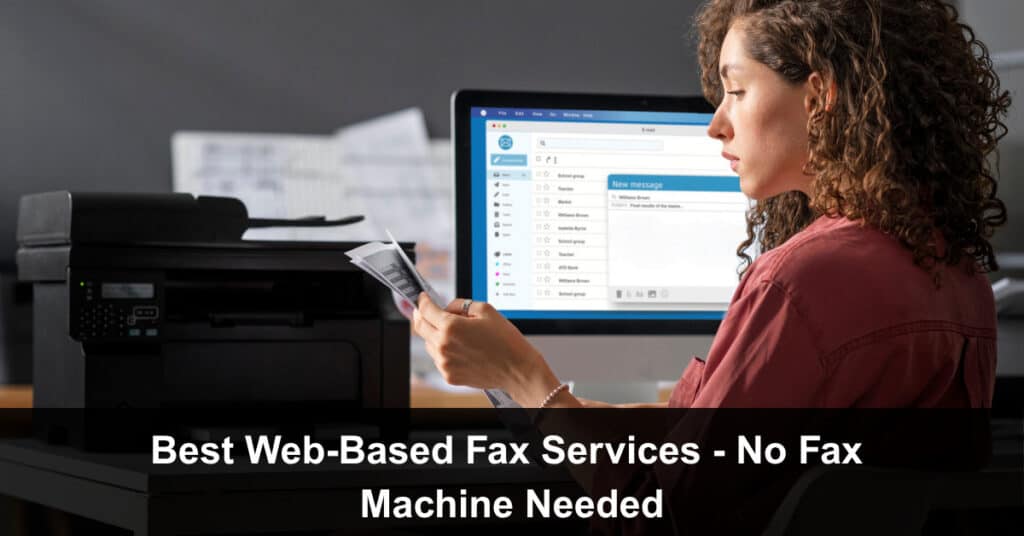
Fax machines are dead. Or at least, they should be. In 2026, there’s no reason to deal with paper jams, toner, or that weird screeching noise just to send a document. Modern businesses are switching to web-based fax services that work directly from a browser — faster, cleaner, and far more secure. But not all platforms are built the same.
This guide breaks down the best web-based fax services right now, how they actually work, and how they fit into modern systems like CRMs (including GoHighLevel).
How Web-Based Fax Actually Works
Understanding how web-based fax works is the first step to appreciating why so many businesses are making the switch. The technology has matured significantly over the past decade, moving from clunky workarounds to genuinely seamless cloud infrastructure that handles everything a physical machine used to — only faster, in a more reliable way, and without any of the hardware headaches. The process is straightforward by design.
Instead of the old way:
- Printing a Document: Wasting paper, ink, and time just to get a file into a format the machine can read
- Feeding It Into a Machine: Hoping it doesn’t jam, smear, or cut off half the page in the process
- Dialling a Number: Waiting, listening to that infamous screech, and praying the other end actually picks up
You now simply:
- Upload Your Document: PDFs, Word files, images, and most common formats are accepted instantly with no conversion needed on your end
- Enter the Recipient’s Fax Number: Just like dialling, but typed into a clean browser field in seconds
- Hit Send: The platform handles format conversion, transmission, delivery confirmation, and archiving automatically
The platform converts your file into a fax-compatible format behind the scenes and transmits it over traditional fax networks. No hardware. No setup. No nonsense.
Why Businesses Are Moving to Web-Based Fax
The shift away from physical fax machines isn’t just a trend driven by convenience — it reflects a deeper change in how modern businesses think about efficiency, security, and operational control. Companies that once relied on dedicated fax lines are discovering that web-based alternatives don’t just replace the machine; they actively improve the entire document workflow. Here’s a breakdown of the key reasons businesses are making the move.
- Speed: Send faxes in seconds from anywhere in the world, at any time, without needing to be near an office or a dedicated fax line. Whether you’re closing a deal from a coffee shop or sending compliance documents while travelling, web-based fax keeps your workflow moving without interruption.
- Security: Top platforms offer end-to-end encryption and full HIPAA compliance, which is absolutely critical in industries like healthcare, legal, and finance, where document security isn’t optional. Physical fax machines, by contrast, leave printed pages sitting in open trays where anyone can read them.
- Integration: Modern web-based fax tools are built to plug directly into your existing workflow — connecting with email clients, cloud storage platforms, and increasingly with CRMs. This means faxing becomes part of your automation stack rather than a manual interruption to it.
- Mobility: The best platforms come with fully featured mobile apps that let you send, receive, and manage faxes from your phone with the same reliability as a desktop setup — and in many cases, with a cleaner experience than legacy desktop software.
Best Web-Based Fax Services (2026 Rankings)
1. Municorn Fax App (Everyfax Platform)
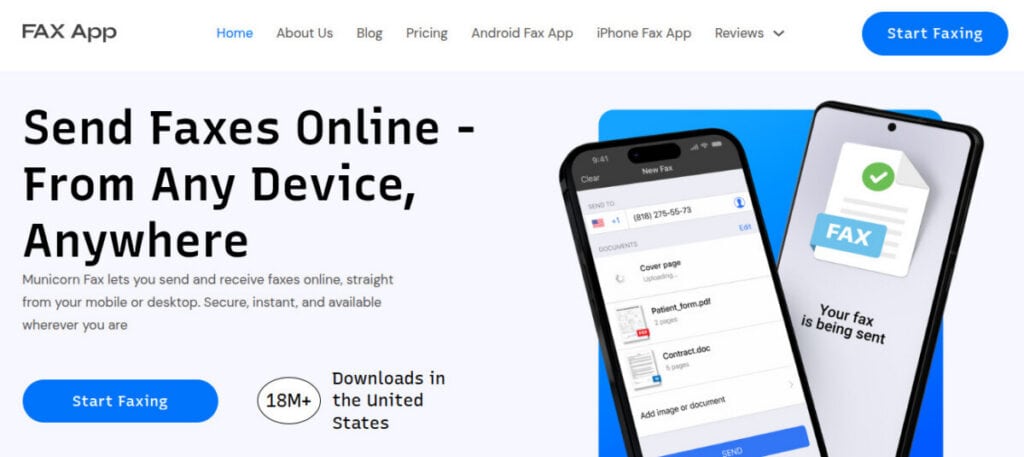
Municorn Fax is what web-based fax should look like in 2026. Rather than taking outdated legacy systems and patching them with a browser interface, Municorn was built cloud-first from the ground up — and that foundational difference shows immediately in how the platform feels and performs. It’s fast, intuitive, and designed for businesses that want a fax solution that actually fits inside a modern tech stack without friction or compromise.
Why It Stands Out:
- Fully Browser-Based Interface: No downloads, no plugins, and no installations required — everything runs directly from your browser, making it instantly accessible from any device or operating system
- Everyfax Platform Reliability: Running on the Everyfax infrastructure means delivery rates are consistently high, with redundancy built in to handle transmission issues that would stall other services
- HIPAA Compliance Included: Unlike competitors who lock compliance features behind premium tiers, Municorn includes HIPAA compliance across all plans — making it a genuine option for healthcare and legal teams from day one
- Clean, Fast UI: The interface is designed for speed and clarity, with no cluttered menus or confusing settings — you can send a fax in under a minute without needing a tutorial
- Best-in-Class Mobile App: The mobile experience is arguably the strongest of any platform in this category, offering full functionality on the go rather than a stripped-down version of the desktop tool
2. Fax.Plus
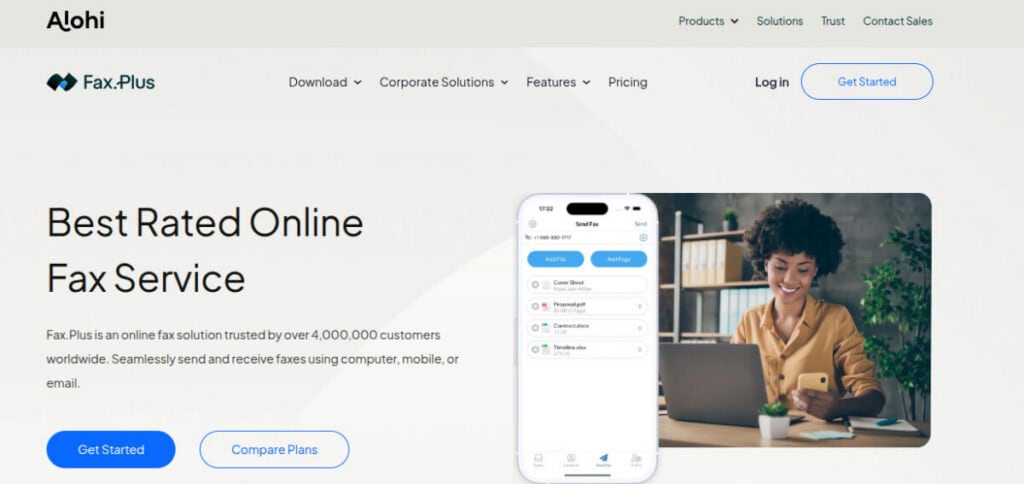
Fax.Plus is a strong contender for teams that prioritise integrations and developer flexibility above all else. It’s a well-built platform that has clearly been designed with modern workflows in mind, offering API access and compatibility with popular cloud tools that make it appealing to technically minded teams. It won’t suit every use case, but for businesses that need programmable fax capabilities woven into a broader tech ecosystem, it’s worth a serious look.
Pros:
- API Access: A robust API makes Fax.Plus, one of the better options for developers who want to build fax functionality directly into custom applications or automate sending at scale
- Good UI: The interface is clean and relatively modern compared to legacy competitors, making day-to-day use straightforward for non-technical team members as well
- Cloud Tool Compatibility: Works well with Google Drive, Dropbox, and other popular cloud platforms, making document handling more seamless within existing workflows
Cons:
- Compliance Limitations by Plan: HIPAA and other compliance features aren’t available on all tiers, which can catch regulated industries off guard if they don’t choose the right plan upfront
- Costs Scale Quickly: Pricing can climb fast as usage increases or as you add team members, making it less cost-effective for growing businesses compared to flat-rate alternatives
3. eFax
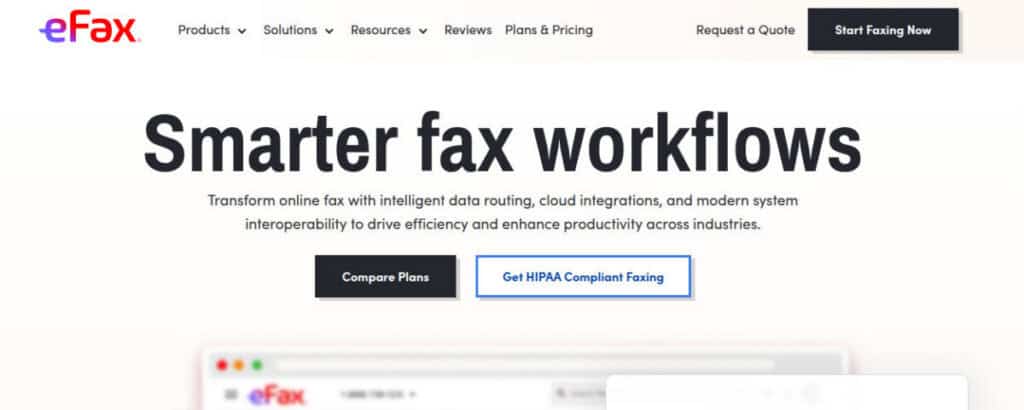
eFax is one of the oldest names in the digital fax space, and it still holds meaningful ground — particularly among enterprise clients who value brand stability and global reach over cutting-edge features. It’s a serviceable option if you need broad international coverage and aren’t particularly bothered by a dated user experience. That said, it’s difficult to recommend for businesses that want a modern, efficient workflow without paying a premium for it.
Pros:
- Strong Brand Recognition: eFax has been in the market long enough to build real trust, particularly in industries where vendor reputation matters during procurement decisions
- Global Coverage: Supports fax numbers and delivery across a wide range of international markets, making it a practical choice for businesses with cross-border document needs
Cons:
- Outdated Interface: The platform looks and feels like it hasn’t had a meaningful design update in years, which creates unnecessary friction compared to modern competitors
- Expensive: Pricing is among the higher end of the market, especially considering the feature set doesn’t justify the premium when newer platforms offer more for less
- Not Built for Modern Workflows: Limited integration options and an architecture that wasn’t designed with automation in mind make it a poor fit for teams running lean, connected tech stacks
4. MyFax
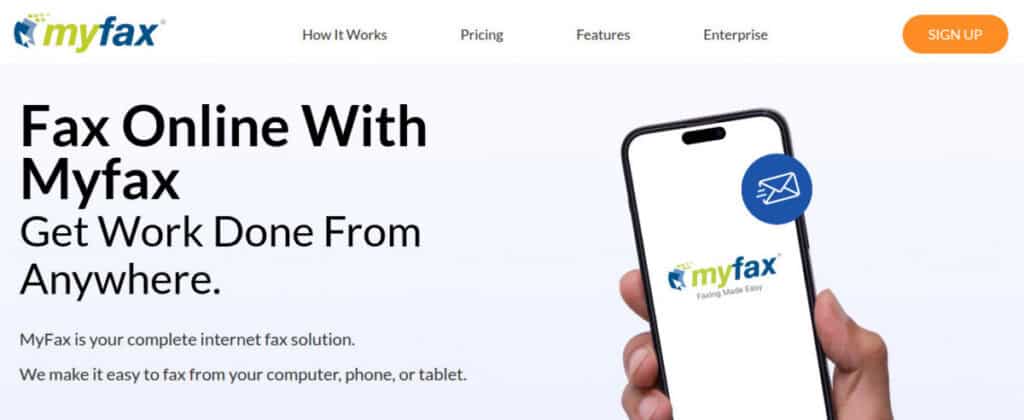
MyFax is a straightforward, no-frills option best suited to light users who need occasional fax capability without committing to a feature-heavy platform. It’s easy to get started with and handles the basics competently, which makes it a reasonable choice for freelancers, small offices, or anyone who sends faxes infrequently. However, it lacks the depth needed to grow with a business, and teams that start scaling will likely find themselves looking for an upgrade relatively quickly.
Pros:
- Simple Setup: Getting started with MyFax requires minimal configuration — the onboarding process is fast, and you can be sending faxes within minutes of signing up
- Easy to Use: The interface is uncomplicated and accessible, making it a good fit for users who aren’t particularly tech-savvy and just need something that works reliably for basic tasks
Cons:
- Lacks Advanced Features: There’s no meaningful API access, limited automation capability, and minimal integration support, which rules it out for businesses with more complex document workflows
- Not Ideal for Scaling Businesses: The platform’s simplicity becomes a liability as your fax volume or team size grows, pushing you toward more capable alternatives sooner than you might expect
5. Dropbox Fax (HelloFax)
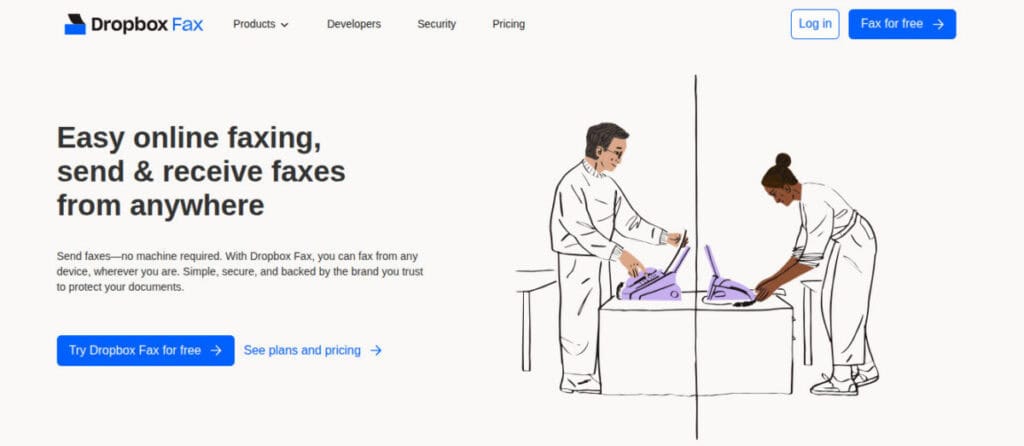
Dropbox Fax, formerly known as HelloFax, is a decent option for teams that are already deeply embedded in the Dropbox ecosystem and want fax capability that integrates naturally with their existing document storage. The document handling is genuinely smooth when everything stays within Dropbox, and the interface is clean enough to use without a learning curve. Outside of that specific context, however, it struggles to compete with more versatile platforms.
Pros:
- Seamless Dropbox Integration: If your team already stores documents in Dropbox, the workflow between storage and fax sending is notably frictionless, eliminating several manual steps
- Clean Interface: The design is modern and easy to navigate, reflecting Dropbox’s broader commitment to a polished user experience across its product suite
Cons:
- Limited Outside the Dropbox Ecosystem: The platform’s value drops significantly if you use other cloud storage tools, as the integrations with non-Dropbox services are comparatively weak
- Not Suited for Compliance-Heavy Use: Healthcare, legal, and financial teams requiring built-in HIPAA compliance or audit trails will find this platform lacking the necessary certifications and controls
The CRM Angle: Where Fax Gets Interesting
Here’s where most people are behind, and it’s costing them more than they realise. Fax is no longer just a standalone communication tool sitting on the edge of your operations — it’s increasingly becoming a core component of sales and operational stacks for businesses in regulated or document-heavy industries. When fax capability is connected to your CRM, it stops being a manual task and starts becoming an automated touchpoint that moves leads and clients through your pipeline without anyone needing to pick up a physical document.
Using Web-Based Fax With GoHighLevel (and Similar CRMs)
If you’re running an expert GoHighLevel setup, with active funnels, contact pipelines, and multi-step automations, fax can slot into that infrastructure more naturally than most people expect. The key is treating fax as a data event rather than a manual action, which opens up a range of automation possibilities that simply aren’t available with a physical machine. Here’s how it plays out in practice across three core use cases.
- Lead and Client Document Handling: Send contracts, intake forms, compliance documents, or onboarding packs via fax directly from within your CRM workflow, and store delivery confirmations back against the contact record automatically — creating a clean audit trail without any manual logging.
- Automation Opportunities: With the right platform and webhook configuration, you can trigger a fax send based on form submissions, tag changes, pipeline stage movements, or appointment bookings — removing the need for anyone to manually initiate document delivery at each step.
- Workflow Example: A lead fills out a form inside GoHighLevel, which triggers an automation that generates or attaches the relevant document, sends it via your connected web-based fax platform, and logs the delivery confirmation back into the CRM contact record — with zero manual handling and no delays between steps.
Why This Matters for Growth (SEO + Social + Ops)
Most businesses pour their energy and budget into the front end of growth, chasing SEO rankings, building social media audiences, and running paid traffic campaigns. These are important, but they represent only half of the equation. What happens after a lead comes in matters just as much as how the lead arrived, and businesses that ignore their backend operational systems often find that their marketing wins are quietly cancelled out by process failures further down the funnel.
That’s a costly mistake, because:
- Slow Processes Kill Conversions: A lead that has to wait days for a contract or intake form because of manual document handling will often go cold — or go to a competitor who moves faster
- Poor Document Handling Kills Trust: Sending documents through unreliable or unprofessional channels signals operational immaturity to clients, which undermines the credibility your marketing worked hard to build
- Friction Kills Retention: Clients who repeatedly experience clunky back-and-forth document processes are more likely to churn, even if they’re happy with the core service being delivered
You can rank at the top of Google and still lose deals if your operations feel like they belong in 2003. Web-based fax is one of those unsexy backend upgrades that quietly compounds over time, improving client experience, operational speed, and brand perception without requiring a major overhaul of your existing stack.
What to Look For (Quick Checklist)
Choosing the right web-based fax platform isn’t just about finding the cheapest option or the one with the most features on paper — it’s about finding the one that fits your specific workflow, compliance requirements, and growth trajectory. Before committing to any platform, run through this checklist to make sure it covers the essentials that will actually matter once you’re using it day to day.
- High Delivery Success Rates: Consistent, reliable delivery is non-negotiable — a fax service that drops transmissions or fails silently is worse than no service at all, particularly in time-sensitive or regulated contexts
- Built-In Compliance (Not Upsold): HIPAA and other compliance features should be included in standard plans, not reserved for expensive enterprise tiers that price out smaller teams who still have the same legal obligations
- Clean Web Interface: A well-designed browser interface reduces friction for everyone on your team, speeds up onboarding, and minimizes the risk of errors during document sending
- Strong Mobile Support: A properly functional mobile app — not just a mobile-responsive website — ensures your team can send and receive faxes reliably, regardless of where they’re working
- Integration Potential With CRMs: Native integrations or a well-documented API are essential if you want fax to become part of your automated workflow rather than a disconnected manual task
Final Verdict
The best web-based fax services in 2026 don’t feel like fax at all. They feel like a natural, unremarkable part of your operational stack — quietly handling document transmission in the background while your team focuses on higher-value work. The gap between the leading platforms and the laggards has never been wider, which means choosing well matters more than it used to.
- For Simple and Powerful: Municorn Fax (Everyfax) is leading the category right now, combining ease of use with genuine compliance credentials and a mobile experience that outperforms everything else in its tier
- For Integrations-First Teams: Fax.Plus is worth a serious look, particularly if API access and cloud tool compatibility are central to how your business operates
But overall, the direction is clear. Fax is no longer a machine. It’s a workflow tool. And the businesses that treat it that way — connecting it to their CRM, automating their document triggers, and choosing platforms built for modern operations — will move faster, close more reliably, and project more professionalism than the ones still feeding paper into a box from 2003.
Suggested articles:
- Why Every Project Manager Needs a Documentation Strategy
- Top 5 Tools Every Project Manager Should Use for Better Documentation
- Document Version Control: 10 Pros and Advantages

Daniel Raymond, a project manager with over 20 years of experience, is the former CEO of a successful software company called Websystems. With a strong background in managing complex projects, he applied his expertise to develop AceProject.com and Bridge24.com, innovative project management tools designed to streamline processes and improve productivity. Throughout his career, Daniel has consistently demonstrated a commitment to excellence and a passion for empowering teams to achieve their goals.