
Producing high-quality video content efficiently is a challenge for many businesses and creative teams. From marketing campaigns to training videos, teams need to deliver consistent, engaging content while managing tight deadlines and limited resources. Choosing the right tools for video project management can streamline workflows, automate repetitive tasks, and ensure consistency across all deliverables. In this article, we highlight some of the top tools for efficient video production, focusing on automation, collaboration, and scalability.
Here is a complete overview of tools that can help teams manage video projects efficiently from start to finish, combining automation, editing flexibility, and collaborative workflows.
Nexrender — Streamlining Automation in Video Production
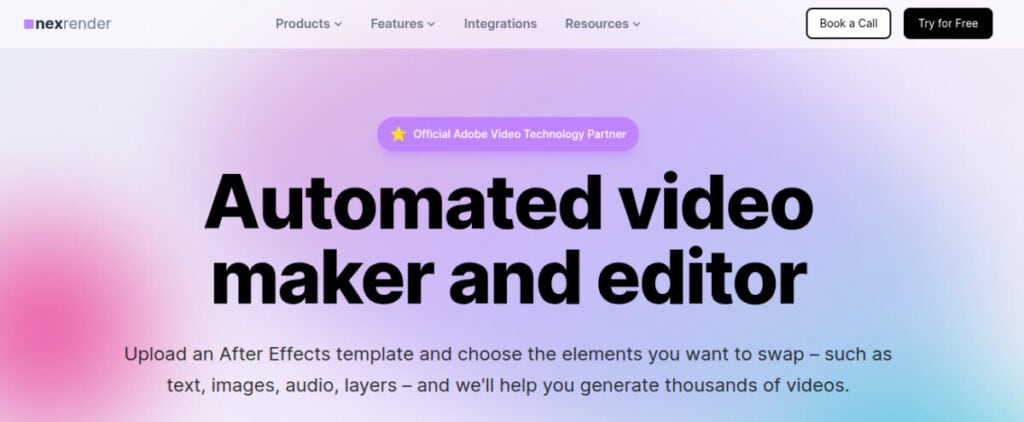
Nexrender is a specialized automation platform built around Adobe After Effects that allows teams to scale video production while minimizing manual work. By leveraging existing templates, Nexrender automates repetitive tasks such as rendering, asset swapping, and batch processing. This enables teams to produce dozens or even thousands of videos quickly, while maintaining brand consistency and quality standards. It is flexible in deployment, supporting both cloud-based and self-hosted setups.
It integrates easily into existing workflows and can connect with APIs, scripts, or CI/CD pipelines, making it a powerful solution for teams looking to automate complex video production processes. The platform supports multiple output formats, including MP4, MOV, GIF, and image sequences, and allows for advanced workflow customization, including conditional scenes and dynamic asset substitution. By incorporating Nexrender into project workflows, teams can save time, reduce errors, and focus more on creative decision-making rather than repetitive technical tasks.
Adobe Premiere Pro – Professional Editing Standard
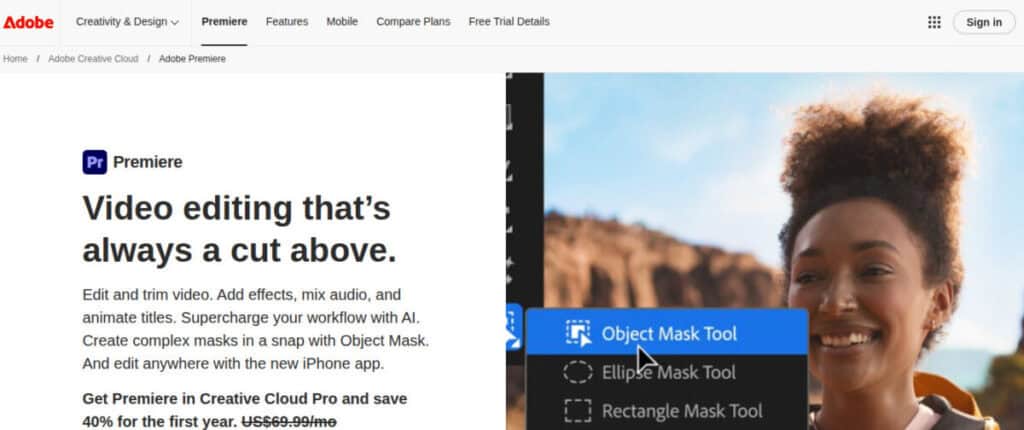
Adobe Premiere Pro continues to be a leading choice for video editing professionals. It offers a complete suite of editing tools and advanced AI-assisted features that help streamline timelines and complex projects. Its tight integration with the Adobe Creative Cloud ecosystem makes it ideal for collaborative workflows, enabling teams to work efficiently across multiple editors, designers, and producers.
Premiere Pro also excels in cross-platform compatibility and supports a wide range of file formats, making it suitable for diverse production environments. Its integration with Adobe Stock and Frame.io enhances asset management and real-time feedback, while features like auto-reframing and scene edit detection simplify editing for multiple platforms. This versatility ensures seamless delivery from concept to final export.
DaVinci Resolve – All-in-One Post-Production Suite
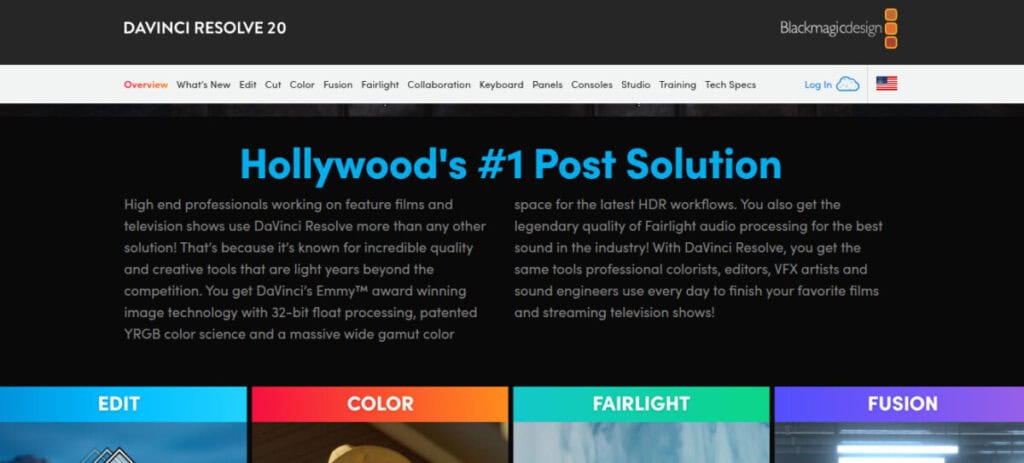
DaVinci Resolve combines editing, color grading, visual effects, and audio post-production into a single platform. It provides extensive control for creative teams, allowing them to manage every aspect of a project from start to finish. Collaborative features support multiple users simultaneously, making it a strong choice for teams handling larger-scale projects that require consistency and precision.
Beyond its editing capabilities, DaVinci Resolve’s node-based workflow and advanced color science tools make it a favorite for cinematic productions. The Fusion and Fairlight modules enable high-end visual effects and professional-grade audio mixing within the same environment. Its free version offers robust functionality, making it accessible for both independent creators and enterprise-level studios.
InVideo – Template-Driven Video Creation
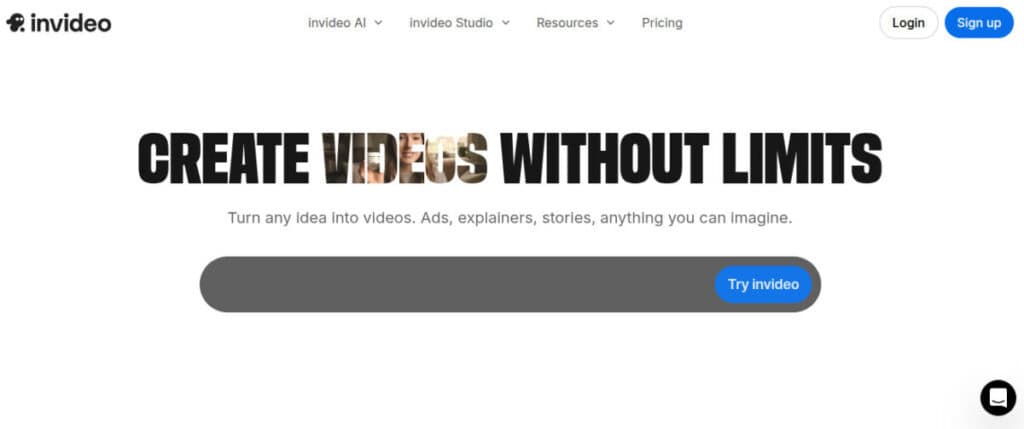
InVideo is a web-based platform designed to simplify video production for marketing and social media teams. It offers thousands of templates and automated text-to-video features that allow teams to quickly scale content creation. InVideo’s drag-and-drop interface makes it accessible for users without extensive editing experience, allowing small teams to maintain a high output of polished content.
InVideo also includes AI-powered script generation, voiceover tools, and brand kits that ensure visual consistency across campaigns. Its built-in media library and direct publishing to social platforms streamline the content pipeline, reducing turnaround time. The platform’s analytics features help teams measure engagement and refine their creative strategies for maximum impact.
VEED – Browser-Based Editing with Automation Features

VEED combines intuitive video editing with automation capabilities, making it suitable for distributed teams or agencies. It supports collaborative workflows directly in the browser, removing the need for complex software installations. Features like auto-subtitling, AI-powered transcription, and template-based workflows save time while allowing teams to produce professional-quality videos quickly.
VEED also integrates with cloud storage and communication tools like Google Drive and Slack, enabling seamless collaboration and version control. Its AI tools assist with background noise removal, subtitle translation, and brand consistency across multiple projects. The platform’s simplicity and accessibility make it a strong choice for fast-paced teams managing high-volume video production.
AI-First Tools for Specialized Tasks
Several emerging AI video tools cater to niche workflows and automation, helping teams accelerate production and reduce technical complexity. These platforms leverage machine learning to handle tasks such as script generation, voice synthesis, scene composition, and automated editing, making them valuable additions to both small creative teams and enterprise-level video operations.
- HeyGen is focused on talking-head and presentation videos, offering fast production for corporate or educational content. It allows users to generate lifelike presenters from text input, eliminating the need for on-camera talent or studio setups. This makes it ideal for training materials, internal communications, and marketing explainers that require a professional yet scalable approach.
- NanoBanana Pro and Cliptalk Pro streamline short-form content creation and text-to-video processes, making them ideal for social media campaigns or rapid promotional content. Both tools use AI to match visuals with scripts, apply dynamic captions, and optimize aspect ratios for various platforms. Their automation features enable marketers to produce high-volume, platform-ready videos in minutes.
- Veo 3 and Seedance are newer solutions aimed at cinematic visuals and affordable production, providing creative teams with innovative approaches to video storytelling without extensive production overhead. These tools focus on AI-assisted scene generation, motion tracking, and visual enhancement, allowing creators to achieve film-quality results with minimal manual editing. They represent the next wave of accessible, high-impact video creation technology.
Optimizing Video Workflows for Project Teams
Integrating these tools into a cohesive workflow can greatly improve efficiency and output quality. Here are some strategies for project managers to get the most from video production tools:
- Map the Production Process: Identify repetitive tasks and where automation can reduce manual effort. Tools like Nexrender are ideal for batch processing and template-driven content.
- Combine Automation with Creative Control: Use automation for rendering and repetitive tasks while leveraging traditional editors like Premiere Pro or DaVinci Resolve for creative decision-making.
- Centralize Assets and Templates: Maintain a structured library of templates, media assets, and brand elements to ensure consistency across multiple projects.
- Enable Collaboration: Platforms like VEED and DaVinci Resolve offer collaborative features that support distributed teams and streamline review processes.
- Track and Refine Workflows: Continuously monitor project timelines, bottlenecks, and output quality to improve efficiency and adjust tool usage as needed.
Conclusion: Efficient Video Production in 2026
Efficient video project management requires the right combination of automation, editing flexibility, and collaborative tools. Nexrender excels in automating repetitive tasks and scaling production, providing a strong foundation for teams managing high-volume video projects. Complementary tools such as Adobe Premiere Pro, DaVinci Resolve, InVideo, VEED, and emerging AI-focused platforms offer additional capabilities for creative editing, social content, and specialized workflows.
By thoughtfully integrating these tools, project managers can streamline production from concept to delivery, produce consistent high-quality content, and reduce the burden on creative teams. Leveraging automation alongside traditional editing and AI-assisted platforms ensures that businesses can meet the growing demands of video content in 2026 while maintaining both efficiency and creativity.
Suggested articles:
- Top 5 Advantages of Using AI Video Generators
- How Much Content Should You Convert Into Videos to Maximize Engagement
- Can AI Replace Humans in Video Advertising?

Daniel Raymond, a project manager with over 20 years of experience, is the former CEO of a successful software company called Websystems. With a strong background in managing complex projects, he applied his expertise to develop AceProject.com and Bridge24.com, innovative project management tools designed to streamline processes and improve productivity. Throughout his career, Daniel has consistently demonstrated a commitment to excellence and a passion for empowering teams to achieve their goals.