

Finding the right Google-integrated project management tool can transform how your small business handles tasks, collaboration, and deadlines. These solutions connect seamlessly with Google Workspace, helping teams stay organized and efficient without overspending. By leveraging familiar Google interfaces and existing workflows, these tools reduce the learning curve and adoption friction that often plague new software implementations.
They enable real-time collaboration, centralized file management, and automated synchronization across your entire workspace. Whether you’re managing client projects, coordinating team assignments, or tracking multiple initiatives simultaneously, the right Google-integrated platform can streamline operations, improve transparency, and boost productivity while keeping costs manageable for growing businesses.
The Top 9 Google-Integrated PM Tools to Consider
Choosing the right project management tool can make or break your team’s productivity. Here are nine Google-integrated solutions that stand out for small businesses, each offering unique features to help you manage tasks, collaborate effectively, and stay on schedule.
ClickUp
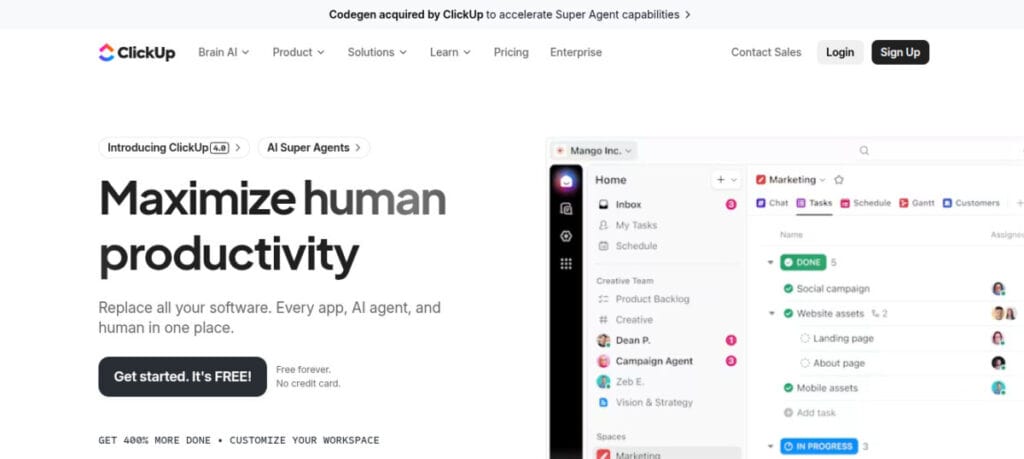
ClickUp stands out as a highly customizable project management platform that offers exceptional integration with Google Workspace. Small businesses appreciate its flexibility with 15+ customizable views, including list, board, calendar, Gantt, and timeline views that adapt to different working styles within your team.
The platform’s Google integration is comprehensive – you can attach Google Drive files directly to tasks, sync with Google Calendar, and even import documents from Google Docs. This seamless connection eliminates the constant switching between apps that drains productivity.
Trello

Trello offers a visually intuitive approach to project management through its Kanban-style boards. This tool excels at providing a clear visual overview of project status, making it particularly suitable for small teams that prefer a straightforward, visual approach to tracking work.
The Google integration capabilities make Trello especially valuable for small businesses already using Google Workspace. You can attach Google Drive files directly to cards, create cards from Gmail messages, and sync deadlines with Google Calendar. The Power-Up feature allows you to extend functionality with additional integrations and capabilities.
Kanbanchi
Kanbanchi stands out as one of the most tightly integrated project management tools for Google Workspace. Designed specifically to work within the Google ecosystem, it offers a seamless experience for small businesses already invested in Google’s productivity suite.
The platform provides visual Kanban boards, Gantt charts, and time tracking features that help small teams visualize workflows and monitor progress. What sets Kanbanchi apart is its direct integration with Google Drive – all your boards are stored in Drive, making file sharing and access control straightforward through Google’s familiar interface.
Teamwork
Teamwork delivers a comprehensive project management solution that balances powerful features with a user-friendly design. For small businesses managing client work, Teamwork offers specialized tools like client users, billable time tracking, and project budgeting that help maintain profitability.
The Google integration capabilities include two-way sync with Google Calendar, attachment of Google Drive files to tasks, and single sign-on with Google accounts. This makes Teamwork a natural extension of your existing Google Workspace environment rather than a separate system to manage.
Kissflow
Kissflow takes a different approach to project management by focusing on workflow automation and process management. This makes it particularly valuable for small businesses with standardized processes that need to be followed consistently across projects.
Its structured workflow design aligns well with service management principles found in ITIL 4, especially for teams aiming to improve efficiency, accountability, and continuous improvement. The platform’s Google integration is comprehensive, with single sign-on using Google accounts, attachment of Google Drive files to tasks, and the ability to trigger workflows based on events in Google Sheets or Forms.
Asana
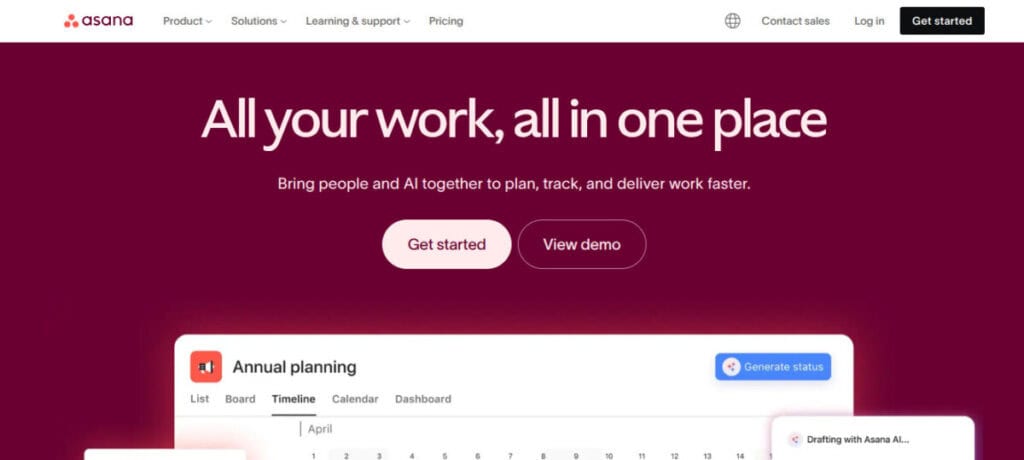
Asana has established itself as a versatile project management platform that balances powerful features with an intuitive interface. For small businesses, Asana offers multiple project views – list, board, timeline, and calendar – allowing team members to work in the format that suits them best.
The Google integration capabilities are extensive, with two-way sync between Asana tasks and Google Calendar, the ability to attach Google Drive files to tasks, and Gmail add-ons that let you create tasks directly from emails. This seamless connection with Google Workspace helps maintain a unified workflow across tools.
Zoho Projects

Zoho Projects delivers a comprehensive project management solution that’s particularly well-suited for small businesses with structured project approaches. The platform offers robust planning tools, including Gantt charts, task dependencies, and resource utilization views that help ensure projects stay on track.
While part of the broader Zoho ecosystem, the platform integrates well with Google Workspace through Zoho Flow, allowing connections with Google Calendar, Drive, and Gmail. This integration helps small businesses maintain their Google-based workflows while gaining access to more sophisticated project management capabilities.
Hive

Hive has emerged as a powerful project management platform that caters to teams looking for flexibility in how they visualize and manage work. The platform offers multiple project views, including Gantt, Kanban, calendar, and table views, allowing each team member to work in their preferred format while maintaining a single source of truth.
The Google integration capabilities are comprehensive, with native connections to Google Drive, Calendar, and Gmail. You can attach Google documents to tasks, sync project deadlines with Google Calendar, and even create tasks directly from Gmail messages, maintaining a seamless workflow between systems.
Yanado

Yanado takes a unique approach to project management by operating directly within Gmail, making it an ideal solution for small businesses whose workflows are centered around email communication. This Chrome extension transforms your inbox into a task management system, allowing you to create tasks from emails and manage them without switching between applications.
Yanado’s pricing starts at $6 per user per month for the Team plan, making it one of the more affordable options for small businesses looking to improve task management without disrupting existing email-based workflows.
How to Choose the Right for You
Selecting the right Google project management tool starts with a clear understanding of your needs, team, and budget. Below are the main factors to evaluate and what each means in practice:
- Business Needs: Identify the specific problems the tool must solve (task tracking, client billing, repetitive workflows, resource planning). Choosing a tool that matches your primary needs prevents feature overload and ensures faster benefits.
- Team Structure and Workflows: Consider team size, roles, and how work flows between people. If your team uses visual boards, prioritize Kanban-style tools; if you need timeline planning and dependencies, choose a tool with Gantt charts.
- Technical Proficiency and Adoption Readiness: Assess how comfortable your team is with new software. Simple, low-friction tools (e.g., Trello) work well for teams that prefer minimal training; more powerful platforms (e.g., Zoho Projects, Hive) may require onboarding and ongoing admin support.
- Integration With Google Workspace: Decide how tightly you need the tool to work with Google apps. Native integrations (Kanbanchi, Yanado) keep files and tasks inside Google Workspace; other tools may integrate via APIs or add-ons—confirm Calendar, Drive, and Gmail connectivity.
- Budget and Scalability: Start with free or low-cost plans to trial adoption, but forecast growth: check pricing tiers, per-user fees, and feature limits so the tool remains affordable as your team and project complexity grow.
- Process and Automation Needs: If you have repeatable workflows or compliance requirements, favor tools with automation, form triggers, and workflow builders (e.g., Kissflow) to reduce manual steps and errors.
- Client Work and Billing: If you manage billable client projects, look for built-in time tracking, invoicing, and client-access features (Teamwork and similar platforms) to simplify billing and client collaboration.
- Professional Development and Training: Professional development resources, such as AVC’s Norwegian PMI Kurs, can help your team master advanced project management concepts and tools, making it easier to fully leverage these platforms. Also, verify vendor training materials, tutorials, and support to shorten ramp-up time and improve consistent usage.
- Trial and Feedback Loop: Use free trials and pilot projects with a subset of users. Collect team feedback during the trial, measure adoption and productivity impact, then select the tool that demonstrates real improvements.
Practical Tips for Small Business Owners
To maximize the value of project management tools, consider these strategies:
- Start With Clear Goals: Define what success looks like for your projects before choosing a tool.
- Train Your Team: Even intuitive platforms benefit from short onboarding sessions.
- Leverage Templates: Many tools offer ready-made project templates for marketing campaigns, product launches, or client onboarding.
- Monitor Adoption: The best tool is ineffective if your team doesn’t use it consistently. Track engagement and adjust workflows accordingly.
- Review Quarterly: Technology evolves quickly. Reassess your toolset every few months to ensure it still meets your needs.
Become an Expert in Project Management

Mastering project management requires more than just choosing the right tools; it also involves building the knowledge and skills that transform how you approach projects. Small business owners and team leads who invest in professional development can significantly improve execution and outcomes.
A strong foundation in methodologies like Agile, Waterfall, or frameworks such as ITIL 4 helps you make informed decisions on structuring projects. Once this base is established, focus on mastering your chosen tools. Many platforms provide free tutorials and advanced features that streamline tasks and deliver deeper insights into performance.
Finally, embrace continuous learning and community engagement. Online forums and user groups offer best practices and creative solutions, while ongoing training through courses, webinars, or experimentation ensures you stay ahead of evolving project management trends and maintain a competitive edge.
Final Thoughts
The best tool is the one your team consistently uses. Start with a simple solution, expand as your needs grow, and leverage free trials to ensure compatibility with your workflow. Successful project management combines the right tools, effective processes, and skilled people. Remember that implementation success depends on user adoption and engagement. Take time to gather feedback from your team during the trial period, and don’t hesitate to adjust your approach based on their input.
The most expensive or feature-rich platform won’t deliver value if it doesn’t fit your team’s working style. Focus on solutions that enhance collaboration, improve visibility, and reduce friction in your daily operations. With the right Google-integrated tool and a commitment to best practices, your small business can achieve greater efficiency and project success.
Suggested articles:
- Project Management Tools: How to Streamline Teams and Increase Efficiency
- Implementing New Technologies in Project Management: Which Tools Are Best to Use?
- 5 AI Tools That Will Replace 99% of Project Management Work

Daniel Raymond, a project manager with over 20 years of experience, is the former CEO of a successful software company called Websystems. With a strong background in managing complex projects, he applied his expertise to develop AceProject.com and Bridge24.com, innovative project management tools designed to streamline processes and improve productivity. Throughout his career, Daniel has consistently demonstrated a commitment to excellence and a passion for empowering teams to achieve their goals.