
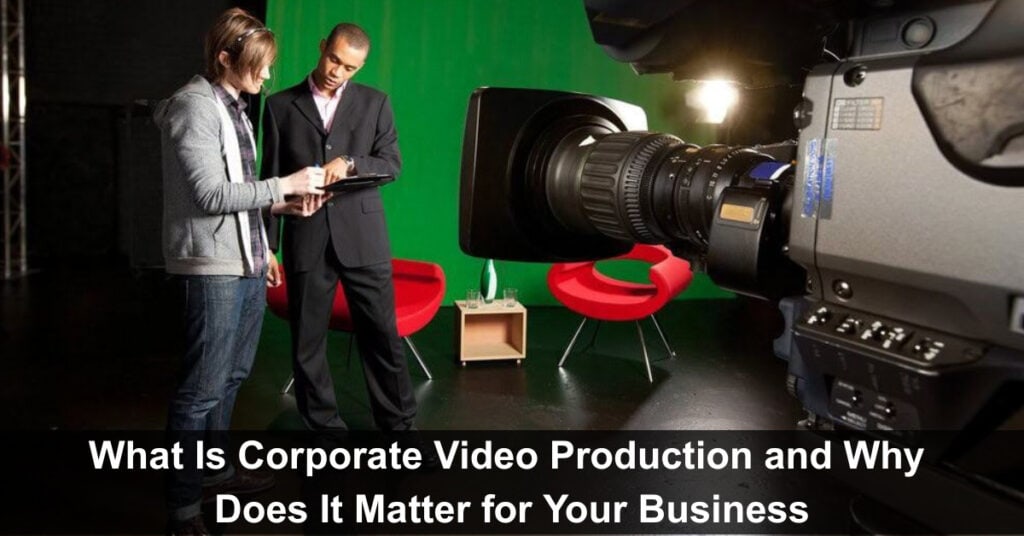
Thinking about how videos can help grow your business and why everyone is talking about corporate video production these days? You’re not alone. Many business owners, marketers, and even startups are now turning to videos to share their message clearly and simply. An extra insight: even short, authentic videos often outperform lengthy, polished pieces because viewers value clarity and trust over production gloss.
Let’s break it down in plain and easy terms—what corporate video production is, and why it’s something your business should not ignore.
Understanding Corporate Video Production
What It Means
Corporate video production is the process of creating videos that represent a company or brand, oftentimes by a corporate video agency hired to produce polished, professional content that communicates key messages effectively. These videos are not like movies or TV ads. Instead, they are made to tell people about your business, what you do, how you work, or even show behind-the-scenes stories. It can be anything from a short company intro video to a longer training video for staff. It’s like having your talking brochure—but better. People watch it, understand things quickly, and remember your brand.
Types of Corporate Videos
There are different types, depending on what you want to share:
Brand Story Video
A short, emotionally engaging film that clearly explains who you are, what you stand for, and why your business exists. These videos combine interviews, behind-the-scenes footage, and visuals of your team and workspace to convey personality and purpose.
- Suggested Length: 60–180 seconds.
- Typical Uses: Homepage hero, About page, investor or partner presentations.
- Production Notes: Use natural lighting, include a brief founder soundbite, add subtle branded music, and finish with a clear call to action.
Product or Service Video
A product or service video is a clear, benefit-focused demonstration that shows your product or service in real-world use. Highlight key features, common use cases, and the specific problems it solves.
- Suggested Length: 30–120 seconds.
- Typical Uses: Product pages, landing pages, and paid ads.
- Production Notes: Use close-ups for details, show user interactions, include on-screen captions, and feature callouts
How-To or Explainer Video
An instructional piece that breaks down a process or concept into simple, step-by-step visuals and narration. Great for onboarding customers, educating prospects, or reducing support queries.
- Suggested Length: 60–300 seconds (depending on complexity).
- Typical Uses: Knowledge base articles, YouTube tutorials, email onboarding sequences, and social posts.
- Production Notes: Use clear step markers and numbered graphics, combine screen recordings or animations with a conversational voiceover, add on-screen captions and chapter timestamps for longer tutorials, and include a short summary card at the end with next steps.
Training Video
Structured learning content designed for employees, partners, or customers to teach procedures, policies, or best practices. Best delivered in short modules that focus on single learning objectives for better retention.
- Suggested Length per module: 3–15 minutes.
- Typical Uses: Learning management systems (LMS), onboarding flows, internal communications, and compliance training.
- Production Notes: Break content into labeled modules, add captions and simple quizzes, provide downloadable resources (cheat sheets, PDFs), maintain consistent branding and version control, and record clear audio with minimal background noise.
Testimonial Video
Authentic customer stories that showcase results, build credibility, and provide persuasive social proof. Combine interview-style soundbites with supporting visuals to make claims believable.
- Suggested Length: 30–90 seconds.
- Typical Uses: Case study pages, sales decks, social proof sections, and ad campaigns.
- Production Notes: Follow a problem → solution → result structure, capture B-roll of the customer using the product, include relevant metrics or before/after visuals, obtain written consent for names/logos, and add a short on-screen quote or metric for emphasis.
Event Coverage Video
A highlight reel or more comprehensive recap that captures the energy, key moments, and major takeaways from conferences, launches, webinars, or company events. Use swift editing to keep the energy high for promos, or include full sessions for archives.
- Suggested Length: 60–180 seconds (full recaps can be longer).
- Typical Uses: Post-event promotion, press kits, social sharing, and internal wrap-ups.
- Production Notes: Mix wide establishing shots with closeups and audience reactions, use lower-thirds to ID speakers or sessions, include timestamps for longer recordings, add quick captions for key quotes, and balance ambient sound with music beds so dialogue remains clear.
Why It Matters for Your Business
Builds Trust with Your Audience
When people see your team, your space, and hear your story directly from you or your customers, it makes a big difference. Video helps build a real connection. It feels honest, and people like doing business with someone they feel connected to. You can use this connection to show your work style, your happy clients, or even a simple message from the founder. It adds a personal touch that words alone can’t match.
Easy to Understand Information
Not everyone wants to read long text on a website. Sometimes, people just want to watch and get the point fast. A video can explain things step by step without boring anyone. It’s helpful when you want to show how your service works or how your product can solve a daily problem. Even if the topic is a little complex, a clear video can make it feel very simple. This way, people don’t leave your site with questions—they leave with answers.
Improves Online Visibility
When your video is up on your website, YouTube, or social media, more people can find you. Videos often get shared more, clicked more, and stay longer in people’s memories. Search engines also love videos. If your website has videos, there’s a higher chance it will show up in search results. That means more people visiting your site and getting to know what you offer.
Perfect for Social Media and Ads
Social media is full of videos now. People scroll fast, and if they see a nice video from your business, they might stop and watch. Even a short 30-second video can bring you new customers. Also, if you plan to run ads, video ads get a lot of attention. People watch them, comment on them, and click more than regular image posts. This helps in promoting products or getting traffic to your website without making things complicated.
How It Works in a Simple Way
Step-by-Step Process
Making a video for your business is not hard when you work with the right people. Here’s how the process usually goes:
1. Planning – You decide what the video is about, who it’s for, and what message you want to share
2. Scripting – A simple script is written to keep things clear and focused
3. Shooting – The video team comes to your office or any place you choose and records everything
4. Editing – They put together the best shots, add music, logo, and maybe subtitles
5. Delivery – You get the final video ready to use on your website or social pages
This whole thing is handled with your input, and it can be done in a smooth, friendly way.
No Special Skills Needed from Your Side
You don’t have to act or be a camera expert. The team doing the shoot usually guides you on how to sit, talk, or move. If you don’t want to be on camera, you can just use voice or even animations. The goal is to make you look and sound your best while keeping it real.
Where You Can Use Corporate Videos
Your Website Homepage
A single, well-crafted homepage video can communicate your value proposition, introduce your team, and demonstrate key services quickly. It signals professionalism, builds trust, and keeps visitors engaged longer—leading to higher conversions, lower bounce rates, and clearer next steps for prospective customers.
Social Media Channels
Short videos on Instagram, Facebook, LinkedIn, or even WhatsApp Status can reach large, engaged audiences quickly. Regularly share helpful tips, behind-the-scenes glimpses, customer wins, or lighthearted content to keep your brand top of mind, build relationships, and encourage shares, comments, and direct inquiries.
Email Marketing
If you include a short, engaging video in client emails—such as a product demo, quick how-to, or a personalized message—you can increase open rates, prompt more replies, and boost clicks. Videos feel personal, build trust quickly, and make complex ideas easier to understand, adding clear value.
Online Ads and Campaigns
If you’re running ads, using a short, well-produced video ad can explain your product more clearly and quickly than text or images alone, boosting engagement, click-through rates, and conversions. Videos convey benefits, demonstrate features, and build trust—often delivering stronger results for the same ad spend.
Long-Term Benefits for Your Business
Makes You Stand Out
A well-made video makes your business look polished and confident. When people compare you with others, a good video helps you stand out without even trying hard.
Saves Time in Explaining
Instead of answering the same questions again and again, you can just share a video that says it all. It works 24/7, and you can send it to anyone—clients, partners, or even new staff.
Adds Value to Your Brand
When people see that you’ve taken the time to make a quality video, it reflects your values. It shows that you care about your image and that you’re serious about quality.
Final Thoughts
Corporate video production is not just about making fancy videos. It’s about sharing your story, reaching the right people, and smartly growing your business. You don’t need to be a tech person or a big company to start. Even small steps, like a simple brand intro or a happy customer video, can bring good results.
In today’s time, videos speak louder than words. If you want your business to look more friendly, trustworthy, and easy to understand, a video is a simple tool that works really well.
Suggested articles:
- The Impact of Video Production on Project Management
- AI and Content Creation: From Writing to Video Production
- Managing the Rendering Process for Music Video Projects

Daniel Raymond, a project manager with over 20 years of experience, is the former CEO of a successful software company called Websystems. With a strong background in managing complex projects, he applied his expertise to develop AceProject.com and Bridge24.com, innovative project management tools designed to streamline processes and improve productivity. Throughout his career, Daniel has consistently demonstrated a commitment to excellence and a passion for empowering teams to achieve their goals.