

ProPlaintiff, Filevine, Clio Manage, Litify, SmartAdvocate, CASEpeer, and Smokeball help law firms organize cases, assign work, and coordinate deadlines. ProPlaintiff combines case management with AI-assisted analysis and drafting, while the other platforms offer different approaches to matter planning, workflow automation, and team oversight.
Managing a legal matter involves many of the same challenges as managing a project: defining the work, assigning responsibility, tracking progress, and keeping the right information available. The difference is that legal teams must connect those activities to case documents, client communications, and procedural deadlines.
A useful case management platform brings these elements together. Attorneys can see a matter’s status, paralegals can identify their next assignments, and managers can track progress across the firm without collecting updates from separate spreadsheets and inboxes.
Legal Case Management Tools: Quick Comparison
| Tool | Best for | Task and workflow capabilities | Case organization |
| ProPlaintiff | Plaintiff firms combining case coordination with AI casework | Assigned tasks, AI calendar assistance, event-triggered and scheduled automations | Case files, evidence analysis, summaries, and document drafting |
| Filevine | Firms building customized matter workflows | Taskflows, assignments, scheduling, and AI-assisted actions through LOIS | Matter information and documents organized around the firm’s processes |
| Clio Manage | Broad legal practice and daily task management | Reusable task lists, delegation, calendars, and matter-stage automations | Centralized matters, documents, communications, and billing information |
| Litify | Firms standardizing work across multiple teams | Matter plans, task sequences, workflow automation, and reporting | Configurable matter workspaces and case activity visibility |
| SmartAdvocate | Practices with detailed, repeatable case procedures | WorkPlans, Automated Procedures, recurring tasks, and reminders | Case records, document management, dashboards, and reports |
| CASEpeer | Personal injury firms coordinating case progression | Task assignments, calendar synchronization, and reminders | Treatment information, demands, offers, liens, and settlement details |
| Smokeball | Firms organizing recurring matter tasks | Reusable workflows, assigned tasks, and linked documents | Matter records, document management, and Archie AI assistance |
1. ProPlaintiff: Best for Connecting Case Management with AI Casework
ProPlaintiff brings case files, assigned work, and AI tools into a shared platform for plaintiff law firms. It connects the organizational side of a matter with the analysis and document preparation needed to move it forward.
Its AI paralegal, Tiff, helps teams work with case information, answer questions, and prepare documents. Attorneys and paralegals can use case summaries, medical chronologies, and drafting tools alongside the records supporting the matter.
ProPlaintiff also supports workflow automations triggered by events such as creating a case, uploading documents, or reaching a recurring schedule. These can support activities such as preparing intake summaries, generating task lists, and notifying an assigned attorney when new records arrive.
The AI calendar adds another layer of coordination by helping users create and update events and extract relevant dates from documents. Together, these capabilities connect case information with the next action the team needs to take.
Best for: Plaintiff firms that want case organization, task coordination, and AI-assisted document work in one environment.
2. Filevine: Best for Customized Case Workflows
Filevine supports firms that want their case-management system to reflect how their teams actually work. Its task-management and workflow capabilities help organize recurring activities around the requirements of each matter.
Taskflows provide a way to structure repeatable work, while case information and documents remain connected to the matter. For a litigation team, that means assignments can sit alongside the information needed to complete them.
This approach is useful when a firm handles cases that follow recognizable stages but require different tasks or data at each stage. A practice can organize its processes around the work its attorneys, paralegals, and case managers perform.
Filevine’s LOIS adds AI capabilities that include creating tasks, updating calendars, and generating documents. These support the transition from reviewing case information to taking an operational action.
Best for: Firms that want configurable case workflows with connected tasks, documents, and AI assistance.
3. Clio Manage: Best for Everyday Task and Matter Management
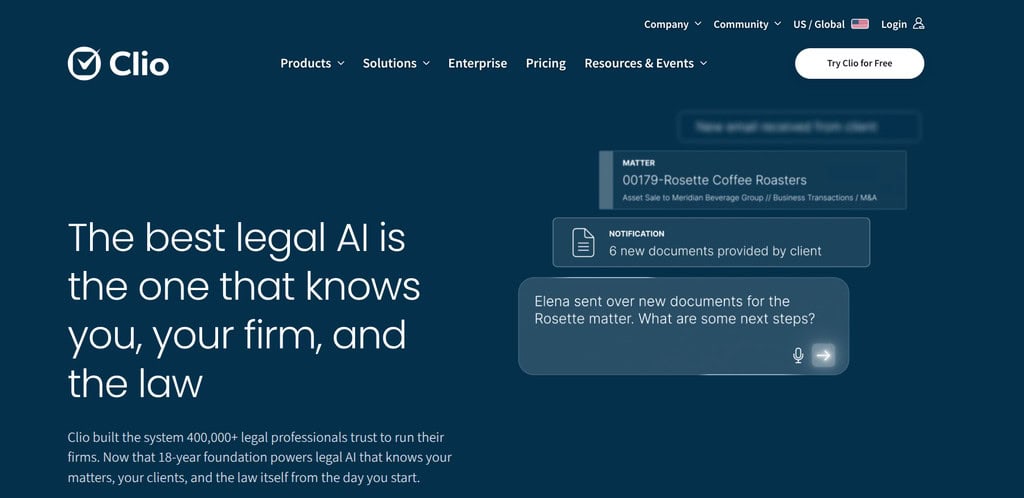
Clio Manage brings matters, documents, calendars, communications, and billing information into a centralized practice-management system. Its task features help teams delegate work, monitor progress, and organize responsibilities across active matters.
Reusable task lists are particularly useful for recurring legal processes. A firm can establish a consistent set of activities for opening a matter, preparing for a hearing, or completing a case-closing procedure, then assign that work within the relevant matter.
Clio also offers automated workflows that connect task lists and document templates with matter stages. These capabilities help turn an established process into repeatable actions as cases progress.
Manage AI provides additional assistance with prioritizing work and completing administrative activities. For firms handling several practice areas, Clio offers a broad operational foundation rather than a workflow built exclusively around one type of case.
Best for: Law firms seeking centralized matter management with reusable task lists, delegation, and scheduling.
4. Litify: Best for Coordinating Work Across Teams
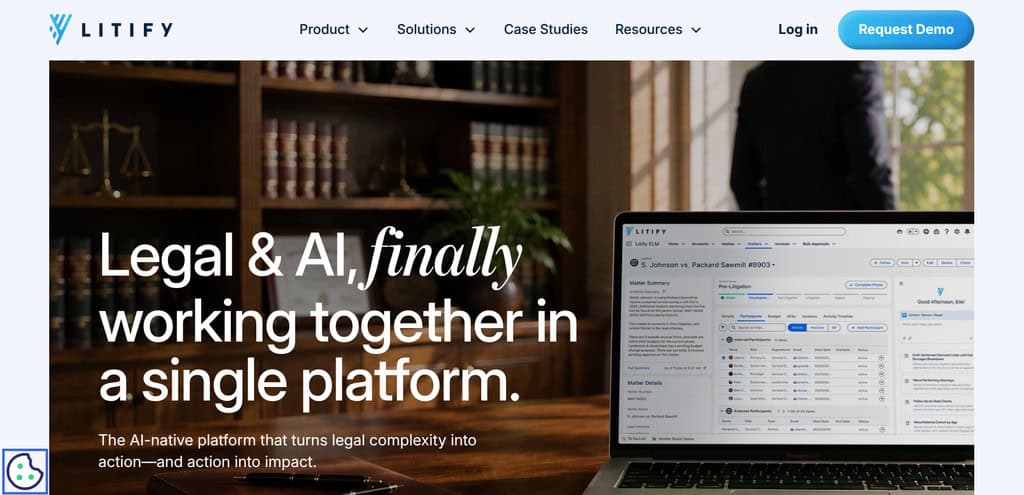
Litify organizes legal work through configurable matter workspaces, matter plans, and automated task lists. Firms can structure these around their practice areas, case types, and internal processes.
Matter plans give teams a defined sequence of work. Tasks can include an assignee, due date, status, and priority, helping staff understand both their responsibilities and the stage the matter has reached.
This structure becomes especially valuable when responsibility moves between teams. The people receiving a matter need to understand what has been completed, what remains outstanding, and which information is available.
Litify’s case activity timeline provides a chronological view of work performed on a matter, with filtering by user, activity type, and task status. Its reporting and AI capabilities further support visibility into ongoing casework.
Best for: Firms standardizing case processes and coordinating responsibilities across multiple teams.
5. SmartAdvocate: Best for Detailed Workflow Automation
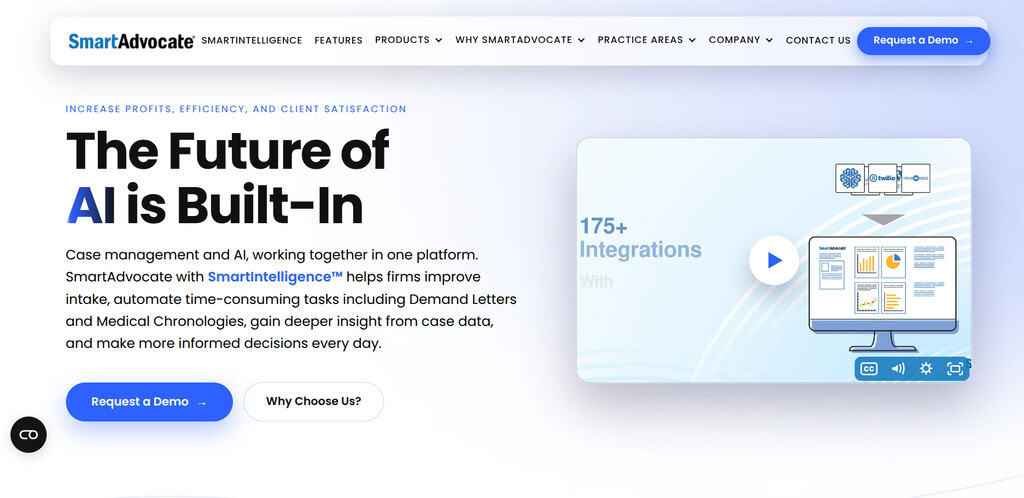
SmartAdvocate combines case management with WorkPlans and Automated Procedures. These features help firms translate established case-handling procedures into structured assignments and automated actions.
WorkPlans organize the tasks needed to complete a process, giving teams a clear view of what needs to happen and who is responsible. Automated Procedures can create recurring tasks, send communications, generate reminders, and produce documents in response to case events.
For a practice handling a large number of similar matters, this supports consistency. Staff can follow an established process while keeping the work connected to the individual case.
SmartAdvocate also includes document management, dashboards, and reports. Those capabilities help managers monitor case progression and identify work that needs attention across the practice.
Best for: Firms with detailed, repeatable procedures that benefit from task automation and operational oversight.
6. CASEpeer: Best for Personal Injury Case Progression
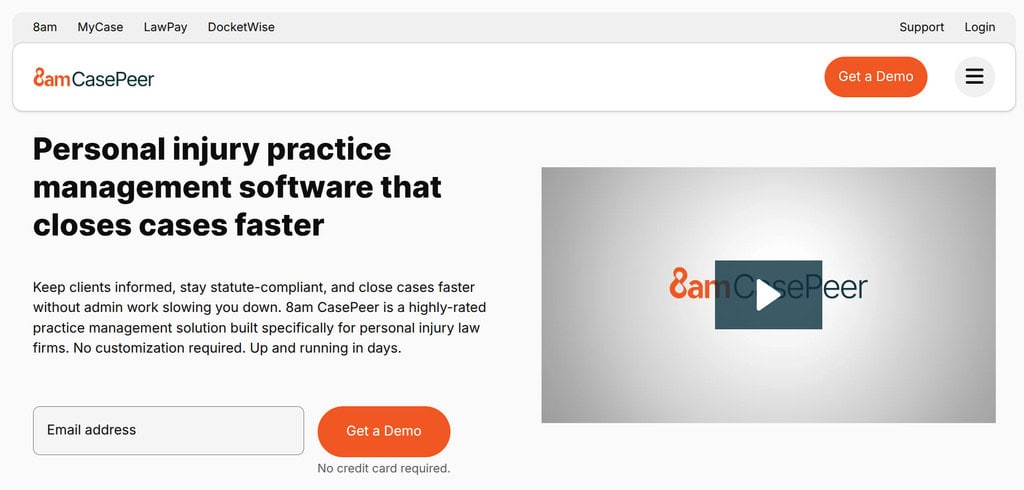
CASEpeer is built specifically for personal injury practices. It combines case organization with task assignments, calendar synchronization, reminders, and information needed throughout the PI case lifecycle.
Its specialization is useful when a firm’s workflow depends on treatment progress, medical documentation, demands, and settlement activity. Those details influence what the team can complete next and which follow-up tasks remain outstanding.
CASEpeer centralizes information about demands, offers, liens, case costs, and final disbursements. This gives staff a common record for coordinating work as a case moves toward resolution.
From a project-management perspective, the benefit is the connection between the task and the case’s actual position. A team can organize its work around the information and activities that matter to a personal injury claim.
Best for: PI firms seeking dedicated case-management software for treatment, demand, and settlement workflows.
7. Smokeball: Best for Repeatable Matter Tasks
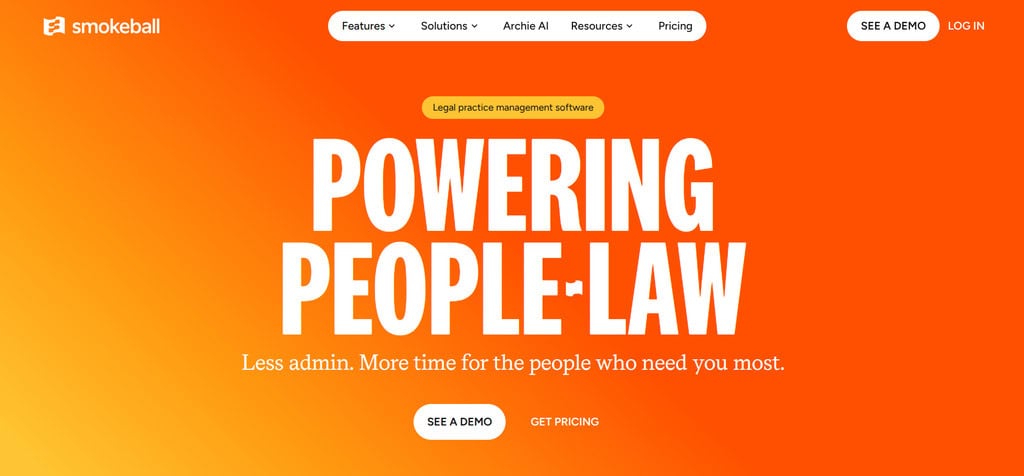
Smokeball helps firms organize matter information and recurring work through tasks and reusable workflows. A workflow is a series of tasks that can be applied to a matter, giving staff a consistent structure for completing familiar processes.
Teams can associate documents or templates with tasks, keeping the materials needed for an assignment close to the work itself. Workflows can be applied to new and existing matters, supporting both ongoing cases and newly opened files.
This is useful for processes that repeat across the practice, such as collecting information, preparing standard documents, or completing a sequence of internal reviews.
Smokeball’s Archie AI assistant adds matter-based questions, summaries, review, and drafting. These capabilities help staff understand the information behind their assignments as well as organize the assignments themselves.
Best for: Firms seeking reusable task workflows connected to matter documents and everyday casework.
What Makes Case Management Effective for Legal Project Work?
The strongest operational setup connects four elements: case stages, task ownership, deadlines, and supporting information.
Defined Case Stages
A matter should have a recognizable position in the firm’s process. Stages might include intake, investigation, document preparation, litigation, and resolution, with the exact structure reflecting the practice area. Clear legal project management stages help teams understand what has been completed and what must happen before the matter progresses.
Clear Task Ownership
Every assignment needs a responsible person. “Prepare the motion” becomes more manageable when the team separates document collection, initial drafting, attorney review, and final preparation. This makes it easier to identify where work is waiting and who needs to act next.
Deadlines Connected to Work
A calendar date is only one part of managing a deadline. The team also needs to know which preparatory tasks must be completed beforehand. Connecting assignments to the relevant matter helps staff understand the purpose of the deadline and the work required to meet it. Controlling legal deadlines still needs verification against the applicable source.
Documents Available in Context
A task is easier to complete when the relevant records, correspondence, and prior work are readily available. Keeping that information connected to the matter reduces the need to reconstruct context each time responsibility changes.
How to Choose the Right Tool for Your Firm
Start with the process that needs improvement.
- For plaintiff practices combining case coordination with analysis and drafting, ProPlaintiff offers a connected approach.
- Filevine and SmartAdvocate are relevant when configurable workflows and automated actions are central to the decision.
- Clio Manage provides broad practice-management capabilities, while Litify suits firms organizing processes across multiple teams.
- CASEpeer focuses on the requirements of personal injury practices, and Smokeball supports recurring matter work through reusable task workflows.
The most useful comparison follows a complete piece of work: opening a matter, assigning its first tasks, collecting documents, preparing work product, and completing an internal review. This reveals how well the platform supports the team’s actual process.
Frequently Asked Questions
What is legal case management software?
Legal case management software organizes information and activities around individual matters. Depending on the platform, it can include documents, contacts, tasks, calendars, communications, workflows, and financial information.
How does case management support legal project management?
Case management software provides the operational structure for planning and tracking legal work. Teams can organize matters into stages, assign responsibilities, connect tasks with documents, and monitor progress toward the next milestone.
Which tools are most relevant to plaintiff law firms?
ProPlaintiff and CASEpeer have a strong personal injury focus. Filevine, SmartAdvocate, and Litify also support plaintiff practices, while Clio and Smokeball provide broader legal practice-management options.
Do all legal case management tools offer the same automation?
No. Automation may involve reusable task lists, event-triggered actions, document generation, calendar assistance, or AI-supported casework. The relevant question is which recurring activities the platform can support within the firm’s process.
Can a law firm use a general project management tool instead?
A general project management tool can organize tasks and schedules. Legal case management software adds matter-specific records and workflows, making it more suitable when assignments need to remain connected to clients, case documents, communications, and legal deadlines.
Suggested articles:
- Why Project Managers Need Legal Documentation Ready Before Issues Arise
- The Digital Edge: How Legal Firms Can Outpace the Competition
- Streamline Legal Work With AI Contract Review Tools

Daniel Raymond, a project manager with over 20 years of experience, is the former CEO of a successful software company called Websystems. With a strong background in managing complex projects, he applied his expertise to develop AceProject.com and Bridge24.com, innovative project management tools designed to streamline processes and improve productivity. Throughout his career, Daniel has consistently demonstrated a commitment to excellence and a passion for empowering teams to achieve their goals.