
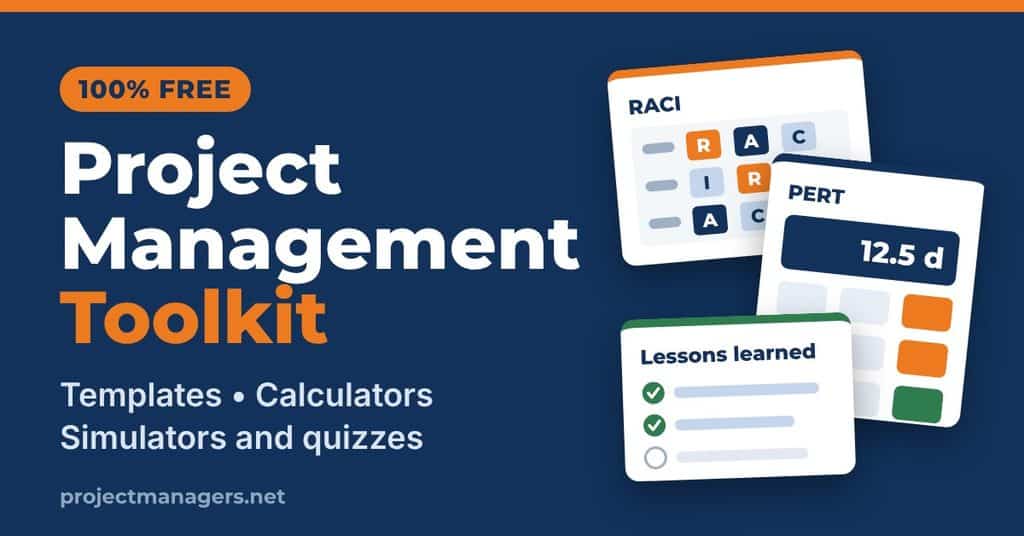
Every tool on this page is free, runs right in your browser and needs no sign-up. Use the search bar below to find the tool that fits the task in front of you, whether you’re assigning roles, estimating a schedule, planning team capacity, prioritizing features, choosing software or capturing lessons learned. Each card opens a page where the tool sits at the top, with short step-by-step instructions just above it.
Need something more specific? Any tool on this page can be customized to fit your team’s process for a small fee, so contact us for a tailored version. We add new tools regularly, so bookmark this page and check back.
Showing all 25 free tools
Plan and estimate (7)
Start from a professional template, break your project down into work packages, build realistic schedules, budgets and capacity plans, and see how outside forces could affect your project.
-
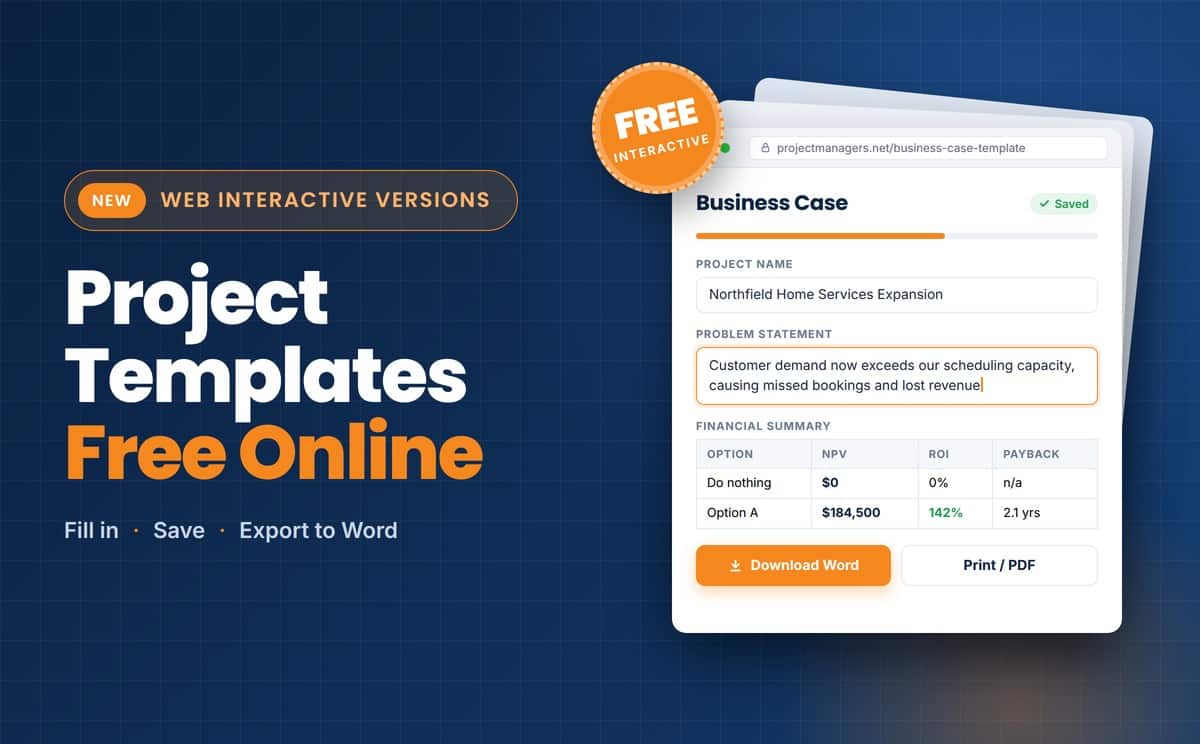
 50+ Project Management Templates
A complete kit of plans, forms and checklists covering every phase of the project life cycle, from initiation to closure. Several templates can be filled in directly in your browser and exported to Word. It is the fastest way to give your project a professional structure without starting from a blank page.
Browse the templates →
50+ Project Management Templates
A complete kit of plans, forms and checklists covering every phase of the project life cycle, from initiation to closure. Several templates can be filled in directly in your browser and exported to Word. It is the fastest way to give your project a professional structure without starting from a blank page.
Browse the templates →
-
Free WBS Builder
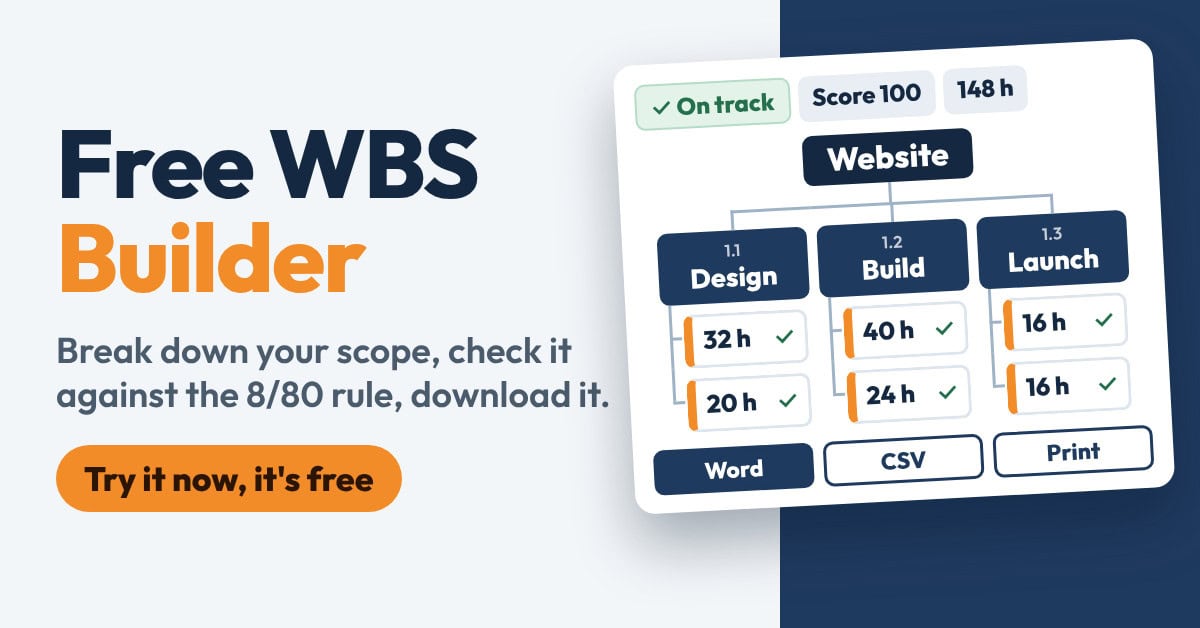
Break your project down into deliverables and work packages right in your browser, with WBS codes numbered for you. Add an owner and estimated hours to each work package, and watch the hours roll up to every level so the 100% rule is easy to see. Switch between an outline and a tree chart, while built-in checks flag common mistakes, such as work packages outside the 8/80 rule or names that read like tasks instead of deliverables. Start from a sample project, then download your WBS as a Word file or CSV, or print it.
Build your WBS →
-
Free PERT Calculator
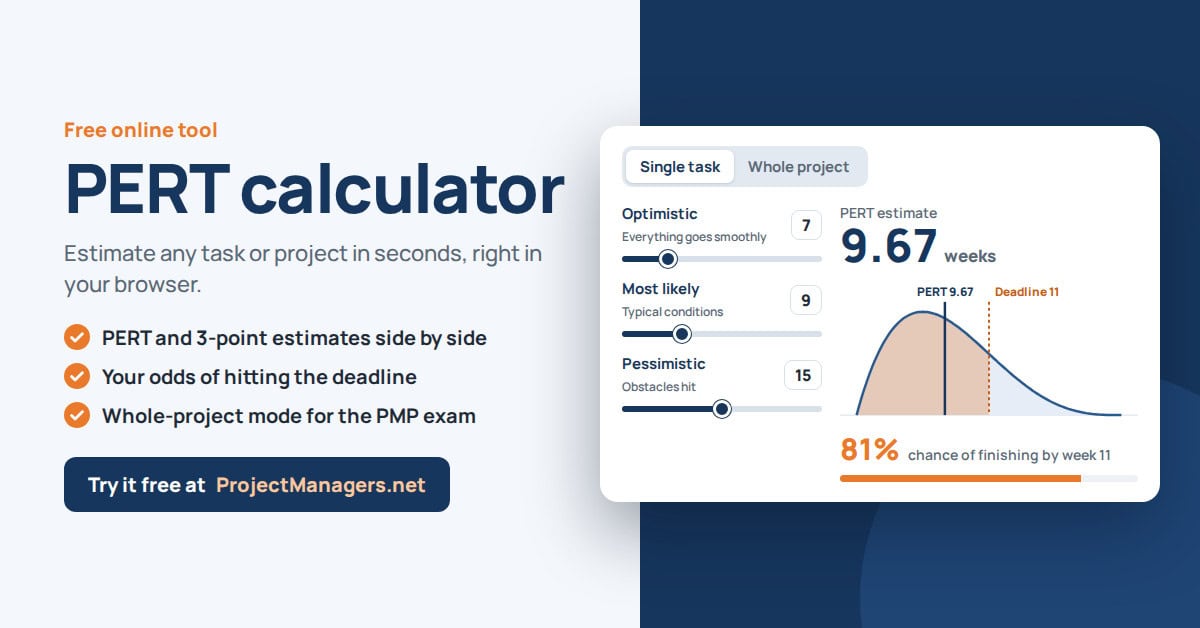
Enter an optimistic, a most likely and a pessimistic duration for any task, and the calculator applies the PERT formula instantly. You get a realistic expected duration instead of a single best guess. Change the inputs to test different scenarios before you commit to a date in your project schedule.
Open the calculator →
-
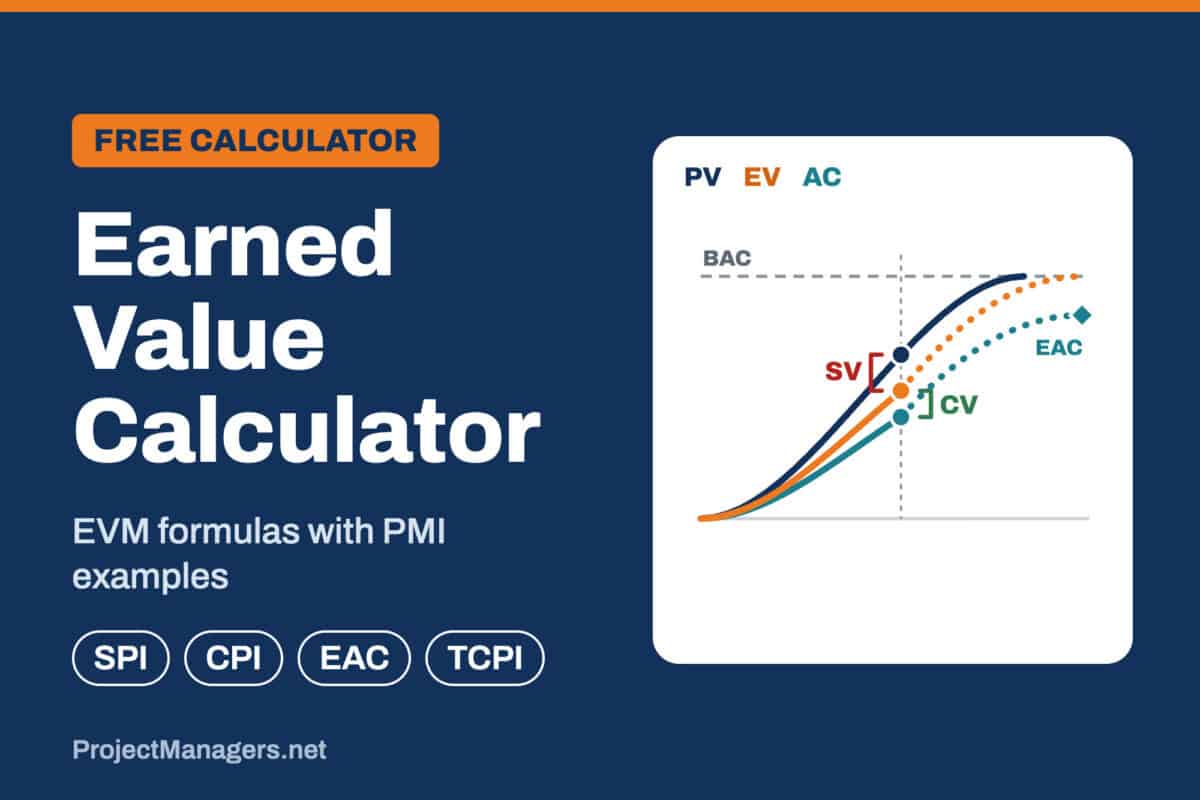
 Free Earned Value (EVM) Calculator
Enter your budget, planned and completed work and actual cost, and the calculator tells you right away if your project is ahead or behind schedule and over or under budget. It works out every key EVM metric, from SV, CV, SPI and CPI to EAC and the forecast at completion, with four EAC methods to choose from, and draws your earned value S-curve. Track your project period by period to see SPI and CPI trends, then test yourself with PMP-style practice questions. Start from a ready example, copy your results, and your numbers stay saved in your browser.
Open the calculator →
Free Earned Value (EVM) Calculator
Enter your budget, planned and completed work and actual cost, and the calculator tells you right away if your project is ahead or behind schedule and over or under budget. It works out every key EVM metric, from SV, CV, SPI and CPI to EAC and the forecast at completion, with four EAC methods to choose from, and draws your earned value S-curve. Track your project period by period to see SPI and CPI trends, then test yourself with PMP-style practice questions. Start from a ready example, copy your results, and your numbers stay saved in your browser.
Open the calculator →
-
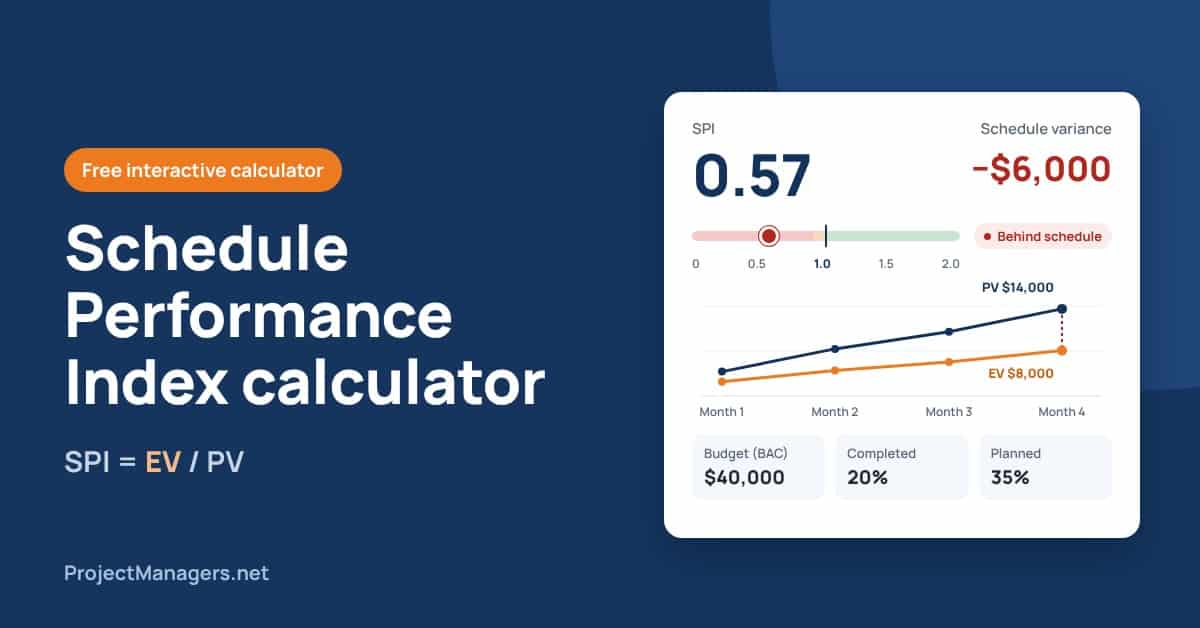
Free Interactive SPI Calculator
Find out in seconds if your project is ahead of schedule, on schedule or falling behind. Enter your budget with the percentage of work planned and completed, or your earned and planned value directly, and a gauge shows your Schedule Performance Index with a clear status and what it will take to catch up. Break the project down by task to spot the tasks dragging your schedule, or track SPI period by period to see the trend over time. Start from a ready example, then copy or print a clean report of your results.
Calculate your SPI →
-
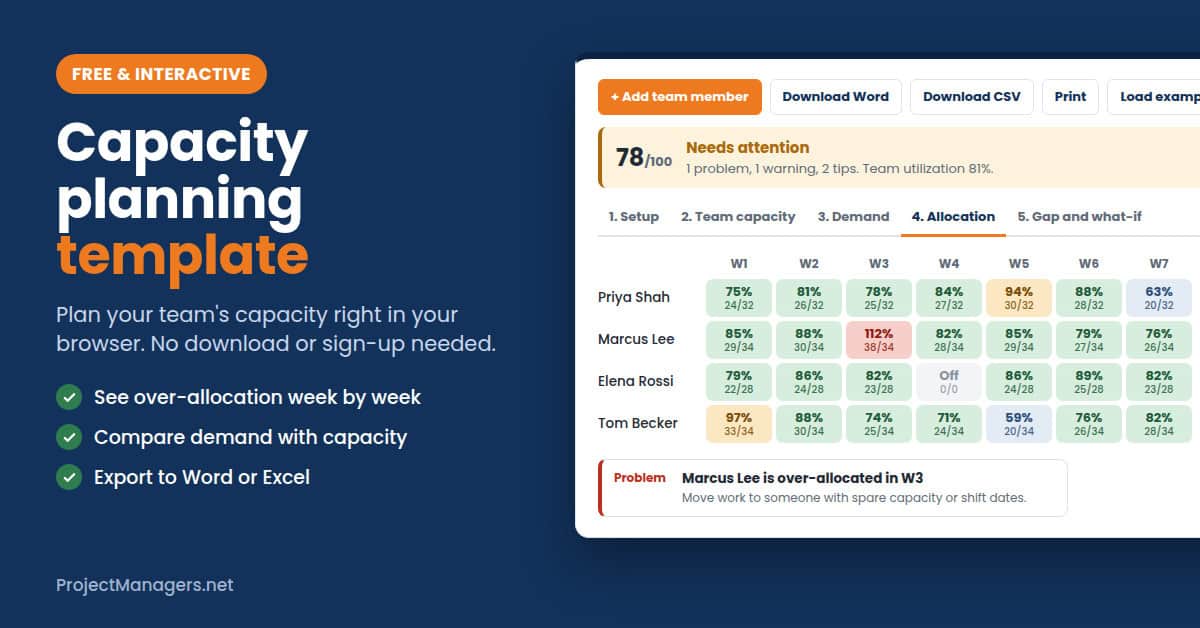
Free Capacity Planning Template
Plan your team’s capacity right in your browser: add each person’s weekly hours, subtract meetings and admin time, then enter your projects with their estimated hours, priority and dates. As you allocate hours, every week is colored as under-used, healthy, stretched or over-allocated, so overbooking stands out before it happens. The Gap and what-if view compares capacity with demand week by week and lets you test changes, such as adding contractor hours. Download your capacity report as a Word file or CSV, or print it.
Plan your team’s capacity →
-
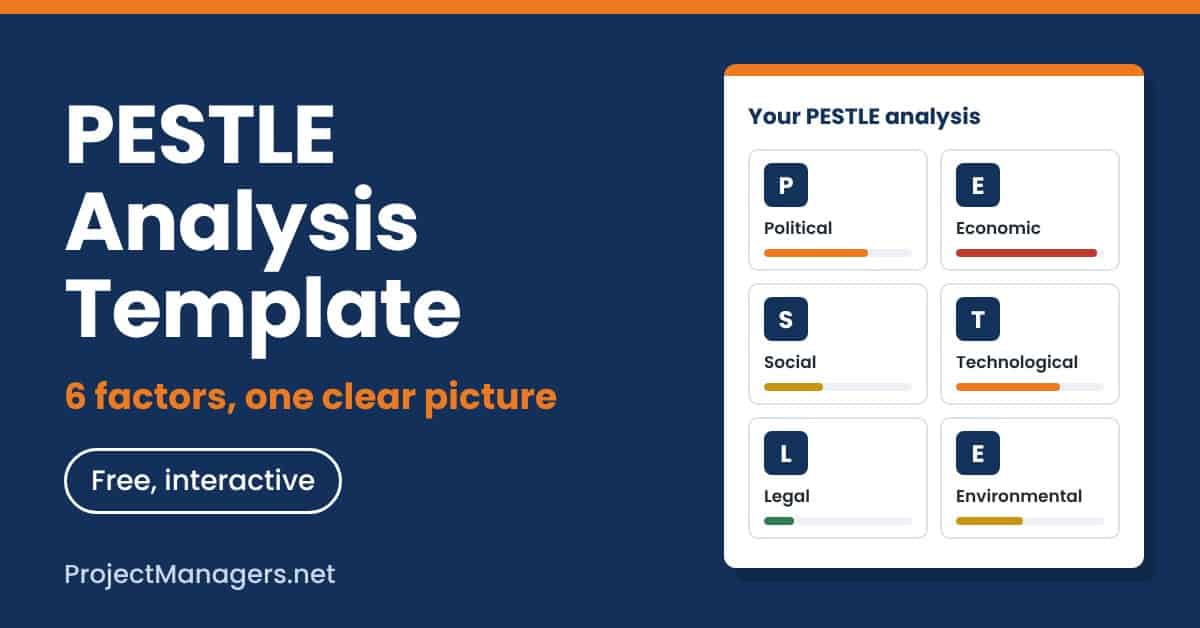
Free PESTLE Analysis Template
Map the outside forces that could affect your project or business across the six PESTLE factors: political, economic, social, technological, legal and environmental. The template guides you through each factor so you capture the trends, risks and opportunities that matter, without missing a category. You end up with one clear picture of your external environment, ready to feed into your risk register, strategy or business case.
Start your PESTLE analysis →
Lead your team and stakeholders (4)
Clarify who does what, understand your stakeholders and help your team work well together.
-
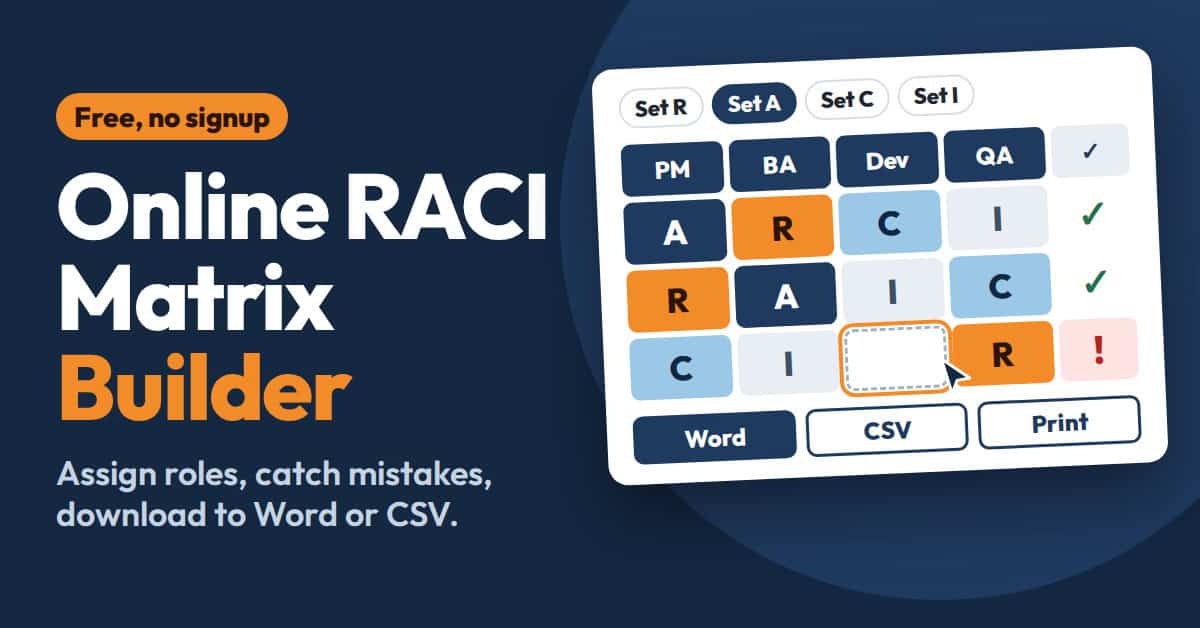
Free RACI Matrix Builder
Build your RACI matrix online by listing your tasks and team members, then assigning who is Responsible, Accountable, Consulted and Informed. The builder flags common mistakes as you go, such as a task with no one responsible or more than one person accountable. When your matrix is ready, export it to Word or CSV and share it with your team.
Build your RACI matrix →
-
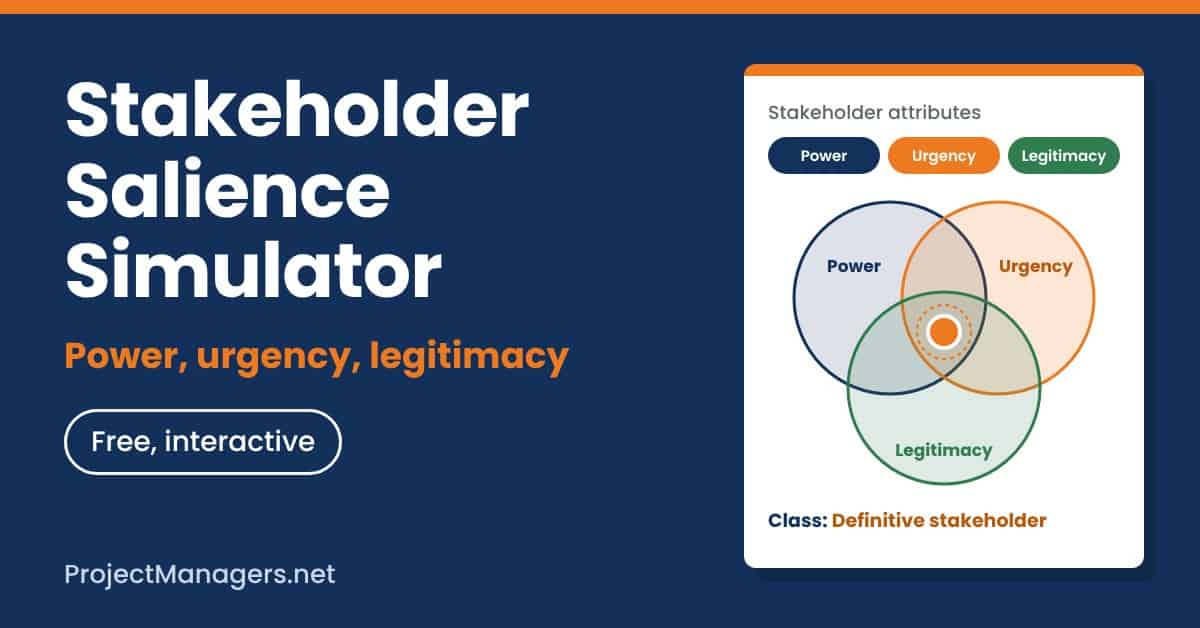
Free Stakeholder Salience Simulator
Rate each stakeholder on the three attributes of the salience model: power, urgency and legitimacy. The simulator places them in the right zone of the diagram and tells you which of the seven stakeholder classes they belong to, from dormant to definitive. Change an attribute to see how a stakeholder gains or loses importance as the project evolves. Use the result to decide who needs your attention first and how closely to engage each person.
Try the simulator →
-
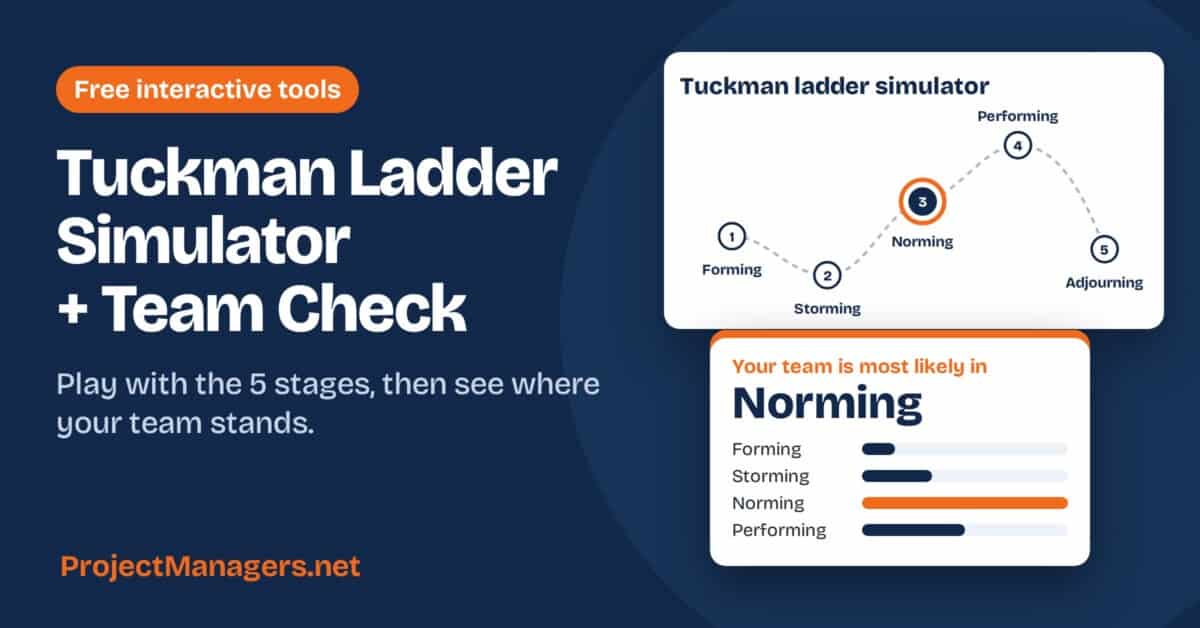
 Free Tuckman Ladder Simulator and Team Check
Click any of the five stages, from forming to adjourning, to see what it looks like and how to lead through it. Then throw a real-world event at the team, such as a new member or a scope change, and watch it climb or slide back down the ladder. Answer ten quick questions about how your team works today to find its most likely stage and get three practical next moves.
Try the simulator →
Free Tuckman Ladder Simulator and Team Check
Click any of the five stages, from forming to adjourning, to see what it looks like and how to lead through it. Then throw a real-world event at the team, such as a new member or a scope change, and watch it climb or slide back down the ladder. Answer ten quick questions about how your team works today to find its most likely stage and get three practical next moves.
Try the simulator →
-
Free Icebreaker Card Deck and Host Quiz
Share your screen during your next online meeting and draw one icebreaker card at a time, from 60 questions in 5 categories, such as personal insights, would you rather and team connection. Add your participants’ names so the deck calls each person in turn, round robin, and set a 60 or 90 second timer to keep the round moving. Then answer 15 quick questions about how you run your online meetings to get your icebreaker host score, your strengths and 3 tips to try next. There are no wrong answers, and nothing is saved or sent.
Play the card deck →

Improve quality and learn from projects (4)
Turn customer needs into design targets, plan your testing, remove waste from your process and capture what your team learned.
-
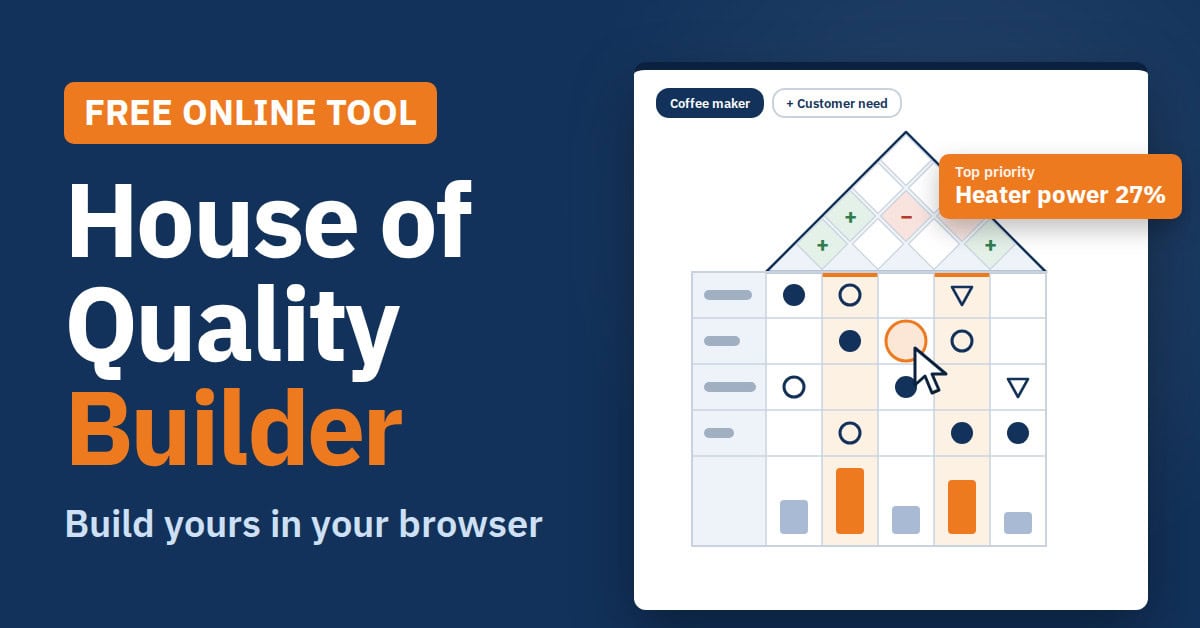
Free Interactive House of Quality Builder
Build a complete House of Quality matrix in your browser, with no spreadsheet to set up. List what your customers want and rate how important each need is, then click any cell to link it to a technical feature with a strong, medium or weak relationship. Use the diamonds in the roof to mark where features support or work against each other. The builder scores every feature as you go and highlights the top three priorities your team should focus on.
Build your House of Quality →
-
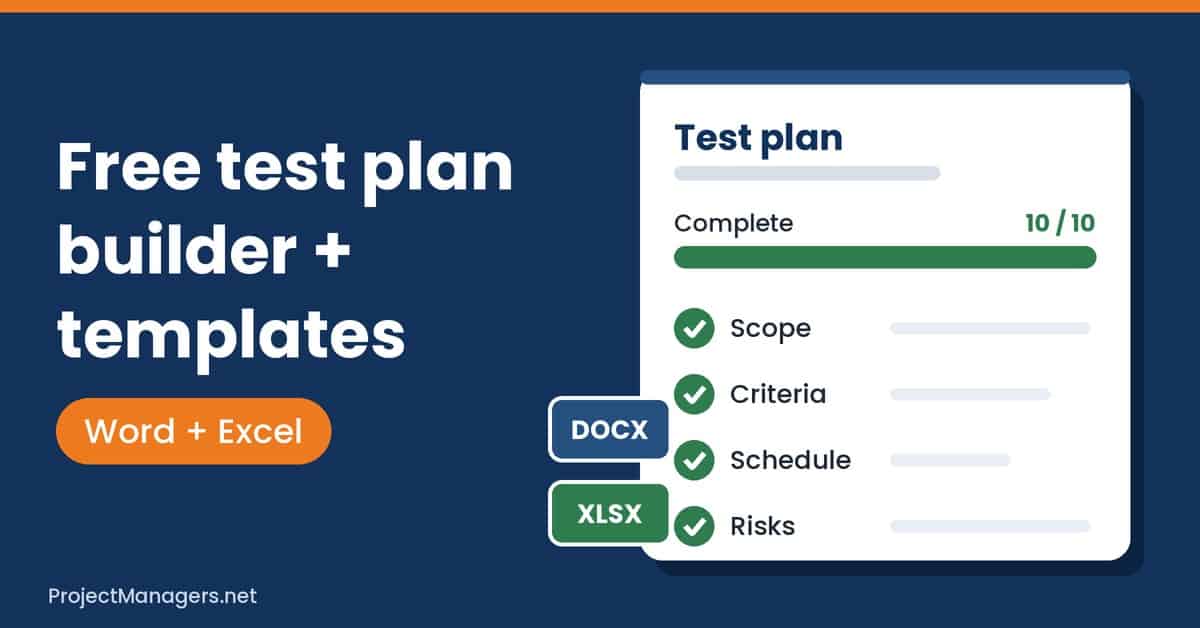
Free Test Plan Builder
Build a complete test plan in your browser, section by section, from scope and approach to environment, entry and exit criteria, roles, schedule, risks, deliverables and approvals. Start from a ready example for a web app, mobile app, API, ERP rollout or agile sprint, use one-click suggestions for your criteria, and add your own test cases. A completeness meter shows what is still missing and takes you straight to it. Download your plan as a Word file, your test cases as Excel or CSV, or print it, and your work stays saved in your browser.
Build your test plan →
-
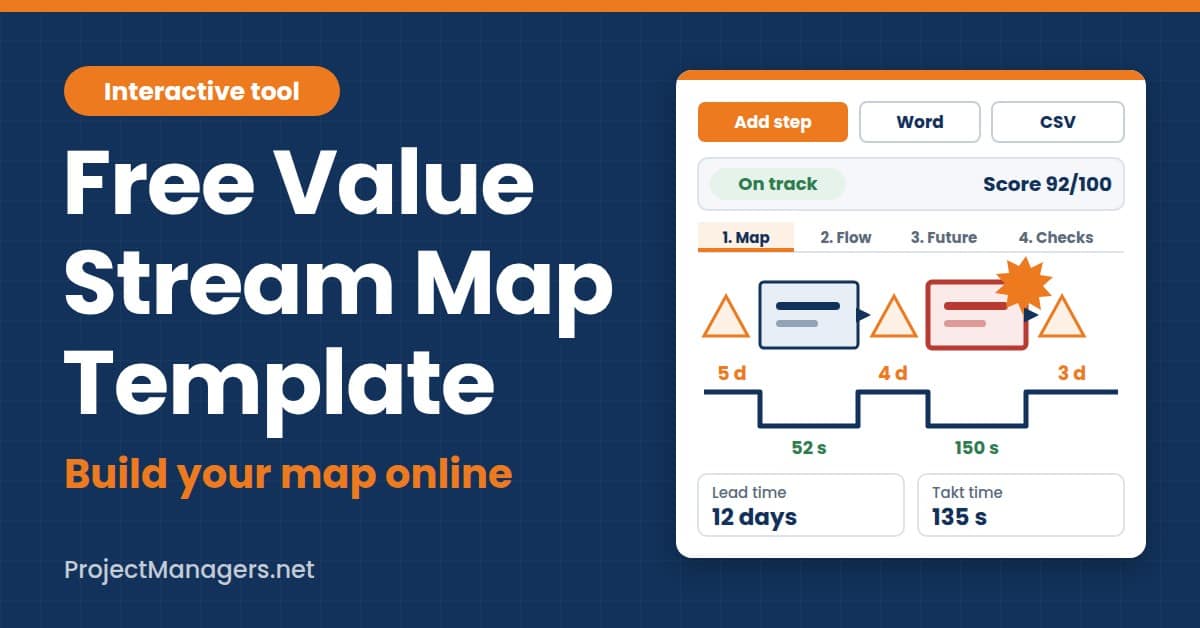
Free Value Stream Map Template
Enter each process step with its cycle time, changeover, uptime and queue, and the tool draws your value stream map automatically, with the timeline separating waiting time from processing time. It calculates your takt time, total lead time and process efficiency, highlights steps that run over takt time and identifies your bottleneck. Design the future state, compare current and future lead time side by side, and turn each improvement into a kaizen burst with an owner and due date. Download your report as a Word file or CSV, or print it with both maps included.
Map your value stream →
-
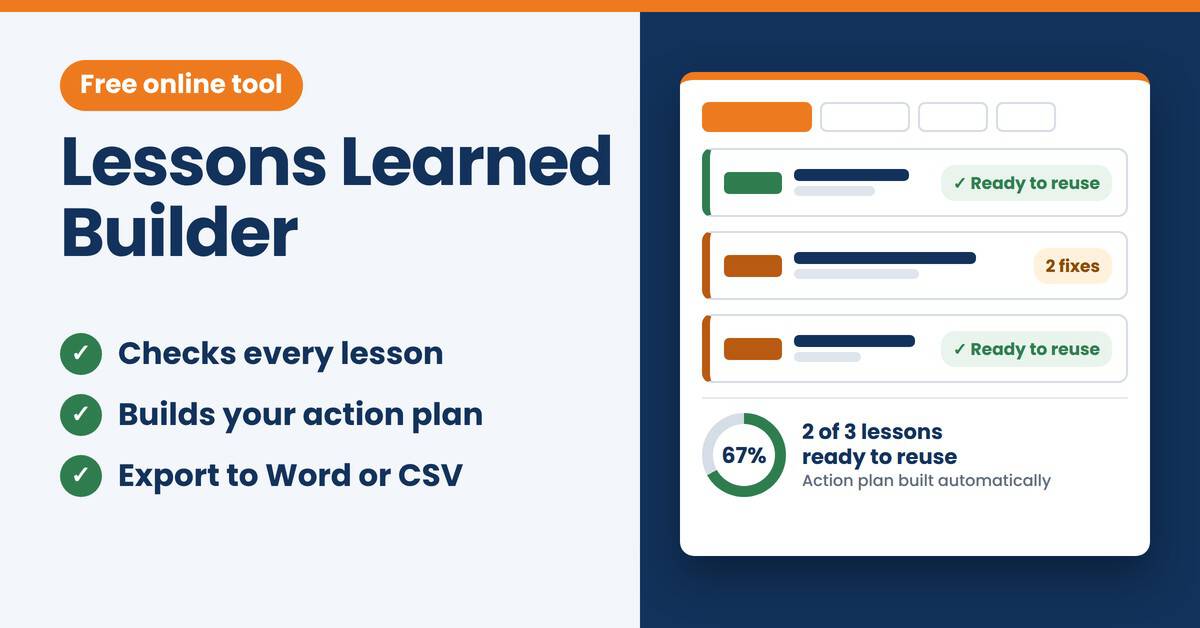
Free Lessons Learned Builder
Record each lesson by answering three questions: what happened, why it happened and what the next team should do. The builder checks that every lesson is specific enough to reuse and asks you to give each problem a follow-up action, an owner and a due date. Review your score and action plan, then download your report as a Word file or CSV, or print it.
Start your lessons learned log →
Prepare for certification and interviews (3)
Practice for the PMP or CAPM exam with a full exam simulator, or get ready for your next project manager job interview.
-
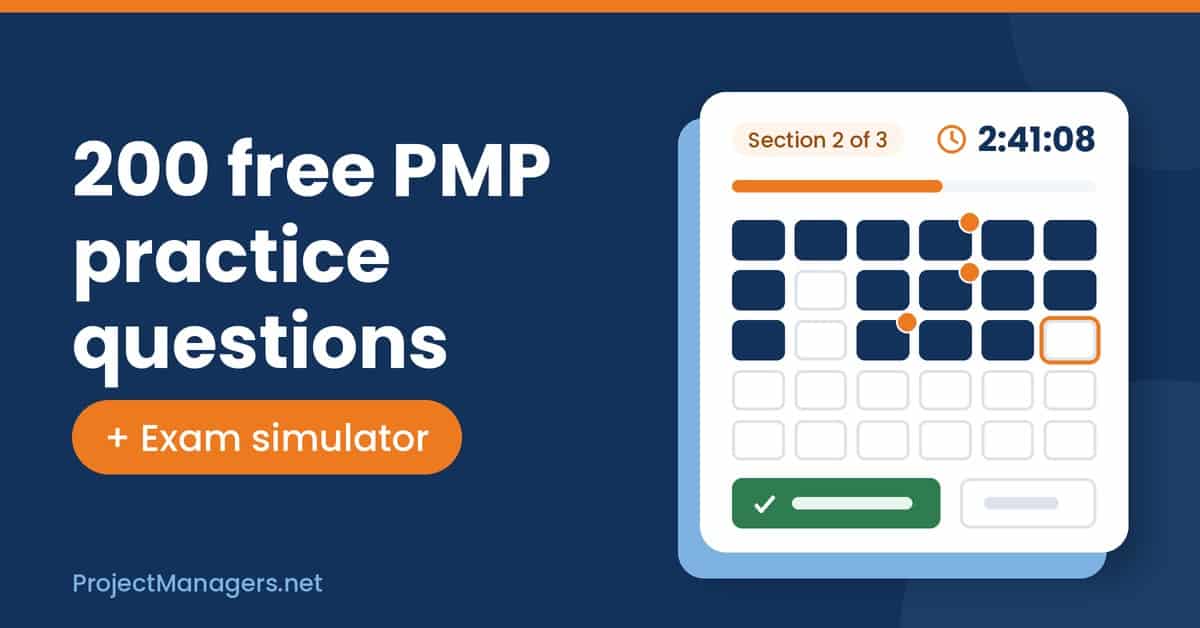
Free PMP Practice Quiz and Exam Simulator
Practice with 200 original PMP questions built on the new exam launched July 9, 2026, each with an explanation for every answer, right in your browser and with no sign-up. Questions cover the three domains in their real weights, People, Process and Business Environment, with about 60% using agile or hybrid approaches. When you are ready, rehearse the full exam with the 180-question simulator: a 240-minute countdown, flags and a question navigator, and two 10-minute breaks, just like exam day. Review every mistake to know exactly what to study next.
Start the PMP quiz →
-
Free CAPM Practice Quiz
Get ready for the Certified Associate in Project Management (CAPM) exam with free practice questions you answer right in your browser. Test what you know on the topics the exam covers and find out right away which answers you got right. Use your results to see where you need more study before exam day.
Start the practice quiz →
-
Free PM Interview Practice Quiz and Mock Interview
Get ready for your next project manager job interview with 100 original practice questions covering past project experience, PM process and methodology, leadership, communication and stakeholders, team management, and suppliers and tools. Pick the strongest answer to behavioral, situational and knowledge questions, and read why it works after each one. When you are ready, take a timed mock interview with a countdown, flags and a question navigator, then review your score by category. Your missed questions are saved in your browser so you can practice them again.
Start practicing →
Bonus (7)
More free tools: choose the right project management software, take a 2-minute quiz before you adopt AI, roll out Copilot or buy a Mac, and check that your website’s backlinks are still live.
-
Free PM Software Feature Checklist Builder
Build your feature checklist before you compare project management tools. Mark each feature your team needs as a must-have or a nice-to-have, so you know exactly what matters before you start looking. Then print your checklist and use it to score each tool during its free trial. You end up with a clear, side-by-side comparison instead of choosing on first impressions.
Build your checklist →
-
Free Basecamp Alternative Finder
Answer 4 quick questions about your team size, budget priority, must-have features and type of team, and the finder ranks six Basecamp alternatives with a score out of 100. For each tool, it picks the cheapest plan that fits your team and covers your must-haves, with Basecamp shown as a cost reference. A chart shows how the cost of each tool grows with your team size, and you can compare up to 3 tools side by side. Copy your shortlist or print a report to share with your team.
Find your Basecamp alternative →
-
Free AI Risk Assessment in 10 Quick Questions
Answer 10 quick questions about how your team or organization uses artificial intelligence. The assessment shows how exposed you are to the main risks of AI, such as bias, privacy, security threats, black-box decisions and overreliance on automation. Use the results to see where your safeguards are weakest before AI creates a costly problem on your projects.
Take the assessment →
-
Free Generative AI Risk Scorecard
Answer 10 quick questions, one for each major risk of generative AI, from deepfakes and AI-written phishing to biased output, data quality and security gaps. You get an exposure score out of 100 with a level from low to critical, plus a risk map showing where your team is most exposed. The scorecard then lists your top 3 priorities with practical fixes. It takes about 2 minutes, nothing is saved or sent, and you can print or copy your results.
Score your team’s exposure →
-
Free Copilot Readiness Quiz
Find out if your team is ready for Microsoft Copilot before you buy more licenses. Answer 10 quick questions, one for each disadvantage of Copilot, from unused licenses and inaccurate output to open file permissions, messy SharePoint content and missing training. You get a readiness gap score out of 100, from “ready to get real value” to “not ready yet”, plus a gap map and the 3 gaps to close first, with practical fixes. It takes about 2 minutes, nothing is saved or sent, and you can copy or print your results.
Check your readiness →
-
Free Mac Fit Quiz
Answer 10 quick questions about your own needs, one for each drawback of macOS, from Windows-only software and hardware costs to limited ports, gaming and customization. You get a macOS friction score and a drawback map showing where a Mac would get in your way. The quiz then lists the 3 drawbacks that would affect you most, with practical workarounds. It takes about 2 minutes, and nothing is saved or sent.
Take the quiz →
-
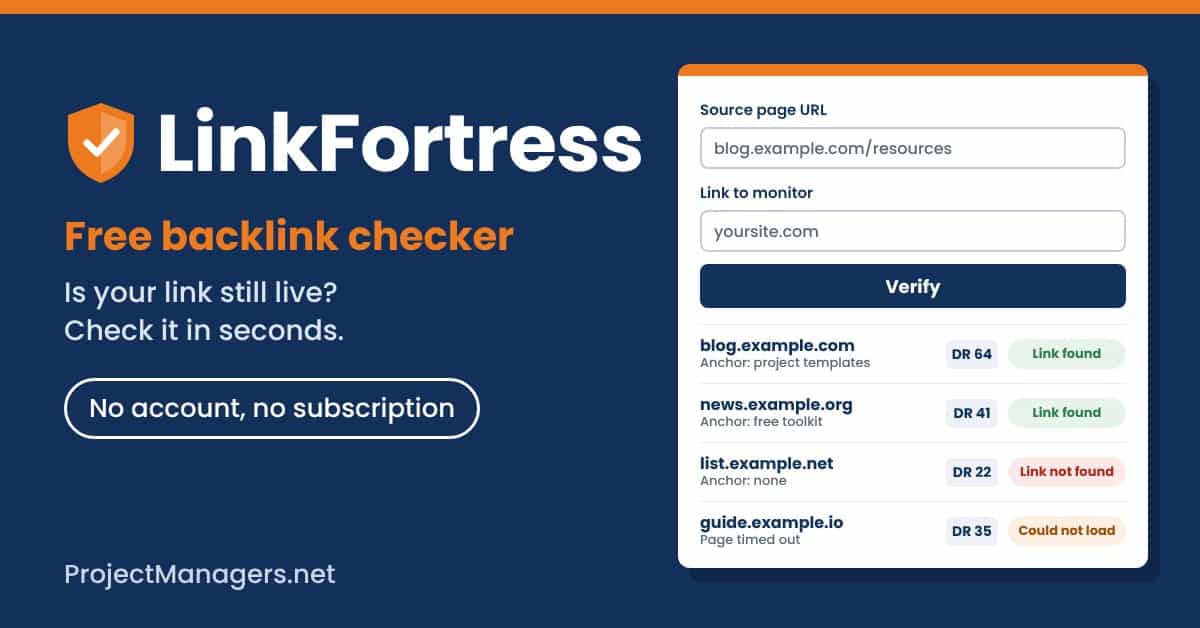
Free LinkFortress Backlink Checker
Check whether your backlinks are still live. Enter the page that should link to you and your own address, and LinkFortress tells you if the link was found, lists every link and its anchor text, and shows the linking site’s Domain Rating. All your checks build up in one table you can filter by keyword, date, DR or status, and recheck any row in one click. Export your list to Excel to keep a copy or move it to another computer, with no account and no subscription.
Check your links →

No tool matches your search. Try one of these instead:

Daniel Raymond, a project manager with over 20 years of experience, is the former CEO of a successful software company called Websystems. With a strong background in managing complex projects, he applied his expertise to develop AceProject.com and Bridge24.com, innovative project management tools designed to streamline processes and improve productivity. Throughout his career, Daniel has consistently demonstrated a commitment to excellence and a passion for empowering teams to achieve their goals.