
Remote work has fundamentally changed how teams connect, collaborate, and build relationships. With more meetings happening over video calls than ever before, leaders and team facilitators face a genuine challenge: how do you create the kind of natural, human connection that used to happen effortlessly in an office? The answer lies in intentional, well-designed icebreakers.
A good icebreaker does more than fill awkward silence; it builds emotional connection, breaks down invisible professional barriers, and creates the foundation for a high-performing, genuinely cohesive team. Whether you are kicking off a Friday virtual drinks session, onboarding a new team member, or simply trying to inject some energy into a routine Zoom call, the right icebreaker can transform the tone of the entire meeting.
Icebreaker card deck
Share your screen during your call, draw one card at a time and ask each person in turn, round robin.
Are you a great virtual icebreaker host?
Answer 15 quick questions about how you run your online meetings. There are no wrong answers. You will get a host score, your strengths and 3 tips to try next.
Question 1 of 15: Your questions
What kind of icebreaker question do you usually ask?
What Makes a Good Icebreaker?
Not all icebreakers are created equal. A poorly chosen icebreaker can make an already awkward situation worse, forcing people into uncomfortable territory or generating the kind of cringeworthy silence it was supposed to eliminate. The best icebreakers share a common set of qualities that make them easy to answer, genuinely engaging, and naturally revealing of personality without feeling intrusive.
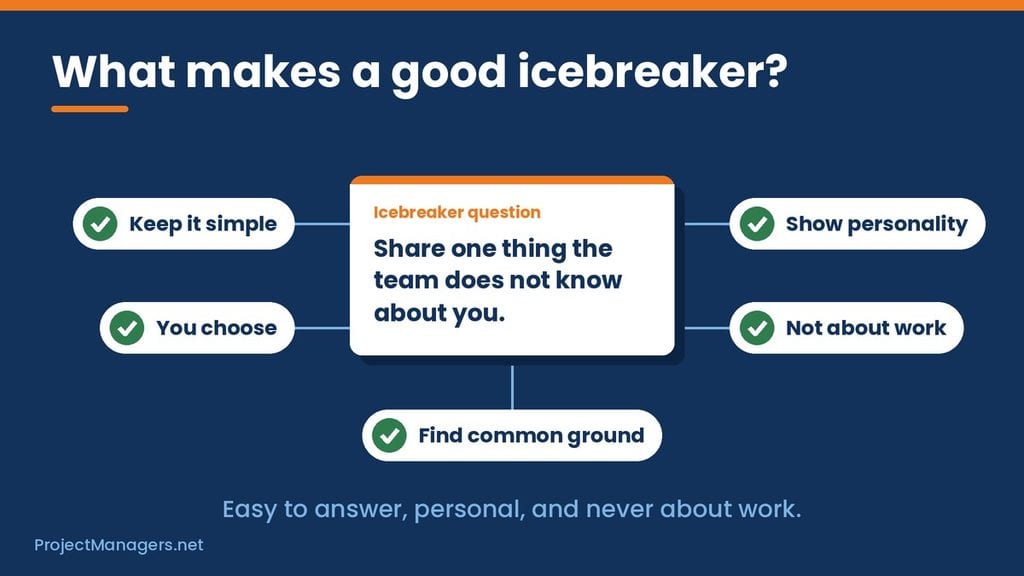
Real-Life Example: During a team estimation session, a senior developer casually mentioned that he eats vinegar and cheese sandwiches as part of his routine. It was unexpected, slightly bizarre, and completely memorable, and it broke down a professional barrier in a way that no formal team-building exercise ever could. The topic was simple: “Share one thing the team doesn’t know about you.” That single question became a building block for a high-performing team.
When designing or selecting icebreaker questions, stick to these principles:
- Keep Questions Simple: Overly complicated questions create hesitation. The best icebreakers are easy to answer on the spot without requiring preparation or deep thought.
- Let the Person Choose the Direction: The best icebreaker topics give the respondent control over what they share. This respects boundaries while still inviting genuine self-expression.
- Reveal Personality, Not Achievements: Icebreakers are not the place for professional highlights. Questions that uncover quirks, preferences, and personal stories are far more effective at building real connections.
- Keep It Non-Work Related: The whole point of an icebreaker is to step outside the professional context. Questions tied to work performance or career achievements defeat the purpose entirely.
- Help People Find Common Ground: The best icebreakers surface shared interests, unexpected similarities, and surprising connections between team members, giving everyone something to talk about beyond the agenda.
Zoom Fancy Dress
One of the simplest and most effective ways to instantly lift the mood of a virtual meeting is to encourage fancy dress. Even something as small as an unusual hat can completely shift the tone of a call, turning a standard video meeting into something people actually look forward to.
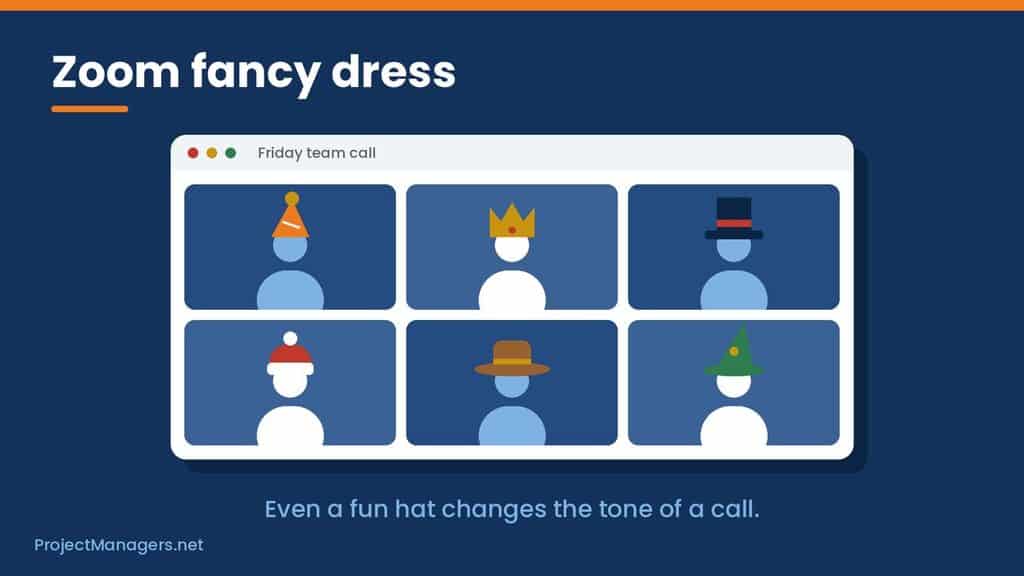
Fancy dress works because it signals immediately that the meeting is not about work, creating psychological permission for people to relax and be themselves. It also generates a memorable group screenshot that doubles as authentic, human content for team social media — the kind of “look how much fun we have here” post that no amount of corporate branding can replicate.
Zoom Backgrounds
Virtual backgrounds are an underused tool for setting the tone of a Zoom meeting before a single word is spoken. Tom has listed some of his favourite Zoom backgrounds here. A well-chosen background can generate an immediate conversation starter, signal the mood of the session, and give quieter team members something easy to comment on as they join.
Popular choices for virtual Friday drinks include themed backgrounds, retro settings, and humorous scenes that instantly communicate that this is not a regular work call. One particularly effective option is the Zoom Conference Bingo background, a meeting bingo card displayed as your virtual background that turns common meeting moments into a running group game throughout the call.
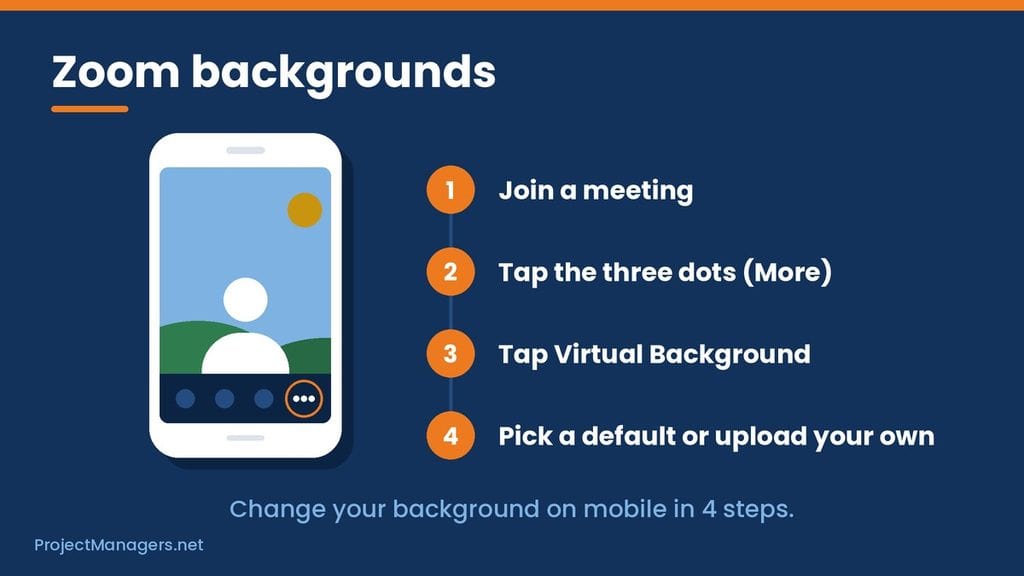
How to Change Your Zoom Background on Mobile
Updating your virtual background on the Zoom mobile app is straightforward:
- Log in to your account and join a meeting.
- Tap the three dots at the bottom right of the screen to open the More menu.
- Tap Virtual Background.
- Select a background from the default options, or upload your own custom image.
Zoom Bingo
Zoom Bingo is one of the most reliably effective tools for keeping energy high throughout a virtual meeting. Set your Zoom Conference Bingo card as your virtual background and call out “BINGO” whenever one of the classic meeting moments on your card occurs, such as someone joining late, a dog barking in the background, or the inevitable “can everyone hear me?” opening.
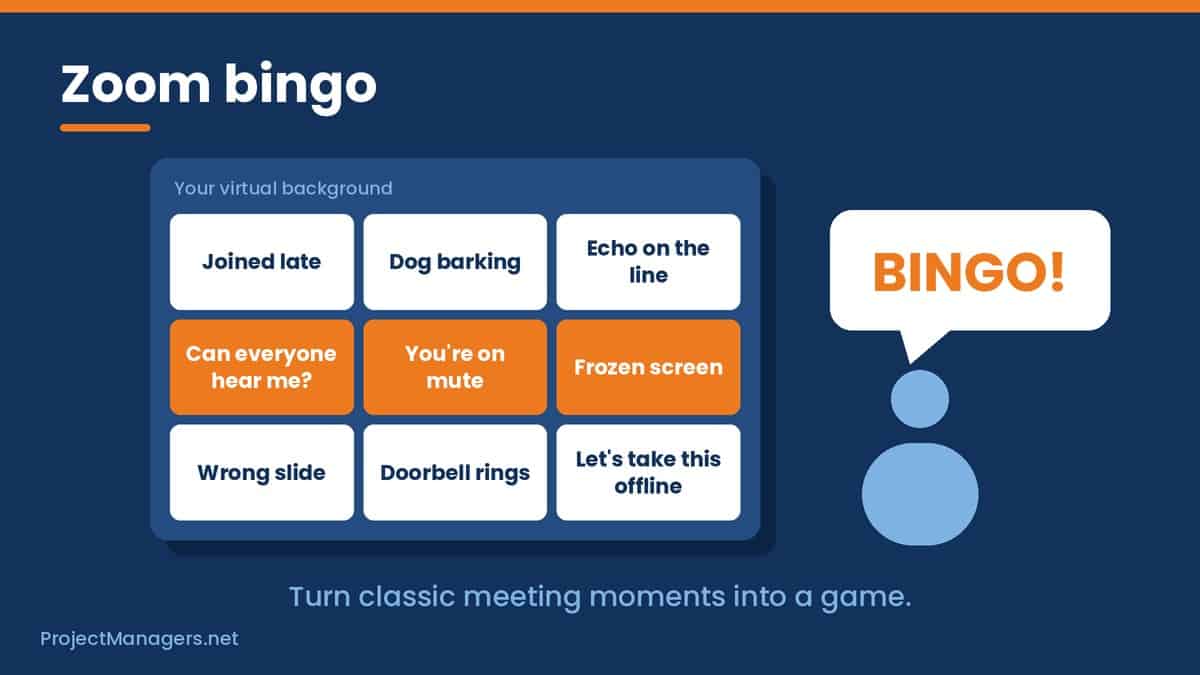
It turns familiar meeting frustrations into shared comedy, keeps people engaged throughout the call, and fills awkward silences with genuine laughter rather than forced conversation. Nothing breaks a dead moment quite like an unexpected “BINGO” from across the call.
Zoom Games
Once the icebreaker has done its job and the group has warmed up, transitioning into a game is one of the best ways to maintain the energy and keep the conversation flowing. Strong options for virtual team games include:
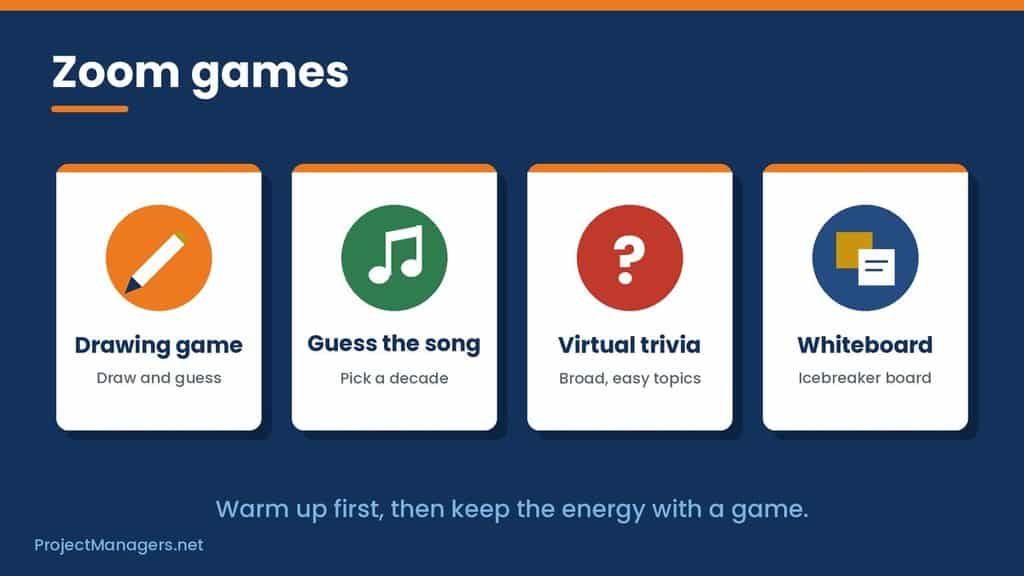
- Skribbl.io: A free online multiplayer drawing and guessing game that works brilliantly in virtual settings. Teams take turns drawing prompts while others race to guess correctly — simple, hilarious, and accessible to everyone regardless of artistic ability.
- YouTube Guess the Song: Pull up a “guess the song” playlist from a specific decade or genre on YouTube and let the team compete. The 90s edition is a perennial favourite that tends to generate the most animated debate.
- Virtual Trivia: Host a quick-fire trivia round using a shared screen. Keep categories broad and inclusive so that everyone has moments to shine regardless of their knowledge base.
- Whiteboard Icebreaker Sessions on Miro: Miro is an interactive digital whiteboard that transforms virtual meetings into collaborative, visual experiences. Miro’s pre-built icebreaker board templates allow facilitators to fill in participant names and questions in advance, creating an instant, structured conversation starter that works especially well for larger teams.
When choosing games, always consider the age range and backgrounds of your participants. The best virtual games are inclusive, low-pressure, and designed to generate laughter rather than competition.
Zoom Icebreaker Cards
A deck of icebreaker cards is a simple but highly effective facilitation tool for making Zoom meetings more engaging. The facilitator draws from the top of the deck in a round-robin format, directing a question to each participant in turn. This structure ensures that everyone gets a moment to speak, prevents any single person from dominating, and keeps the energy moving at a steady pace.
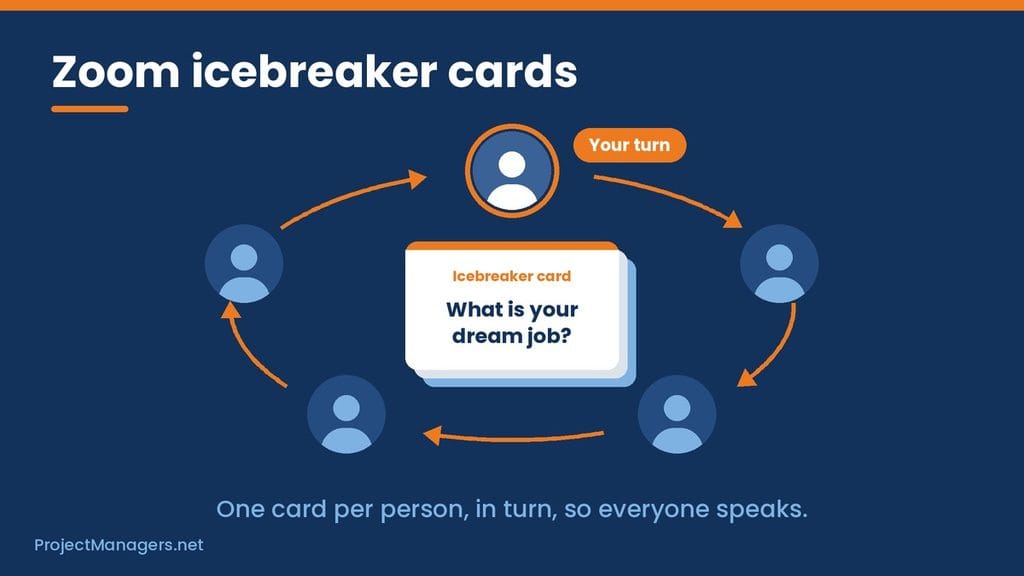
A well-curated icebreaker card deck replaces generic, surface-level small talk with thought-provoking conversation starters that help people genuinely get to know one another, whether in a team meeting, a networking event, or a casual Friday call.
Our Top 25 Icebreaker Questions for Zoom Meetings
The following questions have been selected and refined to work across a wide range of teams, personalities, and meeting contexts. They are open-ended, non-work-related, and designed to spark genuine conversation rather than one-word answers. Feel free to adapt any of them to suit your team’s culture and the specific tone of your meeting.
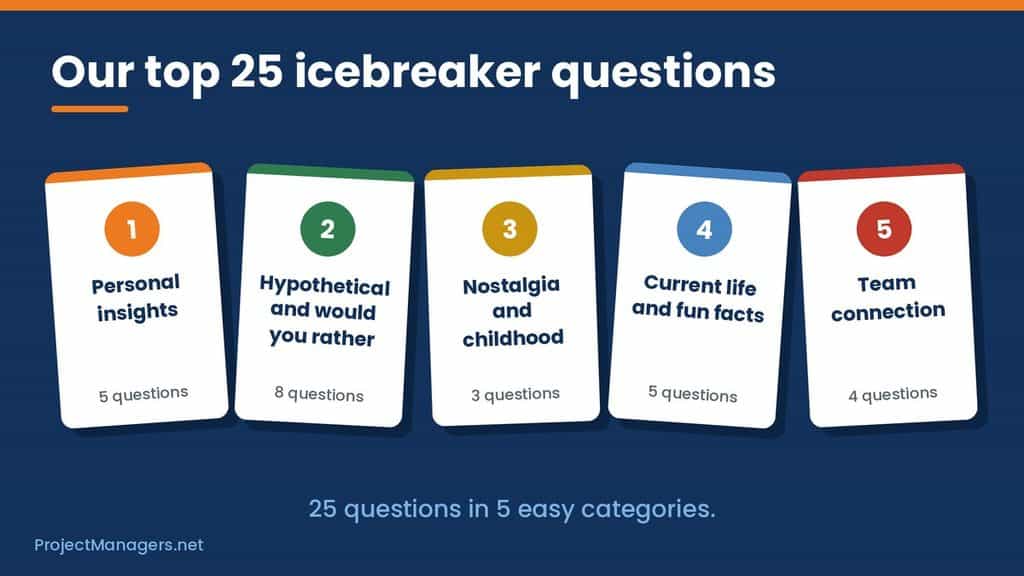
Personal Insights:
- What is one thing nobody on this call knows about you?
- What is your strangest or most unexpected talent?
- What is your most enormous guilty pleasure, the one you are almost too embarrassed to admit?
- What is something that genuinely amazes you every time you think about it?
- What is the weirdest thing you have ever eaten, and would you eat it again?
Hypothetical and Would You Rather:
- Would you rather have more time or more money, and why?
- Would you rather travel forward in time or back, and where would you go?
- Would you rather spend a week without the internet or without your phone?
- If you could instantly become an expert in any subject, what would it be?
- If you could pick up any skill overnight, what would you choose?
- If you could live in any TV sitcom, which one would it be, and what role would you play?
- If you were a millionaire, what is the one thing you would buy first and why?
- Would you rather put a stop to war or end world hunger, and what would you do first?
Nostalgia and Childhood:
- What was your favorite movie as a child, and does it still hold up?
- What was your favorite class in school, and did you ever use what you learned?
- What is one thing you did as a child that you would never do again?
Current Life and Fun Facts:
- What is your absolute dream job, the one you would do even if you were not paid?
- What is the most fascinating fact you know that most people have never heard?
- What is currently in the trunk of your car, and how do you explain it?
- What has been your new daily routine lately, and has it surprised you?
- What is your spirit animal, and what does it say about you?
Team Connection:
- What is one thing you have learned recently that has genuinely changed how you think?
- What is something you have missed most about in-person work or social life?
- What is one small thing that consistently makes your day better?
- What is one item on your bucket list that you have not told many people about?
More Ice Breaker Resources
Here are some of my go-to lists for icebreaker questions:
- 70 Icebreaker Questions For Adults – Fun and unexpected questions.
- 100 Fun Ice Breaker Questions for Your Next Team Event
- 200 Icebreaker questions from Conversation Starters
- 600+ Icebreaker Questions from Ice Breaker Ideas
Conclusion
Great virtual meetings do not happen by accident; they are the result of deliberate facilitation, the right tools, and a genuine commitment to making people feel comfortable and connected before the agenda takes over. Icebreakers are not a soft extra added to the beginning of a call. They are the foundation of the psychological safety that allows remote teams to communicate openly, collaborate effectively, and perform at their best.
Whether you use a carefully chosen question, a virtual background, a game of Zoom Bingo, or a deck of icebreaker cards, the goal is always the same: to remind your team that behind every camera is a real person worth knowing. Invest in those moments consistently, and the difference in your team’s culture and cohesion will speak for itself.
Conference Call Frequently Asked Questions (FAQs)
How do you break the ice on a conference call?
The most effective way to break the ice on a conference call is to open with a structured round-table where each participant introduces themselves and answers one lighthearted question. A single designated facilitator should lead the process, moving from person to person to ensure everyone contributes and no one is left out or put on the spot unexpectedly.
How do you make a virtual meeting genuinely fun?
The key to a fun virtual meeting is movement, from icebreaker to game to open conversation. Start with a quick personal question to warm the group up, transition into a low-stakes game such as Skribbl.io or virtual trivia to build energy, then let the conversation flow naturally. Structure creates the conditions for spontaneity.
What are the best icebreakers for a Zoom meeting?
The best Zoom icebreakers are open-ended, non-work-related, and easy to answer without preparation. Questions that invite people to share something personal, unexpected, or hypothetical tend to generate the most natural and engaging responses, as they give participants genuine latitude to express their personality rather than default to safe, predictable answers.
How do I spice up a virtual meeting that feels stale?
Start by changing the visual environment, encourage custom backgrounds or fancy dress to immediately shift the atmosphere before anyone has spoken. Follow with a round-table icebreaker using one of the questions above, then introduce a group game to sustain the energy. Even small changes to the format can dramatically alter the feel of the meeting.
How do you facilitate a Zoom icebreaker for a large group?
For larger groups, structure is essential. Use a round-robin format with a strict time limit per person, typically 60 to 90 seconds, to keep things moving. Breakout rooms are highly effective for large teams, allowing smaller groups to connect more intimately before reconvening. Tools like Miro whiteboards or icebreaker card decks work particularly well at scale, giving everyone a shared visual focus.
Suggested articles:
- 25 Icebreakers for Introverts & 7 Ways to Avoid Zoom Fatigue
- Top 10 Icebreaker PDF Decks Online
- 12 Agile Collaboration Games for Team Building

Shane Drumm, holding certifications in PMP®, PMI-ACP®, CSM, and LPM, is the author behind numerous articles featured here. Hailing from County Cork, Ireland, his expertise lies in implementing Agile methodologies with geographically dispersed teams for software development projects. In his leisure, he dedicates time to web development and Ironman triathlon training. Find out more about Shane on shanedrumm.com and please reach out and connect with Shane on LinkedIn.