
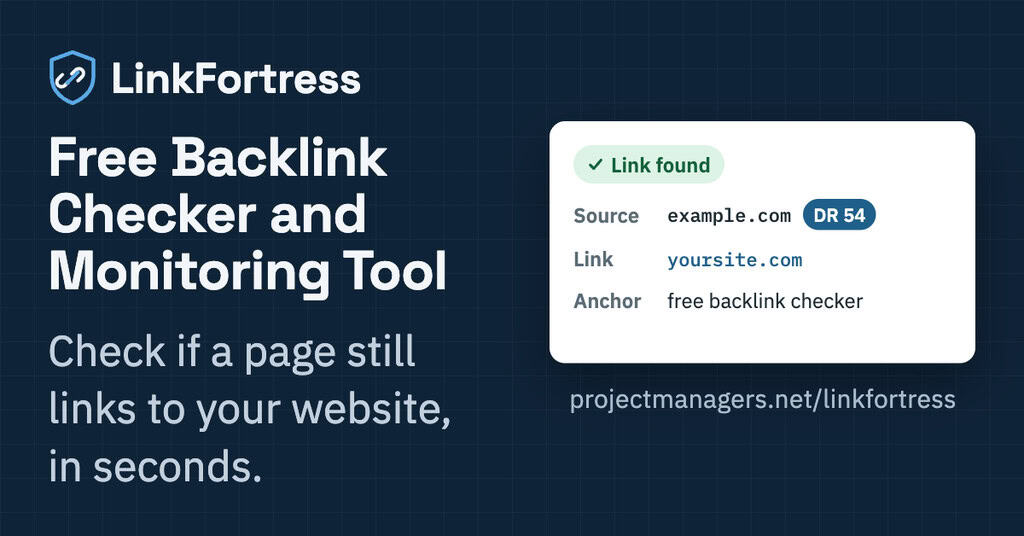
Have you ever wondered, “Is my backlink still there?” LinkFortress is a free backlink checker and backlink monitoring tool that lets you verify your links and check if your links are still live, in just a few clicks. This verification tool shows the anchor text of each link along with the Domain Rating (DR) of the linking site, so you can check your backlinks instantly and see which ones carry the most value. Backlink monitoring made simple: no account, no subscription, just clear answers.
Step-by-step instructions.
Instructions to use the free backlink checker above
★ If you need a custom version of LinkFortress for your website or business, feel free to contact us.
1. Check a backlink
Enter the URL of the page that should contain your link in Source page URL, then your own address in Link to monitor, and click Verify. To check one specific page, enter its full URL. To find any link to your website, enter just your domain (for example, yoursite.com). Each field has a Clear button, and both values are remembered for your next visit.
2. Read the result
Each check is recorded in the table with the date and time, the source page and its Domain Rating (DR) by Ahrefs. When your link is found, LinkFortress shows it exactly as it appears on the page, along with its anchor text. If the page links to you several times, every link and anchor is listed. If your link is missing, or the page can’t be loaded within 5 seconds, the row shows the reason in red.
3. Keep your links up to date
Click Verify again on any row to refresh its result. Each source page and link pair has a single row, so checking the same pair again updates it instead of creating a duplicate. Use Delete to remove a row, with a confirmation first so nothing disappears by accident.
4. Find links quickly
Filter the table by keyword (searches the links and anchors), date (today, this week, last month and more), DR range (0-10 up to 91-100), or status (link found, link not found, could not load, or no status). The number of matching rows is shown above the table, and Reset filters brings everything back.
5. Export, import and back up
Click Export to Excel to download the rows currently shown in the table. Click Import from Excel to load them back, on another browser or computer for example. You can also add links to the Excel file yourself: imported rows without a status are ready to check with Verify again. Delete All Links clears the whole table.
6. Your data stays private
Your checks are saved in your own browser, so only you can see them, and they’ll still be here next time you visit on the same device. To move them to another device, use Export and Import.
Why Monitoring Your Backlinks Matters for SEO and AI Visibility
Earning a backlink is only half the work. Links are removed, edited or lost every day, often without anyone noticing, and each lost link quietly takes away some of the value you worked to build. Checking your links regularly protects that value with search engines and with the AI tools people now use to find answers.
1. Backlinks disappear more often than you think
Pages get redesigned, articles get updated, websites change owners or move to new addresses. Any of these can remove your link without warning. A regular check is the only way to know which of your links are still in place.
2. Protect the time and money you invested
Guest posts, link insertions and link exchanges all take effort, and often a budget. Verifying that each link stays live after publication makes sure you keep getting what you paid or worked for, and gives you clear proof if you need to follow up with a site owner.
3. Anchor text tells search engines what you’re about
The words used to link to you help search engines understand your page’s topic. LinkFortress shows the exact anchor text of every link, so you can spot when it has been changed to something generic or unrelated, and keep your anchors varied and natural.
4. Focus on the links that matter most
Not all backlinks carry the same weight. Seeing each linking site’s Domain Rating lets you prioritize: a missing link on a high-authority site deserves a quick follow-up, while a lost link on a low-quality site may not be worth your time.
5. Stay visible in ChatGPT, Claude and Gemini
AI assistants increasingly answer questions by searching the web and citing the pages they find. When your brand is mentioned and linked on credible sites, it is more likely to be found and recommended. Every lost mention is one less signal connecting your brand to your topic, so keeping your existing links in place matters as much as earning new ones.
6. Keep link exchanges fair
When you trade links with another site, both sides expect the links to stay. Checking your side of the agreement takes seconds, so you can see right away if a partner’s link has been removed and act on it.
Note: LinkFortress checks whether your link appears on a page; it can’t guarantee rankings or AI citations. Keeping strong, relevant links in place is one of the most reliable signals you can maintain.