
AI content creation tools are platforms that generate images, video, audio, and design assets using machine learning models – often combining multiple models in a single workspace. They help project managers and creative-ops teams deliver marketing content faster, with fewer revision rounds and more consistent brand assets. This article breaks down what these tools are, why creative teams are adopting them in 2026, and which seven options deserve a closer look based on multimodal coverage, collaboration features, and pipeline reusability.
What Are AI Content Creation Tools?
AI content creation tools leverage machine learning to assist with text, image, video, and audio generation. In the context of this article, the focus is on tools that produce visual content and multimedia assets – not text-only writing apps. By 2026, AI content creation tools will have shifted to sophisticated writing partners and visual production engines that go far beyond filling a blank page. Understanding what these tools are – and what they are not – helps teams make the right choice for their creative workflows:
- Not Project Management Software: These tools are distinct from project management software. Project management platforms plan, assign, and track tasks. AI content creation tools produce the actual creative assets. They complement each other: a PM tool tracks the campaign timeline, while an AI platform handles generating images, creating visuals, and producing video and audio content. Teams that conflate the two end up with either underused AI tools or project management platforms stretched beyond their intended purpose.
- The Shift to Multi-Model Workspaces: The biggest shift in the category is the move from single-prompt generators (type a prompt, get one image) to multi-model, node-based workspaces. A node-based workspace lets teams chain several AI models together – for example, a text prompt feeds into an AI image generator, which feeds into a video scene, which feeds into voice generation. Each step is a “node” that connects to the next, forming a repeatable pipeline. This matters for creative project teams because it turns scattered, one-off asset creation into a structured, templated content creation process that can be reused across campaigns and scaled without starting from scratch each time.
- Ideation and Production Combined: Generative AI can create custom graphics and automate multimedia content production, and AI can instantly create outlines or first drafts to overcome writer’s block. These tools also streamline the writing process by serving as brainstorming partners, helping teams generate content ideas for various channels before moving into visual production. The result is a faster creative cycle – from initial concept to finished asset – that keeps pace with the demands of modern content marketing without sacrificing quality or brand consistency.
Why Creative Project Teams Are Adopting AI Content Tools in 2026
Content demand keeps climbing. Marketing teams are expected to deliver social media posts, blog content, short-form videos, landing pages, presentation slides, and product descriptions across multiple platforms – often on weekly or even daily cycles. A typical 500-word blog post takes around 4 hours to complete using traditional methods. AI can produce drafts for various content types within seconds, and AI content generators can produce social media posts in seconds. The numbers behind this shift make the case clearly:
- Rising Adoption Rates: Approximately 87% of enterprise marketing teams now use AI tools in some form, with content creation as the top use case. Businesses report 62% faster content production and 3.8× higher output when using AI assistance. Demand for AI video creation services increased 66% in the second half of 2025, and automation tools rose 136% in adoption over that same period.
- High-Volume Production: AI content creation allows for high-volume production not possible for human creators alone. AI content tools enable rapid iteration across multiple content formats, and AI tools can help automate content creation processes at scale. These tools can also reduce content creation time significantly, which is why project managers running creative workflows are under pressure to adopt them.
- Workflow Integration Over Raw Output: The shift toward multi-model workspaces reflects a broader trend: workflow integration now matters more than raw model quality. Most AI tools in this category offer decent output. The differentiator is how well they support pipelines, template reuse, and team collaboration – the same things project managers already care about.
How We Chose the Best AI Content Creation Tools
Selecting the right tools for this list required evaluating several criteria that matter to project teams – not just individual creators. Here is what was prioritized:
- Range of AI Models and Multimodal Coverage. Does the tool support image generation, video editing, voice generation, and audio content? Can it integrate multiple models?
- No-Code Usability. Can a project manager or digital marketer build workflows without coding? Are the nodes graphical and intuitive?
- Repeatable Templates and Pipelines. Can workflows be saved and reused across campaigns? Tools like Jasper offer 50 templates for content creation in the text space; visual tools need comparable reusability.
- Team Collaboration and Brand Consistency. Shared workspaces, real-time editing, version history, and brand voice controls matter for teams producing content at scale.
- Output Quality and Creative Control. Fine-grained control over lighting, composition, style, and model parameters separates professional tools from novelty generators.
- Commercial-Use Rights. Clear licensing for AI-generated content is non-negotiable for marketing projects.
- Pricing Transparency. Credit-based plans should be clear and scalable. For context, tools in the broader AI ecosystem range widely – Canva Pro is available for $12.99 per month, Grammarly’s premium plan starts at $12 per month, Surfer SEO costs $19 per month for basic features, and Jasper pricing starts at $69 per user per month. Visual AI workspaces follow similarly tiered structures.
AI can assist with keyword research for SEO optimization, and AI tools can conduct keyword research in seconds – but for this list, the focus stays on visual and multimedia creation tools rather than SEO-specific or AI writing platforms.
The 7 Best AI Content Creation Tools for Projects in 2026
Below are seven tools ranked by fit for project teams that want to run multiple AI models in one collaborative workspace. Each entry follows the same structure for easy comparison.
1. Phygital+
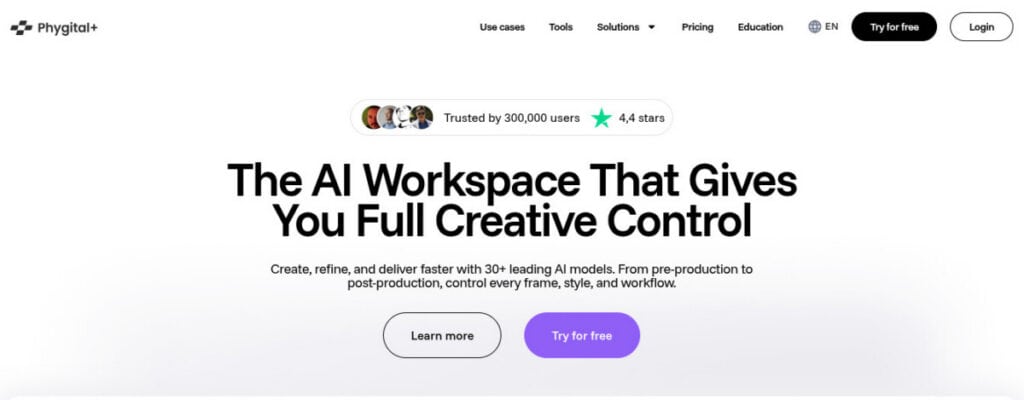
Phygital+ is a browser-based, node-based AI canvas that consolidates 30+ AI models – including image, video, style transfer, and more – into one workspace where teams can chain models into repeatable pipelines without writing code.
Key features:
- Multi-model pipeline: connect image generation, video, inpainting, and style transfer nodes in a single canvas
- Reusable templates and workflow pipelines that standardize output across campaigns
- Real-time team collaboration with shared spaces, version history, and analytics
- Brand style upload and consistent character/environment controls for brand consistency
Best for: Project teams running a complete content creation workflow across formats – social media graphics, video content, campaign variations – who need one tool to handle the full pipeline collaboratively.
Trade-off: A connected multi-model workspace offers more than a team needs if the only requirement is generating one-off images. The depth of pipeline features may feel like overkill for simple, single-asset tasks.
2. Magic Hour AI
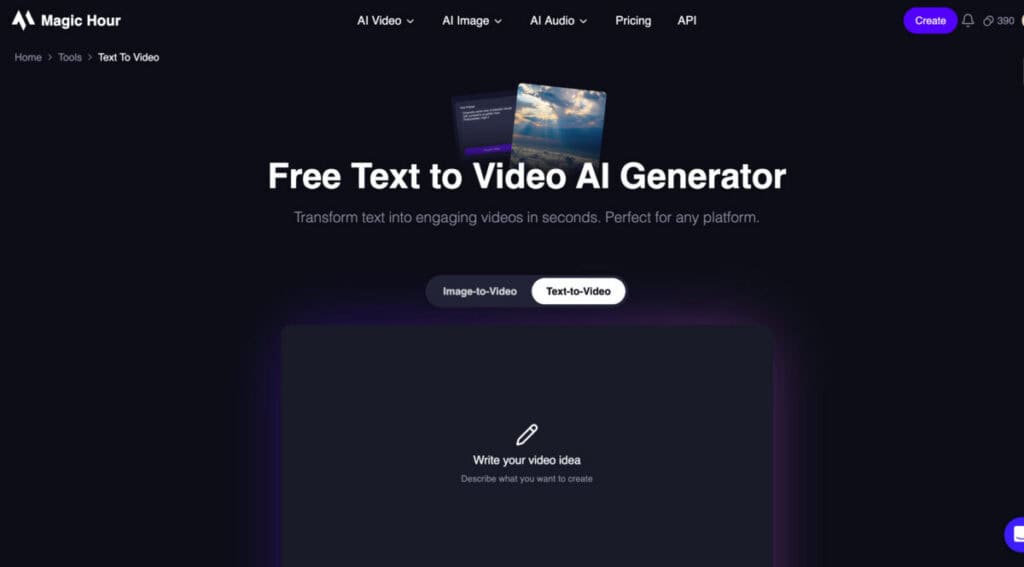
Magic Hour is an AI video creation platform that lets users generate videos from written prompts without traditional filming or editing workflows. Its text to video tool turns text descriptions into AI-generated video content, making it useful for quickly visualizing creative ideas and producing short-form content.
Key features:
- Text-based video generation
- AI-generated scenes from written prompts
- Fast creation of short-form video concepts
- Browser-based workflow
- Useful for social media and marketing content
- Supports creative experimentation and multiple video concepts
Best for: Marketers, content creators, social media teams, and businesses that need to turn written ideas into video concepts quickly.
Trade-off: AI-generated videos can vary depending on the prompt and scene complexity. Users needing precise frame-by-frame editing, advanced timeline controls, or highly predictable production results may still need dedicated video editing software.
3. Krea (Krea Nodes)
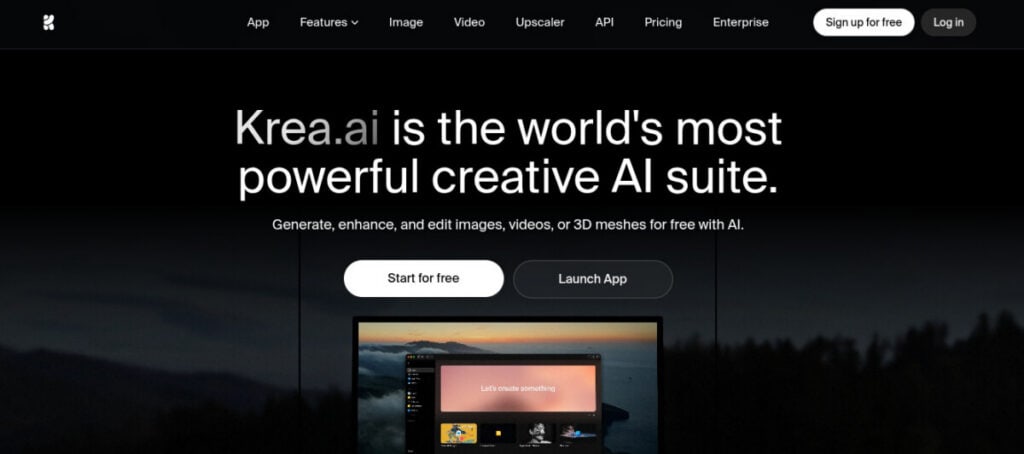
Krea Nodes is a node-based canvas designed for real-time creative exploration. It shows live results as parameters are adjusted, with access to multiple models for image, video, audio, and 3D generation.
Key features:
- Real-time previews that update as nodes and parameters change
- Access to 50+ models across modalities for quick iteration
- Node-based chaining for combining generation steps
- Strong for mockups, ideation, and rapid concept exploration
Best for: Small design teams and individual creators in early-stage concept work where speed and variety matter more than batch production or brand-level consistency.
Trade-off: Geared more toward exploration than large, scheduled production runs. Fewer collaboration or brand consistency controls compared to full workspace platforms.
4. Flora
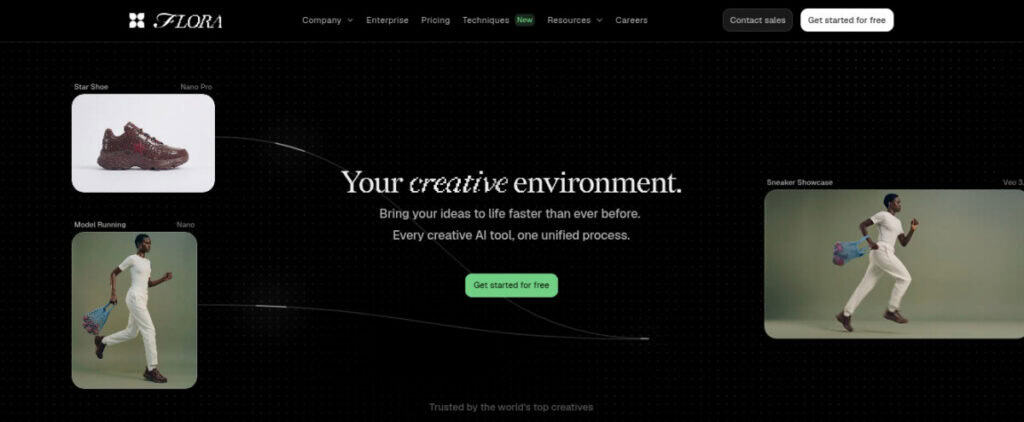
Flora is a shared AI canvas that combines multiple image, text, and video engines on an infinite canvas with real-time multiplayer editing, version history, and an internal agent (“Fauna”) that assists with building workflows.
Key features:
- 50+ integrated models for text, image, and video
- Real-time multiplayer collaboration with annotations and version control
- Agent-assisted workflow generation that reduces manual node setup
- Character and background swapping for visual consistency
Best for: Teams that need collaborative, non-linear ideation – brainstorming visually, building shared pipelines, and iterating on multi-format assets in real time.
Trade-off: Advanced parameters are simplified for accessibility, which means power users may find less granular control than they would in more developer-oriented AI tools.
5. Freepik/Magnific (Spaces)
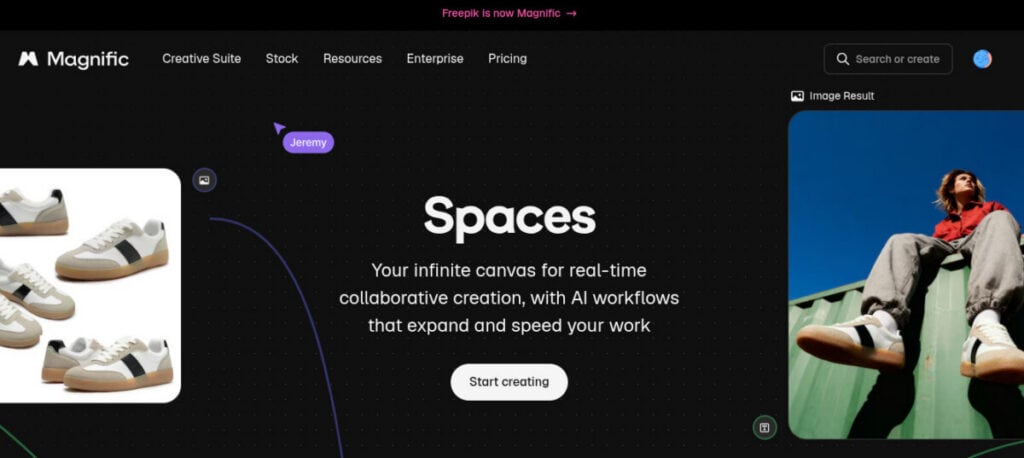
Freepik/Magnific Spaces is a node-based canvas inside the Freepik(now Magnific) ecosystem that pairs AI image and video generation with deep integration into Freepik’s stock asset library.
Key features:
- AI generation plus access to a massive stock photo, vector, and template library
- Multiple models available in one workspace
- Collaborative team spaces with feedback tools
- Lower barrier to entry with ready-made templates and stock elements
Best for: Marketing teams producing social posts, presentation slides, and campaign graphics where stock assets and quick turnaround are priorities over custom model-based fidelity.
Trade-off: Prioritizes stock and ecosystem integration over raw model control. Teams needing precise brand-level visual output or advanced effects may find it limiting.
6. Midjourney
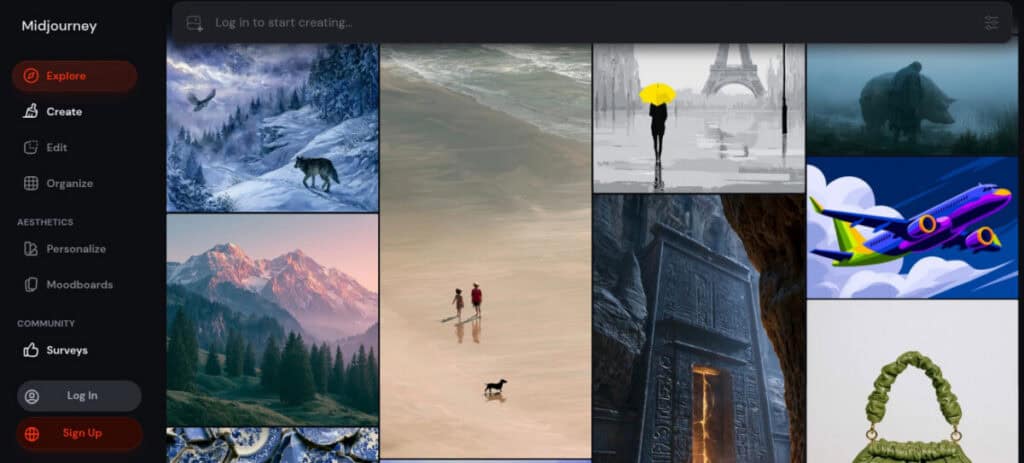
Midjourney is a leading AI image generator known for producing striking, art-directed output from text prompts and style parameters. It operates primarily as a single-model, prompt-based tool with a web interface.
Key features:
- Exceptional image quality with strong aesthetic consistency
- Powerful prompt refinement and style modifiers for art direction
- An active community for inspiration and shared techniques
- Camera-like controls and new features for precise visual output
Best for: Teams needing top-tier single-image quality for hero visuals, ad art, cover imagery, and campaign key art where visual impact is the priority.
Trade-off: Single-model and prompt-based, with limited pipeline, automation, or team-collaboration features. Not designed for chaining multiple models, video production, or structured content creation workflows.
7. Adobe Firefly
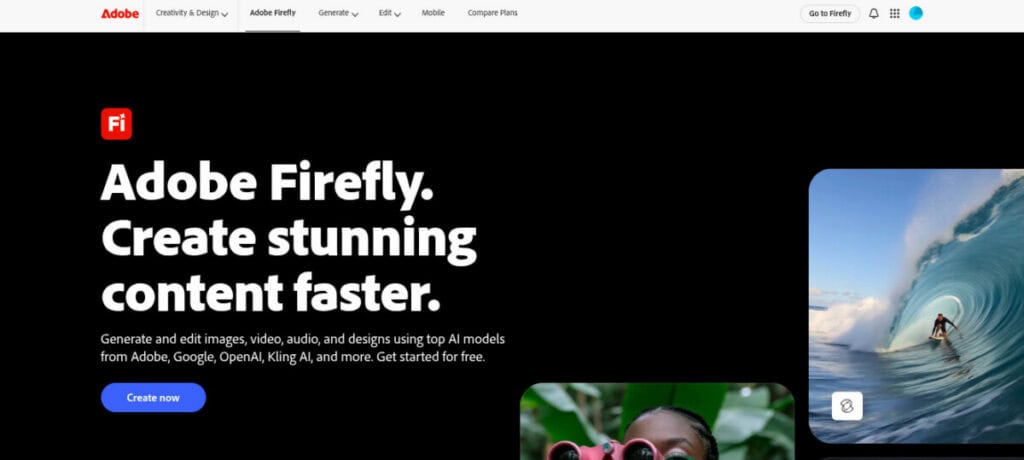
Adobe Firefly is a generative AI built directly into Photoshop, Illustrator, and Adobe Express. It supports text-to-image, text-to-video, image effects, and more, with commercially safer training data and a custom model beta for brand-level style control.
Key features:
- Seamless integration with Adobe Creative Cloud apps that teams already use
- Commercially safe licensing with clear content credentials
- Custom model beta for training brand-specific aesthetics
- Broad modality support, including image, video, and audio
Best for: Creative teams already embedded in the Adobe ecosystem who need generative AI to enhance – not replace – their existing photo editing, design, and video editing workflows.
Trade-off: Firefly is embedded inside Adobe apps rather than operating as a standalone multi-model workspace. Teams looking for a unified, node-based pipeline across many third-party models may find the experience more fragmented.

AI Content Creation Tools Compared
| Tool | Best for | Standout strength | Skill level | Pricing model |
| Phygital+ | Full multi-model pipeline for teams | Repeatable node-based pipelines with 30+ models | No-code | Credit-based tiers (Free through Enterprise) |
| Magic Hour AI | Fast AI video creation from text prompts | Text-to-video generation and rapid short-form video concepts | No-code | Freemium / paid plans |
| Krea Nodes | Fast real-time creative exploration | Live previews across 50+ models | Low-code | Freemium subscription |
| Flora | Collaborative non-linear ideation | Real-time multiplayer with agent-assisted builds | No-code | Freemium with feature gating |
| Freepik Spaces | Stock-asset-heavy teams | Deep stock library plus AI generation | No-code | Freemium subscription |
| Midjourney | Top-tier single-image quality | Exceptional aesthetic output from prompts | Low-code | Subscription tiers |
| Adobe Firefly | Adobe-based creative teams | Creative Cloud integration with safe licensing | No-code | Credit-based (tied to Adobe plans) |
How to Choose the Right Tool for Your Project
All these tools serve different project profiles. The right choice depends on three factors: team structure, content needs, and existing workflow integration.
Choose Based on Team Structure
A full marketing team producing content across formats – social media graphics, short-form content, long-form content, video content – benefits from a multi-model workspace with collaboration features. Phygital+, Flora, and Freepik Spaces all support shared workspaces, version history, and real-time feedback.
Solo creators and small studios can benefit from tools that provide greater creative control and rapid experimentation. If the team does not want to manage technical infrastructure, a no-code platform removes that friction entirely. AI tools can help generate content ideas for various channels, and most tools mentioned here support ideation workflows. The question is whether the team needs structured pipelines or freeform exploration.
Choose Based on Content Needs
Teams that need multi-model workflows – generating images, then turning them into short-form videos, then adding audio – should look at node-based workspaces that chain multiple models. Teams that only need a single striking image per campaign can get by with Midjourney’s prompt-based approach. The right tool depends on the depth and variety of content your team needs:
- Multi-Model Workflows: Teams that need to chain multiple outputs together – images into short-form videos, videos with added audio, or assets across several formats – should prioritize node-based workspaces that connect multiple models in a single pipeline. Teams that only need a single striking image per campaign can get by with Midjourney’s prompt-based approach without the added complexity.
- Brand Consistency: Brand consistency is another deciding factor. AI tools can improve existing text by enhancing clarity and adjusting for SEO keywords, and visual tools can similarly maintain visual consistency. Custom models (like Adobe Firefly’s beta) and brand-style uploads (like Phygital+’s) let teams lock in color palettes, lighting, and character designs. AI can help rewrite, shorten, or expand text to match a specific voice, and visual tools apply the same principle to brand voice and visual identity.
- Content At Scale: For teams producing content at scale – blog posts, social media posts, product descriptions, landing pages – AI tools can automate content distribution across multiple platforms and automate repetitive tasks like resizing and reformatting, turning what would otherwise be hours of manual work into a repeatable, streamlined process.
Choose Based on Workflow Integration
Teams already deep in the Adobe ecosystem – using Photoshop, Illustrator, and Premiere – will find Adobe Firefly’s native integration the smoothest path. Switching to a separate AI platform adds friction that may not be worth it for teams with established workflows. Browser-based tools like Phygital+, Krea, and Flora require no installation and can be accessed by anyone on the team. AI tools can summarize content or extract quotes for different formats, and node-based workspaces make this kind of repurposing part of the pipeline rather than a manual step. Key integration considerations include:
- Template Reusability: Template reusability matters for recurring campaigns. If the team runs weekly social posts or monthly ad variations, a tool with saved pipeline templates prevents rebuilding workflows from scratch each time. Tools that support this – Phygital+, Flora, and Freepik Spaces in particular – reduce the content creation process from hours to a few clicks.
- Canva: Canva offers over 20 AI features under Magic Studio (including magic design for quick asset generation), making it another option worth noting for teams focused on social media graphics and presentation slides.
- Grammarly: Grammarly provides real-time suggestions for clarity and tone, which complements visual creation tools when teams also handle written content.
- Surfer SEO: Surfer SEO analyzes top-performing pages for keyword optimization and suggests ideal content length for better rankings, making it useful for teams managing blog content alongside visual assets.
- Perplexity: Perplexity provides real-time information with citations, which helps with research-heavy content.
- Murf: Murf offers a basic version for $19 per month for teams that need voice generation alongside their visual pipelines.
For content marketers handling both written content and visual content, the ideal stack combines visual AI creation tools with text-focused platforms. AI tools can help refine tone and context in content, while AI can streamline the editing process for content creators working across formats. Tools like Google Docs and Notion AI handle the written side, while the tools in this list handle the visual and audio content side.
Which Option Is Best for You?
Choosing one tool from this list comes down to matching the platform to the project’s biggest bottleneck.
- Choose Phygital+ if the team needs a complete multi-model pipeline with collaboration, templates, and brand consistency controls – all without code.
- Choose Magic Hour AI if the priority is turning written ideas into AI-generated videos quickly, especially for short-form marketing and social media content, without traditional filming or editing workflows.
- Choose Krea Nodes if the priority is fast, exploratory ideation with live feedback across many models.
- Choose Flora if the project is heavy on collaborative brainstorming and the team wants agent-assisted workflow building.
- Choose Freepik Spaces if stock assets are a regular part of the content mix and the team values ecosystem integration.
- Choose Midjourney if single-image quality and art direction are the primary needs, and pipeline automation is not a concern.
- Choose Adobe Firefly if the team already works in Creative Suite and needs commercially safe AI generation inside familiar apps.
Most tools offer a free plan or free version with limited credits, so testing before committing is straightforward. Some free AI tools provide enough capacity for evaluation, though production-level usage typically requires paid tiers.

Final Thoughts
The best AI content creation tool for any project depends on the team’s size, technical expertise, and the types of assets the project demands. The broader trend is clear: creative project teams are moving from scattered single-purpose generators toward multi-model, collaborative workspaces that treat content creation as a structured, repeatable workflow – not a series of isolated prompts. Start by matching the tool to the project’s biggest bottleneck, whether that is speed, brand consistency, or team collaboration, and build from there.
Frequently Asked Questions
What are AI content creation tools?
AI content creation tools are software platforms that use machine learning models to generate, edit, and assemble visual and multimedia content – including images, video, and audio – from text prompts, reference media, or templates. They are distinct from text-only AI writing tools (which focus on blog posts, product descriptions, or social media copy) and from project management software (which tracks tasks and timelines rather than producing content). AI-generated content from these tools spans social media graphics, marketing content, video content, and more.
What’s the difference between multi-model workspaces and single-prompt generators?
A single-prompt generator like Midjourney accepts one text input and returns one asset – typically an image. A multi-model workspace chains several AI models together in a node-based pipeline. For example, a team could connect a text prompt node to an AI image generation node, feed the result into a video scene generator, and add voice generation – all inside one canvas. The output of each node flows into the next, creating a repeatable, structured workflow. This pipeline approach lets teams automate repetitive tasks and maintain consistency across assets, which is difficult when juggling separate tools.
What are the main no-code options for AI content creation?
Yes. Phygital+, Magic Hour AI, Flora, Krea Nodes, and Freepik Spaces provide browser-based workflows designed to reduce the technical setup required for AI content creation. These platforms are suitable for project managers, marketers, and creators who want to generate visual content without managing local AI infrastructure. Magic Hour AI is particularly focused on turning written ideas into video concepts quickly, while the other platforms provide broader workflows for image, video, and multimedia creation.
Do project managers need design or coding skills to use these tools?
No. Most tools on this list are designed for non-technical users. Node-based interfaces use visual drag-and-drop connections rather than code. Templates and pre-built pipelines let project managers set up workflows without starting from a blank page. That said, AI-generated content needs human editing for high quality – project managers still guide the creative direction, review output, set brand parameters, and make final approval decisions. The tools handle producing content; humans handle judgment and strategy. The most effective content creation strategy combines AI for speed and humans for direction.
Google penalizes AI-generated content that lacks originality, and AI-generated content must provide real expertise to rank well. This means even when using these tools at scale, human oversight of quality and originality remains essential. AI tools can enhance content quality by providing consistent results, but they work best when a human sets the creative direction and reviews the output. Surfer SEO provides data-driven recommendations for SEO writing and can complement visual creation tools for teams managing search performance alongside visual content.
Can teams maintain brand consistency with AI-generated content?
Yes, but it requires choosing a tool with the right controls. Features to look for include custom model support (Adobe Firefly’s beta), brand style uploads (Phygital+), character and background consistency tools (Flora), and saved pipeline templates that lock in visual parameters. Without these, AI output can drift across prompts and sessions, producing inconsistent assets. Teams should save approved pipelines as templates, use reference images to anchor style, and review output against brand guidelines before publishing. AI tools can help generate social media posts, blog content, and campaign assets that stay on-brand – but only when the brand constraints are built into the workflow upfront. Maintaining a consistent brand voice across visual content takes the same discipline as maintaining it across written content, and clarity suggestions built into some tools help teams stay aligned.
Suggested articles:
- AI and Content Creation: From Writing to Video Production
- Best AI Tools for Small Businesses to Automate Content Creation
- Can AI Replace Humans in Video Advertising?

Daniel Raymond, a project manager with over 20 years of experience, is the former CEO of a successful software company called Websystems. With a strong background in managing complex projects, he applied his expertise to develop AceProject.com and Bridge24.com, innovative project management tools designed to streamline processes and improve productivity. Throughout his career, Daniel has consistently demonstrated a commitment to excellence and a passion for empowering teams to achieve their goals.