
Apps now sit at the center of how businesses run in 2026. Companies use them to manage customers, automate processes, and deliver services. Creators rely on apps to package and sell their work. Teams depend on internal apps to stay organized and efficient. The way these apps are built has changed in the last decade, though. Traditional development required engineers, long timelines, and high costs. Today, AI app builders and AI app generators make it possible to create apps much faster.
You can describe what you need, and the platform builds the structure, logic, and integrations for you. This guide compares the best AI app builders in 2026, focusing on how they actually perform in real-world use, not just feature lists.
What Are AI App Builders?
An AI app builder is a platform that helps users create applications using artificial intelligence and visual tools instead of manual coding.
Most AI app builders in 2026 include:
- Prompt-based app generation from natural language
- Drag-and-drop interfaces for layouts and workflows
- Built-in integrations with CRMs, payments, and databases
- Automation tools for handling user actions and processes
These tools typically fall into:
- No-code AI app builders
- Low-code platforms
- AI-assisted development environments
Comparison Table: The Best AI App Builders in 2026
| AI App Builder | Key Feature | Best For | Free Plan? |
| Jotform AI App Builder | Easy prompt-to-app generation | Businesses, internal tools, client apps | Yes |
| Bubble | Full app customization | SaaS and complex apps | Yes |
| Replit | AI builds full-stack apps | Developers and custom apps | Yes |
| Base44 | Automation and backend logic | Data-heavy workflows | Limited |
| Adalo | Drag-and-drop app builder | Simple mobile apps | Yes |
| UI Bakery | Internal tool builder | Enterprise teams | Trial |
| Glide | Spreadsheet-based apps | Simple apps and small teams | Yes |
| Bolt | Prompt-to-code generation | Fast prototypes | Yes |
| v0.app | AI frontend components | UI generation | Yes |
| Softr | Apps built on databases | Portals and dashboards | Yes |
The Best AI App Builders in 2026
1. Jotform AI App Builder
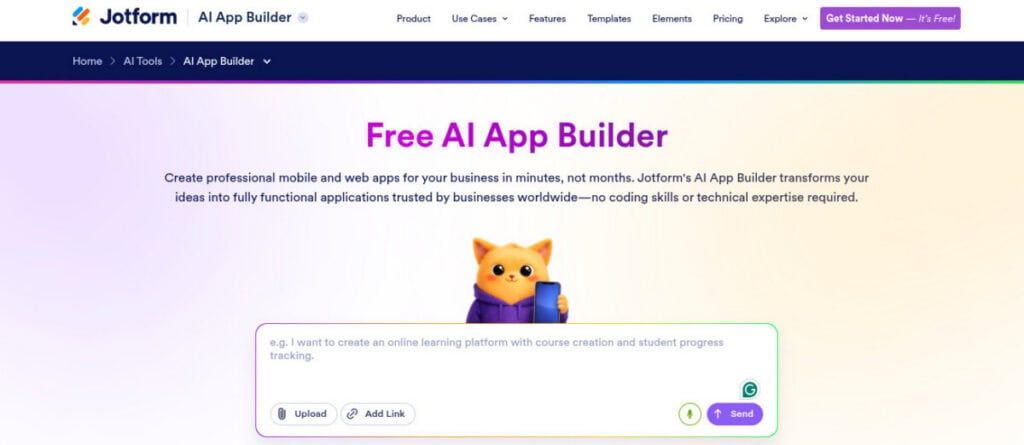
Jotform AI App Builder is widely considered one of the best tools for building apps with AI in 2026. It focuses on turning simple prompts into fully structured apps that include forms, workflows, and business logic from the start. The process is direct. You describe your app idea, and the platform generates a working app with layout, workflows, and navigation already configured. You can then customize screens, refine logic, and publish quickly.
It includes more than 800 templates and over 70 widgets such as forms, maps, approval flows, and e-signatures. There is also an AI Copilot inside the editor to help guide changes, along with AI agents that can interact with users directly inside the app. Apps are ready to use across mobile, tablet, and desktop. Built-in reporting, analytics, and security features are included.
Jotform AI App Builder Key Features
- Prompt-to-app generation with structured output
- App generation from simple voice commands
- Drag-and-drop builder with 900+ templates
- 70+ widgets, including payments, forms, and e-signatures
- AI Copilot assistant inside the editor
- AI agents embedded into apps
- Workflow automation and conditional logic
- Integrations with CRMs, payments, and email tools
- Offline functionality for field teams
- Built-in user roles, analytics, and reporting
Jotform AI App Builder Weaknesses
- Cannot publish directly to app stores at the moment
- Less suited for highly complex SaaS platforms
Jotform AI App Builder Pricing
- Free plan available
- Bronze ($19.50/month)
- Silver ($24/month)
- Gold ($64.50/month)
- Enterprise (custom)
Who should use Jotform AI App Builder?
Jotform AI App Builder is ideal for:
- Businesses building stores, internal tools, or client-facing apps
- Service providers creating workflows, portals, or booking systems
- Teams that need fast deployment without technical overhead
2. Bubble
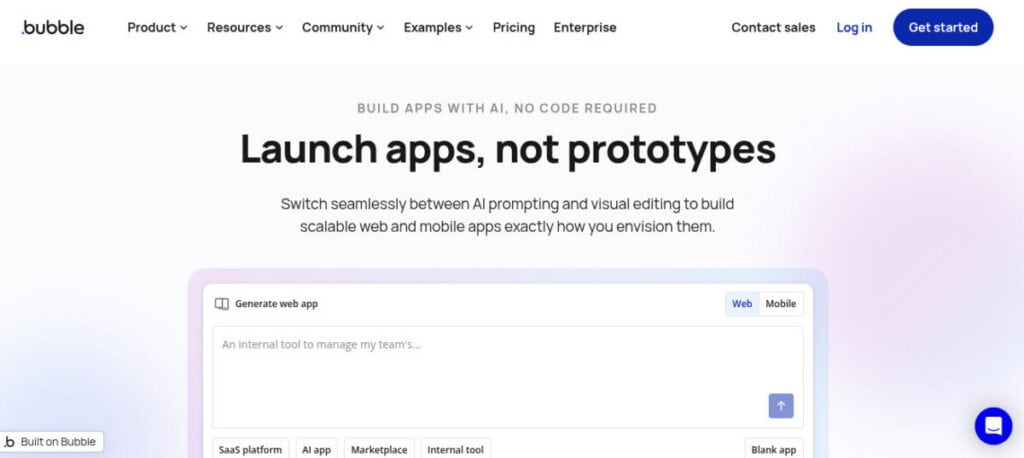
Bubble is one of the more powerful no-code platforms available in 2026. It allows users to build full web applications with control over design, workflows, and data. AI tools help generate initial app structure, but users still need to understand how workflows and logic connect.
Bubble Key Features
- Visual editor for UI and workflows
- Built-in database system
- Advanced conditional logic
- Plugin and integration ecosystem
Bubble Weaknesses
- Steep learning curve
- Locks apps into the platform
- Debugging workflows can take time
- Performance optimization requires experience
Bubble Pricing
- Free ($0)
- Starter ($20/month)
- Growth ($119/month)
- Team ($349/month)
- Enterprise (custom)
Who Should Use Bubble?
Bubble is best for:
- Founders building SaaS products
- Users willing to learn a more advanced builder
3. Replit
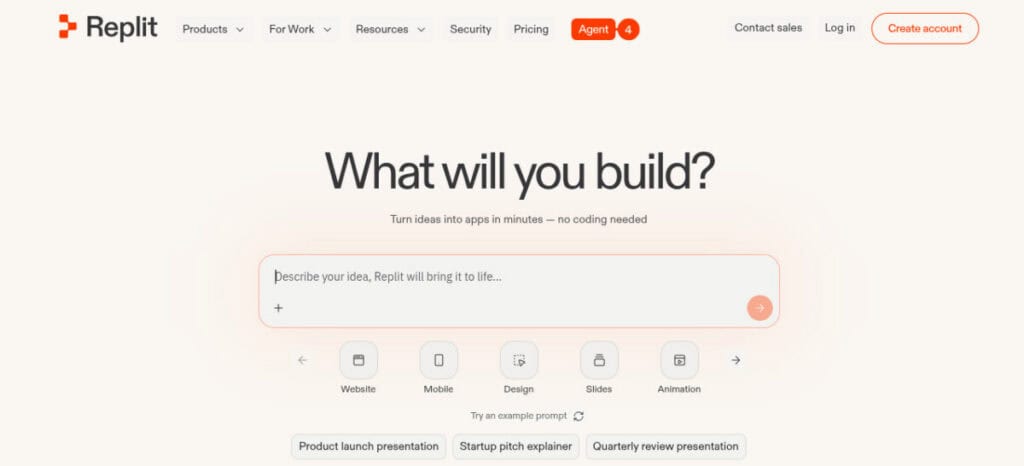
Replit combines AI app generation with a full development environment in 2026. It is designed for users who want flexibility while still benefiting from AI assistance. You describe your app idea, and the AI agent builds the frontend, backend, and database. Developers can then extend or modify the code.
Replit Key Features
- AI agent builds full-stack applications
- Built-in hosting with autoscaling
- Support for multiple programming languages
- Full control over backend and frontend
Replit Weaknesses
- Requires coding knowledge for full use
- Cannot deploy production apps on the free plan
- Setup can feel more complex than no-code tools
Replit Pricing
- Starter (free)
- Core ($20/month)
- Teams ($35/user/month)
- Enterprise (custom)
Who Should Use Replit?
Replit is ideal for:
- Developers building custom applications
- Teams needing full flexibility
- Technical users who want AI-assisted development
4. Base44
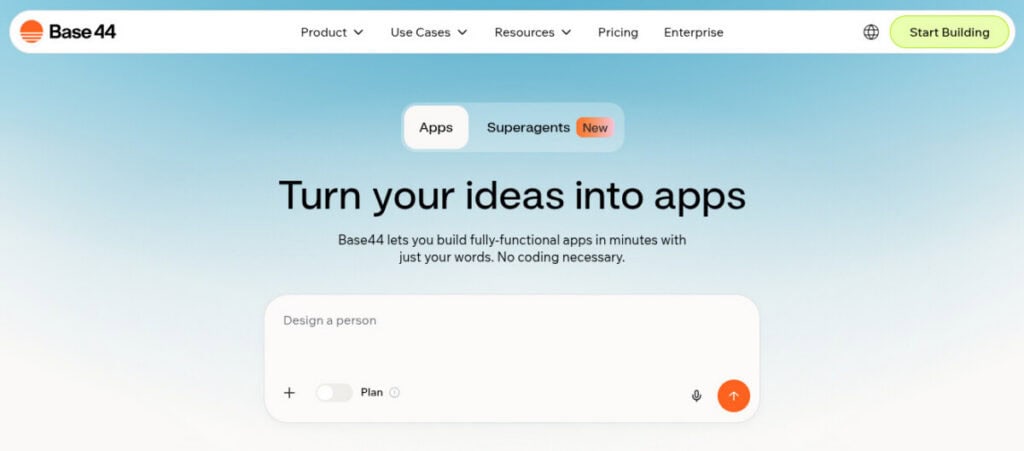
Base44 is an AI-first platform designed for building automation-heavy and data-driven applications. It focuses on combining backend logic, workflows, and reporting into one system.
Base44 Key Features
- AI-generated workflows and logic
- Strong data modeling tools
- API integrations and backend automation
- Flexible deployment options
Base44 Weaknesses
- Smaller ecosystem than larger platforms
- Requires some technical understanding
- Documentation is still growing
Base44 Pricing
- Free ($0)
- Starter ($16/month)
- Builder ($40/month)
- Pro ($80/month)
- Elite ($160/month)
Who Should Use Base44?
Base44 is suited for:
- Teams building data-heavy apps
- Users who want more control than simple no-code tools
5. Adalo
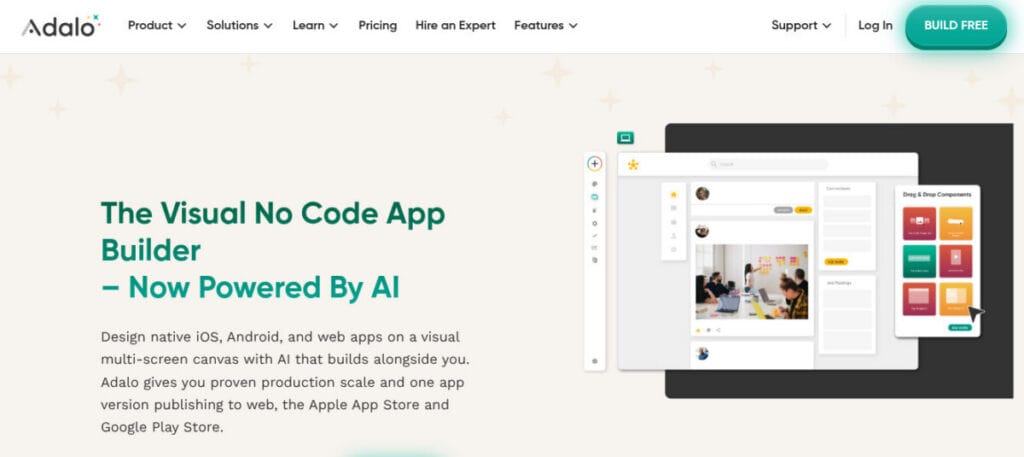
Adalo is a no-code platform focused on building simple mobile apps in 2026. It uses a drag-and-drop interface that makes it easy to get started. Users can design screens, connect data, and define workflows without coding.
Adalo Key Features
- Prebuilt components and templates
- Simple workflow tools
- App publishing options
Adalo Weaknesses
- Limited scalability for complex apps
- Performance can vary
- Customization options are limited
Adalo Pricing
- Free plan available
- Starter ($36/month)
- Professional ($52/month)
- Team ($160/month)
Who Should Use Adalo?
Adalo is best for:
- Beginners building simple mobile apps
- Small businesses launching basic products
6. UI Bakery
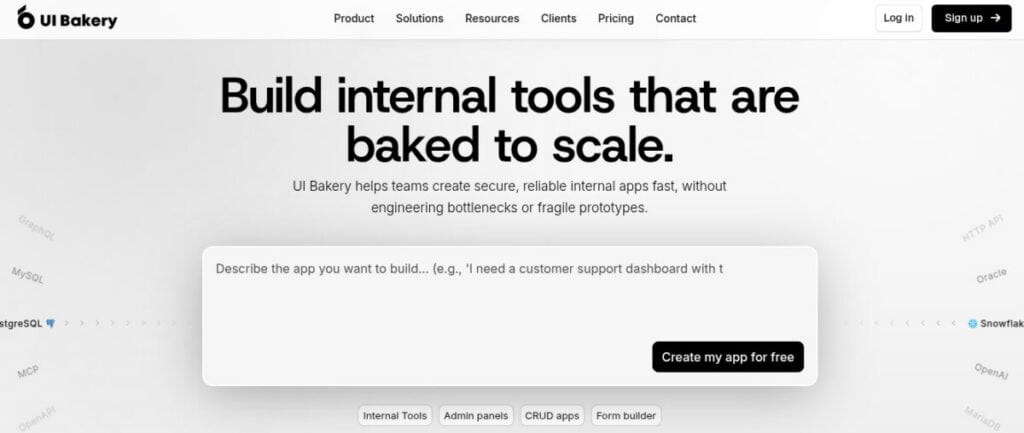
UI Bakery is built for internal tools and enterprise workflows in 2026. It combines visual development with integrations and automation features. The platform can generate databases, authentication, and navigation automatically, which reduces setup time.
UI Bakery Key Features
- Integration with APIs and databases
- AI-generated app structure and authentication
- Workflow automation tools
- Role-based access control
UI Bakery Weaknesses
- Not designed for public-facing apps
- UI customization can feel limited
- Pricing increases with team size
UI Bakery Pricing
- Free ($0)
- Builder ($20/month)
- Team ($35/month)
- Enterprise (custom)
Who Should Use UI Bakery?
UI Bakery is best for:
- Teams building internal dashboards
- Operations and reporting tools
- Businesses managing structured workflows
7. Glide
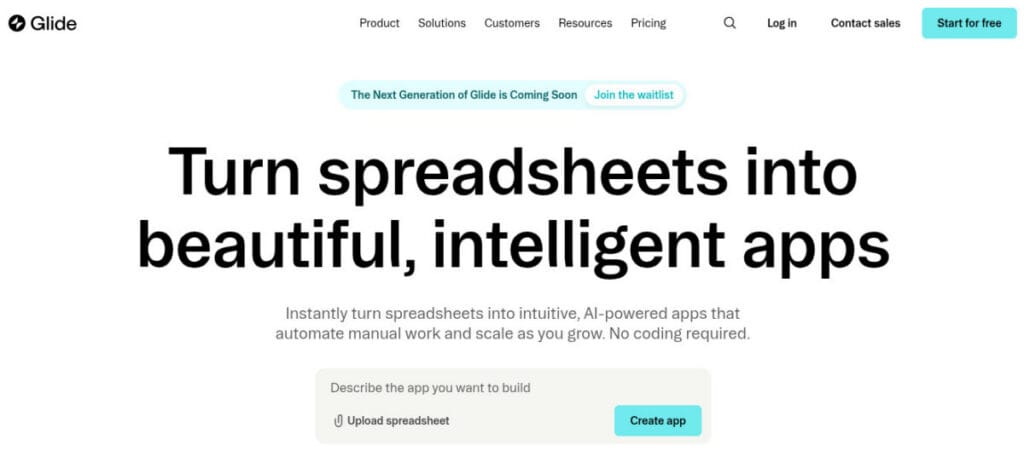
Glide is one of the quick and simple AI app builders for turning data into apps in 2026. It allows users to build apps from spreadsheets with minimal effort. You design apps visually with drag-and-drop components and live previews.
Glide Key Features
- Spreadsheet-based app creation
- Mobile-first design and PWA support
- Built-in user permissions
Glide Weaknesses
- Limited flexibility for complex workflows
- Not suitable for large-scale applications
- Performance depends on the data structure
Glide Pricing
- Free ($0)
- Explorer (from $19/month)
- Maker (from $49/month)
- Business (from $199/month)
- Enterprise (custom)
Who Should Use Glide?
Glide is ideal for:
- Small teams building simple apps
- Internal tools using structured data
- Lightweight business applications
8. Bolt
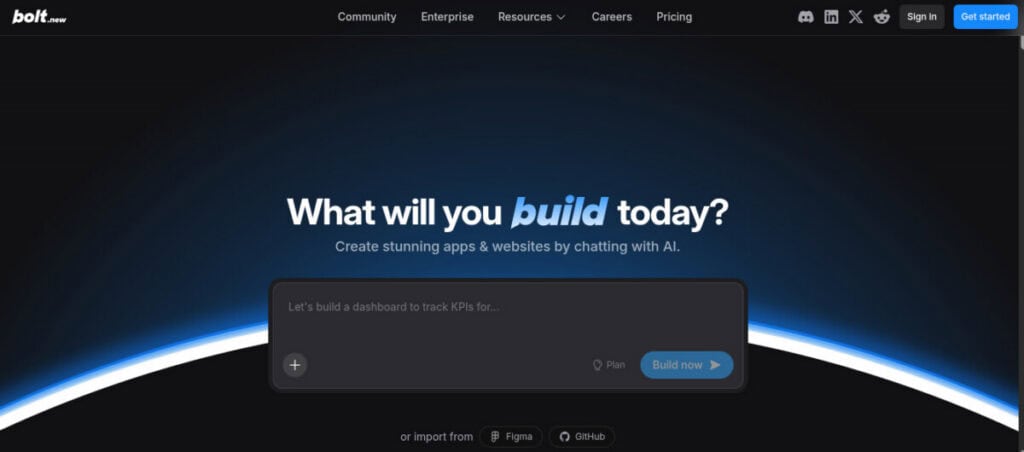
Bolt is an AI app generator focused on speed in 2026. It creates web apps directly from prompts, making it useful for quick prototypes. You describe your idea, and Bolt generates a working app that you can refine.
Bolt Key Features
- Fast prototyping workflow
- Built-in hosting and deployment
- Clean interface output
Bolt Weaknesses
- Limited control for complex apps
- Customization may require code edits
- Not suited for large-scale systems
Bolt Pricing
- Free ($0)
- Pro ($18/month)
- Teams ($27/month/member)
- Enterprise (custom)
Who Should Use Bolt?
Bolt is best for:
- Startups testing ideas
- Developers building quick prototypes
- Users who want fast app generation
9. v0.app
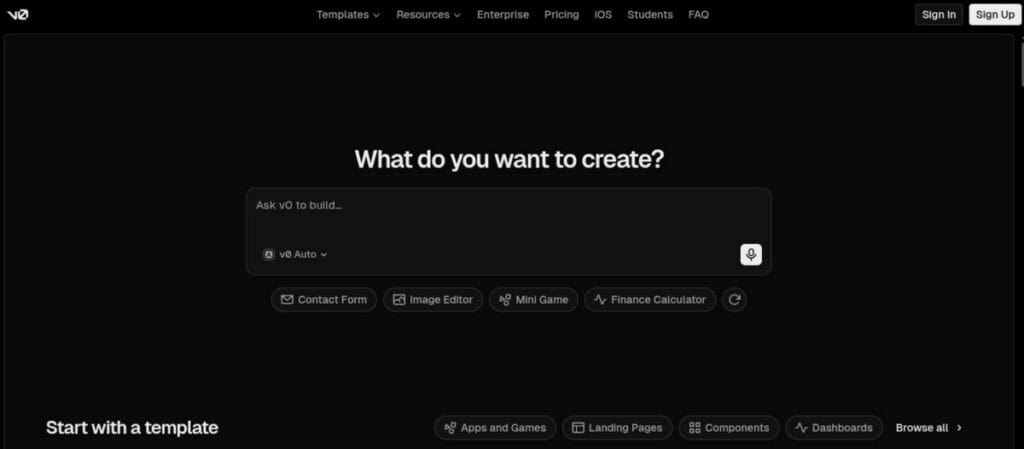
v0.app is focused on generating frontend interfaces using AI in 2026. It is designed for developers who want to create UI components quickly. It produces frontend code that can be used within larger applications.
v0.app Key Features
- Produces ready-to-use frontend code
- Fast iteration for layouts and components
- Works with modern frameworks
v0.app Weaknesses
- Not a full app builder
- Requires development knowledge
- No backend or workflow features
v0.app Pricing
- Free plan available
- Team ($30/user/month)
- Business ($100/user/month)
- Enterprise (custom)
Who Should Use v0.app?
v0.app is best for:
- Developers building custom interfaces
- Teams focused on frontend development
- Projects requiring fast UI generation
10. Softr
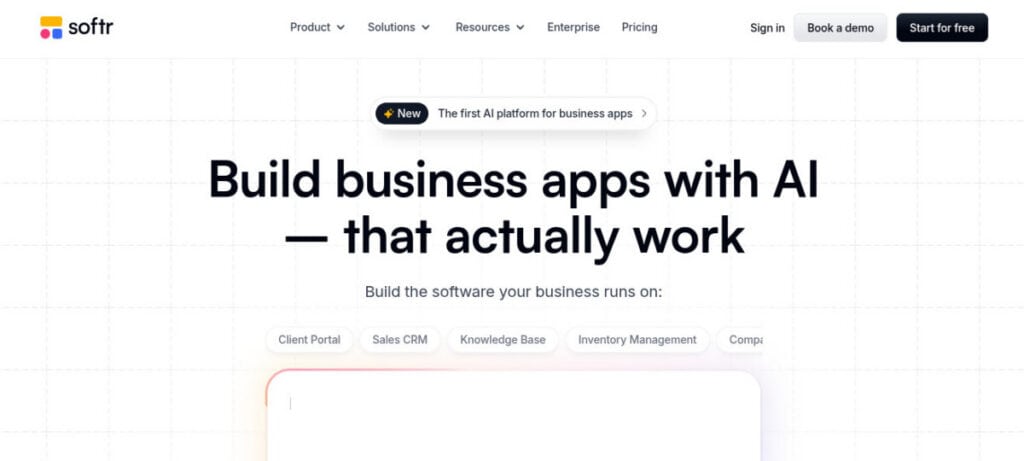
Softr is a no-code platform for building apps on top of databases like Airtable or Google Sheets in 2026. It is widely used for portals and dashboards. Users connect their data source, and the platform generates pages, permissions, and workflows automatically.
Softr Key Features
- Builds apps from Airtable and databases
- Prebuilt blocks for portals and dashboards
- AI-assisted layout generation
Softr Weaknesses
- Limited flexibility outside supported data sources
- Design customization is somewhat restricted
- Not suitable for complex applications
Softr Pricing
- Free ($0)
- Starter ($49/month)
- Professional ($139/month)
- Business ($269/month)
- Enterprise (custom)
Who Should Use Softr?
Softr is best for:
- Client portals and membership apps
- Internal dashboards
- Teams working with structured data
How to Choose the Best AI App Builder in 2026
Choosing the right AI app builder in 2026 depends on your use case and the level of control you need.
Ease of Use
Jotform AI App Builder and Glide are the quickest to get running, especially for beginners with no coding background. Their interfaces are intuitive, with drag-and-drop elements and guided setup. Bubble and Replit, on the other hand, demand more time and patience, as they involve understanding logic, structure, and sometimes code to unlock their full capabilities.
Customization
Simpler platforms like Jotform AI App Builder and Adalo prioritize speed and convenience, offering prebuilt components and limited flexibility. In contrast, Bubble, Replit, and v0.app give you far greater control over design, logic, and integrations. This makes them better suited for building unique, complex applications that don’t fit into standard templates or structures.
Logic and Automation
Jotform AI App Builder and Base44 stand out when it comes to workflows and automation. They allow users to quickly create conditional logic, automated responses, and backend processes without heavy setup. This makes them ideal for forms, internal tools, and business workflows where efficiency and automation matter more than deep customization or advanced engineering control.
Performance and Scalability
Bubble and Replit are better choices for building applications that need to grow over time. They can handle more users, more data, and more complex operations without breaking down. Simpler tools may struggle under heavy demand, making them better for smaller projects, prototypes, or internal tools rather than large-scale, production-level applications.
Use Case Alignment
Use case matters more than hype. Pick the tool that fits the job, not the trend. Each platform shines in specific scenarios, from simple apps to scalable systems.
- Internal tools, client apps → Jotform AI App Builder, UI Bakery, Softr
- SaaS products → Bubble, Replit
- Simple apps → Glide, Adalo
- Data-driven workflows → Base44
- Custom service businesses like 3d printing services → Jotform AI App Builder, Softr
Final Thoughts
AI app builders are changing how apps are created in 2026. These platforms reduce development time and make app building accessible to more people. Each tool serves a different purpose. Jotform AI App Builder stands out for business workflows and fast deployment. Bubble and Replit support more advanced applications. Softr and UI Bakery are useful for internal tools, while Glide and Adalo focus on simpler apps. The best choice depends on the type of app, the level of customization required, and how quickly it needs to be launched.
FAQ: AI App Builders in 2026
What is the best AI app builder in 2026?
Jotform AI App Builder is one of the most practical options in 2026 because it balances speed and usability. You can generate working apps quickly without technical skills, making it ideal for businesses that need functional tools fast. It may not match deep customization platforms, but for execution and simplicity, it delivers real, immediate value.
Are AI app builders replacing developers?
AI app builders are not replacing developers; they are removing repetitive, low-level work. Skilled developers are still essential for complex systems, integrations, performance optimization, and security. Tools like Replit actually amplify developers rather than replace them, allowing them to build faster while focusing on architecture, logic, and scalable system design, where real expertise still matters.
Can a no-code AI app builder build a SaaS product?
Yes, platforms like Bubble can support SaaS products with user accounts, payments, and workflows. However, building is the easy part—scaling is where problems show up. You need a proper database structure, performance planning, and possibly external integrations. Without that foundation, even a well-built app will struggle once users and data start growing.
Which AI app generator is best for beginners?
For beginners, Jotform AI App Builder and Glide stand out because they remove complexity. You can go from idea to working app with minimal setup, using templates and guided workflows. They are built for speed, not depth, which is exactly what beginners need before moving into more advanced platforms later.
Are AI app builders secure?
Most AI app builders include built-in security features like authentication, encryption, and data controls. Platforms such as Softr handle many backend protections for you. That said, security is not automatic. Users still need to follow best practices, manage permissions carefully, and avoid exposing sensitive data through poor configuration or weak workflows.
Suggested articles:
- What Is a White Label App and How to Build One?
- Top 7 Benefits of Professional App Development Services
- Is Your SaaS Application Development Project Set Up to Succeed? A PM’s Pre-Launch Checklist

Daniel Raymond, a project manager with over 20 years of experience, is the former CEO of a successful software company called Websystems. With a strong background in managing complex projects, he applied his expertise to develop AceProject.com and Bridge24.com, innovative project management tools designed to streamline processes and improve productivity. Throughout his career, Daniel has consistently demonstrated a commitment to excellence and a passion for empowering teams to achieve their goals.