
Finding the best study apps for project managers means skipping generic solutions. You need direct ways to handle short learning sessions, spaced review, reference tracking, note management, and calendar protection within a full work schedule, all focused on your requirements. The next apps below fit distinct parts of an adult routine. Each selection draws directly from current data, focusing on software that integrates into a day filled with meetings and messages.
One app may deliver a complete lesson you can finish before work resumes, while another schedules material that needs reviewing or keeps research ready for an evening assignment. The apps below were selected around those practical study problems, with each one serving a distinct role in an adult learning routine!
1. Nibble App: Finish One Topic During a Short Break

If you have 12 minutes before your next meeting, and you want to scan a single concept in statistics, history, psychology, or personal finance, but launching a full online course is out of the question, the Nibble app fills these narrow gaps in your schedule. Designed specifically around micro-learning, the platform structures lessons into 5- to 15-minute interactive modules across 30+ topics. It combines short text segments, audio episodes, visual diagrams, Shortcuts, AI chats with famous historical figures, quick quizzes, and more.
A practical use case can look like this: you open a quick statistics lesson during your break instead of social media, work through an interactive lesson and exercise on data, and close the app till afternoon check-in and repetition. It gives busy project managers a way to address general knowledge gaps without committing to a multi-week syllabus. This approach is also helpful due to longer retention. For a working adult, Nibble is especially useful for:
- Session Length: About 5–15 minutes
- Purpose: Building broad knowledge outside your main expertise
- Format: Text, visuals, and interactive quizzes
- Typical Use: Completing one concept during lunch or between calls
2. Anki: Schedule Difficult Facts Before You Forget Them
Among the best study apps, Anki is useful when your main problem is remembering material you have already learned. You may spend three days working through accounting definitions, then realize that two of them are already fuzzy. Anki tackles memory retention through an automated spaced repetition algorithm. When you open the application before your workday starts, it generates a precise queue of flashcards due for review.
Cards you find difficult appear frequently, while concepts you master push out days or weeks into the future. The software syncs across desktop and mobile devices via AnkiWeb. You can attach images and technical diagrams directly to your cards. Opening your queue for ten minutes while waiting for morning coffee keeps foundational formulas fresh without requiring hours of re-reading.
3. Zotero: Keep Research Papers Ready for Your Evening Study Session
For project managers doing postgraduate work or professional research, some of the best project management learning apps are tools that help you manage the material around the subject. Zotero fits that role when your browser fills with reports and journal articles that you need to find again later. Zotero eliminates reference chaos by serving as a dedicated research collector.
Using browser connectors, you can save academic papers, news articles, data, and web reports straight into a categorized library. The application automatically extracts metadata, author names, and publication dates from the source. When you draft your document in Google Docs or Microsoft Word, the app inserts standard inline citations and builds your bibliography automatically.
4. Notion: Build One Home for a Part-Time Course
If your study notes suffer from fragmented notes, reading links that sit in browser bookmarks, or lecture outlines that live in scattered cloud documents, Notion consolidates these materials into a unified study hub. It also uses AI and provides agents to automate the workflow. You can structure a simple, distraction-free workspace around a few practical components:
- One main dashboard page for your active module
- A reading list database organized by status
- A quick-capture section for questions to research later
- Offline pages enabled on mobile for commuting
Because the mobile app supports offline reading and editing, you can review your reading list or refine module summaries during a train ride without relying on cellular data. Everything stays synchronized the moment your device reconnects.
5. Google Calendar: Protect Study Hours Before Work Takes Them
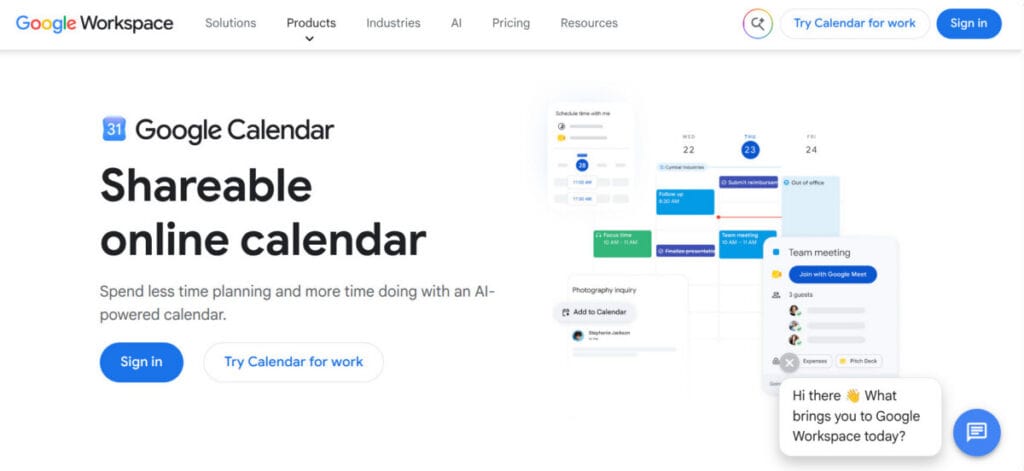
Google Calendar converts study intentions into visible commitments. You can add a dedicated study block or task to your weekly grid that marks that time as non-negotiable. For users on eligible Google Workspace plans, scheduling a Focus Time entry goes a step further by automatically muting chat notifications and declining incoming meeting invites during your set hours.
Blocking 19:00 to 19:30 every Wednesday, for example, may give your study routine the same structural weight as a client call, board meeting, or project deadline on your calendar. When the notification triggers, your boundary is already set, colleagues see the time as unavailable, and you can open your materials immediately without negotiating the interruption away.
6. Khan Academy: Rebuild Academic Foundations

You may need statistics for a professional qualification or basic algebra you have not studied for in years. Khan Academy works well for these larger academic gaps and for STEM subjects because you can move through explanatory material and practice exercises without building the course yourself.
Khan Academy says its learning library includes thousands of exercises, videos, and articles across subjects such as maths, economics, finance, science, and history. Its App Store listing also explicitly includes adults returning to education among the people the platform is designed for. Access through its main iOS and Android apps is free.
7. Duolingo: Keep Language Study Active in Daily 10-Minute Gaps
Language study has a different problem from exam revision. You need frequent exposure to vocabulary and sentence structures, and a 10-minute slot before work can be enough for a compact practice session. Duolingo offers short mobile lessons across more than 40 languages, with activities covering reading, listening, speaking, and writing, all based on best practices.
Its current Google Play listing describes the lessons as bite-sized, so the format fits project managers who want to practice during a commute or a short break rather than schedule a long class. For example, you could complete one Spanish lesson each morning and return to the same course the following day. Keep Duolingo in this list specifically for language learning, since the other apps handle broader knowledge, academic study, research, or time management.
8. Headway: Learn the Core Ideas of a Nonfiction Book in a Short Session
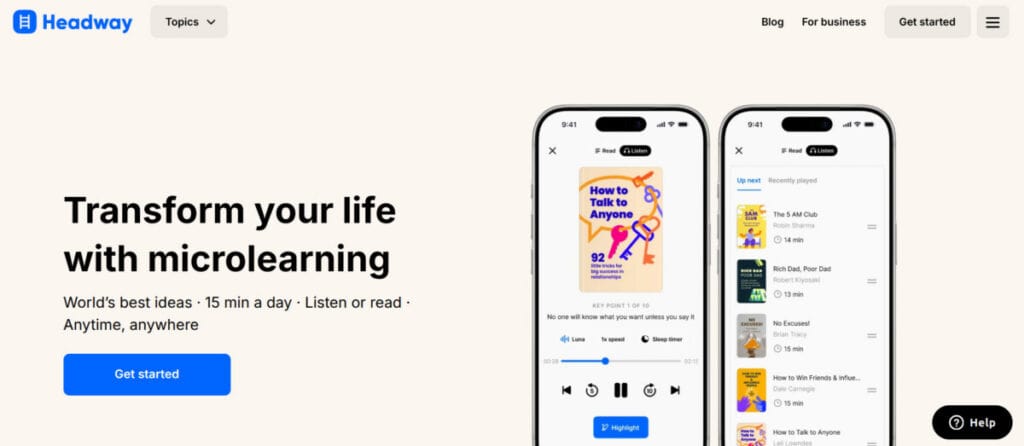
A business, psychology, finance, leadership, or productivity book may be relevant to your work, but reading the full title can require several evenings. Headway gives busy project managers another entry point by condensing nonfiction books into shorter text and audio summaries with the main insights for each book chapter.
Headway is particularly useful for book discovery and idea extraction. A professional preparing for a management role, for example, can explore the central framework of a leadership book during a commute and decide later whether the complete title deserves deeper reading. It allows project managers with limited reading time to examine more nonfiction concepts without turning every interesting title into a multi-hour commitment. The library includes subjects such as:
- Leadership
- Communication
- Productivity
- Art and AI
- Psychology
- Personal development
- Cybersecurity
- Healthcare, and more.
Build Your Study Stack Around the Bottleneck
The best study apps for project managers become easier to choose when you identify what is actually slowing your learning down. If time comes only in short windows, Nibble can turn one of those gaps into a complete lesson, while other apps can make reading easier to explore. Some apps become valuable when knowledge disappears between study sessions, and others may earn their place when research materials become difficult to manage.
The useful setup may include only two or three apps. You can pick up one app for learning the material and another for the problem that repeatedly interrupts your progress. A smaller system that fits your working week will carry you further than a collection of study apps you rarely open; just keep testing the solutions to find the best option for your needs.
Suggested articles:
- How Management Study Fits a Project-Focused Career
- When Is It Time for a Project Manager to Pursue an Advanced Degree?
- Tips for Making the Most of Project Management Courses

Daniel Raymond, a project manager with over 20 years of experience, is the former CEO of a successful software company called Websystems. With a strong background in managing complex projects, he applied his expertise to develop AceProject.com and Bridge24.com, innovative project management tools designed to streamline processes and improve productivity. Throughout his career, Daniel has consistently demonstrated a commitment to excellence and a passion for empowering teams to achieve their goals.