

Nowadays, the ability to manage projects efficiently has become more crucial than ever. Automated project management tools provide a way for teams to streamline processes, reduce manual workload, and enhance collaboration. These innovative solutions have revolutionized how modern organizations operate, enabling them to adapt quickly to changing demands, minimize costly errors, and maximize team productivity across diverse projects and departments.
By integrating automation into project management tools, organizations can not only save time but also improve overall productivity. This article explores the key advantages of using automated project management tools, the essential features to look for, and presents a curated list of the top ten tools available in the market today.
Why Choose Automated Project Management Tools?
Automated project management tools stand out in the contemporary workspace for several compelling reasons. First and foremost, they significantly increase efficiency. By automating repetitive tasks such as task assignments, reminders, and status updates, teams can focus their energy on more strategic aspects of their projects. This leads to reduced manual errors, as automation minimizes the risk of human oversight.
Moreover, these tools promote enhanced collaboration. Real-time communication features and shared dashboards ensure that all team members are on the same page, facilitating seamless information sharing. In traditional project management frameworks, miscommunications can lead to delays and confusion, but automated tools help alleviate these issues, fostering a more cohesive team dynamic.
Another critical pain point these tools address is the struggle with project visibility and tracking. With intuitive dashboards and analytical tools, project managers can obtain insight into timelines, resource allocation, and overall project health at a glance. This capability allows for more informed decision-making and proactive problem-solving.
Top 10 Automated Project Management Tools
#1. Lark
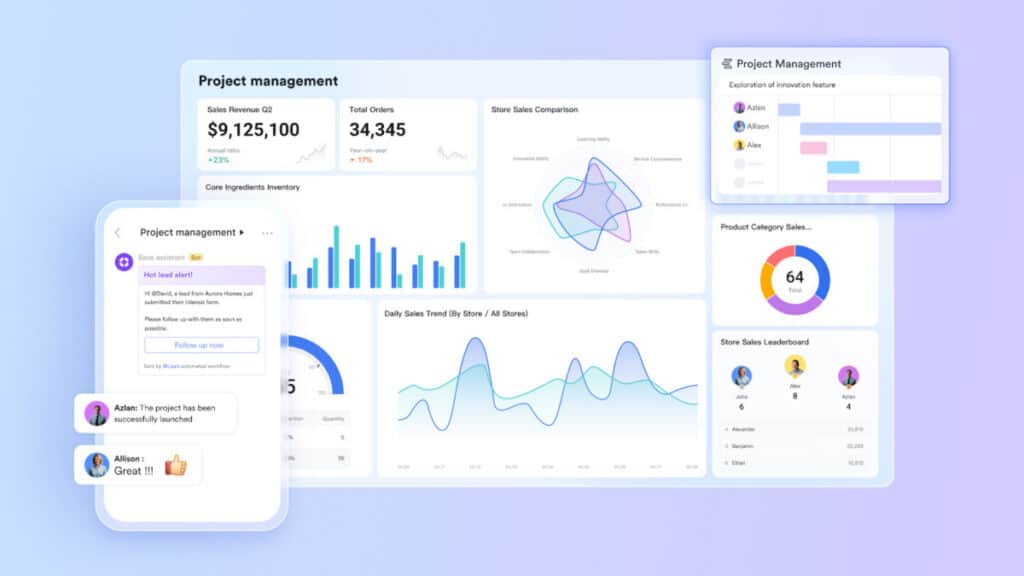
Lark is a comprehensive collaboration platform that combines communication, project management, and productivity tools. It allows teams to work seamlessly together with features that enhance both project workflows and customer relationship management. Lark ensures that users can manage tasks, share documents, and communicate in real-time, fostering an efficient workspace.
Key Features:
- Built-in messaging and video conferencing
- Real-time document collaboration
- AI-driven task management
- Customizable workflows
- Visual reporting and analytics
#2. Asana
Asana is a widely-used project management tool that helps teams organize, track, and manage their tasks efficiently. With a user-friendly interface and powerful features, it allows users to streamline workflows and ensure that projects are completed on time. Asana supports teams in maintaining clarity and collaboration across all projects.

Key Features:
- Task assignments and due dates
- Customizable project templates
- Timeline and Gantt chart views
- Integrations with popular apps
- Advanced reporting capabilities
#3. ClickUp
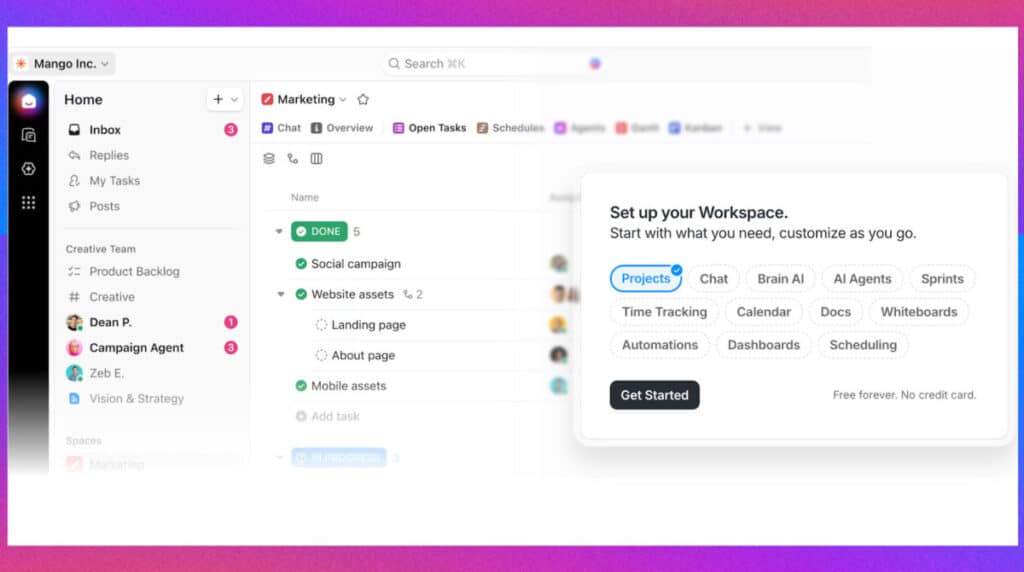
ClickUp is a feature-rich project management solution designed to cater to teams of various sizes. It offers an array of tools for task management, time tracking, and collaboration, allowing users to scale their workflows effectively. ClickUp is known for its flexibility, enabling users to adapt the platform to their specific needs.
Key Features:
- Customizable dashboards
- Time tracking and reporting
- Task automation with templates
- Goal tracking and management
- Collaborative editing and comments
#4. Trello
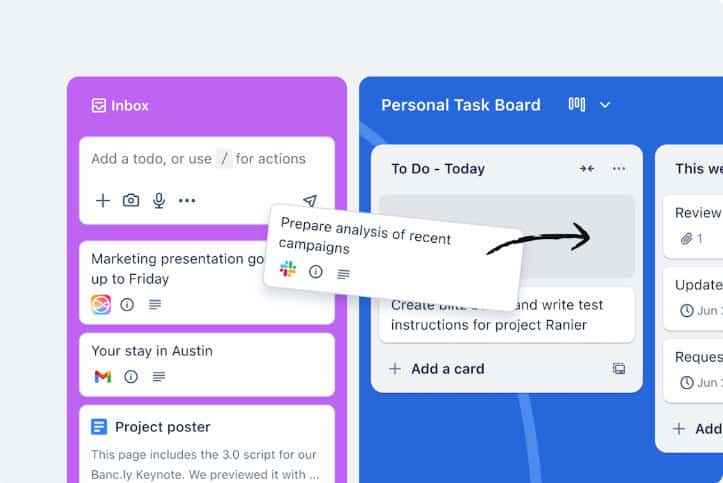
Trello is a visual project management tool that employs a card-based system to help teams organize tasks and workflows. Users can create boards, lists, and cards to track project progress visually. Its simplicity and intuitive design make Trello particularly popular among teams seeking a straightforward solution to task management.
Key Features:
- Kanban-style boards for project visualization
- Customizable cards and lists
- Automation using Butler
- Integration with third-party applications
- Checklists and deadline tracking
#5. Wrike
Wrike is a powerful project management software designed for teams that require advanced collaboration and reporting features. It supports real-time collaboration, customizable workflows, and comprehensive dashboards that improve visibility into project status and team performance. Wrike is ideal for organizations looking to enhance project delivery and productivity.

Key Features:
- Gantt charts and timeline views
- Real-time collaboration tools
- Workload management features
- Customizable dashboards and reports
- Time tracking and budget management
#6. Monday.com
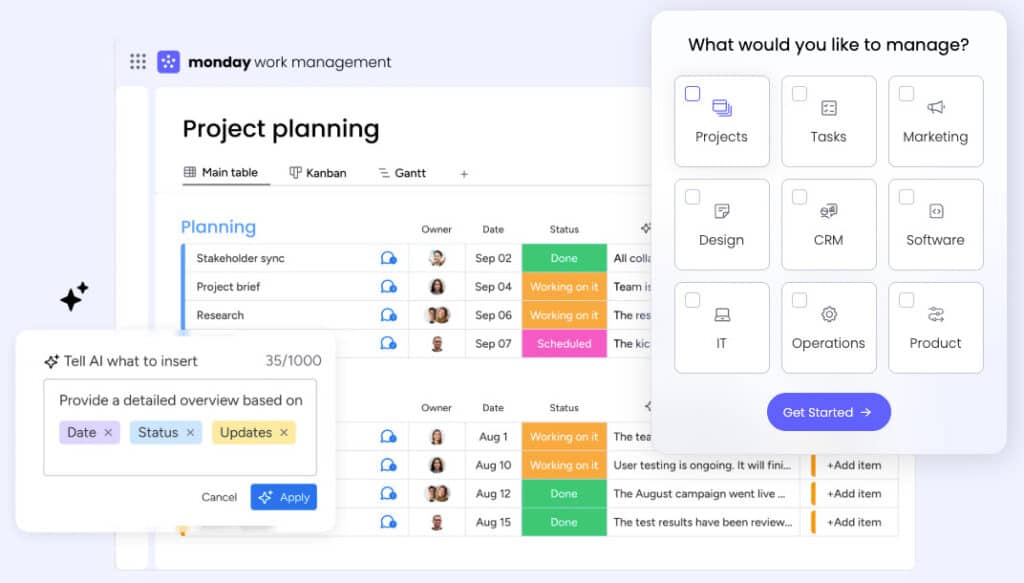
Monday.com is a versatile work operating system that allows teams to build customized workflows to enhance project management. With its user-friendly interface and robust visual features, organizations can effectively track progress, manage tasks, and collaborate with ease. It is suitable for teams wanting flexibility in managing their projects.
Key Features:
- Drag-and-drop task management
- Custom automation capabilities
- Multiple view options (calendar, Kanban, Gantt)
- Integration with numerous apps
- Activity logs and notifications
#7. Zoho Projects
Zoho Projects is part of the broader Zoho suite and provides comprehensive project management features. This tool is designed to help teams plan, collaborate, and execute projects efficiently. With its integration capabilities, Zoho Projects enables seamless tracking of client interactions alongside project timelines.
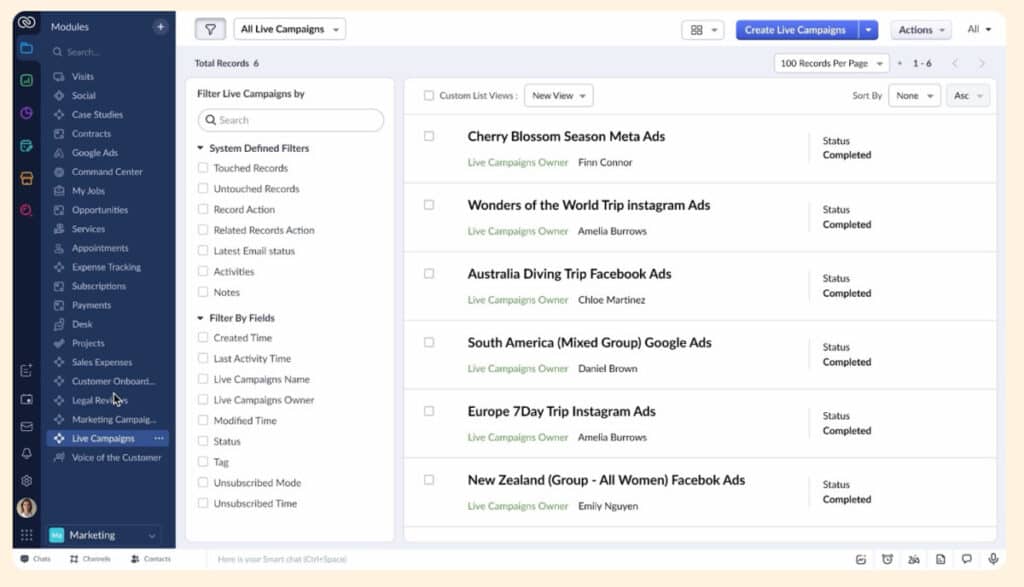
Key Features:
- Time tracking and reporting tools
- Milestones and dependencies management
- Integrated task lists and documents
- Collaboration via forums and chats
- Customizable task automation
#8. Notion
Notion is a highly customizable workspace that combines notes, databases, and project management functionalities. It allows teams to create a tailored environment for collaboration, planning, and project tracking. Notion’s flexible setup favors creativity and adaptability, making it popular among diverse organizations.
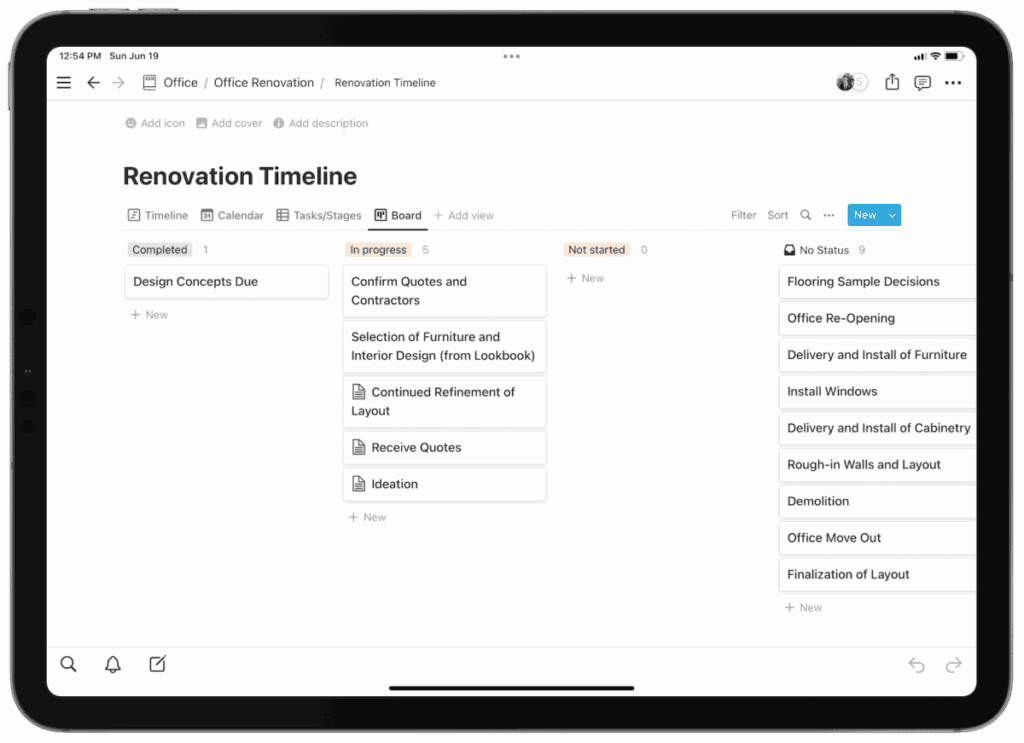
Key Features:
- All-in-one workspace for notes and tasks
- Database functionalities for tracking projects
- Collaboration tools, including comments and mentions
- Templates for easy setup
- Integration with other productivity tools
#9. Basecamp
Basecamp is a straightforward project management tool that emphasizes simplicity and effective team communication. It provides essential features that facilitate organization, collaboration, and task management without overwhelming users. Basecamp’s design aims to keep teams focused on their objectives while minimizing distractions.
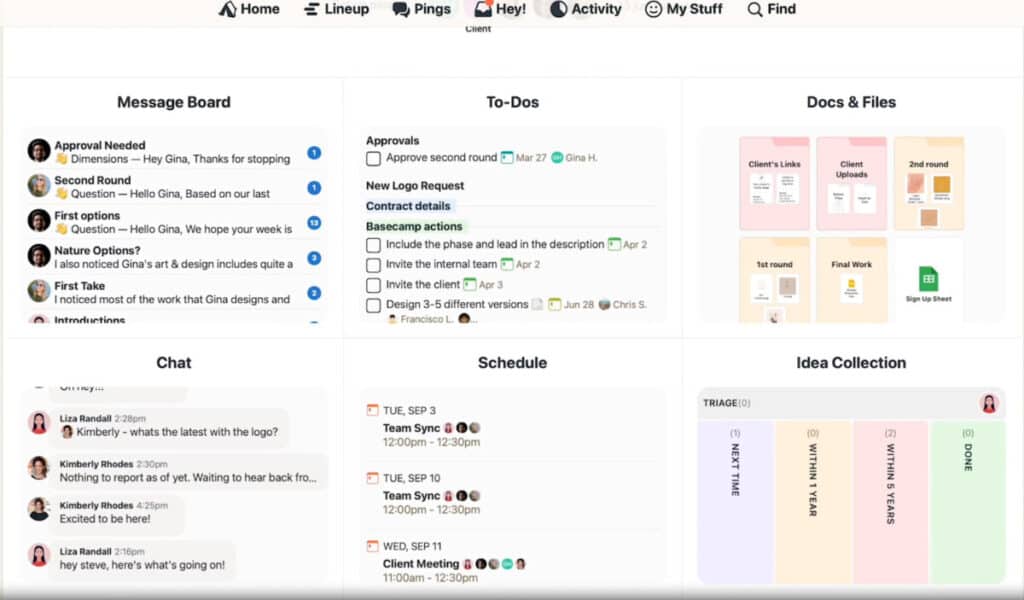
Key Features:
- To-do lists and task management
- Message boards for team communication
- File sharing and document management
- Scheduling tools with calendar integration
- Automatic check-in reminders
#10. Smartsheet
Smartsheet is a flexible platform that merges the functionality of spreadsheets with project management features. It enables teams to track projects, automate tasks, and collaborate in real-time. Smartsheet is ideal for organizations seeking a familiar interface combined with powerful project management capabilities.
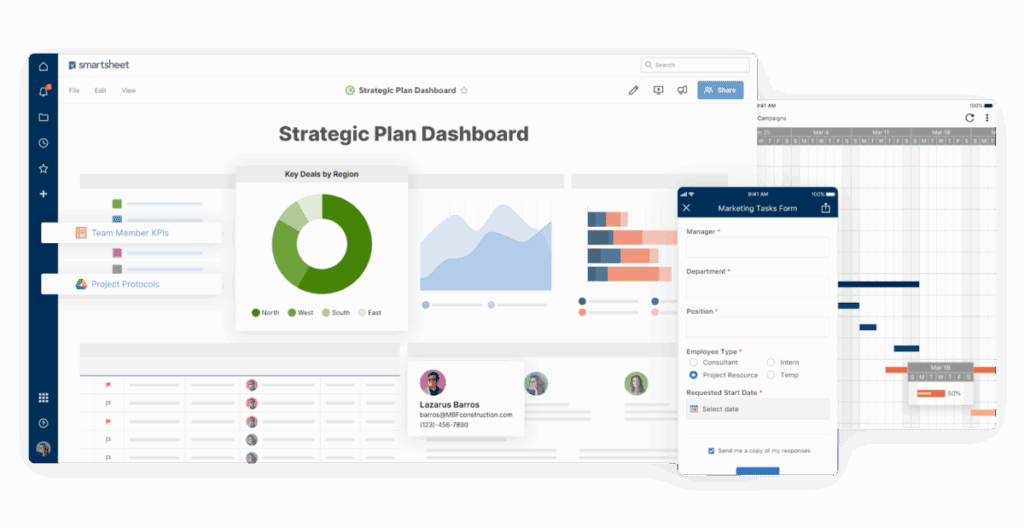
Key Features:
- Gantt charts for visual project timelines
- Automated alerts and notifications
- Reporting features for data insights
- Resource management tools
- Collaboration capabilities with version control
Key Features of Automated Project Management Tools
When selecting an automated project management tool, it’s essential to consider certain key features that can enhance your team’s workflows:
- Automation of Task Assignments and Notifications: Look for tools that allow you to automate recurring tasks and set up notifications to keep team members informed about responsibilities and deadlines.
- Integrations with Other Software: The ability to integrate with other systems (such as CRM, reporting tools, and communication platforms) is vital. This helps streamline workflows and avoids the pitfalls of switching between disparate systems.
- Real-Time Collaboration Tools: Features such as document sharing, chat functions, and live editing capabilities ensure that teams can work together effectively, regardless of their physical location.
- Reporting and Analytics Capabilities: Good project management tools should offer robust reporting functionalities that provide insights into project performance, allowing for data-driven decisions and accountability.
- User-Friendly Interfaces: A tool that is easy to use will encourage team adoption and reduce the time spent on training. Look for clean designs and intuitive navigation.
- Mobile Accessibility: In today’s mobile-driven world, having the ability to manage projects from anywhere through mobile applications adds significant value.
- Customization Options: Every team has unique workflows, so customizable features allow users to tailor the tool to meet their specific needs.
Further Advancement: Empower CRM with Automation Tools
Incorporating automated project management tools into CRM software can significantly enhance overall business efficiency. This integration creates a unified platform where project management and customer interactions converge, leading to streamlined operations and improved client relationships.
Benefits of Automation in CRM
- Streamlined Customer Interactions: Automated project management tools simplify communication between teams and clients. By providing a centralized space for both project updates and client communications, these tools ensure that all stakeholders are informed and aligned.
- Unified Customer Data: Integrating automated tools with CRM allows organizations to consolidate customer data effectively. This consolidated view of client history and project status can lead to better decision-making and personalized customer service.
- Improved Collaboration: Teams from sales to project management can work together more effectively when using integrated tools. For instance, a sales team can update project statuses in real time, allowing project managers to adjust timelines or resources as needed.
- Enhanced Responsiveness: With real-time insights and alerts from both project and customer data, teams can respond swiftly to customer inquiries and project challenges, leading to higher customer satisfaction.
- Automated Reporting and Analytics: Integration enables automated generation of reports that combine project performance metrics and customer satisfaction metrics. This holistic view helps in understanding client needs better and adjusting project strategies accordingly.
Many robust CRM and project management platforms offer seamless integration capabilities. For instance:
- Salesforce: Known for its extensive CRM functionalities, Salesforce integrates well with various project management tools, allowing teams to manage workflows and customer relations simultaneously.
- Zoho CRM: As part of the Zoho suite, it provides built-in project management features, enabling businesses to easily track client projects and interactions from a single interface.
- Lark’s Lark Base serves as a versatile CRM tool that enhances customer relationship management and project oversight simultaneously. It empowers teams to capture leads efficiently, manage sales cycles, and track customer interactions all within one platform.
- HubSpot: This platform allows for integration with numerous project management tools while providing features that help automate marketing and sales processes in conjunction with project management.
How to Choose the Right Automated Project Management Tool
Selecting the appropriate automated project management tool for your organization requires careful consideration of several factors:
- Assess Team Size and Project Complexity: A small team may find simpler tools sufficient, while larger teams with complex projects might benefit from more advanced features and capabilities.
- Evaluate Budget Constraints: Understanding the budget is crucial. Many tools offer tiered pricing plans based on features, so selecting a tool that meets budget expectations while fulfilling core needs is vital.
- Identify Specific Functional Requirements: Determine what functionalities are critical to your team, such as time tracking, reporting, or mobile access. This will help narrow down your options effectively.
- Consider Integration Needs: Ensure that the selected tool integrates well with your existing software stack, especially your CRM system. This can have a monumental impact on improving workflows.
- Prioritize User Experience: A user-friendly interface can significantly boost adoption rates within your team. Look for tools that minimize the learning curve and facilitate a smoother transition.
- Trial Periods and User Feedback: Utilize trial periods offered by many platforms to test the tool in real-world scenarios. Gathering feedback from team members during this period is beneficial to ensure it meets everyone’s needs.
Conclusion
Automated project management tools are transforming how organizations handle their projects, enhancing efficiency, collaboration, and ultimately, the success of project outcomes. When integrated effectively with CRM systems, these tools empower teams to deliver exceptional client experiences and streamline their workflows like never before. As the demand for effective project management continues to grow, organizations need to evaluate their current tools and consider adopting automated solutions.
The right tool can offer your team the capabilities to not only meet project deadlines but to exceed client expectations. We encourage you to explore the tools discussed in this article and reflect on your organizational needs. Whether you are a project manager, a team leader, or part of a sales team, investing in automated project management tools could be the key to achieving your project goals efficiently.
Suggested articles
- 5 AI Tools That Will Replace 99% of Project Management Work
- How to Manage Your Workforce with Employee Wellness Software
- New Project Management Firm? Your 5-Step Startup Checklist

Daniel Raymond, a project manager with over 20 years of experience, is the former CEO of a successful software company called Websystems. With a strong background in managing complex projects, he applied his expertise to develop AceProject.com and Bridge24.com, innovative project management tools designed to streamline processes and improve productivity. Throughout his career, Daniel has consistently demonstrated a commitment to excellence and a passion for empowering teams to achieve their goals.