
Even the most carefully planned project can run into unexpected problems. A project manager may have a clear schedule, a capable team, and a realistic budget, yet a single technical failure can stall progress for days. When deadlines are tight, even a small disruption puts pressure on the entire project. Missed handoffs, idle team members, and anxious stakeholders quickly follow. The good news is that many of these setbacks are preventable.
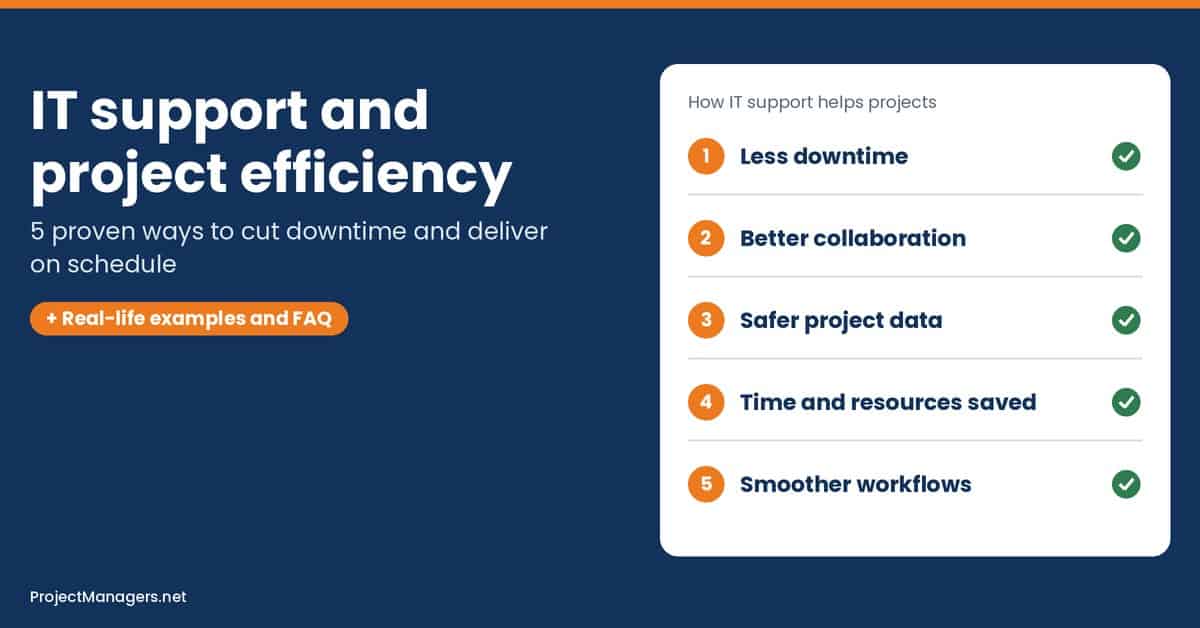
- Proactive monitoring and planned maintenance prevent the outages that push project schedules off track.
- Reliable collaboration tools and fast access management keep project teams aligned, even when they work remotely.
- Access controls, regular backups and tested recovery plans protect sensitive project data and client trust.
- Integrated tools and automation free project managers from duplicate data entry and repetitive admin work.
Technology now sits at the center of modern project management. Teams rely on cloud platforms, collaboration tools, and shared files to get work done. So what happens when the systems a project team depends on become the problem? This is where reliable IT support makes a measurable difference.
Below are five practical ways IT support improves project efficiency, followed by warning signs to watch for, common mistakes to avoid, and tips for choosing the right support partner.
1. Reduce Technical Downtime and Keep Projects on Schedule
Every project has deadlines, and technical problems make them harder to meet. When essential software stops responding or a shared network goes down, team members cannot complete their tasks. As delays pile up, project managers are forced to rework schedules, shift resources, and explain slippage to stakeholders.
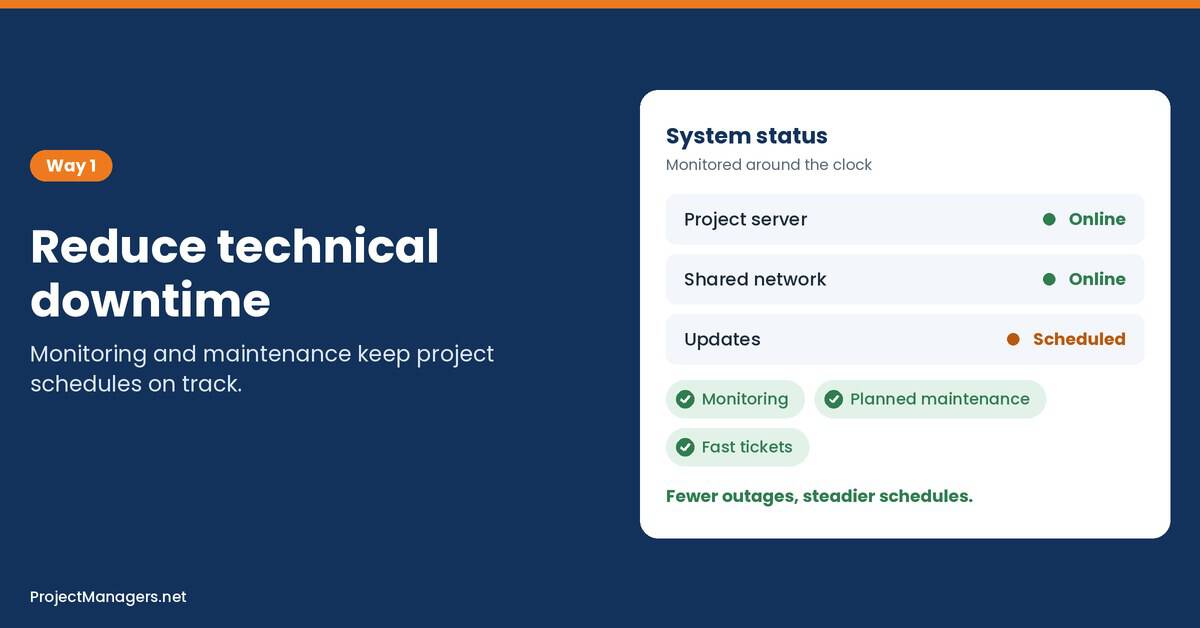
Professional IT support prevents many of these interruptions through regular maintenance and system monitoring. Technical specialists spot potential faults early, so project teams can keep working instead of waiting for repairs.
Project managers can further reduce downtime by:
- Identifying Essential Systems: List the applications, devices, and connections that are critical to project tasks, so support efforts focus where they matter most.
- Scheduling Maintenance Wisely: Plan updates and technical checks well before key milestones, never during a launch week.
- Establishing a Support Process: Make sure every team member knows how to report an issue and what response time to expect.
- Building Downtime into Risk Plans: Add IT outages to the project risk register with a clear owner and response plan.
Real-Life Example: Consider a Leicester-based engineering firm that kept losing hours to network outages while its project managers coordinated several client deliverables at once. Each disruption pushed design reviews back and forced last-minute schedule changes. After bringing in a provider offering IT support in Leicester, the firm moved to proactive network monitoring and scheduled maintenance, and its project teams were able to hold their milestone dates far more consistently.
2. Improve Team Communication and Project Collaboration
Clear communication allows project teams to coordinate responsibilities and make timely decisions. Unreliable collaboration tools do the opposite: dropped video calls, sync errors, and locked files slow down every conversation. These problems are especially frustrating when team members work remotely or across time zones.
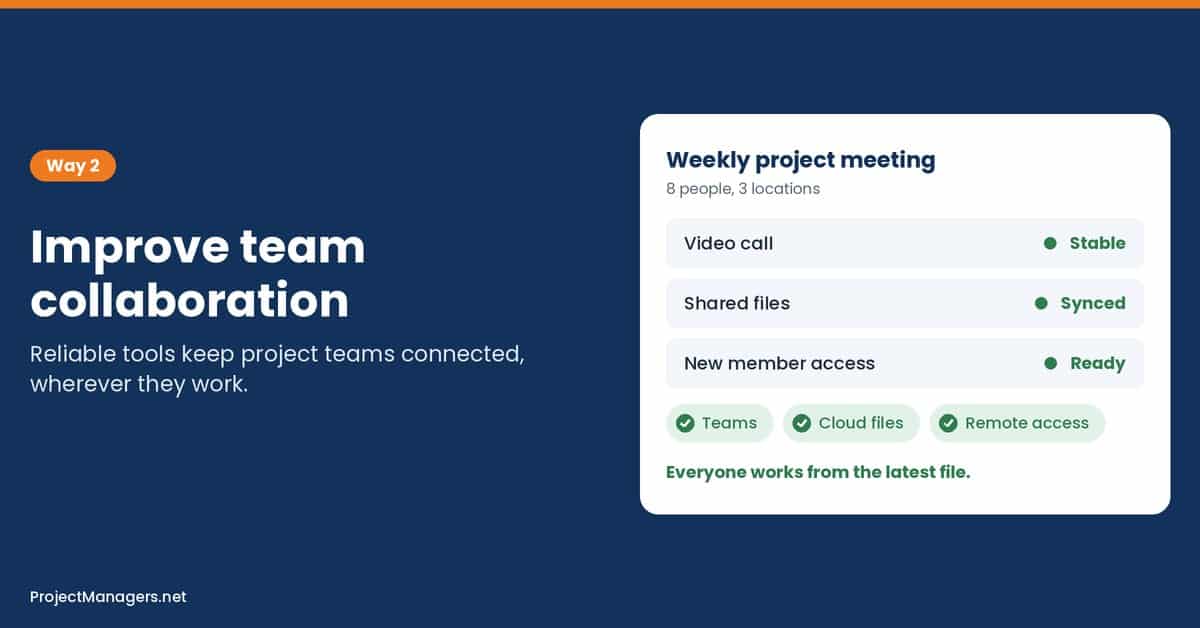
IT support keeps communication platforms such as Microsoft Teams and cloud-based document systems running smoothly. It also resolves access issues that stop people from sharing updates or opening the latest project files.
- Stable Meeting Platforms: Support teams configure audio, video, and bandwidth so project meetings start on time and run without interruption.
- Fast Access Management: New project members get the right permissions on day one, and departing members are removed promptly.
- A Single Source of Truth: Properly configured cloud storage prevents version conflicts and duplicate copies of key documents.
- Remote Work Readiness: Secure connections and well-configured devices let distributed teams collaborate as if they shared one office.
Real-Life Example: Consider a software project team split between office and home workers. Weekly status meetings kept failing because of audio problems, and developers often worked from outdated requirement documents saved in personal folders. Once IT support standardized the meeting setup and moved all files to a shared, permission-controlled workspace, the project manager cut meeting overruns and stopped losing time to version mix-ups.
3. Protect Project Data and Minimize Security Risks
Project managers often handle confidential client information, contracts, and sensitive business documents. Losing access to these files interrupts ongoing work, and a security breach can damage client trust and put the whole project at risk.
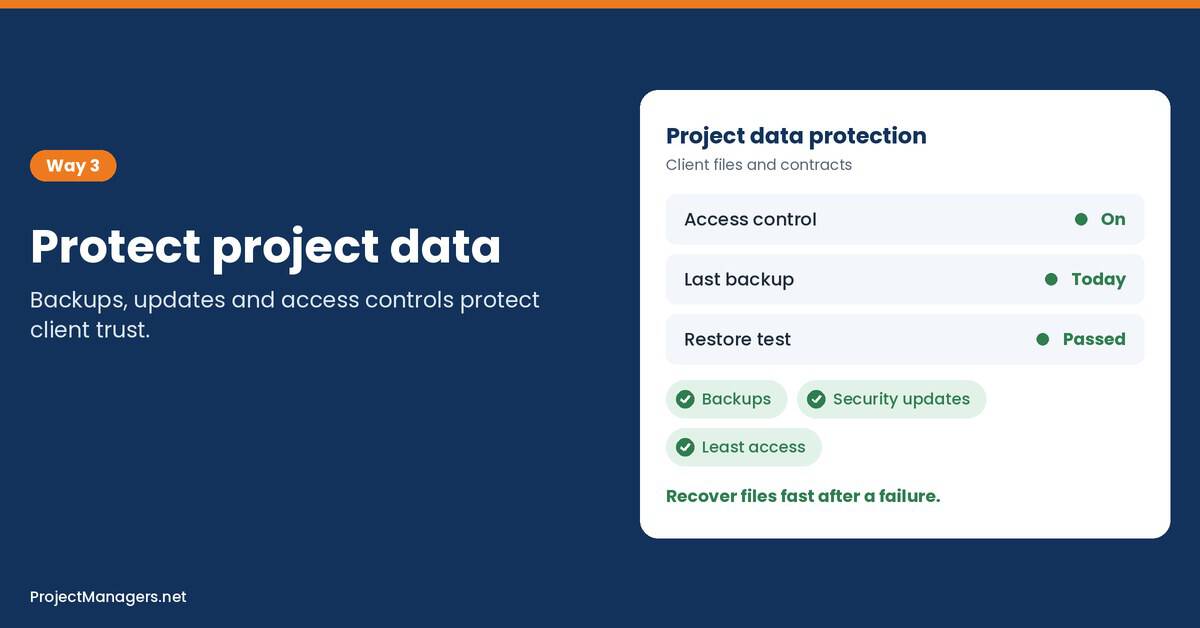
Professional IT support safeguards information through regular security updates and suitable access controls. It also maintains reliable backup systems, so project teams can recover important documents after accidental deletion or equipment failure. Cybersecurity guidance from CISA recommends keeping separate, secure copies of business data, with at least one stored off-site, and testing that they can be restored.
To strengthen project data protection, project managers should:
- Control Document Access: Give team members access only to the information they need.
- Maintain Regular Backups: Keep recoverable copies of essential project files in more than one location.
- Install Security Updates: Fix software vulnerabilities before they expose project information.
- Test Recovery Procedures: Confirm that important documents can actually be restored when needed.
Real-Life Example: Imagine a construction project manager whose laptop fails two days before a major client submission, with the latest drawings stored only on that device. Without backups, the team would have to recreate days of work. With automated cloud backups set up by IT support, the files are restored within an hour and the submission goes out on time.
4. Save Time and Optimize Project Resources
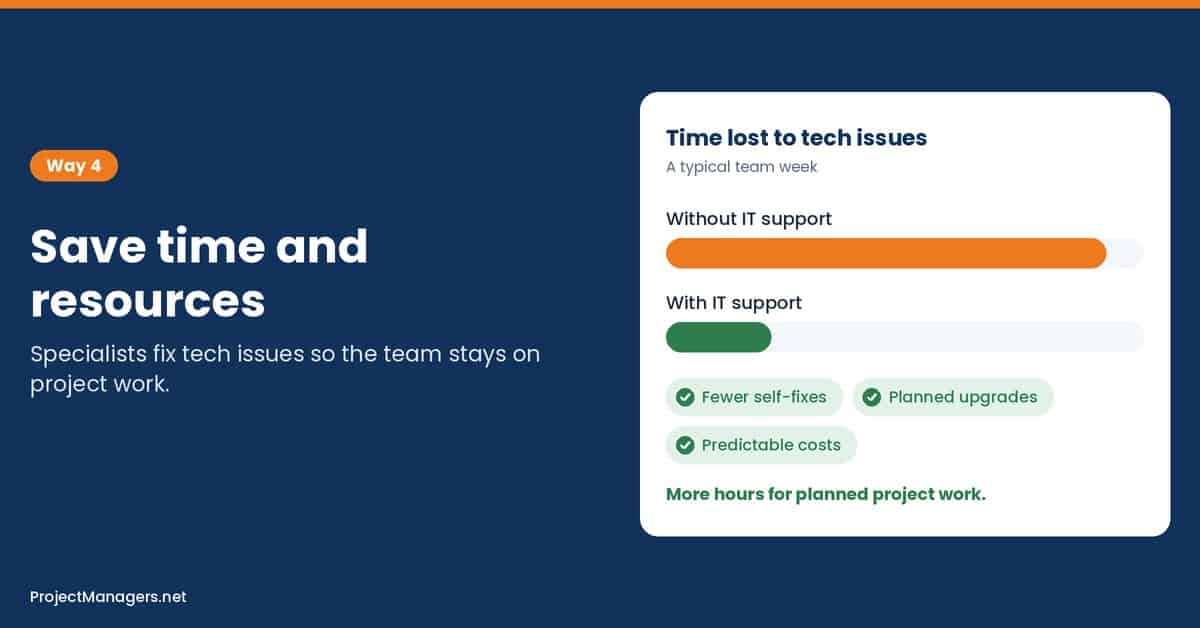
Time is one of the most valuable resources in project management. Yet team members sometimes spend hours fighting software problems or faulty equipment instead of completing their assigned work. These interruptions add up quietly and increase pressure on project deadlines.
Dedicated IT support lets technical specialists handle these issues, so team members can concentrate on their responsibilities. It also helps project managers assess whether existing technology can meet the demands of upcoming work. By identifying equipment or software needs early, businesses can plan improvements without unexpected expenses. NIST makes a similar point about software updates, framing regular patching as preventive maintenance for technology that organizations should plan and budget for.
- Fewer Self-Fixes: Team members stop losing hours to troubleshooting they are not trained to do.
- Early Technology Assessments: IT specialists confirm that hardware, licenses, and software can support the next project phase.
- Predictable IT Costs: Planned upgrades replace emergency purchases that strain the project budget.
- Better Capacity Planning: Project managers can schedule work knowing the tools will be ready when needed.
Real-Life Example: Consider a marketing agency preparing a large video project. During planning, IT support reviewed the team’s equipment and found that several workstations could not handle the required editing software. The upgrades were budgeted and installed before production started, avoiding mid-project delays and an unplanned expense.
5. Streamline Project Workflows and Boost Productivity
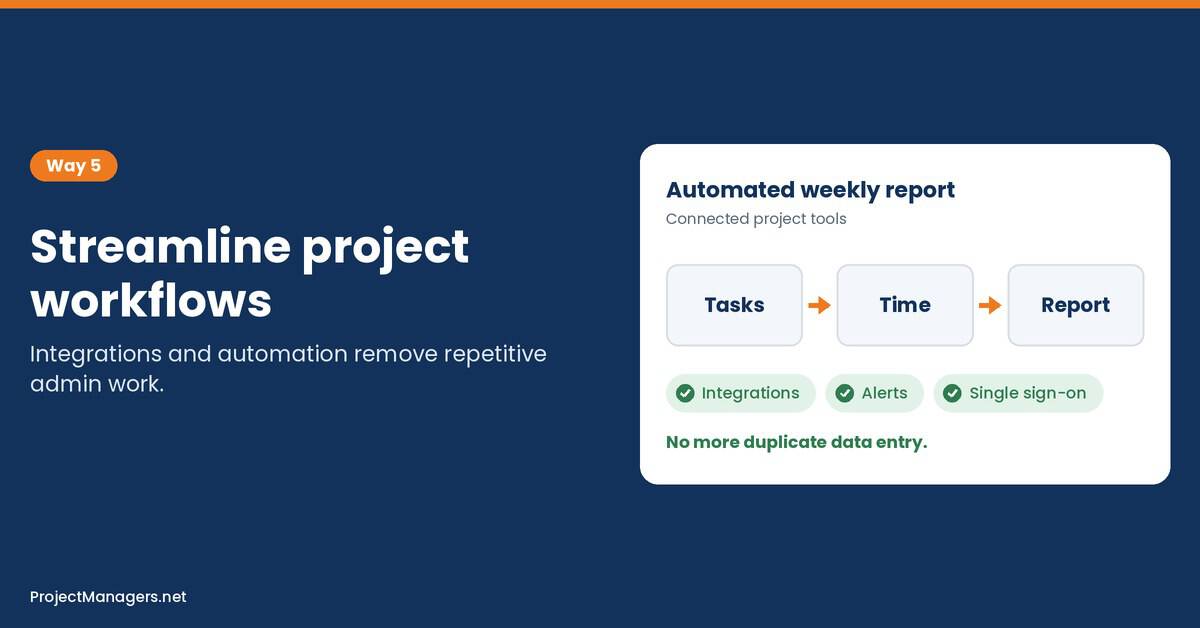
Project teams often use several applications to manage tasks, track time, and monitor progress. When these systems are disconnected, they create extra admin work, especially when the same information must be entered more than once.
IT support can connect compatible software and simplify everyday processes. Integrating project management tools with time-tracking applications, for instance, reduces duplicate entries and makes progress data easier to access. Automation also removes repetitive tasks, and with proper technical guidance, project managers can introduce these improvements gradually without disrupting ongoing work.
- Tool Integration: Link task management, time tracking, and reporting so data flows automatically.
- Automated Notifications: Trigger alerts when tasks are overdue or a milestone is reached.
- Standard Workspaces: Create templates so every new project starts with the same structure and settings.
- Single Sign-On: Reduce login friction across the tools the team uses every day.
Real-Life Example: Imagine a PMO where project managers spent every Friday afternoon copying hours from a time-tracking app into status reports. After IT support integrated the two systems and automated the weekly report, each project manager recovered several hours a week for planning and stakeholder communication.
Warning Signs Your Project Needs Better IT Support
IT problems rarely announce themselves as a crisis. More often, they show up as small, recurring frustrations that project managers learn to tolerate. Watch for these signals:
- The same technical issue appears in more than one status report.
- Team members regularly work around tools instead of with them.
- Nobody knows who to call when a system fails.
- Backups exist, but no one has ever tested a restore.
- New team members wait days for accounts and access.
If several of these sound familiar, it is time to review how IT support fits into your project management approach.
Common IT Mistakes Project Managers Should Avoid
- Treating IT as an Afterthought: Involving IT only when something breaks, instead of during planning.
- Leaving IT Out of the Risk Register: Technology failures are real risks and deserve owners and response plans in your project risk register.
- Scheduling Upgrades Near Deadlines: Major updates during a critical phase invite avoidable problems.
- Allowing Tool Sprawl: When every team picks its own apps, data gets scattered and security gaps appear.
- Skipping User Training: New tools only improve efficiency when people know how to use them.
How to Choose the Right IT Support Partner
Not every IT provider is a good fit for deadline-driven work. Before signing an agreement, ask these questions:
- Response Times: What service levels are guaranteed, and do they match your deadlines?
- Proactive Services: Does the provider monitor systems and apply updates, or only react to problems?
- Security Expertise: Can they manage backups, access controls, and cybersecurity protection?
- Tool Experience: Do they support the platforms your teams already use, such as Microsoft 365?
- Communication Style: Will they explain issues in plain language and keep you informed?
How Computerlink Supports Efficient Project Delivery
Computerlink provides business IT services designed to help organizations maintain reliable technology and address technical challenges. Its services include managed IT support and Microsoft 365 assistance, alongside network and cybersecurity solutions.
These services help businesses maintain the digital tools their teams depend on. Through professional technical assistance and proactive system maintenance, Computerlink supports more dependable operations and helps reduce avoidable disruptions. For project managers, access to experienced technical professionals makes technology planning easier and provides greater confidence during critical stages of delivery.
Video: IT Service Management Explained
Prefer to watch? This short guide explains how IT service management works, so project managers know what good IT support looks like.
ITSM Explained: Quick Guide to IT Service Management (Knewget, 10:47)
A June 2025 overview of IT service management and ITIL basics: incidents, service requests, changes and why a structured support process keeps work moving.
IT Support and Project Efficiency FAQ
IT support for project managers: FAQ
How does IT support improve project efficiency?
IT support reduces downtime, keeps collaboration tools working, protects project data, and automates repetitive tasks. Together, these improvements let project teams spend more time on planned work and less time fixing technical problems.
When should a project manager involve IT support?
Ideally during project initiation and planning. Early involvement lets IT confirm that tools, licenses, and equipment are ready, and helps the project manager add technology risks to the risk register before they cause delays.
What is the difference between proactive and reactive IT support?
Reactive support fixes problems after they happen. Proactive support monitors systems, applies updates, and tests backups to prevent problems in the first place, which is far better for keeping a project on schedule.
Can small project teams benefit from managed IT support?
Yes. Small teams rarely have in-house IT staff, so a managed provider gives them access to specialists for security, backups, and troubleshooting without the cost of a full-time hire.
How does IT support protect project data?
IT support sets up access controls, installs security updates, runs automated backups, and tests recovery procedures. These measures protect confidential client information and ensure project files can be restored after a failure.
Which IT services matter most for remote project teams?
Remote project teams depend most on stable collaboration platforms, secure remote access, well-managed cloud storage, and a responsive help desk. Without these, communication breaks down and project managers lose visibility into progress.
How do I choose an IT support provider for project work?
Compare guaranteed response times, proactive monitoring, security and backup expertise, experience with the tools your project teams already use, and how clearly the provider communicates with the project manager.
Conclusion
Successful project management requires reliable technology alongside careful planning. When essential systems work properly, team members stay focused on their responsibilities and complete tasks without unnecessary interruptions.
Rather than treating technical assistance as an emergency solution, project managers should consider IT requirements from the very first planning session. This prevents avoidable setbacks and creates a more productive environment for successful project delivery.
Suggested articles:
- Top 10 Pros & Cons of Outsourced IT Support for Cloud-First Businesses
- How to Choose the Right IT Partner for Your Business
- 5 Ways to Integrate Cybersecurity Best Practices Into IT Projects

Daniel Raymond, a project manager with over 20 years of experience, is the former CEO of a successful software company called Websystems. With a strong background in managing complex projects, he applied his expertise to develop AceProject.com and Bridge24.com, innovative project management tools designed to streamline processes and improve productivity. Throughout his career, Daniel has consistently demonstrated a commitment to excellence and a passion for empowering teams to achieve their goals.