
Healthcare project management is about more than timelines and budgets, because every decision lands where precision matters. Whether you are launching a telemedicine program or improving hospital efficiency, each project directly affects patients and staff. Clinical schedules, privacy rules, and tight funding compete for attention. One missed handoff can delay care or trigger a compliance finding. The right tools keep it under control.
- Match Tools to Clinical Reality: Training, project management software, and secure communication tools work best when they fit how clinicians actually work around the clock.
- Build Compliance into the Workflow: Safety event reporting, access controls, and audit trails turn privacy and safety rules into everyday project habits.
- Plan People, Money, and Data Together: Scheduling, budgeting, analytics, and document tools give project managers one view of staffing, cost, and progress.
- Keep Patients and Sponsors Engaged: Feedback tools and simulated testing catch problems during pilots, before they reach real patients or leadership.
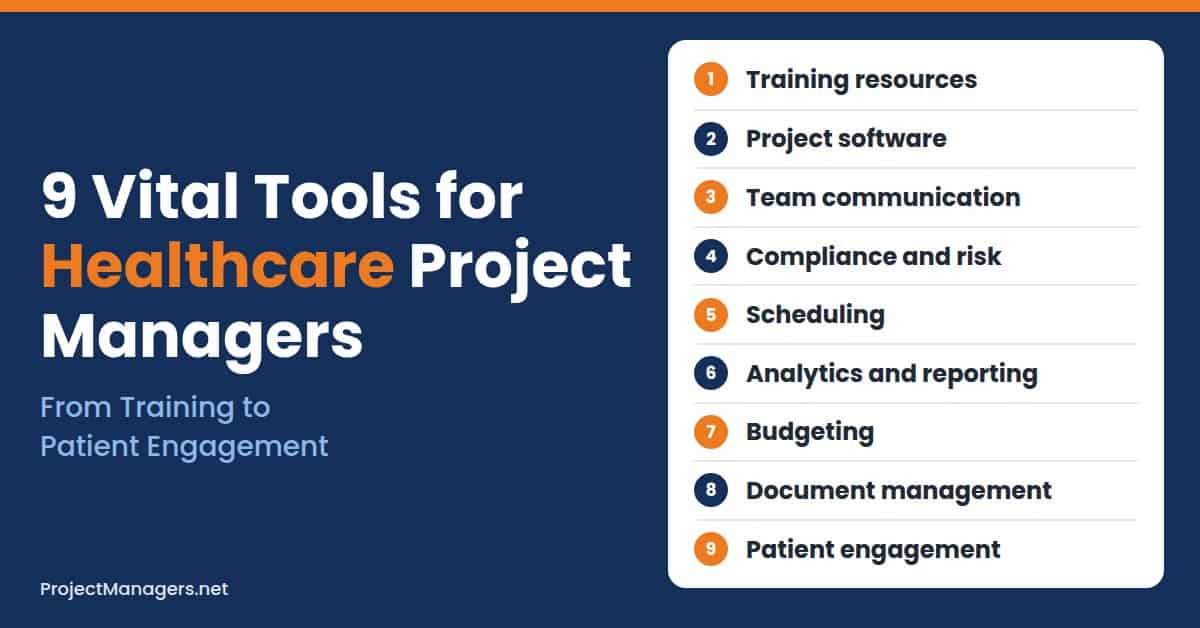
The right tools cut through the noise and keep you organized, compliant, and ahead of setbacks. Instead of chasing updates or putting out fires, you can work in a flow where risks are anticipated, teams are aligned, and progress is visible at every stage. This guide covers nine tools that help healthcare project managers spend their time on real improvements rather than task tracking.
Each section explains what the tool does, gives practical steps, and shows a real-life example. After the nine tools, you will find a checklist, common mistakes to avoid, advice on choosing tools, a short video, and answers to common questions from project teams working in hospitals, clinics, and other care settings as they plan for 2027.
1. Training and Educational Resources
The healthcare industry keeps evolving, and keeping teams current on practices and regulations is crucial. Educational resources and training programs close knowledge gaps, so staff members are ready for their roles in new projects. Continuous professional development improves individual skills and strengthens the whole project team’s ability to adapt when clinical guidelines, technology, or reimbursement rules change.
Put training to work on your next healthcare project:
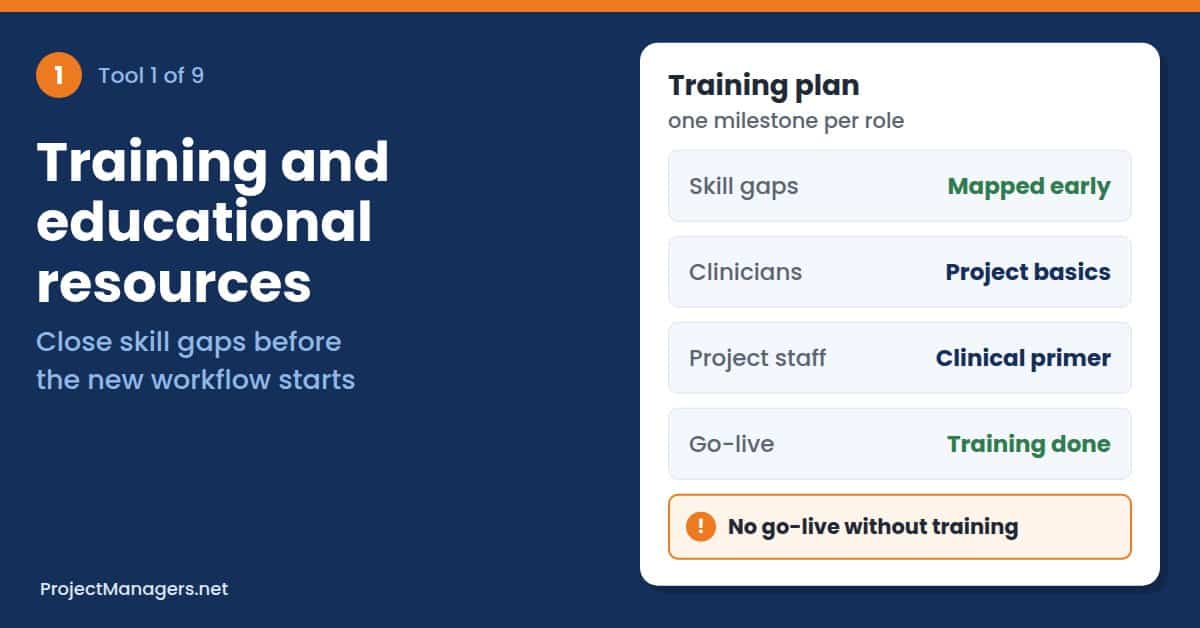
- Map Skill Gaps Early: Compare the skills each workstream needs with the team you have, from EHR workflows to infection control.
- Pair Clinical and Project Training: Give clinicians short project basics, and give project staff a primer on clinical workflows.
- Use Specialized Programs: Bring in vocational or certificate training when the project needs medical or clinical expertise fast.
- Track Completion Before Go-Live: Make required training a milestone, so no one starts a new workflow untrained.
Real-Life Example: A clinic network in Texas preparing to open two new outpatient sites needed medical assistants who understood both patient intake and project timelines. The project manager recruited graduates from programs like those offered by South Texas Vocational Technical Institute, which provide essential skills for medical and clinical professionals. Trained assistants joined before opening day, and the sites launched on schedule.
2. Project Management Software
Keeping track of deadlines, deliverables, and stakeholder expectations can get overwhelming in the fast-paced world of healthcare. That is where project management software comes in. These platforms act as a central hub for everything related to your project, making it easier to assign tasks, track progress, and keep every phase on schedule, even when clinical priorities shift overnight.
Whether you are overseeing a new hospital wing, rolling out a patient record system, or running a hospital-wide technology upgrade, you need a structured way to manage timelines and responsibilities. Good software lets you build detailed plans, set milestones, and automate reminders. Many tools also offer real-time collaboration, so team members communicate without getting lost in endless email threads.
Get more from your project software:
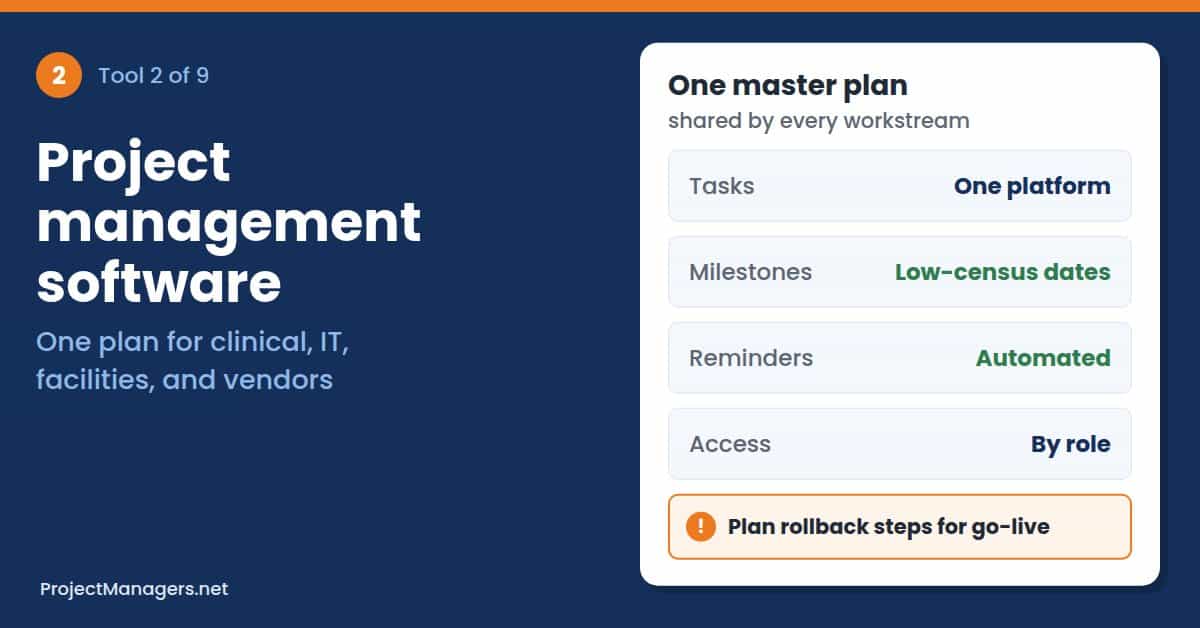
- Build One Master Plan: Keep clinical, IT, facilities, and vendor tasks in a single plan with clear dependencies.
- Set Milestones Around Patient Care: Schedule go-lives and cutovers for low-census periods, with rollback steps ready.
- Automate Reminders and Approvals: Let the tool chase overdue tasks and route sign-offs, so the team spends less time on follow-up.
- Limit Access by Role: Give vendors and temporary staff access only to the tasks and files they need.
Real-Life Example: A project team replacing the patient record system across four clinics was tracking 600 tasks in spreadsheets and losing track of dependencies between vendors and clinical leads. The project manager moved every task into one project management platform with shared milestones and automated reminders. Overdue tasks fell sharply within a month, and the go-live date held without emergency weekend work.
3. Communication and Collaboration Tools
In healthcare project management, strong communication is non-negotiable. Projects bring together administrators, medical staff, IT professionals, vendors, and sometimes patients or regulators, each with different priorities. Clear, timely communication also avoids delays, misunderstandings, and potential patient safety risks, especially when clinical staff rotate across shifts and cannot attend every meeting or read every long email thread.
Use one reliable platform for real-time messaging, video conferencing, and secure file sharing, so everyone finds the latest information in one place. Choose tools with role-based access, audit trails, and encryption to protect clinical and project data. The HIPAA Security Rule summary from HHS says regulated entities must allow only authorized people to access electronic health information and record activity in those systems.
Key communication practices to keep in mind:
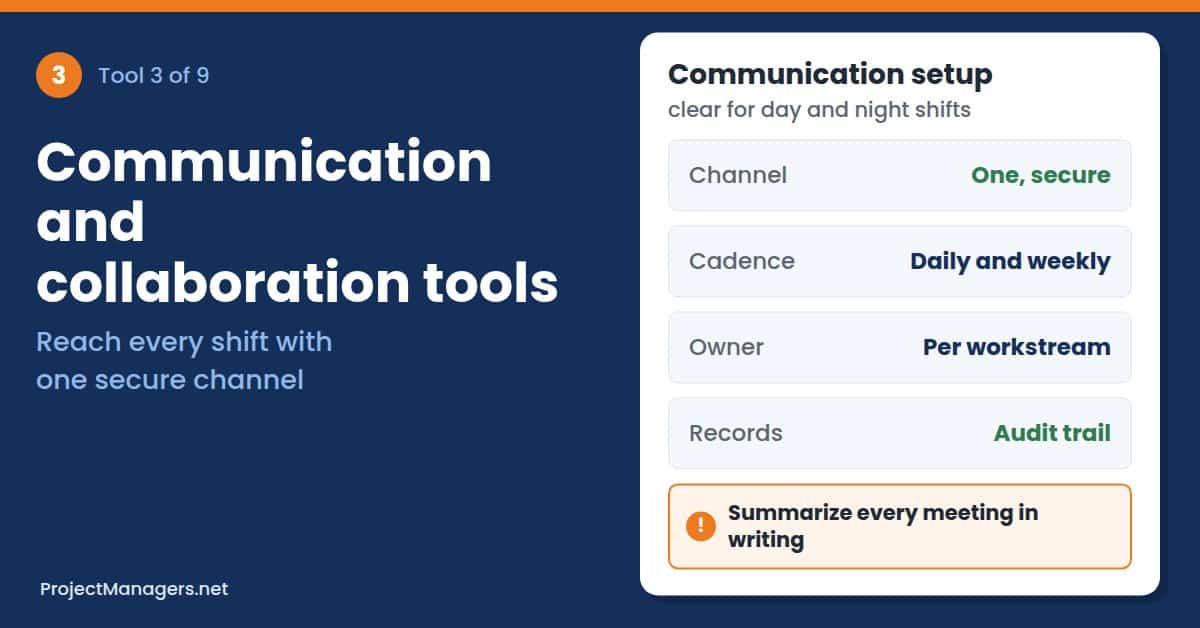
- Define Channels and Cadence: Set primary channels and a consistent update rhythm, such as brief daily check-ins for active workstreams and weekly summaries for leadership.
- Name a Communication Owner: Assign one person per workstream to send updates and follow up on actions.
- Keep Language Simple: Use plain, non-technical language for cross-functional updates, and share meeting summaries with action items.
Adopting these practices reduces miscommunication, speeds decisions, and keeps projects on track while protecting patient safety and compliance. Still, tools are only as effective as the follow-through behind them. A virtual healthcare assistant can update meeting summaries, chase action items across workstreams, and keep documentation clean, so the platform stays current and leadership is not waiting on status updates.
Real-Life Example: During a telehealth rollout, a project team found that night-shift nurses were missing decisions made in daytime meetings. The project manager moved all updates into one secure channel, named an owner for each workstream, and posted a short written summary after every meeting. Questions from the night shift dropped within two weeks, and fewer tasks stalled while waiting for answers.
4. Compliance and Risk Management Tools

Regulations in healthcare can be overwhelming, and non-compliance is not an option. Tools that monitor regulations and manage risks help your project follow healthcare laws, protecting patients and the organization from potential liabilities. Start with a living risk log; our free risk register templates give project teams a ready structure for owners, likelihood, impact, and response plans.
To put risk controls into practice, healthcare project managers can deploy an application for patient safety event reporting that centralizes incident intake across units, notifies compliance leads automatically, and routes follow-ups as corrective and preventive action (CAPA) tasks. Reporting dashboards then surface trends, support root cause analysis, and show measurable progress on harm reduction initiatives for leadership.
Software only works inside a healthy reporting culture. The AHRQ PSNet primer on reporting patient safety events lists four traits of an effective system: it protects the privacy of staff who report, accepts reports from a broad range of personnel, shares summaries quickly, and uses a structured process to review reports and build action plans.
Build compliance into the project plan:
- Map Rules to Deliverables: List the privacy, safety, and accreditation requirements each deliverable must meet.
- Centralize Incident Intake: Route every safety event and near miss through one reporting tool with clear owners.
- Review Risks Every Week: Update the risk register at a set meeting, and close actions with evidence.
- Keep an Audit Trail: Store approvals, training records, and corrective actions where auditors can find them.
Real-Life Example: A hospital project team rolling out a medication dispensing process saw near misses reported on paper forms that reached the safety office days later. The project manager introduced an event reporting tool that alerted the compliance lead within minutes and assigned each follow-up as a tracked task. The team closed corrective actions faster and showed leadership safety trends at each steering meeting.
5. Scheduling and Resource Allocation Platforms
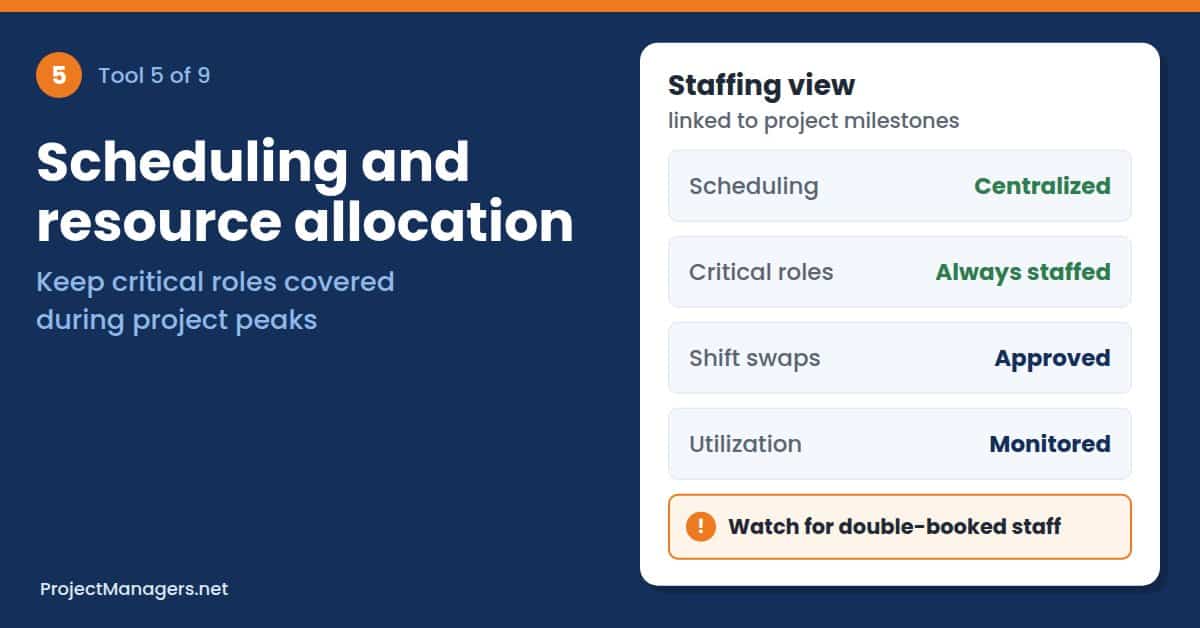
Healthcare projects often involve several teams working together. Efficient scheduling tools help coordinate team members’ availability, allocate resources effectively, and avoid bottlenecks that could slow progress. These tools are especially useful where strict staffing requirements apply, because they make sure critical roles stay covered while clinicians balance project work with patient care, training, and unpredictable shift changes.
Key tips to keep in mind:
- Centralize Scheduling: Give every team visibility, reduce double-booking, and consistently enforce a clear no-show policy.
- Prioritize Role-Based Assignments: Make sure critical clinical skills are always staffed.
- Add Shift-Swap Approvals: Let staff swap shifts with manager approval to maintain coverage and compliance.
- Link Staffing to Milestones: Align schedules with go-lives and other peak demand periods.
- Watch Utilization: Spot overbooked or underused resources early, and rebalance workloads.
Real-Life Example: A project team opening a new day-surgery unit kept losing time because the same perioperative nurses were booked for training, go-live support, and regular shifts. The project manager moved all bookings into one scheduling platform tied to project milestones, with manager approval for swaps. Double-bookings stopped, and the unit opened with every critical role covered on the first day.
6. Data Analytics and Reporting Tools
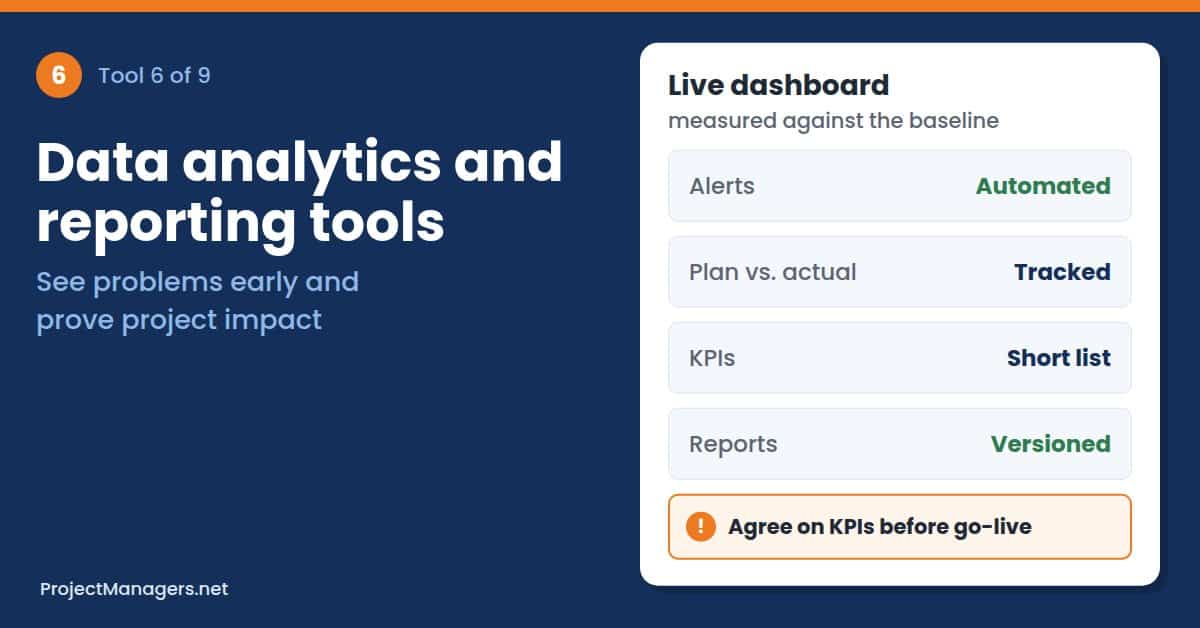
The ability to track performance metrics, analyze project success rates, and produce clear, timely reports is vital for evidence-based decisions in healthcare projects. Without that visibility, problems surface only when a milestone is already missed or a budget is already overspent. Data-driven insights help project managers act earlier and explain results to clinical and financial stakeholders.
Data-driven insights help project managers:
- Identify Problem Areas Early: Dashboards and automated alerts surface missed milestones, rising incident rates, or unexpected cost variances before small issues become major setbacks.
- Adjust Strategies as Needed: Planned versus actual comparisons, trend analysis, and root cause data support targeted course corrections instead of ad hoc responses.
- Demonstrate Project Impact: Clear reports and visuals turn raw data into clinical, operational, and financial outcomes that secure funding and leadership buy-in.
- Support Continuous Improvement: Regularly captured metrics feed retrospectives and lessons learned, which make future initiatives more predictable.
- Ensure Accountability and Transparency: Role-based dashboards and versioned reports show who owns each action and leave an audit trail for decisions.
Strong reporting tools keep your project transparent, measurable, and adaptable. Modern healthcare data governance solutions provide real-time dashboards, automated report scheduling, customizable KPIs, and easy data exports, which simplify stakeholder communication and shorten decision cycles. Agree on a short list of metrics before go-live, so every report answers the same questions for sponsors and clinical leaders.
Real-Life Example: A project team improving emergency department discharge times reported progress through monthly slide decks that were out of date before each meeting. The project manager built a live dashboard showing discharge times, staffing, and open actions against the baseline. Sponsors spotted a weekend staffing gap within days, approved extra coverage, and the project hit its target a quarter early.
7. Budgeting and Financial Management Software

Let’s face it: healthcare projects frequently operate under tight budgets, constrained resources, and demanding timelines. These pressures make cost overruns especially dangerous, because even small missteps can stall or derail critical initiatives. Careful budgeting and proactive cost control protect clinical goals, patient safety, and the organization’s reputation while keeping projects deliverable and sustainable within fiscal limits.
Financial management tools track actual expenses against budgeted amounts and help teams forecast costs through scenario-based models, while automating approvals and spending controls. They centralize invoices, supplier contracts, and funding sources, so teams can monitor cash flow in real time. With alerts, variance reports, and visual dashboards, these systems keep spending closely aligned with project objectives.
Protect the project budget:
- Baseline the Budget by Phase: Split costs by phase and workstream, so variances point to a specific owner.
- Forecast with Scenarios: Model best, expected, and worst cases for staffing, equipment, and vendor costs.
- Set Approval Thresholds: Route spending above a set amount to the sponsor or finance lead automatically.
- Track Grants and Funding Rules: Tag costs to each funding source, so restricted money is spent correctly.
Real-Life Example: A project team equipping a new imaging suite discovered halfway through that vendor installation fees had never been budgeted. The project manager moved the budget into financial software with scenario forecasts and approval thresholds, then rebuilt the estimate with finance. The gap was covered from contingency, and monthly variance reports kept the remaining spend within two percent of plan.
8. Document and Knowledge Management Systems

Healthcare projects generate an enormous amount of documentation, from policies and procedures to patient care protocols. Without an efficient way to store, manage, and retrieve information, things quickly get chaotic. Document management tools keep everything organized, so important files are easy to find when a clinician, auditor, or vendor needs them, often in the middle of a busy shift.
These systems also provide version control, secure access permissions, fast search across records, and automated retention policies that support audits, continuity of care, and regulatory compliance. Integrating them with your EHR and project platforms reduces duplication and speeds decisions. When a protocol changes, everyone sees the current version, and the old one is archived with a clear history of who approved it.
Keep project knowledge easy to find:
- Use One Source of Truth: Store final policies, protocols, and project documents in one system, not in email attachments.
- Require Version Control: Show the current version by default, and keep a history of every approval.
- Set Access by Role: Limit sensitive documents to the people who need them.
- Capture Lessons Learned: Save retrospectives and templates, so the next project starts ahead.
Real-Life Example: During an accreditation readiness project, a quality team found three different versions of the same hand hygiene policy across shared drives. The project manager moved every policy into a document management system with version control, approval workflows, and role-based access. Surveyors received the correct documents within minutes, and staff stopped printing outdated copies for their units.
9. Patient and Stakeholder Engagement Platforms

To truly future-proof your project management, keep every stakeholder actively engaged from planning through closeout. Engagement platforms make this practical by giving you targeted ways to communicate with different groups and capture input that improves decisions and buy-in. Patients, frontline staff, and executives all need different messages, delivered at different times, through channels they already trust.
Use them to:
- Gather Feedback: Run short surveys, quick polls, and structured feedback forms to capture patient and staff experiences during pilots and rollouts. AI rollouts can start even earlier, with Concurrence running new patient agents through thousands of simulated conversations before the first real patient sees them. Aggregate responses into dashboards so trends are visible and actionable.
- Manage Patient Concerns: Provide secure channels for patients to report issues or ask questions, route items automatically to the right owner, and track response times to ensure timely resolution and compliance with privacy rules.
- Keep Leadership Updated: Automate executive briefings and milestone alerts tied to KPIs so sponsors always see high-level progress and blockers without wading through operational noise.
Beyond these core uses, choose platforms that support audience segments, scheduled communications, audit logs, and two-way messaging. When engagement is structured, measurable, and integrated with your project tools, it builds trust, reduces rework, speeds decisions, and ultimately improves clinical and operational outcomes. Patients notice when their feedback leads to visible changes, and they keep responding to surveys.
Real-Life Example: A project team launching a patient portal ran a two-week pilot with a short in-app survey and a secure channel for questions. Feedback showed that older patients struggled with the sign-in steps, so the project manager simplified the flow before the full rollout. Leadership followed adoption through automated weekly briefings, and support calls stayed well below forecast after launch.
Healthcare Project Tools Checklist for Project Managers
Use this checklist when you plan a new healthcare project or review one already underway. Each item turns one of the nine tools into a concrete task with an owner, so gaps show up during planning rather than at go-live, when fixing them costs more time, money, and goodwill with the clinical teams who carry the change.
- Confirm required training for every role, and make completion a milestone before go-live.
- Keep all tasks, milestones, and dependencies in one project management platform.
- Choose one secure communication channel with role-based access and audit trails.
- Set up safety event reporting and a living risk register with named owners.
- Centralize scheduling and protect critical clinical roles during project peaks.
- Agree on a short list of KPIs, and build a live dashboard against the baseline.
- Baseline the budget by phase, with forecasts, approval thresholds, and funding tags.
- Store policies and project documents in one system with version control.
- Pilot every patient-facing change, and collect feedback before the full rollout.
Common Mistakes Healthcare Project Managers Make with Tools
Most tool problems in healthcare projects come from how the tools are introduced, not from the software itself. Watch for these common mistakes, because each one can quietly undo months of planning, frustrate clinical staff who are already stretched, and leave the project team with expensive licenses that nobody uses once the go-live support team has gone home.
- Buying Before Mapping Workflows: Tools chosen before anyone maps clinical workflows often add clicks instead of saving time.
- Running Too Many Channels: Messages split across email, chat, and texts mean critical updates get missed.
- Skipping Clinician Input: Tools rolled out without frontline testing meet resistance and workarounds.
- Treating Compliance as an Afterthought: Adding access controls and audit trails late leads to rework and audit findings.
- Ignoring Training Time: Staff needs protected time to learn new tools, or adoption stalls after go-live.
How to Choose the Right Tools for a Healthcare Project
The best tool is the one your clinical and project teams will actually use every day. Before you sign a contract, test each option against real workflows, real data rules, and real staffing patterns. Involve a nurse, a physician, an IT lead, and a compliance lead in the evaluation, because each will spot different risks early.
Compare options against these criteria:
- Security and Privacy: Look for encryption, role-based access, audit logs, and a signed business associate agreement where one is required.
- Integration: Check that the tool connects with your EHR, scheduling, and finance systems without manual exports.
- Ease of Use on Shift: Test the tool on the devices and in the settings where clinicians will actually use it.
- Vendor Support: Ask about uptime, incident response, and training help during go-live.
- Total Cost: Include licenses, implementation, training, and integration work, not just the subscription price.
Video: Healthcare Project Management from the Clinical Side
Healthcare Project Management: What Clinicians Want You to Know (Rabih Chehayeb, 10:33)
A February 2026 conversation with nurse practitioner Jenny Lee Stark on why change in healthcare differs from other industries, how project managers can build trust with clinical teams, and how to plan around 24/7 shift patterns. It also covers what clinical teams need before AI and new technology go live.
Frequently Asked Questions about Healthcare Project Management Tools
Healthcare Project Management Tools: FAQ
What Tools Does a Healthcare Project Manager Need?
Most healthcare projects rely on project management software, secure communication tools, compliance and safety reporting tools, scheduling platforms, analytics dashboards, budgeting software, document management, and stakeholder engagement platforms. Training resources round out the set, because tools only work when people know how to use them.
Why Is Project Management Different in Healthcare?
Healthcare projects run alongside 24/7 patient care, strict privacy and safety rules, and tight budgets. Project managers must plan around clinical shifts, protect patient data, and make sure changes never put patient safety at risk.
How Do Project Managers Keep Healthcare Data Secure?
Choose tools with encryption, role-based access, and audit trails, and give each person access only to what they need. Involve the compliance or privacy lead early, and confirm that vendors meet the privacy rules that apply to your organization.
What Is Patient Safety Event Reporting Software?
It is a tool that collects reports of incidents and near misses, alerts the right people, and tracks follow-up actions. Project teams use it to manage safety risks during rollouts and to show progress on harm reduction.
How Can Project Managers Get Clinicians to Adopt New Tools?
Involve clinicians in selection and testing, schedule training during protected time, and fix workflow problems found in pilots before the full rollout. Share early results, so staff see the benefit of the change.
Can One Platform Cover Every Healthcare Project Need?
Rarely. Most teams pair a project management platform with specialized tools for safety reporting, scheduling, finance, and documents. The key is integration, so data moves between systems without manual re-entry.
How Should Project Teams Test AI Tools Before Patients Use Them?
Start with simulated scenarios and a limited pilot, define clear success and safety criteria, and keep a human review step. Collect feedback from staff and patients, and expand only when the results meet those criteria.
Conclusion: Use These Tools to Deliver Better Healthcare Projects
Managing projects in healthcare requires a unique set of tools designed for the industry’s complexities. From tracking compliance to streamlining communication and managing budgets, the right solutions make all the difference. By using these essential tools, healthcare project managers can boost efficiency, reduce risks, and ultimately improve patient outcomes, because at the end of the day, that is what truly matters.
Start small rather than buying everything at once. Pick the two or three tools that close your biggest gaps, pilot them with one clinical team, and expand once they prove their value. Revisit the checklist at every major project milestone, and your tool stack will keep pace with your healthcare projects instead of slowing them down.
Suggested articles:
- A Project Manager’s Guide to Clinical Trial Data Management
- Essential Project Management Skills for Clinical Nurse Leaders
- How Healthcare Project Managers Can Plan for Patient Cost Burdens

Daniel Raymond, a project manager with over 20 years of experience, is the former CEO of a successful software company called Websystems. With a strong background in managing complex projects, he applied his expertise to develop AceProject.com and Bridge24.com, innovative project management tools designed to streamline processes and improve productivity. Throughout his career, Daniel has consistently demonstrated a commitment to excellence and a passion for empowering teams to achieve their goals.