

LinkedIn remains one of the most powerful platforms for B2B lead generation, recruiting, and relationship building. But as competition increases and inboxes get crowded, manually sending connection requests and follow-ups is no longer efficient. By the end of 2026, LinkedIn automation tools will have become smarter, safer, and more focused on personalization — helping professionals scale outreach without losing authenticity or risking account restrictions.
In this article, we review the best LinkedIn automation tools in 2026 based on real-world usability, safety, personalization capabilities, and workflow efficiency. Whether you’re a solo founder, SDR, recruiter, or agency, these tools can help you generate more conversations while saving hours every week.
Best LinkedIn Automation Tools in 2026
| Tool | Best for | Key features | Ideal use case | G2 rating |
| Snov.io | Multi-channel LinkedIn + email automation | LinkedIn actions, email sequences, and lead management | Scalable outbound with LinkedIn + email | 4.8/5 |
| Linkyfy | AI-personalized LinkedIn and email outreach | AI messages, email discovery, multichannel sequences | Founders, CXOs, Sales Teams, Marketing Agencies & Lean teams. | Not Reviewed Yet |
| Expandi | Safe, cloud-based LinkedIn automation | Smart limits, dynamic personalization | Agencies and sales teams | 4.7/5 |
| Dripify | Advanced LinkedIn sequences and analytics | Visual workflows, team dashboards | SDR teams and managers | 4.6/5 |
| Phantombuster | Flexible LinkedIn data automation | Scraping, exports, APIs | Growth and data-driven teams | 4.5/5 |
| Waalaxy | Simple LinkedIn automation for beginners | Prebuilt campaigns, inbox sync | Founders and small teams | 4.4/5 |
| Meet Alfred | Multi-account LinkedIn outreach | Campaigns, CRM sync, analytics | Agencies managing multiple profiles | 4.3/5 |
What Are LinkedIn Automation Tools?
LinkedIn automation tools are platforms that automate repetitive actions on LinkedIn, such as sending connection requests, follow-up messages, profile visits, and engagement actions. Instead of manually performing these tasks, users can create rules or sequences that run automatically based on predefined conditions.
In 2026, the best LinkedIn automation tools prioritize safety and personalization. They simulate human behavior by respecting daily limits, adding random delays, and personalizing messages using profile data. Many tools now go beyond LinkedIn-only automation by combining LinkedIn actions with email outreach, CRM updates, and analytics — turning LinkedIn into a scalable lead generation channel rather than a manual one.
How We Selected These Tools
To identify the best LinkedIn automation tools for 2026, we evaluated platforms using criteria that directly affect results and account safety:
- Compliance with LinkedIn usage limits and safety mechanisms
- Depth of personalization and sequencing options
- Workflow flexibility and ease of use
- Analytics, reporting, and team collaboration features
- Fit for different use cases, from solo outreach to team-scale operations
The tools below represent a mix of all-in-one outreach platforms and LinkedIn-focused automation solutions.
Best LinkedIn Automation Tools in 2026: Detailed Reviews
1. Snov.io
G2 Review: ★4.8/5
Best for: Combining LinkedIn automation with email outreach in one workflow.
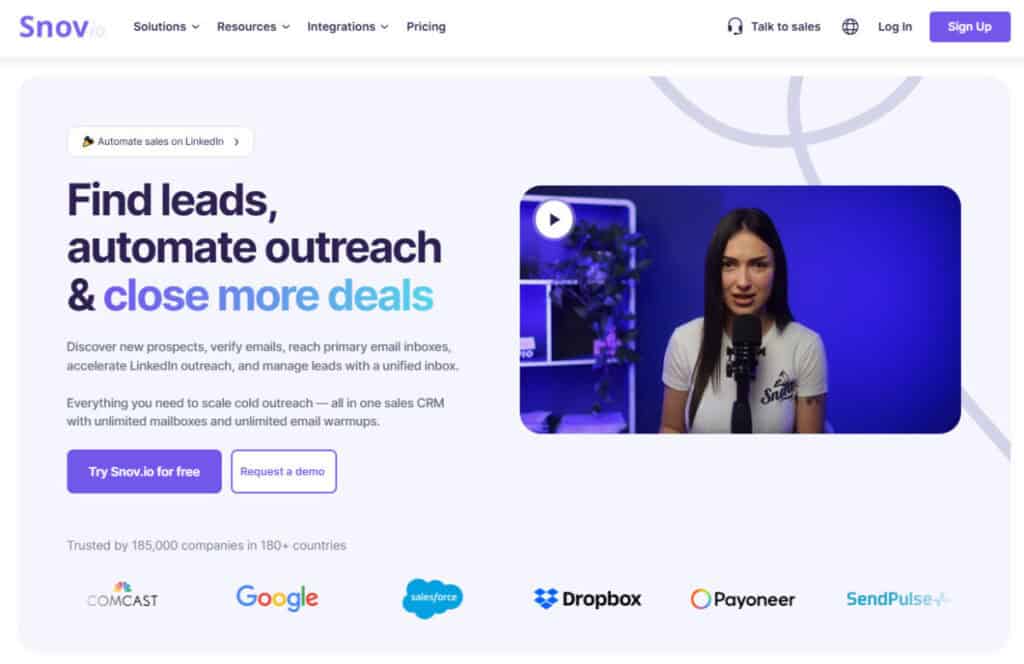
Snov.io stands out by offering LinkedIn automation as part of a broader multi-channel outreach platform. Instead of treating LinkedIn as a standalone channel, it allows users to combine LinkedIn actions with automated email sequences and lead management. This makes it especially effective for outbound teams that want consistent follow-ups across channels without duplicating work.
With Snov.io, users can automate connection requests and LinkedIn messages, then continue conversations via email if there’s no response. All leads are stored in organized lists with engagement tracking, making it easy to manage pipelines and prioritize replies.
Key Features
- Automated LinkedIn connection requests and follow-ups
- Email sequences triggered by LinkedIn activity
- Lead lists with tags and segmentation
- Built-in CRM-style lead management
- Personalization using profile and company data
- Integrations with popular CRMs and tools
2. Linkyfy
Best for: Founders, CXOs, and sales and Marketing professionals

Linkyfy.ai is an AI-powered LinkedIn automation tool that extends into full multichannel outreach across LinkedIn and email from a single unified workflow. It generates context-aware connection messages and emails tailored to each prospect’s profile. It also discovers business email addresses for your LinkedIn prospects, so you can run a complete multichannel sequence across LinkedIn and email from one place.
Designed for account safety, the platform has its own desktop app that mimics user behavior and a bridge that handles logins without ever storing passwords or using browser extensions. This allows the cloud engine to safely execute personalized, high-converting B2B sequences at scale.
Key Features
- Combines LinkedIn outreach and AI-driven email campaigns.
- Uncovers and verifies business email addresses for LinkedIn prospects
- Uses real-time profile signals to generate personalized connection messages
- Secure cloud-based architecture eliminates the need for any extensions.
- Free to start with its $0/month plan, no credit card required.
3. Expandi
G2 Review: ★4.7/5
Best for: Safe, cloud-based LinkedIn automation at scale.
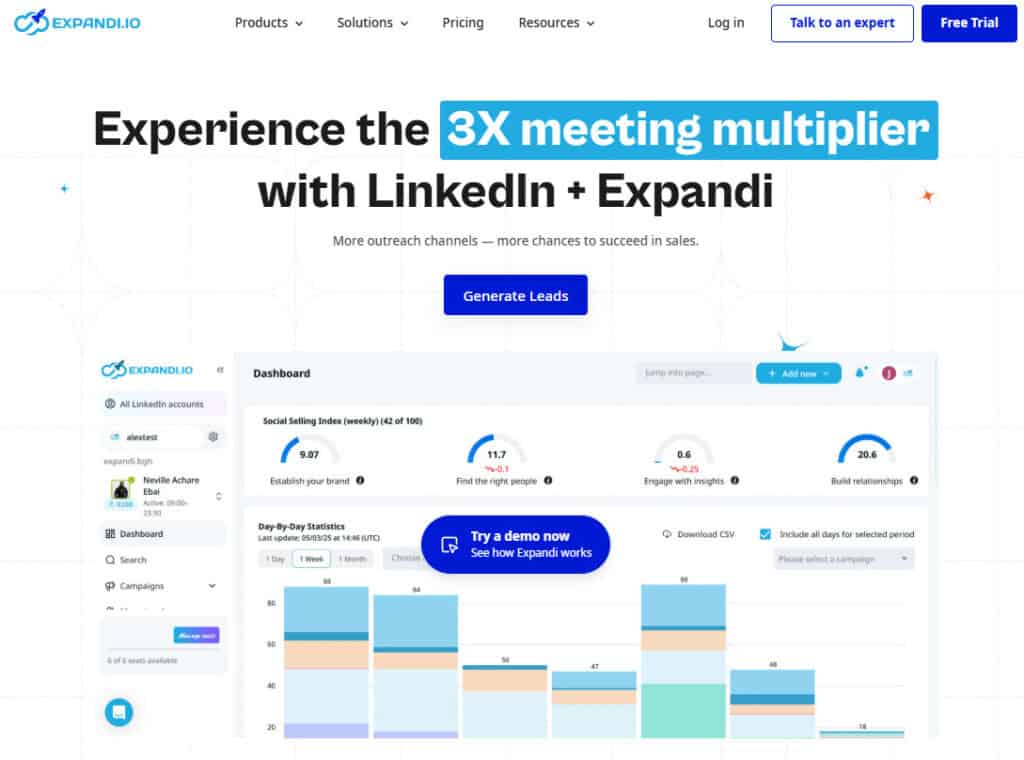
Expandi is known for its strong focus on LinkedIn account safety. It runs in the cloud, uses smart daily limits, and includes advanced personalization options that adapt messages to each profile. This makes it a popular choice for agencies and sales teams that manage multiple campaigns and need predictable performance.
Key Features
- Cloud-based automation with IP protection
- Smart limits and randomized delays
- Dynamic placeholders for message personalization
- Campaign analytics and inbox sync
- Support for team workflows
4. Dripify
G2 Review: ★4.6/5
Best for: Visual LinkedIn workflows and team analytics.
Dripify is designed for teams that want clear visibility into LinkedIn outreach performance. Its visual sequence builder allows users to design multi-step campaigns with conditions based on acceptance, replies, or inactivity. Managers benefit from dashboards that track activity, response rates, and pipeline performance.
Key Features
- Visual LinkedIn sequence builder
- Conditional logic based on prospect actions
- Team dashboards and performance tracking
- Personalization variables
- Cloud-based execution
5. Phantombuster
G2 Review: ★4.5/5
Best for: Advanced LinkedIn data extraction and automation.
Phantombuster is a flexible automation platform focused on data-driven use cases. While it requires more setup than typical outreach tools, it’s extremely powerful for scraping LinkedIn profiles, exporting connections, and automating complex workflows. It’s best suited for growth teams and technical users.
Key Features
- LinkedIn scraping and data extraction
- Automation via scripts and APIs
- Integration with spreadsheets and CRMs
- Custom workflows for growth experiments
- Broad automation library beyond LinkedIn
6. Waalaxy
G2 Review: ★4.4/5
Best for: Simple LinkedIn automation for beginners.
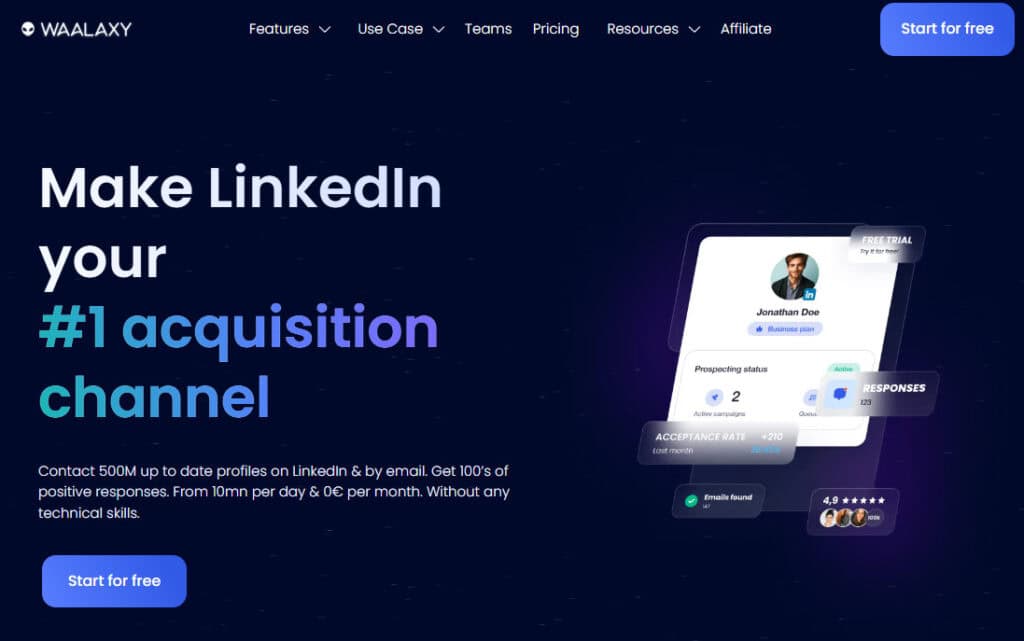
Waalaxy focuses on simplicity, offering prebuilt LinkedIn campaigns that are easy to launch without technical knowledge. It’s a good fit for founders or small teams who want basic automation without advanced configuration.
Key Features
- Prebuilt LinkedIn outreach campaigns
- Simple inbox and response tracking
- Email + LinkedIn sequences
- Easy onboarding and setup
- Lightweight analytics
7. Meet Alfred
G2 Review: ★4.3/5
Best for: Managing multiple LinkedIn accounts and campaigns.
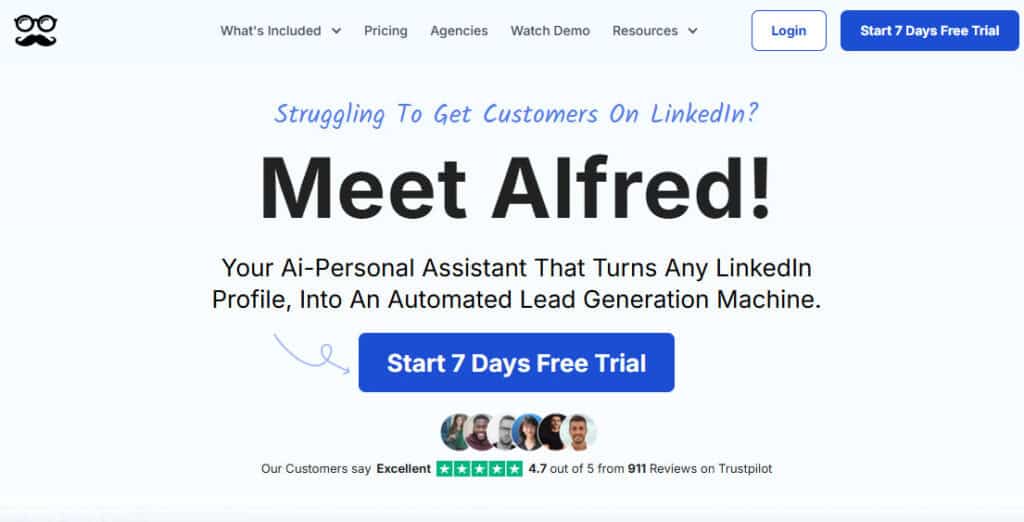
Meet Alfred is designed for agencies and consultants handling several LinkedIn profiles. It centralizes campaign management, analytics, and messaging while supporting multiple accounts. While less flexible than some competitors, it’s effective for standardized outreach at scale.
Key Features
- Multi-account LinkedIn automation
- Campaign templates and analytics
- CRM integrations
- Team access and role management
- Centralized inbox
How to Choose the Right LinkedIn Automation Tool in 2026
Choosing the right LinkedIn automation tool depends on your goals and risk tolerance. If you want a complete outbound workflow that combines LinkedIn and email, multi-channel platforms are the best fit. If LinkedIn is your primary channel, safety-focused tools with strong personalization should be prioritized.
Look for tools that respect LinkedIn limits, allow message customization, and provide visibility into performance. Team features, analytics, and integrations become more important as outreach scales. The best tool is one that helps you build real conversations — not just send more messages.
Conclusion
LinkedIn automation tools in 2026 are more advanced, safer, and more strategic than ever. When used correctly, they help professionals scale outreach while maintaining personalization and account safety. Tools like Snov.io lead the category by connecting LinkedIn automation with email and lead management, while others specialize in safety, analytics, or data extraction.
The right choice depends on your workflow, team size, and outreach goals — but investing in the right LinkedIn automation tool can turn LinkedIn into one of your most reliable growth channels.
Suggested articles:
- LinkedIn Outreach Automation – What You Need to Know
- Speed Up the Close: How LinkedIn Ads Shrink Long B2B Sales Cycles
- Top 10 Cons & Disadvantages of LinkedIn

Daniel Raymond, a project manager with over 20 years of experience, is the former CEO of a successful software company called Websystems. With a strong background in managing complex projects, he applied his expertise to develop AceProject.com and Bridge24.com, innovative project management tools designed to streamline processes and improve productivity. Throughout his career, Daniel has consistently demonstrated a commitment to excellence and a passion for empowering teams to achieve their goals.