
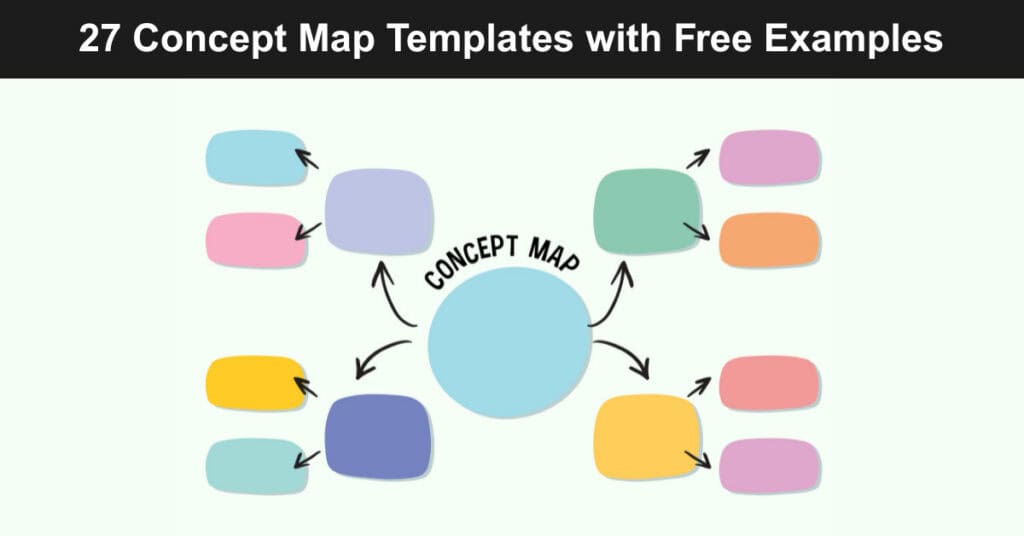
A concept map turns a tangle of related ideas into a structure your team can actually follow. Instead of centering on one topic as a mind map does, a concept map connects multiple concepts through labeled relationships, which makes it a stronger fit for hierarchies, dependencies, and systems with more than one moving part to track.
Choosing the right concept map style depends on your audience, your preferred tool, and how much detail the finished map needs to hold. This guide walks through twenty-seven templates and examples spanning Lucidchart, Miro, Google Docs, Mindomo, Word, Canva, and printable PDF formats, along with the situations where each option performs best for your next project.
What Is a Concept Map and Why It Matters
A concept map is a visual diagram that represents relationships among ideas using shapes connected by labeled arrows. Unlike a flowchart, which usually shows a single linear sequence, a concept map can branch in multiple directions at once, showing how several concepts influence or depend on each other within one shared structure and hierarchy from the start.
Teams use concept maps to make abstract knowledge concrete before committing to a plan, a curriculum, or a system design. Nursing programs, software architects, and workshop facilitators all rely on the same basic format for very different reasons, which is part of why so many template styles now exist across so many unrelated industries and disciplines.
Choosing the Right Concept Map Option
Match your concept map style to the situation using this quick reference:
| When | Who | Style | How |
|---|---|---|---|
| Collaborative Workshop | Facilitators | Bubble | Miro |
| Need a map in Working Document | Analysts | Boxed | Google Docs |
| Complex System | Solution Architects | UML | Lucid |
| Creating a Collection of Maps | Non-Techies | Various | Mindomo |
| Business Presentation | Business Managers | Graphical | Canva |
| Handout for Workshop | Teachers | Simple |
The table above is a starting point, not a strict rulebook. A facilitator running a remote brainstorm gets more value from Miro’s bubble format because it supports live cursors and instant feedback, while a solution architect documenting a complex system usually needs Lucidchart’s UML precision to keep every dependency traceable across teams, releases, and handoffs.
Choosing the Right Concept Map Template, Style & Software
Concept maps come in several visual formats, including charts, tables, flowcharts, graphical layouts, Venn diagrams, and timelines. The right choice depends on how much detail you need to show and how your audience prefers to consume information, so it helps to see the range of options laid out side by side before picking one for your next project.
A concept map represents the knowledge structure people already carry in their heads about a topic. You build one by writing keywords inside shapes such as circles, boxes, or triangles, then drawing arrows between the ideas that relate to each other, which turns scattered notes into a single readable structure anyone can follow at a glance.
Lucidchart offers a wide range of ready-made concept map templates, including:
Blank Concept Map Template
A starting canvas with no preset structure, useful when you want to build a hierarchy entirely from scratch without inherited formatting choices.
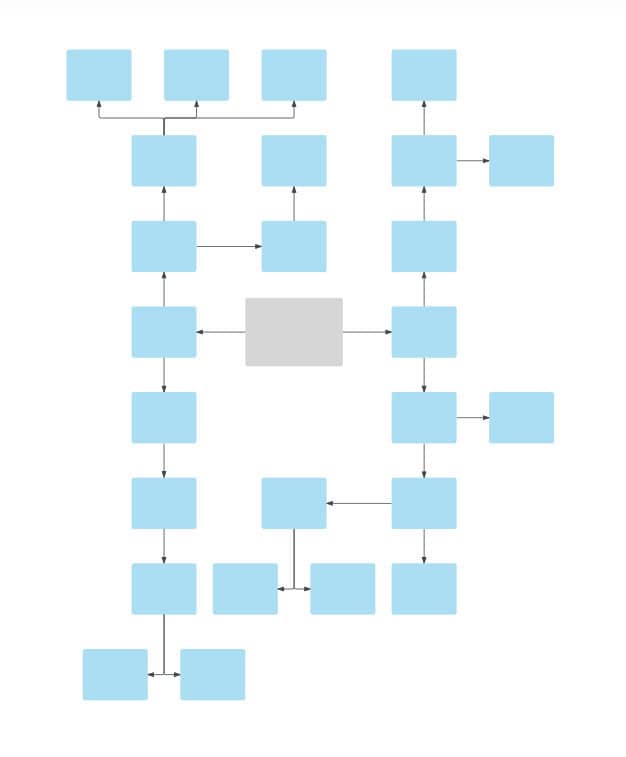
Simple Concept Map Template
A lightweight layout for early-stage brainstorming where speed matters more than polish or visual complexity.
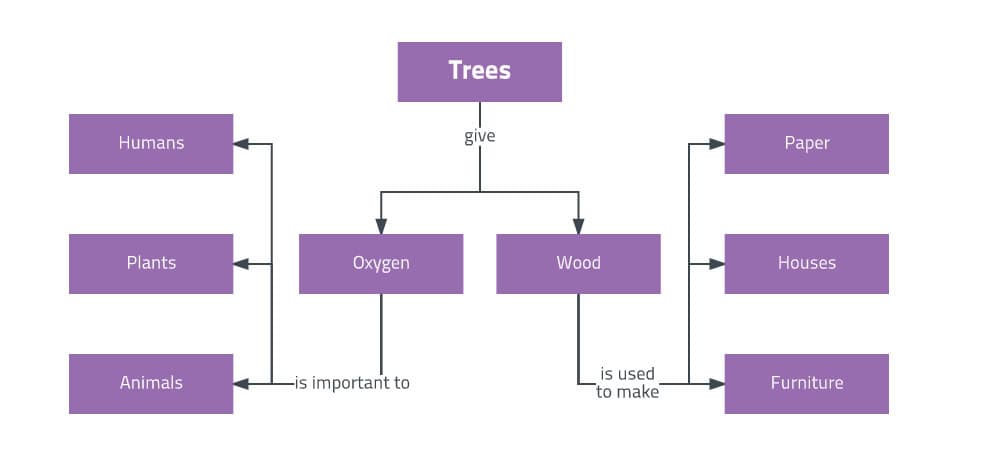
Bubble Concept Map Template
A circular node format well suited to workshops and ideation sessions where ideas branch loosely from a central theme.
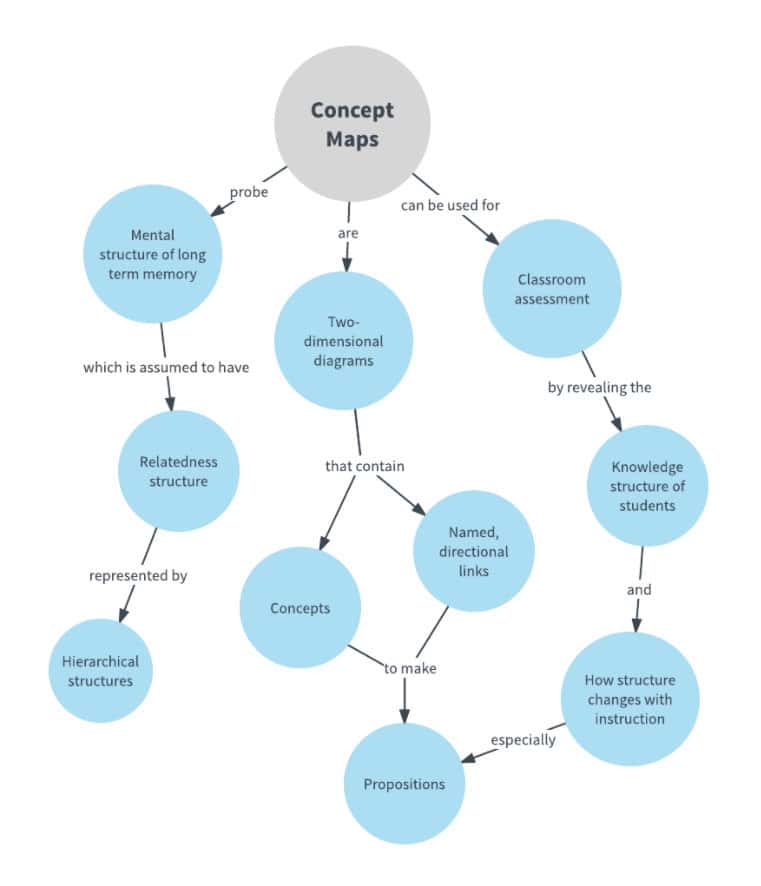
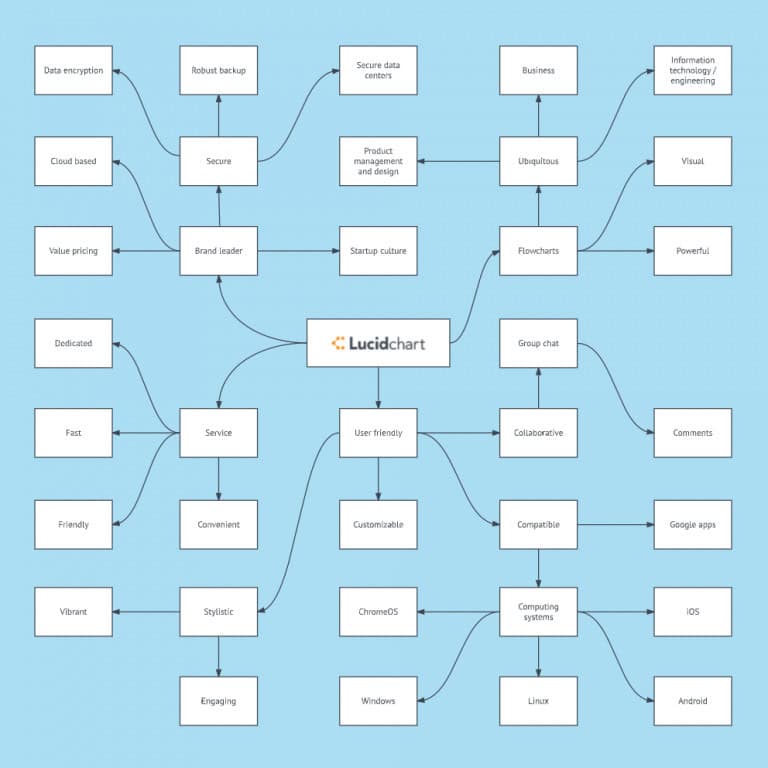
Brand Concept Map Template
A structure built for marketing teams to map brand attributes, positioning, and messaging pillars against one another.
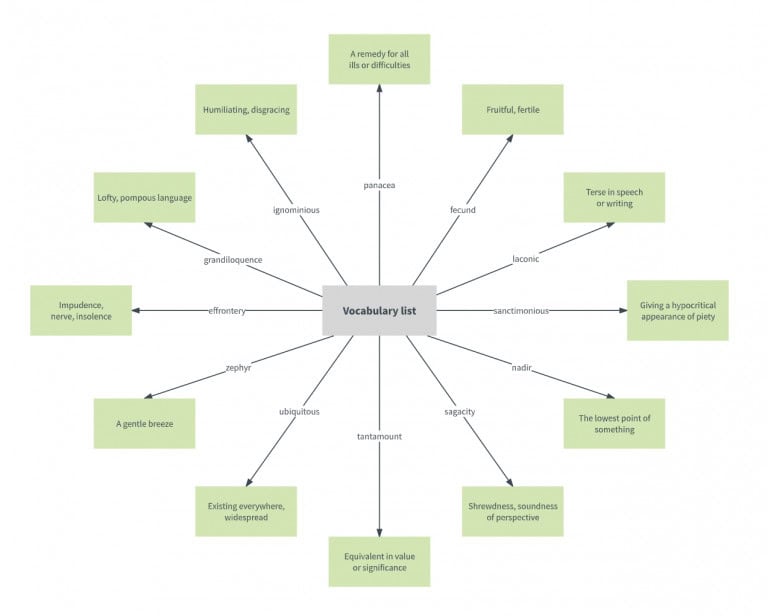
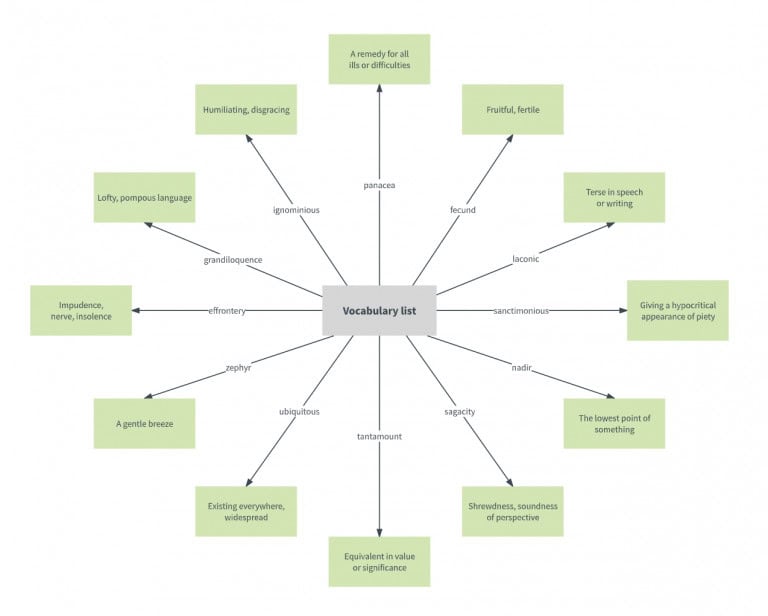
Vocabulary Concept Map Template
A format teachers use to connect a term to its definition, examples, and related words in one view.
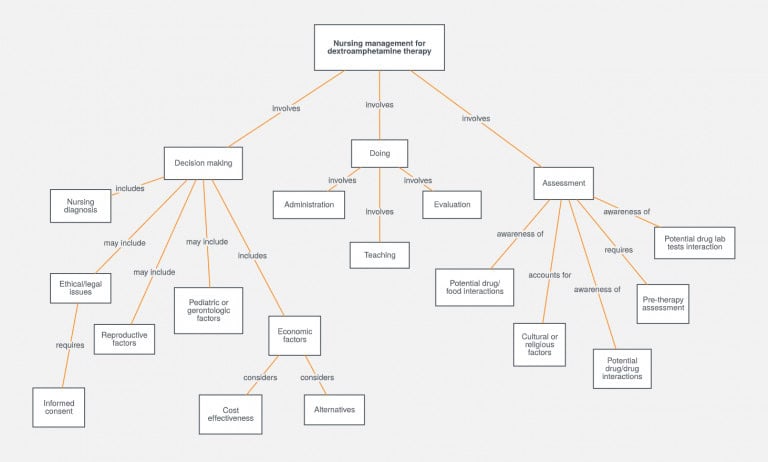
Nursing Concept Map Template
A clinical layout with predefined sections for diagnosis, interventions, and patient outcomes, common in nursing education programs.
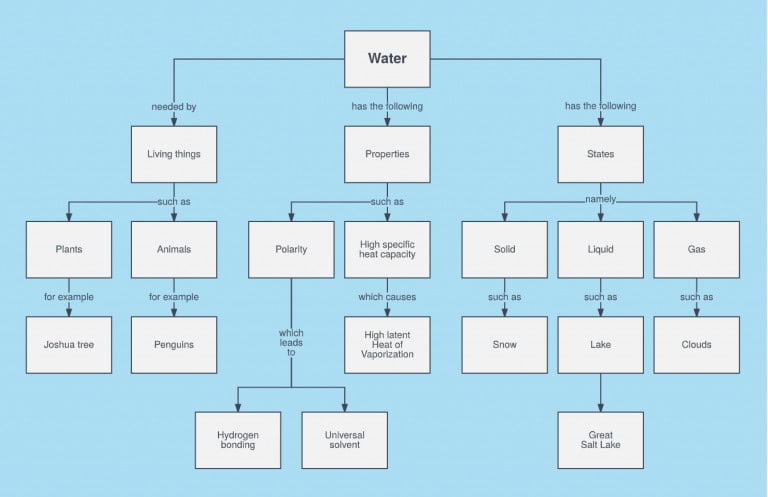
Water Concept Map Template
A science-focused layout that maps the water cycle and its connected processes for classroom instruction.
Math Concept Map Template
A structure for linking mathematical concepts, formulas, and problem types across a unit of study.
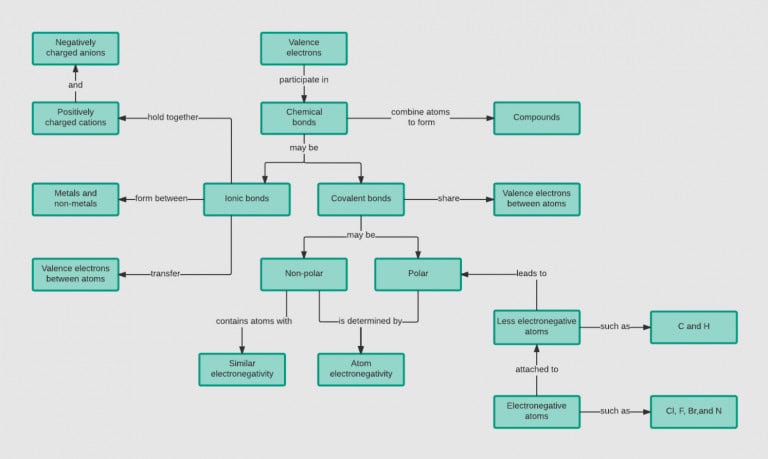
Chemical Bonds Concept Map Template
A chemistry template that organizes bond types, molecular behavior, and related reactions.
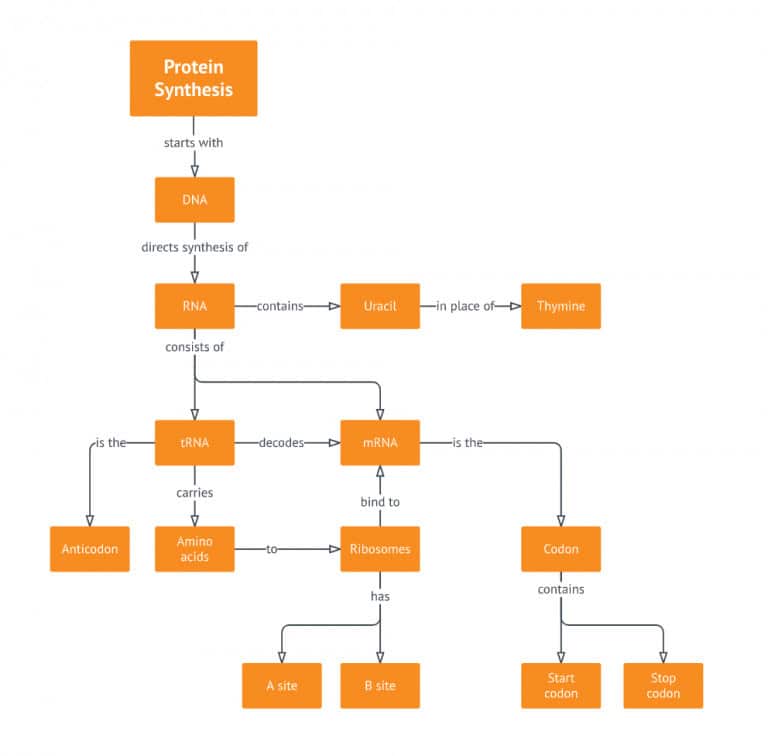
Protein Synthesis Concept Map Template
A biology layout tracing the steps from DNA transcription through translation into protein.
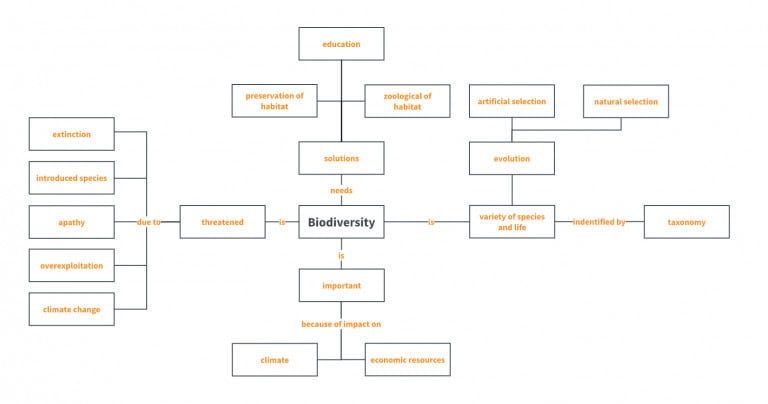
Biology Concept Map Template
A general-purpose science template for connecting organisms, systems, and processes within a broader topic.
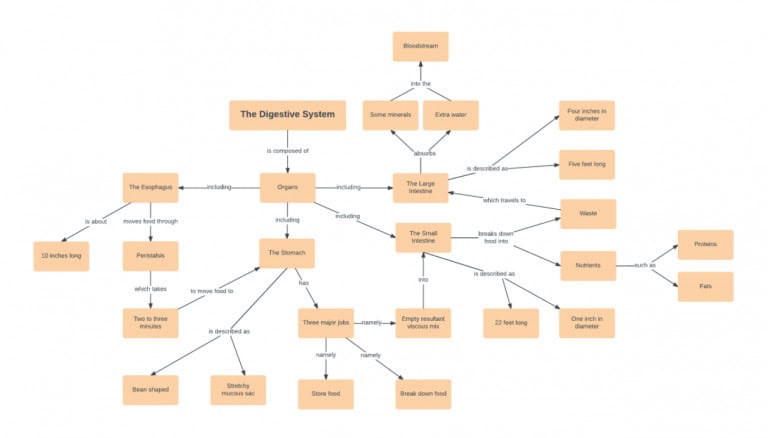
Digestive System Concept Map Template
An anatomy layout mapping each organ’s role within the digestive process.
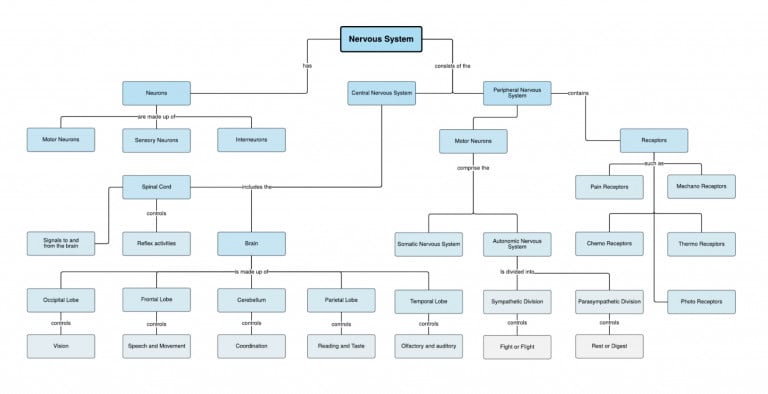
Nervous System Concept Map Template
A layout tracing signal pathways and structures within the central and peripheral nervous systems.
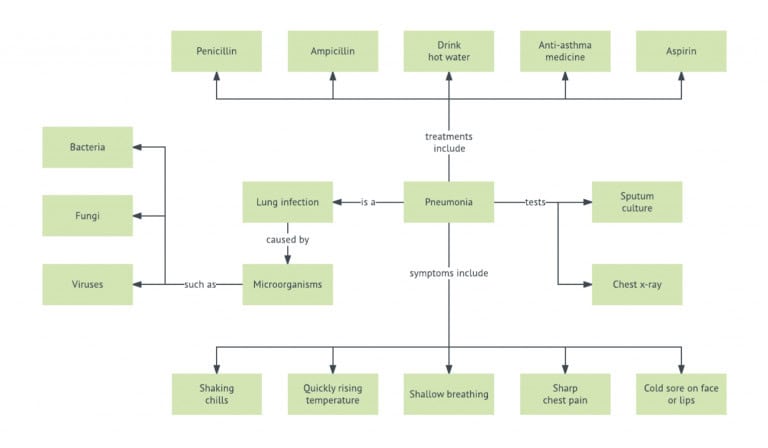
Pneumonia Concept Map Template
A clinical template used in nursing coursework to map causes, symptoms, and treatment pathways for the condition.
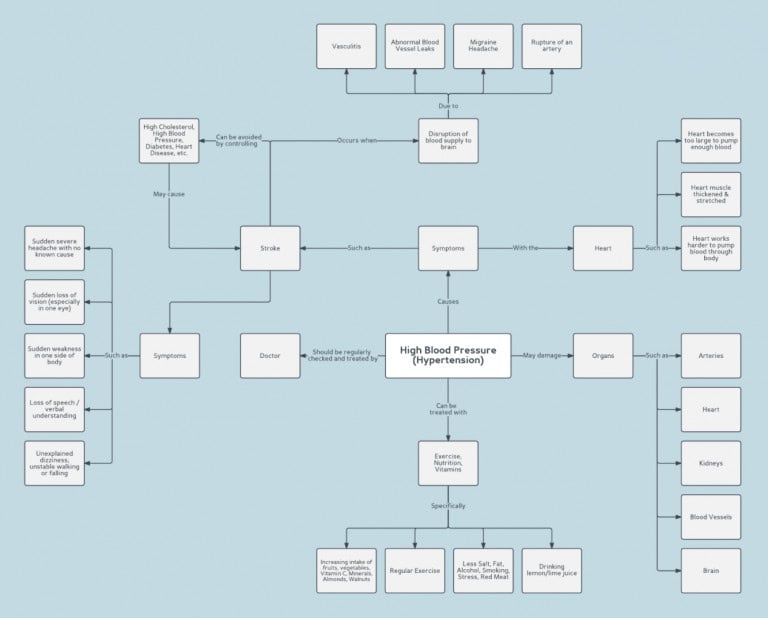
Hypertension Concept Map Template
A clinical template outlining risk factors, physiological effects, and management approaches for high blood pressure.
You can build any of these directly inside Lucidchart, which remains one of the more capable browser-based diagramming tools available today. It supports UML notation, data-linked shapes, and a large template library, and its free plan currently allows three editable documents with a limit of sixty objects per document, so light projects fit comfortably while larger diagrams typically require a paid plan.
Creating Concept Maps on Zoom
If you need a collaborative option for a distributed team, Miro remains one of the strongest choices for live, drag-and-drop concept mapping. It functions as an online whiteboard where every participant’s cursor is visible in real time, which makes it easy to follow a colleague’s thinking as they build out a branch of the map.
Many teams now use Miro for planning sessions in addition to open-ended ideation, since the infinite canvas holds both structured and loosely connected content well. Miro’s free plan currently limits users to three editable boards at a time, with older boards locking to view-only, so teams running frequent workshops often move to a paid tier for unlimited boards and version history.
Concept Map Google Docs
Google Docs does not include a dedicated concept mapping tool, but its built-in drawing feature is enough for a straightforward map without leaving your working document. This keeps the concept map attached to the same file your team already references, which reduces the friction of jumping between separate apps during a review or a status update.
Follow these steps to build a concept map directly inside a document:
- Open your Google Document.
- Go to Menu, then Insert, then Drawing to launch the drawing canvas.
- Add shapes to represent each concept in your map.
- Use the line tool to connect related shapes and show relationships.
- Double-click a shape to add text inside it.
- Click Save and Close to insert the drawing into your document.
- Double-click the inserted drawing anytime to reopen the editor and make changes.
This method works best for smaller maps with a handful of nodes, since the drawing canvas becomes harder to manage once a diagram grows past a dozen shapes. If team motivation is part of what you are mapping out, our article on building an agile team charter with templates and examples covers a related structure worth pairing with this approach.
Concept Map Template Online Software / Tools
Mindomo is built specifically for people who want mapping software without a steep learning curve, unlike Lucidchart, which leans toward technical users such as solution architects. It packages ready-made structures for a range of audiences, from classroom exercises to workplace risk assessments, so non-technical users can produce a clean map without studying diagramming conventions first.
Mindomo’s library includes several ready-made concept map examples, such as:
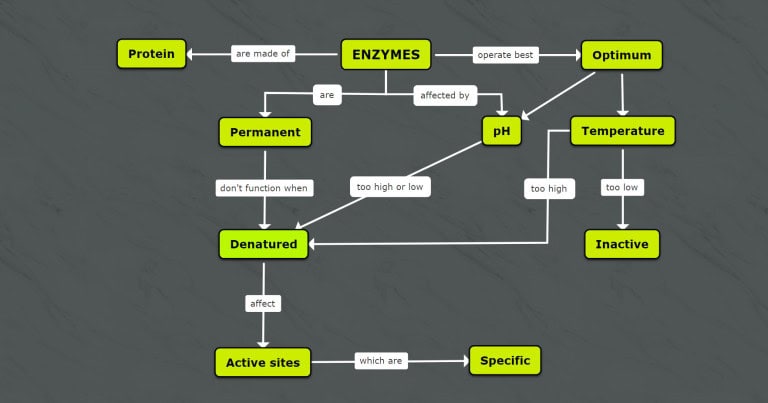
Enzymes Concept Map
A biology template that connects enzyme structure, function, and the reactions each enzyme supports.
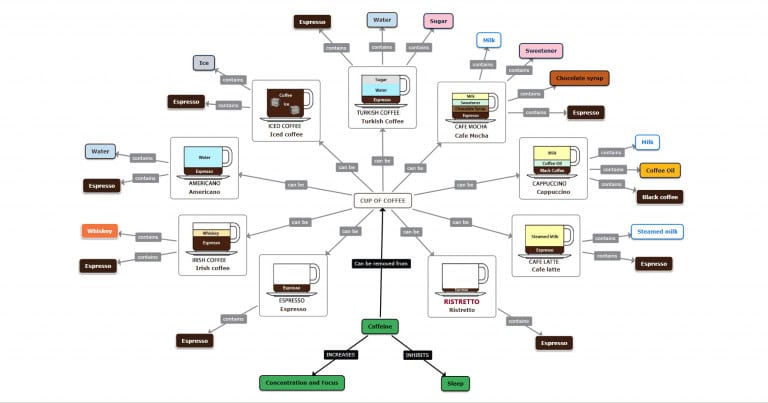
Coffee Concept Map
A consumer-focused example that traces coffee from sourcing through processing and brewing methods.
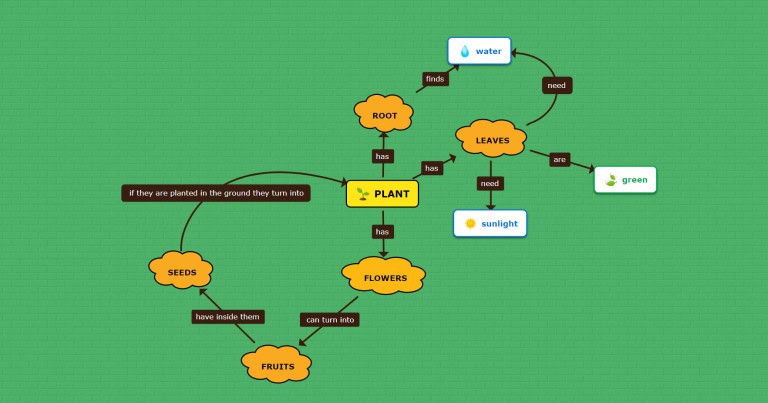
Concept Map for Kids
A simplified, visually engaging format designed for younger learners building early mapping skills.
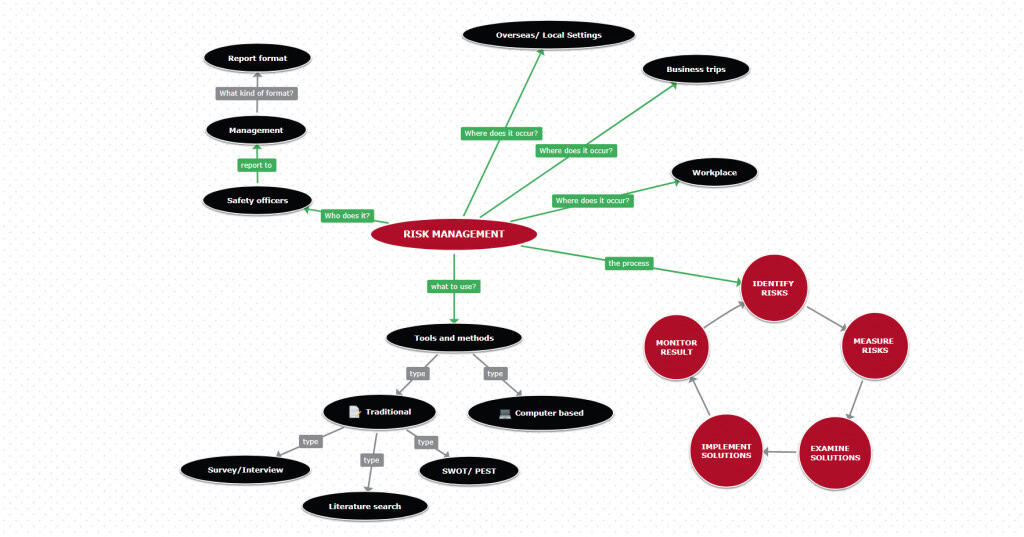
Concept Map for Risk Management
A business-oriented layout for identifying risks, their triggers, and mitigation steps in one connected view.
Concept Map Word Templates
Microsoft Word includes a built-in SmartArt feature that can produce a basic concept map without installing any additional software. Open the Insert tab, select SmartArt, and choose a hierarchy or relationship layout as your starting point, then customize the shapes and connectors to match the concepts you are documenting for your next report or presentation.
Two outside resources are worth bookmarking for downloadable Word-format templates:
- TemplateLab: A library of more than forty downloadable templates formatted specifically for Word, covering a range of concept map styles and complexity levels.
- EducationWorld: A direct-download template built for classroom use, useful for teachers who want a ready-made structure without building one from scratch.
Graphical Concept Map Canva Templates
Canva turns a simple concept map into a polished, presentation-ready graphic without requiring any design background. Its drag-and-drop editor, colour palettes, and typography controls let you take a rough structure built in Word or Google Docs and elevate it into something suitable for a client meeting or an executive audience within minutes of starting.
Canva’s concept map library spans a wide range of colour schemes and visual tones, giving you flexibility depending on your brand and audience. Options include layouts such as:
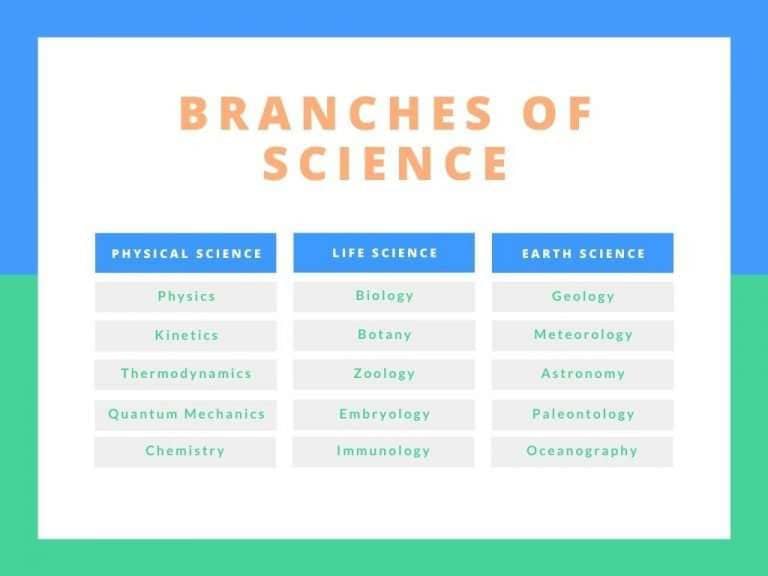
Blue And Green Concept Map Chart
A crisp, corporate layout that uses cool tones to establish clear visual hierarchies for business processes and professional presentations.
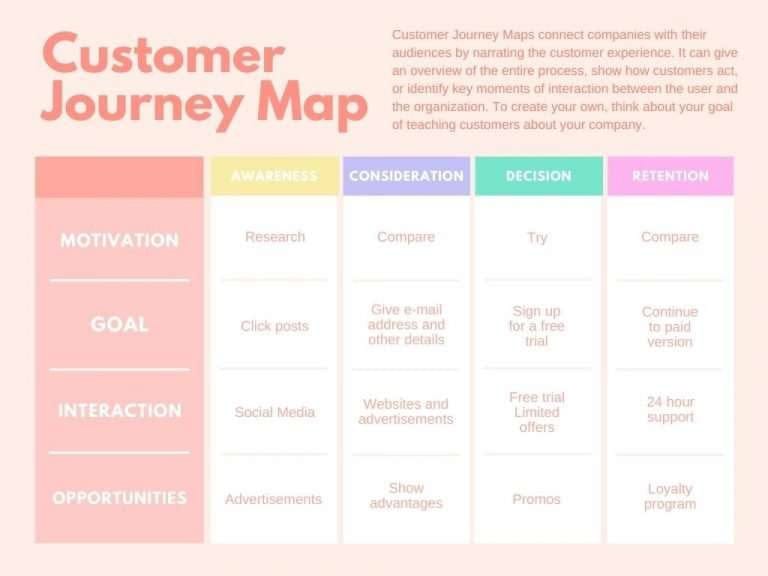
Peach And Pastel Concept Map Chart
A soft, modern palette ideal for creative brainstorming and human-centric workflows that require an approachable, inviting look.
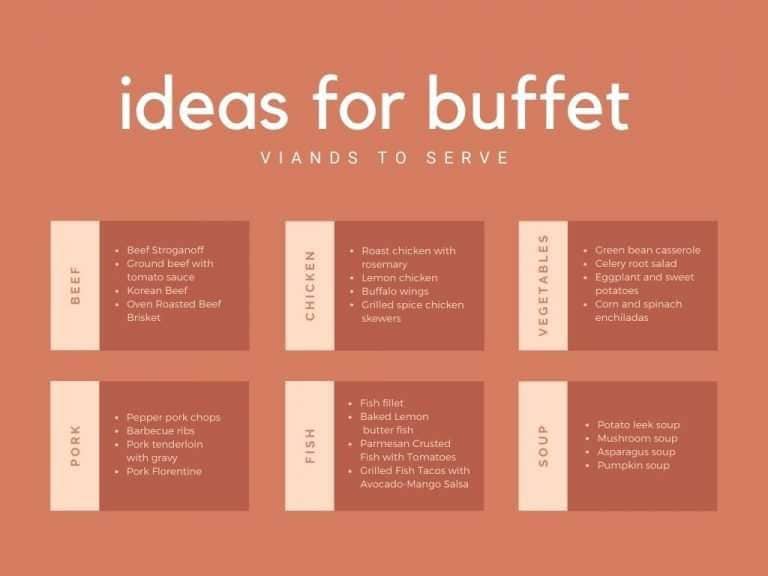
Burnt Sienna And Cream Concept Map
A warm, earthy aesthetic that brings a sophisticated, editorial feel to strategic planning and high-level summaries.
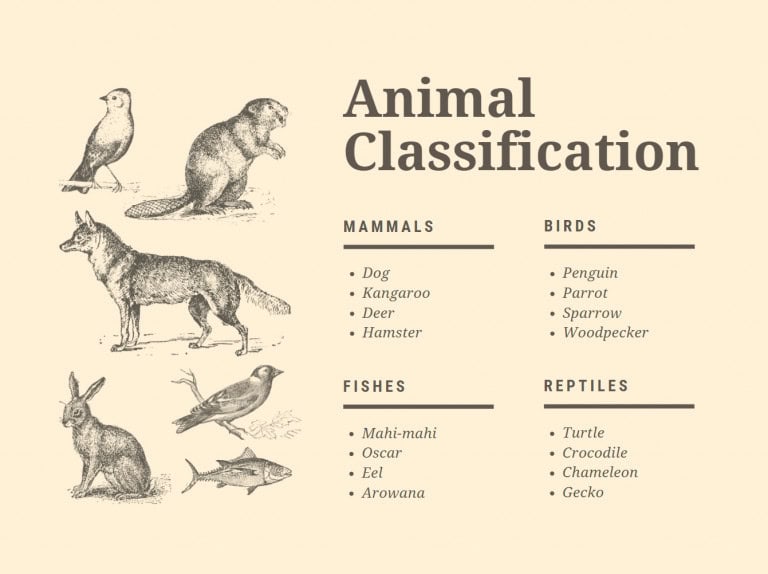
Cream Animals Concept Map Chart
A playful, engaging design tailored for educational content, storytelling, or biological topics centered around wildlife.
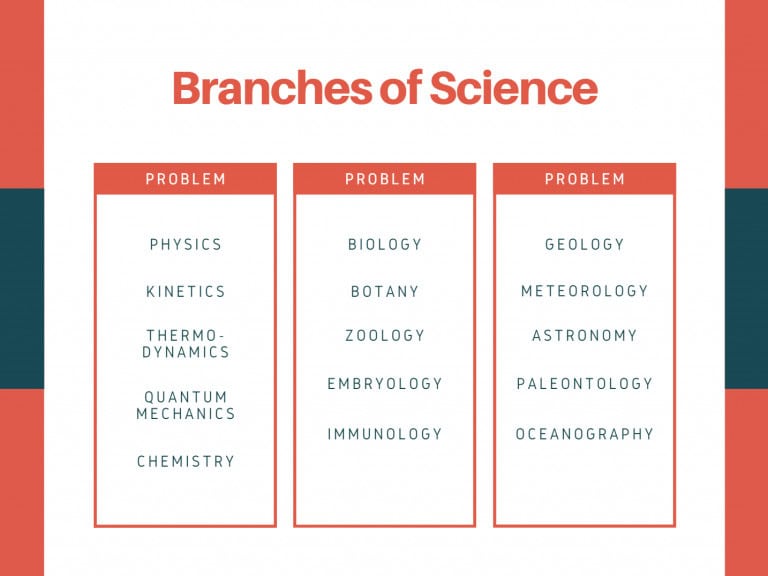
Red And Blue Concept Map Chart
A high-contrast layout that uses bold primary colors to emphasize critical paths, data dependencies, and contrasting ideas.
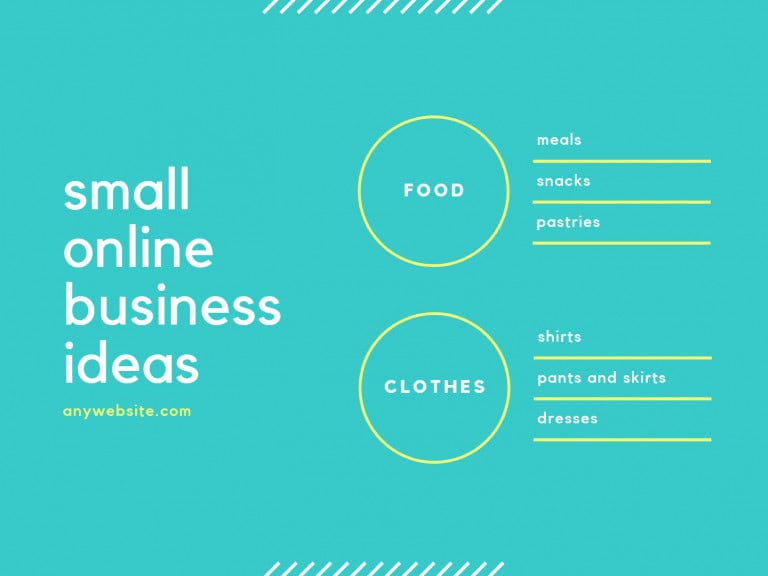
Aqua Concept Map
A fresh, vibrant theme that keeps the reader engaged, making it a great fit for marketing strategy and environmental or technology projects.
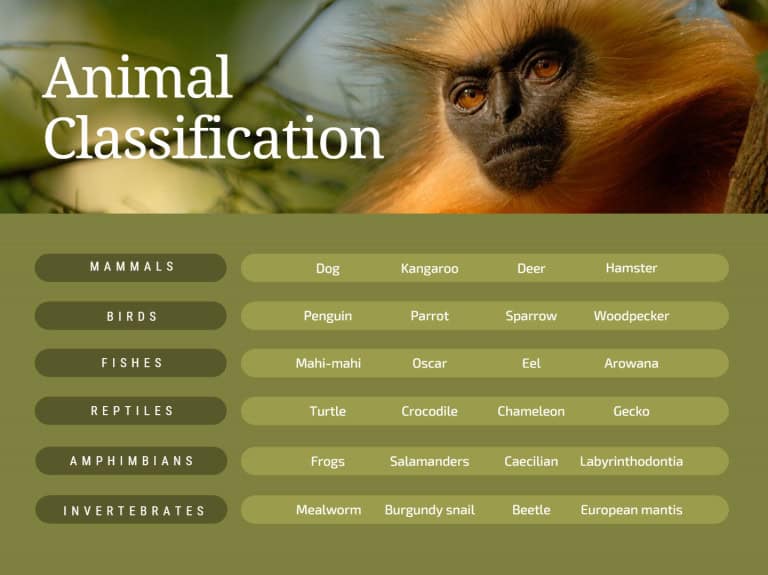
Olive Green Concept Map Chart
A muted, organic style designed for sustainability projects, agriculture, or any topic requiring a grounded, understated tone.
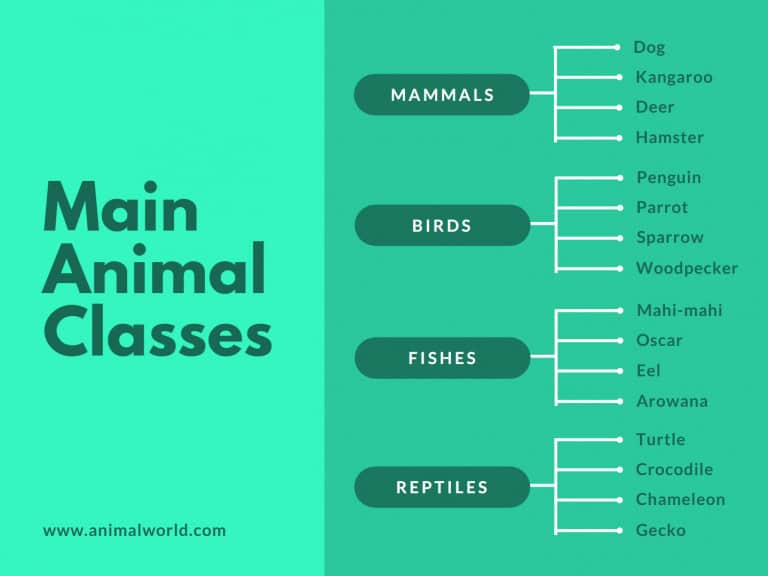
Green Concept Map Chart
A clean, nature-inspired palette that provides a sense of balance and flow, perfect for environmental science or growth-focused business models.
Each one of them is built around the same underlying structure with a different visual treatment. If a business presentation is on your calendar and design resources are not, Canva closes that gap quickly and reliably. You are not limited to the templates listed above either, since Canva’s search function surfaces dozens of additional concept map layouts once you know the visual style you want to build toward for your specific audience.
Concept Map Template in PDF
A printable, fill-in-the-blank template is often the fastest option when you need a handout ready before a class or workshop begins. These PDF options skip the software step entirely, which makes them useful for facilitators who want participants building their own maps by hand rather than watch a screen for the entire session together as a group.
A few PDF sources are worth keeping on hand for printouts:
- Reading Rockets Concept Map 1 and 2: Two single-layer templates with no instructions, suited for a quick classroom handout.
- ReadWriteThink Concept Map: A template for showing relationships between words, where arrows explain the connection and related terms can be grouped inside a shared circle or box.
Conclusion
A concept map turns scattered ideas into a structure your team can act on, whether you are running a workshop, documenting a system, or teaching a new topic. The right template depends less on personal preference and more on your audience, your collaboration needs, and how much technical precision the finished map actually requires from every contributor.
Lucidchart suits complex systems, Miro suits live collaboration, and Canva suits polished presentations, while Google Docs, Word, and PDF handouts cover lighter needs without new software. Start with the option that matches your current situation, then build the habit of mapping relationships before you commit to any plan, process, or curriculum going forward from today.
Frequently Asked Questions About Concept Maps
What are the different types of concept maps?
Concept maps come in several formats, including flow charts, UML diagrams, Venn diagrams, timelines, tables, and graphical diagrams. The right type depends on the problem you are solving. Ask yourself whether you need something quick for idea generation, something precise for communicating a complex system, or a fill-in-the-blank template for a repeatable process like patient assessment.
What are the elements of a concept map?
The core element of any concept map is a clearly defined hierarchy that organizes ideas from general to specific. Related items are grouped into branches representing concepts or sub-systems, and cross-links between those branches highlight dependencies that a simple list would miss. This structure is what separates a concept map from an unordered brainstorm.
What should a concept map include?
A concept map should include key concepts written inside shapes such as circles, boxes, or triangles, connected by arrows that show how the ideas relate. Before building the map, create a list of fifteen to twenty-five related ideas ranked from general to specific, sometimes called a parking lot, and describe each one in one or two words for clarity.
What is the purpose of a concept map?
A concept map exists to communicate relationships between ideas that would otherwise stay buried in a long document or a verbal explanation. It starts with a main idea and branches outward into specific topics, giving readers a fast, visual way to understand how each piece connects to the whole rather than reading through pages of unstructured text.
Where can I find a printable concept map template?
Several sites offer printable, fill-in-the-blank concept map templates ready for classroom or workshop use. Reading Rockets offers two single-layer templates with no instructions included, suited for quick handouts. ReadWriteThink offers a template designed to show relationships between words and concepts, where connecting arrows explain how two terms relate and related words can be grouped inside a circle or box.
Suggested articles:
- From Concept to Delivery: Top Tools for Efficient Video Project Management
- How to Plan a Food Service Project From Concept to Launch
- 8 Best Design Sprint Templates: The Complete Guide

Shane Drumm, holding certifications in PMP®, PMI-ACP®, CSM, and LPM, is the author behind numerous articles featured here. Hailing from County Cork, Ireland, his expertise lies in implementing Agile methodologies with geographically dispersed teams for software development projects. In his leisure, he dedicates time to web development and Ironman triathlon training. Find out more about Shane on shanedrumm.com and please reach out and connect with Shane on LinkedIn.