
As an ecommerce business, ads are always in demand for you. Whether it’s a new product rollout, a weekend sale, a seasonal promotion, or just a plain discount, it may be necessary to build another visual. But if it’s always a design from the ground up, it can get pretty tedious. Considering that, why not rely on AI for some of the job?
AI ad creative tools can help produce images, videos, ad copy, and variations of ads faster. While AI won’t take over the design process, it can help you create content that looks like your brand without you spending hours on each individual design. If you’re an ecommerce brand that’s looking for new ads often, here are 5 tools to explore.
1. Lapis
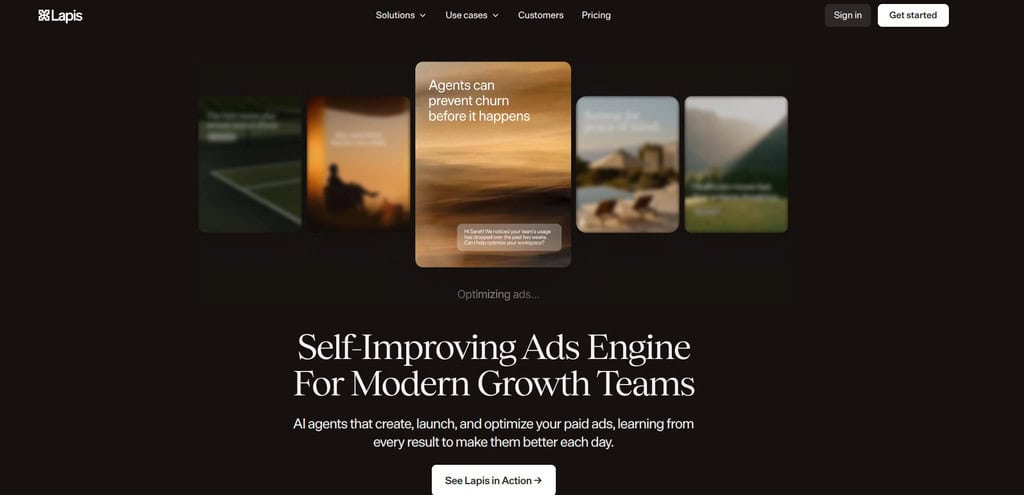
Lapis is an AI advertising platform that aids companies with various aspects of advertising. Can be used to develop creativity and campaign planning, launch, and optimisation. So, why is this beneficial for ecommerce brands? You can promote multiple products with varying offers and audiences simultaneously. Rather than undertaking each aspect of the process individually, Lapis can assist in bringing more of it coming together.
It can also be helpful if you want to run ad tests for various ad ideas. Instead of spending an excessive amount of time making each version manually, you can use AI to exponentially quicken the process and concentrate more on the concepts behind your campaigns.
These Lapis features suit stores with large, constantly changing product catalogs:
- Catalog Import: Sync Shopify or Amazon products into every ad.
- Platform Sizing: Export correctly sized creatives for Meta and Google.
2. AdCreative
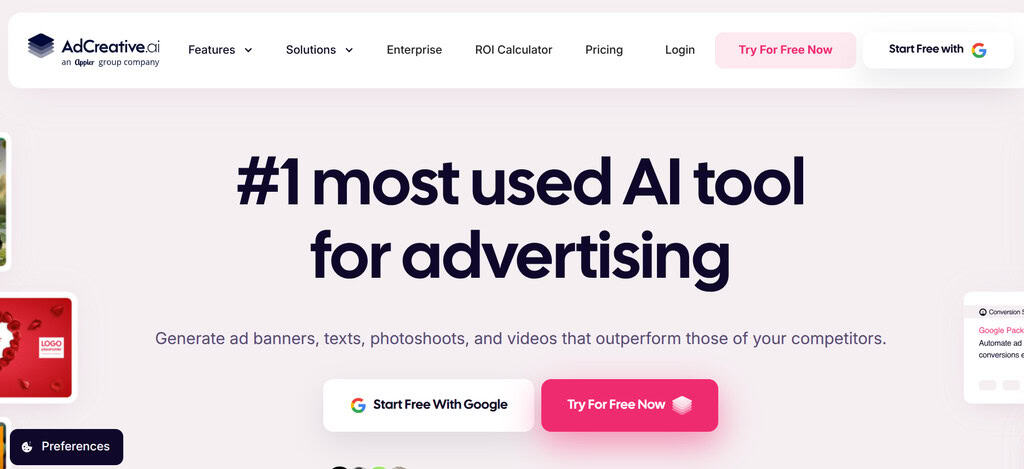
AdCreative is all about assisting businesses with creating advertising creatives with artificial intelligence. This can help to speed up the process if different designs for the same product are needed. Consider a product you would like to sell. Can you use just one ad? Probably not. Try using various images, headlines, layouts, or messages to see which ones grab people’s attention.
AdCreative is not a tool that is used to create all versions from scratch, but rather one that is used to produce an increased number of creative options within a shorter amount of time. This allows you to test things out without having to create the design in the first place.
Two capabilities make managing that creative variety noticeably easier for busy teams:
- Creative Scoring: Predict which designs may perform better before spending.
- Product Photoshoots: Turn plain product photos into polished visuals.
3. Canva
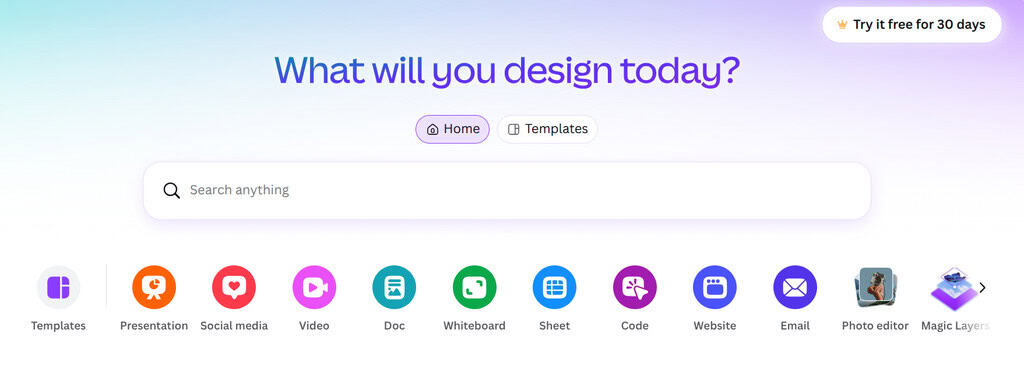
Even if you’re not a professional designer, Canva is a popular design tool that can make creating marketing content easier. It can also accelerate various aspects of the creative workflow with its AI capabilities. Canva can be beneficial for ecommerce brands for generating product ads, promotions, social media posts, and more. Use a template as a starting point, upload your product pictures, modify the content, and customize the template to fit your brand.
However, brands exploring Best Canva Alternatives can also find other design tools with different AI features and creative workflows. The interface is user-friendly, which is one of the many reasons it’s useful for small businesses. Looking for a quick sale post or product announcement? Not all of it has to be created from scratch.
Small teams usually value these two Canva strengths for everyday promotional work:
- Template Library: Ready-made layouts remove blank-canvas pressure.
- Brand Consistency: Saved logos, colors, and fonts keep promotions recognizable.
4. Creatify

Creatify is an AI-powered solution for generating advertisements faster for businesses. Can be beneficial for ecommerce brands that produce material for their items frequently. Suppose you have several products that each require new advertising. Preparing each video or creative from scratch might take a considerable amount of time. You can get a head start on that process by using Creatify, which you can customize as per your brand.
This is particularly useful when you need to follow numerous promotions. You can better concentrate on picking the correct product, offers, and concepts to promote, rather than making content for the most part of the day.
Creatify adds these practical shortcuts for video-focused advertisers running many promotions:
- URL-to-Video: Paste a product link and receive an editable video ad.
- Batch Variations: Create several versions at once.
5. Predis
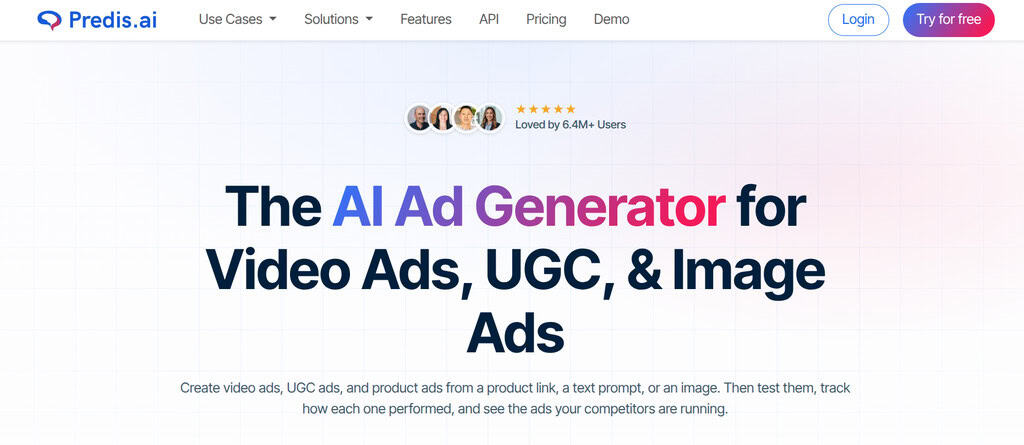
Another AI tool that can aid businesses in creating marketing and social media content is Predis. For ecommerce brands, it can be beneficial if you are always on the go and need to actively promote products on the internet on a regular basis. The one thing that is a huge problem for ecommerce businesses is keeping up with content. What do you want to post today? What about tomorrow? But how do you keep everything together?
Predis helps keep that daily publishing rhythm manageable through these two features:
- Content Scheduling: Plan and auto-post from one calendar.
- Competitor Insights: Review rival ad formats before launching yours.
How to Select the Proper Tool?
So, which of these tools should you use? This depends on how much time you spend on it. For support in the broader advertising process, Lapis might be a fit. For those primarily focused on ad creatives, AdCreative comes in handy. Canva is a more versatile tool for general design, while Creatify and Predis can speed up the creation of marketing content.
As a first step, consider what your real issue is before picking one. Looking for some more creative ideas? Faster designs? More ad variations? With a clear understanding of what’s holding you back, selecting the right AI tool gets that much easier.
Final Thoughts
Internet marketing can be challenging when you constantly require new content to keep customers engaged across multiple platforms. The repetitive nature of these tasks, from designing product images to writing fresh ad copy, can be relieved with AI ad creative tools. These tools enable you to produce more content within a shorter period, freeing up time for strategy and creative direction.
The intent is not for AI to take over everything. Use it on the repetitive parts of your workflow that need to be quickened up, like resizing, drafting variations, or generating first-pass copy. Then layer in your own ideas, brand style, and creativity to shape the final result. In this manner, you can develop ads with ease without making your brand appear like everyone else’s.
Frequently Asked Questions About AI Ad Creative Tools
What are AI ad creative tools?
AI ad creative tools turn a product link, prompt, or image into ready-to-edit ads, including images, videos, and copy. They rely on templates and automation to handle resizing, layout, and basic design work. Ecommerce brands use them to produce more variations in less time, test different messaging, and keep up with frequent promotions across multiple platforms.
Can AI ad tools replace a designer?
Not entirely. AI speeds up repetitive production, but human judgment still shapes brand style, offers, and campaign concepts.
Which AI ad tool is best for beginners?
Canva is a sensible starting point for beginners because its interface is friendly, its templates remove blank-page pressure, and its drag-and-drop editing requires no design experience. New users can upload product photos, tweak existing layouts, and publish professional-looking ads quickly. Other tools on this list suit more specific ad needs, like video creation or catalog-based campaigns.
Do these tools work for video ads?
Yes. Creatify is built specifically for turning product links into editable video ads within minutes. Predis and AdCreative also generate video creatives alongside static images, giving ecommerce brands flexibility to test different formats. This makes it easier to keep up with promotions across platforms like Instagram, TikTok, and Facebook without filming new footage each time.
Are AI-generated ads safe to use commercially?
Most platforms license generated creatives for commercial use, but terms differ depending on the subscription tier or plan you choose. Some tools restrict usage rights for free accounts or require attribution. Always read each tool’s terms of service carefully, check for platform-specific restrictions, and review every ad before publishing to avoid licensing issues.
Suggested articles:
- 11 Creative Agencies Driving Performance with Data-Backed Ads
- 9 Best eCommerce Agencies for Project Managers in 2026
- The 5 Best Ways Ecommerce Digital Marketing Improves Project Success

Daniel Raymond, a project manager with over 20 years of experience, is the former CEO of a successful software company called Websystems. With a strong background in managing complex projects, he applied his expertise to develop AceProject.com and Bridge24.com, innovative project management tools designed to streamline processes and improve productivity. Throughout his career, Daniel has consistently demonstrated a commitment to excellence and a passion for empowering teams to achieve their goals.