

A construction project manager can watch a crew clock in every hour correctly and still not know which jobs made money. The problem is usually the time tracking app. Either it records shifts but not which project each hour belongs to, or it costs more per head than a small contractor can justify.
This guide compares six time tracking apps on what project managers running field crews ask about most: what they cost for a real crew, and how easy they are for workers to use. Each one is also checked for how it ties hours to projects, so you can track labor costs against each project budget. Prices were checked on October 12, 2026, and use monthly billing unless noted.
What Makes a Contractor Time Tracking App Affordable and Easy to Use
“Affordable” means the total monthly bill at your headcount, not the headline per-user rate. Several apps add a monthly base fee on top of per-user pricing, which can double the per-person cost for a small crew. Others offer free plans with user caps or locked features. Price the plan you would actually need, for the crew you actually have.
“Easy to use” means a worker can clock in correctly on a muddy job site without calling the office. Look for:
- One-tap clock-in on the iPhones and Android phones crews already carry
- A shared tablet kiosk for workers without a company phone
- A GPS stamp at clock-in and clock-out, so the office can see which site an entry came from
- A job or project picker short enough to use on a phone
- An export the office can send to payroll without retyping hours
For labor job costing, the time tracking app must record which project each hour belongs to. Some apps then calculate costs inside the app. Others export hours by job so you apply labor rates in a spreadsheet or accounting system. Either approach works if it fits how your office already runs.
Quick Comparison: Cost, Ease of Use and Job Costing
For a 10-person crew, monthly costs on this list range from $0 on free plans to $130 on base-fee plans. The estimate column uses the cheapest plan that fits 10 workers.
| App | Entry price | Free option | Est. monthly cost, 10-person crew | Job cost tracking | Best for |
| ezClocker | $15/month for up to 15 employees | 30-day free trial | $15 | Timesheet exports grouped by project | Small crews that want a low flat price |
| Connecteam | $35/month for the first 30 users (Operations Basic) | Free plan for up to 10 users | $0 (free plan) | Time clock tied to jobs | Teams that will stay at 10 or fewer |
| Jibble | From $2.99 per user/month (Premium) | Free plan, unlimited users | $0 (free plan) | Time logged to projects and clients | Larger crews on a tight budget |
| busybusy | Paid plans per active user | Free plan for up to 100 users | $0 (free plan) | Labor and equipment time by job | Construction crews that track equipment |
| ClockShark | $40/month + $9 per active user | 14-day free trial | $130 | Job and task tracking; advanced controls on Pro | Growing crews that need scheduling |
| QuickBooks Time | $20/month + $10 per user | Free trial | $120 | Estimates vs. actuals on Elite | Contractors already using QuickBooks |
Free plans carry feature or user limits, so check what is included before you commit.
The 6 Best Time Tracking Apps for Contractors
1. ezClocker: Best for Small Crews That Want a Low Flat Price
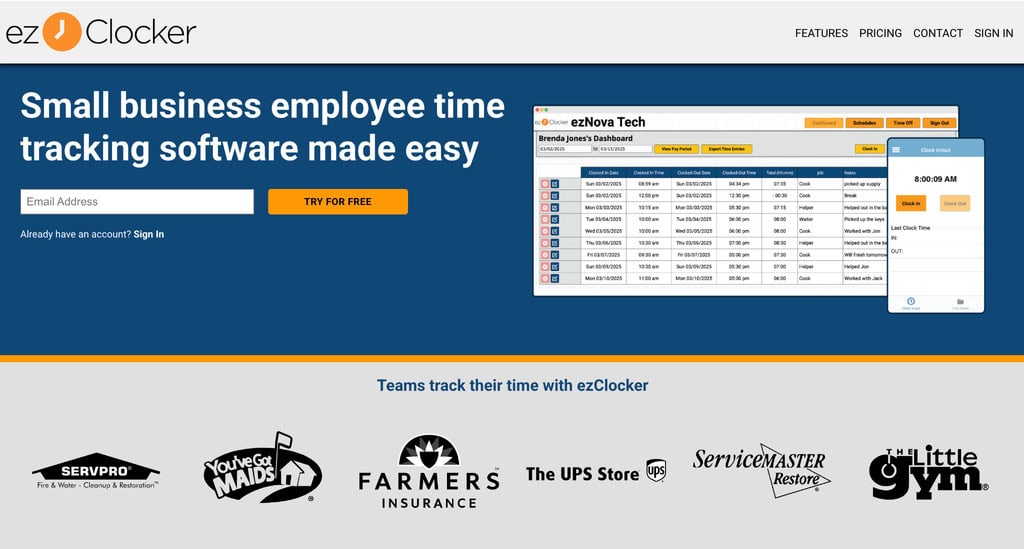
ezClocker is a mobile time clock for contractors running crews across several job sites. Workers clock in with one tap on Apple or Android devices, and the app saves a GPS stamp at clock-in and clock-out. For labor costs, the office exports timesheets showing hours logged on specific jobs, then groups them by project to see total hours per job.
- Price: $15/month for up to 15 employees, 20% off on a yearly plan, 30-day free trial
- Ease of use: Built for crews that aren’t tech-savvy; any tablet can work as a shared kiosk
- Trade-off: Job costing runs through timesheet exports, so plan where labor rates get applied
2. Connecteam: Best for Teams That Will Stay at 10 or Fewer
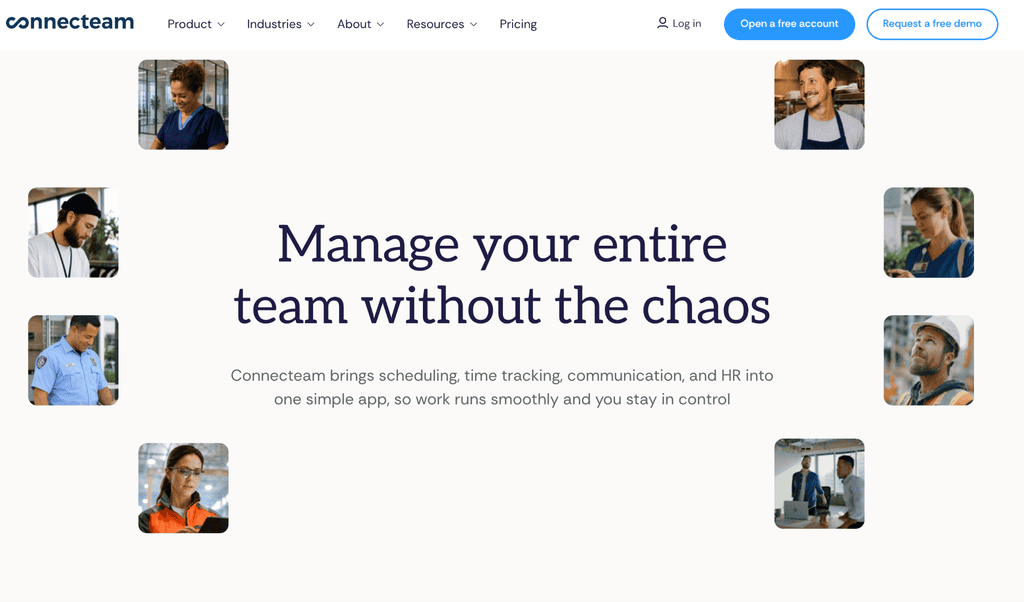
Connecteam’s Operations Hub puts a time clock, job scheduling, forms, and tasks in one app. Its free Small Business plan covers up to 10 users, which is hard to beat for a crew that stays small. Costs step up past 10 users, and each hub is priced separately.
- Price: Free for up to 10 users; Operations Basic is $35/month ($29 billed annually) for the first 30 users
- Ease of use: GPS clock-in from a phone on paid plans, with schedules in the same app
- Trade-off: Adding more than one hub multiplies the monthly cost
3. Jibble: Best for Larger Crews on a Tight Budget
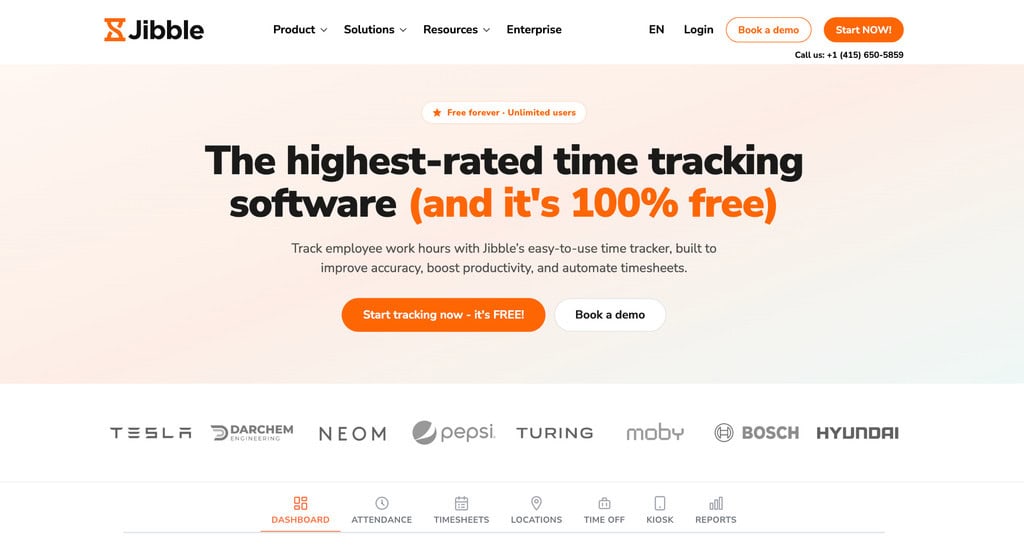
Jibble’s free plan offers unlimited time tracking for an unlimited number of users, with GPS clock-in from a phone or a shared kiosk. Workers log time against projects and clients, so reports show hours per job. Paid tiers add unlimited geofences, work schedules, and extra managers.
- Price: Free for unlimited users; Premium from $2.99 per user/month
- Ease of use: Phone or shared kiosk clock-in, with no user cap on the free plan
- Trade-off: Unlimited admins and managers require Premium
4. busybusy: Best for Construction Crews That Track Equipment
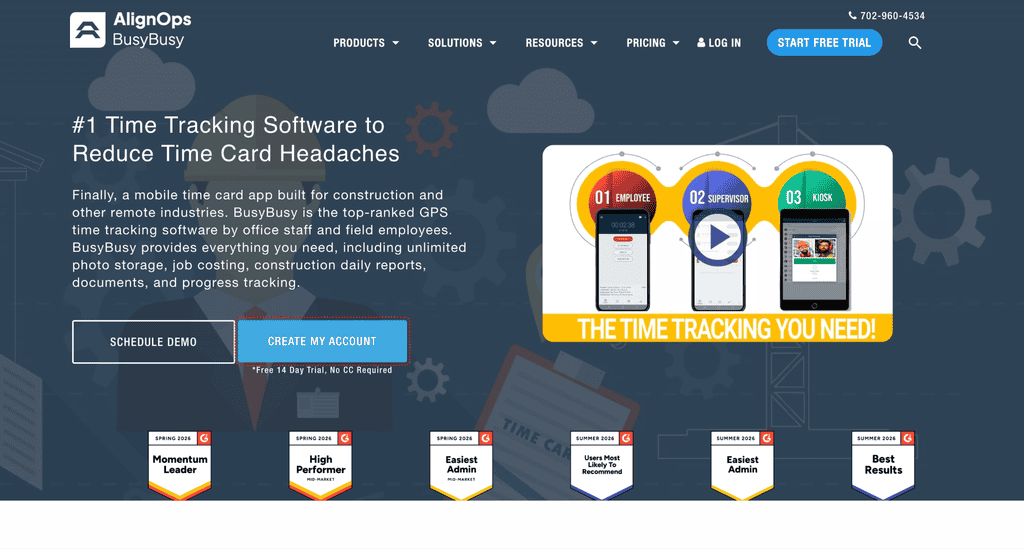
busybusy is built for crews that spend most of the day in the field. Workers clock in from their phones, and the app records labor and equipment time against jobs. Its free plan covers up to 100 users, with paid tiers billed per active user.
- Price: Free for up to 100 users; paid plans billed per active user
- Ease of use: Phone clock-in with GPS verification for field crews
- Trade-off: Advanced supervisor tools sit on paid plans
5. ClockShark: Best for Growing Crews That Need Scheduling
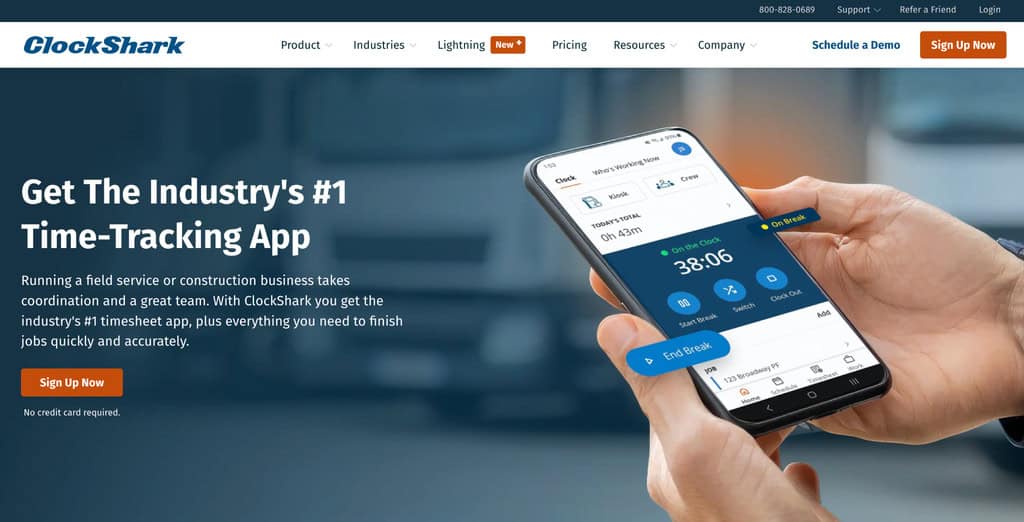
ClockShark combines GPS time tracking, job and task tracking, and drag-and-drop crew scheduling. It charges a monthly base fee plus a fee per active user, so inactive workers don’t add to the bill. The base fee raises the per-head cost for very small crews.
- Price: Standard is $40/month + $9 per active user; Pro is $60/month + $11 per active user
- Ease of use: Built-in Spanish-language support and mobile apps for field crews
- Trade-off: Advanced job costing controls and PTO require Pro
6. QuickBooks Time: Best for Contractors Already Using QuickBooks
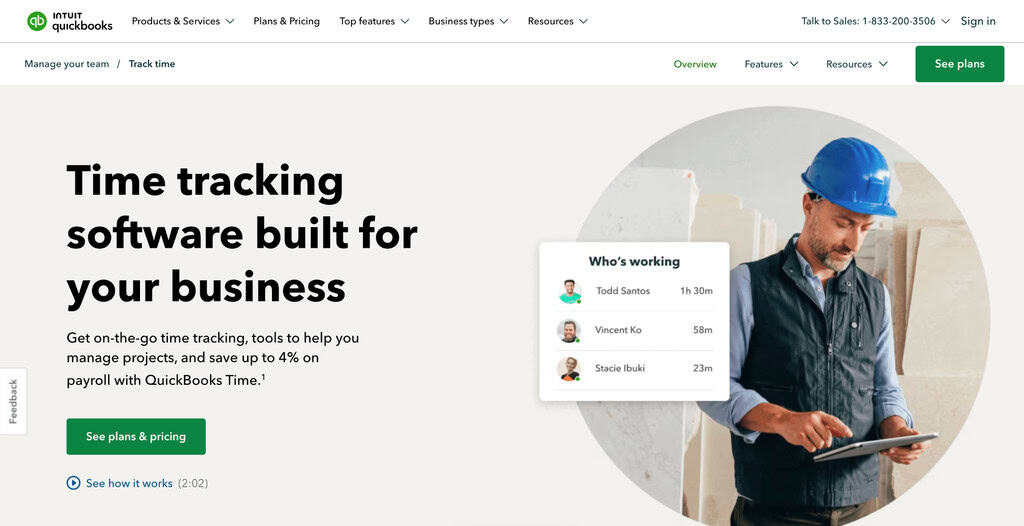
QuickBooks Time (formerly TSheets) syncs approved hours with QuickBooks payroll and invoicing. Premium includes GPS while clocked in, geofencing reminders, scheduling by job, and a time kiosk. Elite adds project tracking and project estimates versus actuals.
- Price: Premium is $20/month + $10 per user; Elite is $40/month + $12 per user
- Ease of use: Mobile app and shared kiosk, familiar for QuickBooks users
- Trade-off: Per-user fees rose by $2 on July 1, 2026, so costs add up quickly
How to Track Labor Job Costs on Every Project
An app only produces useful job costs if every hour lands on the right project. Set up these habits before the first pay period.
- Give Each Job One ID: Use the same project ID in the estimate, the time app, and your accounting system, such as JOB-101 and JOB-102. Keep task codes short enough to pick on a phone.
- Switch Jobs in the App, Not From Memory: Picture a worker who installs on JOB-101 from 7:00 to 11:30 and finishes on JOB-102 from 12:30 to 4:00. That worker should end the day with 4.5 hours on one job and 3.5 on the other. Code the material pickup and lunch separately. For U.S. employees, Department of Labor guidance treats a plumber’s travel from customer to customer as hours worked, so keep travel visible in the record.
- Apply a Documented Rate: Intuit’s project-cost guidance describes estimated hourly cost as hours worked multiplied by a fixed per-employee rate. A loaded rate adds employer costs to wages; Intuit gives taxes and workers’ compensation insurance as examples.
This hypothetical example uses straight-time rates in USD. The rates are instructional assumptions, not benchmarks.
| Worker | Wage rate | Loaded rate | JOB-101 hours | JOB-102 hours | JOB-101 loaded cost | JOB-102 loaded cost |
| Alex | $30 | $40 | 6 | 2 | $240 | $80 |
| Sam | $25 | $35 | 4 | 4 | $140 | $140 |
| Total | 10 | 6 | $380 | $220 |
JOB-101’s $380 loaded labor cost can now be compared with its labor budget in your spreadsheet or construction accounting software. Before treating these figures as payroll cost, run overtime through payroll. Covered, nonexempt U.S. employees earn overtime for hours over 40 in a workweek, and switching project codes doesn’t restart that count.
How to Pick the Right App for Your Crew
Start with your headcount for the next year, not today. A free plan capped at 10 users can turn into a paid plan the month you hire an eleventh worker, and base-fee apps cost less per head as a crew grows.
- Price the Plan You Need: Add any base fee to the per-user cost at your real headcount. Confirm the plan includes job tracking and the export your payroll process accepts.
- Pilot it for One Pay Period: Run the app on two live projects with the workers who will use it. Time a normal clock-in, switch jobs mid-day, and test how a missed clock-out gets corrected.
- Test the Office Handoff: Export the job report, check it against approved hours, and send it through payroll. Note any reformatting the office must do before payroll can use the file.
Conclusion
The right time tracking app depends on your crew size and how much job costing you want handled automatically. Small crews may find a flat-price option like ezClocker hard to beat, while larger teams on a budget can lean on Jibble’s unlimited free plan. Crews already running QuickBooks or juggling multiple job sites with equipment may prefer the deeper integrations that QuickBooks Time or busybusy offer.
Whichever app you choose, the real payoff comes from consistent habits: assign every job a clear ID, require workers to switch job codes in real time, and apply a documented loaded rate to every hour. Get those pieces right, and any of these six apps can turn scattered timesheets into labor costs you can actually trust.
FAQs
What time tracking app helps contractors track labor job costs?
Look for an app that records which job each hour belongs to and exports hours by project. All six apps above do that. They differ on monthly cost, ease of use for field crews, and how much costing happens inside the app versus in your spreadsheet or accounting system.
How much does a contractor time tracking app cost?
For a 10-person crew, prices on this list run from $0 on free plans to about $130 a month on apps with a base fee plus per-user pricing. Flat-price and free plans are usually the cheapest for small crews.
Does travel between job sites count as paid time?
For U.S. employees, Department of Labor guidance treats travel between job sites during the workday as hours worked. Normal travel from home to the first site generally isn’t. Check the rules for your state and your workers’ status.
Do I need GPS tracking?
GPS stamps help the office confirm which site an entry came from when a job code looks wrong. They record location at clock-in and clock-out, without showing what work was done or where a worker was between punches.
Suggested articles:
- Top 11 Best Time Tracking Tools to Improve Teamwork
- Make Every Minute Count: Billing and Time Tracking for IT Consultants
- Top 10 Cons & Disadvantages of Time Tracking

Daniel Raymond, a project manager with over 20 years of experience, is the former CEO of a successful software company called Websystems. With a strong background in managing complex projects, he applied his expertise to develop AceProject.com and Bridge24.com, innovative project management tools designed to streamline processes and improve productivity. Throughout his career, Daniel has consistently demonstrated a commitment to excellence and a passion for empowering teams to achieve their goals.