
A buyer fills in a form at 4:55 on a Friday, and nobody sees it until Monday. By then, a competitor has already replied, booked a call, and sent a proposal. Most sales teams lose deals this way, not through weak products. The fix sounds technical. In practice, it behaves like any other project, with a scope, owners, phases, and a baseline.
- Treat Intake as a Project: Lead intake spans forms, inboxes, routing, and first replies, so it needs a scope, a sponsor, and a baseline like any other project.
- Measure Before You Automate: Record the share of leads answered within an hour and rep admin hours before changing anything.
- Phase the Rollout: Start with auto-routing, instant replies, and response-time tracking, then automate logging and AI qualification.
- Protect Adoption: Involve reps in the design, clean the data first, and never automate a broken process.
This guide walks a project manager through a CRM automation project from the first intake map to the before-and-after report. It covers why intake has become a project problem, how to scope it, who belongs on the stakeholder map, how to phase the work, what to measure, and which risks sink these projects. A worked example, a checklist, a video, and FAQs close it out.
1. Why Lead Intake Is Now a Project Problem
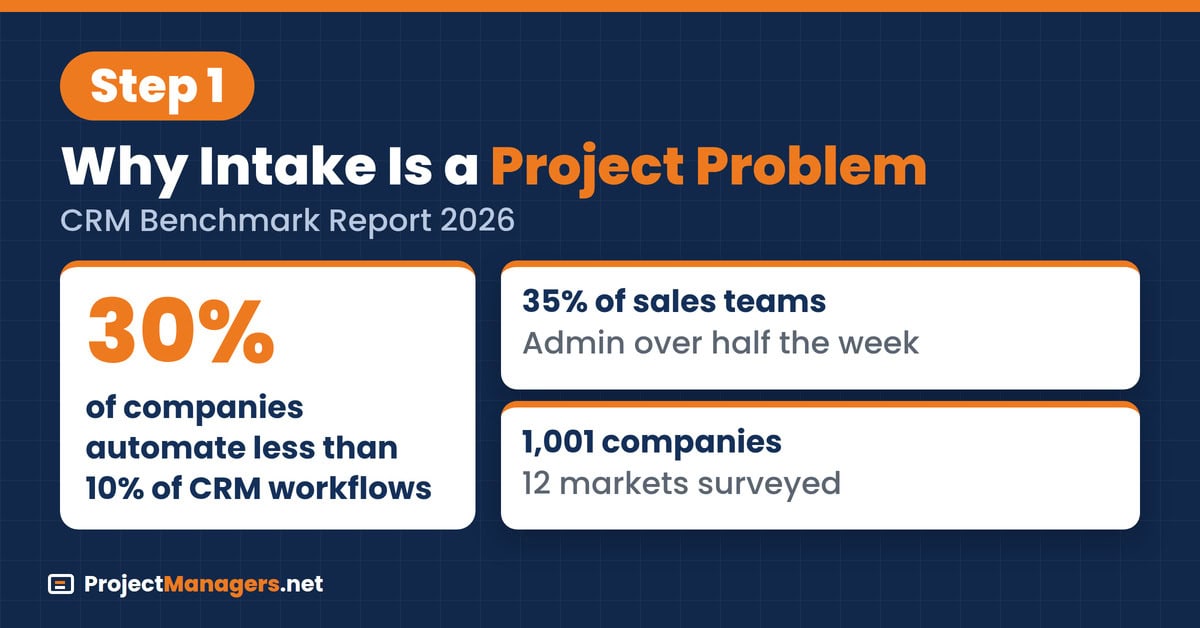
According to Bitrix24’s CRM Benchmark Report 2026, a survey of 1,001 companies in 12 markets, about 30% of companies automate less than 10% of their CRM workflows. About 35% of sales teams spend more than half the week on admin. Those two numbers describe the same gap: leads arrive faster than people can sort, route, and log them.
Buying behavior makes the gap more expensive. Gartner’s March 2026 survey of 646 buyers found that 67% prefer a buying experience without a sales rep, and 45% used AI during a recent purchase. When a buyer, or a buyer’s AI assistant, asks several vendors the same question, the vendor that answers first and accurately often sets the shortlist. The signs that intake has become a project problem are familiar:
- Leads Wait in Shared Inboxes: Form submissions land in a mailbox nobody owns outright.
- Reps Retype Data: Contact details move from email to CRM by hand, one field at a time.
- Nobody Tracks Response Time: The team cannot say how long a new lead waits for a first reply.
- Fixes Never Finish: Small automation tweaks start and stall because nobody owns the whole flow.
Real-Life Example: A software reseller with twelve reps kept adding web forms for each campaign, and each form fed a different inbox. When the sales director asked how fast leads were answered, no one could say. Treating intake as a project, with a sponsor, a scope, and a three-month plan, gave the team its first single view of every new lead within two weeks.
2. Scope the Project and Set a Baseline
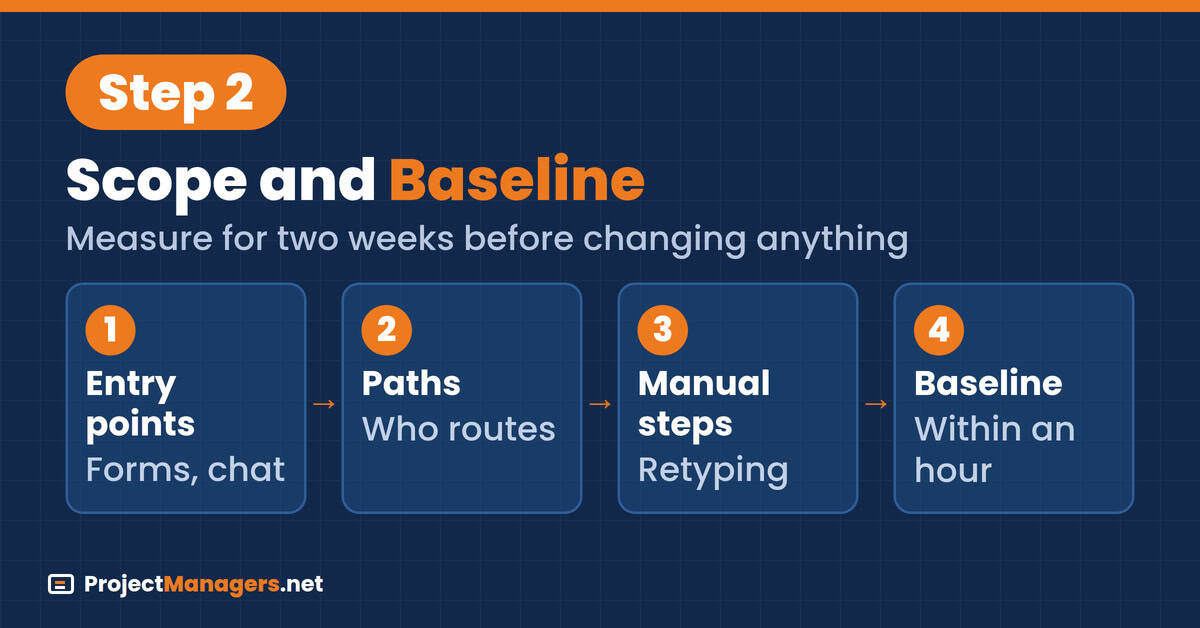
Scope starts with a map of how a lead travels today. Trace every entry point, from web forms and chat to shared inboxes, phone calls, and event lists. Follow each one through routing to the first reply, and note every manual step and handoff. The map defines the project boundary, and it usually exposes entry points that nobody on the team knew existed.
Then pick one baseline metric the sponsor cares about, such as the share of leads answered within an hour. The benchmark report gives a reference point: 68% of English-speaking companies answer a new lead within an hour, while the slowest large markets in the study sit near 36%. Measure your own number for two weeks before any automation goes live, so the project has an honest starting line:
- List Every Entry Point: Forms, chat, email, phone, events, and partner referrals.
- Trace Each Path: Who sees the lead first, who assigns it, and who replies.
- Mark Manual Steps: Copying, forwarding, retyping, and waiting for approval.
- Record the Baseline: Share of leads answered within an hour, measured for two weeks.
Real-Life Example: A training company mapped its intake and found seven entry points, two of which forwarded leads to a former employee’s mailbox. Its two-week baseline showed only 41% of leads answered within an hour. That single number became the project’s headline target, and it was the figure the sponsor asked about at every steering meeting until the rollout ended.
3. Map the Stakeholders
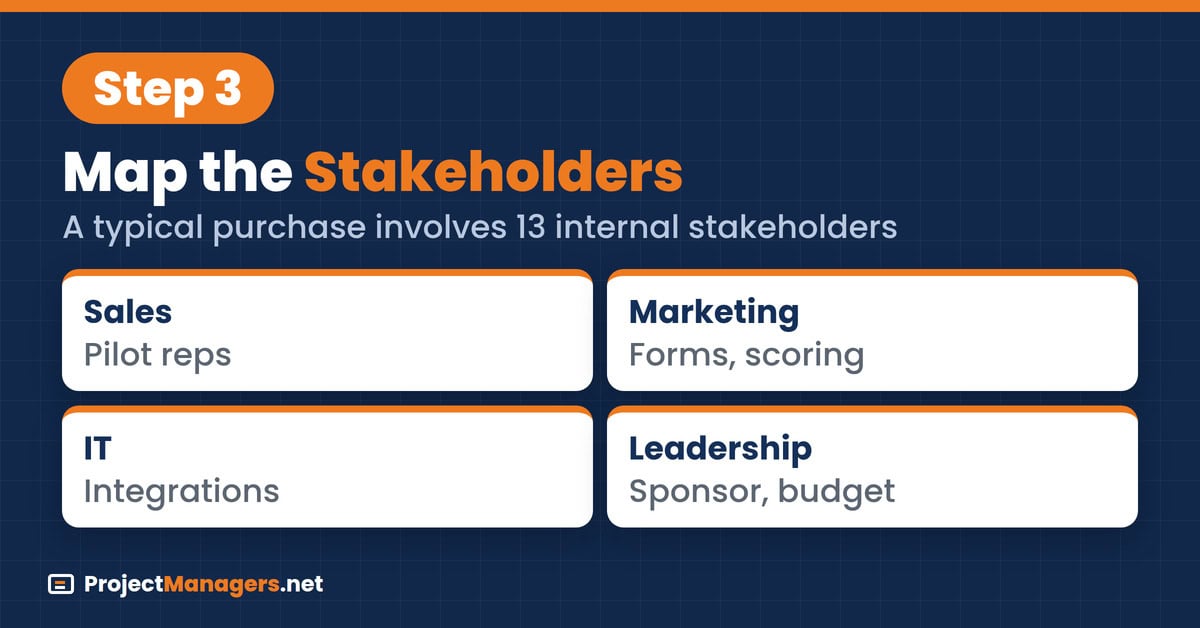
A CRM automation project touches more people than its name suggests. Sales owns the reps who will use the new flow, marketing owns the forms and campaigns that create leads, IT owns integrations and data, and leadership owns the budget and the targets. Each group defines success differently, so the project manager has to make those definitions visible early.
Buying decisions are getting more crowded too. Forrester’s State of Business Buying 2026 found that a typical purchase now involves 13 internal stakeholders and nine external influencers. A team selling into committees that large needs intake that captures who is asking and why. A short stakeholder map keeps the project aligned on those needs:
CRM Automation Stakeholder Map
| Stakeholder | What They Need | Their Role in the Project |
|---|---|---|
| Sales | Fewer manual steps and faster, cleaner leads | Design reviews, pilot users, adoption |
| Marketing | Reliable attribution and lead quality feedback | Form changes, campaign tags, scoring rules |
| IT | Secure integrations and clean data | Connectors, permissions, duplicate rules |
| Leadership | Revenue impact and a clear payback | Sponsor, budget, target sign-off |
- Name One Sponsor: Usually the sales leader, who signs off targets and settles trade-offs.
- Recruit Pilot Reps: Two or three respected reps test every change before rollout.
- Agree on Definitions: Settle what counts as a lead, a qualified lead, and a reply.
Real-Life Example: A logistics software firm ran its first intake workshop with sales only. Marketing then launched a campaign with a new form the routing rules did not recognize, and 300 leads sat unassigned for four days. The project manager rebuilt the stakeholder map with marketing and IT in every design review, and no campaign launched without a routing test afterward.
4. Plan the Phases: Quick Wins First
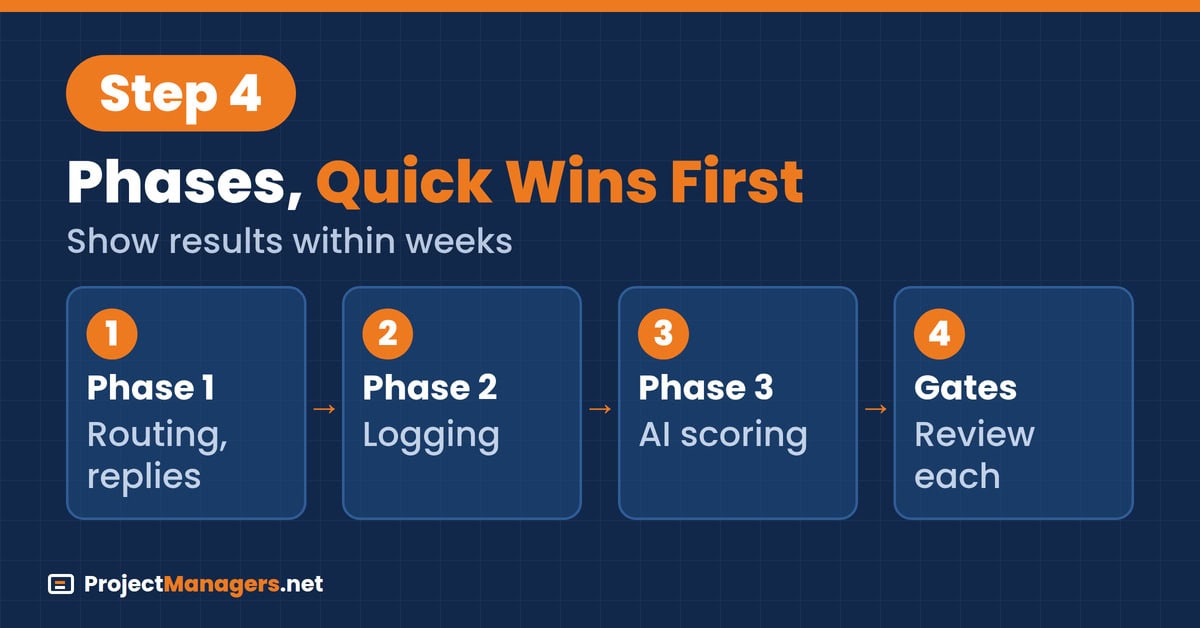
Phasing protects the project from its own ambition. Quick wins come first because they show results within weeks and build trust with reps: auto-routing to the first available rep, instant acknowledgment replies, and response-time tracking with alerts. Logging automation follows once routing is stable. AI qualification comes last, because it depends on clean data and agreed definitions from the earlier phases.
- Phase 1, Quick Wins (Weeks 1 to 4): Auto-routing, instant replies, and a response-time dashboard with an alert for unanswered leads.
- Phase 2, Logging Automation (Weeks 5 to 10): Automatic activity capture, duplicate checks, and mandatory fields at entry.
- Phase 3, AI Qualification (Weeks 11 to 16): Lead scoring and qualification rules, tested against the pilot reps’ own judgment.
- Phase Gate Reviews: A short review after each phase, comparing results with the baseline before the next phase starts.
Real-Life Example: A managed IT provider launched auto-routing and instant replies in its first three weeks. The share of leads answered within an hour rose from 52% to 81%, which won over the skeptical reps before logging automation began. When AI scoring arrived in month four, the reps had already seen two phases deliver, so they tested the scores instead of ignoring them.
5. Measure Success Before and After
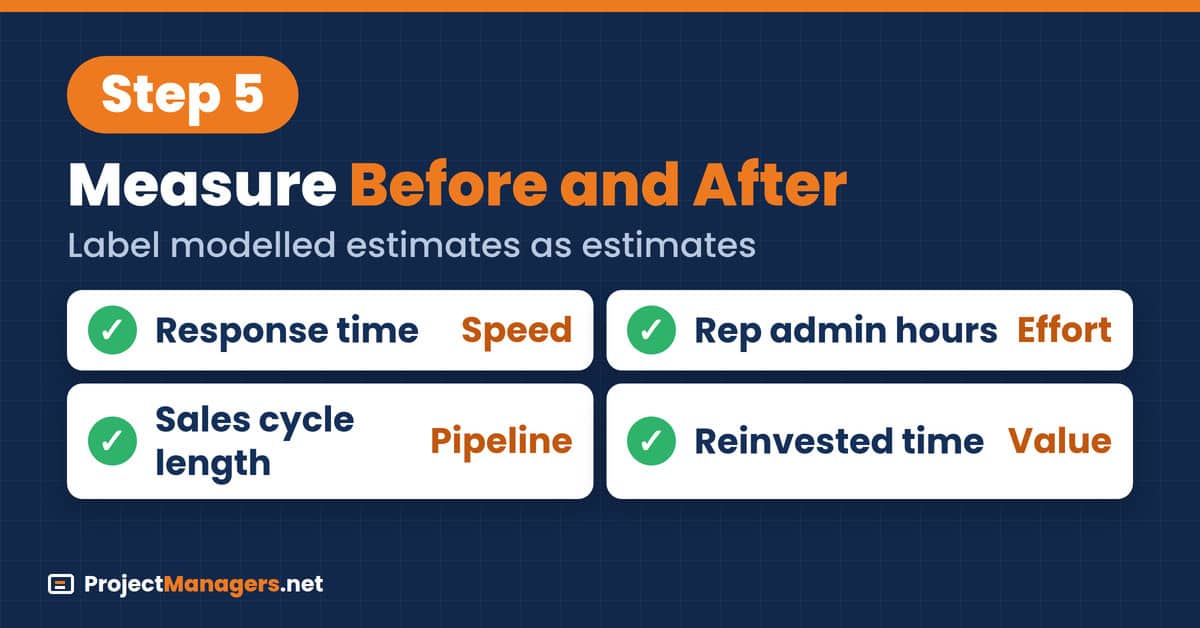
Three measures tell the project whether it worked: response time, rep admin hours, and sales cycle length. Record all three before the first phase and again after each phase gate. Response time shows intake speed, admin hours show whether manual work really fell, and cycle length shows whether faster intake reached the pipeline. They sit well beside broader project execution metrics.
The benchmark report models up to about 14 hours a week returned to each rep in high-friction teams. That figure is a modelled estimate, not a measurement: it assumes admin falls from at least 20 hours to about 6 hours a week. Gartner’s May 2026 survey found AI tools save sellers 4.8 hours a week on average, yet 72% of sales organizations fail to reinvest that time:
- Response Time: Share of leads answered within an hour, plus the median first-reply time.
- Rep Admin Hours: A one-week time log from pilot reps before and after each phase.
- Sales Cycle Length: Median days from first reply to closed deal, compared quarter-over-quarter.
- Reinvested Time: Where the saved hours went, such as more calls or more demos.
Real-Life Example: A marketing agency logged rep admin time for one week before the project and found an average of 17 hours. After logging automation, the same reps logged 9 hours. The project manager reported 8 hours saved, not the 14-hour ceiling from the benchmark, and agreed with the sales director to move those hours into scheduled prospecting blocks.
6. Common Risks and How to Handle Them
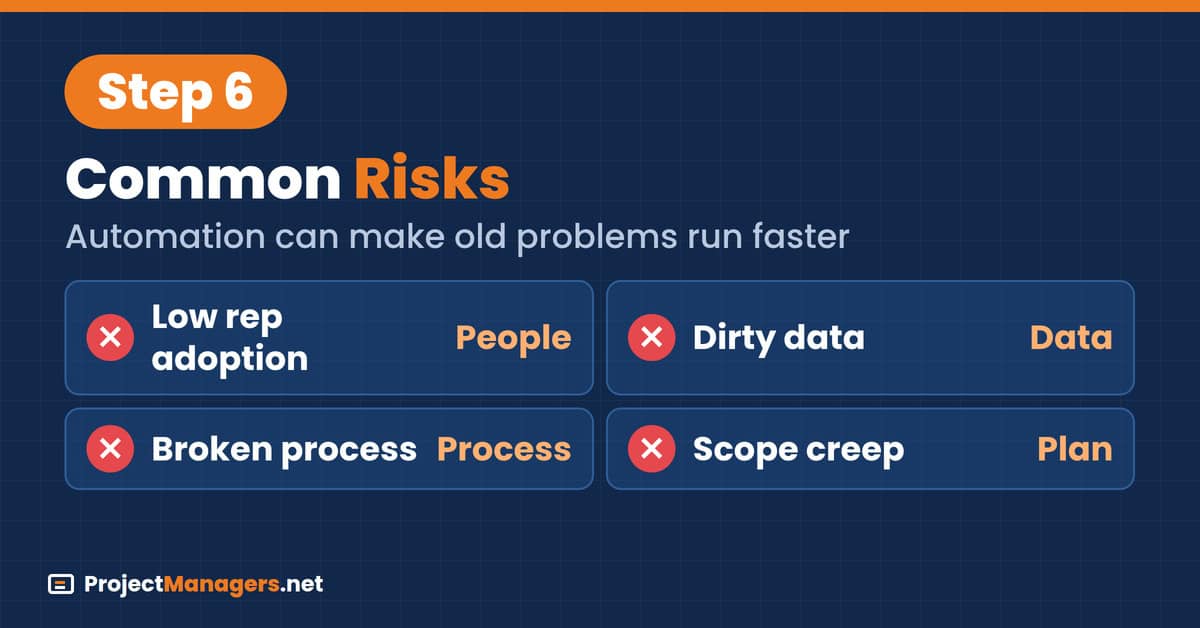
Three risks sink most CRM automation projects. Low adoption comes first: reps who see extra clicks keep real notes in personal files and chat with clients outside the CRM. Dirty data comes second, because automation spreads duplicates and junk leads faster than people ever could. The third is automating a broken process, which makes the old problems run faster.
The benchmark data shows the third risk clearly. The most automated market in the study also reported the heaviest admin load, because automation was layered on top of manual work instead of replacing it. McKinsey’s 2026 State of AI survey points the same way: only 37% of respondents attribute any EBIT impact to AI. Plan these responses into the risk register:
- Low Adoption: Design with pilot reps, remove a manual step for every field you add, and track usage weekly.
- Dirty Data: Run a duplicate and junk-lead cleanup before Phase 2, and add bot filtering to forms.
- Broken Process: Fix routing rules and definitions on paper before any automation is built.
- Scope Creep: Park new requests in a backlog until the current phase gate review.
Real-Life Example: A medical device distributor automated its existing routing rules exactly as they were. The rules sent every lead from one region to a rep who had moved to a key-account role, so response times got worse after go-live. The project paused for two weeks, rewrote the rules with the sales managers, and then relaunched with a pilot group first.
7. A Lead Intake Project in Practice
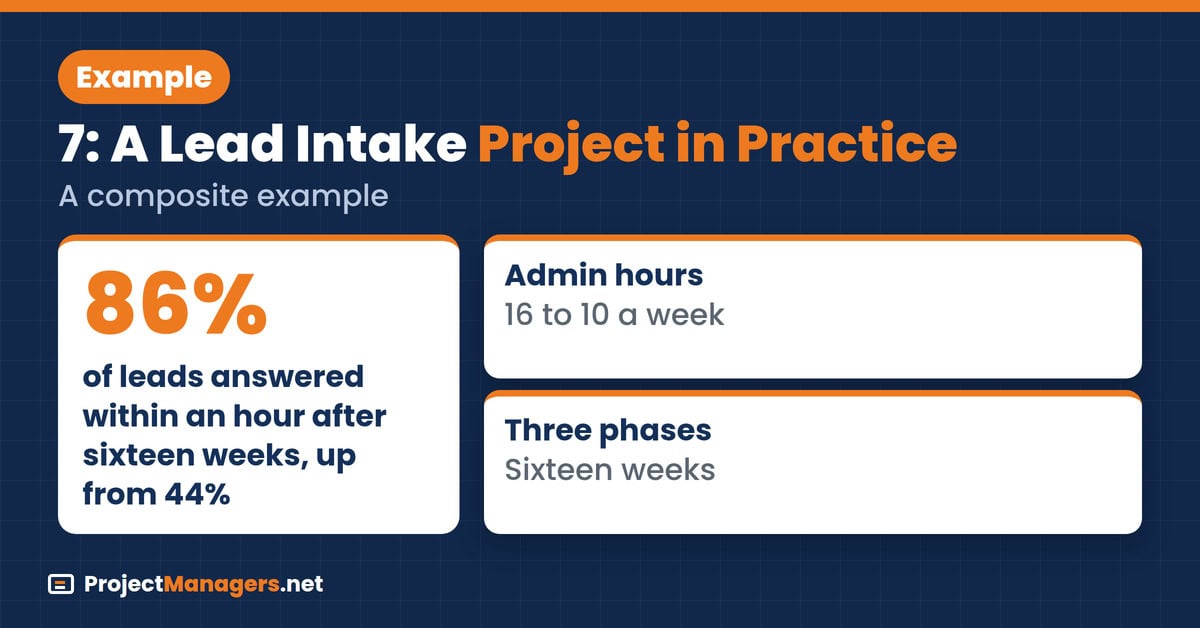
The example below follows one project from baseline to final review, using the scope, stakeholders, phases, and measures described above. It is a composite of common patterns rather than a single named company, but every step matches the plan in this guide. The figures show how a modest team can report results honestly, including the parts that did not improve as hoped.
Real-Life Example: A business software reseller with 15 reps started with 44% of leads answered within an hour and reps logging 16 admin hours a week. The project manager mapped six entry points, recruited three pilot reps, and ran three phases over sixteen weeks. Response within an hour reached 86% and admin time fell to 10 hours, while sales cycle length barely moved at first.
- Weeks 1 to 2: Intake map, stakeholder map, and a two-week baseline.
- Weeks 3 to 6: Auto-routing, instant replies, and response alerts went live.
- Weeks 7 to 12: Duplicate cleanup, activity capture, and mandatory fields.
- Weeks 13 to 16: Lead scoring tested against pilot reps, then rolled out.
Lead Intake Project Checklist
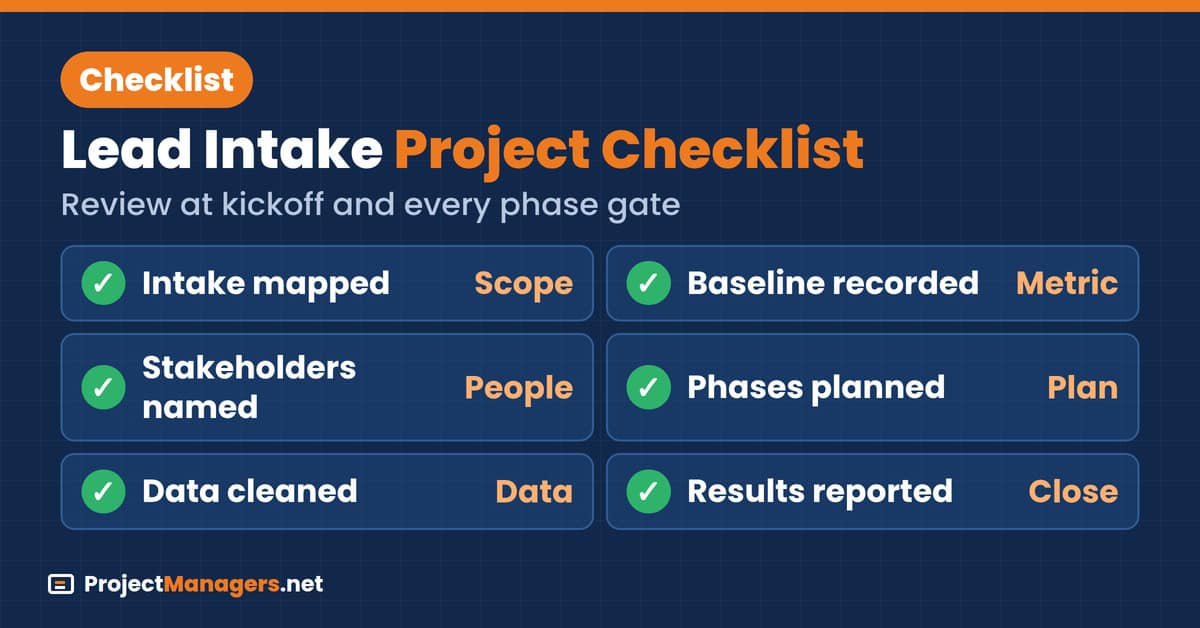
Use this checklist at the project kickoff and at every phase gate. Each line matches one part of the guide, so an open item shows exactly where the project is exposed. Assign an owner and a date to every open line, and do not start the next phase while a line from an earlier phase is still open, especially the baseline and the data cleanup:
- A Baseline Makes Improvement Measurable: Without a recorded starting point for response times, it is hard to tell whether the automation changed anything.
- Shared Definitions Prevent Mixed Reports: When sales and marketing count leads differently, the same dashboard can tell two stories, so written definitions keep the numbers comparable.
- Clean Data Gives Automation a Fair Test: Duplicates and junk leads can make routing rules look broken, so cleaning first helps you judge the automation on real records.
Video: A Step-by-Step CRM Setup Walkthrough
Daniel Davidson’s eight-minute tutorial, published in July 2026, walks through a full Bitrix24 CRM setup for beginners, including pipelines, lead fields, and basic automation. It is a practical companion to Phase 1 and Phase 2 of the plan above, because it shows where routing and logging rules live once the intake map and definitions are agreed.
Bitrix24 CRM Tutorial for Beginners (2026) | Full Setup Guide (Daniel Davidson, 8:04)
A step-by-step walkthrough of setting up a CRM, from pipelines and lead fields to the first automation rules.
CRM Automation Project FAQs
CRM Automation Project FAQs
What Is a CRM Automation Project?
It is a project that replaces manual lead handling, such as sorting, routing, replying, and logging, with automated rules in the CRM. It has a scope, a sponsor, phases, and a measurable baseline like any other project.
Who Should Own a CRM Automation Project?
A project manager runs it, and the sales leader usually sponsors it. Marketing, IT, and pilot reps sit on the stakeholder map, because each group owns part of the intake flow.
Which Metric Should We Baseline First?
Start with the share of leads answered within an hour, measured for two weeks before any change. Add rep admin hours and sales cycle length so the project can show impact beyond speed.
What Are the Best Quick Wins?
Auto-routing to the first available rep, instant acknowledgment replies, and a response-time dashboard with alerts for unanswered leads. They show results within weeks and build trust with reps.
How Long Does a CRM Automation Project Take?
A focused intake project often runs about three to four months in three phases. Larger teams with many entry points or integrations may need longer, especially for data cleanup.
Is the 14-Hour Time Saving Guaranteed?
No. The benchmark report presents it as a modelled estimate for high-friction teams, not a measured result. Log your own reps’ admin hours before and after each phase and report the real figure.
Why Do CRM Automation Projects Fail?
Most fail through low rep adoption, dirty data, or automating a broken process. Involving reps in design, cleaning data first, and fixing rules on paper before building them prevents all three.
Conclusion
Lead intake fails quietly. No alarm sounds when a form waits overnight, so the loss only shows up later as a longer cycle or a lost deal. Running intake automation as a project changes that, because it gives the problem a baseline, an owner, and a deadline. The team stops arguing about tools and starts reporting a number that moves.
Start with a two-week baseline this month, before choosing any new feature or vendor. If fewer than two-thirds of your leads get a reply within an hour, auto-routing and instant replies belong in Phase 1. If reps already reply quickly but log for hours each week, start with logging automation instead, and report the hours they actually got back.
Suggested Articles:
- CRM vs Help Desk Software for Project Managers + Checker
- Top 10 Pros & Cons of Working with ERP Lead Generation Companies
- CRM vs Help Desk Software for Project Managers + Checker

Peter Kanai is a Google-certified freelance writer with over a decade of experience crafting high-quality content for business websites, blogs, and SEO & email marketing campaigns. His on-demand writing services are all about helping businesses expand their online presence and achieve their objectives. With a proven track record in delivering results-driven content, Peter is the go-to freelance writer for business owners seeking a strategic partner to help them grow their brand online.