

As remote work continues to rise globally, tech companies are increasingly turning to purpose-built tools to support collaboration, productivity, and growth. In 2026, nearly 1 in 4 workers is expected to telework, making it crucial for businesses to adopt efficient remote solutions. From AI-driven hiring platforms to real-time financial management tools, the right tools can help remote-first tech teams scale and thrive across borders.
Here’s a roundup of the top 15 tools for remote tech companies in 2026.
1. Testlify

Best for: Remote companies needing AI-powered assessments and conversational interviews to evaluate and hire top talent.
Testlify revolutionizes the hiring process with its conversational AI-powered interviews. Offering assessments in text, voice, and video formats, Testlify enables realistic job simulations and provides employers with a deeper, more predictive view of candidate skills. The tool features over 3,000 tests across 50+ industries, allowing companies to tailor assessments with custom question types. Integrating with popular ATS platforms like Greenhouse and Lever, Testlify standardizes hiring across time zones by enabling asynchronous interviews.
Why it’s strong for remote teams: Testlify’s AI-driven grading and analytics allow for efficient, unbiased hiring without the need for live interviews, which can be challenging for distributed teams. This tool ensures that remote teams can identify top talent without the time-zone headaches of scheduling interviews.
2. Chanty
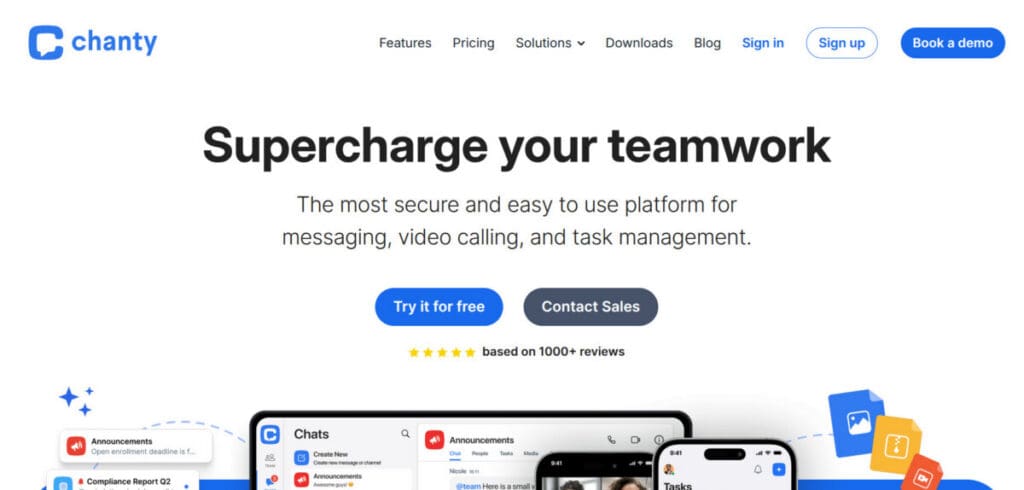
Best for: Remote teams needing an all-in-one collaboration platform
Chanty is a collaboration platform that centralises all workflows in a single app. This tool streamlines remote teams’ collaboration by combining built-in features such as instant chat, audio calls, video conferences, task management, calendar, and more. It’s available across web, desktop, and mobile apps.
Why It’s Strong for Remote Teams: Chanty is a unified collaboration platform, offering all necessary features within a single workspace, which prevents your team from switching between multiple apps. This consolidation reduces context-switching, saves valuable time, and keeps conversations, tasks, and files organized in one accessible place, helping distributed teams stay aligned and productive no matter where they’re located.
3. Metanotes AI
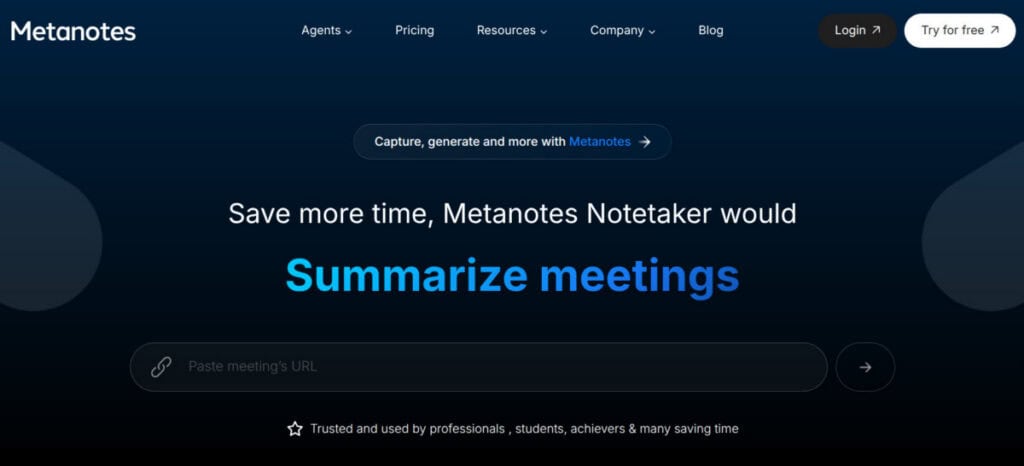
Best for: Remote teams that want AI-powered meeting notes, transcripts, and insights directly from video calls.
Metanotes AI is a game-changer for remote teams that rely on virtual meetings for collaboration. The tool captures everything from meetings, including instant transcripts, summaries, and action items, across Google Meet, Microsoft Teams, and Zoom. Built-in analytics help teams surface trends, sentiment, and recurring topics, making it easier to turn conversations into actionable insights.
Why It’s Strong for Remote Teams: Remote teams often operate across different time zones, making it difficult for everyone to attend meetings. Metanotes AI ensures that no important insights are lost by automatically generating transcripts and summaries, making the information accessible to those who couldn’t join the live call.
4. Appforest (Timesheets for Jira)
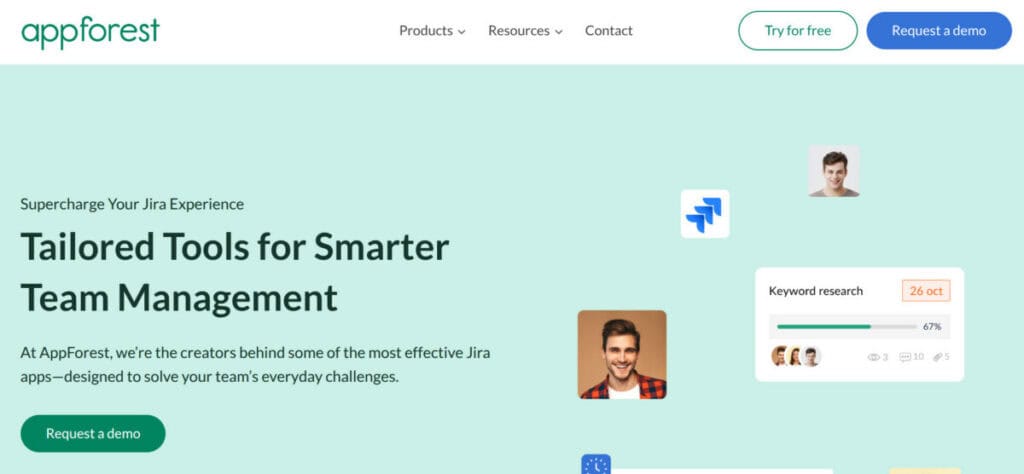
Best for: Jira-using dev and ops teams needing robust time tracking and reporting.
Appforest integrates with Jira to offer seamless time tracking and reporting for distributed development teams. With the ability to log hours directly within Jira issues, Appforest reduces the hassle of managing multiple tools. The platform provides real-time reporting, customizable time periods, and enterprise-grade security, making it a strong choice for remote teams working on complex projects.
Why It’s Strong for Remote Teams: Remote dev teams often rely on Jira for issue tracking, project planning, and sprint management. Appforest plugs directly into that existing workflow, allowing engineers and managers to log their time without switching between tools. This ensures accurate reporting, greater transparency, and better alignment on project progress, budgets, and deadlines, even when team members are spread across multiple time zones.
5. Rise
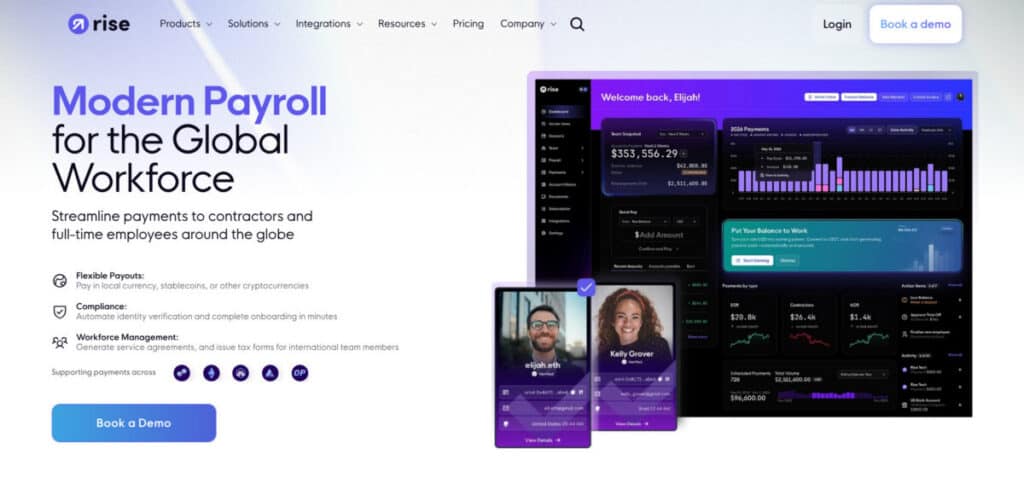
Best for: Remote and hybrid tech teams needing an all-in-one global HR, payroll, and compliance platform.
Rise simplifies HR, payroll, and compliance for global teams. Offering support for over 190 countries, Rise allows companies to onboard employees and contractors without local entities, automating KYC/AML checks and tax forms. The platform also supports dual-currency payroll, allowing businesses to pay in fiat currencies or crypto assets.
Why It’s Strong for Remote Teams: Rise’s compliance tools protect companies from tax and labor risks by automatically handling local regulations, worker classification, and legal documentation across jurisdictions. Its dual-currency payroll makes it easier to pay employees and contractors in their preferred currency, whether they’re based in North America, Europe, Asia, or anywhere else, while also supporting crypto payments for added flexibility.
6. CampaignHQ
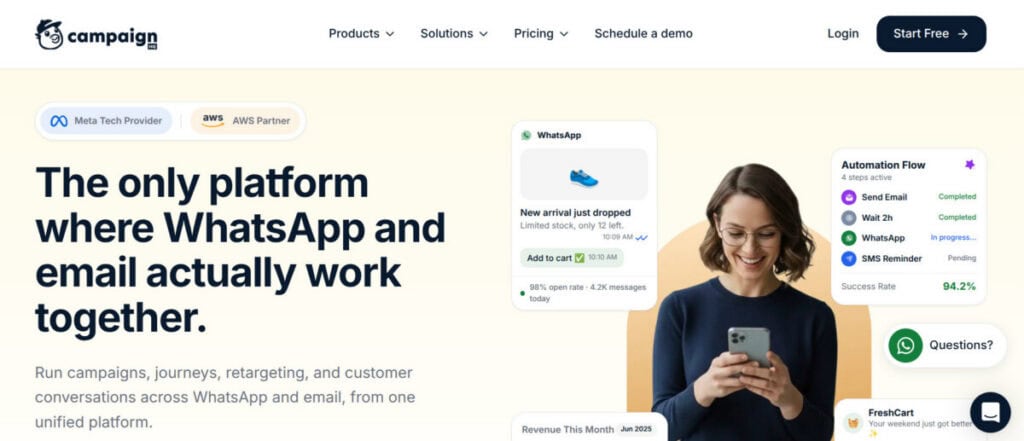
Best for: Startups that need a developer-friendly, AI-powered email marketing tool.
CampaignHQ offers a streamlined approach to email marketing for remote teams, especially those using AWS. Its native Amazon SES integration allows businesses to send high-volume emails without complex setups. The tool’s AI-driven segmentation, automation, and copywriting features help increase engagement and conversion rates, even for teams with limited technical resources.
Why It’s Strong for Remote Teams: CampaignHQ empowers marketing teams, even those without developers, to launch complex, high-performing email campaigns with ease. Its AI capabilities optimize subject lines, content, and send times to boost engagement while minimizing manual adjustments. This automation frees up valuable time, allowing remote teams to scale their email marketing efforts efficiently across different time zones and markets.
7. Bunker
Best for: Remote-first companies needing real-time financial visibility and reporting.
Bunker provides cloud-based financial reporting and real-time insights without requiring a large finance team. The platform integrates with QuickBooks, Xero, and NetSuite, offering seamless reconciliation and detailed reporting on budgets and expenses. Bunker’s cloud interface is ideal for remote teams, allowing access to financial data 24/7 from anywhere in the world.
Why It’s Strong for Remote Teams: Bunker’s live, shareable financial data means that finance leaders across different time zones can stay aligned, review the same numbers, and collaborate asynchronously without waiting on lengthy email threads. Its automation features also save time on month-end processes like reconciliation and reporting, which is crucial for lean remote teams operating without dedicated in-house finance departments.
8. Storydoc
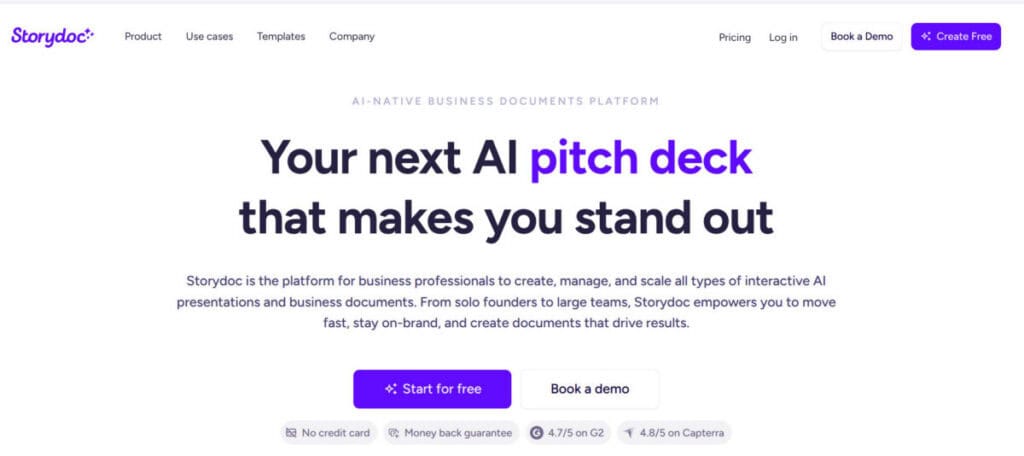
Best for: Remote sales and marketing teams needing fast, interactive presentations and proposals.
Storydoc helps remote sales and marketing teams create polished, interactive presentations quickly. Its AI-powered doc creator enables users to generate engaging decks with minimal input, while the platform’s collaboration and analytics features allow teams to track engagement and optimize their content for better conversion rates.
Why It’s Strong for Remote Teams: Storydoc’s interactive decks help remote audiences stay engaged even when there is no live presenter. Prospects can click through sections, view relevant slides on demand, and move at their own pace. That makes it ideal for distributed sales teams running asynchronous pitches. With integrations to CRMs like Salesforce and HubSpot, teams can capture activity, track prospects, and streamline timely follow-ups.
9. Slack
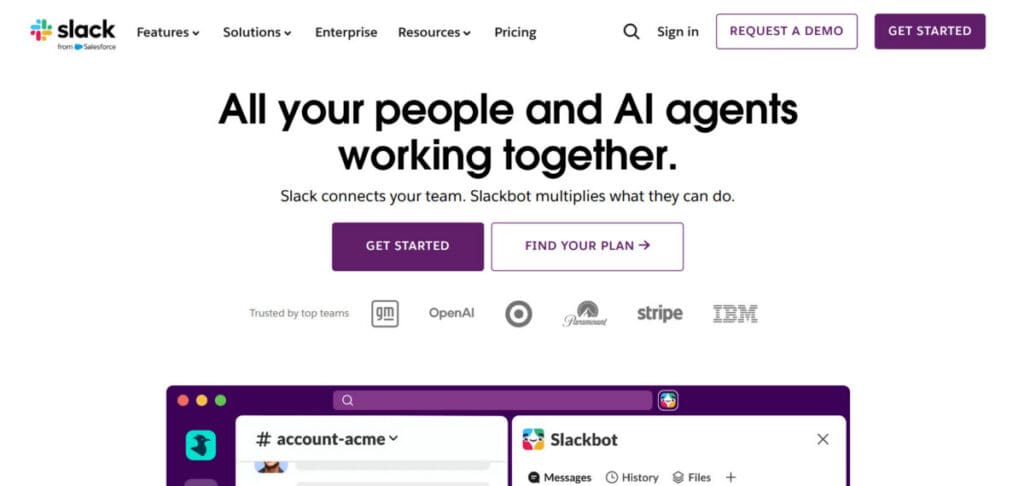
Best for: Distributed teams that need a unified channel for real-time messaging, voice/video, and integrations.
Slack is the go-to communication tool for remote teams, offering messaging, voice/video calls, and seamless integrations with over 2,600 apps. Its threaded messaging system ensures that discussions stay organized, while the Huddles feature allows quick voice/video meetings for impromptu collaboration. Slack’s integrations with tools like Jira, GitHub, and HR platforms like BuddiesHR streamline workflows, making it a central hub for distributed teams to manage both communication and people operations
Why It’s Strong for Remote Teams: Slack’s ability to organize discussions and facilitate quick huddles ensures that remote teams can stay in sync, even when working across different time zones. Its extensive app integrations further simplify workflows, reducing the need for context-switching. It also helps teams capture decisions and updates in one searchable place, making it easier for anyone to catch up asynchronously.
10. Zoom
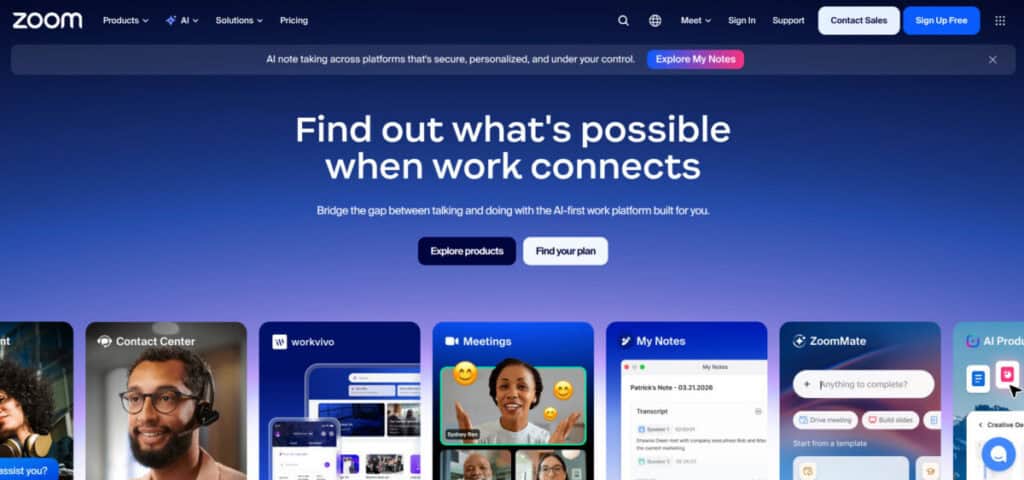
Best for: Teams that rely on high-quality video conferencing and live collaboration for remote meetings.
Zoom is the leader in video conferencing, providing high-definition video calls, screen sharing, and breakout rooms. The platform’s AI-powered features, such as meeting summaries and action item suggestions, make it easier for teams to stay organized and productive after each call. Zoom’s integration with Slack and other tools ensures smooth collaboration before, during, and after meetings.
Why It’s Strong for Remote Teams: Zoom’s reliability and ease of use make it a staple for remote teams. Breakout rooms support small group discussions for workshops and planning, while screen sharing keeps everyone aligned on demos, specs, and live updates. AI-powered meeting summaries and action items help teams capture key decisions quickly, so important insights do not get lost when schedules prevent full attendance.
11. Asana

Best for: Tech teams (engineering, ops, marketing) managing complex projects with multiple phases.
Asana is a powerful project management tool that enables remote teams to visualize and track work. With multiple task views, dependencies, milestones, and Slack integration, Asana keeps distributed teams aligned and on track. It also offers custom fields and forms, making it easy to tailor project tracking to a company’s specific needs.
Why It’s Strong for Remote Teams: Asana’s clear task management and visibility help remote teams coordinate work across time zones without losing context. Teams can assign owners, set deadlines, and track progress with milestones, dependencies, and custom fields. With Slack integration, updates, mentions, and task changes are shared automatically, keeping everyone aligned and reducing follow-up messages.
12. Miro

Best for: Remote teams needing a shared whiteboard for brainstorming, design collaboration, and workshops.
Miro provides a digital whiteboard that allows teams to brainstorm, create flowcharts, and collaborate visually in real-time or asynchronously. Its extensive template library helps teams get started quickly, while built-in video chat and presentation modes make it ideal for remote workshops and meetings.
Why It’s Strong for Remote Teams: Miro replicates the physical whiteboard experience so remote teams can brainstorm, map processes, and plan solutions together in real time or asynchronously. It makes collaboration feel natural with sticky notes, diagrams, and templates, while keeping everything organized on one shared canvas. With integrations like Slack and Teams, it is easy to turn ideas into action items, documents, and project follow-ups.
13. Notion
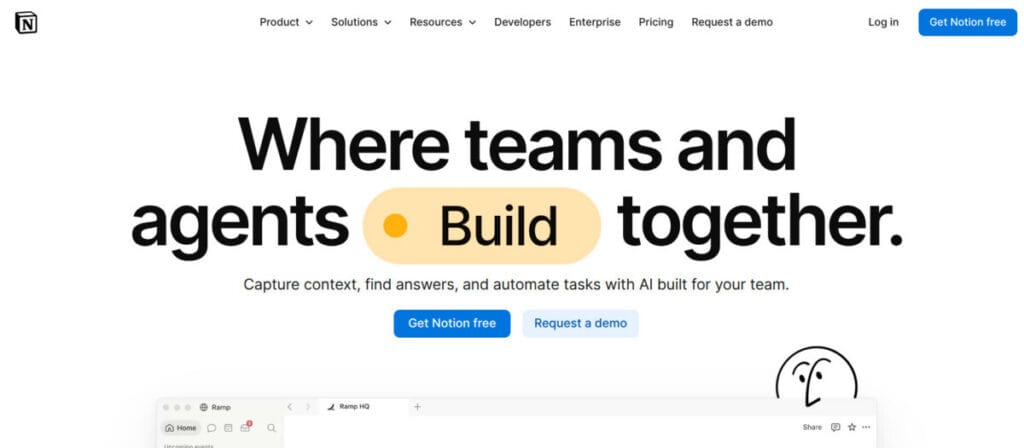
Best for: Teams needing a flexible, all-in-one workspace for docs, wikis, and lightweight task tracking.
Notion serves as a central hub for remote teams, providing a flexible workspace for managing documents, databases, and tasks. Its real-time collaboration features and AI assistant help teams stay organized and productive, while customizable templates allow teams to tailor their workspace to their needs.
Why It’s Strong for Remote Teams: Notion’s ability to centralize project docs, knowledge bases, and meeting notes in one workspace makes it invaluable for remote teams. With real-time editing, comments, and shared pages, everyone can collaborate without version confusion. Granular permissions and role-based access help protect sensitive information while keeping teams aligned. It also supports tasks, templates, and databases for consistent workflows.
14. Deel
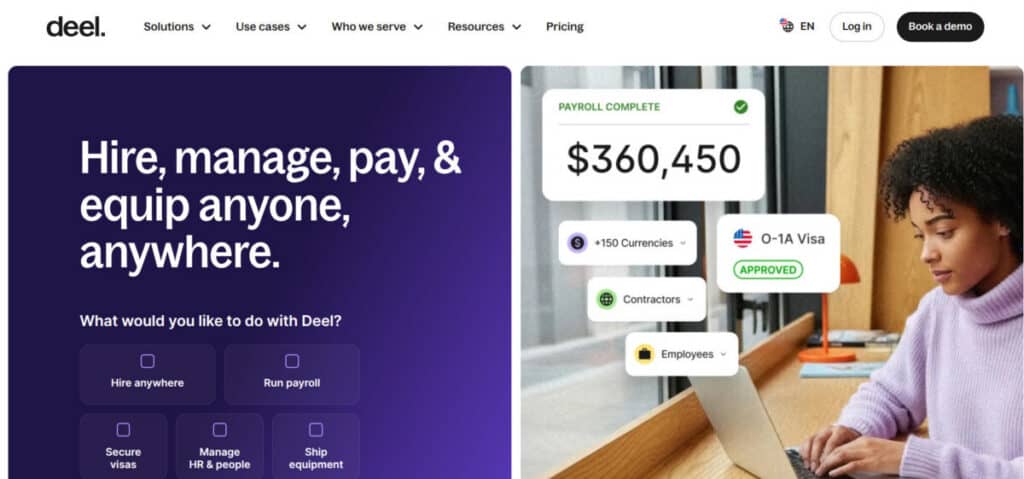
Best for: Tech companies hiring and paying employees or contractors in multiple countries with full compliance.
Deel simplifies global payroll and compliance by handling tax filings, benefits, and contracts in 130+ countries. The platform ensures that companies can hire contractors and full-time employees anywhere, without the need to set up local entities. Deel also offers automated tax calculations and multi-currency payouts.
Why It’s Strong for Remote Teams: Deel’s automated workflows and compliance tools help remote teams avoid legal headaches when hiring globally. Its payroll system supports multi-currency payouts, ensuring that teams can pay employees and contractors in their preferred currency. This allows companies to scale their international workforce rapidly without the overhead of local entity setup.
15. 1Password Business

Best for: Distributed teams needing secure credential sharing and identity management.
1Password Business helps remote teams securely share passwords, documents, and sensitive information. With encrypted vaults, two-factor authentication, and robust admin controls, it ensures that teams can manage their credentials safely. The platform integrates with SSO systems like Okta, making it easier to manage access at scale.
Why It’s Strong for Remote Teams: 1Password Business is essential for remote teams that rely on shared credentials across multiple platforms. Its encrypted vaults and secure sharing features ensure that sensitive information remains protected at all times. This tool helps distributed organizations maintain high security standards while allowing team members to access necessary passwords and sensitive files safely from any location.
Conclusion
In 2026 and beyond, strategic implementation of remote tools is quickly becoming vital for tech companies aiming for seamless collaboration and rapid growth. A robust tech stack is no longer just an advantage; it is a requirement for survival. Adopting these 15 essential tools allows remote teams to streamline workflows and maintain clear communication across all global time zones.
Mastering these technologies also empowers distributed organizations to optimize operations and bridge geographical gaps. By fostering a unified company culture through digital innovation, teams can thrive in a hyper-connected marketplace. Ultimately, staying proactive with your tech stack ensures your business remains efficient, scalable, and competitive in the evolving landscape of the modern global economy.
Suggested articles:
- 12 Tools for Effective Remote Team Management
- Employee Tracking and Attendance Tools: Features & Benefits
- Managing Remote Teams Effectively in a Hybrid Work Environment

Daniel Raymond, a project manager with over 20 years of experience, is the former CEO of a successful software company called Websystems. With a strong background in managing complex projects, he applied his expertise to develop AceProject.com and Bridge24.com, innovative project management tools designed to streamline processes and improve productivity. Throughout his career, Daniel has consistently demonstrated a commitment to excellence and a passion for empowering teams to achieve their goals.