
Growing teams need to reach customers, employees, and community members fast. Customers miss appointments. Staff members need schedule changes. Tenants need maintenance notices. Parents need school alerts. Email is useful but not always fast enough, and phone calls take time when a team has to dial every number by hand.
An automated calling system records or generates a voice message once and delivers it to an entire contact list at the same time, whether that list is 50 parents or 50,000 customers. Some platforms focus on simple broadcast alerts. Others add polling, CRM integration, or full API control. Here are five automated calling systems growing teams can consider.
Quick Comparison of Automated Calling Systems
| Platform | Best For | Rating | Starting Price |
| DialMyCalls | Voice broadcasting, mass texting, and AI call answering | 4.7/5 | Pay-as-you-go credits, no contract |
| CallHub | Political campaigns and advocacy phone banking | 4.4/5 | Pay-as-you-go, from $0 |
| CallFire | Developer-controlled voice broadcasting and IVR | 4.3/5 | $99/month |
| Text-Em-All | School and youth organization alerts | 4.7/5 | Pay-as-you-go, from $18 |
| CallingPost | Church, HOA, and community group alerts | 4.5/5 | $6.30/month |
1. DialMyCalls
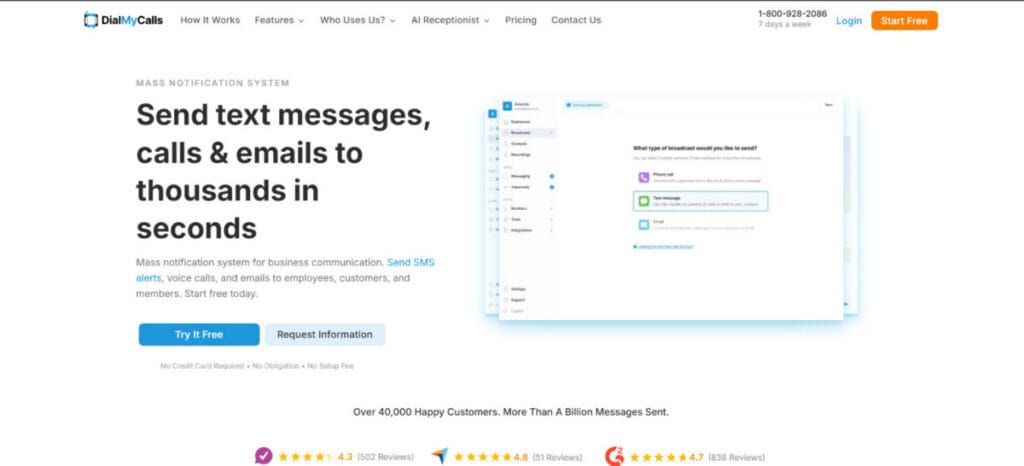
The DialMyCalls automated calling system supports mass texting, voice broadcasting, bulk email, two-way texting, auto-reply SMS, voicemail drop, landline texting, emergency notifications, and AI phone answering. Over 40,000 organizations use it, with a 4.7 rating across 836 G2 reviews.
Property managers use it for resident notices and emergency alerts. Healthcare offices send appointment reminders and payment notifications. Schools use it for parent communication and closure alerts. Churches, nonprofits, municipalities, staffing agencies, and HOAs use it for member updates, staff alerts, and community notifications.
Voice broadcasting includes AccurateAMD answering machine detection, text-to-speech, reusable recordings, and press-1 options for confirmations and polls. The platform delivers thousands of simultaneous calls and texts. A separate AI Receptionist product answers inbound calls 24/7, captures caller details, and qualifies leads.
Key Features
- Mass texting, MMS, and landline texting
- Voice broadcasting with AccurateAMD, text-to-speech, reusable recordings, and press-1 options
- AI Receptionist for 24/7 inbound call answering and lead qualification
- Bulk email, two-way texting, auto-reply SMS, and voicemail drop
- Telephone polls, phone tree app, and custom caller ID
- Contact segmentation and multi-user accounts
- Scheduled and recurring messages
- Mobile app on iOS and Android
- TCPA-compliant with built-in opt-out management
Pros
- Voice, text, email, and AI call handling from one platform
- Pay-as-you-go credits with no required monthly contract
- U.S.-based support 7 days a week
- G2 badges for Best Usability and Easiest Setup
Cons
- The interface is functional but not visually modern
- AI Receptionist is priced separately from the core plan
Best Use Cases
- Appointment reminders, emergency alerts, and staff notifications
- Resident communication, parent alerts, and community updates
- Church announcements, nonprofit updates, and staffing broadcasts
2. CallHub
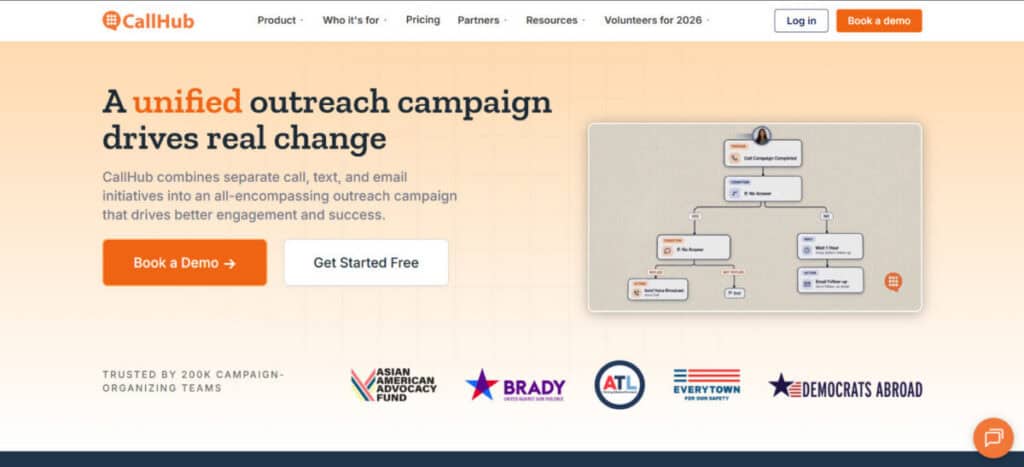
CallHub combines voice broadcasting with phone banking and peer-to-peer texting, built for political campaigns, advocacy groups, and nonprofits running get-out-the-vote or fundraising drives. Recipients can transfer to a live volunteer mid-call, and the platform supports predictive dialing for volunteer calling teams.
Works well for campaigns and advocacy organizations that need voice broadcasting alongside volunteer phone banking.
Key Features
- Voice broadcasting with pay-as-you-go pricing
- Call transfers to live volunteers
- Predictive dialer for phone banking
- CRM integrations
- Multi-language support
Pros
- No subscription required, pay only for minutes and texts used
- Free tier for small campaigns
- Scales up or down without seat commitments
Cons
- Interface feels dated to some users
- Built mainly for B2C-style outreach, less suited to B2B use
- Analytics and reporting are limited compared to enterprise tools
Best Use Cases
- Political and advocacy voice broadcasting
- Volunteer phone banking with live transfers
3. CallFire
CallFire offers voice broadcasting and IVR survey tools with a full API, aimed at businesses that want to build calling logic into their own systems rather than use a purely visual interface. It supports answering machine detection, keyword tracking, and call transfers to a live line.
Works well for technical teams that want API-level control over call flows and IVR logic.
Key Features
- Voice broadcasting with text-to-speech
- IVR and keyword tracking
- Answering machine detection
- Full API access
- Call recording and reporting
Pros
- Deep API control over call flows
- Scales from small teams to enterprise volume
- Inbound call recording included at no extra cost
Cons
- Higher starting price than most broadcast-focused competitors
- Best suited to teams with development resources
- Fewer reviews available than more established competitors
Best Use Cases
- Developer-built voice broadcasting and IVR campaigns
- Call tracking tied to marketing keywords
4. Text-Em-All
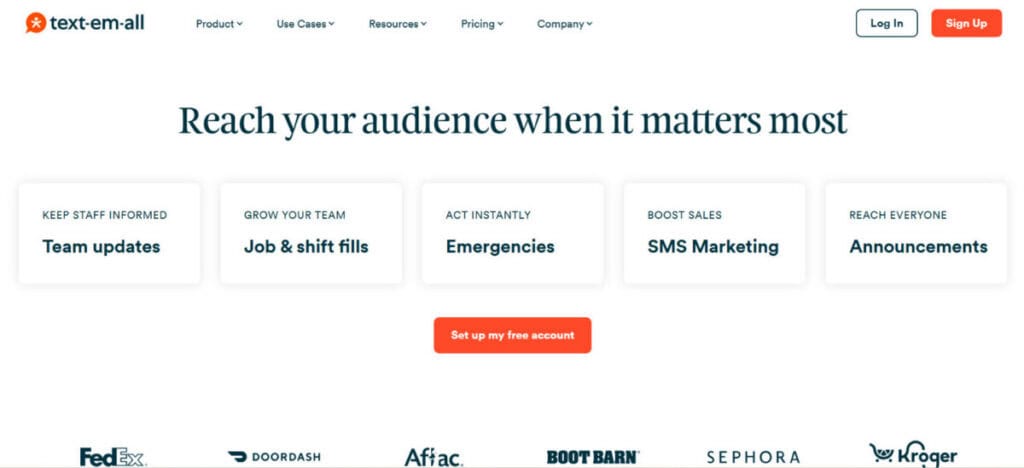
Text-Em-All pairs automated calling with mass texting and is widely used by K-12 schools, athletic departments, and youth organizations for weather alerts, practice cancellations, and reminders. No contract is required, and organizations pay only for the messages and calls they send.
Works well for school districts and youth programs that need voice and text alerts in one place.
Key Features
- Automated calling and mass texting
- Scheduled and recurring sends
- Delivery confirmation and reporting
- No-contract, pay-as-you-go pricing
Pros
- Simple setup with no long-term commitment
- Strong reputation for emergency and school alerts
- High customer satisfaction on ease of use
Cons
- Fewer advanced features than full-platform competitors
- Smaller review base than larger competitors
- Limited CRM integration options
Best Use Cases
- School closure and weather alerts
- Youth sports and activity scheduling reminders
5. CallingPost
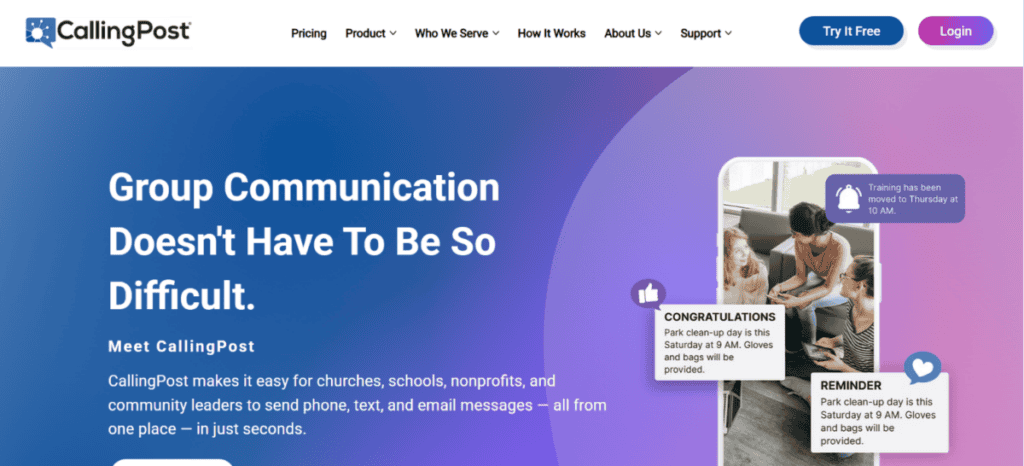
CallingPost focuses on voice, text, and email alerts for churches, homeowners associations, and community groups, with a simple setup aimed at volunteer administrators rather than IT staff. Both pay-as-you-go and unlimited monthly plans are available.
Works well for small community organisations and HOAs sending occasional group updates.
Key Features
- Voice broadcasting, texting, and email from one contact list
- Message scheduling
- Pay-as-you-go or unlimited monthly plans
- Mobile and desktop access
Pros
- Low entry price for occasional use
- Long operating history dating back to 1995
- High customer satisfaction on ease of use and value
Cons
- Fewer advanced automation features than sales-focused platforms
- Limited third-party integrations
- Best suited to smaller contact lists
Best Use Cases
- Church and religious organization announcements
- HOA and community group updates
Final Recommendation
For political and advocacy phone banking, CallHub fits. For developer-built IVR and voice campaigns, CallFire offers the deepest API control. For school and youth organisation alerts, Text-Em-All is purpose-built. For church and community group updates, CallingPost keeps setup simple.
For teams that need voice calls, mass texting, bulk email, and AI call answering combined in one platform, DialMyCalls is the strongest option on this list. Its pay-as-you-go pricing means no contracts are required, making it flexible for growing teams. With features like AccurateAMD and a 24/7 AI Receptionist, it covers far more ground than most single-purpose competitors.
Suggested articles:
- 8 Benefits of Having Phone Systems for Small Businesses
- Top 5 Advantages of Using Phone Answering Services
- 5 Ways to Improve Communication in International Projects with eSIM Plus

Daniel Raymond, a project manager with over 20 years of experience, is the former CEO of a successful software company called Websystems. With a strong background in managing complex projects, he applied his expertise to develop AceProject.com and Bridge24.com, innovative project management tools designed to streamline processes and improve productivity. Throughout his career, Daniel has consistently demonstrated a commitment to excellence and a passion for empowering teams to achieve their goals.