
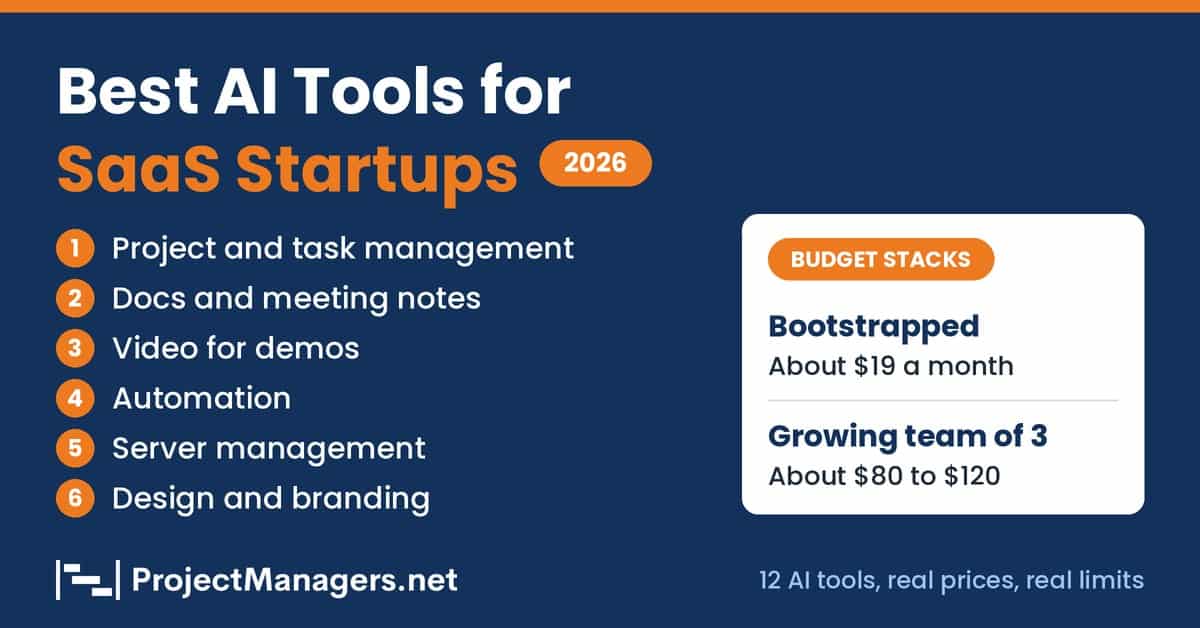
A SaaS startup with three people still runs as many projects as a company with thirty. The same founders plan releases, manage the project backlog, write launch content, record demos, and keep the servers running. Hiring for every one of those roles is rarely possible when every dollar of runway counts. The right AI tools can take over the repetitive part of that project work for less than the cost of a few lunches a month. This guide shows project managers and founders which tools are worth paying for, what each one costs, and where each one falls short.
- Pick one AI tool per need (project tracking, notes, video, automation, servers, design) instead of buying a full suite on day one.
- Free tiers from ClickUp, Linear, Tactiq, Zapier and ProScene AI are enough to run a bootstrapped stack for about $19 a month.
- Watch credit-based AI pricing: ClickUp, Notion and most video tools meter AI usage, so costs rise as the project team uses them more.
- Run each tool on one real project task for 30 days, then keep only what the team opened every week.
Running a SaaS startup with a small team isn’t easy. You’re often responsible for everything, from planning product updates and managing project tasks to writing marketing content, answering customer questions, and handling payments.
Hiring people for every role isn’t always an option, especially when you’re working with a limited budget. That’s where AI tools can help. They can take care of repetitive work, simplify daily tasks, and help a small project team get more done without adding to its expenses.
But which tools are actually worth paying for? In this guide, we’ll look at the best AI tools for managing SaaS startup projects on a budget, what they offer, how much they cost, and where they fall short.
How We Picked These Tools
Every tool in this post had to pass four checks:
- Free tier or low entry price. If you can’t try it for free or for roughly $30 a month or less, it didn’t make the list.
- Real AI functionality. The AI has to do actual work, like drafting, summarizing, generating, or automating. A label on the pricing page doesn’t count.
- Setup in under a day. If it needs a week of configuration, a project team of three can’t afford it.
- Fit for teams of 1 to 10. Nothing that only makes sense with a dedicated admin or an enterprise contract.
Pricing verified November 2026. Plans change often, so check each vendor’s page before you buy. Where a tool has real limits, I say so, because a list with no downsides isn’t much use when you’re spending your own money.
Best AI Tools for Managing SaaS Startup Projects on a Budget
The table below gives a quick view of all 12 tools, followed by a detailed review of each one. The category column shows which project need each tool covers, so a project manager can see where the gaps are in the current stack.
Budget AI Tools Compared (November 2026)
Prices in US dollars unless noted. Paid prices are the lowest paid plan.
| Tool | Category | Free option | Paid from | Best for |
|---|---|---|---|---|
| ClickUp | Project and task management | Free plan with 500 trial AI credits | From $9 per user a month (yearly) | One workspace for tasks, docs and sprints |
| Linear | Project and task management | 250 issues, Linear Agent included | $10 or $16 per user a month (yearly) | Technical founders tracking bugs and features |
| Notion | Documentation and knowledge | Limited AI trial | $20 per member a month (Business) | Specs, SOPs and a project wiki |
| Tactiq.io | Meeting notes | 10 transcripts a month | $8 per user a month (yearly) | Meeting notes without a bot |
| D-ID | Video | 14-day free trial | From $4.70 a month (yearly) | Avatar explainers and onboarding videos |
| Deevid AI | Video | 20 free credits | $10 Lite, $25 Pro (yearly) | Short demos and launch teasers |
| ProScene AI | Video | Free plan | Lite from $19 | Long-form tutorials up to 10 minutes |
| Zapier | Automation | 100 tasks a month | From $19.99 a month | Non-technical founders |
| n8n | Automation | Self-hosted Community Edition | Cloud from €20 a month (yearly) | Technical teams with many-step workflows |
| CtrlOps | Server management | 1-month free trial | $7 per user a month or $149 lifetime | Founders who host on a VPS |
| Design.com | Design and branding | Free logo templates | From $3 a month (yearly) | On-brand AI logos |
| BrandCrowd | Design and branding | Free logo downloads | From $9 a month | Exploring many logo styles |
Prices checked on each vendor’s pricing page in November 2026. Plans change often.
ClickUp
Project and task management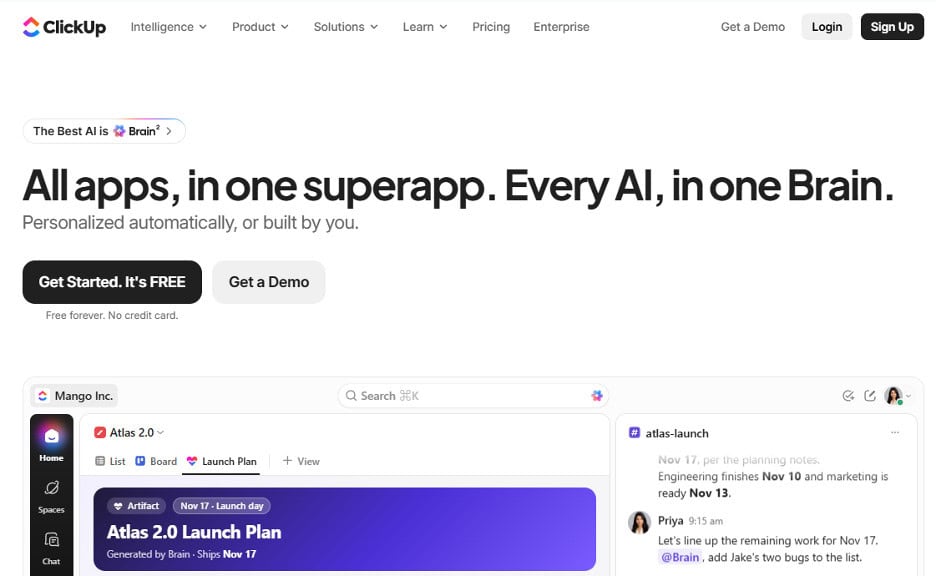
ClickUp brings tasks, documents, and AI features together in one place. It’s a good choice for small SaaS teams that want to manage product development, organize project work, and handle documentation without using multiple tools.
The downside is that costs can add up. AI features use credits, and ClickUp offers so many features that it may take some time to set everything up and remove the ones you don’t need. Still, if you want one tool for planning, documentation, and sprint management, ClickUp is worth considering.
Key features
- ClickUp Brain writes and summarizes inside tasks and docs
- AI Assign and Prioritize helps route and rank work
- AI Notetaker for meetings
- Unlimited tasks and members on the Free plan
- Collaborative docs, Kanban boards, and sprints on Free
Watch out for
- AI features run on credits, so costs grow with use
- So many features that setup and cleanup take time
Linear
Project and task management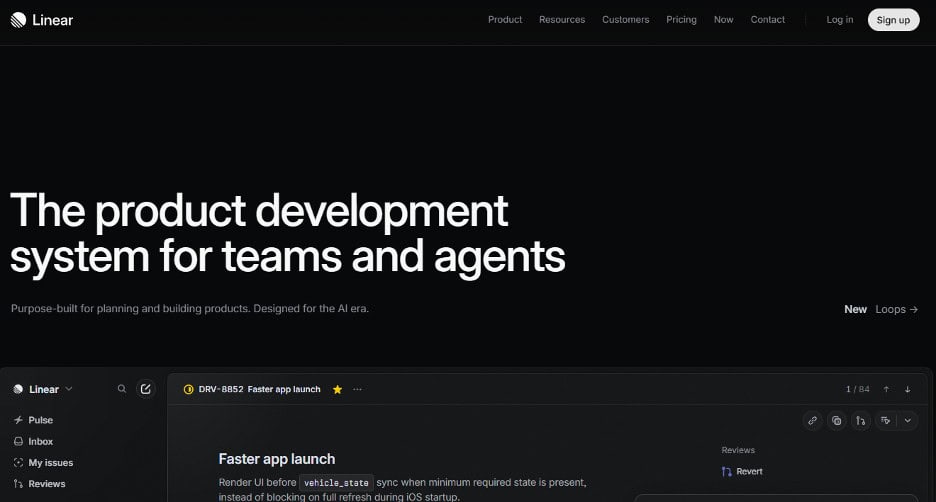
Linear is an issue tracker built for product and engineering teams, so it suits technical founders far better than marketing-heavy teams.
Its free plan includes the AI agent, which is rare at this price, but the 250-issue cap arrives quickly once a product starts shipping. The triage and code features sit on the $16 Business tier. If your project work is mostly bugs, features, and sprints, the interface is fast, focused, and stays out of the way.
Key features
- Linear Agent is included on every plan, including Free
- Triage Intelligence for incoming issues (Business plan)
- Code Intelligence (Business plan)
- Unlimited members on every plan
Watch out for
- The 250-issue cap arrives quickly once you ship
- Triage and code features need the $16 Business plan
Need a planning tool with a generous free plan rather than AI features? Our guide to the best free project planning tools compares 10 options for small project teams.
Notion
Documentation and knowledge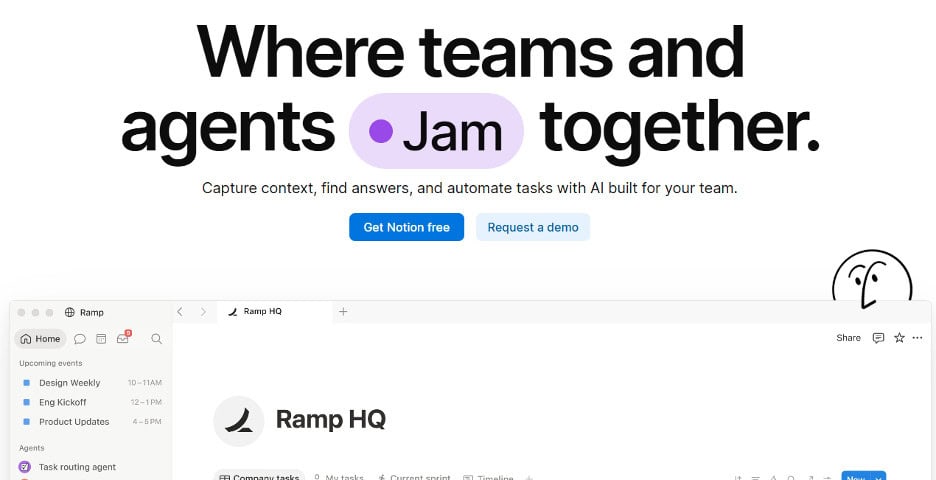
Notion combines docs, databases, and a wiki, so specs, SOPs, and meeting notes can live in one place instead of scattered across tools.
Its AI can draft documents, fill databases, and summarize meetings. The catch is that real AI starts at the Business plan, not the cheaper Plus plan, so a three-person team pays about $60 a month. If you already keep your project roadmap and notes in Notion, the upgrade is easy to justify.
Key features
- Notion Agent drafts and edits docs and autofills databases
- AI Meeting Notes transcribe calls and write follow-ups, with no bot joining
- Verified-page badges keep the wiki trustworthy
- Enterprise Search across connected apps like Slack and GitHub (beta)
- Custom agents handle repetitive tasks, metered at $10 per 1,000 credits
Watch out for
- Full AI starts on the $20 Business plan, not Plus
- A three-person team pays about $60 a month for AI
Tactiq.io
Meeting notes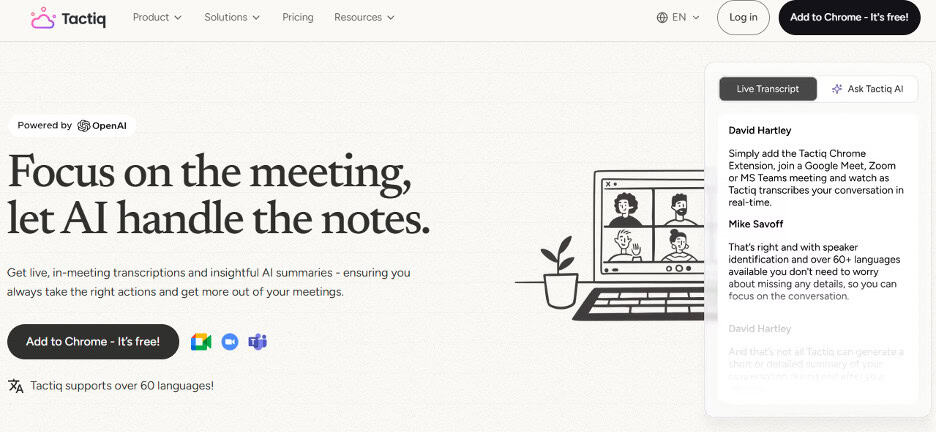
Tactiq.io transcribes meetings in Google Meet, Zoom, and Microsoft Teams, then turns them into searchable notes, summaries, and action items for the project team.
It works as a browser extension, so a meeting bot doesn’t need to join the call. The free plan is useful for occasional meetings, but its monthly transcript and AI credit limits may be tight for a team that meets often.
Key features
- Live transcription for Google Meet, Zoom, and Microsoft Teams
- AI-generated summaries, action items, and meeting insights
- Share and export transcripts
- Browser extension that captures meetings without a bot joining
Watch out for
- Free limits are tight for a team that meets often
- Only 5 AI credits a month on the free plan
D-ID
AI video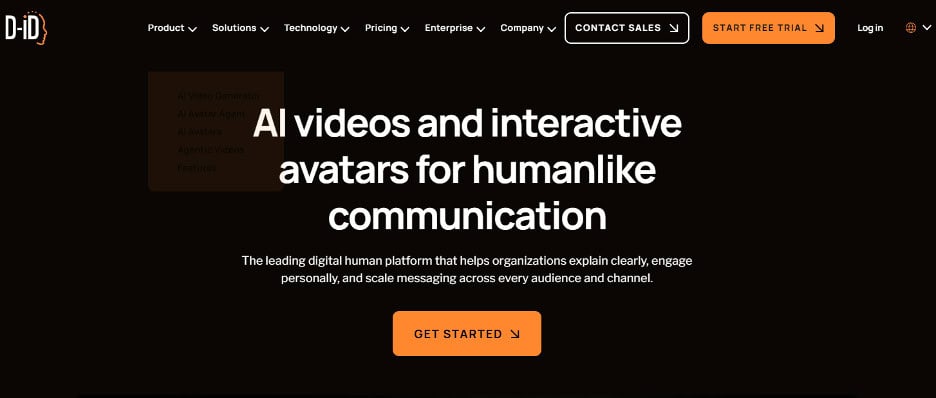
D-ID is an AI video, avatar, and interactive agent platform built for creating presenter-led videos, product explainers, onboarding content, training materials, and multilingual marketing assets without filming.
Teams can create videos from scripts using stock, custom, or AI-generated avatars, clone voices, and translate existing videos. D-ID also supports interactive AI Avatar Agents, making it more than a standard text-to-video generator.
Key features
- AI-generated avatar videos from text, images, and audio
- Custom and AI-generated avatars
- Voice cloning and multilingual video creation
- Video translation with automatic lip-sync
- Full-HD custom avatar options
- AI Avatar Agents for interactive conversational experiences
- API access for automated video workflows
Watch out for
- Commercial use starts on the $16 Pro plan
- Avatar videos suit explainers more than product screen demos
Deevid AI
AI video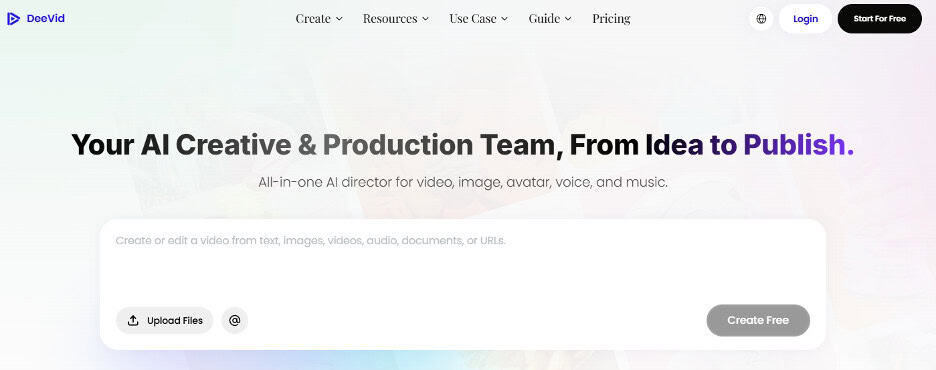
Deevid AI helps you create short marketing videos from text, images, or existing clips. It’s a useful tool for SaaS startups that want to create product demos, launch teasers, promotional videos, and social media content without spending time filming.
You can quickly turn your ideas and existing assets into engaging videos, making it easier to maintain a regular content schedule for each product launch project.
Key features
- Text-to-video and image-to-video
- 100+ templates and effects
- AI avatars, ad-style videos, and AI music
- Cross-video character consistency
- No watermark and commercial use on paid plans
Watch out for
- Free videos carry a watermark
- No commercial use until you move to a paid plan
ProScene AI
AI video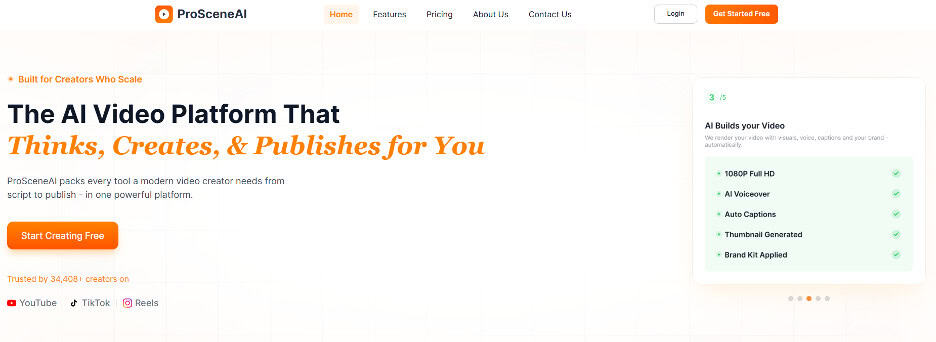
ProScene AI brings video creation and publishing together in one workflow. It supports long-form video generation of up to 10 minutes, making it useful for SaaS startups that want to create product demos, tutorials, explainers, and marketing videos.
You can also create scripts, avatar videos, voiceovers, and thumbnails using a single credit pool, so you don’t need separate subscriptions for different tasks. This makes it easier to manage your video content from one platform.
Key features
- Long-form video generation up to 10 minutes
- AI avatar videos via HeyGen
- Voiceover via ElevenLabs
- Thumbnail Studio
- Publishing built into the same workflow
Watch out for
- Scripts, voiceovers and thumbnails share one credit pool
- Long videos use credits faster than short clips
AI video generators can help SaaS startups create product demos and marketing content without investing heavily in production. However, as startups grow, maintaining consistent branding across videos, social media campaigns, landing pages, and other marketing assets becomes equally important.
For teams that need more advanced creative support, Superside combines AI-powered creative workflows with professional designers to help businesses scale their creative production while maintaining brand consistency.
Zapier
Automation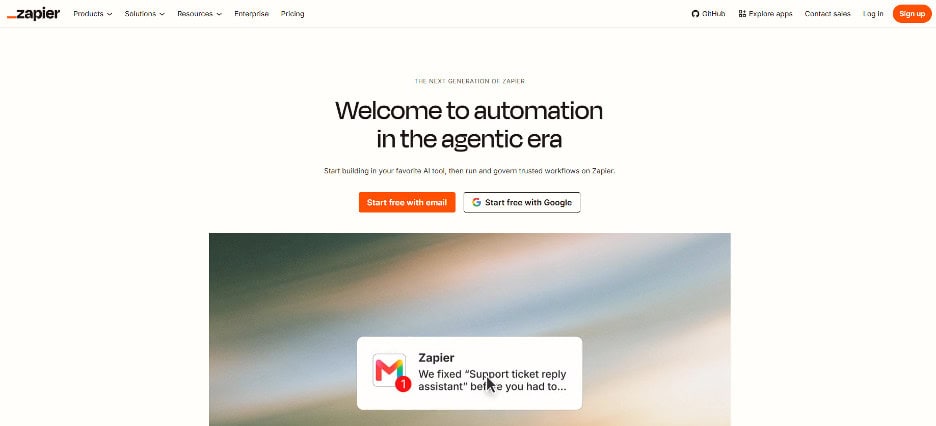
Zapier helps you connect different apps and automate everyday tasks without writing code. You can use it to connect payment tools, Google Sheets, email, chat, and other apps to create workflows that run automatically.
Its AI features make setup easier. Zapier Copilot can help you build workflows using simple instructions, while AI fields let you add AI-powered steps to your automations. It’s a great option for non-technical SaaS founders who want to automate repetitive project work and save time without managing complex systems.
Key features
- No-code builder with multi-step workflows on paid plans
- Zapier Copilot (beta) helps you build workflows
- AI fields on Professional and up
- Faster polling on paid plans, every 2 minutes versus 15 on Free
Watch out for
- Free plan checks for new data only every 15 minutes
- AI fields need the Professional plan or higher
n8n
Automation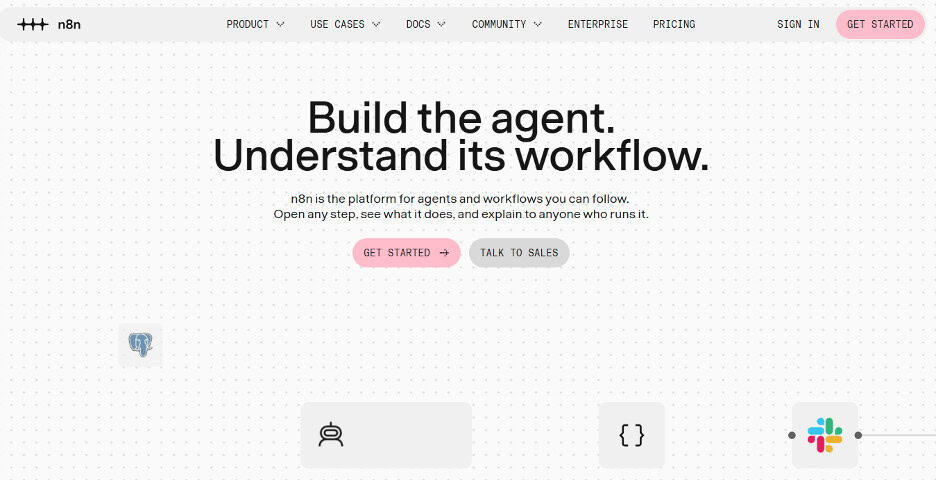
n8n is a good choice for technical founders who want more control over their automations while keeping costs low. You can self-host it on your own server, which means you mainly pay for hosting rather than each individual task. It also counts an entire workflow run as one execution, regardless of how many steps it includes.
You can use its AI agent nodes to add AI-powered actions to your workflows, connect different apps, and automate tasks that would otherwise require manual work. It’s particularly useful for SaaS teams that want to build flexible, multi-step automations without paying for every task.
Key features
- Counts executions, not steps
- AI Agent node for AI steps in workflows
- Self-hosted Community Edition available on GitHub
- Built-in AI Assistant on Starter and Pro cloud plans
Watch out for
- Self-hosting means you own updates, backups and uptime
- Cloud plans are priced in euros with an execution cap
CtrlOps
Server management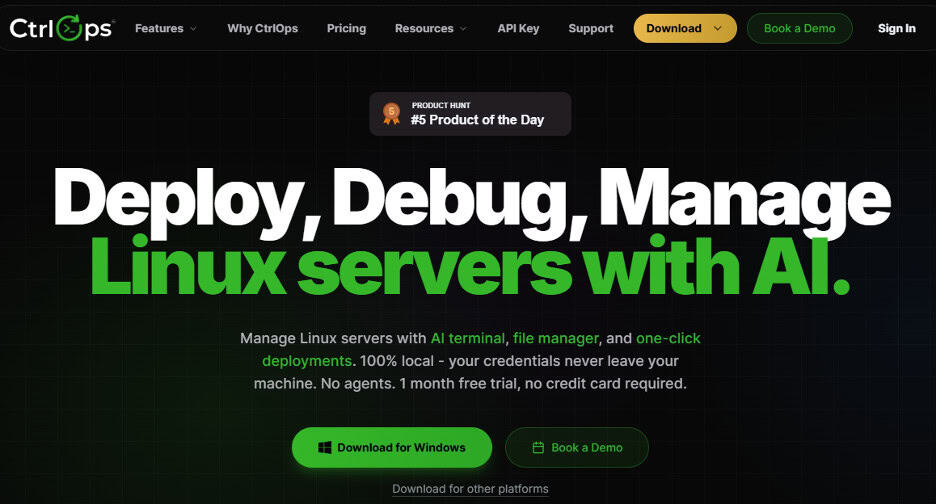
CtrlOps is a desktop app for managing your own Linux servers. It suits technical founders who host on a VPS instead of a managed platform.
Its AI Terminal turns a plain-English request into shell commands and shows you each command to approve before it runs. It also deploys Node, React and Next.js apps from GitHub with PM2, Nginx and SSL set up for you. That takes about 4 to 5 minutes instead of 30 to 45 by hand.
The limits are practical: it’s desktop only, with no mobile app or shared team vault, and there’s no free plan after the trial. If you deploy to serverless or Kubernetes, it isn’t the right fit.
Key features
- AI Terminal turns plain English into shell commands, with approval before each one runs
- AI works through ChatGPT sign-in or free OpenRouter models, or your own OpenAI, Anthropic or Gemini key
- One-click deploys for Node, React and Next.js from GitHub, with PM2, Nginx and SSL
- Live CPU, memory, disk and network monitoring across unlimited servers
- Built-in log viewer, file manager and scheduled backups to S3
- Credentials stay on your machine, encrypted with AES-256, with no agent installed on your servers
- Runs on macOS, Windows and Linux
Watch out for
- Desktop only, with no mobile app or shared team vault
- Not a fit for serverless or Kubernetes deployments
Design.com
Design and branding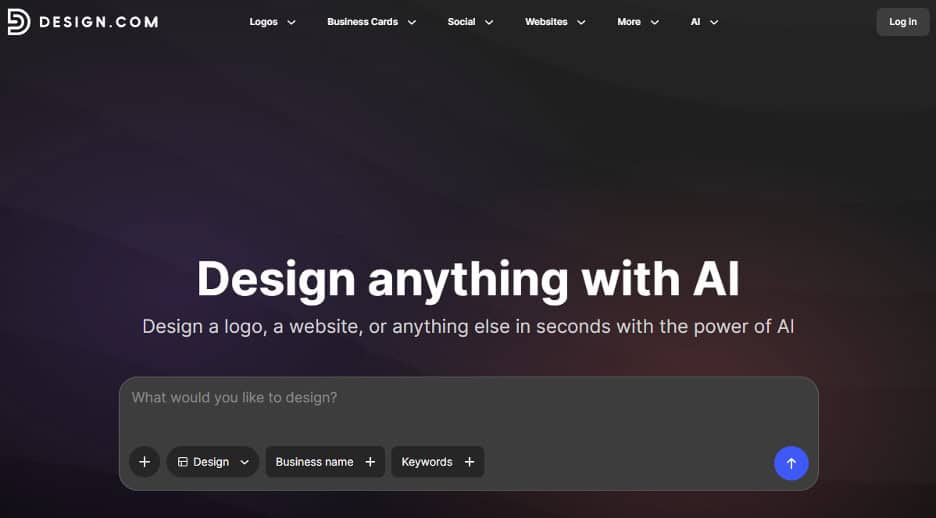
Design.com is the AI logo maker to use if you want on-brand logos. Its AI analyzes your business name, industry, and keywords to produce tailored results, rather than making you settle for generic concepts.
The logos are also professionally designed, with well-matched fonts, icons, and layouts. That combination of brand relevance and design quality means you can often go straight from generation to a finished logo with only minor edits. If you do need to make changes, there’s a visual editor and an AI chat tool for adjusting specific elements.
Key features
- AI logo generation tailored to your business name, industry, and keywords
- 500,000+ professionally designed logo templates
- Thousands of logo options generated in seconds
- Editable fonts, icons, colors, and layouts
- AI chat editor for easier design adjustments
- High-resolution PNG, JPG, SVG, EPS, and PDF downloads
- Commercial-use rights for the logos
Watch out for
- Premium templates and extra tools need a higher plan
- Monthly billing costs three times the yearly rate
BrandCrowd
Design and branding
BrandCrowd is the logo generator for businesses that want more creative variety. Its library covers minimalist, modern, retro, vintage, 3D, and other styles, so you’re not limited to the same clean, flat designs that many logo generators produce. It’s particularly useful when you haven’t settled on a specific aesthetic and want to see how different styles could work for your brand.
Key features
- 300,000+ logo designs
- Minimalist, modern, retro, vintage, and 3D logo styles
- Logo search based on business name and keywords
- Editable colors, fonts, icons, and layouts
- Matching business cards and social media designs
- High-resolution and vector logo downloads
- Free logo templates available
Watch out for
- A library this large takes time to browse
- Pick a style direction first to keep reviews short
Sample Starter Stacks by Budget
Prices as of November 2026, shown as ranges. Each stack covers project management, meeting notes, video, and automation with one tool per need. Add server or design tools only when a project actually calls for them.
Bootstrapped: Under $50 a Month
One founder or a very small team, mostly on free plans.
| Need | Tool | Approx. monthly cost |
|---|---|---|
| Project management | ClickUp Free or Linear Free | $0 |
| Meetings and notes | Tactiq Free | $0 |
| Video | ProScene AI Lite | $19 |
| Automation | Zapier Free | $0 |
Total: about $19 a month.
Growing: $50 to $150 a Month, 3 People
A small project team that has outgrown the free limits.
| Need | Tool | Approx. monthly cost |
|---|---|---|
| Project management | ClickUp paid plan | $27 to $36 |
| Meetings and notes | Tactiq Pro | $24 to $36 |
| Video | Deevid AI | $10 to $29 |
| Automation | Zapier Professional | From $20 |
Total: about $80 to $120 a month, depending on yearly or monthly billing.
The bootstrapped stack costs about $19 a month. The growing stack lands around $80 to $120 a month for three people, which is still far less than one part-time hire.
Mistakes to Avoid
- Buying too many tools at once. Every new tool takes time to set up and learn. So, start with one tool for each task and add more only when you actually need them. There’s no point paying for ten different tools if you only use three. A few tools that become part of your daily project workflow are far more useful than a long list you’ll eventually forget.
- Paying for AI features you won’t use. Notion’s AI starts on its $20-per-member Business plan, and ClickUp meters AI by credits. If you won’t use the AI weekly, stay on the cheaper plan. Even large companies struggle here: McKinsey’s state of AI research found that nearly nine in ten organizations use AI somewhere, but fewer than half have scaled it across the business.
- Ignoring usage-based costs as you scale. Credits, executions, and tasks look cheap on a free plan, but they grow with every new user and every new project. Review your AI usage each month and move up a plan only when a limit actually blocks the team.
- Skipping the free trial. Credits can drain faster than expected, so test each tool on one real project task before you pay. A week on the free tier tells you more than any review.
Video: The AI Tools a Small Team Actually Needs
The Only AI Tools You Need (Jeff Su, 11:56)
A January 2026 guide to picking one AI tool for each type of work, so a small team can cover writing, research, meetings and automation without paying for overlapping subscriptions.
FAQ
Budget AI tools for SaaS startup projects: FAQ
What’s the cheapest way to start using AI in a SaaS startup?
Start with the free tiers: a free project board like ClickUp or Linear, a free meeting notetaker like Tactiq, free Zapier tasks, and free credits on one video tool. That covers most project needs for $0 to about $19 a month.
Which AI project management tool is best for a small SaaS team?
ClickUp suits teams that want tasks, docs, and sprints in one place. Linear suits technical founders whose project work is mostly bugs and features. Both have free plans, so test each on a real sprint before you pay.
Do I need an AI video generator for my startup?
Not on day one. It helps when you need demos, onboarding videos, or social clips and have no video team. Test the free credits on one real use case first.
Is Zapier or n8n better for a startup?
Zapier is easier for non-technical founders and has a free plan with 100 tasks a month. n8n suits technical teams because it counts a whole workflow run as one execution and can be self-hosted.
How much should a 3-person SaaS team spend on AI tools?
A growing three-person project team can run project management, meeting notes, video, and automation for about $80 to $120 a month. Add server or design tools only when a project needs them.
Can AI replace a project manager?
Not for a team that needs decisions and accountability. AI can draft tasks, summarize meetings, and help prioritize, but someone still has to choose what to build and own the outcome of each project.
Conclusion
The tools in this guide cover six needs, project management, documentation, video, automation, server management, and design, and they work best when each one removes a specific bottleneck for your project team.
The next step is simple: start with one tool per category, run it for 30 days, then decide what to keep. Cut anything you didn’t open weekly, and move up a plan only when a limit actually blocks you.
Pricing changes often, so recheck each vendor’s page before you buy. If you try one of these stacks, leave a comment and share which tool earned a permanent spot.
About the Author
Jyoti Ray is the founder of OneMinuteSEO, where he helps startups, creators, and SaaS brands grow through smart link building and search-driven strategies. With deep experience in SEO, outreach, and digital growth, he focuses on practical tactics that deliver measurable results. Connect with him on LinkedIn.
Suggested Articles
- Top 10 Cons of AI Agents: Real Cases, Data and Fixes
- 5 Best AI Ads Tools for Ecommerce Projects
- How Small Businesses Can Keep Project Expenses Under Control

Daniel Raymond, a project manager with over 20 years of experience, is the former CEO of a successful software company called Websystems. With a strong background in managing complex projects, he applied his expertise to develop AceProject.com and Bridge24.com, innovative project management tools designed to streamline processes and improve productivity. Throughout his career, Daniel has consistently demonstrated a commitment to excellence and a passion for empowering teams to achieve their goals.