
Consider a hypothetical product launch where three creators deliver their draft videos on time. The marketing lead likes two of them and has doubts about the third, but cannot explain why. A reviewer then asks what the team learned from last quarter’s creator videos, and nobody has an answer beyond “they did fine.” The project schedule is on track, but the reviewers have no agreed criteria for assessing the work. Project managers can close that gap by turning content observations into clear instructions, approval evidence, and tests for the next campaign.
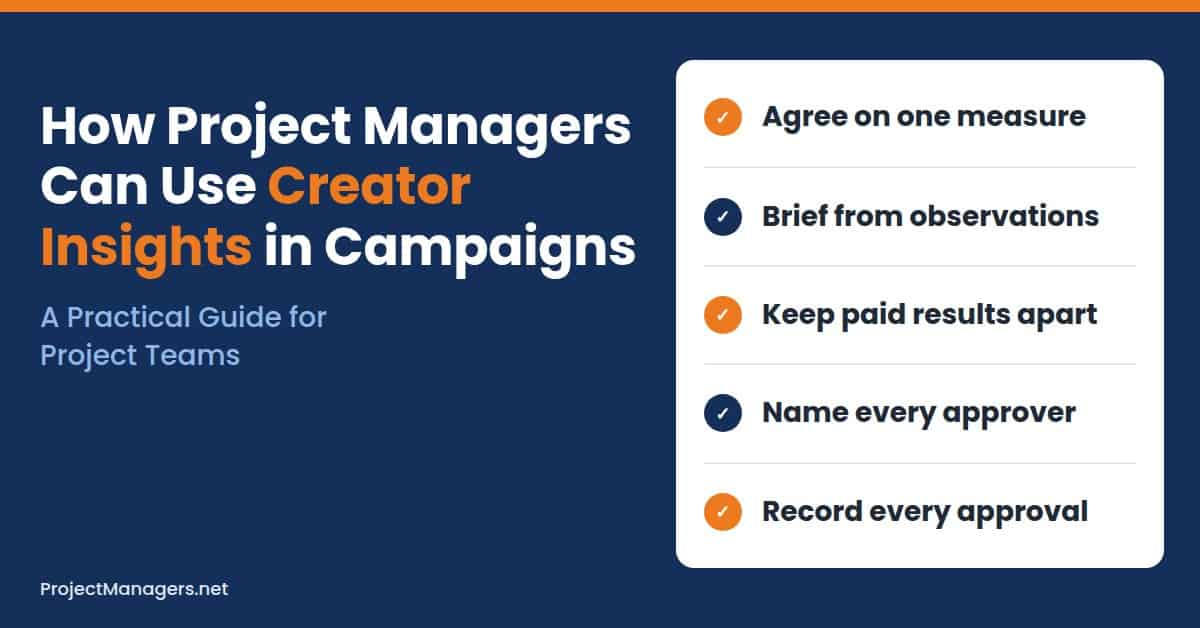
- Agree on the Measure First: Agree on one outcome measure, and the evidence reviewers will check, before the project team contacts any creators.
- Brief from Observations: Turn observations from earlier creator videos into one or two instructions that a creator can follow and a reviewer can confirm.
- Keep Results Honest: Keep organic and paid results separate, and treat content patterns as observations rather than proof of cause.
- Track Every Approval: Run one proportionate tracker with a named owner, approver, and approval evidence for every stage of the project.
Creator campaigns are now a regular part of many marketing projects, yet they are often run with less structure than a website launch or a product release. Reviews depend on taste, approvals live in chat threads, and results are reported as a single vague number.
This guide shows project managers how to define the decisions before collecting data, turn content patterns into a usable brief, and keep every decision visible in one campaign tracker. It closes with a checklist, common mistakes to avoid, tips for evaluating creative analysis tools, and answers to the questions project teams ask most.
Define the Decisions Before Collecting Data
Creator insights and project tracking serve different purposes. Content observations describe the work itself: whether a video showed the product early, how the opening was framed, or whether the caption included the offer. Project tracking records who owns the work, when it is due, and who approved it. Connecting these records lets reviewers explain their decisions.
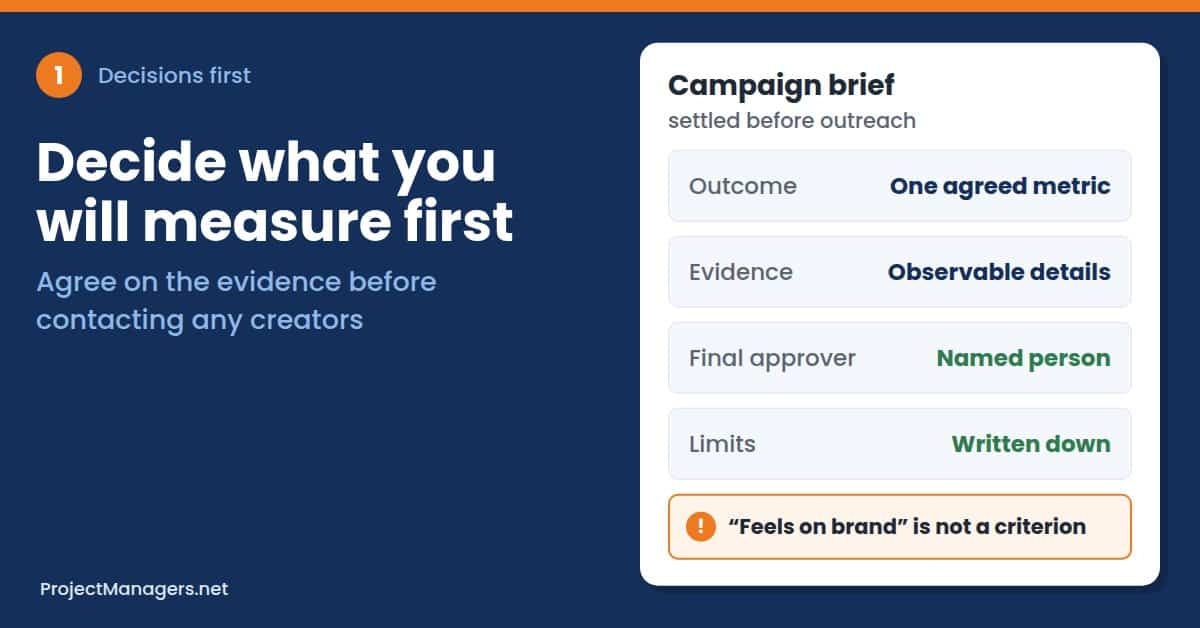
Start with one outcome. Pick the result this campaign exists to produce: an awareness campaign might track reach, while a sales campaign might track orders from a creator code. Neither measure provides complete attribution, so record what it can and cannot tell you, and agree on a measure the team can support before promising a broader return.
Next, choose observable evidence. Decide what reviewers will record when they watch a draft, such as whether the product appears early, whether it is demonstrated, and whether the required disclosure is present. Reviewers can check these details against the brief, while “feels on brand” needs a more specific explanation before a creator can act on it.
Finally, put the decisions in the brief. Before contacting creators, record the goal, deliverables, review dates, and final approver. Naming that approver early separates accountability and responsibility, so everyone knows who answers for the result and who does the work.
- Pick One Outcome Measure: Choose reach, creator-code orders, or another single measure, and write down what it cannot prove.
- List the Review Evidence: Name the observable details reviewers will check in every draft, such as product visibility, demonstration, and disclosure.
- Cover the Brief Essentials: Include the audience, tone, budget, deliverables, review dates, and approval process before outreach begins.
- Name the Final Approver: Give one person the final decision, so creators and reviewers are not chasing several opinions.
Real-Life Example: In the hypothetical launch, the marketing lead now has a basis for reviewing the third video. The brief required the product to appear in use during the opening, so the reviewer can identify the missing demonstration and request that specific change. The project manager logs the request against the creator’s deliverable, and the next draft is reviewed against the same criterion.
Turn Content Patterns into a Usable Brief
Review earlier content for observations that can inform the next assignment. The project manager’s job is to turn those observations into instructions that creators can follow, and reviewers can check.
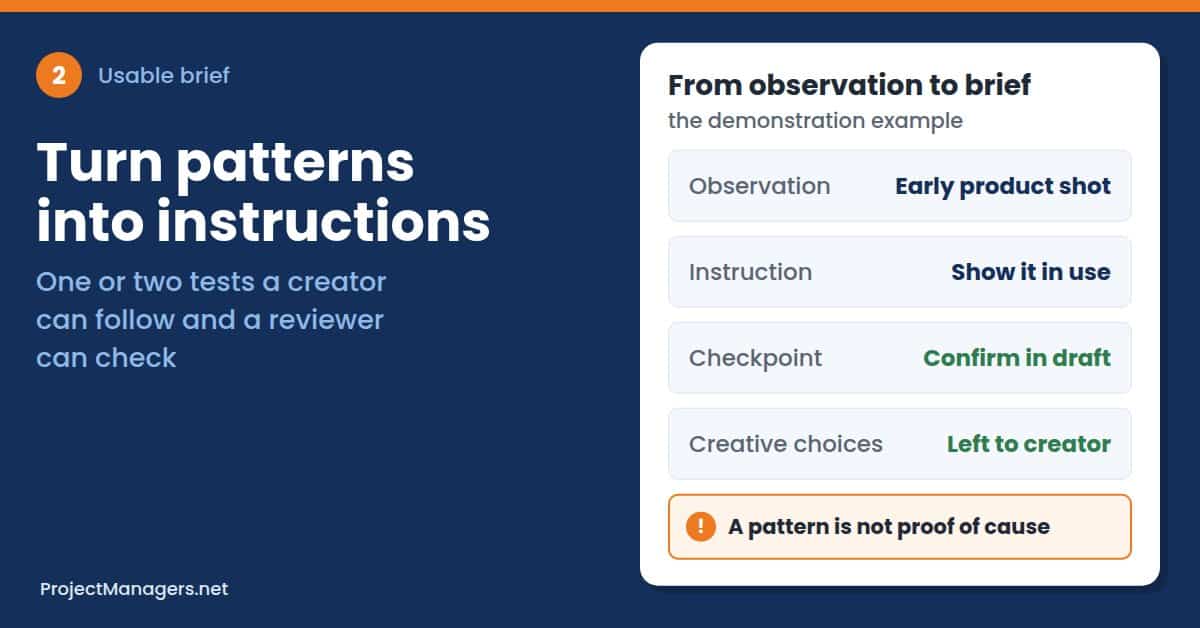
Start by comparing similar content. Gather earlier creator videos for a similar product or audience, including your own examples and references the marketing team admires, and record observable features such as product visibility, opening message, demonstration style, captions, and brand assets. Treat each one as an observation, not a proven cause of performance, because a video that revealed the product early and performed well does not prove that the early reveal caused the result.
Keep organic posts and paid placements separate. Their distribution differs, so avoid treating their results as directly comparable, and record the source and reporting window for any performance figures used in the review.
Then translate observations into instructions. Choose one or two patterns worth testing, and write each as a sentence a creator can follow. Suppose the review suggests testing a clearer product demonstration. The project manager adds an instruction to show the product in use before the halfway point, plus a review checkpoint to confirm it appears, while the creator retains control of the surrounding script.
Leave room for creative choices. Required facts, disclosure wording, and brand boundaries belong in the brief, but camera angles, jokes, and delivery should stay with the creator unless a specific requirement makes them part of the review. Explain why each requirement exists, so the creator can meet it without copying a fixed script.
Software can help with this review. Vidmob describes its Influencer Intelligence offering as a measurement framework for paid and organic creator content, designed to inform creator selection, content boosting, and briefing. The project manager still decides which observations become requirements or tests, so check that any tool’s scope fits the campaign’s assets and budget before building it into the project workflow.
- Compare Like with Like: Review creator videos for a similar product, audience, and placement type.
- Log Features, Not Opinions: Record what is visible in each video, such as when the product appears and how the opening is framed.
- Limit Each Brief to One or Two Tests: Fewer instructions make it easier to see which change affected the result.
- Explain Every Requirement: Give the reason behind each instruction, so the creator can adapt it to their own style.
Real-Life Example: Imagine a project team preparing the next round of creator videos for a skincare launch. The project manager reviews eight earlier videos and notes that the strongest ones showed the product in use within the first few seconds. Instead of copying those scripts, the new brief asks each creator to demonstrate the product before the halfway point and adds a reviewer checkpoint to confirm it.
Keep Decisions Visible in One Campaign Tracker
A shared tracker connects content observations to assignments and approvals. Keep it proportionate to the work: as our guide to the visual approval gap explains, a heavy governance process is unnecessary for a small amount of creative work. A short tracker can hold the essential decisions for a small creator campaign.
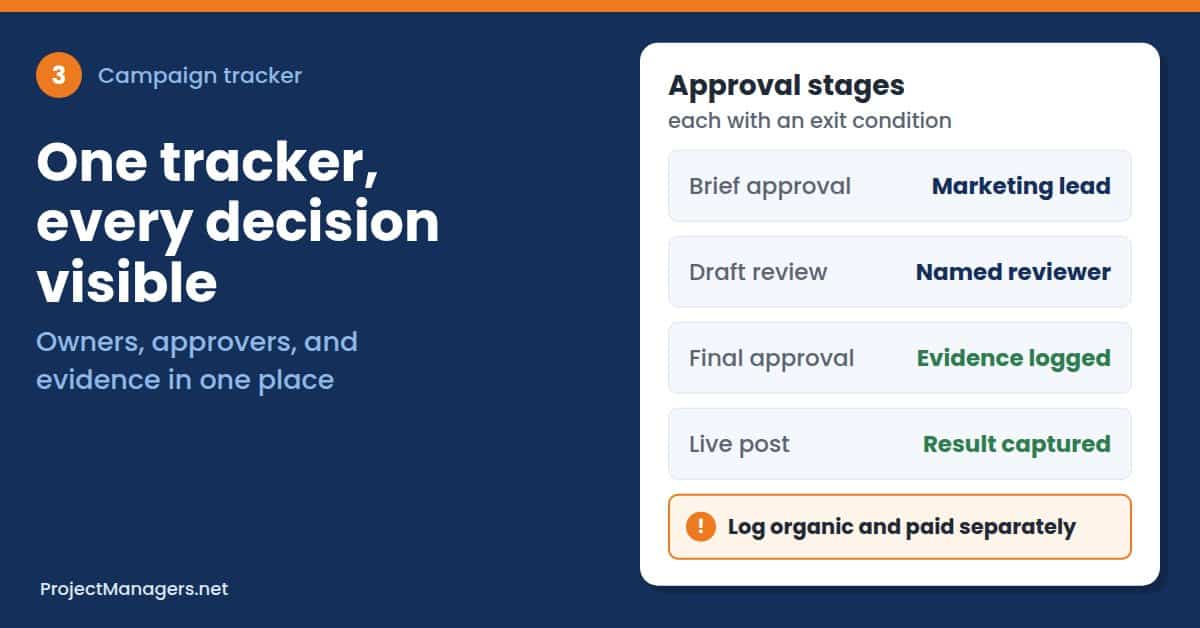
Name one accountable owner. Give each task one accountable person, because “marketing team” leaves that responsibility unclear. Each stage also needs an exit condition, the point at which work can move forward, and exceptions such as a declined or replaced creator should be recorded, so everyone can see how they affect the plan.
Record what was approved. For the demonstration requirement, approval evidence could be a reviewer’s note confirming that it appears in version two. Track the work through brief approval, draft review, final approval, and capture of the live post, with a named approver and a clear condition for moving forward at each stage.
Include disclosure review and agreed usage permissions in those checks. The FTC’s Disclosures 101 for Social Media Influencers says a disclosure should be placed with the endorsement itself, where people will see it, rather than hidden among hashtags or on a profile page.
Usage rights typically define where creator content can be used and for how long, so confirm the agreed terms before reuse. Creator fees are rarely the only cost either, so make permissions and production-related costs visible in the budget before deciding to boost a successful video.
This hypothetical tracker row connects the requested change to approval evidence and a next action. Copy the same fields into your own tracker, and add one row for each creator deliverable.
Sample Campaign Tracker Row
| Tracker Field | Hypothetical Entry |
|---|---|
| Creator or Asset | Creator B, launch video |
| Decision or Deliverable | Add product demonstration |
| Owner | Creator B |
| Due Date | Week 2 |
| Approver | Marketing lead |
| Current Version | v2 |
| Evidence | Reviewer note confirms demo in v2 |
| Next Action | Capture live organic result, then assess paid reuse against agreed rights |
Record results and the next test. Log organic and paid results on separate lines, with the reporting window, source, agreed measure, and a plain note on uncertainty. If you use creative analysis reports to inform a brief, attach the relevant observation to the tracker, record the requirement or test it supports, and keep patterns associated with performance distinct from evidence of causation.
Honest reporting matters because return is hard to prove. IAB’s 2025 Creator Economy Ad Spend & Strategy Report found that 40% of ad buyers rank overall ROI as their top KPI for creator campaigns, and proving ROI was among the most common measurement challenges they reported.
Alongside campaign outcomes, track delivery measures such as approval turnaround and revision rounds, and use them to assess your own workflow rather than treating them as industry benchmarks. For the launch example, record a test of moving the demonstration into the opening in the next campaign, with an owner responsible for adding it to the brief.
- One Owner per Task: Assign a person, not a team, to every deliverable and decision.
- Clear Exit Conditions: Define what must be true before work moves from brief to draft, final approval, and live post.
- Evidence for Every Approval: Store the reviewer’s note or the approved version next to each approval.
- Rights and Costs in View: Track usage permissions, disclosure checks, and production costs before any paid reuse.
Real-Life Example: Consider a project manager running a five-creator campaign with a two-week review window. Instead of a complex workflow tool, the team uses one shared tracker with an owner, approver, version, and evidence column for each video. When the brand team later asks whether a top video can be boosted as a paid ad, the tracker already shows the agreed usage rights, so the decision takes minutes instead of days.
Creator Campaign Checklist for Project Managers
Use this checklist at the start of every creator campaign project. It keeps the brief, the review, and the reporting tied to the same agreed decisions.
- Agree on one outcome measure, and write down what it cannot prove.
- List the observable evidence that reviewers will check in every draft.
- Name the final approver before contacting any creators.
- Turn one or two content observations into instructions or tests in the brief.
- Set review dates, exit conditions, and an owner for every deliverable.
- Confirm disclosure wording and agreed usage rights before any post goes live.
- Log organic and paid results separately, with the source and reporting window.
- Record the next test, and assign an owner to add it to the next brief.
Review the checklist again at the wrap-up meeting. Each completed project should leave behind at least one tested instruction for the next campaign.
Common Mistakes to Avoid in Creator Campaign Projects
Even well-planned creator campaigns can lose their value at the review and reporting stages. Watch for these common mistakes in your projects.
- Reviewing on Taste Alone: Comments such as “feels off” give creators nothing specific to fix.
- Treating Patterns as Proof: A feature shared by strong videos is something to test, not a confirmed cause.
- Mixing Organic and Paid Results: Combined numbers hide how differently each placement was distributed.
- Overwriting the Creator’s Voice: Rigid scripts can remove the qualities that made the creator worth hiring.
- Forgetting Rights and Disclosure: Reusing content without agreed rights or a clear disclosure creates legal and budget problems.
How to Evaluate a Creative Analysis Tool for Your Campaigns
Software can speed up content review, but it should fit the way your project team already works. Before you add a tool to the workflow, ask these questions.
- Content Coverage: Does it analyze both organic and paid creator content on the platforms your campaign uses?
- Observable Outputs: Does it report concrete features, such as when the product appears, rather than only a single score?
- Fit with Your Tracker: Can findings be exported or linked to the campaign tracker and the brief?
- Scope and Budget: Does the pricing make sense for the number of creators and assets in this campaign?
- Limits on Causation: Does the vendor explain what its findings can and cannot prove about performance?
Video: How to Write a Powerful Creative Brief
Prefer to watch? This guide from HubSpot walks through the key parts of a creative brief, which project managers can adapt for creator campaigns.
How to Write a Powerful Creative Brief (HubSpot Marketing, 6:04)
A December 2023 video from HubSpot Marketing on the key components of a creative brief, the common mistakes to avoid, and four tips for stronger briefs. It helps project managers and project teams give creators clear goals, constraints, and review criteria.
Creator Insights in Campaigns FAQ
Creator Insights for Project Managers: FAQ
What Is the Difference between Creator Insights and Campaign Tracking?
Creator insights describe the content itself, such as when the product appears or how a video opens. Campaign tracking records who owns each task, when it is due, and who approved it. Linking the two lets reviewers explain why a draft was approved or sent back.
Should Organic and Paid Creator Results Be Compared Directly?
No. Organic posts and paid placements are distributed differently, so log them on separate lines with their own source and reporting window.
How Detailed Should a Creator Brief Be?
It should be detailed enough to cover the goal, deliverables, required facts, disclosure wording, review dates, and final approver. Leave delivery, humor, and camera choices to the creator unless a requirement makes them part of the review.
Does a Pattern in High-Performing Videos Prove What Caused the Results?
No. A shared feature among strong videos is an observation worth testing, not proof of cause. Write it into the next brief as a test, and record the outcome.
Who Should Approve Creator Content?
One named person should give final approval, usually the marketing lead or the brand owner. The project manager records that approval and the evidence behind it in the campaign tracker.
What Should a Creator Campaign Tracker Include?
At minimum, include the creator or asset, the deliverable, owner, due date, approver, current version, approval evidence, and next action. Keep it short enough that the project team actually updates it.
How Can Project Managers Measure Creator Campaign Success?
Agree on one outcome measure before the project starts, such as reach or creator-code orders, and note what it cannot prove. Also track delivery measures such as approval turnaround and revision rounds, so the team can improve its own process.
Conclusion: Turn Creator Insights into Clear Campaign Decisions
The marketing lead’s doubts about the third video were never a data problem. They were a criteria problem. Once the outcome, the evidence reviewers check, and the instructions creators follow are agreed in advance, a vague reaction becomes a specific change request with a named owner and a recorded approval.
Project managers do not need to become creative strategists to make this work. Their contribution is structure: one measure the team can defend, briefs built from observable patterns, a tracker that shows who approved what, and honest notes on what the results can and cannot prove. Each campaign then leaves behind a tested instruction for the next one, rather than “they did fine.”
Suggested articles:
- How to Run Marketing Video Projects With an AI Video Agent
- How to Manage a Product Launch PR Campaign, From Media List to Coverage Report
- How to Plan a Corporate Video Project From Brief to Final Delivery

Daniel Raymond, a project manager with over 20 years of experience, is the former CEO of a successful software company called Websystems. With a strong background in managing complex projects, he applied his expertise to develop AceProject.com and Bridge24.com, innovative project management tools designed to streamline processes and improve productivity. Throughout his career, Daniel has consistently demonstrated a commitment to excellence and a passion for empowering teams to achieve their goals.