
A new developer joins a project mid-sprint, reads the onboarding wiki, and still spends three days guessing who owns the test environment. Nobody is unhelpful. The new hire just does not know whom to ask, and everyone is busy. A buddy system fixes that gap by giving every newcomer one named colleague to ask first. It works best when the pairing follows a plan.
- One Named Person to Ask: A buddy system pairs each new team member with an experienced colleague who answers questions, explains how work really gets done, and makes introductions.
- Onboarding Needs the Help: Gallup finds only 12% of employees strongly agree their organization does a great job onboarding new employees.
- Five Steps Make It Work: Set the framework, choose buddies carefully, train them, agree on expectations, and monitor progress with feedback and simple metrics.
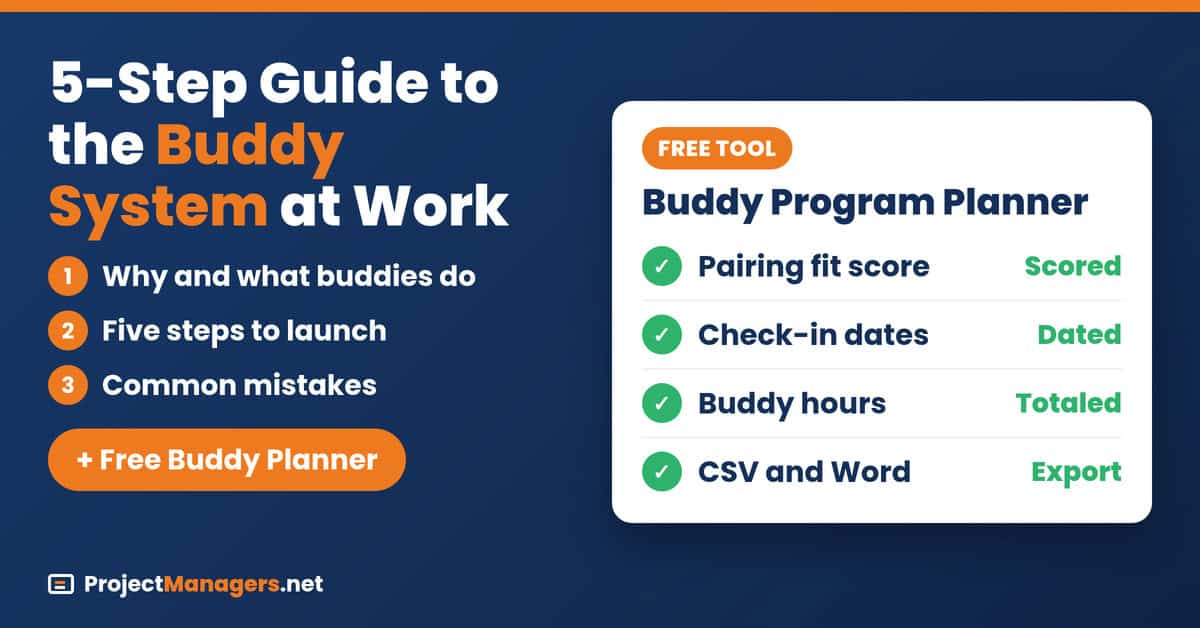
- Plan Pairs and Check-Ins: The free Buddy Program Planner scores each pairing and builds a dated check-in schedule for the whole program.
The buddy system pairs each team member, usually a new one, with a more experienced colleague. This guide covers why project teams use it, what buddies do, what makes a good buddy, and the advantages for new hires. It then walks through five steps to launch a program, with a free planner, common mistakes to avoid, a short video, and answers to common questions.
Why Implement a Buddy System in Your Workplace?
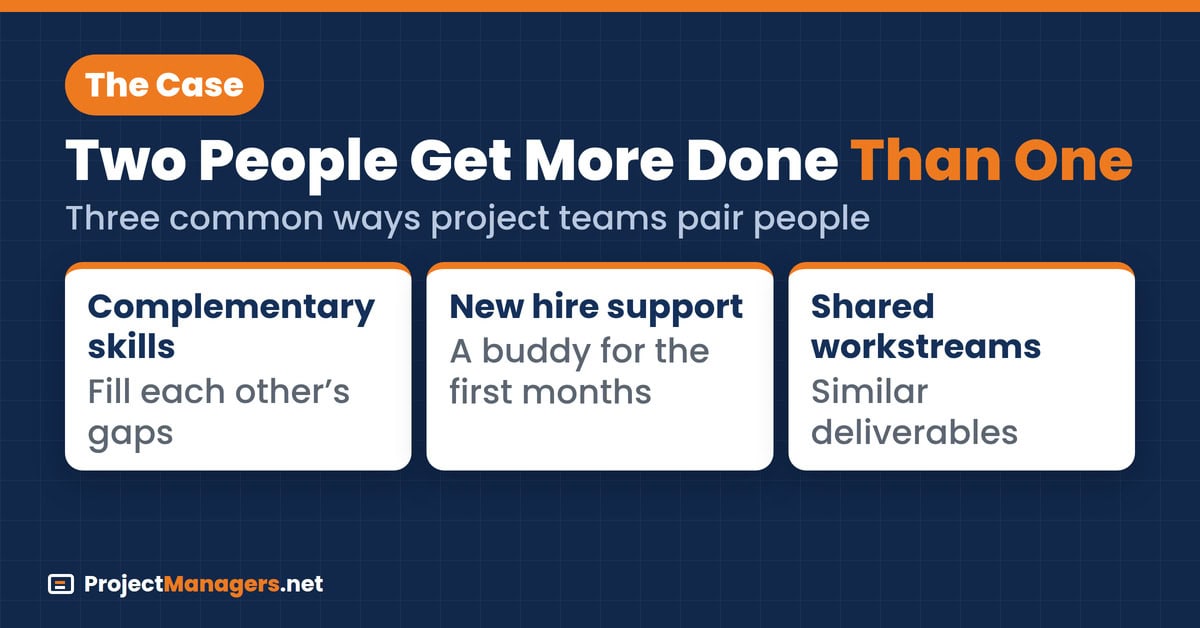
A buddy system pairs team members who can help each other with tasks, projects, and goals, on the principle that two people are better than one at getting things done. Project teams use it to speed up onboarding, spread knowledge beyond one expert, and keep newcomers from stalling on small questions. It also strengthens accountability, because each person knows someone is checking in. Common uses include:
- Complementary Skills: Pairing people whose skills fill each other’s gaps.
- New Hire Support: Assigning a buddy to every new team member for their first months.
- Shared Workstreams: Pairing people who work on similar projects or deliverables.
The buddy system is a practical way to build teamwork and collaboration within a project team. If you are looking for a way to improve communication and coordination, it is a low-cost place to start. Friendships that grow from these pairings matter too, as Gallup’s research on the value of having a best friend at work shows.
Real-Life Example: A consulting firm added four analysts to a data migration project in the same week. The project manager paired each analyst with a senior team member on the same workstream. Instead of filling the team chat with basic questions, the new analysts asked their buddies first, and all four were completing tasks on their own by the end of the second sprint.
Free Buddy Program Planner
Pairing people by gut feel leaves some buddies overloaded and some new hires matched with the wrong person. This free planner scores each pairing on role, team, experience, availability, and shared working hours, then builds a dated check-in schedule for the program. Enter your pairs, adjust the settings, and export the plan for your onboarding checklist or project kickoff pack.
- Load an Example: Start with the software project team or the construction site crew to see how scoring works.
- Set the Program: Enter the start date, program length, check-in rhythm, and the hours each buddy should give per week.
- Add Your Pairs: List each new hire and buddy, with role, team, experience, available hours, and overlapping work hours.
- Review and Export: Check the fit scores and warnings, then copy the plan or download it as CSV or Word.
Loading the free Buddy Program Planner…
Everything you enter stays in this browser and saves as you type, and nothing is sent to ProjectManagers.net or any server. The fit score is a planning aid built from the selection factors in this guide, not a prediction. Use Copy Results to share the schedule with buddies, or download the CSV for a spreadsheet and the Word file for an onboarding pack.
Buddy Responsibilities in the Workplace
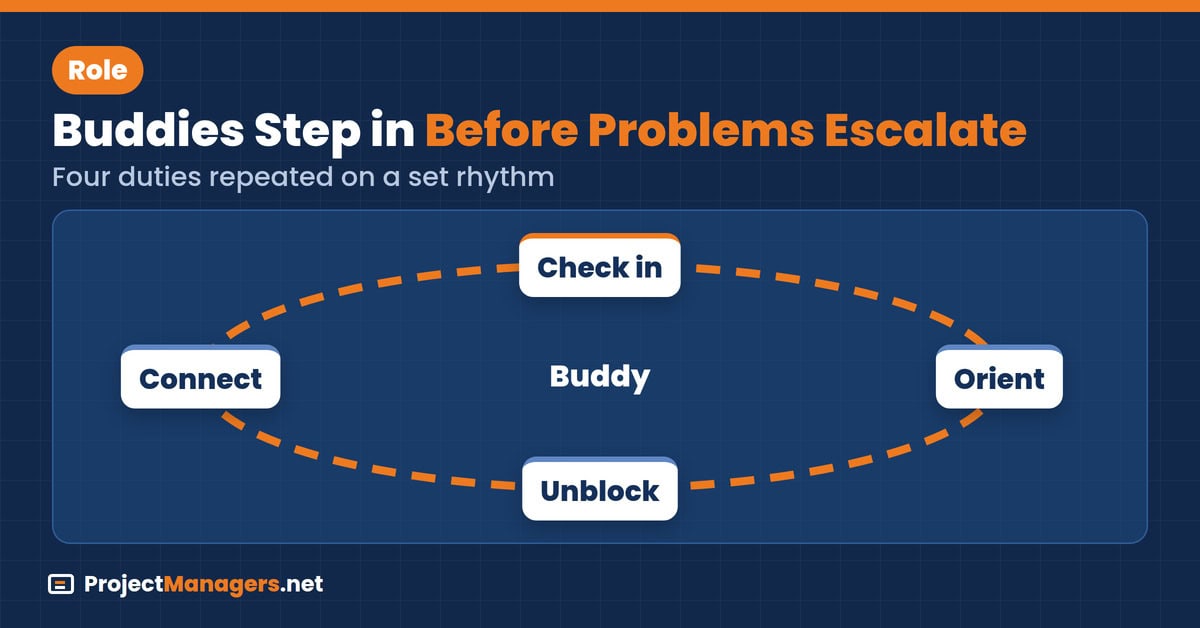
Each buddy checks in regularly to make sure the new team member is progressing with assigned tasks. The buddy plays a central role in helping new recruits acclimate, from a tour of the workspace or tools to explaining guidelines and practices. Buddies also pass on knowledge about the company’s workflows and processes that rarely appear in onboarding documents or wikis.
When a buddy sees a partner struggling or falling behind, they step in with guidance before the problem reaches the project manager. That keeps the team aligned on shared objectives and builds cohesion. Buddies also help new employees settle in socially by inviting them to team lunches and company events, which builds the sense of belonging that keeps people engaged through a long project.
- Check In: Meet on a set rhythm and ask what is blocking progress.
- Orient: Explain tools, rituals, and who owns what.
- Unblock: Help with tasks before small delays become missed deadlines.
- Connect: Introduce the new hire to people outside the immediate team.
What Makes a Good Buddy?

A good buddy is not simply the most senior person available. The best buddies want the role, know the work well, and communicate clearly, and their own results give the new hire a model worth copying. Buddies can check in with each other daily or help with tasks on the project itself. Look for these qualities when choosing buddies:
- Willing and Competent: The buddy wants to guide others and knows the work.
- Strong People Skills: The buddy communicates clearly and listens well.
- Proven Results: The buddy has a history of producing excellent outcomes.
- Available Time: The buddy’s workload leaves room for regular check-ins.
What Are the Advantages of a Buddy System for New Hires?
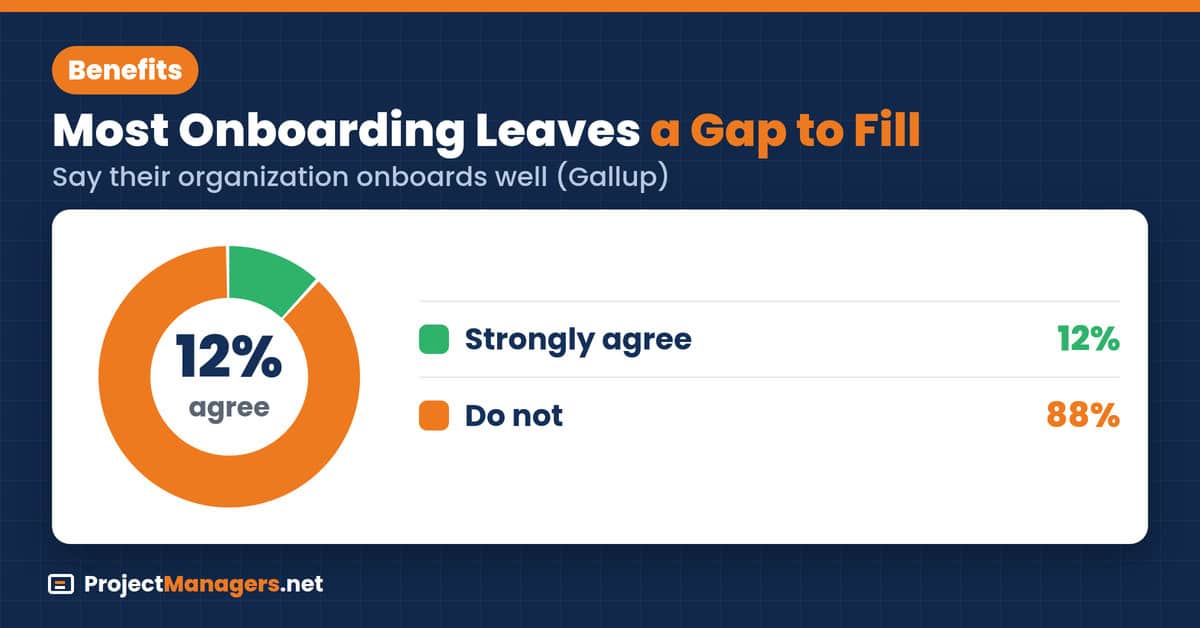
The benefits of a buddy system for new hires are broad. It gives new employees a support network while they adjust and builds a sense of belonging. New hires learn processes, culture, and project expectations from someone who knows them firsthand. Gallup finds only 12% of employees strongly agree that their organization onboards well, so this support fills a real gap.
- Welcome: New employees feel comfortable in the workplace sooner.
- Questions: They have one person to ask without feeling judged.
- Culture: They learn unwritten norms from someone who knows them.
- Productivity: They start contributing to the project faster.
Real-Life Example: A hospital IT project hired two contract developers who had never worked with clinical systems. Each was paired with a developer who had supported the wards for years. The buddies explained clinical terms, took the new hires on a short ward visit, and reviewed their first changes. Both contractors passed their first code reviews without rework and stayed for the next project phase.
Starting a Buddy System at the Workplace
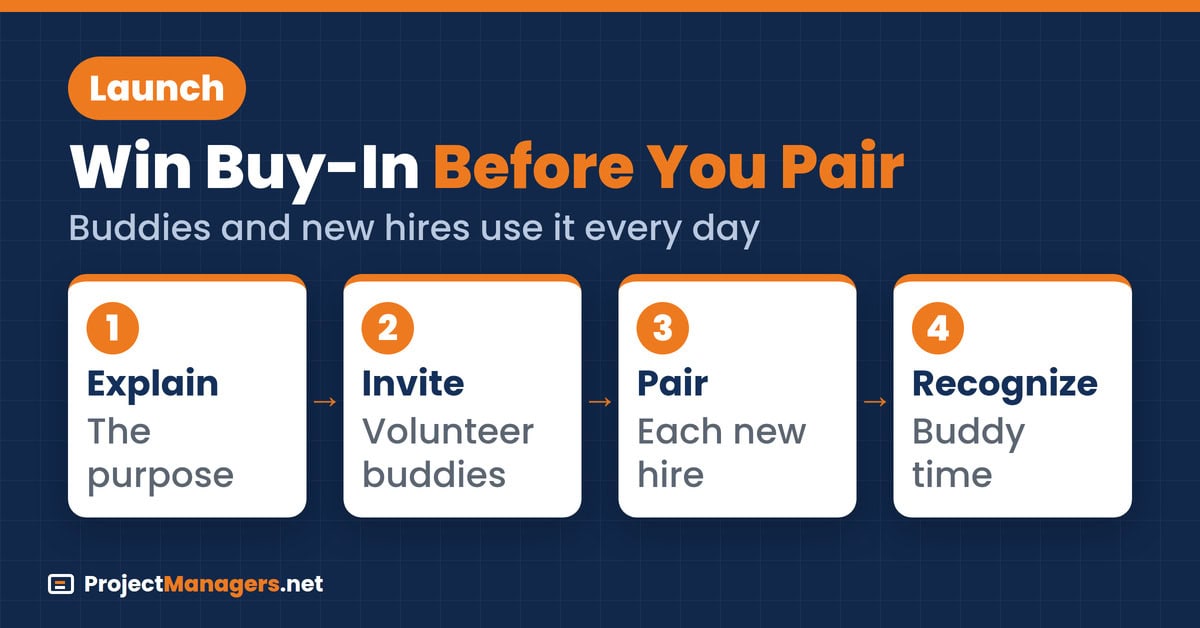
When onboarding a new employee, there is a lot of information to absorb, from company culture and values to specific tasks and responsibilities. Detailed documents help, but pairing new hires with an experienced colleague is often what makes the learning stick. HBR’s advice that companies retain new hires by spending more time onboarding them points the same way.
A buddy answers questions, offers guidance, and helps the new employee feel at ease in an unfamiliar environment. When introducing a new system in the workplace, employee buy-in matters most, because buddies and new hires are the ones who will use it every day. Explain the purpose, ask for volunteers, and recognize buddies for the extra time they give.
How You Can Start a Buddy System in Your Workplace
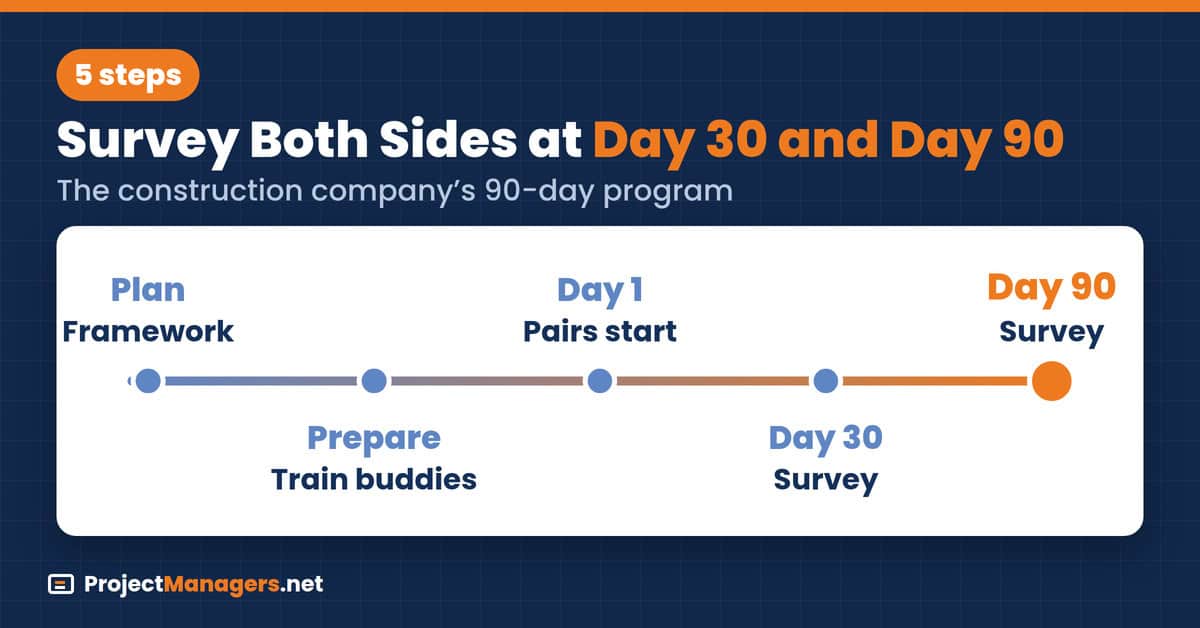
A strong buddy system needs the same planning as any other project: a clear purpose, the right people, preparation, agreed rules, and a way to measure results. The SHRM onboarding resources treat onboarding as a process rather than a single event, and the five steps below follow that approach for buddy programs of any size:
1. Determine the Framework of the Buddy System
Set clear guidelines first. The purpose is to build professional relationships and support, not to act as a social matchmaking service. Define the objective of each pairing, how long the partnership lasts, how often buddies meet, and which procedures they follow. Writing this down on one page gives buddies and new hires the same expectations and makes the program easy to repeat.
2. Choose Who Will Be the Buddies
Random pairings rarely produce the best results. Match each new hire with a buddy based on role, experience, skills, and working style, and check that the buddy has time to spare. Shared working hours matter for distributed project teams, because a buddy six time zones away cannot answer a quick question during the new hire’s first stressful week on the job.
3. Train the Buddies on How to Be Effective Mentors
Buddies need short training to do the role well. Cover how to engage with new employees, how to ask open and supportive questions, and how to give constructive, actionable feedback. The Center for Creative Leadership’s guide to active listening skills is a good basis for that session, because listening well matters more for buddies than having every answer.
4. Set Expectations for the Buddies and the New Employees
To build a healthy work environment, people need to feel comfortable working together, and unclear expectations undermine that. Buddies may feel responsible for a partner’s success or failure, and new hires may find the arrangement patronizing. Agree up front on what buddies will and will not do, how often they meet, and where to escalate problems.
5. Monitor the Progress of the Buddy System
Check regularly that the program is meeting its goals. Short surveys, interviews, or focus groups with new hires and buddies show what is working. Track simple metrics too, such as questions answered, time to first independent task, and how many new hires stay past their first year. Feed the results into the next cohort so the program improves with every round of hiring.
Real-Life Example: A construction company started pairing every new site engineer with an experienced engineer for ninety days. The project director wrote a one-page framework, trained the buddies in a two-hour session, and surveyed both groups at thirty and ninety days. The surveys showed check-ins slipping after week six, so the next cohort received calendar invites for the full program.
Common Buddy System Mistakes to Avoid
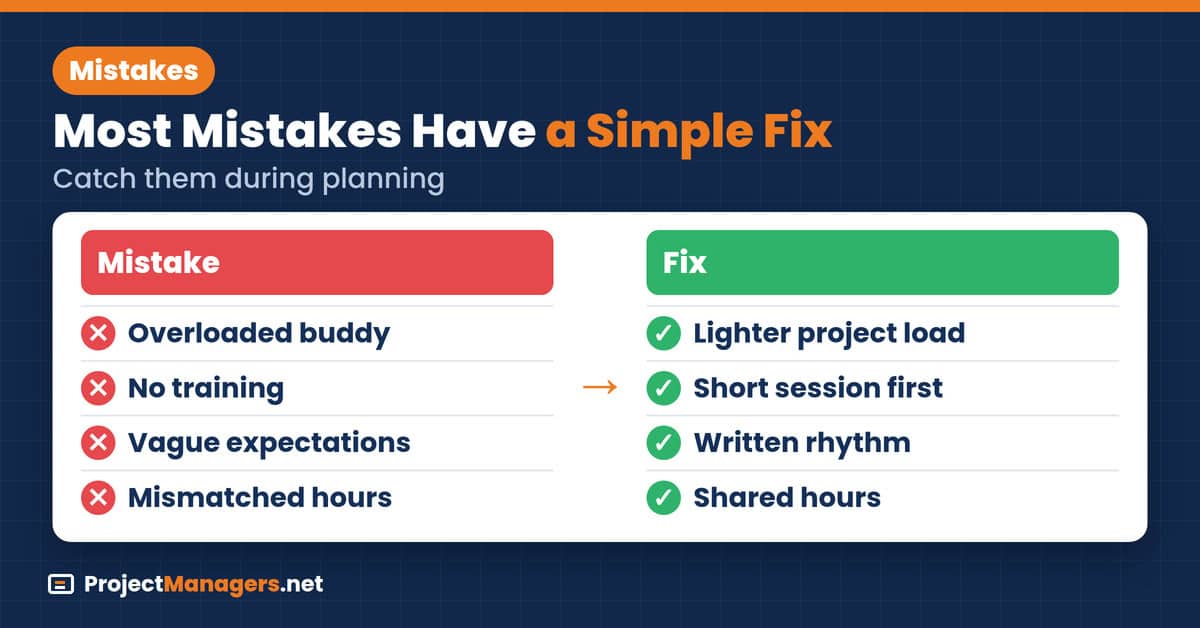
Most buddy programs that fail do so for predictable reasons. The buddy is too busy, nobody explained the role, or check-ins fade after the first few weeks. Each mistake below has a simple fix, and most of them can be caught during planning. Review this list before launching a program or when a new cohort starts on a busy project:
- Overloaded Buddies: Reduce their project load or choose someone else.
- No Training: Hold a short session before the first pairing.
- Vague Expectations: Write down meeting rhythm, scope, and escalation paths.
- Mismatched Hours: Pair people who share at least a few working hours.
- No Feedback Loop: Survey both sides at the midpoint and the end.
Video: How to Scale a Buddy Program
ChangeEngine’s short video, published in May 2026, explains how organizations scale buddy programs as hiring grows, from matching pairs to keeping check-ins consistent. At about two minutes, it is a quick briefing for project managers who need to onboard several people at once and want the program to run without constant manual follow-up from them.
How to Scale Buddy Programs in Employee Onboarding (ChangeEngine, 2:08)
A short guide to running buddy programs at scale, from pairing to keeping check-ins on track.
Buddy System FAQs
Buddy System FAQs
What Is a Buddy System in a Workplace?
It is a way to help new employees settle in. Each new hire is paired with a more experienced colleague who acts as a guide, answers questions, and makes introductions.
Why Is the Buddy System Important to Implement?
It gives new employees someone to turn to with questions or concerns and helps them feel comfortable sooner. It can also build morale and team spirit across the workplace.
What Are the Benefits of Implementing a Buddy System?
New employees feel more welcome, the transition into the role is easier, they become productive faster, and retention can improve when the program is well run.
How Do You Create a Buddy System?
To create a buddy system, match new hires with experienced employees who share relevant skills or interests, then schedule regular check-ins to see how they are doing and offer support.
How Long Should a Buddy Program Last?
Most programs run 30 to 90 days. Longer programs suit complex roles or technical projects with many systems to learn, while shorter ones fit simple roles with good documentation.
Is a Buddy the Same as a Mentor?
No. A buddy helps with day-to-day questions and settling in, usually for a few months. A mentor supports long-term career growth and may sit outside the team.
How Many New Hires Can One Buddy Support?
Usually one, or two at most. Each pairing needs a few hours a week, so a buddy with a full load on a busy project can rarely support more without other work slipping.
Conclusion
The developer who spent three days hunting for the test environment owner would have needed three minutes with a buddy. That is the case for a buddy system: it turns hidden team knowledge into quick answers and gives every newcomer a person, not just a wiki. The five steps keep it from becoming one more unwritten favor that busy colleagues forget.
Before your next new hire starts, enter the pairing in the free Buddy Program Planner and check the fit score and buddy hours. Book the first three check-ins in both calendars, give the buddy the one-page framework, and survey both people at the midpoint. If the scores or survey answers slip, adjust the pairing before the project feels the delay.
Suggested Articles:
- 15 Game-Changing Agile Collaboration Team Techniques
- 5 Conflict Levels in the Workplace: How to Recognize Them (2026)
- 10 Ways to Recognize Remote Employees + Free Plan Builder

Shane Drumm, holding certifications in PMP®, PMI-ACP®, CSM, and LPM, is the author behind numerous articles featured here. Hailing from County Cork, Ireland, his expertise lies in implementing Agile methodologies with geographically dispersed teams for software development projects. In his leisure, he dedicates time to web development and Ironman triathlon training. Find out more about Shane on shanedrumm.com and please reach out and connect with Shane on LinkedIn.