
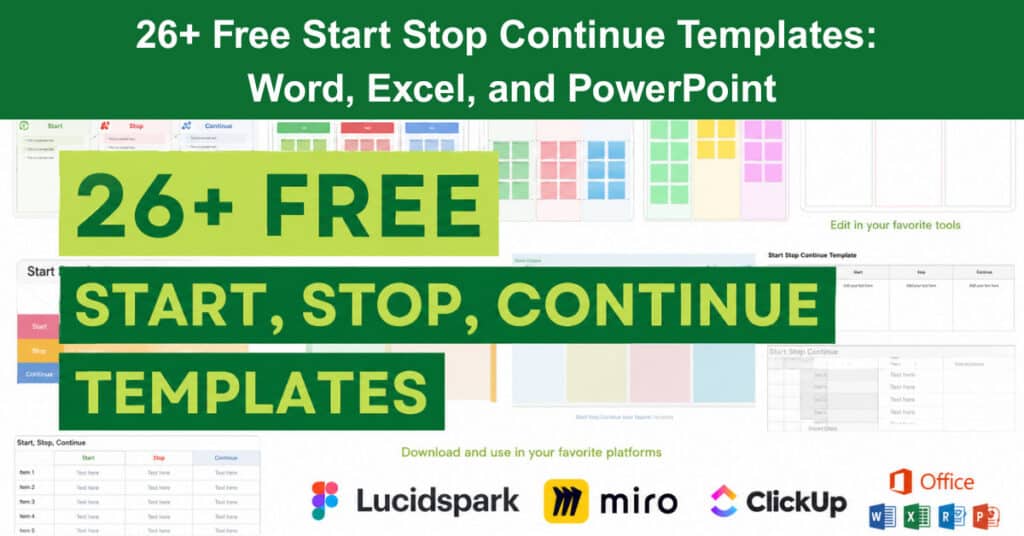
Retrospectives only work when they produce real change, and the ‘Start Stop Continue’ framework is one of the most reliable ways to get there. It gives every team member a clear structure to reflect on what is working, what is wasting time, and what new habits or practices are worth trying. When used consistently, the exercise moves a team from vague dissatisfaction toward specific, agreed-upon actions that improve how work actually gets done.
This guide covers more than 26 free templates across Word, Excel, PowerPoint, and popular online collaboration tools. Whether you run sprints, quarterly reviews, or project post-mortems, there is a format here that fits your workflow. Each template type is explained with guidance on when and how to use it most effectively.
Why Use the Start, Stop, Continue Template?
The ‘Start Stop Continue‘ template gives teams a structured way to review recent work and decide what to do differently going forward. Each of the three categories prompts a different kind of thinking: what new behaviors or practices should the team adopt, what current activities are draining time or value, and what is already working well enough to keep doing. The result is a set of concrete, actionable items rather than a list of vague complaints or unfocused praise.
What makes this framework effective is that it distributes accountability. Instead of a manager presenting a performance assessment, every team member contributes observations across all three areas. This means the output reflects shared experience, which makes follow-through more likely. Teams that run these retrospectives regularly, especially after each sprint or project cycle, build a habit of continuous improvement that compounds over time.
Start Stop Continue Template Word
Microsoft Word templates are well-suited to retrospectives that need written context alongside each item. The simple structure of a Word document makes it easy to print, share, or embed in a project report without any additional formatting work. Most teams find Word templates useful when they need a permanent record of what was discussed and decided.
These templates vary in layout and purpose, so it helps to choose one based on the level of detail your team needs:
- Evidence-Based Template: This version requires team members to provide supporting evidence for every item they raise, not just the idea itself. Adding a written rationale helps the group prioritize which items are worth acting on and provides a record for future retrospectives.
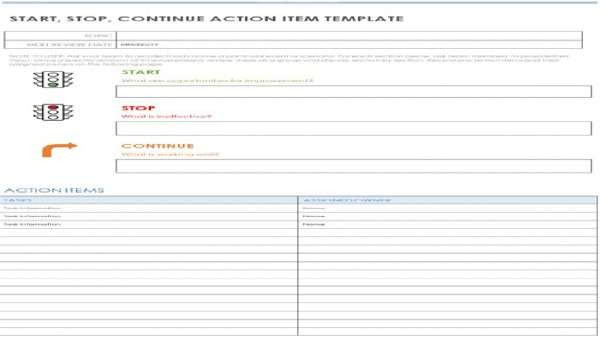
- Action Item Template: This layout includes assigned owners, specific action steps, and due dates alongside each Start, Stop, and Continue item. It bridges the gap between discussion and execution by turning observations into trackable tasks.
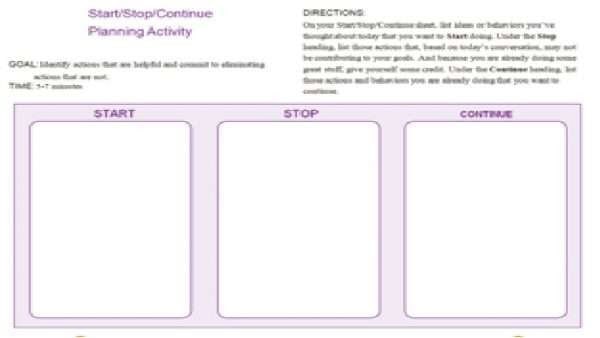
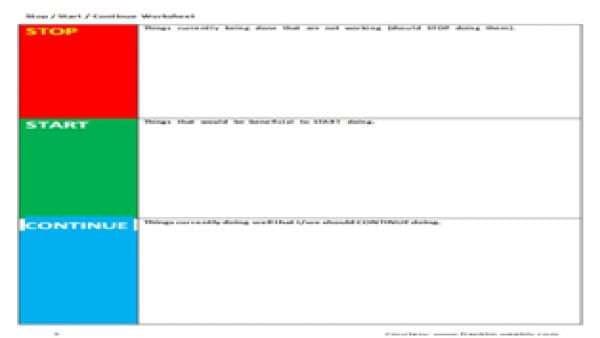
- Row-Based Table Template: This format divides each section into clearly labeled rows, which makes the template easy to scan and edit during a live session. It works well for in-person retrospectives where the facilitator is updating the document in real time.
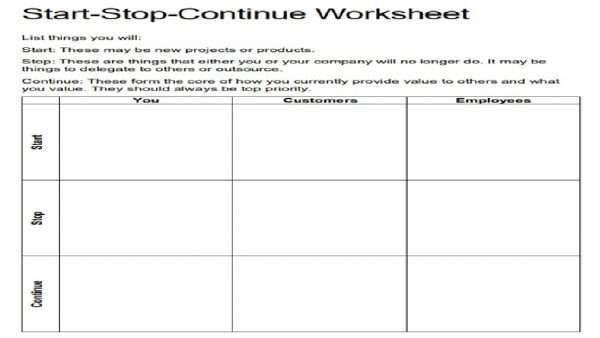
Start Stop Template Word Template 1
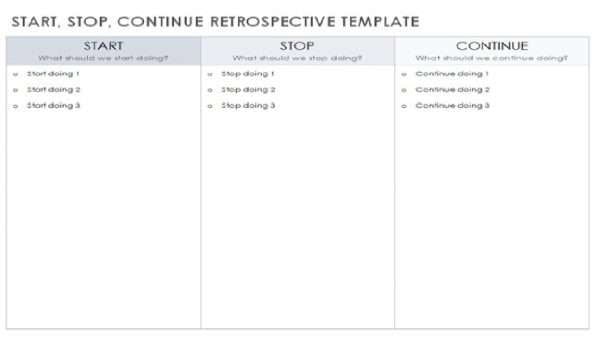
Start Stop Template Word Template 2
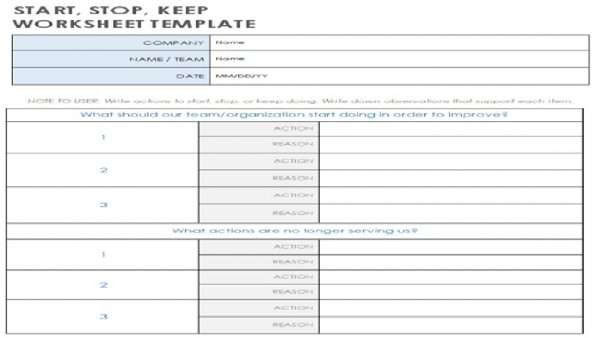
Start Stop Template Word Template 3
Start Stop Template Word Template 4

Start Stop Template Word Template 5
Start Stop Template Word Template 6

Start Stop Template Word Template 7

Start Stop Template Word Template 8
Start Stop Template Word Template 9
Start Stop Template Word Template 10
Start Stop Continue Template Excel
Excel templates add a layer of structure that is useful when a team wants to track patterns across multiple retrospectives or manage a larger volume of feedback. The grid format makes it easy to sort, filter, or compare items by owner, category, or status over time. For teams that already live in spreadsheets, this format requires no additional tool adoption.
The following Excel template types cover the most common use cases teams encounter:
- Team Feedback Template: This version collects input from all team members in a shared format, with columns for discussion notes and current effectiveness ratings. It builds a culture of open feedback by making everyone’s observations visible in a consistent structure.
- Manager Feedback Template: This layout is designed specifically for project managers and team leads. It collects feedback from direct reports and provides space for the manager to draft an action plan based on what the team identified as most important.
- Performance Review Template: This matrix-style template uses multiple columns to organize Start, Stop, and Continue items by work area or competency. It works well for quarterly reviews where team members need to assess performance across several dimensions at once.
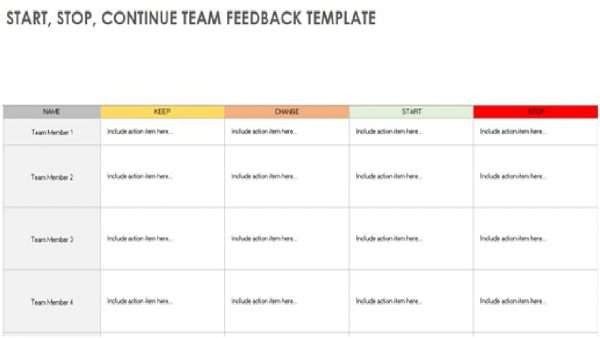
Start Stop Template ExcelTemplate 1

Start Stop Template Excel Template 2

Start Stop Template Excel Template 3
Start Stop Template Excel Template 4
Start Stop Continue Template PowerPoint
PowerPoint templates are the right choice when a team is running the retrospective as a meeting rather than an asynchronous exercise. Slides give the facilitator a visual aid that keeps the discussion on track, and the virtual sticky note format mirrors the physical whiteboard experience that many teams are already familiar with. These templates work equally well for in-person sessions and remote meetings using screen sharing.
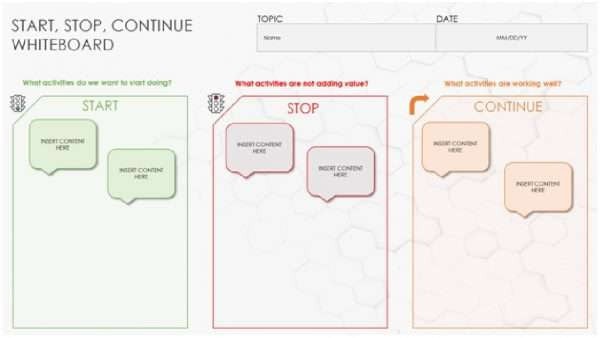
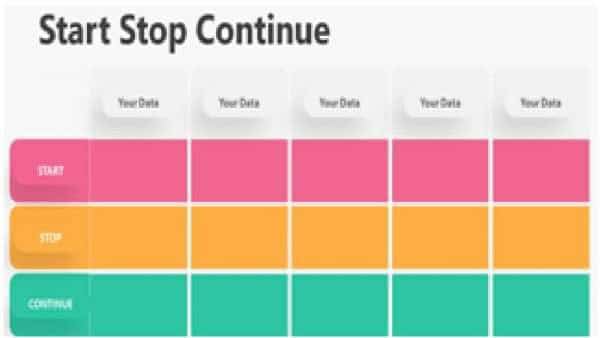
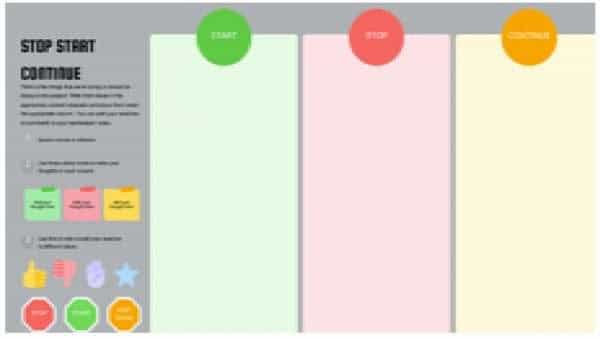
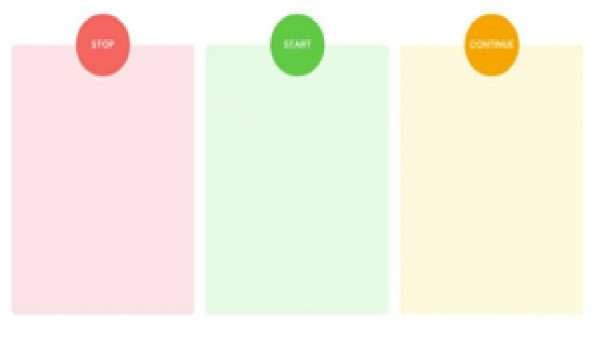
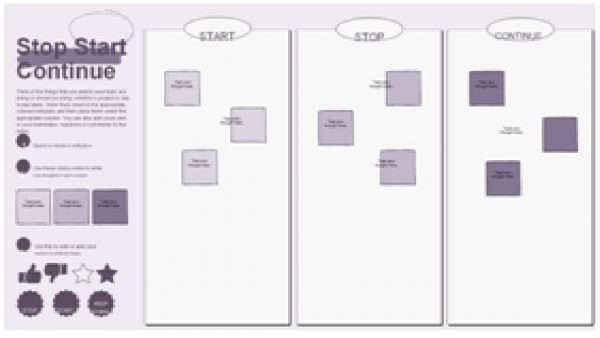
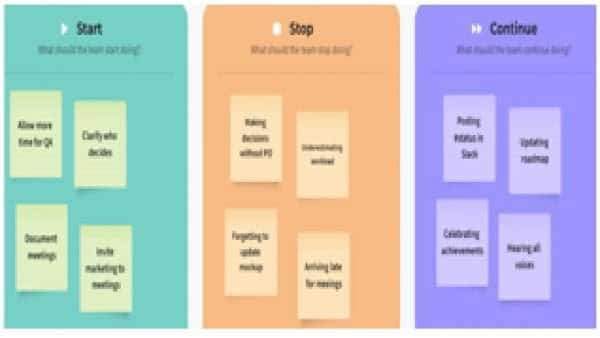
Project teams typically conduct a ‘Start Stop Continue’ session with participants writing ideas on sticky notes and placing them in the relevant section of a shared space. The PowerPoint versions replicate this with digital sticky notes that can be moved, grouped, and annotated on the fly. Having a prepared slide deck also signals to the team that the retrospective has been planned and that their input will be organized rather than lost.
Start Stop Continue Online Tools
Digital collaboration tools have made it easier to run retrospectives with distributed teams who cannot meet in person. Most of these platforms offer real-time editing, timer features, and the ability to group or vote on items during the session. The following tools each offer a ‘Start Stop Continue’ template worth considering:
FigJam
FigJam’s template uses a visual board format with sticky notes and drawing tools. It works well for design-focused teams already using the Figma ecosystem, since it connects directly to design files and project assets.

Start, Stop, Continue FigJam Template
Miro
Miro offers both a standard Start Stop Continue board and a dedicated Retro Board template with voting and grouping features built in. It is one of the most widely adopted options for remote retrospectives across product and engineering teams.
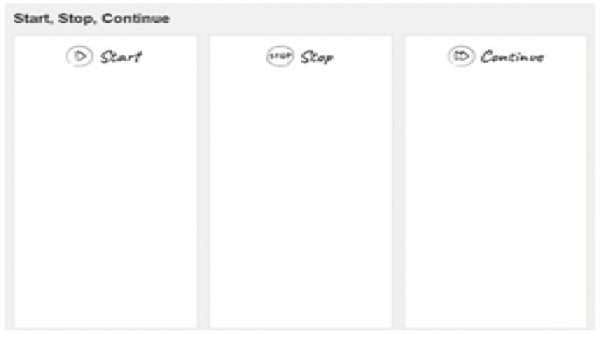
Start, Stop, Continue Miro Template
Ludi
Ludi is a collaborative whiteboard tool that makes running Start Stop Continue retrospectives straightforward and visually intuitive. Designed for teams that already work within the Lucid Suite, it combines real-time editing with a clean, structured layout that keeps sessions focused and productive.
Start, Stop, Continue Retro Board Template
LucidSpark
LucidSpark provides a clean, structured board with easy real-time collaboration. Teams that already use Lucid for diagramming will find the transition to retrospectives on this platform straightforward.
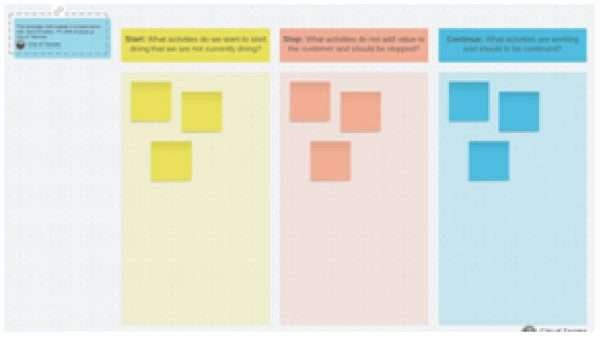
Start, Stop, Continue LucidSpark Template
Creately
Creately’s template includes visual grouping tools and comment threads, which makes it a good option when teams want to document the reasoning behind each item as part of the session record.
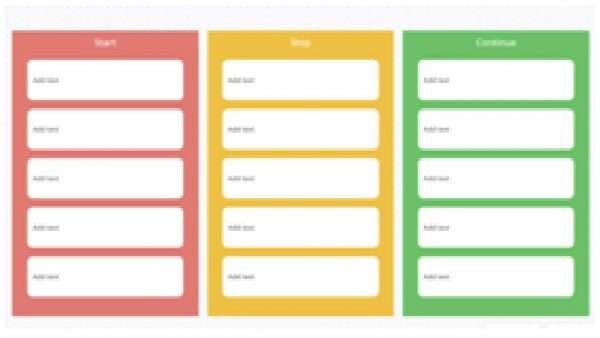
Start, Stop, Continue Creately Template
ClickUp
ClickUp integrates the retrospective directly into a project management workspace. This means action items created during the session can be converted into tasks and assigned without leaving the platform.
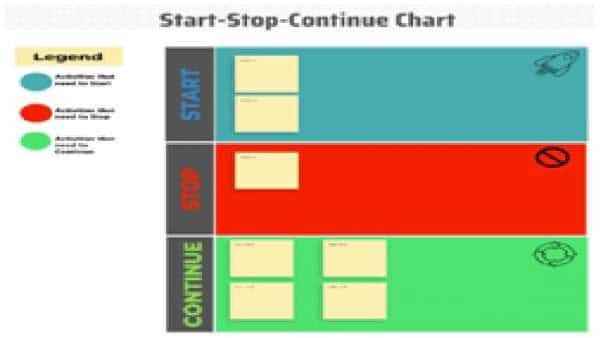
Start, Stop, Continue ClickUp Template
MoqUps
MoqUps offers a lightweight visual board suited to smaller teams or quick retrospective sessions that do not require extensive feature sets.
Start, Stop, Continue MoqUps Template
Video About the ‘Start Stop Continue’ Technique
Watch the video below for a quick overview of how the Start Stop Continue technique works in practice.
Conclusion
The Start Stop Continue framework is a practical tool for any team that wants to improve without making retrospectives feel like a chore. When paired with the right template, whether in Word, Excel, PowerPoint, or an online platform, it gives structure to a conversation that might otherwise stay vague. The variety of formats covered here means there is a workable option regardless of how your team collaborates or what tools you already use.
Choosing the right format matters less than using it consistently. Teams that schedule retrospectives after every sprint or project cycle build a reliable feedback loop that surfaces problems early and reinforces what is already working. Pick a template, run the session, assign owners to the outputs, and follow up on the actions before the next retrospective begins.
Frequently Asked Questions About ‘Start Stop Continue’ Templates
What should be included in a ‘Start Stop Continue’ retrospective?
Each of the three lists serves a distinct purpose in the session. The Start list captures behaviors or practices the team does not currently do but should consider adopting, such as daily check-ins or automated testing. The Stop list identifies current activities that are not adding value and should be discontinued, like unnecessary status meetings or redundant reporting. The Continue list records what is working well and should be kept as a regular part of how the team operates.
How often should I use the ‘Start Stop Continue’ retrospective?
Most teams run this retrospective at the end of each sprint or at the close of a project phase. The right frequency depends on your team’s working rhythm. Teams running two-week sprints may do it every fortnight, while others prefer monthly or quarterly cadences tied to delivery milestones. What matters most is consistency; irregular retrospectives produce inconsistent results.
How do you facilitate a ‘Start Stop Continue’ retrospective?
Send calendar invites in advance and share the template so participants know what to expect. At the start of the session, set a timer and ask everyone to add their items to the board simultaneously, without discussion. Once all items are visible, group common themes and open the floor for conversation. Close the session by writing specific action steps, assigning an owner to each one, and setting a follow-up date to check progress.
Which template format is best for remote teams?
Online tools like Miro, FigJam, and ClickUp are the most practical options for distributed teams because they support real-time editing and participation from any location. Miro is a particularly common choice due to its built-in voting and grouping features, which help surface the most important items when a team has a lot of input to work through. For teams that prefer a document-based approach, a shared Excel file can work just as well when paired with a video call.
Can the ‘Start Stop Continue’ framework be used outside of agile teams?
Yes. While the template originated in agile and scrum contexts, the underlying structure applies to any team or individual that wants to review performance and decide on changes. Marketing teams use it after campaign cycles, HR teams use it for process improvement, and managers use it during performance conversations. The three categories are simple enough to apply wherever there is a need to assess what is working and what is not.
Suggested articles:
- 9 Free Sprint Review Templates – Word, Google Docs
- 14 Story Map Templates for Word, PDF, Excel, and PowerPoint
- 21 Free Capacity Planning Templates (Word, Excel, and Powerpoint)

Shane Drumm, holding certifications in PMP®, PMI-ACP®, CSM, and LPM, is the author behind numerous articles featured here. Hailing from County Cork, Ireland, his expertise lies in implementing Agile methodologies with geographically dispersed teams for software development projects. In his leisure, he dedicates time to web development and Ironman triathlon training. Find out more about Shane on shanedrumm.com and please reach out and connect with Shane on LinkedIn.