
A project without structure is a project without direction. Teams that skip formal planning often find themselves reacting to problems rather than preventing them, missing deadlines, and losing stakeholder confidence midway through execution. A well-constructed project work plan eliminates this uncertainty by giving every team member a shared reference point for goals, timelines, and responsibilities from day one.
Project work plan templates make this structure accessible without requiring teams to build documentation from scratch. Whether you are managing a small internal initiative or a complex cross-functional rollout, the right template saves time, reduces miscommunication, and keeps deliverables on track. This guide covers the core components, leading online tools, and best practices to help you get the most from your work plan.
When Do You Use a Project Work Plan?
A project work plan is most valuable when introduced at the earliest stage of project initiation. You can use it during strategic planning to define the project scope, then update it continuously as conditions evolve. Scheduling regular check-in meetings against the plan ensures the team stays aligned and can make informed adjustments before minor delays become critical blockers.
Work plans become especially important in complex environments where multiple variables are in play. They provide a consistent framework your team can return to when priorities shift, resources change, or stakeholder expectations need to be managed.
Components of a Project Work Plan
Every effective project work plan is built from four interconnected components that together define what success looks like and how to reach it. Understanding each element helps project managers construct plans that are both comprehensive and actionable, rather than documents that get created once and never revisited.
The four core components work together to bridge the gap between intention and execution:
- Goals: Goals represent the broader objectives your project is designed to achieve. They answer the fundamental question of what the team is working towards and serve as the anchor for every decision made throughout the project lifecycle. Well-defined project goals give stakeholders a clear picture of what success looks like before work begins.
- Strategy: This is the implementation approach your team will use to meet those goals. It accounts for your available resources, any constraints you are working within, and how your team’s strengths can be leveraged most effectively. A strong strategy turns abstract goals into a feasible plan of action.
- Tactics: These are the specific decisions and actions your team will take to execute the strategy. This includes identifying who is responsible for each task, defining what completion looks like, and providing clear instructions so team members can work independently without constant oversight.
- Deliverables: Project deliverables are the time-bound, specific outputs that result from executing your tactics. They serve as measurable proof of progress and keep the team accountable to the milestones defined in the original plan. Clear deliverables also make it easier to communicate progress to stakeholders.
Project Work Plan vs Action Plan
A project work plan and an action plan are closely related but serve distinct purposes. A project work plan details how partners and team members will begin implementing actions across the full project scope. In contrast, an action plan focuses specifically on the discrete tasks required to advance a single strategic objective. The work plan is the broader framework; the action plan sits within it.
Understanding this distinction helps project managers assign the right document to the right stage of planning. Use a work plan to govern the overall project and action plans to manage individual workstreams or milestones within it.
Project Work Plan Templates: Online Tools
Selecting the right platform for your work plan depends on your team’s size, technical comfort level, and existing software ecosystem. The tools below offer ready-made templates that reduce setup time and provide visual structures suited to different project environments. Each brings a slightly different approach to work planning.
The following platforms offer reliable, well-supported project work plan templates:
1. ClickUp
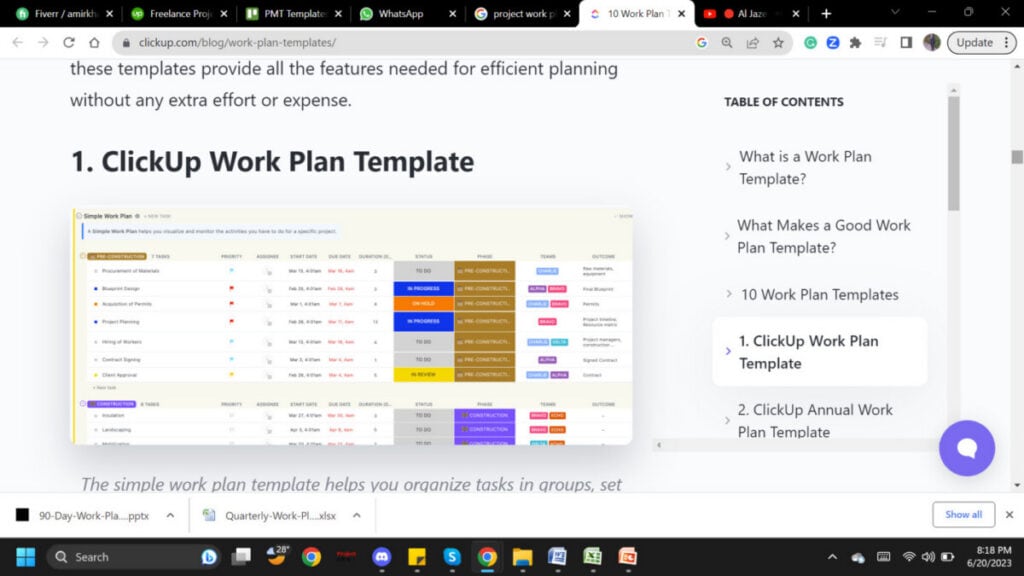
The ClickUp project work plan template functions as both a work plan and an action plan. It gives teams visibility into due dates, task dependencies, and the broader project goals simultaneously, making it well-suited for teams managing multiple interconnected workstreams within a single project environment.
10 Free Work Plan Templates & Examples
2. Miro
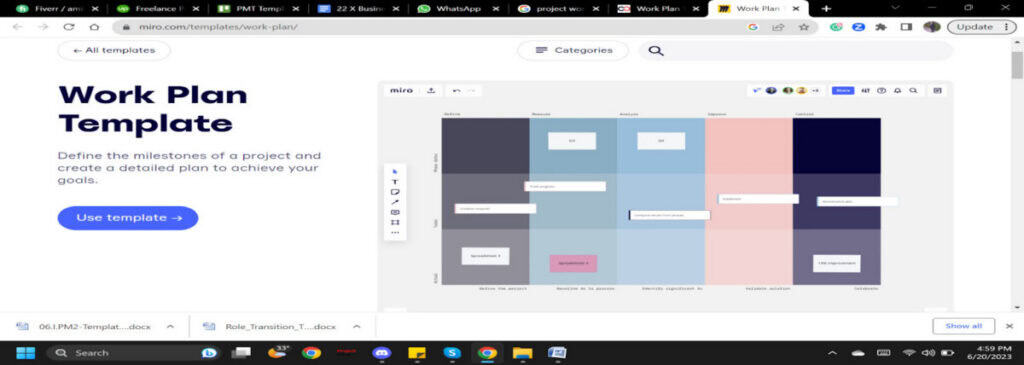
Miro’s collaborative whiteboard template helps teams define project milestones visually and map out the steps needed to achieve them. Its real-time collaboration features make it particularly effective for distributed teams that need to co-create plans across different time zones or office locations.
3. Creately
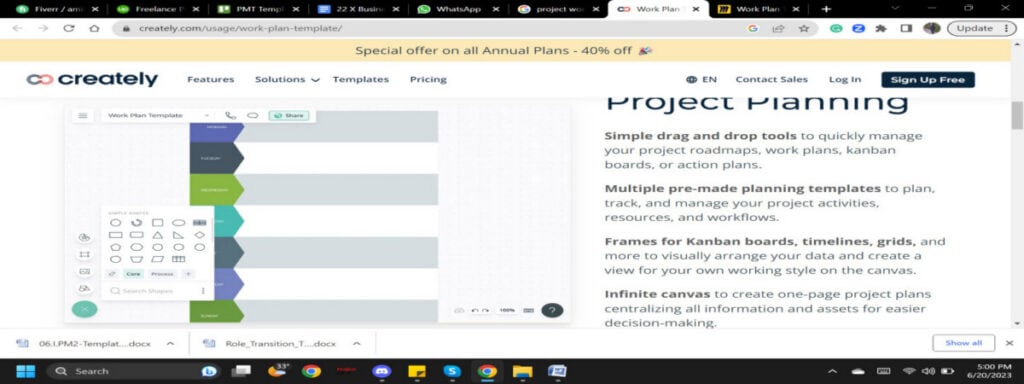
Creately offers a structured template for organising tasks, teams, goals, and workflows in one visual workspace. Its diagramming capabilities make it a strong choice for teams that prefer visual planning over spreadsheet-based formats, especially when mapping dependencies between workstreams.
4. Figma (FigJam)
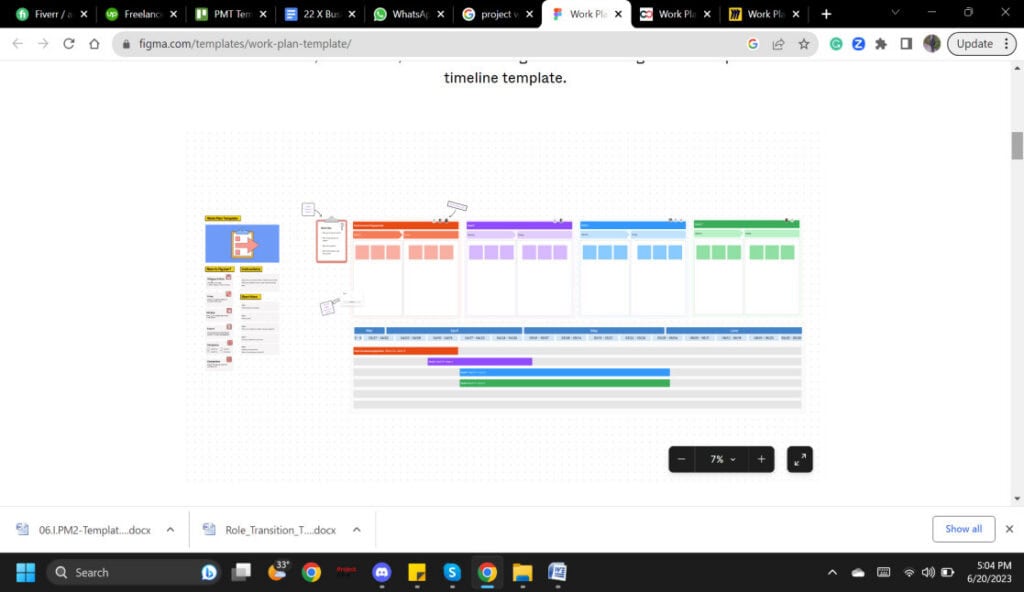
FigJam’s work plan template helps teams explore project ideas and keep planning materials organised and accessible. It is especially useful for product and design teams already working within the Figma ecosystem who want to keep their planning and delivery tools in one place.
5. Lucidspark
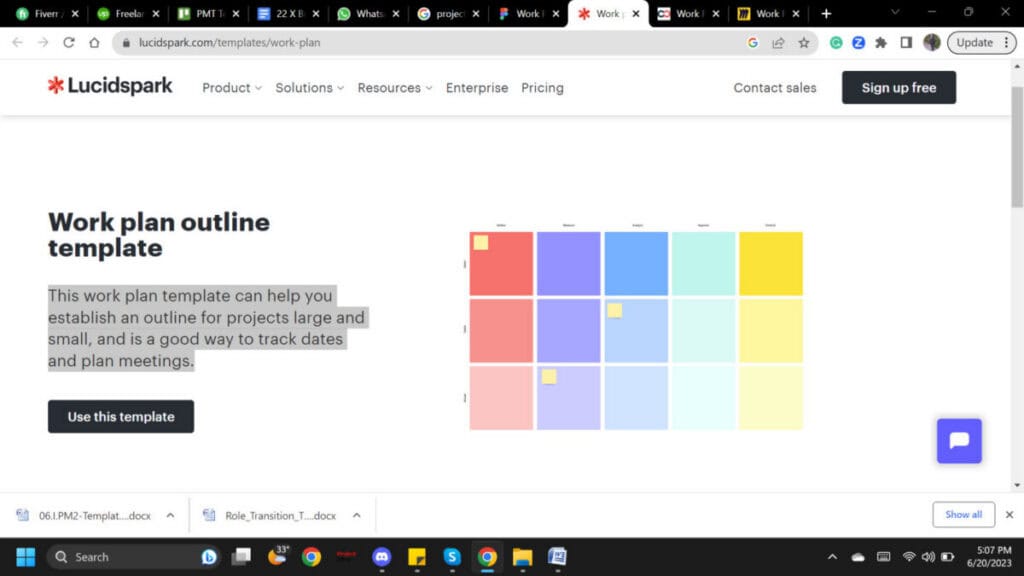
Lucidspark’s template supports both small and large project outlines, with built-in features for tracking planning meetings and key dates. Its intuitive canvas format makes it easy to adapt the template to changing project structures without needing to rebuild the entire document.
6. TemplateLab
TemplateLab offers a versatile collection of free project work plan templates suitable for a wide range of industries and project sizes. With professionally designed, easy-to-customize formats available in Word and Excel, teams can quickly get started with structured planning without needing advanced software skills or technical expertise.

Work Plan Template Best Practices
Knowing which components to include and which tools to use is only part of the equation. The way you approach the planning process itself determines whether the work plan becomes a living guide or a document that gets filed away after the kickoff meeting. Following proven practices ensures your work plan delivers real value throughout the project.
Applying these practices consistently will strengthen the quality of every work plan you create:
- Meet with Stakeholders: Involving all relevant project stakeholders at the outset is the single most important step in building an accurate work plan. Bring together team members, sponsors, and any cross-functional partners to brainstorm constraints, clarify expectations, and agree on a realistic project timeline before any tasks are assigned.
- Identify Goals, Tactics, Deliverables, and Strategy: Once stakeholder input has been gathered, dedicate focused time to defining the four core components of your plan. This stage requires careful thinking and should not be rushed. A clearly articulated strategy and a well-defined set of deliverables will prevent ambiguity at every subsequent stage of execution.
- Create a Map: A work map is a visual outline of your plan that includes task dates, milestones, and a project timeline. Aim to capture as many strategies, goals, tactics, and objectives as possible at this stage, while accepting that adjustments will be necessary as the project evolves. Project management software can help track and update these elements in real time.
Conclusion
A well-structured project work plan is one of the most practical tools available to any project manager. By clearly defining goals, strategy, tactics, and deliverables at the outset, teams gain the shared understanding they need to execute confidently, manage stakeholders effectively, and adapt when circumstances change. The right template removes the administrative burden of building this structure from scratch.
Whether you use ClickUp, Miro, TemplateLab, or any other platform, the principles that make a work plan effective remain consistent across every tool and every project type. Start with stakeholder alignment, invest time in planning the fundamentals, and treat the work plan as a living document rather than a one-time exercise. Doing so will make every project you manage more predictable, more transparent, and more likely to succeed.
FAQs
What is the purpose of a project work plan?
A project work plan provides the essential information needed for the project execution phase, including objectives, goals, milestones, scope of work, resources, and identified risks. This information helps project managers monitor and control progress throughout the project lifecycle, ensuring the team stays aligned with the original intent and can respond to changes without losing direction.
How is a work plan created?
Creating a work plan begins with writing down the goals and objectives you intend to achieve. These define the purpose of the plan and guide every subsequent decision. From there, you identify strategies, assign tactics, and define deliverables with clear timelines. Involving your team and stakeholders in this process ensures the plan reflects real constraints and shared expectations.
What is the difference between a work plan and a project schedule?
A work plan focuses on the overall process, including goals, strategies, tactics, and deliverables, while a project schedule concentrates on specific start and finish dates, task dependencies, and project activities. The schedule gives teams visibility into critical paths and potential delays, whereas the work plan provides the broader strategic context within which the schedule operates.
What is the difference between a work plan and an action plan?
A project work plan governs the full scope of a project, detailing how teams will implement actions across all phases. An action plan, by contrast, focuses on the specific tasks needed to advance a single strategic objective. The work plan is the overarching framework, while action plans are more granular documents that sit within individual workstreams or milestones.
What are other terms used for a project work plan?
A project work plan is sometimes referred to by alternative terms depending on the context or industry. Common equivalents include scenario, blueprint, strategy, scheme, design, and approach. While these terms are sometimes used interchangeably, the structure and components of a formal project work plan are more defined and comprehensive than most of these alternatives suggest.
Suggested articles:
- 5 Project Planning Examples Across Industries
- 4 Free Project Planning Templates For Better Project Management
- Complete Guide To The Best Project Planning Techniques

Shane Drumm, holding certifications in PMP®, PMI-ACP®, CSM, and LPM, is the author behind numerous articles featured here. Hailing from County Cork, Ireland, his expertise lies in implementing Agile methodologies with geographically dispersed teams for software development projects. In his leisure, he dedicates time to web development and Ironman triathlon training. Find out more about Shane on shanedrumm.com and please reach out and connect with Shane on LinkedIn.