
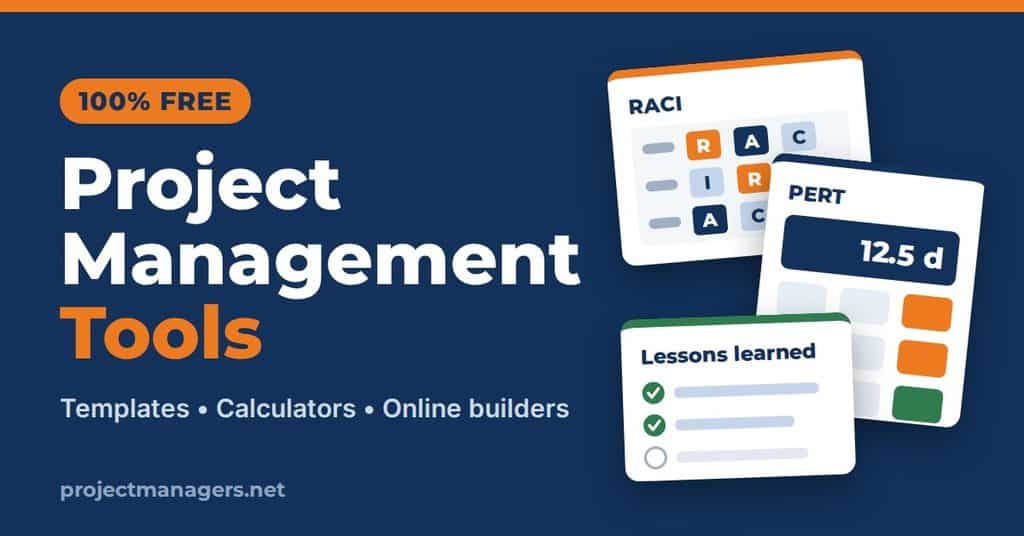
Every tool on this page is free to use, with no sign-up required. You’ll find interactive calculators, online builders and ready-made templates that help you plan, estimate, assign and review your projects. The online builders work right in your browser and let you download the result as a Word or CSV file.
The template collections come in Word, Excel, PowerPoint, Google Docs, Google Sheets and PDF formats. Pick the tool that matches the task in front of you, whether you’re defining roles, estimating a schedule, planning team capacity or capturing lessons learned at the end of a project.
Need something more specific? Any tool on this page can be customized to fit your team’s process for a small fee, so contact us for a tailored version. We add new tools regularly, so bookmark this page and check back.
-
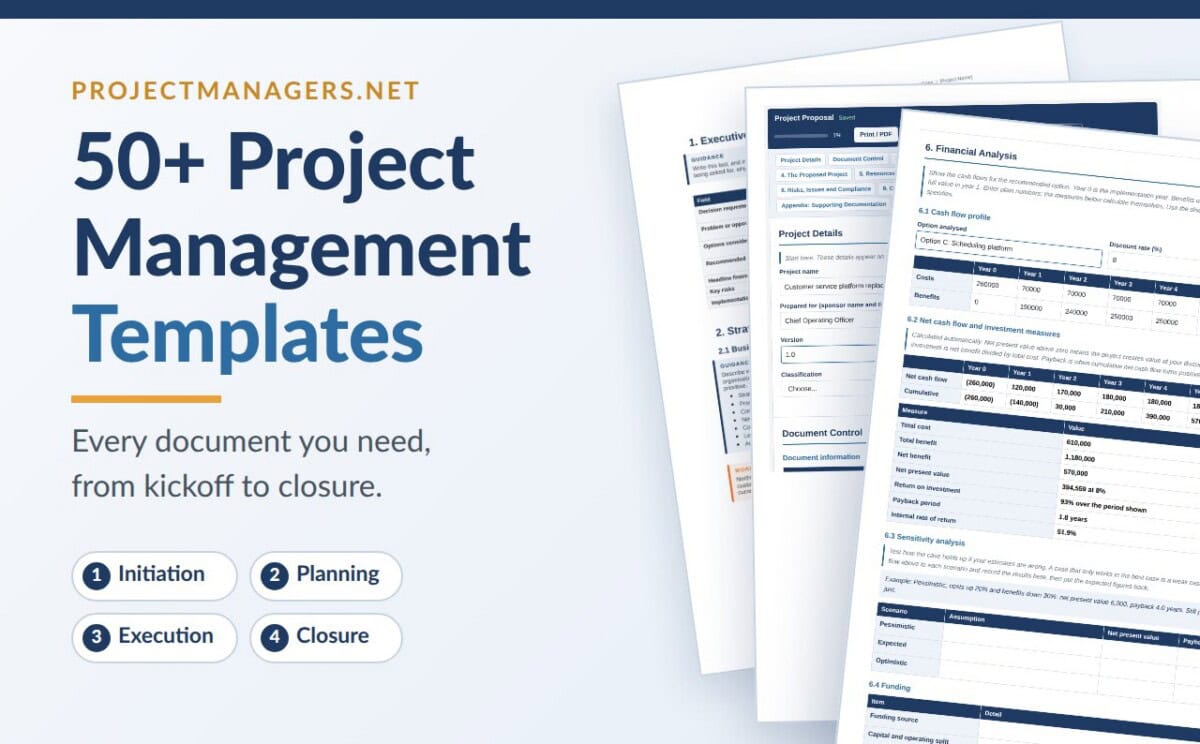
 50+ Project Management Templates
A complete kit of plans, forms and checklists covering every phase of the project life cycle, from initiation to closure. Several templates can be filled in directly in your browser and exported to Word. It is the fastest way to give your project a professional structure without starting from a blank page.
Browse the templates →
50+ Project Management Templates
A complete kit of plans, forms and checklists covering every phase of the project life cycle, from initiation to closure. Several templates can be filled in directly in your browser and exported to Word. It is the fastest way to give your project a professional structure without starting from a blank page.
Browse the templates →
-
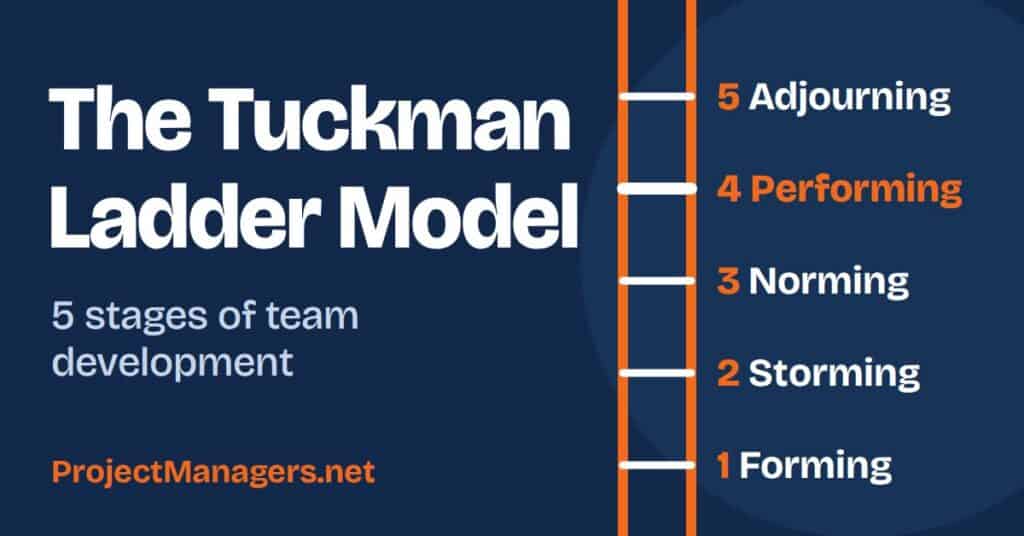
 Tuckman Ladder Simulator and Team Check
Click any of the five stages, from forming to adjourning, to see what it looks like and how to lead through it. Then throw a real-world event at the team, such as a new member or a scope change, and watch it climb or slide back down the ladder. Answer ten quick questions about how your team works today to find its most likely stage and get three practical next moves.
Try the simulator →
Tuckman Ladder Simulator and Team Check
Click any of the five stages, from forming to adjourning, to see what it looks like and how to lead through it. Then throw a real-world event at the team, such as a new member or a scope change, and watch it climb or slide back down the ladder. Answer ten quick questions about how your team works today to find its most likely stage and get three practical next moves.
Try the simulator →
-
 AI Risk Assessment in 10 Quick Questions
Answer 10 quick questions about how your team or organization uses artificial intelligence. The assessment shows how exposed you are to the main risks of AI, such as bias, privacy, security threats, black-box decisions and overreliance on automation. Use the results to see where your safeguards are weakest before AI creates a costly problem on your projects.
Take the assessment →
AI Risk Assessment in 10 Quick Questions
Answer 10 quick questions about how your team or organization uses artificial intelligence. The assessment shows how exposed you are to the main risks of AI, such as bias, privacy, security threats, black-box decisions and overreliance on automation. Use the results to see where your safeguards are weakest before AI creates a costly problem on your projects.
Take the assessment →
-
RACI Matrix Builder
Build your RACI matrix online by listing your tasks and team members, then assigning who is Responsible, Accountable, Consulted and Informed. The builder flags common mistakes as you go, such as a task with no one responsible or more than one person accountable. When your matrix is ready, export it to Word or CSV and share it with your team.
Build your RACI matrix →
-
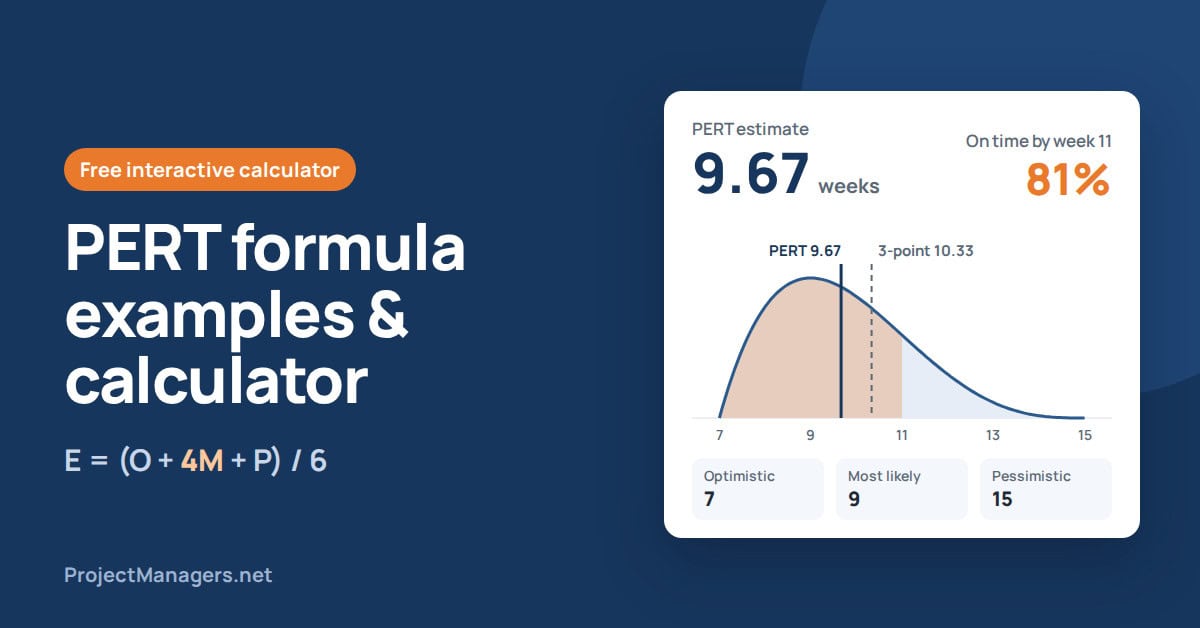
PERT Calculator
Enter an optimistic, a most likely and a pessimistic duration for any task, and the calculator applies the PERT formula instantly. You get a realistic expected duration instead of a single best guess. Change the inputs to test different scenarios before you commit to a date in your project schedule.
Open the calculator →
-
Lessons Learned Builder
Record each lesson by answering three questions: what happened, why it happened and what the next team should do. The builder checks that every lesson is specific enough to reuse and asks you to give each problem a follow-up action, an owner and a due date. Review your score and action plan, then download your report as a Word file or CSV, or print it.
Start your lessons learned log →
-
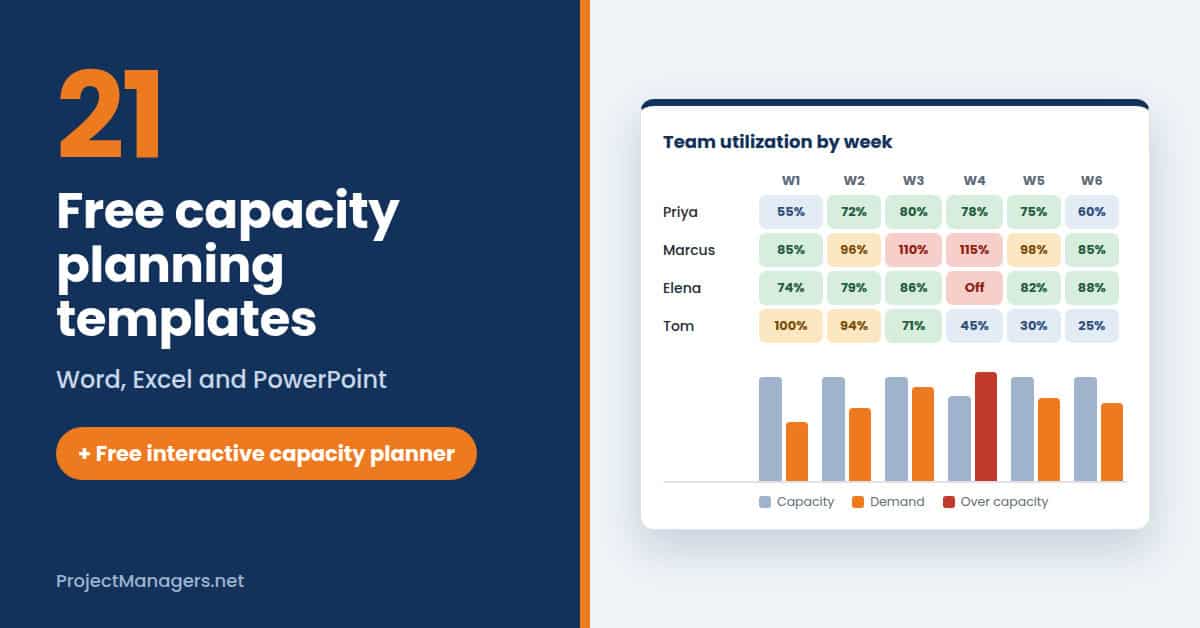
Free Capacity Planning Template
Plan your team’s capacity right in your browser: add each person’s weekly hours, subtract meetings and admin time, then enter your projects with their estimated hours, priority and dates. As you allocate hours, every week is colored as under-used, healthy, stretched or over-allocated, so overbooking stands out before it happens. The Gap and what-if view compares capacity with demand week by week and lets you test changes, such as adding contractor hours. Download your capacity report as a Word file or CSV, or print it.
Plan your team’s capacity →
-
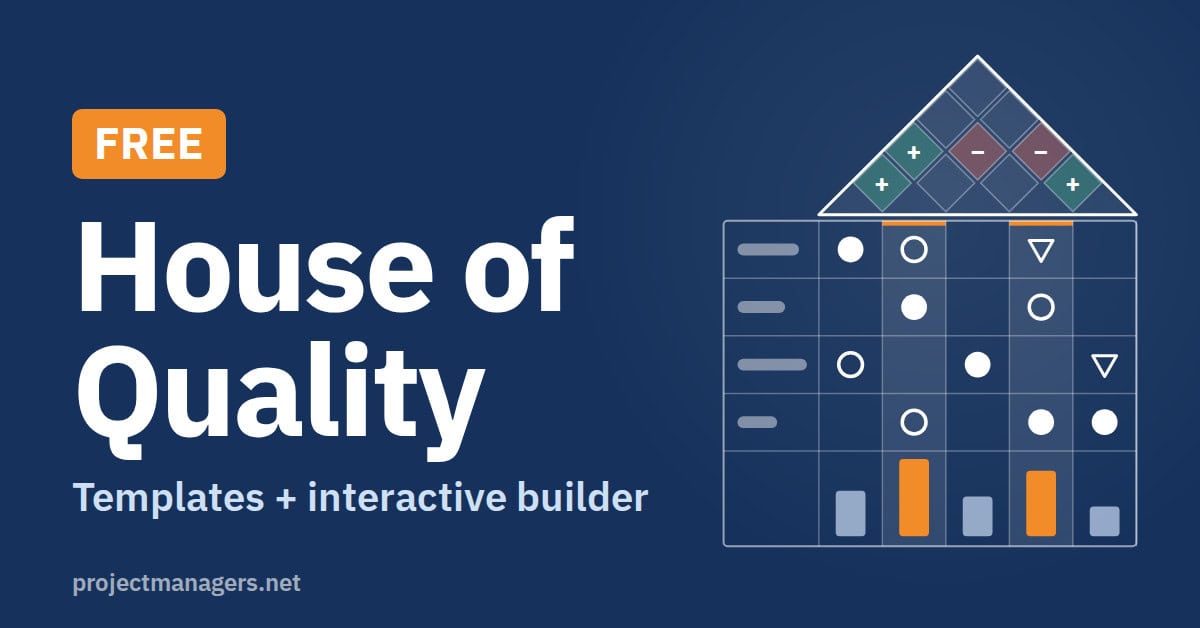
Free Interactive House of Quality Builder
Build a complete House of Quality matrix in your browser, with no spreadsheet to set up. List what your customers want and rate how important each need is, then click any cell to link it to a technical feature with a strong, medium or weak relationship. Use the diamonds in the roof to mark where features support or work against each other. The builder scores every feature as you go and highlights the top three priorities your team should focus on.
Build your House of Quality →
-
PM Software Feature Checklist Builder
Build your feature checklist before you compare project management tools. Mark each feature your team needs as a must-have or a nice-to-have, so you know exactly what matters before you start looking. Then print your checklist and use it to score each tool during its free trial. You end up with a clear, side-by-side comparison instead of choosing on first impressions.
Build your checklist →


No tool matches your search. Try one of these instead:

Daniel Raymond, a project manager with over 20 years of experience, is the former CEO of a successful software company called Websystems. With a strong background in managing complex projects, he applied his expertise to develop AceProject.com and Bridge24.com, innovative project management tools designed to streamline processes and improve productivity. Throughout his career, Daniel has consistently demonstrated a commitment to excellence and a passion for empowering teams to achieve their goals.